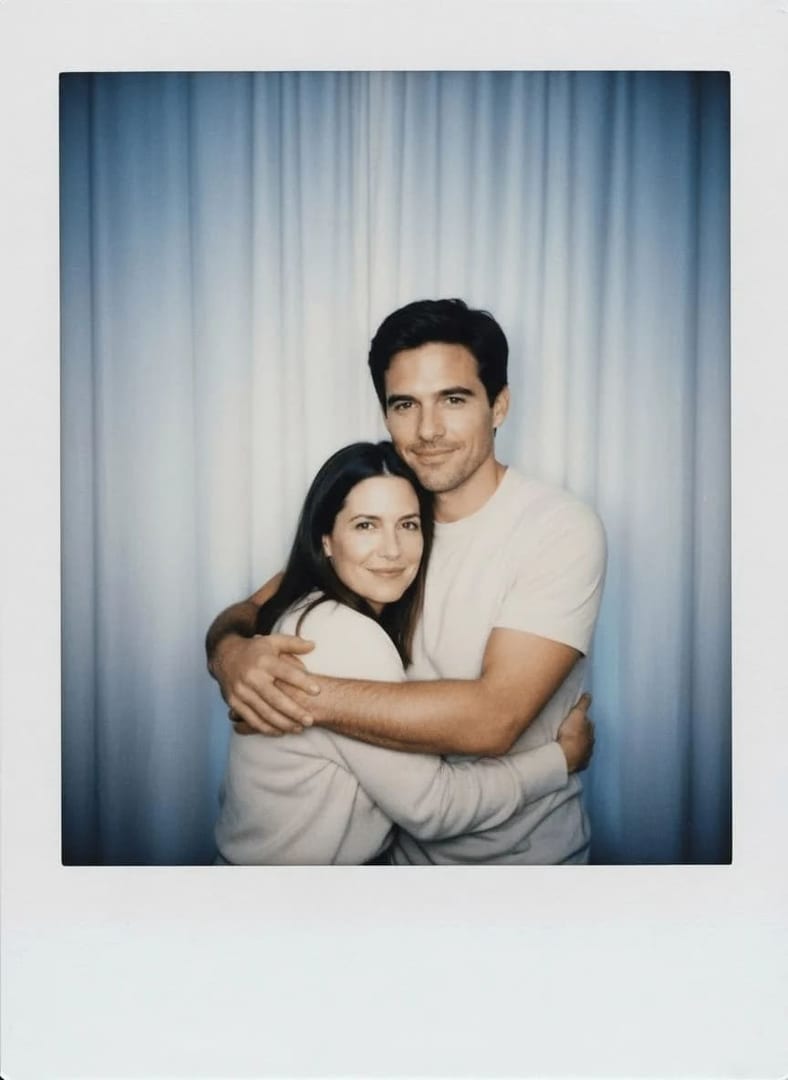
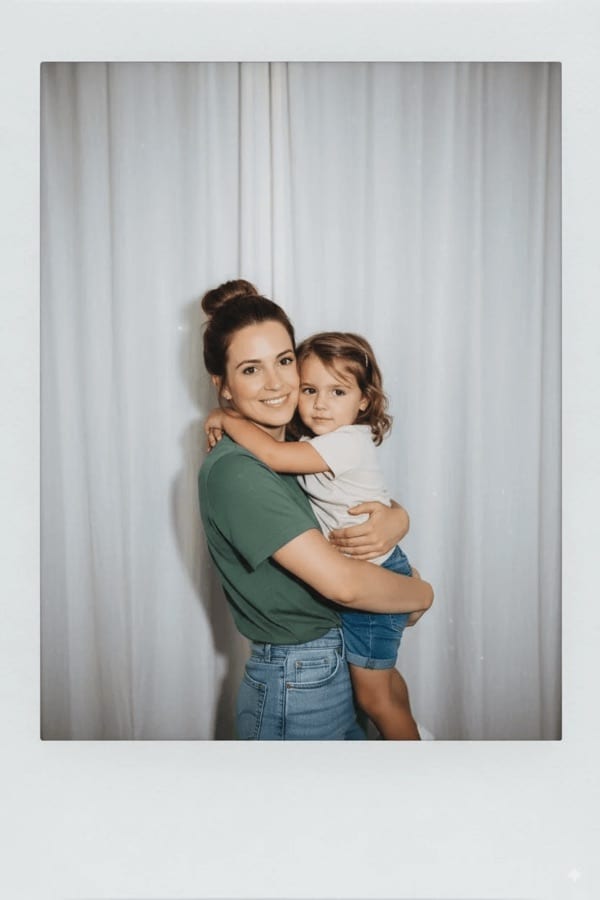
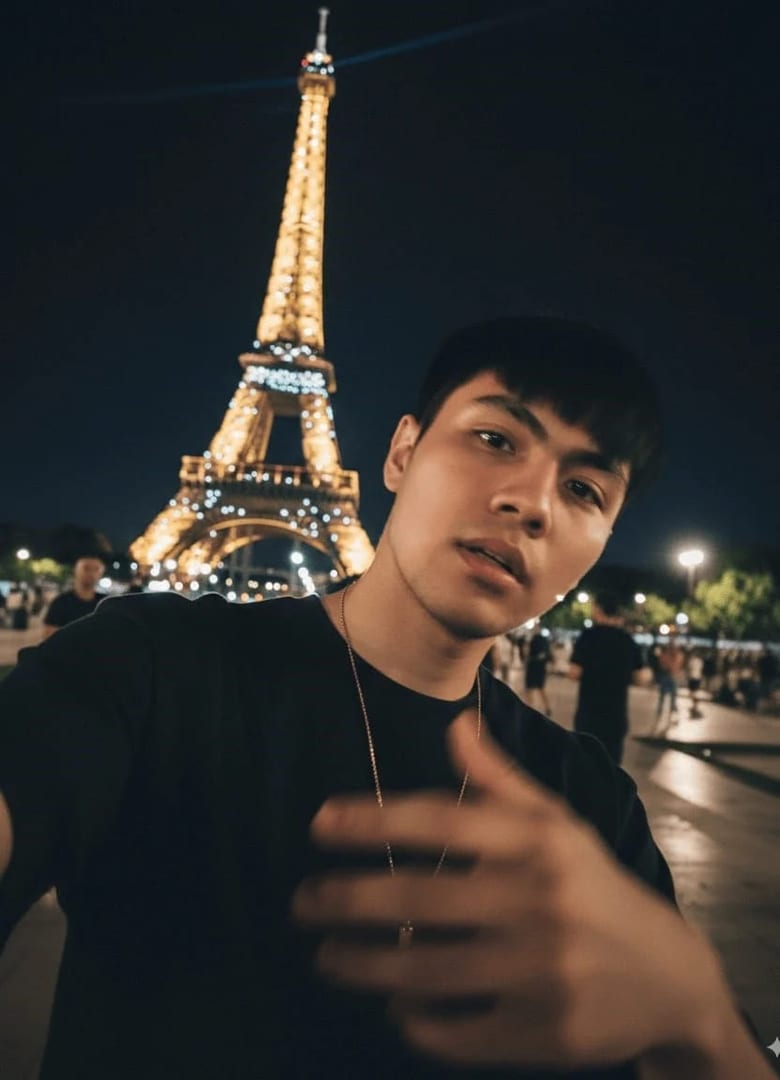
These team photo prompts cover the company about page, recruiting posts, pitch decks and press: a matching headshot set, a group shot in the office, relaxed candids at work, outdoor and leadership photos, and a remote team brought together. Add a clear photo of each person, paste a prompt and pick an image model that accepts several reference photos.
Using my photo as the face reference, create one headshot in our team's matching style: a plain light grey backdrop, a soft key light from the left, a dark top, a chest-up crop with my eyes on the upper third, so every colleague's photo lines up on the about page.
02
Office group shot
Using a photo of each team member, create a group photo of us standing in two loose rows in a bright open-plan office, smart casual clothes, natural window light, relaxed genuine smiles, every face sharp and recognizable.
03
Walking together
With a photo of each of us as references, show our team walking toward the camera along a city sidewalk in casual business clothes, soft morning light, mid-conversation smiles, a wide horizontal frame with everyone in focus.
04
Around the table
Show our team gathered around a meeting table with laptops and coffee, leaning in to look at a whiteboard, natural light, candid engaged expressions, a horizontal medium shot where each face is clearly visible.
05
Leadership team
Create a leadership team photo of us standing side by side against a plain dark blue-grey backdrop, tailored suits and blazers, refined studio light, calm confident expressions, a wide waist-up frame with each person's real height kept.
06
Rooftop golden hour
Place our team on an office rooftop terrace at golden hour with the skyline softly blurred, casual clothes, a relaxed laughing moment, a wide horizontal frame with everyone's face visible.
07
Remote team together
Bring our remote team together in one picture from a photo of each of us: standing in a bright co-working space, smart casual outfits, soft even light, natural smiles, a balanced group composition with no one hidden.
08
Small business crew
Show our small team in front of our workshop door in matching aprons with our arms around each other's shoulders, warm afternoon light, big proud smiles, a full-length horizontal frame.
09
Staircase arrangement
Arrange our team on a wide concrete staircase in a modern building, people seated on different steps, smart casual clothes, soft daylight, relaxed natural poses, a vertical frame with every face clear.
10
Clinic team
Using a photo of each colleague, create a clinic team photo of us in scrubs and white coats standing in a bright corridor, soft clean light, warm friendly smiles, a horizontal waist-up group frame.
11
Black-and-white group
Turn our team into a black-and-white group portrait against a plain mid-grey backdrop, dark tops, soft studio light, calm direct expressions, staggered heights for a clean composition.
12
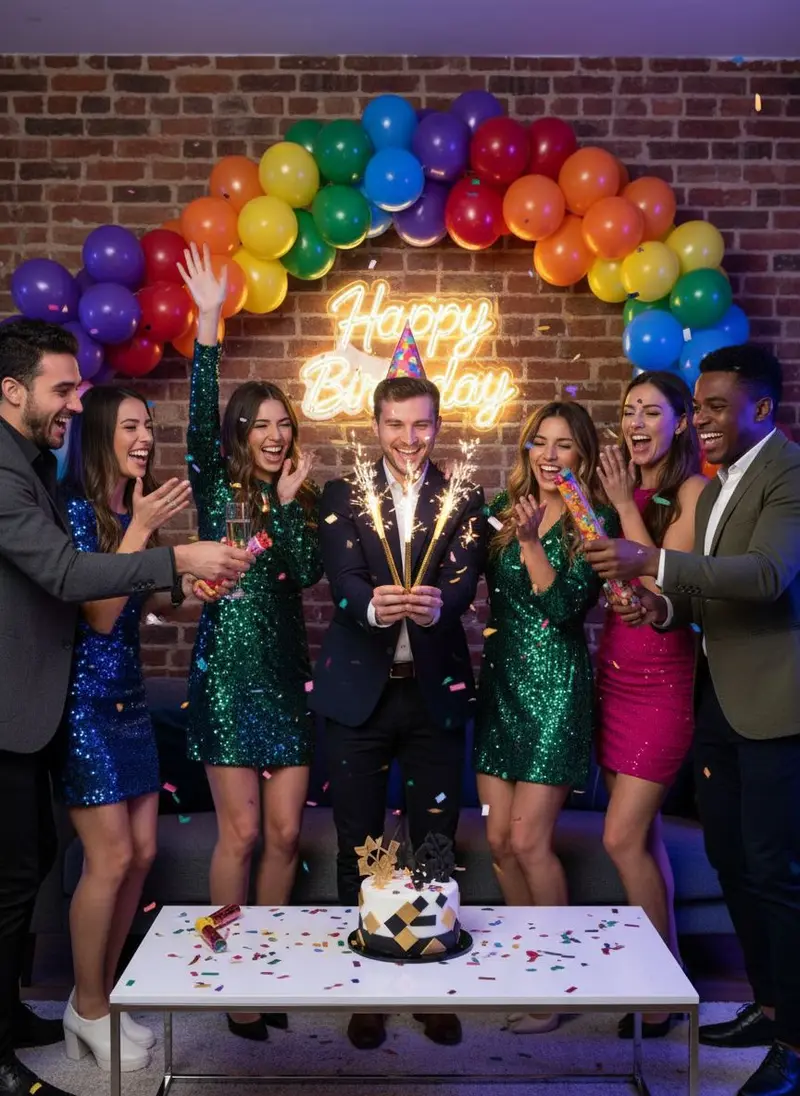
Milestone celebration
Show our team celebrating a milestone with a toast in the office, confetti in the air, warm light, genuine laughter, a candid horizontal frame where each face is recognizable.
13
Recruiting post
Create a recruiting image of three of us working together at a standing desk, one pointing at a screen while the others smile, a bright modern office, natural light, a square crop for social posts.
14
Field crew
Using a photo of each crew member, show our team on a construction site in hard hats and high-visibility vests, a building frame softly blurred behind us, bright daylight, confident smiles, a wide horizontal frame.
15
Holiday card
Make a festive team photo of all of us in cozy sweaters gathered around a decorated office plant, warm string lights, cheerful smiles, a horizontal frame with space at the top for a greeting.
Made in Luren AI
More team photo ideas to try
Real results from Luren AI's ready-made styles: open one to see how it was made, or use it with your own photo.
How do I get a matching look across team headshots?
Write one style line and use it for everyone: the same background color, light direction, crop and clothing tone, for example 'a plain light grey backdrop, soft key light from the left, chest-up crop, dark top'. Generate every headshot at the same aspect ratio so they align on the page.
How many people can be in an AI team photo?
It depends on the model and how many reference photos it accepts. Small groups of two to five tend to come out most accurately. For a larger team, use a grid of matching headshots instead of one big group shot, or make several smaller group photos.
Is it honest to use an AI team photo on our website?
Yes, if it shows the real team: every person should look like themselves and appear with their consent, and no one should be added who does not work there. Ask each colleague to approve their likeness, and do not imply an office or event you do not have.
Paste it, add your photo, pick a model
Free to download on iPhone and Android. Pick a style, add one photo, and see yourself in it in under a minute.