
Your AI creative agent. Say it, get it.
No prompts to write, no models to compare. Tell the Luren AI agent what you want in your own words, send a photo if it needs one, and it briefs the right model, makes the picture and suggests the next step. Ads, product shots, headshots and restorations, from one chat.
Download & claim your FREE AI generation
Make a UGC-style ad for my serum, like a quick phone shot
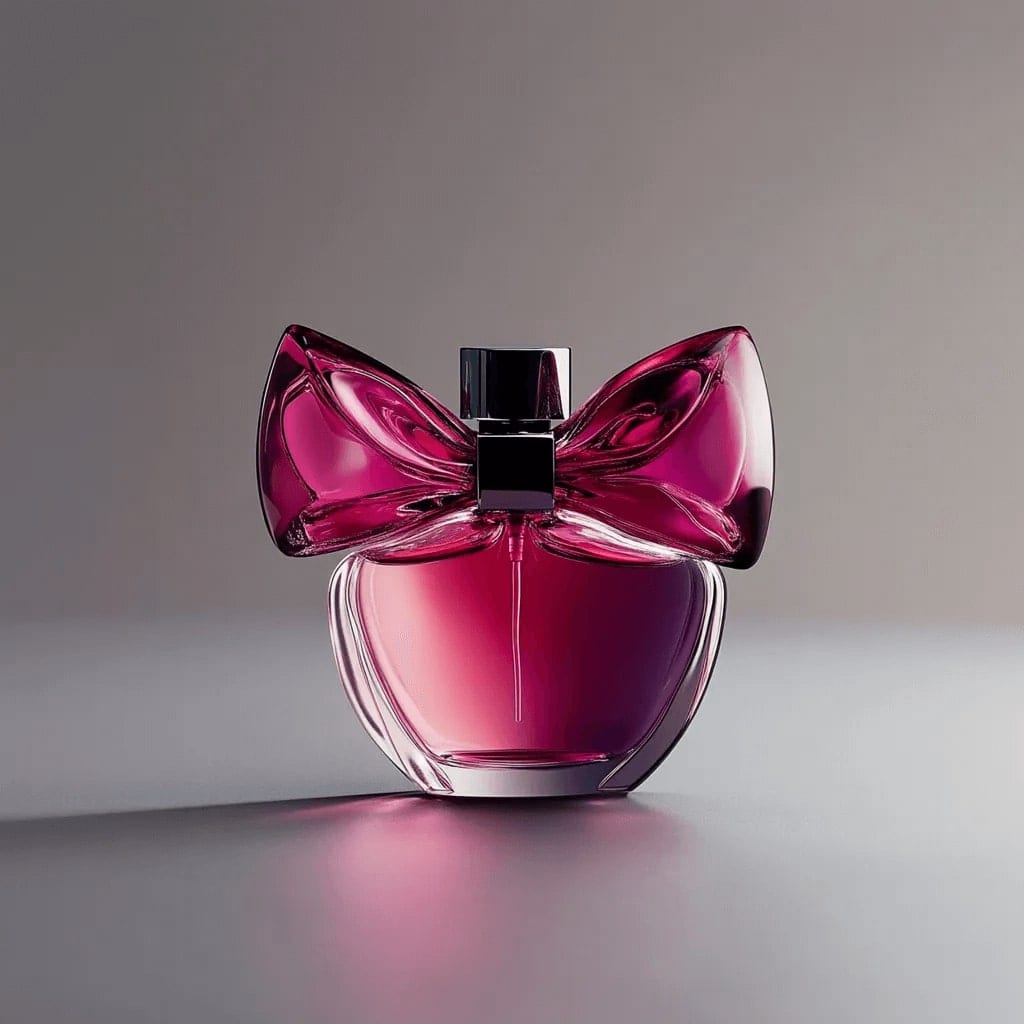
On it: your serum held up in a bright bathroom, shot like a casual phone video still.
Eleven things to ask for
Start with one of these, or describe anything else you want to see.
UGC-style ads
"Make my sneakers look like a friend filmed them on a phone"
Learn more →Ad shots with room for a headline
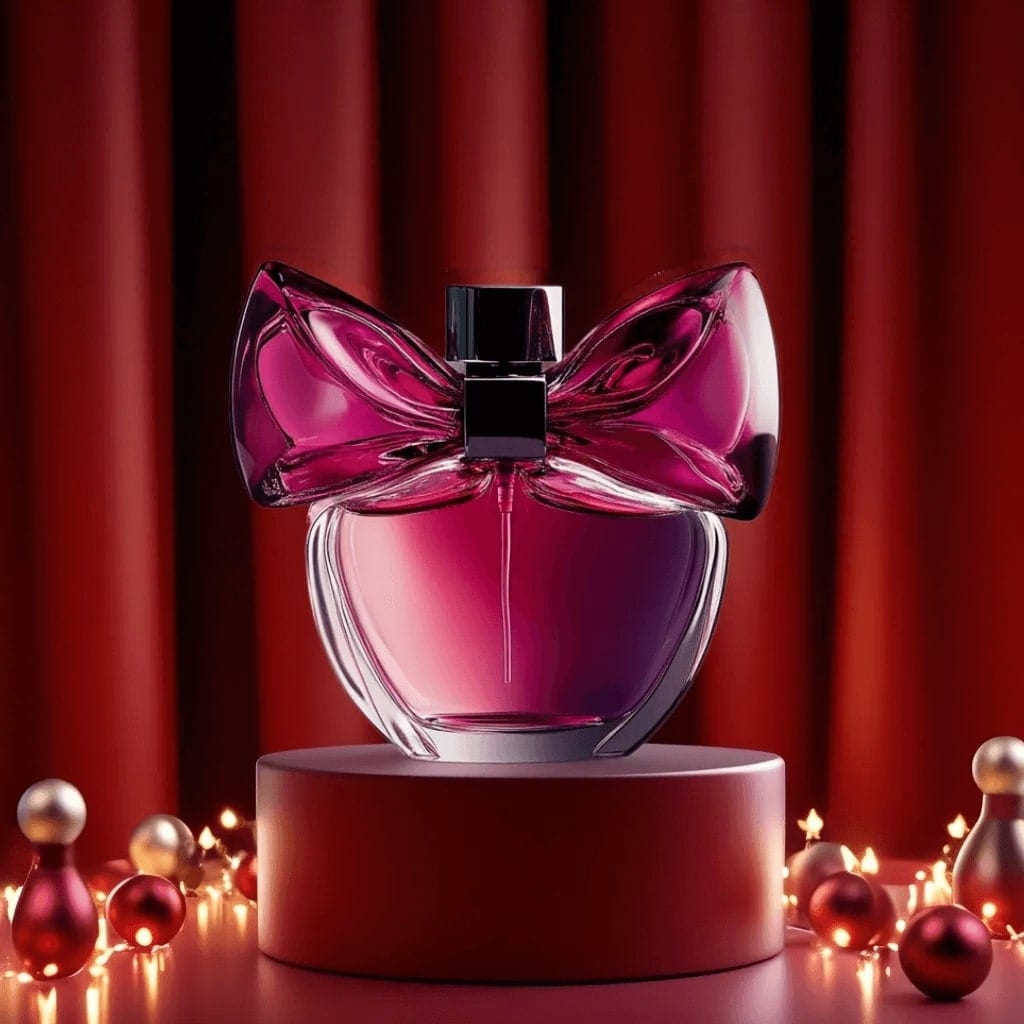
"Turn this perfume into a campaign image with space for text"
Learn more →Studio product photos
"Shoot my mug like a catalogue photo on white"
Learn more →Lifestyle shots
"Show my backpack being used on a city street"
Professional headshots
"Make a LinkedIn headshot from my selfie"
Learn more →Old photo restoration
"Fix this scratched photo of my grandparents"
Learn more →Outfit changes
"Put me in this jacket (with a photo of you and one of the jacket)"
Learn more →Background changes
"Same photo, but on a beach at sunset"
Learn more →Posters
"A poster for our Saturday yoga class"
Thumbnails
"A bold thumbnail for my video about budget travel"
Learn more →Cartoon and anime versions
"Turn this photo of my dog into an anime character"
Learn more →Three steps, all in a chat
- 1
Say what you want
Type it, or hold the microphone and say it. Plain words, any of the app's 31 languages.
- 2
Send a photo when it asks
Your product, your selfie or the old photo. It tells you which one it needs and how it should look.
- 3
Get it, then refine
The picture arrives in the chat. Ask for changes in words, or tap one of the next steps it suggests.
A creative team in your pocket
No prompt writing
It turns a sentence into the detailed brief the model needs: subject, setting, light, framing and style.
The right model for the job
Image models from Google, OpenAI, ByteDance and xAI are in the app; the agent picks one that fits, or uses the one you name.
Remembers the conversation
Say "warmer light" or "try it on marble" and it edits the picture it just made, not a new one.
Video when you want it
Ask to animate a result and it opens the video creator with your picture ready, where Veo 3.1, Kling and Seedance take over.
Same price as doing it yourself
Pictures use your free creations, coins or Pro exactly like the rest of the app.
Rate every result
A thumbs up or down under each picture tells us which results land and which models to lean on.
Prefer to steer every setting yourself? The AI image generator lets you pick the model, resolution and aspect ratio, and the prompt library has ideas to start from.
The Luren AI agent: questions
What is the Luren AI agent?
A chat inside the Luren AI app that makes pictures for you. You describe what you want in your own words, send a photo when it needs one, and it writes the brief, chooses an image model and returns the result, then lets you refine it by asking.
Do I need to write prompts?
No. The agent writes the detailed prompt itself from what you say. If you like writing your own, the Image tab gives you full control over the model, resolution and aspect ratio.
Can the agent make UGC ads and product photos?
Yes, those are among the things it does best: UGC-style shots of your product held or worn, campaign images with space for a headline, studio catalogue photos and lifestyle scenes. Send a clear photo of the product and say what you need.
Can it make videos?
The agent makes pictures. When you want one to move, it hands you to the video creator with the picture already loaded, where you pick Veo 3.1, Kling or another video model.
Is the agent free?
Chatting is part of the app. Each picture it makes is paid for like any other in Luren AI: from your free creations, coins or a Pro subscription.
Can I use what the agent makes in my business?
Yes, with Luren AI Pro: the Terms of Use allow commercial use of your creations while your Pro subscription is active. On the free plan, creations are for personal use.
What can't it do?
It is a picture maker, not a search engine or a general assistant, so it will steer off-topic questions back to something it can make. Questions about the app itself, like coins, Pro or where a result went, it will answer.












Tell it what you want
The agent is inside Luren AI for iPhone and Android, free to download. Describe a picture and send a photo; it does the rest.
Download & claim your FREE AI generation