
Resize images online for any platform
Type the size you need or tap a preset for Instagram posts and stories, TikTok, YouTube thumbnails and more. Fit keeps the whole photo; Fill crops to the exact frame. Everything happens on your device.
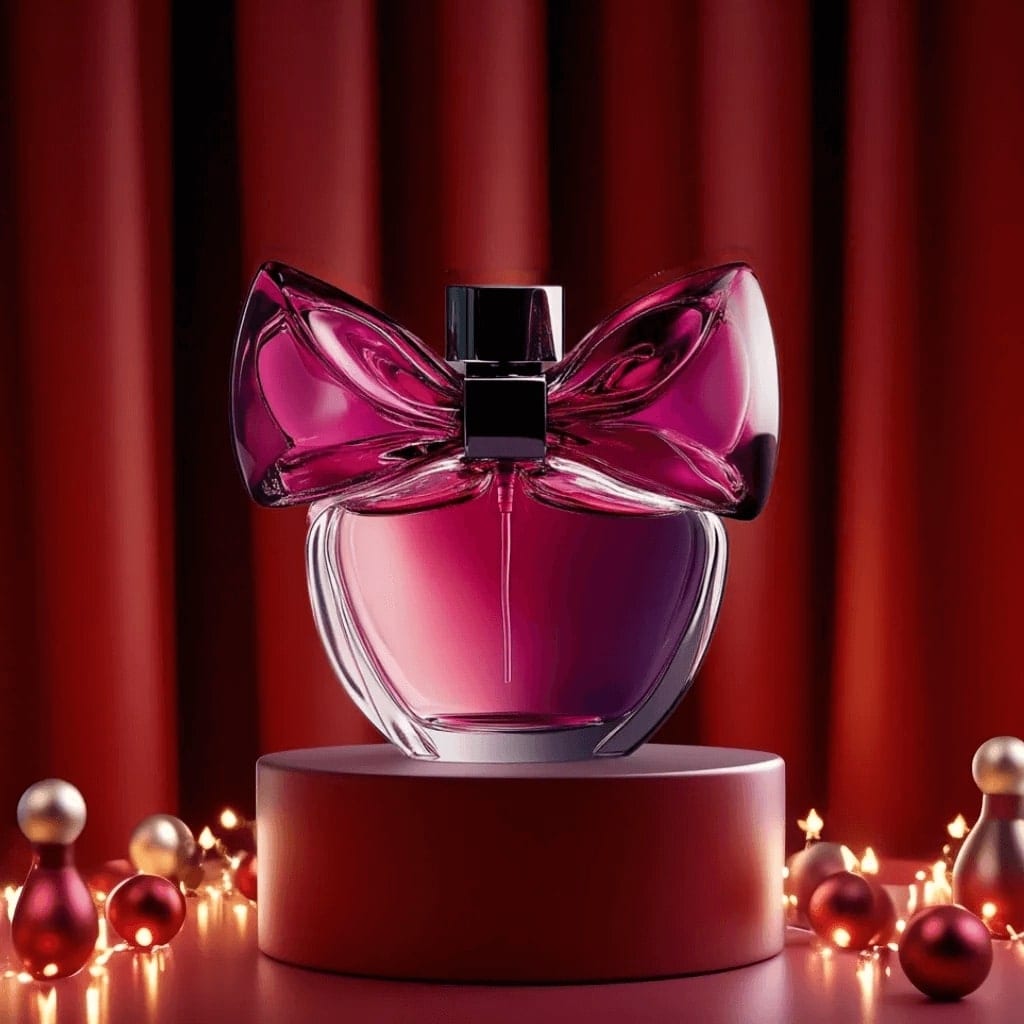
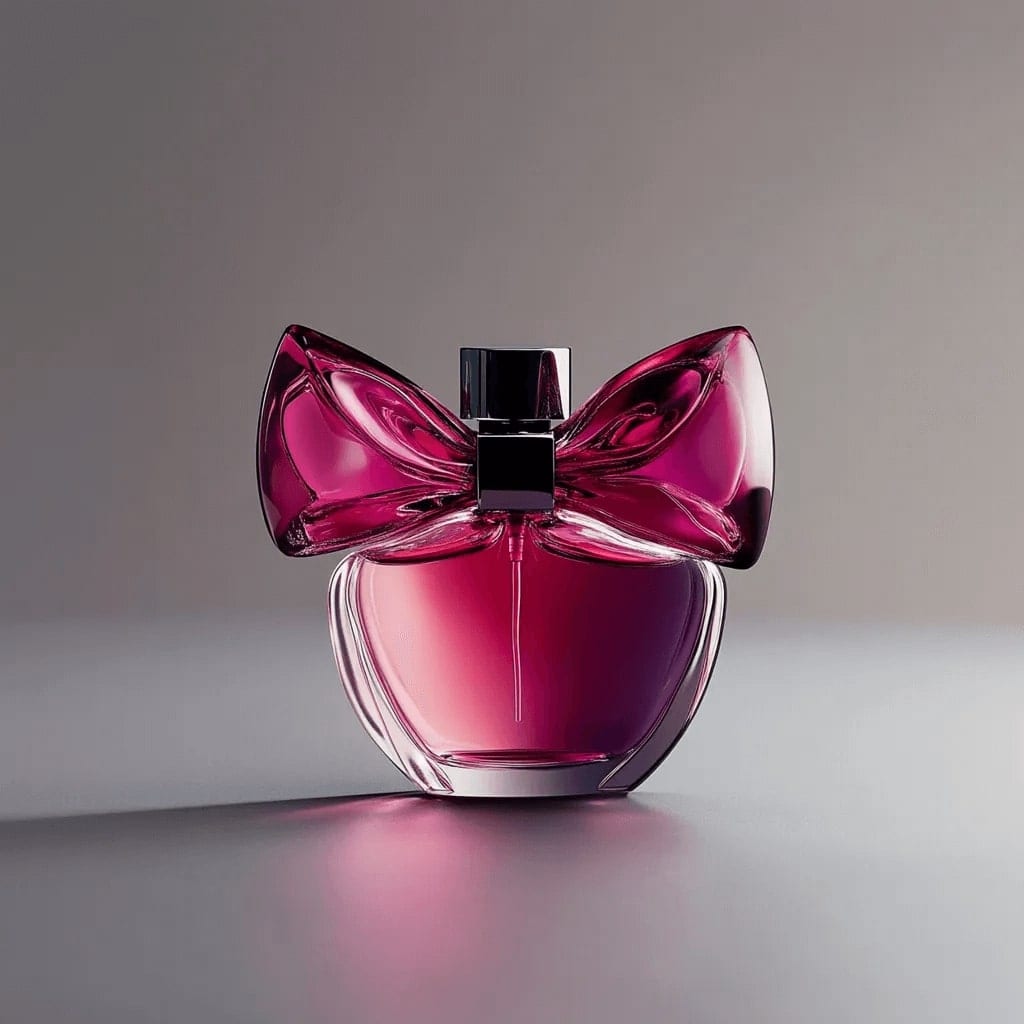 Do it with AI Image extender Wrong shape, and cropping would cut something out? The AI image extender grows the picture to the new size instead. See image extender results →
Image resizer in three steps
- 1
Add a photo
Any JPG, PNG, WebP or iPhone HEIC photo.
- 2
Set the size
Enter width and height, or tap a platform preset. Choose Fit or Fill.
- 3
Download
Save the resized photo in the same format.
Image resizer: questions
Are my photos uploaded?
No. The file is read by your browser and processed on your device; nothing is uploaded to a server, so there is nothing for us to keep.
What is the difference between Fit and Fill?
Fit scales the photo so all of it shows inside the size you chose, which can leave a smaller side. Fill covers the whole frame and crops what does not fit, so the output is exactly the size you asked for.
What size is an Instagram post?
1080 by 1080 for a square post, 1080 by 1350 for portrait and 1080 by 1920 for Stories and Reels. The presets here use those sizes.
More free tools












Beyond resizing: restyle the photo with AI
Free to download on iPhone and Android. Pick a style, add one photo, and see yourself in it in under a minute.
Download & claim your FREE AI generation