
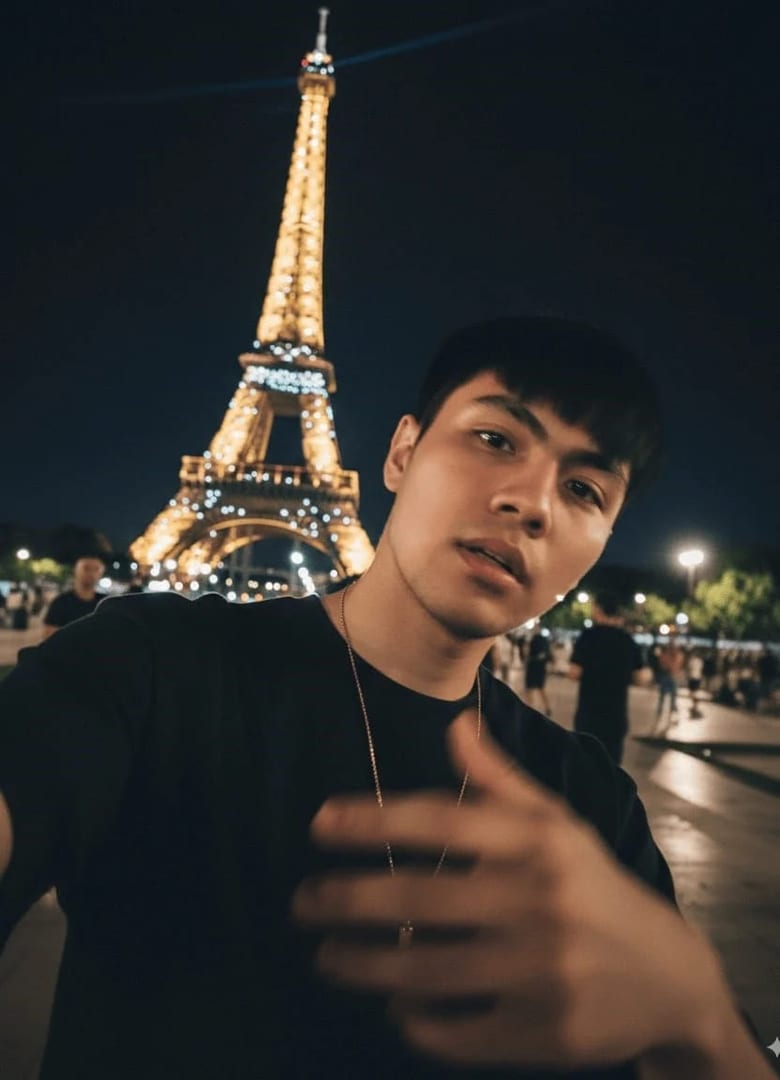
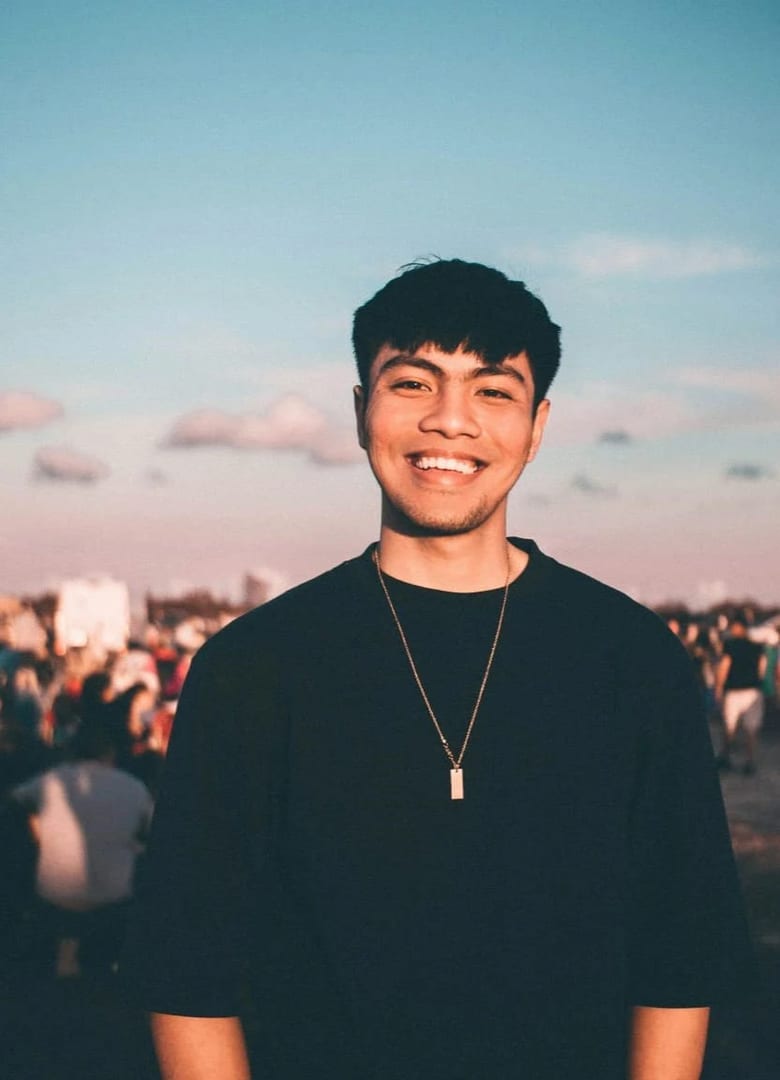
 Before After
Headshots & portraits
iPhone Selfies
Generate imperfect iPhone-style selfies.
Download & claim your FREE AI generation
- 1 Open Luren AI and find iPhone Selfies in Headshots & portraits.
- 2 Add the photo you want to change.
- 3 Get the result in under a minute, then save or share it.
Try it with a prompt
Turn my photo into a casual, imperfect smartphone selfie: arm-length wide-angle framing, slight lens distortion, mixed indoor light, a bit of motion blur and noise, natural unretouched skin, an everyday outfit and a messy real-life background, my face clearly recognizable and totally candid.
In the app you only add your photo and tap the style. To write your own version, paste this on the Image tab with your photo and pick a model.
More headshots & portraits
You might also like
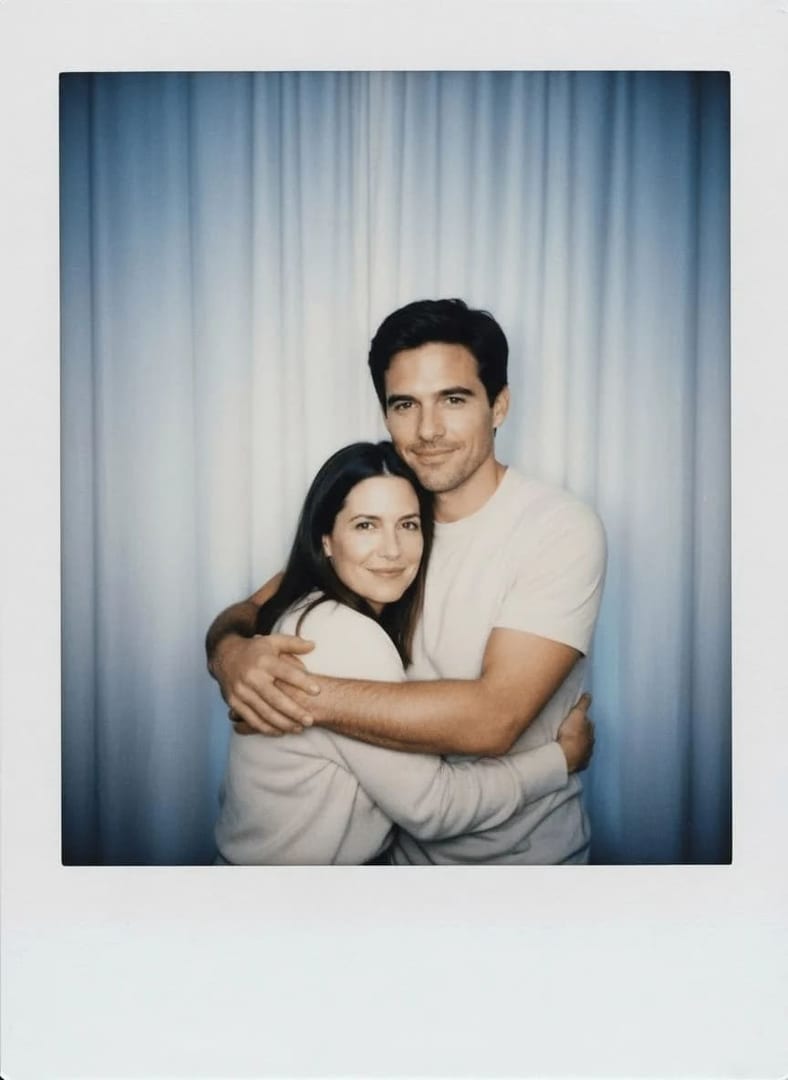

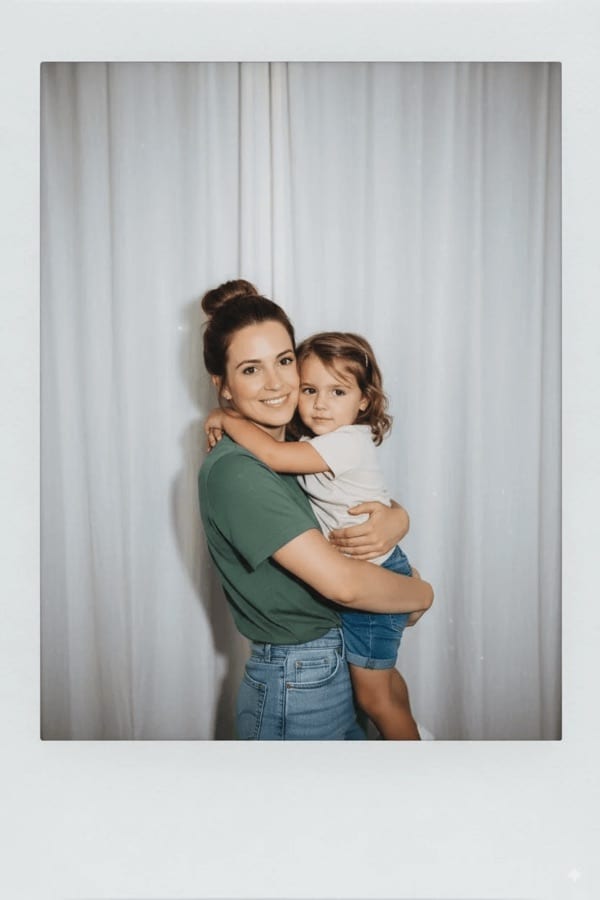

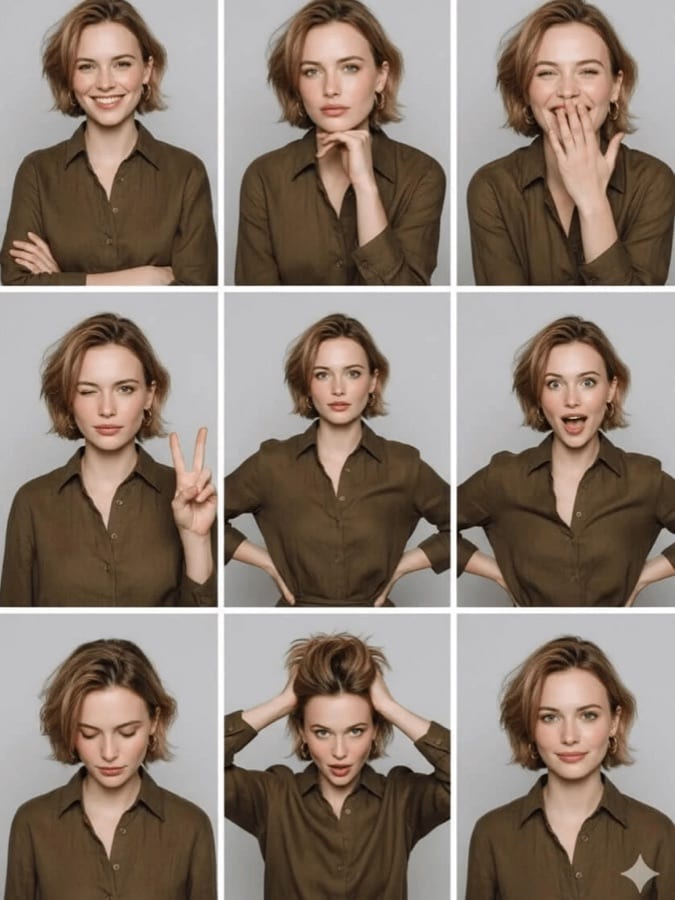
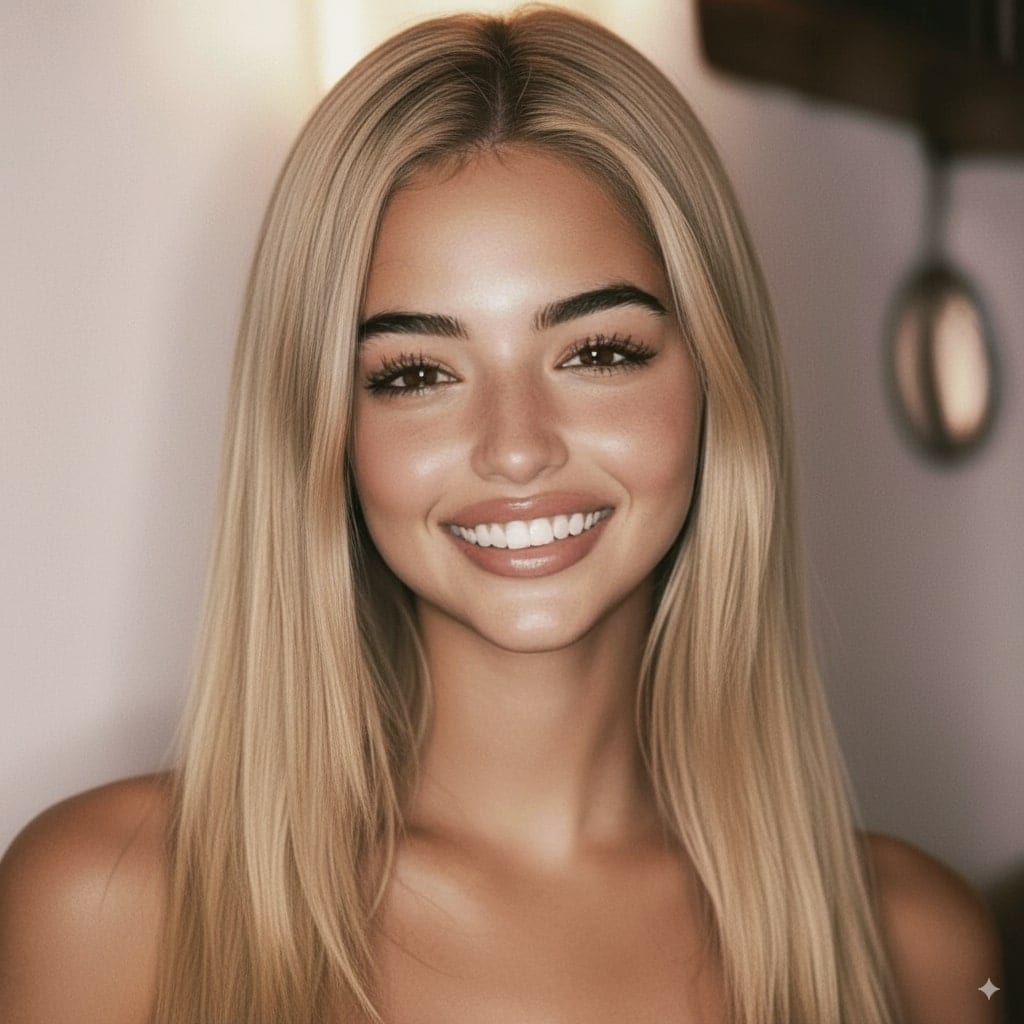
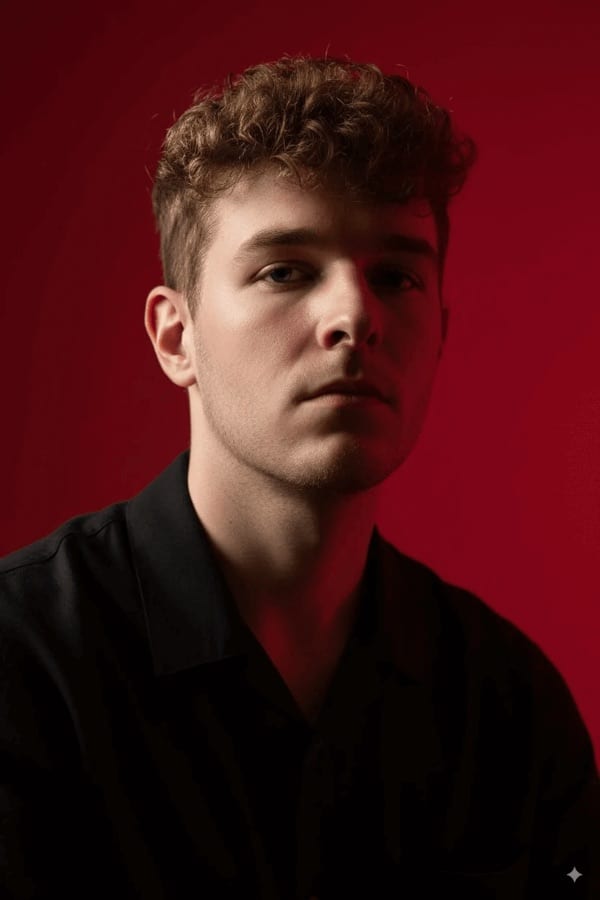
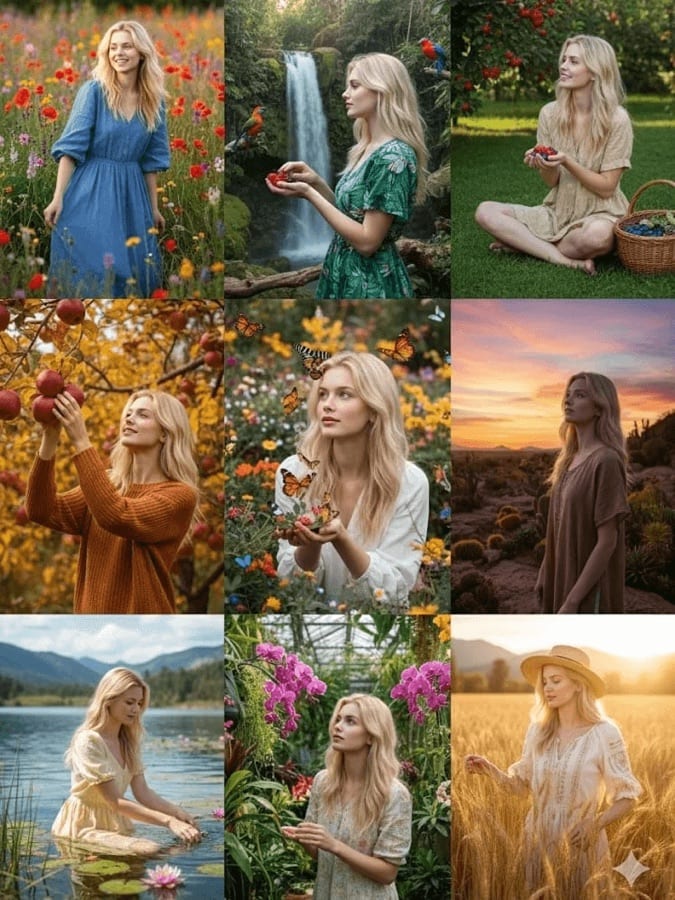












Try iPhone Selfies on your own photo
Free to download on iPhone and Android. Pick a style, add one photo, and see yourself in it in under a minute.
Download & claim your FREE AI generation