
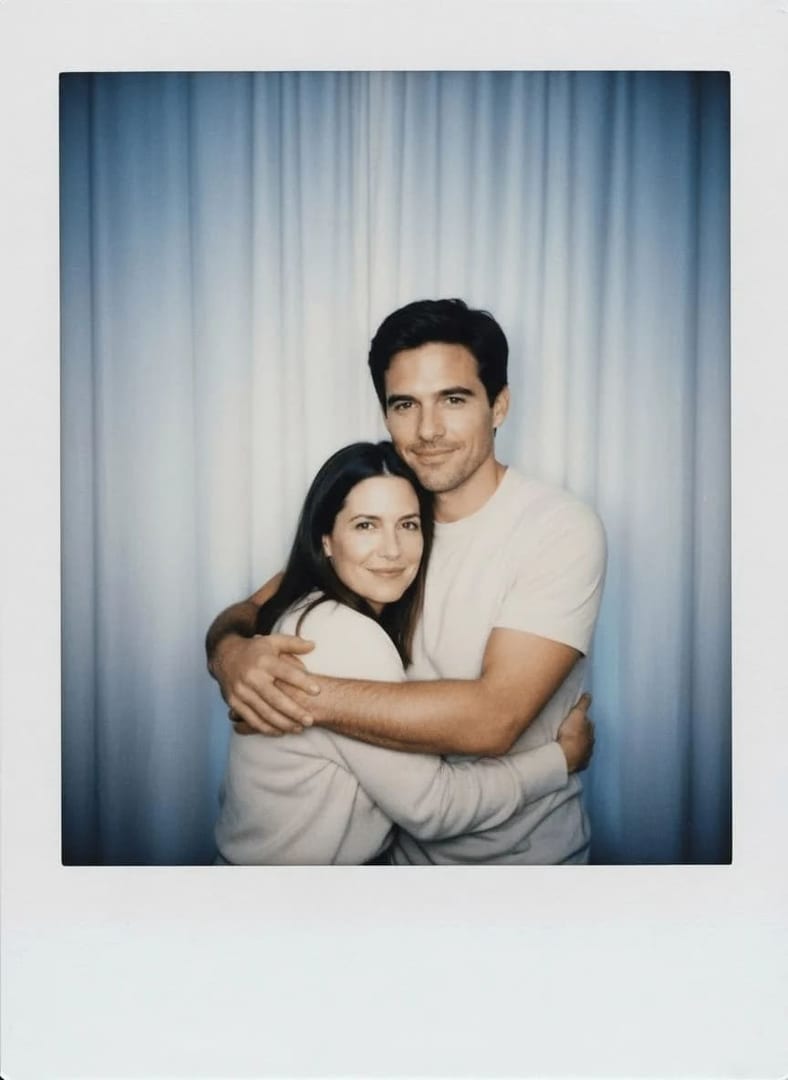
 Before After
Headshots & portraits
AI Polaroid-Style
Give photos a nostalgic Polaroid aesthetic.
Download & claim your FREE AI generation
- 1 Open Luren AI and find AI Polaroid-Style in Headshots & portraits.
- 2 Add the photo you want to change.
- 3 Get the result in under a minute, then save or share it.
Try it with a prompt
Turn my photo into a nostalgic instant-film photo with a thick white border: soft focus, slightly washed-out colors, a warm cast in the highlights, gentle vignetting, on-camera flash and subtle chemical streaks, my face recognizable, framed as a single print lying on a wooden table.
In the app you only add your photo and tap the style. To write your own version, paste this on the Image tab with your photo and pick a model.
More headshots & portraits
You might also like

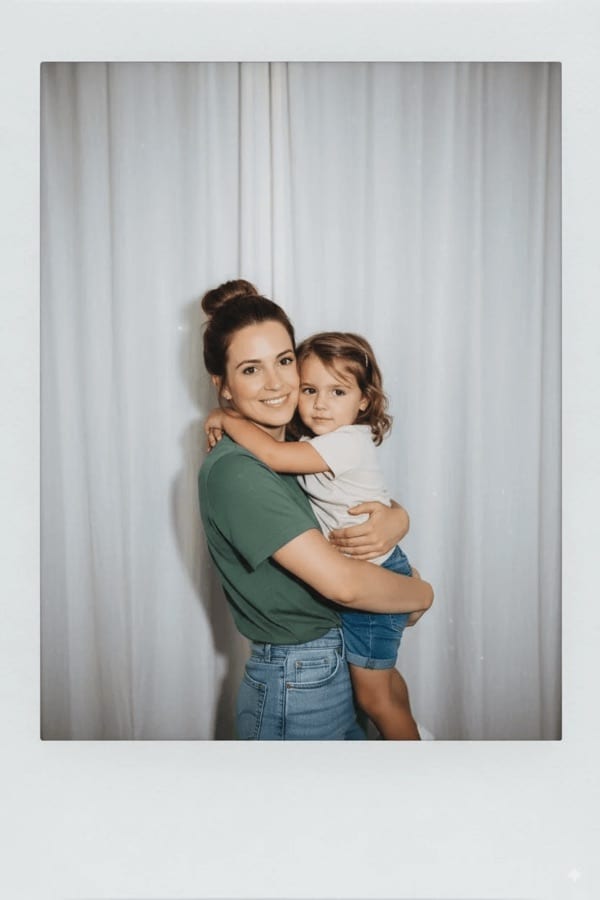

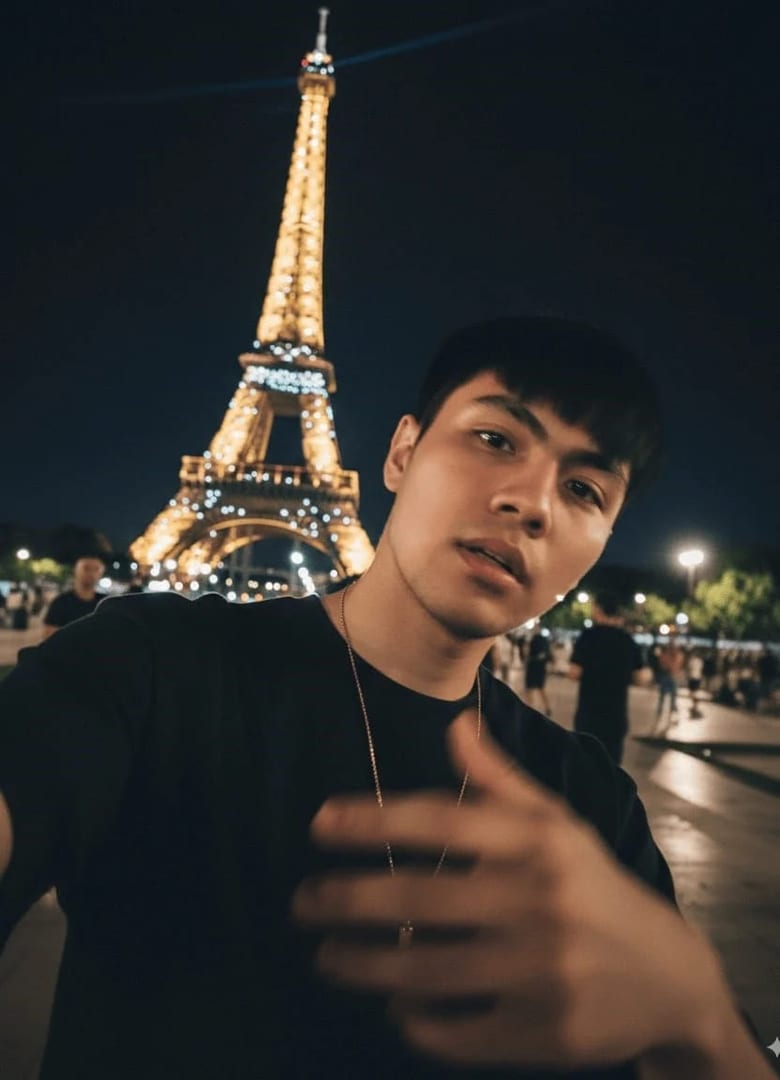
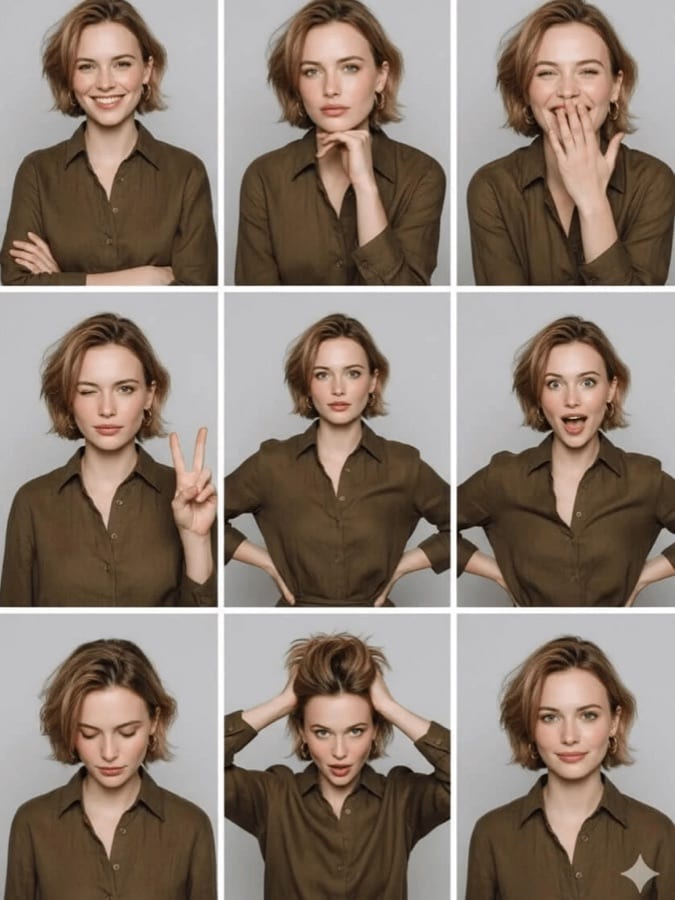
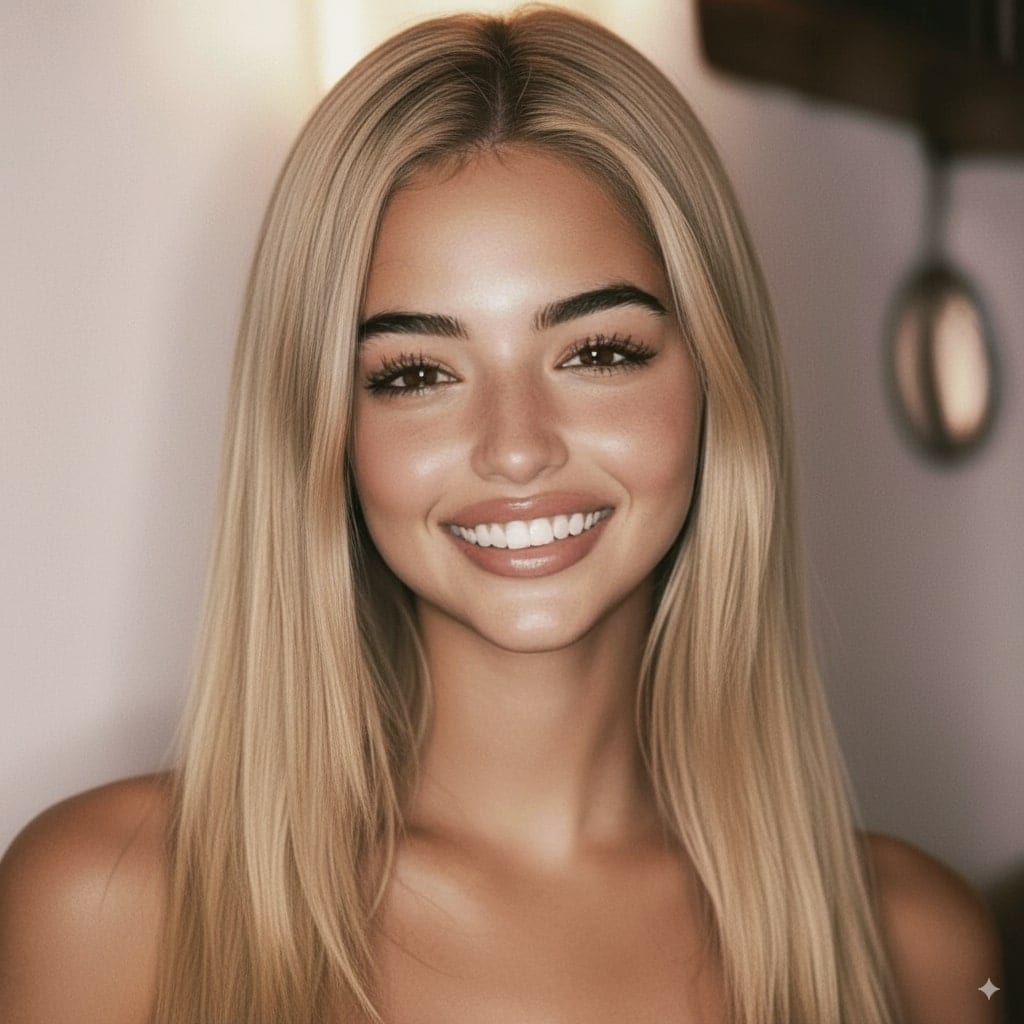
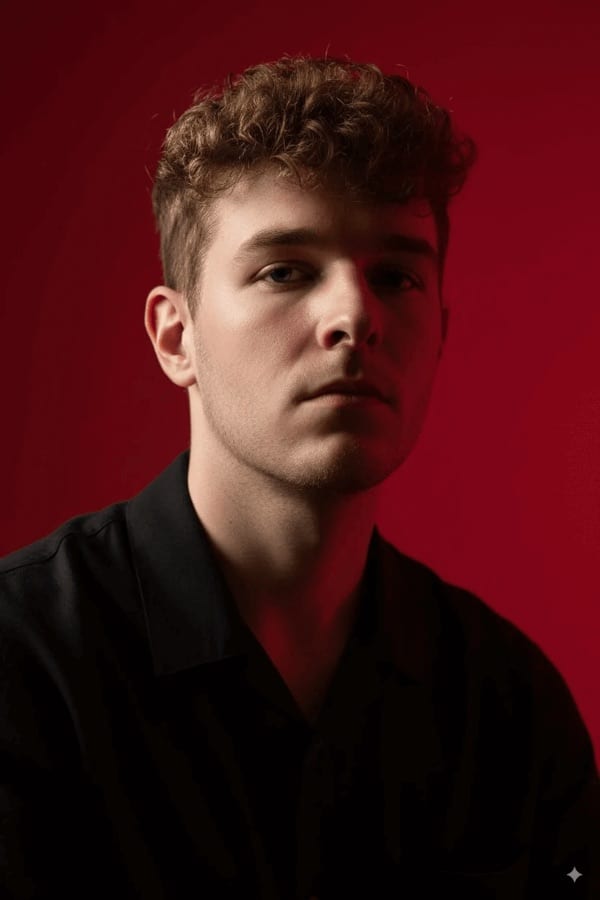
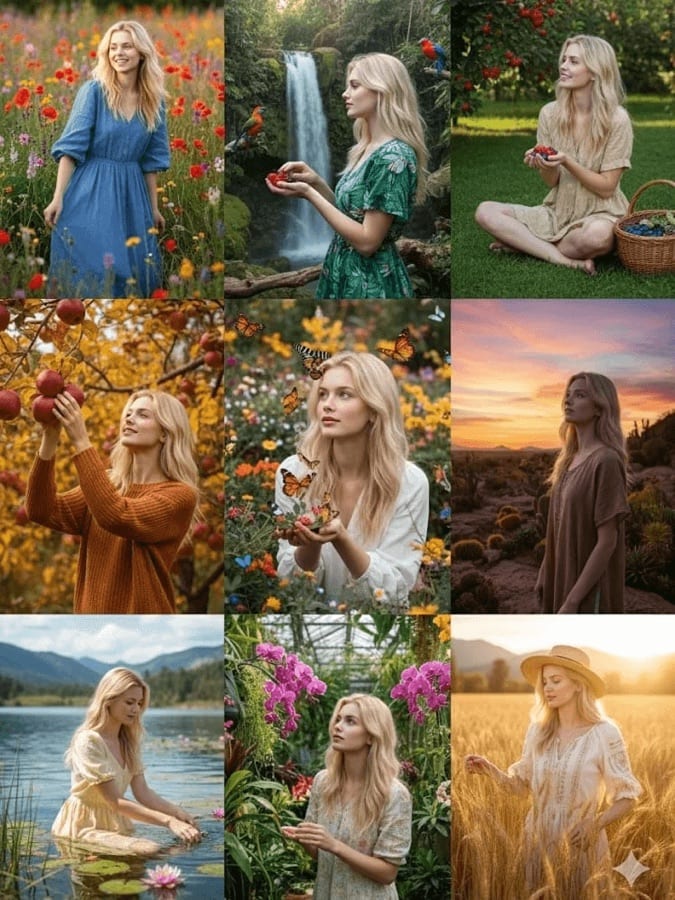












Try AI Polaroid-Style on your own photo
Free to download on iPhone and Android. Pick a style, add one photo, and see yourself in it in under a minute.
Download & claim your FREE AI generation