
AI fantasy and luxury editorial portraits
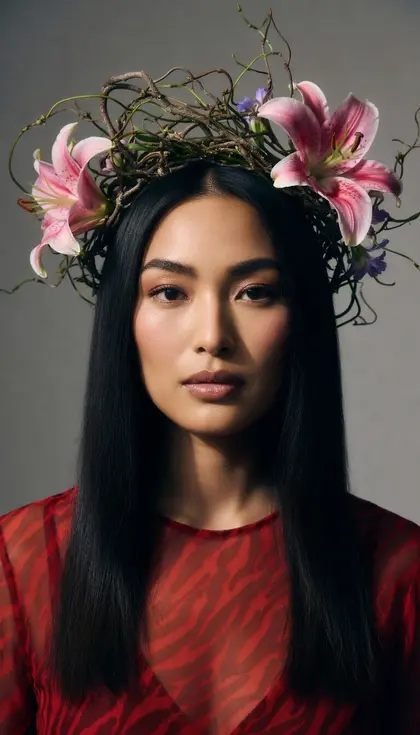
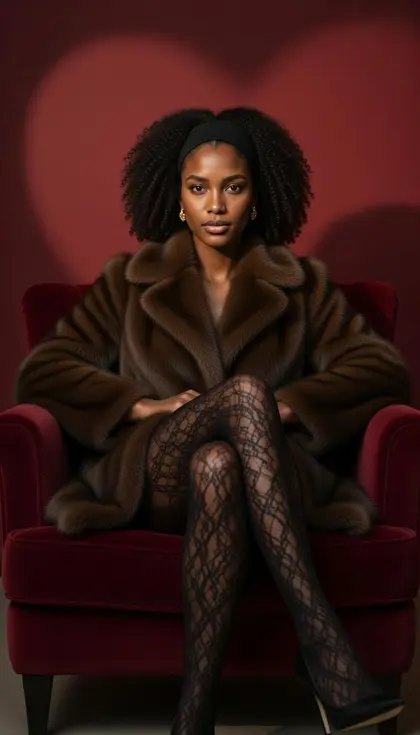
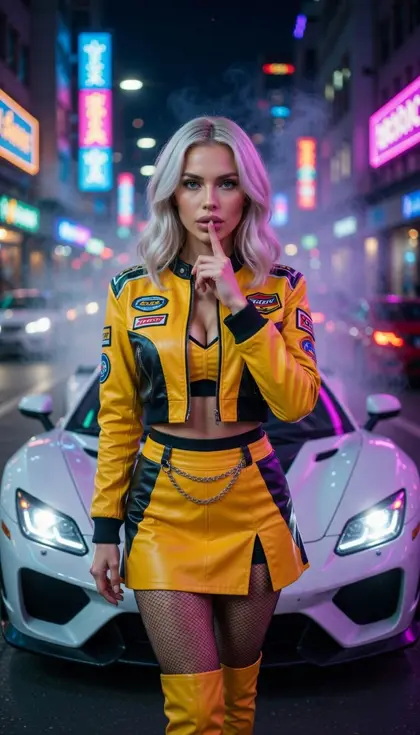
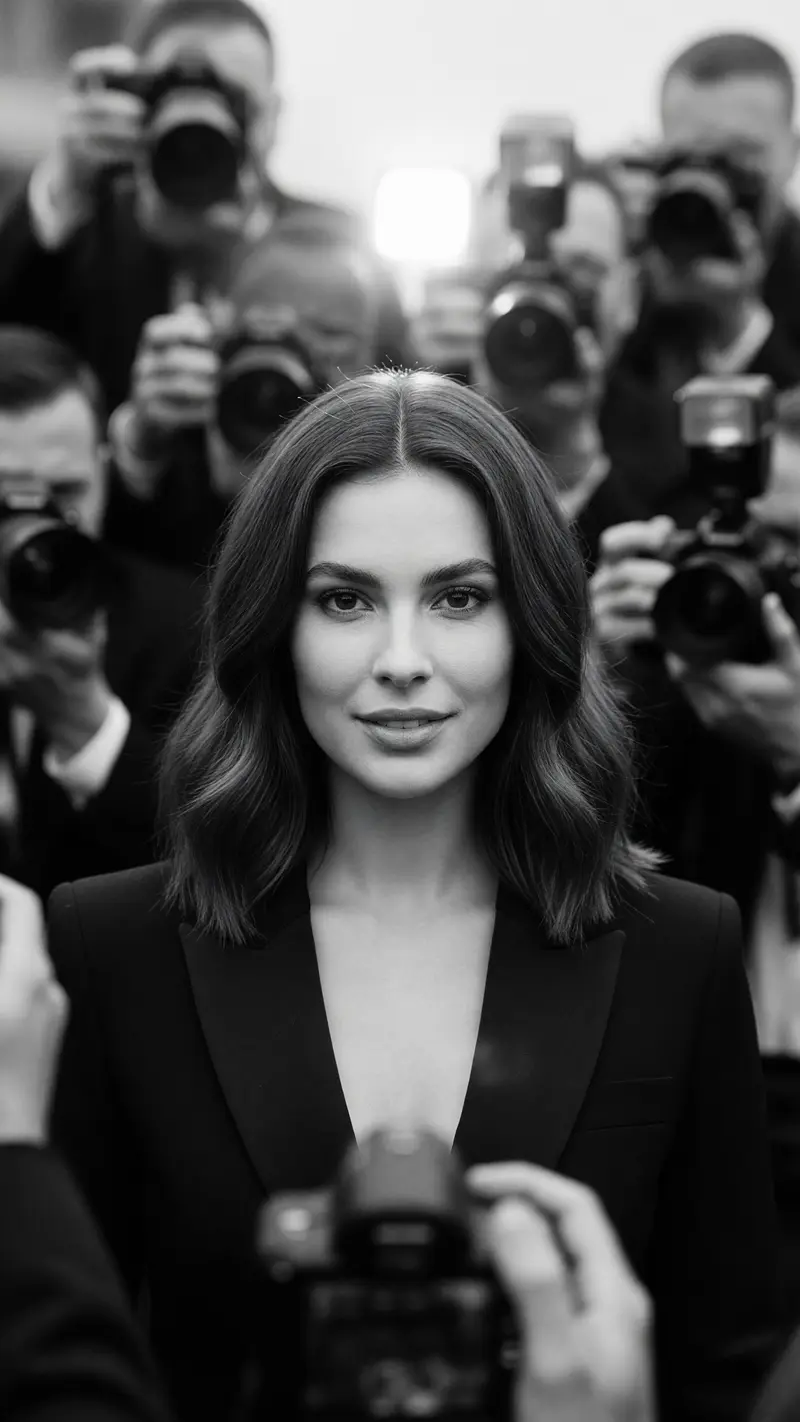
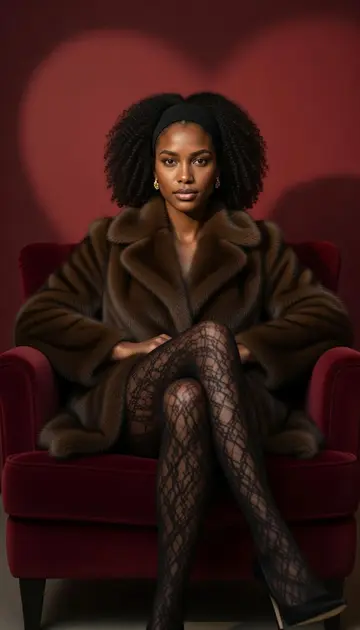
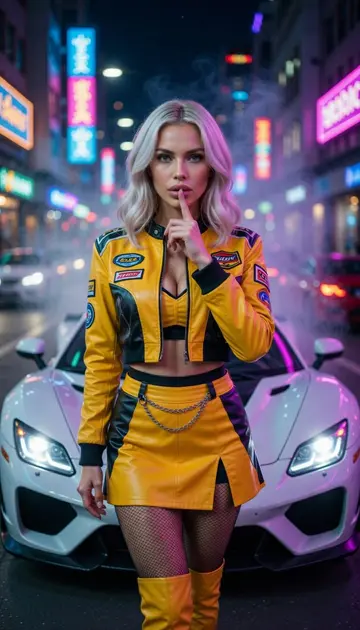
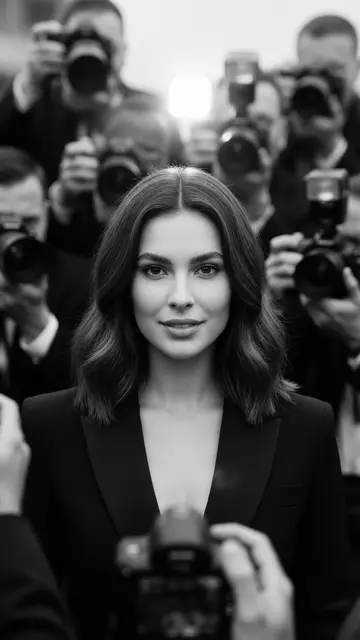
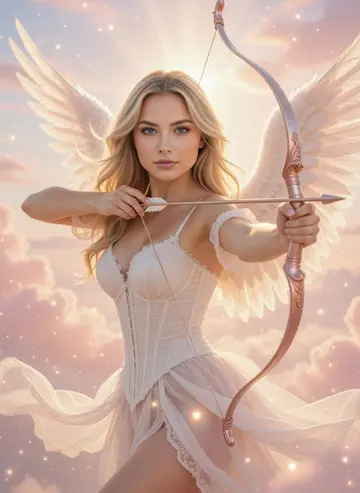
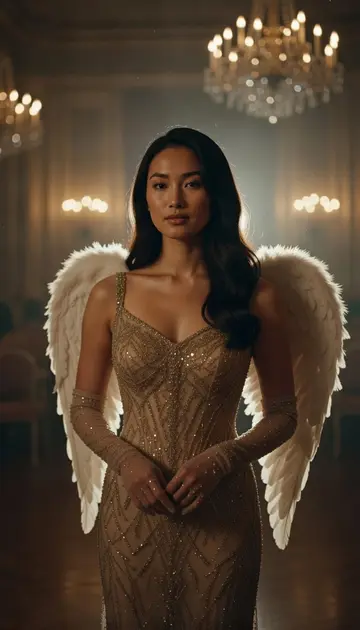
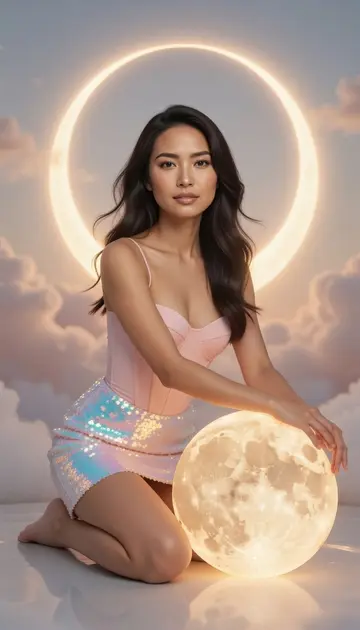
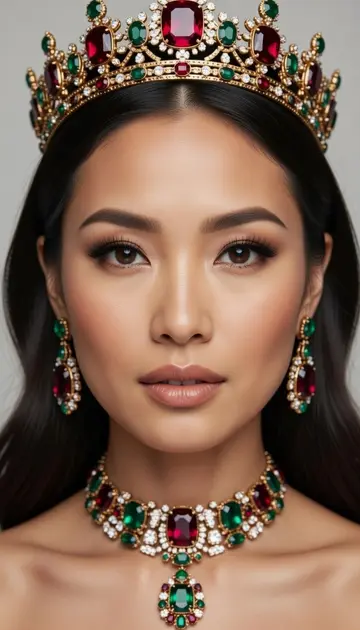
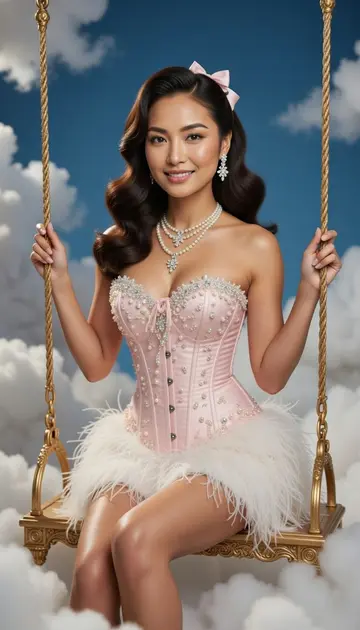
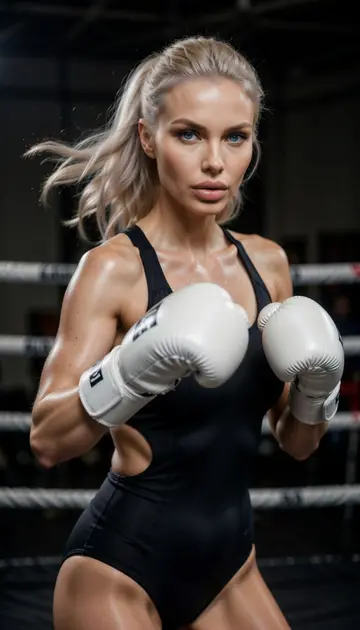
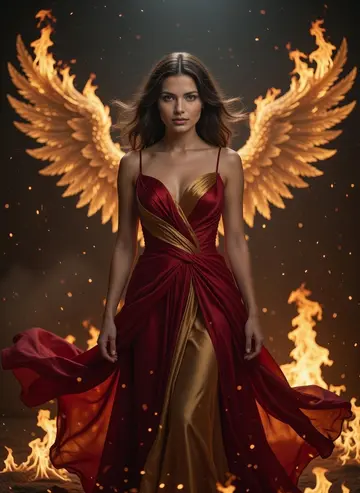
The biggest collection in the app and the most dramatic: feathered wings on a palace staircase, an emerald dragon, a crystal couture runway, a wall of paparazzi flashes. Every look is framed vertically, ready for a story or a reel cover.
Download & claim your FREE AI generation
Updated
 New Flashpoint Woman
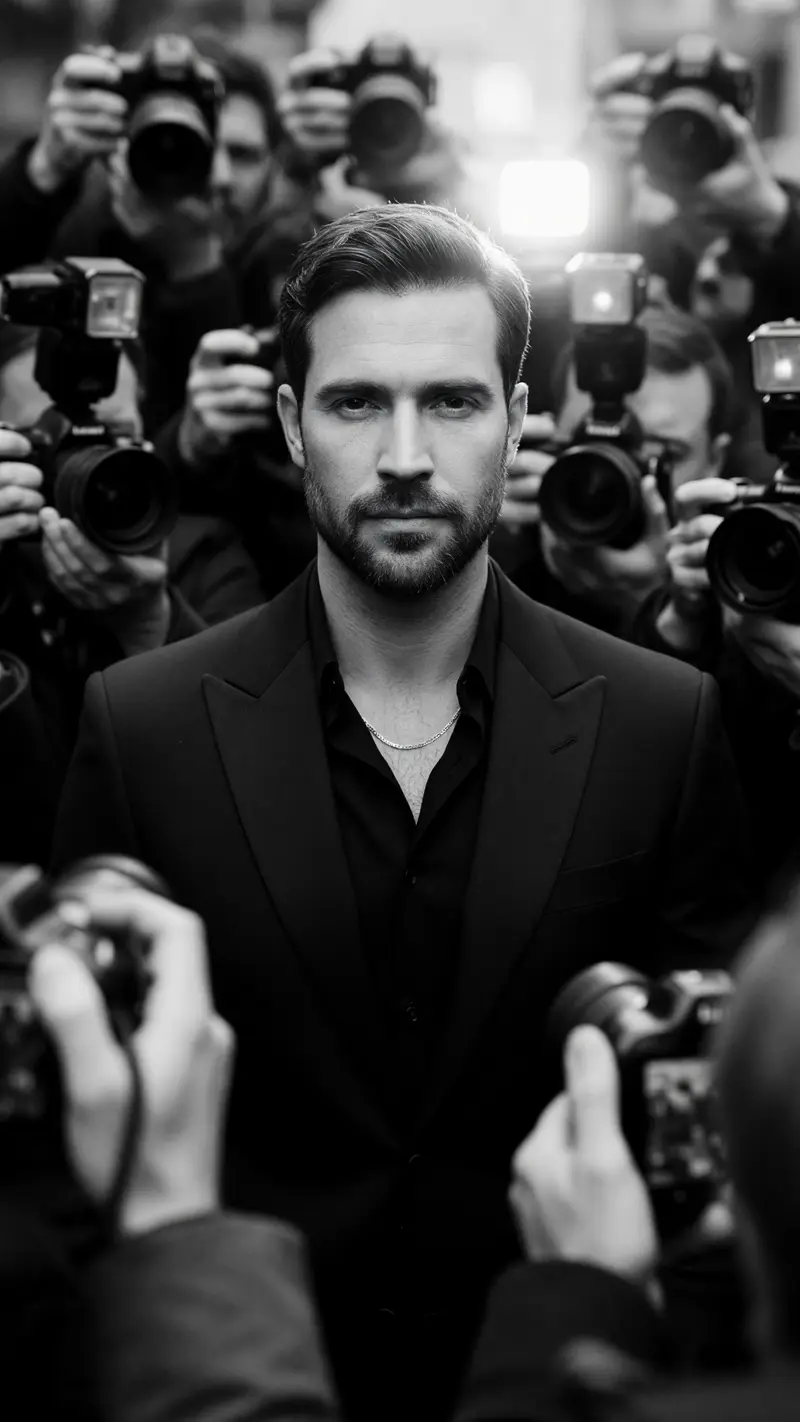 New Flashpoint Man
 Ringlight
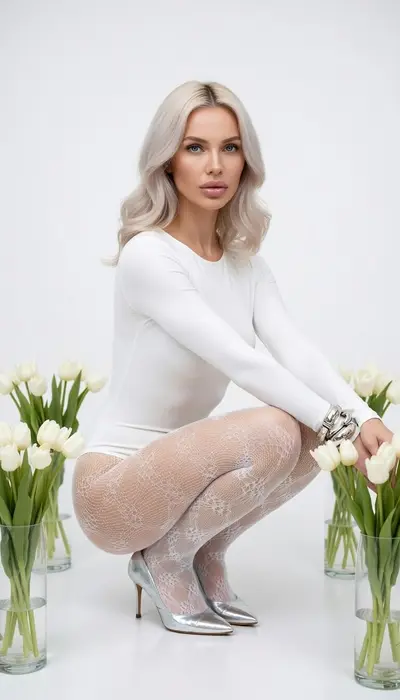 Minimal Tulip
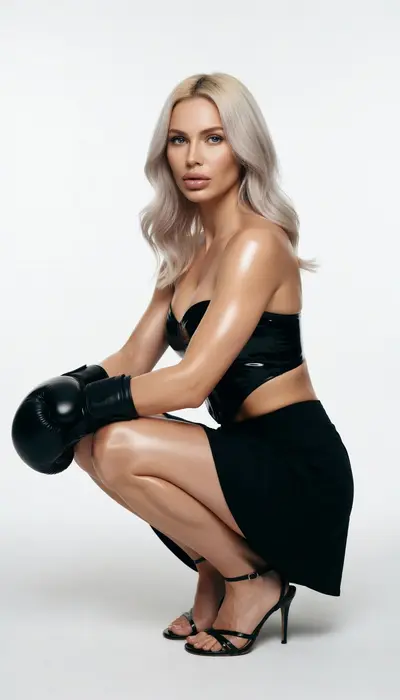 Knockout Action
 Corner Queen
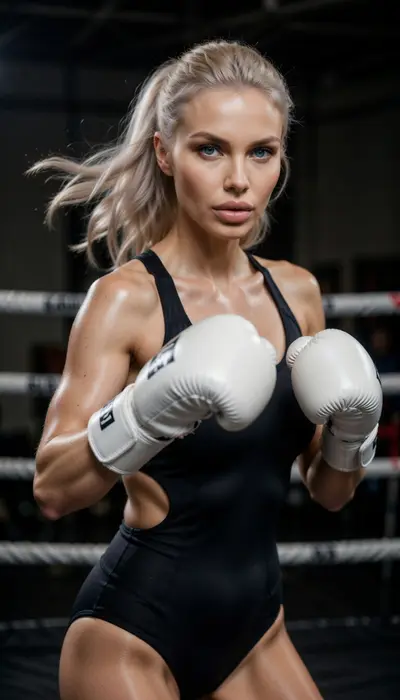 Punchline
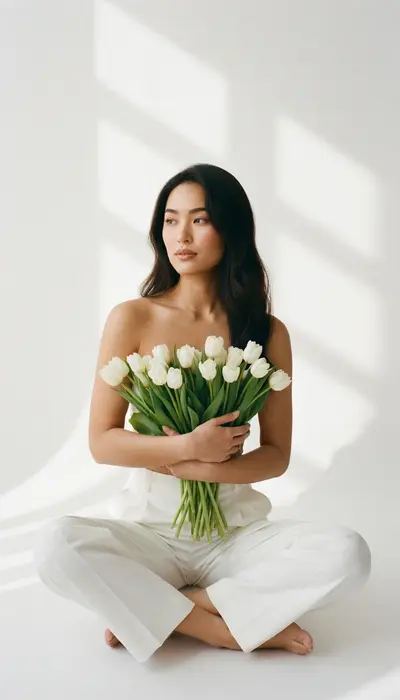 Tulip Serenity
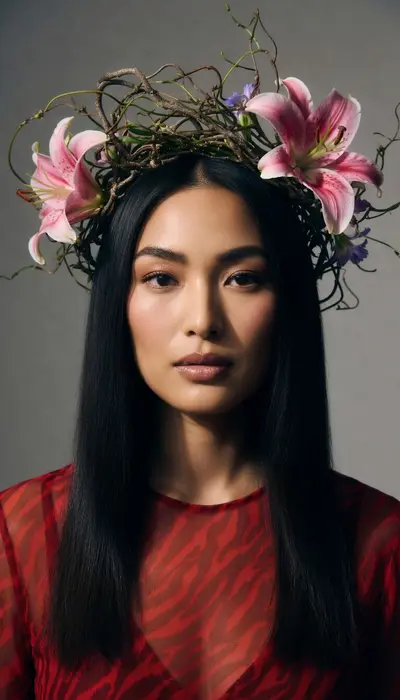 Botanical Crown
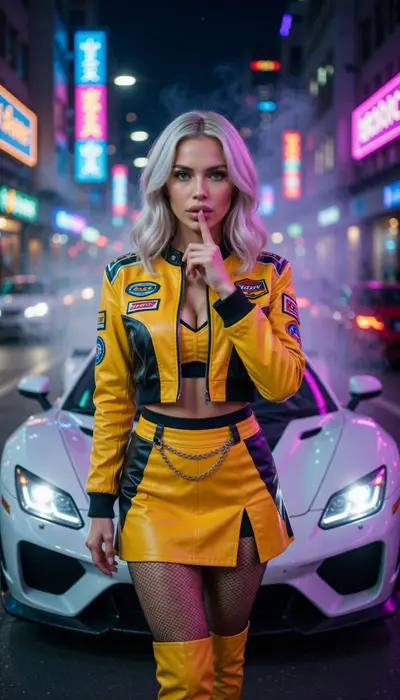 Street Racer
 Drift Queen
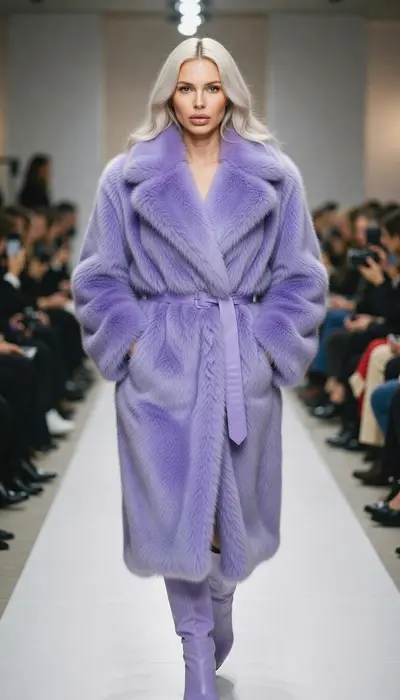 Lavender Runway
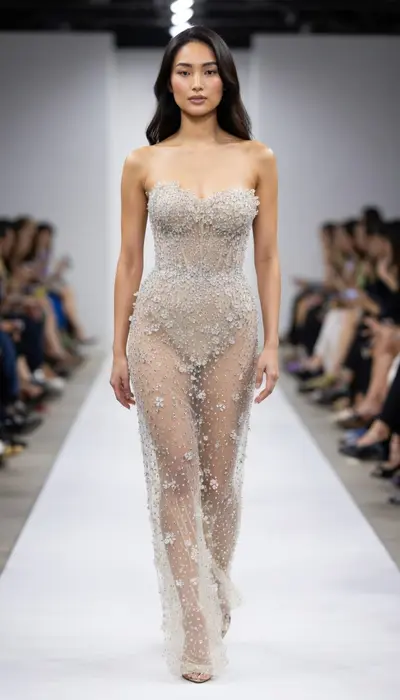 Crystal Couture
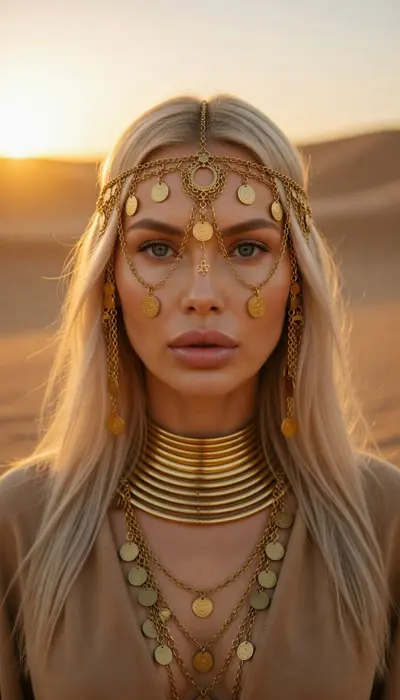 Golden Desert
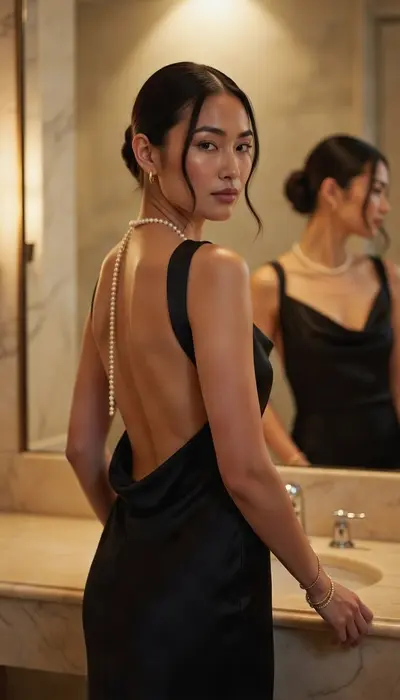 Midnight Pearl
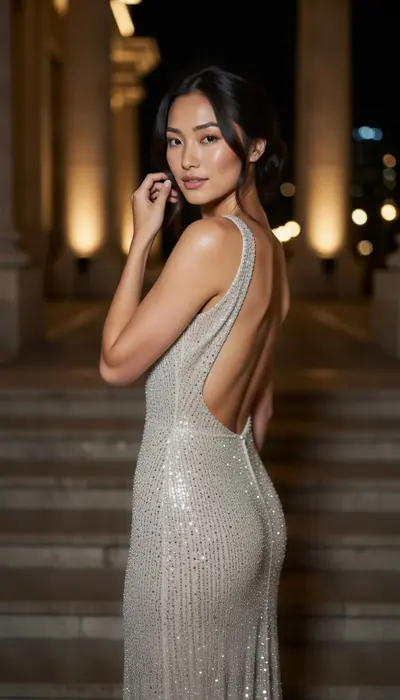 Golden Staircase
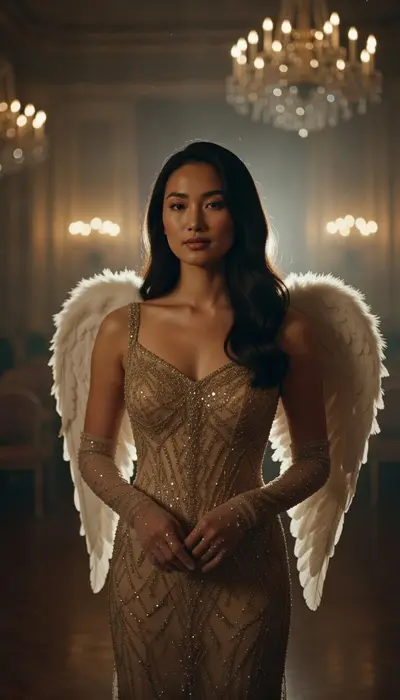 Golden Angel
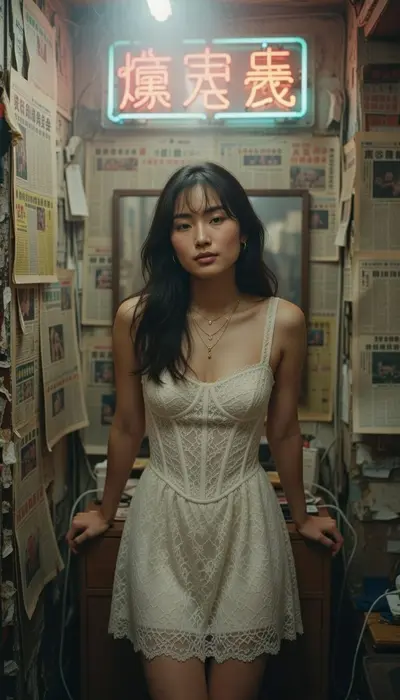 Neon Kowloon
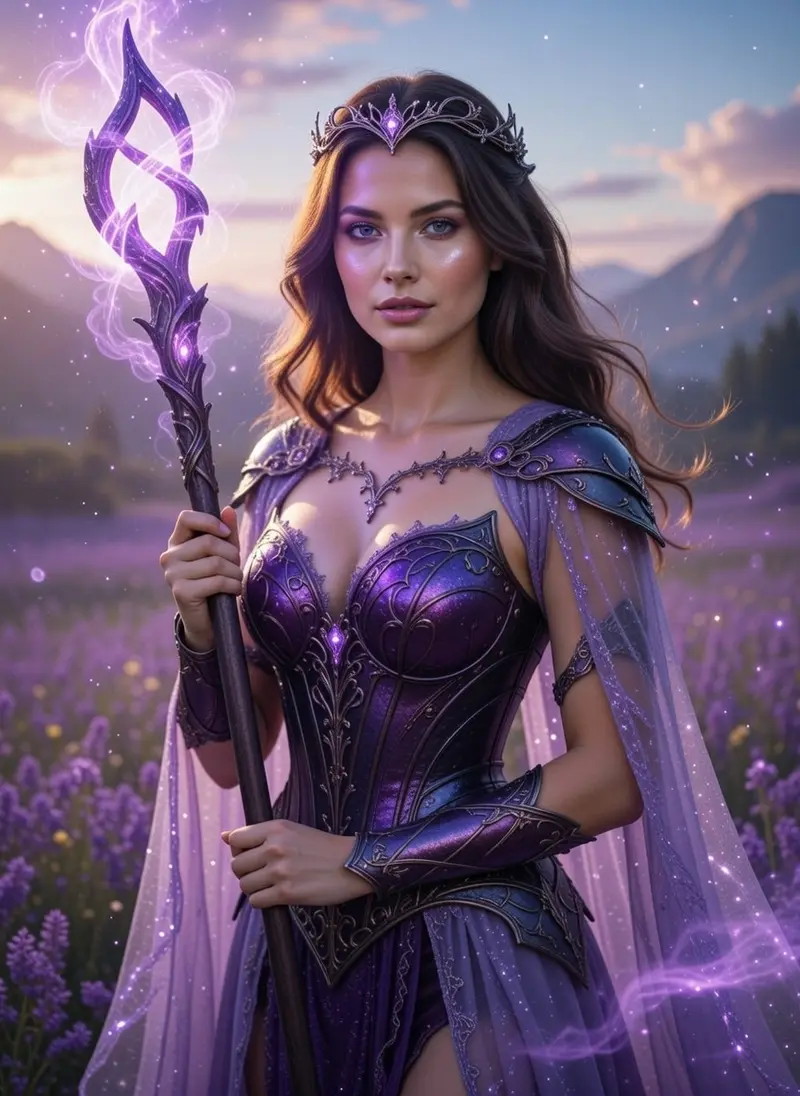 Purple Fantasy Sorceress
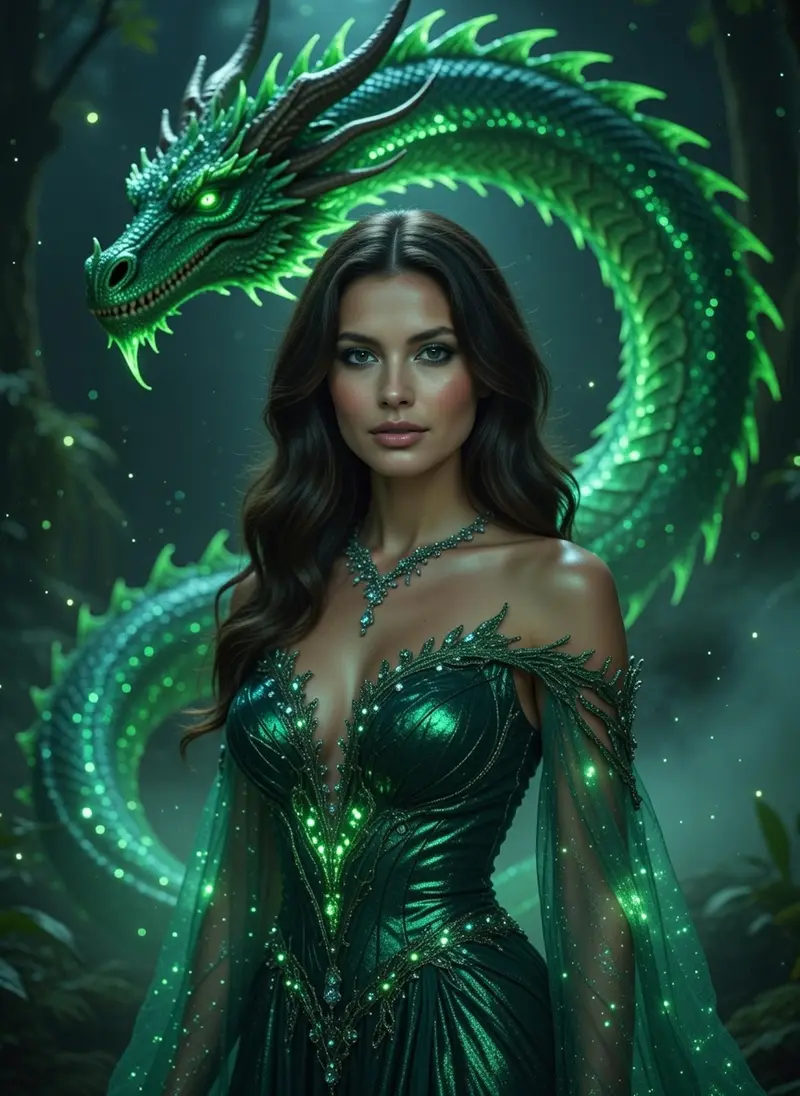 Emerald Dragon Queen
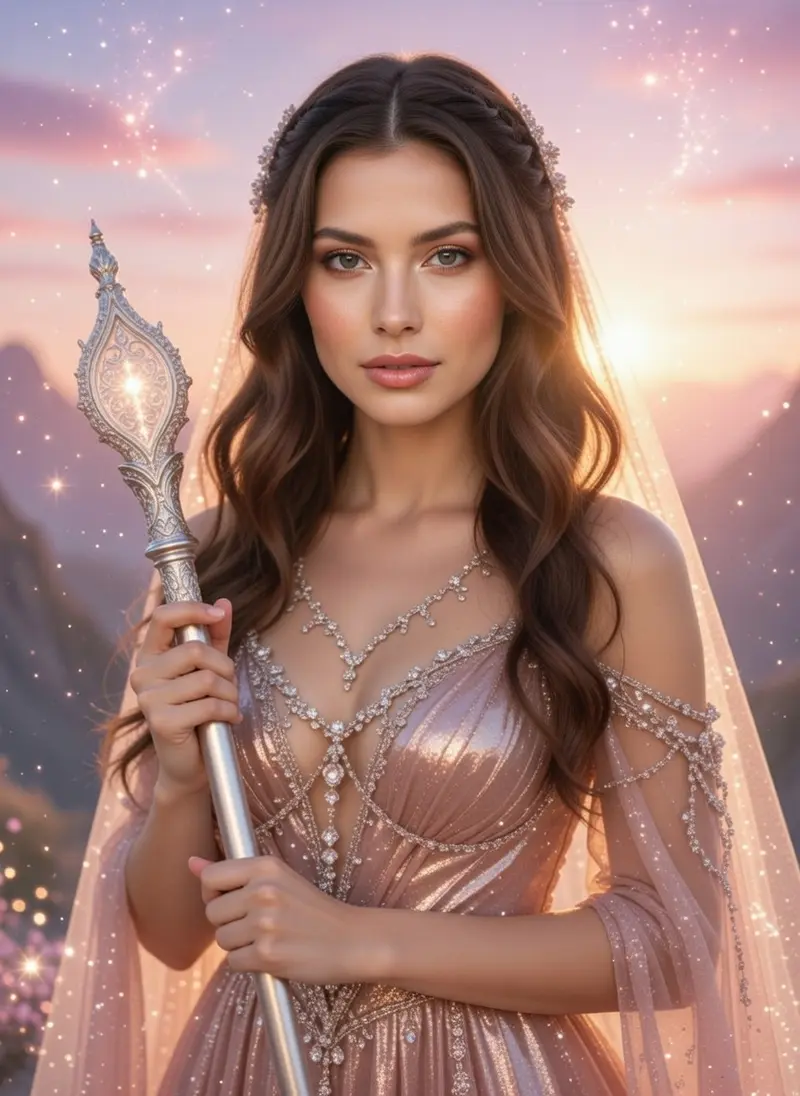 Pink Celestial Priestess
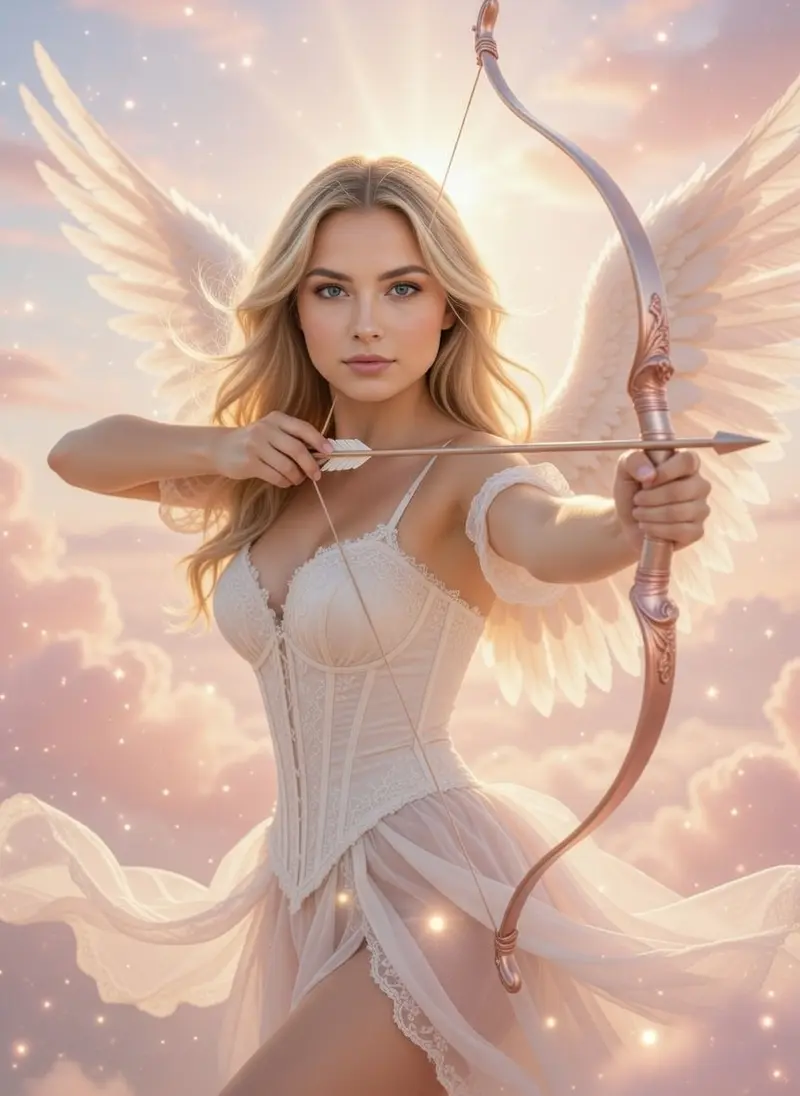 Celestial Angel Archer
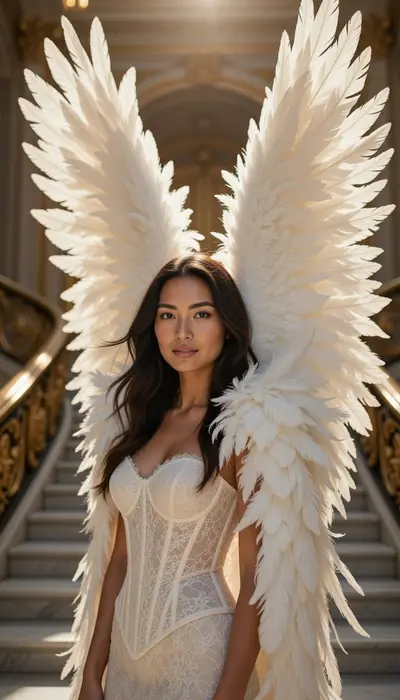 Heavenly Wings
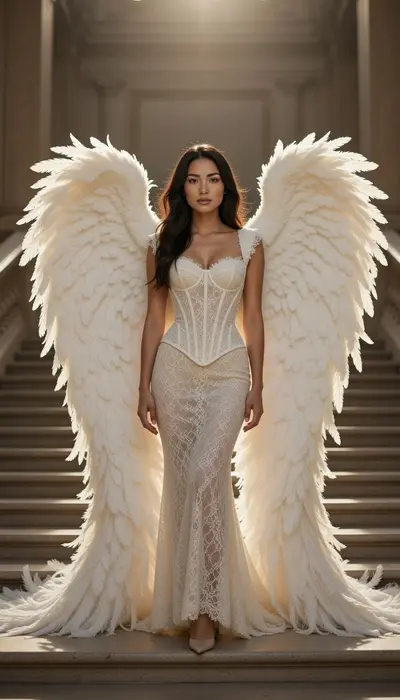 Grand Angel
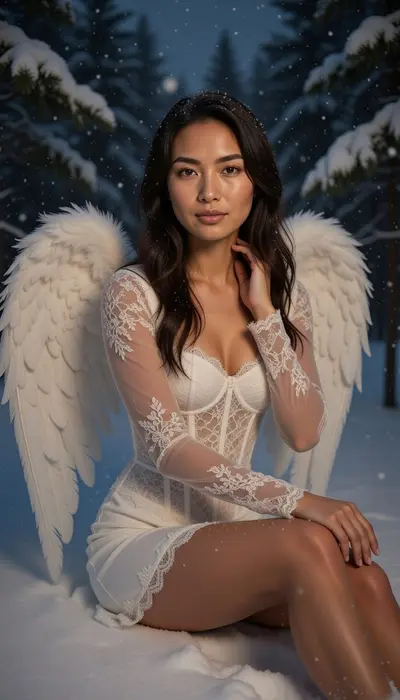 Winter Night Angel
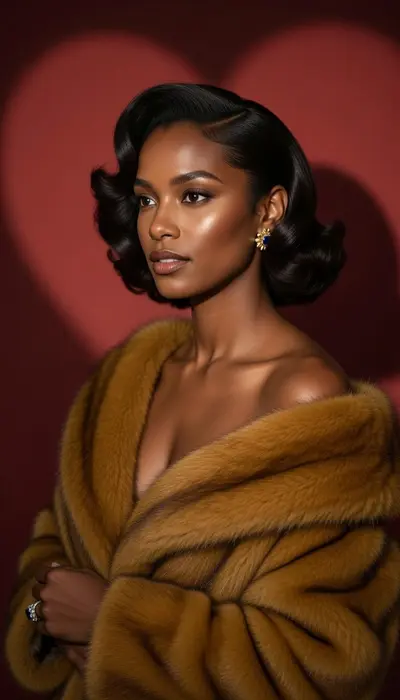 Crimson Royal Muse
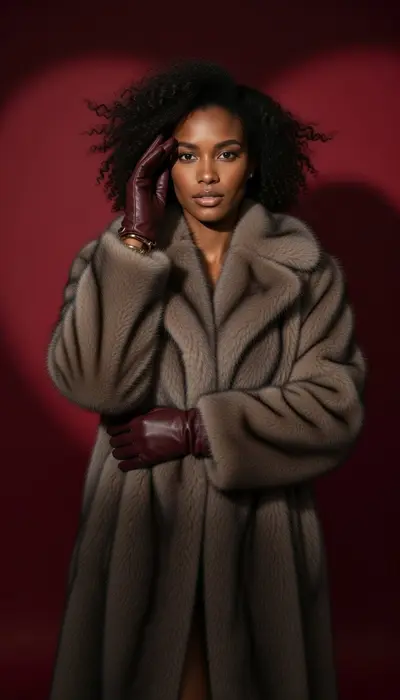 Velvet Power Icon
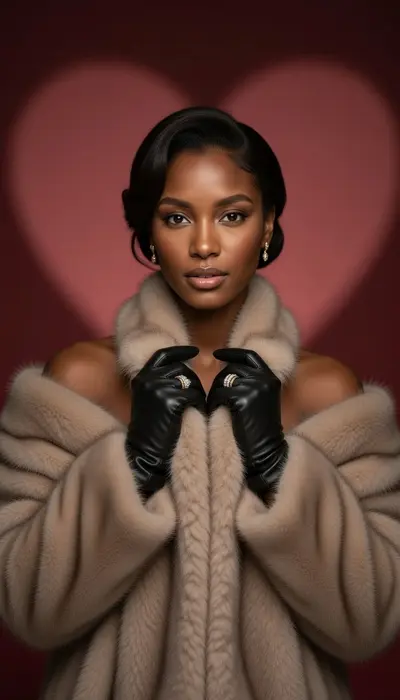 Golden Heart Empress
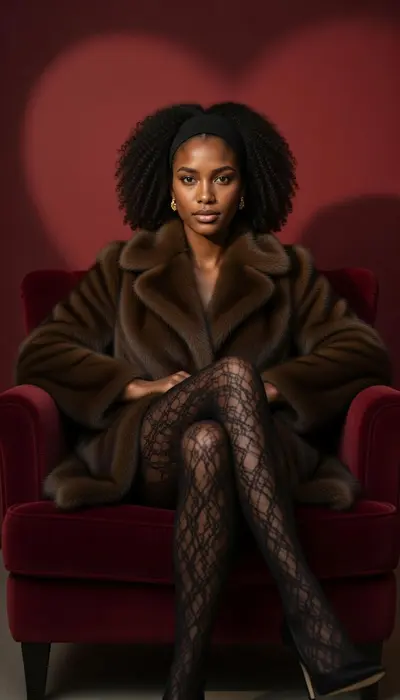 Midnight Luxe
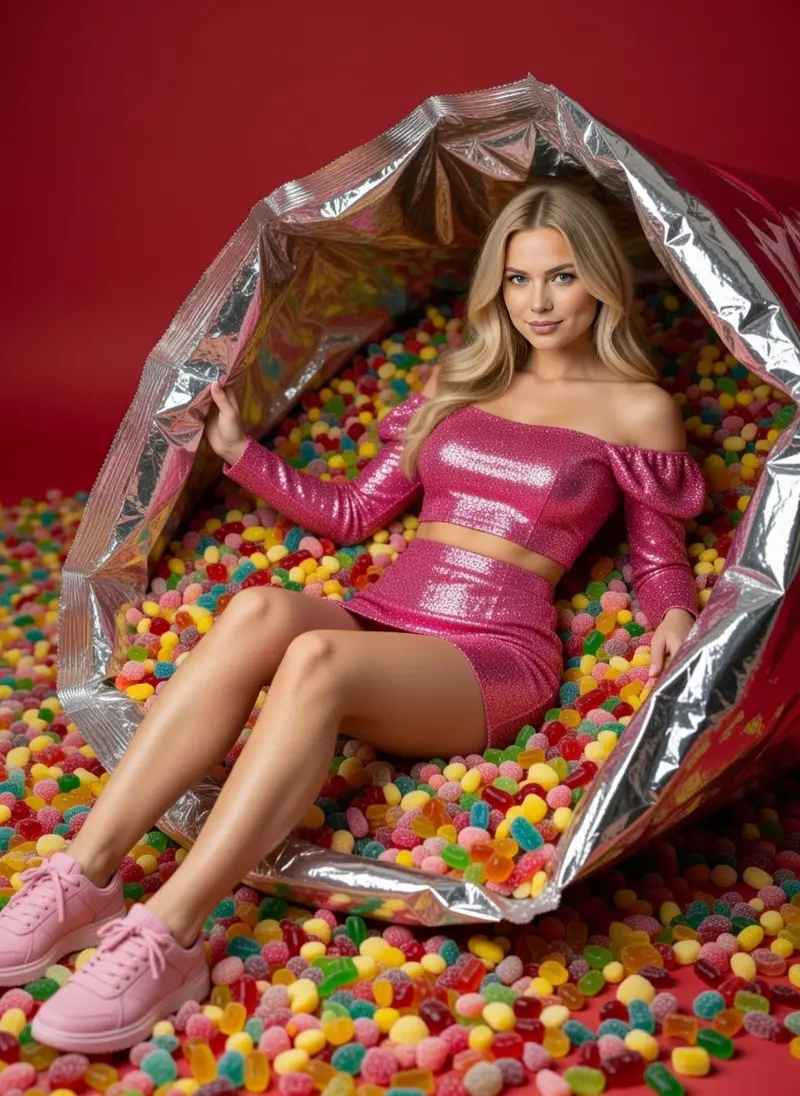 Candy Muse
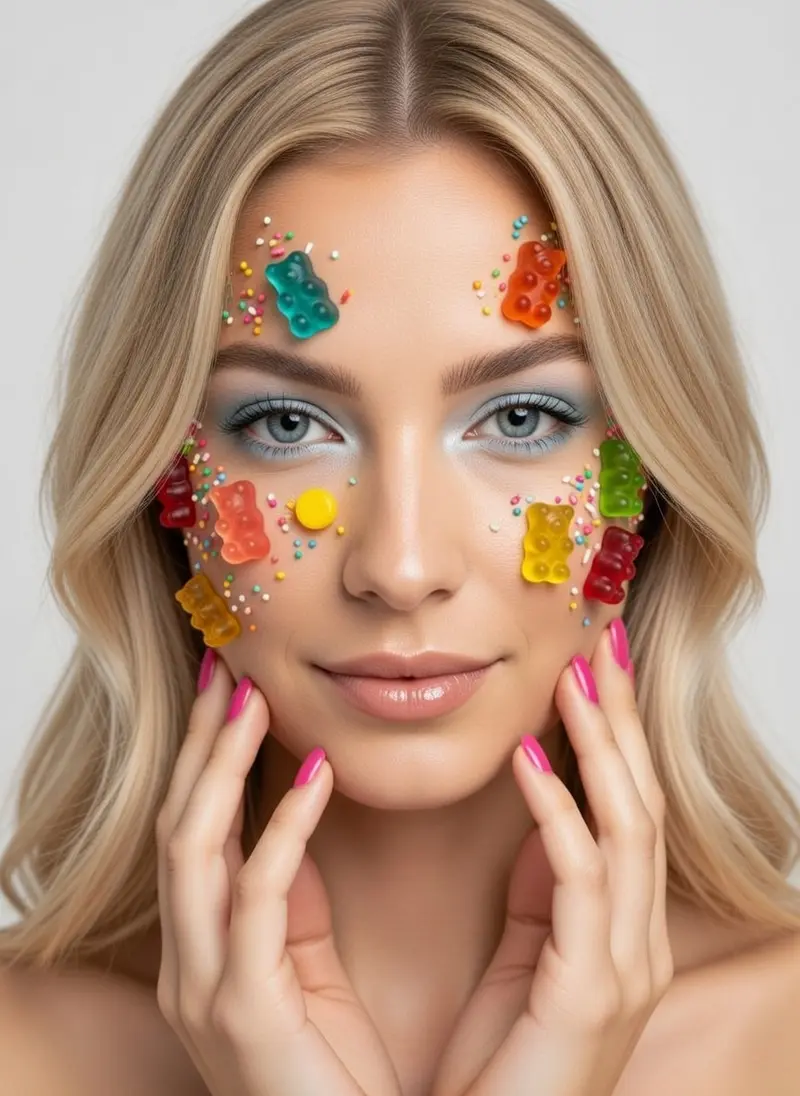 Sugar Pop Beauty
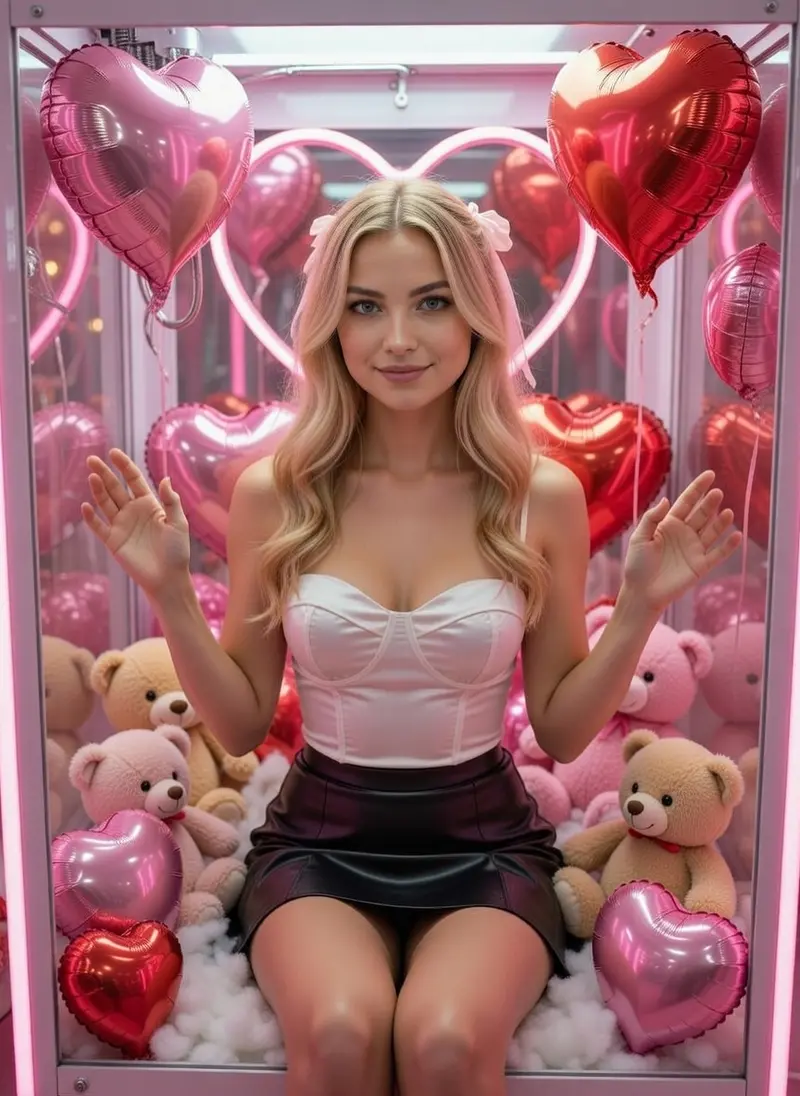 Neon Love Capsule
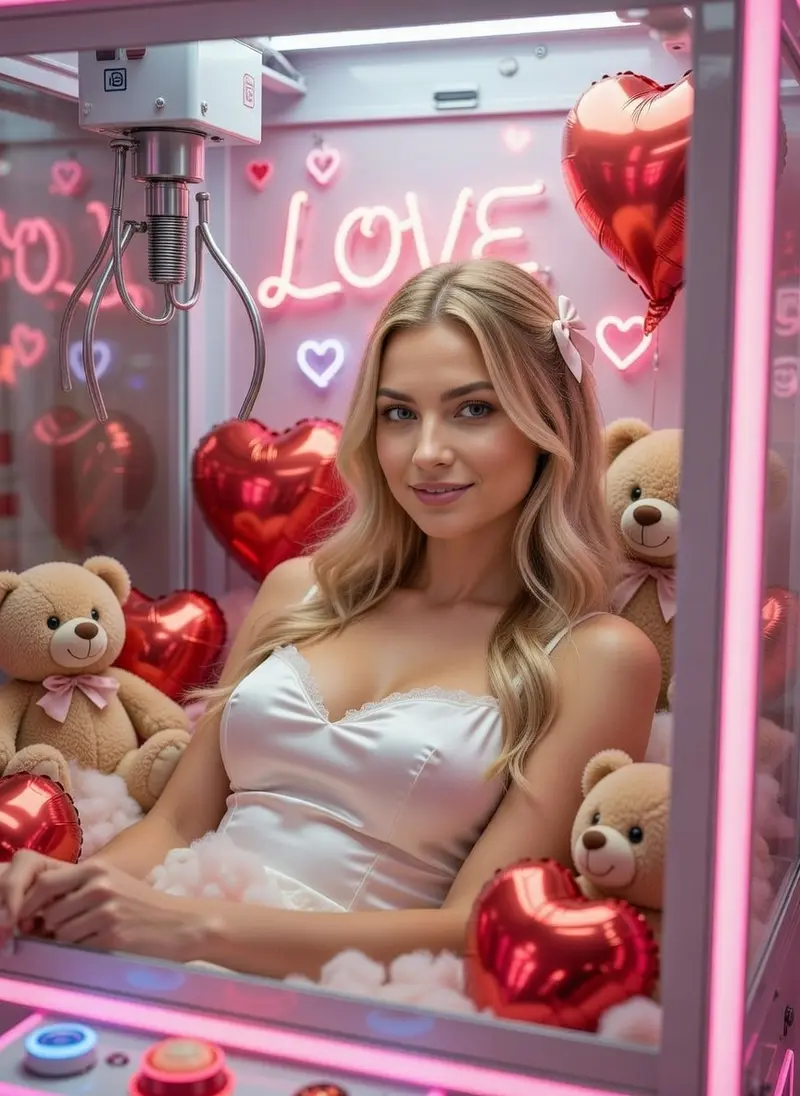 Heart Trap
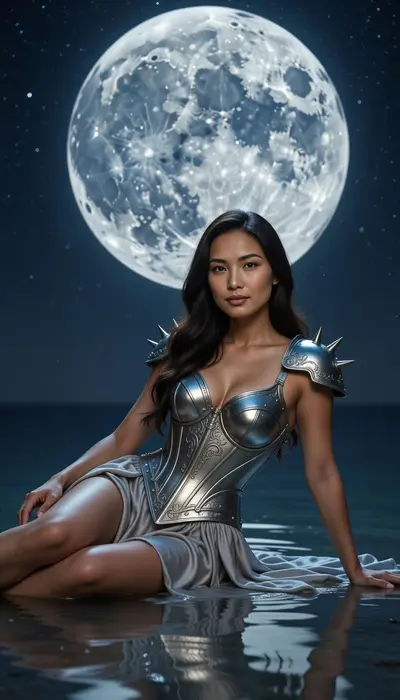 Lunar Goddess
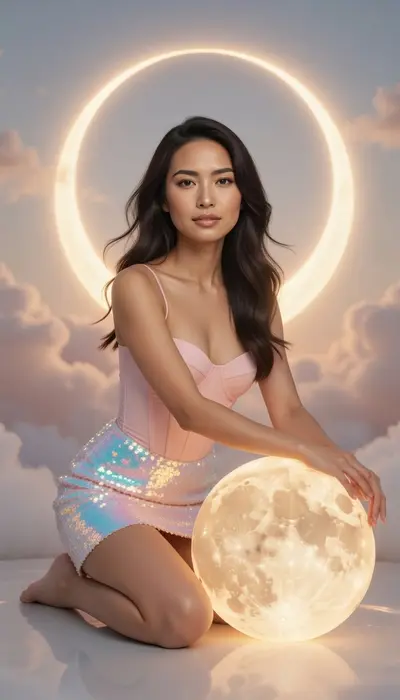 Celestial Dream
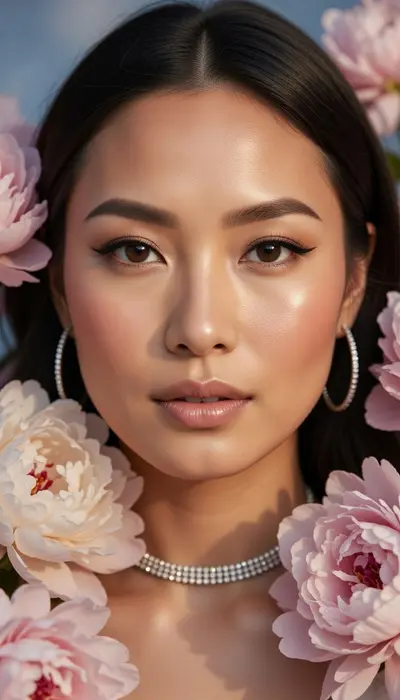 Blossom Portrait
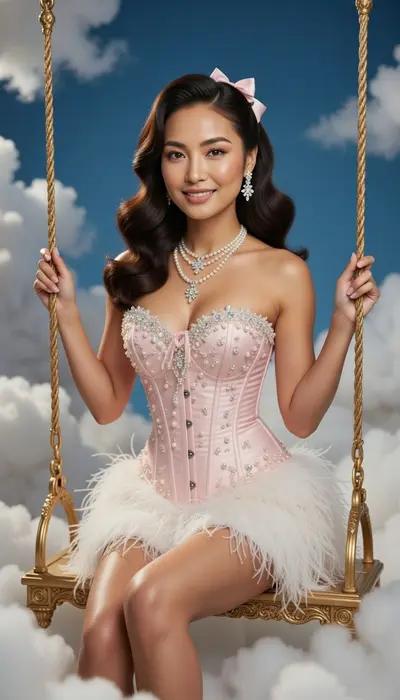 Cloud Doll Couture
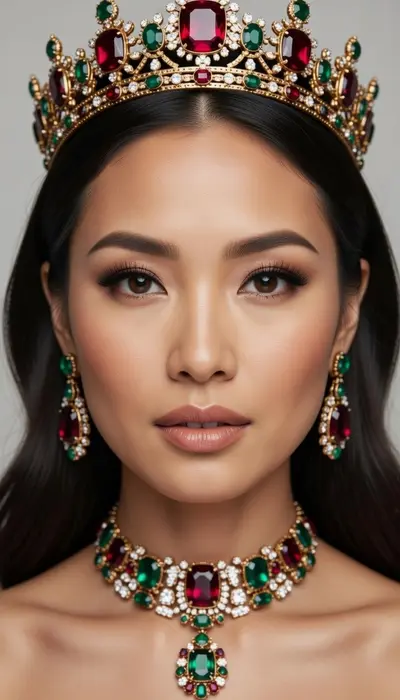 Imperial Crown
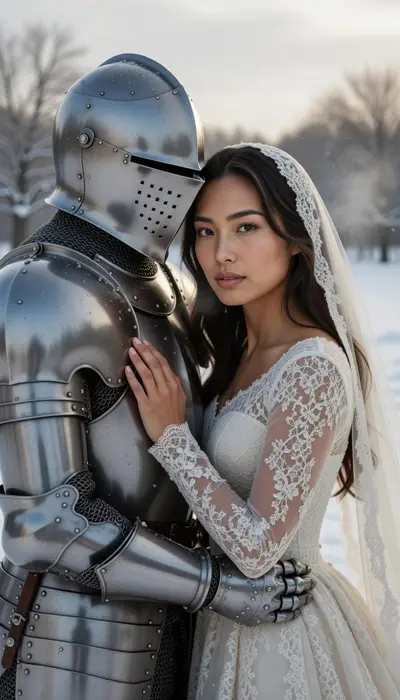 Frostbound Vow
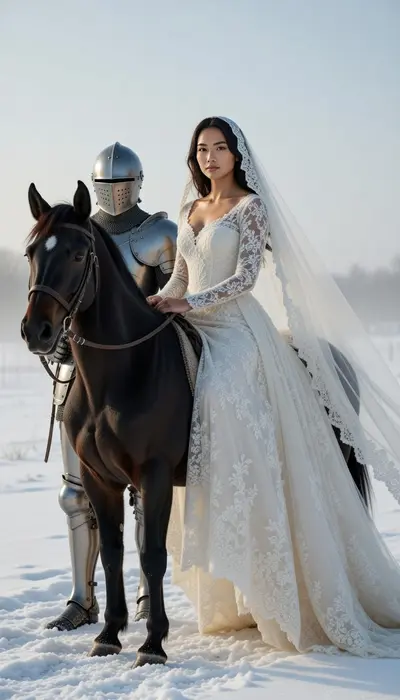 Winter Crowned Bride
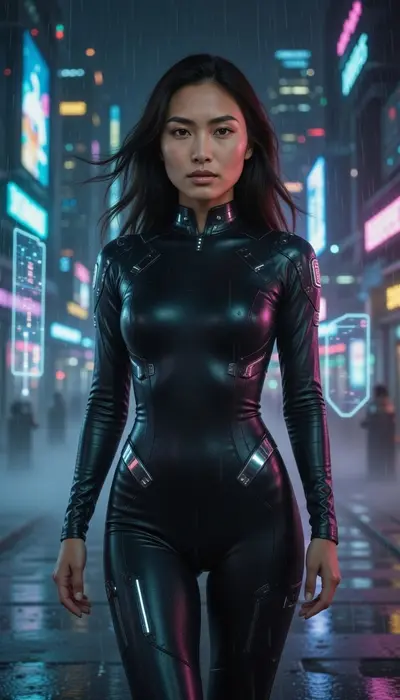 Neon Dominion
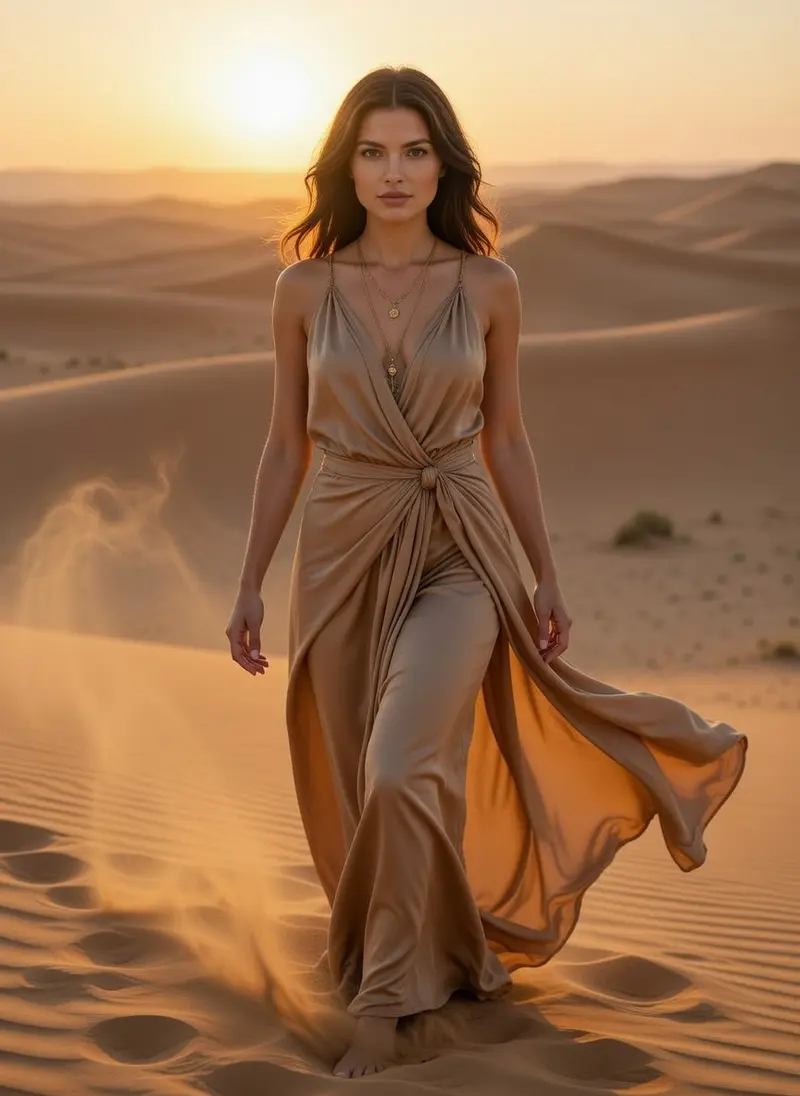 Golden Dune Oracle
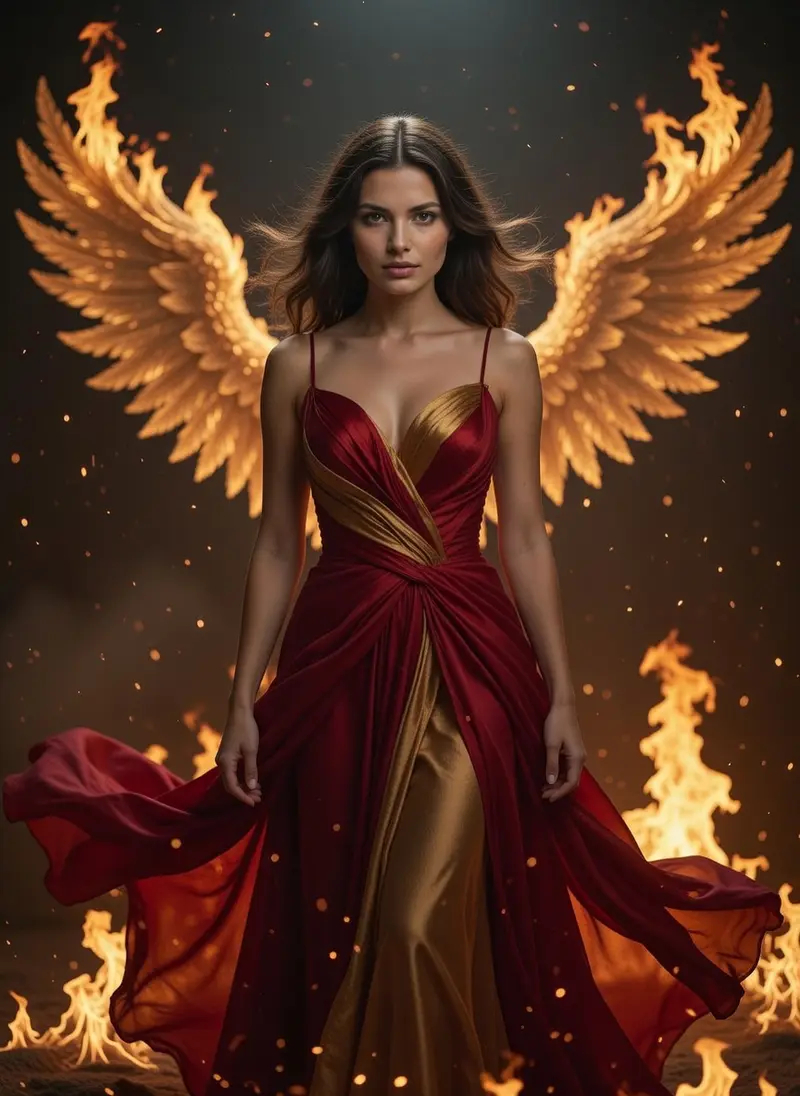 Phoenix Ascension
Make fantasy & editorial in three steps
- 1
Choose a style
Open Fantasy & editorial in Luren AI and pick the look you want. Every tile shows a real result.
- 2
Add your photo
One clear photo from your camera or gallery. Some styles take a second person or a short note.
- 3
Save and share
Your result lands in History. Save it, share it, or turn it into a video.
More collections
Fantasy & editorial: questions
How do I make fantasy & editorial with AI?
Open Luren AI, go to the Fantasy & editorial collection, pick one of its 43 styles and add a clear photo of yourself. The app returns the finished picture in under a minute, and you can try another style on the same photo straight away.
How many photos do I need?
Just one. Luren AI does not train a model on a batch of selfies: a single, clear, well-lit photo of your face is enough. Front-facing photos with nothing covering the face give the most recognisable results.
What are fantasy & editorial good for?
People use them for statement profile pictures, story covers and cosplay ideas. Every result is yours to save and share.
Is it free?
Luren AI is free to download and new users can try it for free. After that you pay per creation with coins, or subscribe to Pro.
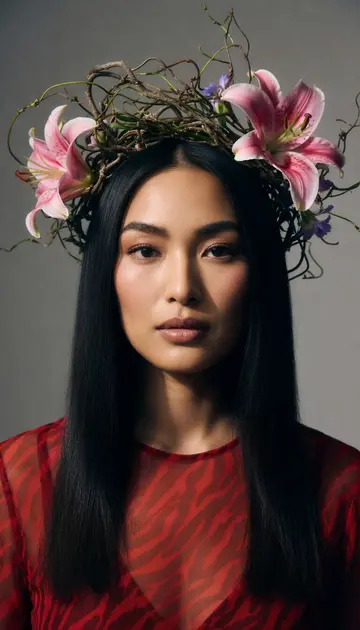

Make your own fantasy & editorial
Free to download on iPhone and Android. Pick a style, add one photo, and see yourself in it in under a minute.
Download & claim your FREE AI generation