
AI hug younger self: a portrait with the child you once were
AI Hug Younger Self puts you and the child you once were in the same picture, wrapped in a hug. Add your photo and a childhood photo, and the app creates one candid, flash-lit snapshot of the two of you together in front of soft curtains, with both faces kept as they are.
Download & claim your FREE AI generation
Updated
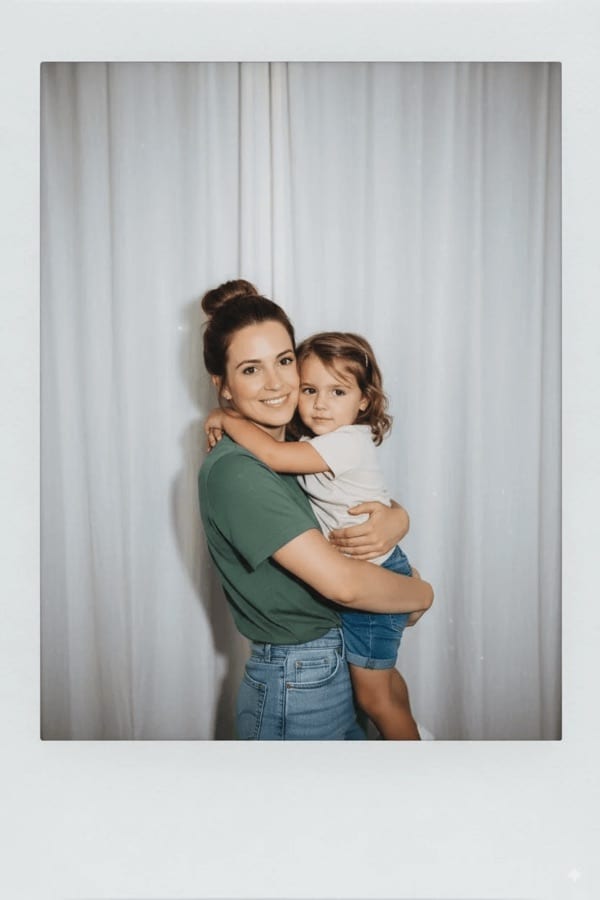
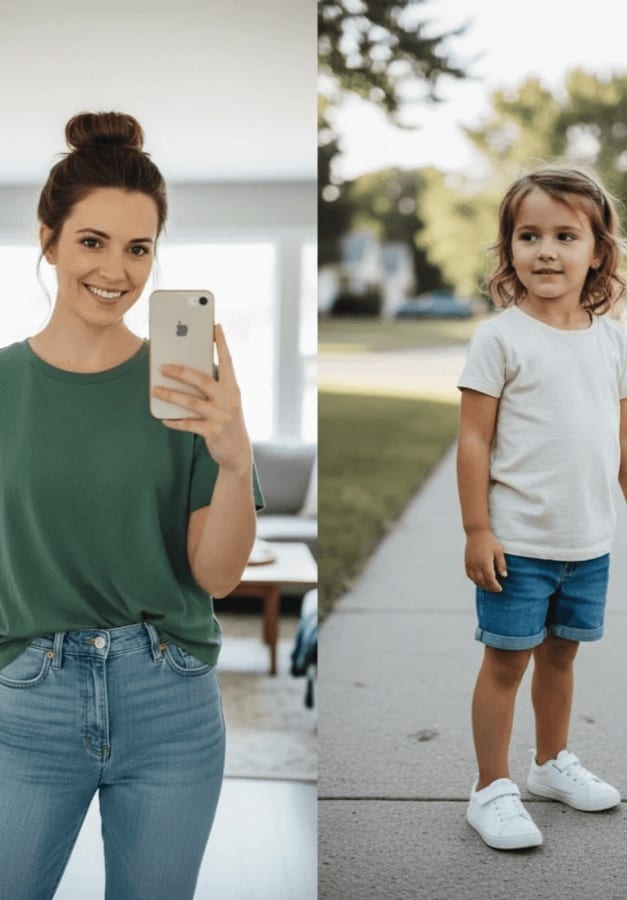 Before After
Hug your younger self in three steps
- 1
Pick two photos
Your photo and a photo of you as a child.
- 2
Add them to the tool
Open AI Hug Younger Self in Creative Tools and add both.
- 3
Keep the moment
The portrait lands in History, ready to save, print or share.
Tips for great results
- Choose photos where both faces look toward the camera and are not too small in the frame.
- A childhood photo with a clear close-up face works better than a wide shot with the child far away.
- Photograph old prints flat, in daylight and without glare before you add them.
- If the first take is not quite right, run it again, since each take frames the hug a little differently.
What people use it for
- Birthday and milestone posts
- Gifts for parents and grandparents
- Printed keepsakes and frames
- Personal reflection and self-love posts
More AI features
Hug your younger self: questions
How does AI Hug Younger Self work?
You add your photo and a childhood photo. An AI image model places both of you in one scene, hugging, with a soft flash-lit look, and it is instructed not to change either face.
What photos work best?
Clear, well-lit photos where each face is visible and roughly front-facing. Old prints work too: photograph them flat in daylight so there is no glare across the face.
Is AI Hug Younger Self free?
Luren AI is free to download and try. After that, each portrait is paid for with coins or a Pro subscription.
What happens to my childhood photos?
Your photos are used only to make your portrait, and the result is kept in your History so you can find it again. To have your data deleted, email [email protected].












Try hug your younger self in Luren AI
Free to download on iPhone and Android. Pick a style, add one photo, and see yourself in it in under a minute.
Download & claim your FREE AI generation