
AI image extender: expand a photo beyond its borders
Image Outpainting extends a photo beyond its original borders. Add the photo and the app fills in the missing surroundings so they blend with the original picture, leaving the main subject and composition as they were.
Download & claim your FREE AI generation
Updated
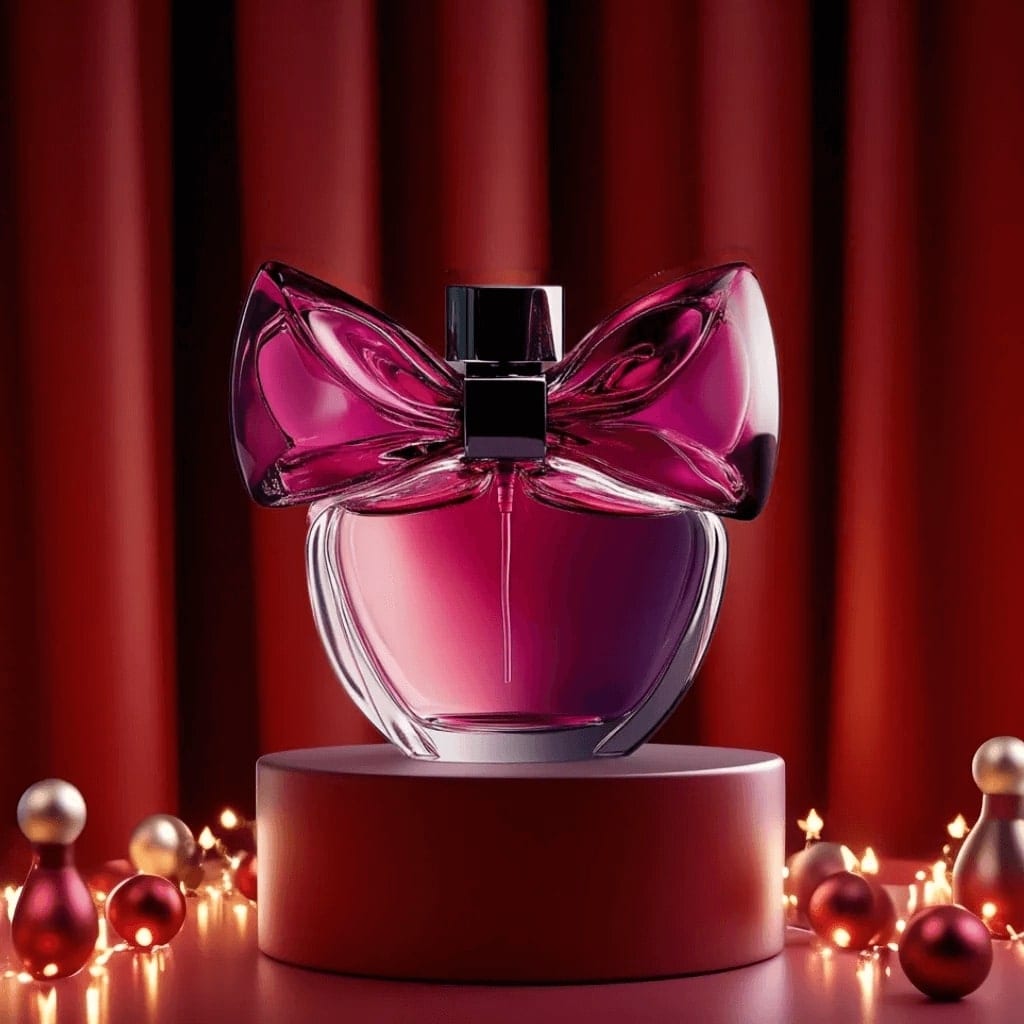
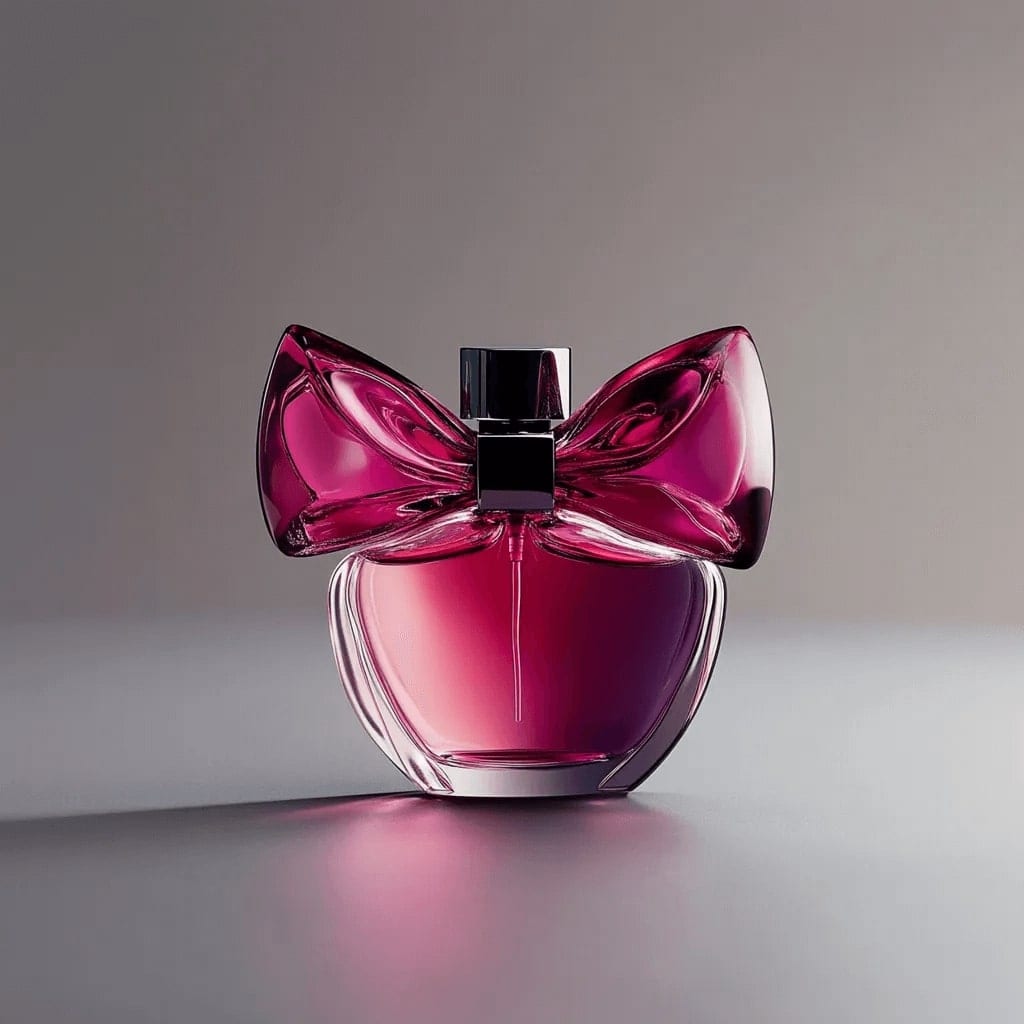 Before After
Image extender in three steps
- 1
Add a photo
One that feels cropped too tight or needs more space around it.
- 2
Extend it
The tool builds new scenery around the edges of your photo.
- 3
Save the bigger picture
Find the extended image in History, then save or share it.
Tips for great results
- Photos with simple, continuing backgrounds like sky, sea, walls or fields extend most convincingly.
- If an aspect ratio choice is shown, pick the final shape you want: wide for a banner, tall for a phone wallpaper.
- Avoid photos where a person is cut off right at the edge, since the tool has to invent the missing part.
- Check the seams where the original meets the new area before you print or post.
What people use it for
- Banners and cover images
- Phone and desktop wallpapers
- Fixing photos cropped too tightly
- Room for text on posters
Make UGC ads, or let the agent do it
Turn the same product photo into UGC-style ads and videos, or tell the Luren AI agent what you sell and it makes the shot.
More AI features
Image extender: questions
What is AI outpainting?
Outpainting extends an image past its original borders. The model studies the photo and continues it outward, adding new scenery that matches its colors, light and perspective.
Will my subject change?
The tool is instructed to keep the main subject and composition intact and to build around the edges. Check the result anyway, especially where the original photo ends.
Which photos extend best?
Landscapes, skies, interiors and portraits with space around the subject. Photos with complex patterns or text running off the edge are harder to continue convincingly.
Is the AI image extender free?
Luren AI is free to download and try. After that, each extended image is paid for with coins or a Pro subscription.












Try image extender in Luren AI
Free to download on iPhone and Android. Pick a style, add one photo, and see yourself in it in under a minute.
Download & claim your FREE AI generation