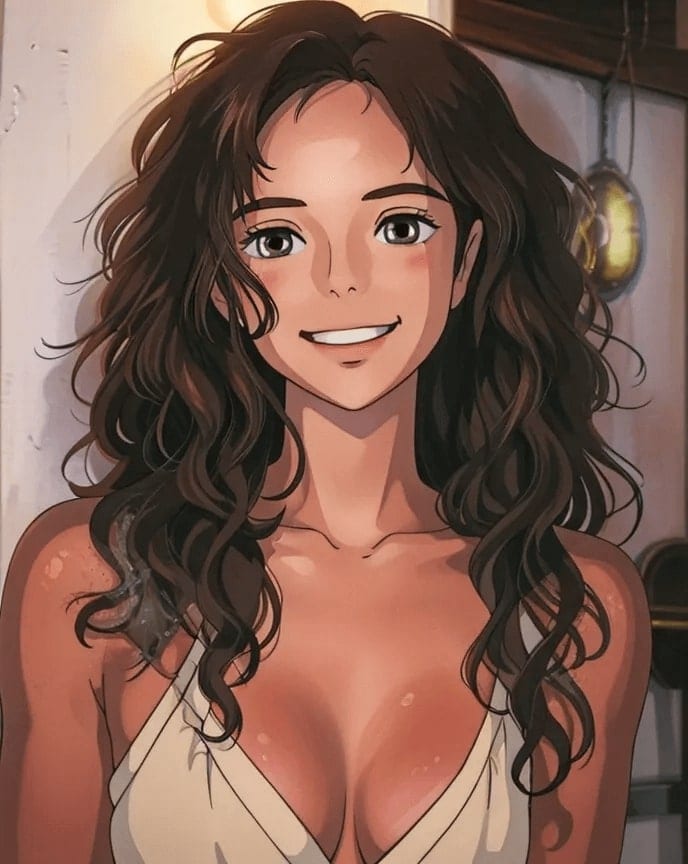
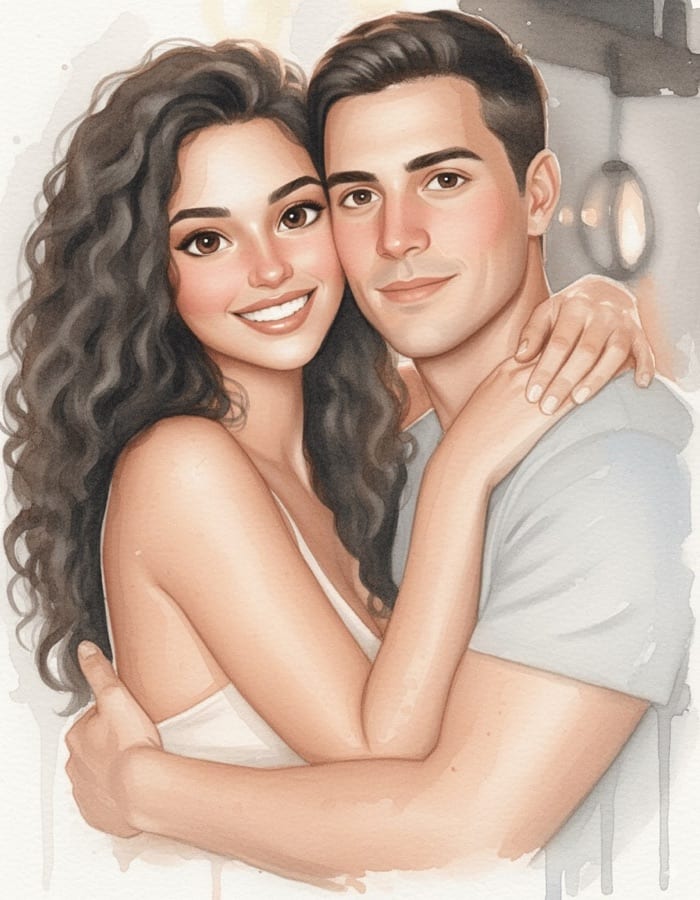
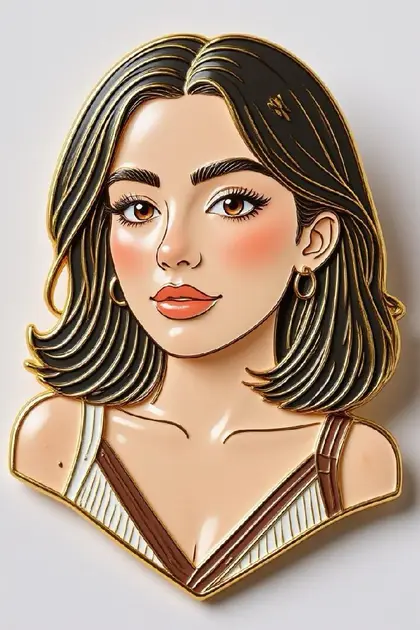
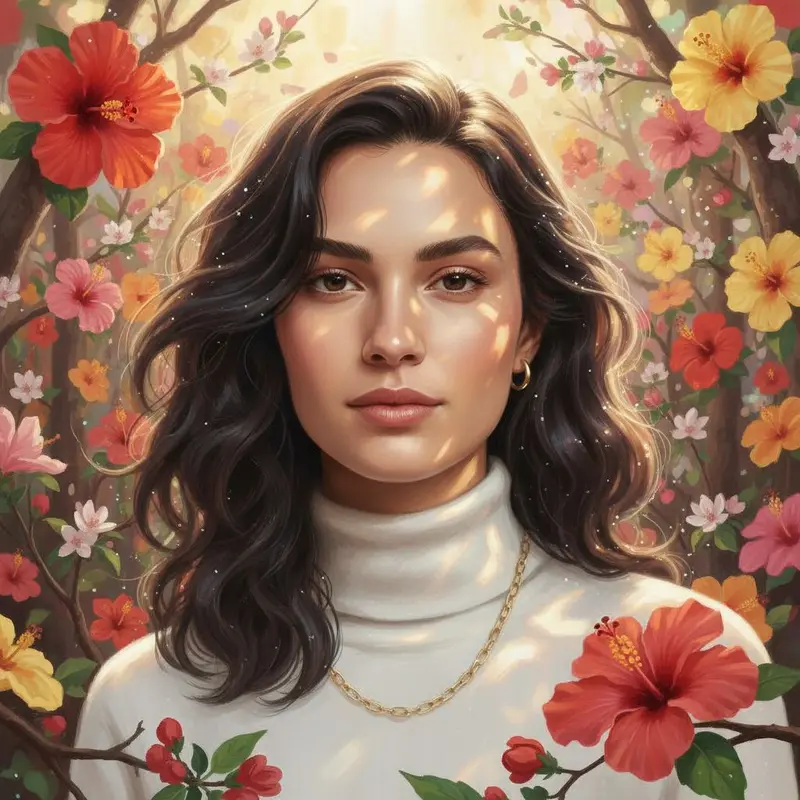
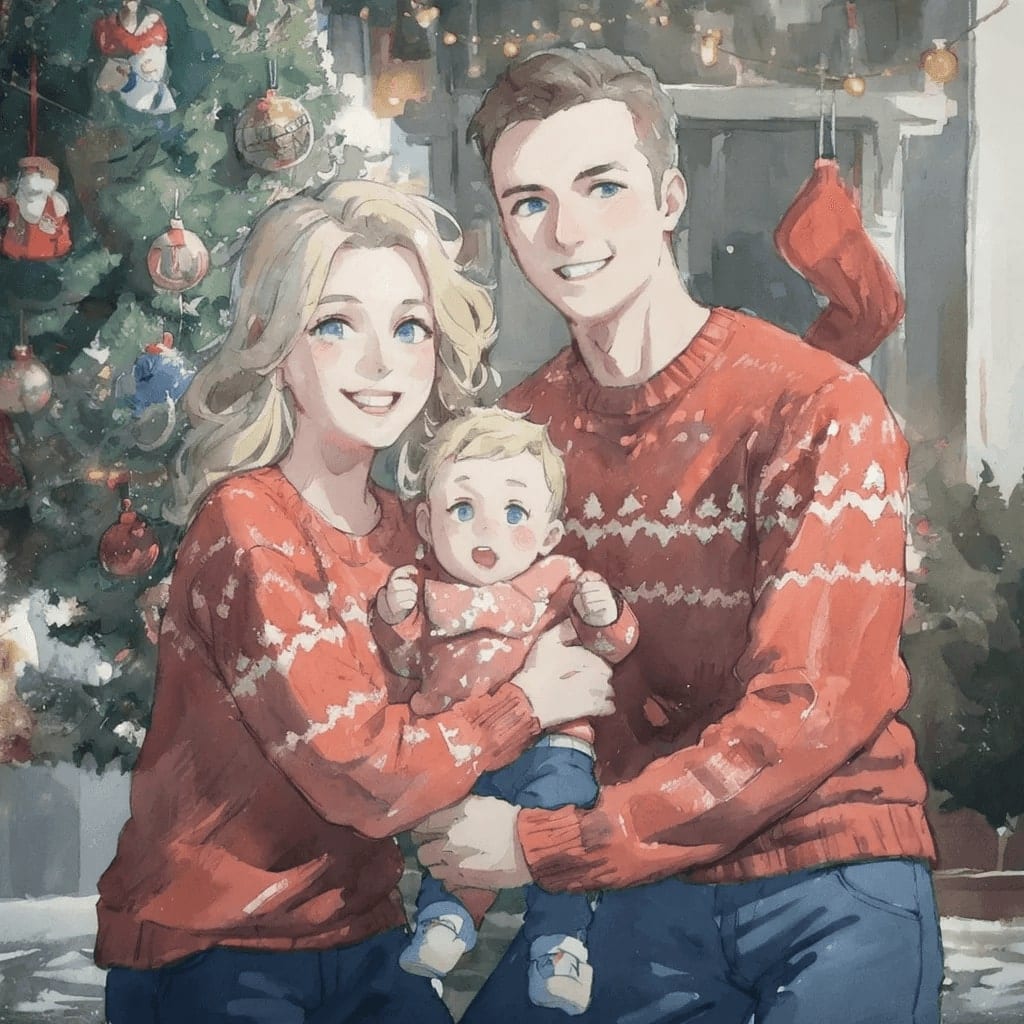
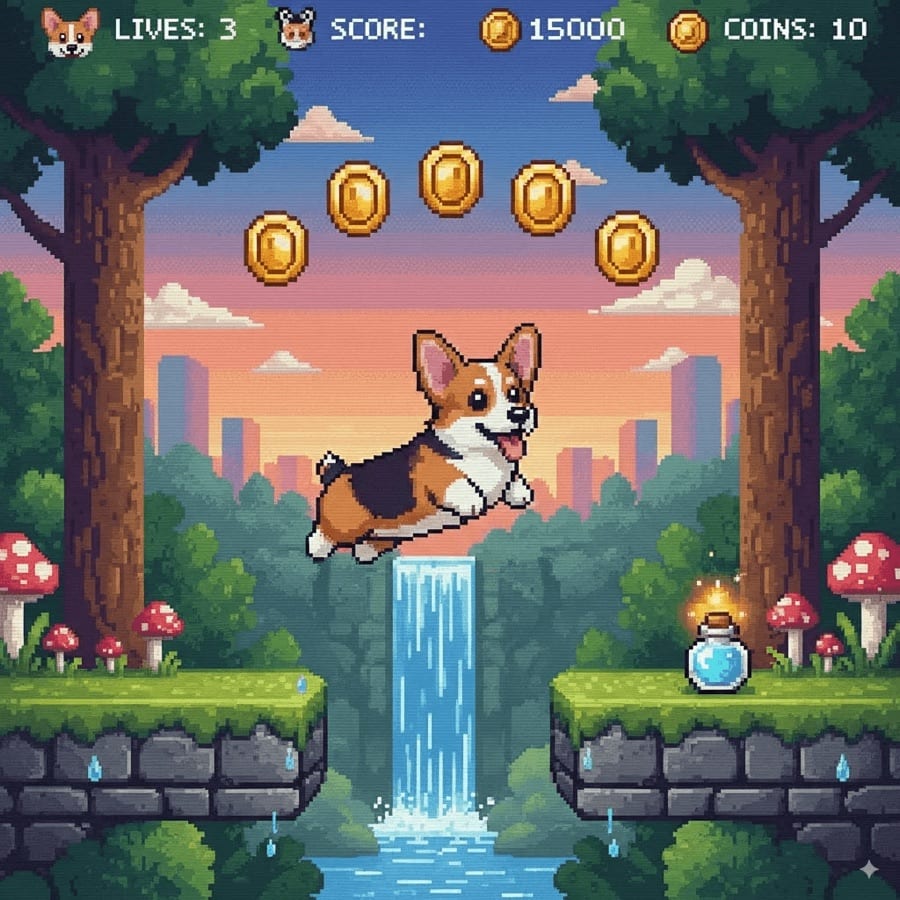
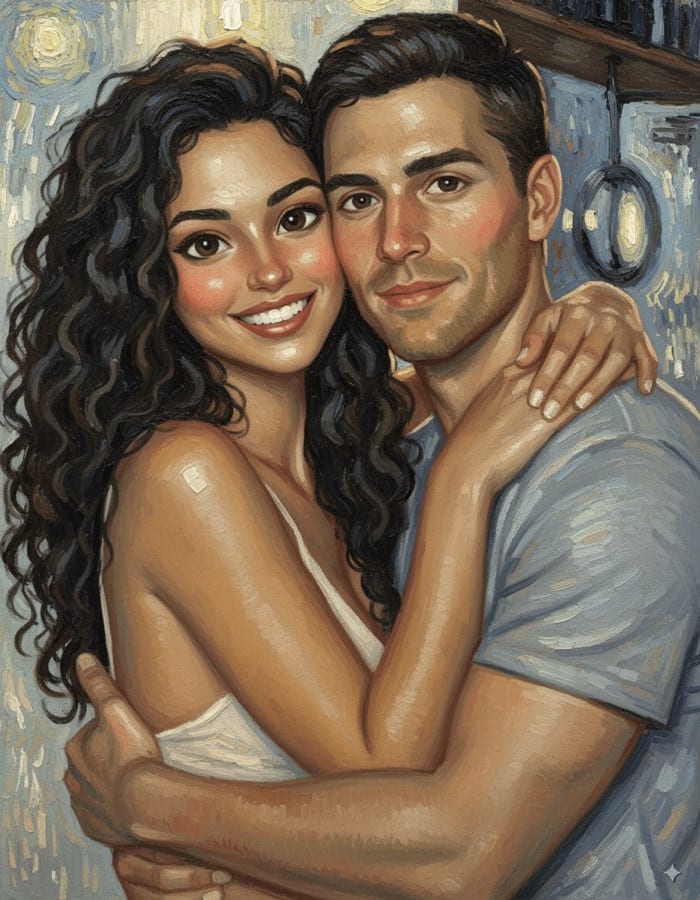
These prompts turn a photo of you into a drawing, from cel-shaded anime to watercolor, comic ink and 16-bit pixel art. Add a clear photo with your face and hair visible, paste a prompt and pick an image model; each prompt describes the technique rather than a studio or artist, which gives a consistent look of your own.
Turn me into a hand-drawn anime character on a city rooftop at sunset, wind in my hair, a casual jacket, a glowing orange sky with soft clouds, clean line art and cel shading, keeping my hairstyle, face shape and eye color from my photo.
02
Loose watercolor
Paint me as a loose watercolor portrait, soft washes of blue and rose, visible paper texture, delicate pencil lines underneath, white space around the edges, a gentle expression, my features recognizable.
03
Comic book panel
Turn my photo into a bold comic-book panel, thick black inks and halftone shading, a dramatic action pose on a city rooftop, an empty speech bubble, saturated primary colors, dynamic perspective, my face clearly drawn from my photo.
04
3D animated character
Transform me into a 3D animated movie character with big expressive eyes, soft rounded features and stylized hair, a cozy knit sweater, warm cinematic lighting in a whimsical bakery, keeping my likeness and expression.
05
Picture-book gouache
Illustrate me as a character in a children's picture book, gouache textures and gentle rounded shapes, walking a winding path through rolling hills holding a red balloon, a soft pastel palette, warm and friendly.
06
16-bit pixel art
Turn me into 16-bit pixel art in a side-view game scene, chunky pixels and a limited color palette, standing in front of a pixel castle with drifting clouds, crisp edges, my hairstyle and outfit colors matched to my photo.
07
Sketchbook ink
Draw me as an expressive black ink sketch in a travel sketchbook, quick confident lines, crosshatched shadows, a few splashes of watercolor wash, cream paper texture, a lively spontaneous feel.
08
Single-line drawing
Make a minimalist single-line drawing of my face, one continuous black line on off-white paper with one soft color shape behind it, elegant modern poster style, my profile and features recognizable.
09
Fantasy anime hero
Turn me into a fantasy anime hero in a glowing magical forest, a flowing cape, shimmering light particles, vivid painterly backgrounds, detailed eyes and expressive hair, an epic key-visual composition.
10
1990s anime cel
Restyle me as a 1990s anime cel frame, grainy analog colors, a soft pastel sky over a city at dusk, big expressive eyes and sharp hair highlights, slight VHS softness, a nostalgic mood.
11
Impressionist café
Paint me in an impressionist style sitting in a sunlit garden café, thick visible brushstrokes, dappled light in pinks and greens, soft edges and vibrant color, my face clearly mine.
12
Four-panel pop art
Turn my portrait into a pop-art print of four colored panels, bold flat colors and heavy black outlines, halftone dots, graphic high-contrast shading, a playful gallery-poster style.
13
Chibi sticker
Make a cute chibi sticker of me with an oversized head and a tiny body, waving happily, a white sticker border, soft cel shading, pastel colors, my outfit and hair copied from my photo.
14
Woodblock print
Render me as a traditional Japanese woodblock print, flat areas of color and flowing outlines, stylized waves and a distant mountain behind me, aged paper texture, a muted indigo and coral palette.
15
Layered paper-cut
Turn me into a layered paper-cut illustration, stacked colored paper sheets with soft shadows between the layers, standing on a hill under a crescent moon, handcrafted depth, a calm blue and gold palette.
Made in Luren AI
More anime and illustration ideas to try
Real results from Luren AI's ready-made styles: open one to see how it was made, or use it with your own photo.
Which photo works best for anime or cartoon styles?
A clear, front-facing photo with your hair and face fully visible. Stylized looks keep the likeness through hairstyle, face shape, eye color and outfit, so mention those in the prompt.
Should I name a famous studio or artist in the prompt?
It is better not to. Describe the technique instead, such as 'cel shading and clean line art', 'gouache textures' or 'thick impressionist brushstrokes', which gives a consistent look without imitating someone else's work.
What is the difference between an art filter and a prompt?
A filter applies one fixed look with a tap, while a prompt lets you describe the scene, pose and style yourself. In Luren AI you can do either: pick a ready-made art style, or add a photo, paste a prompt and choose a model.
Paste it, add your photo, pick a model
Free to download on iPhone and Android. Pick a style, add one photo, and see yourself in it in under a minute.