
Artistic AI portraits: surreal, noir and conceptual
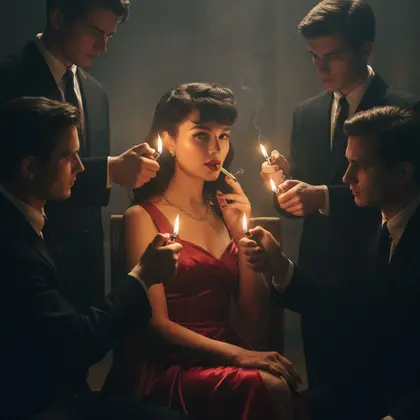
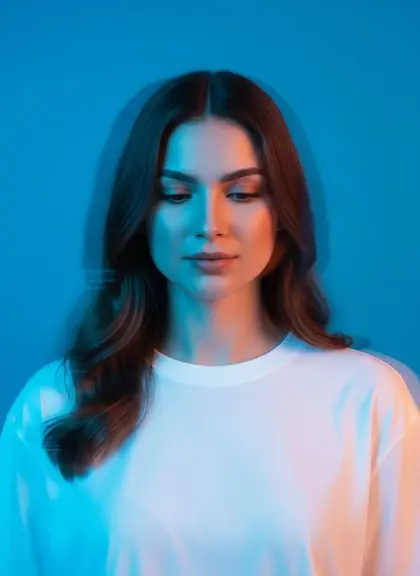
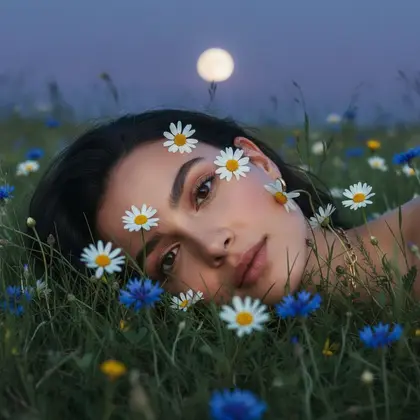
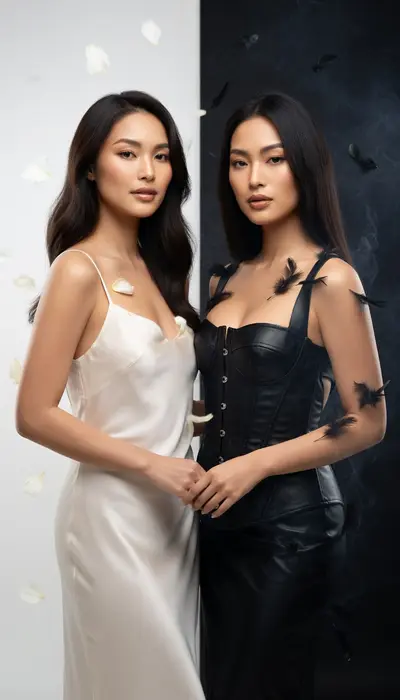
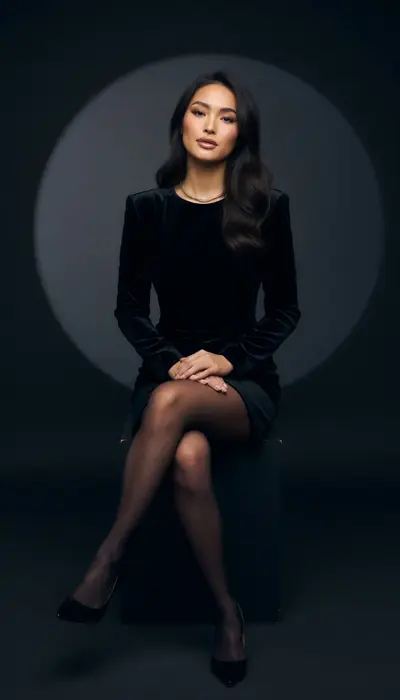
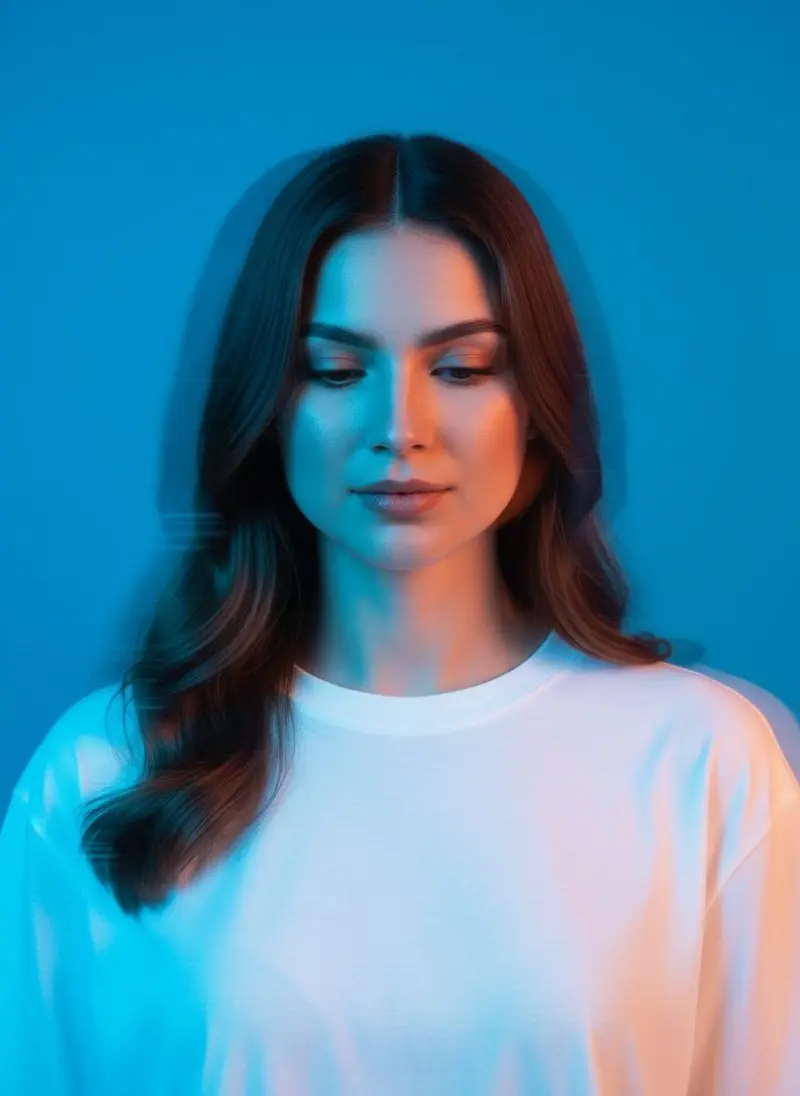
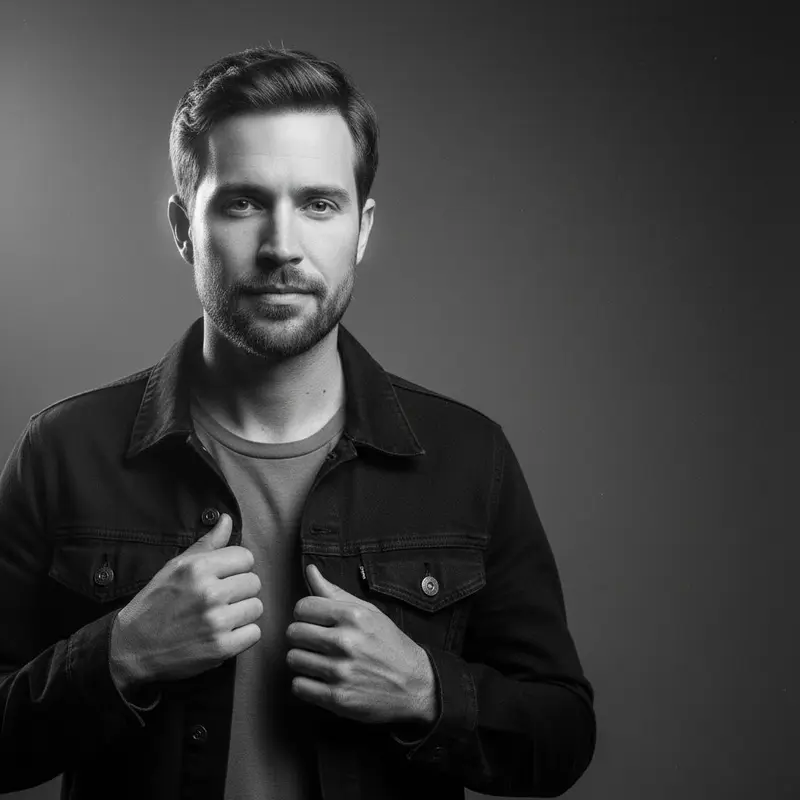
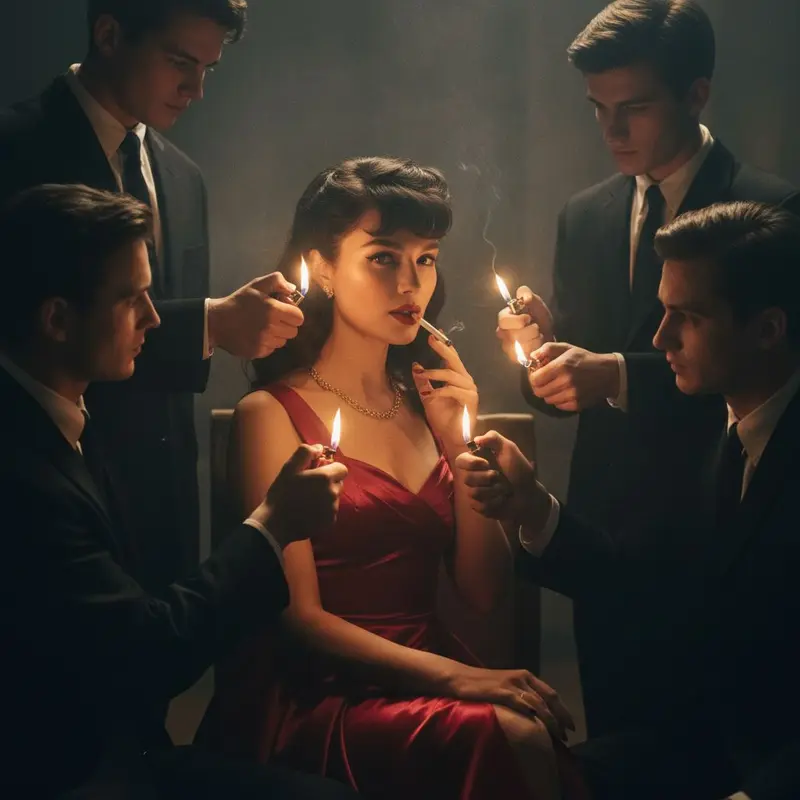
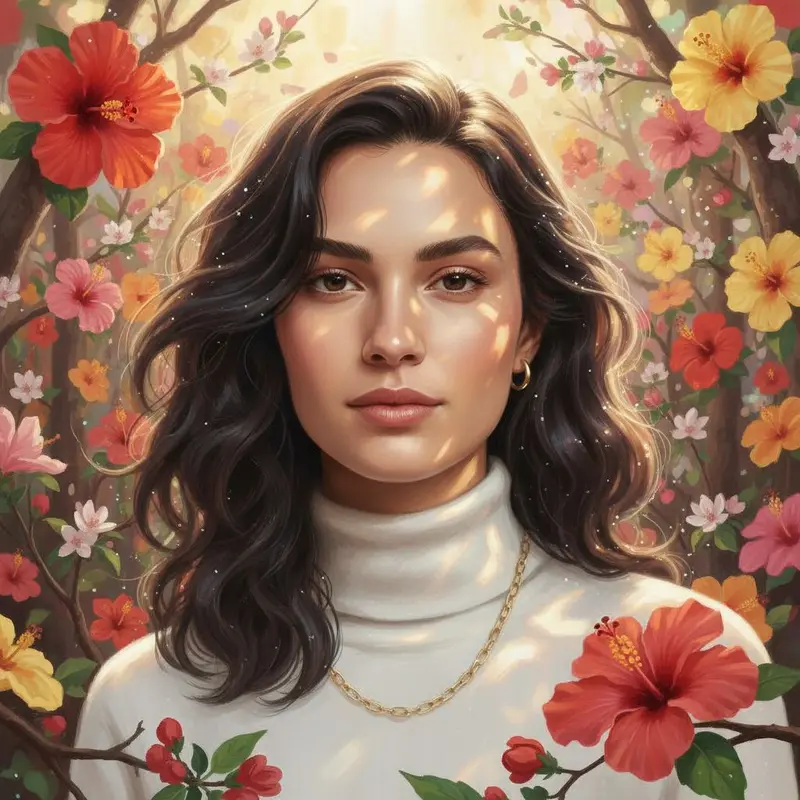
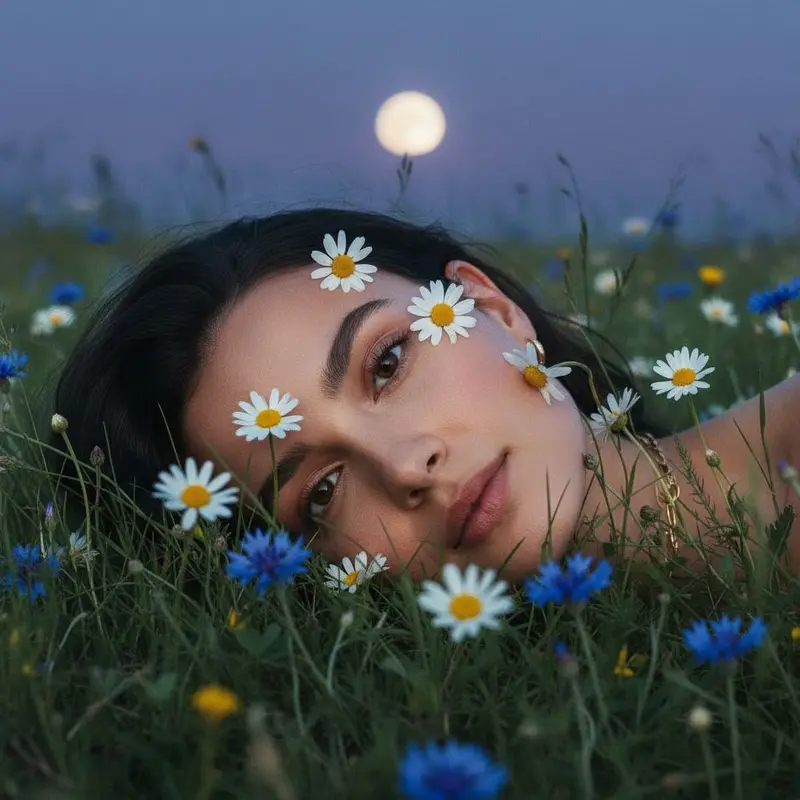
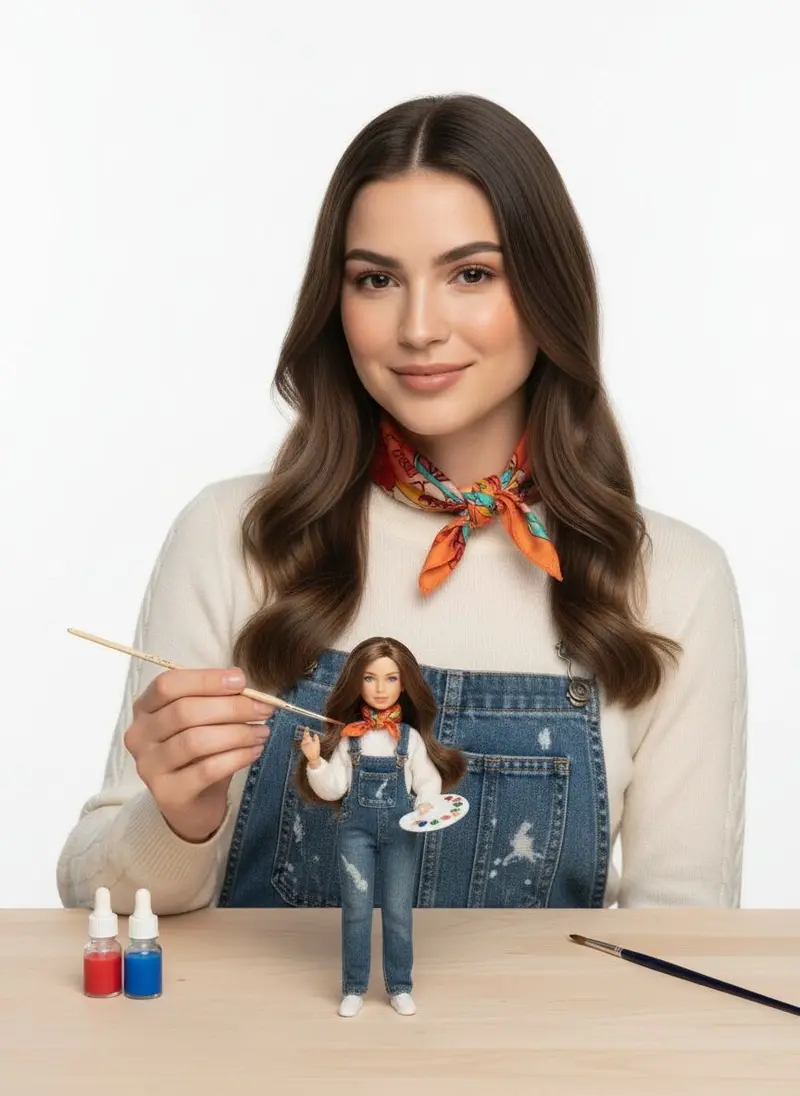
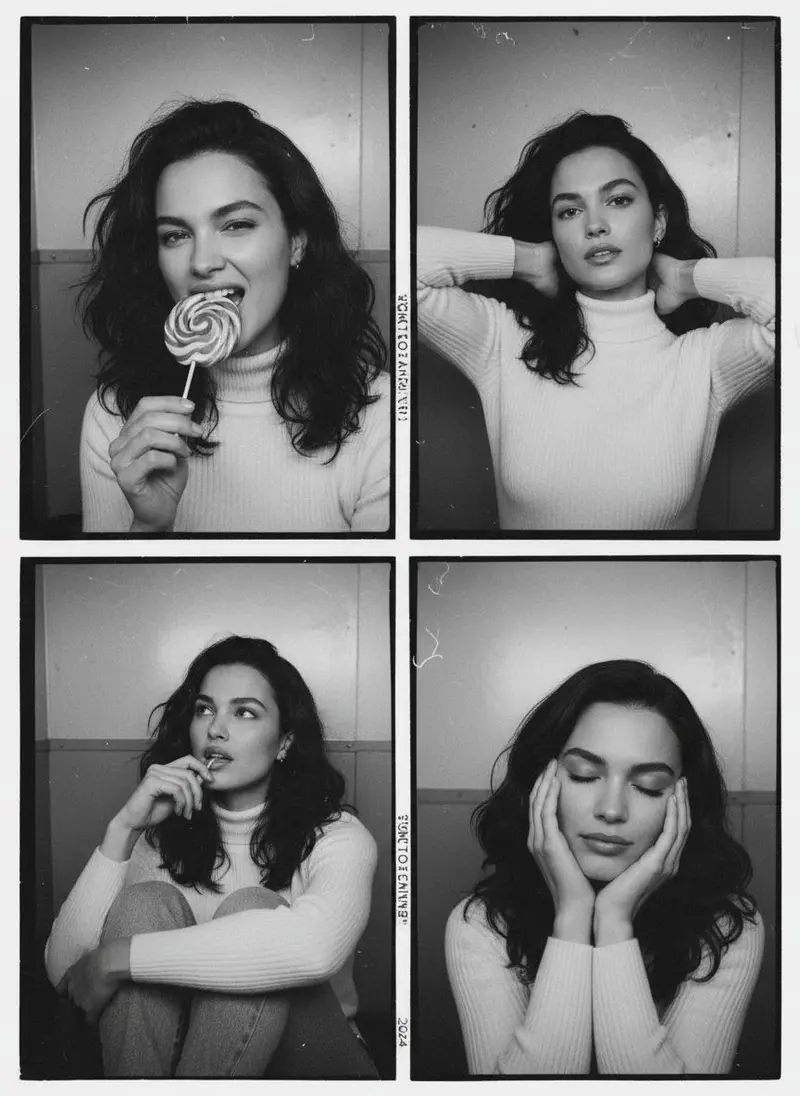
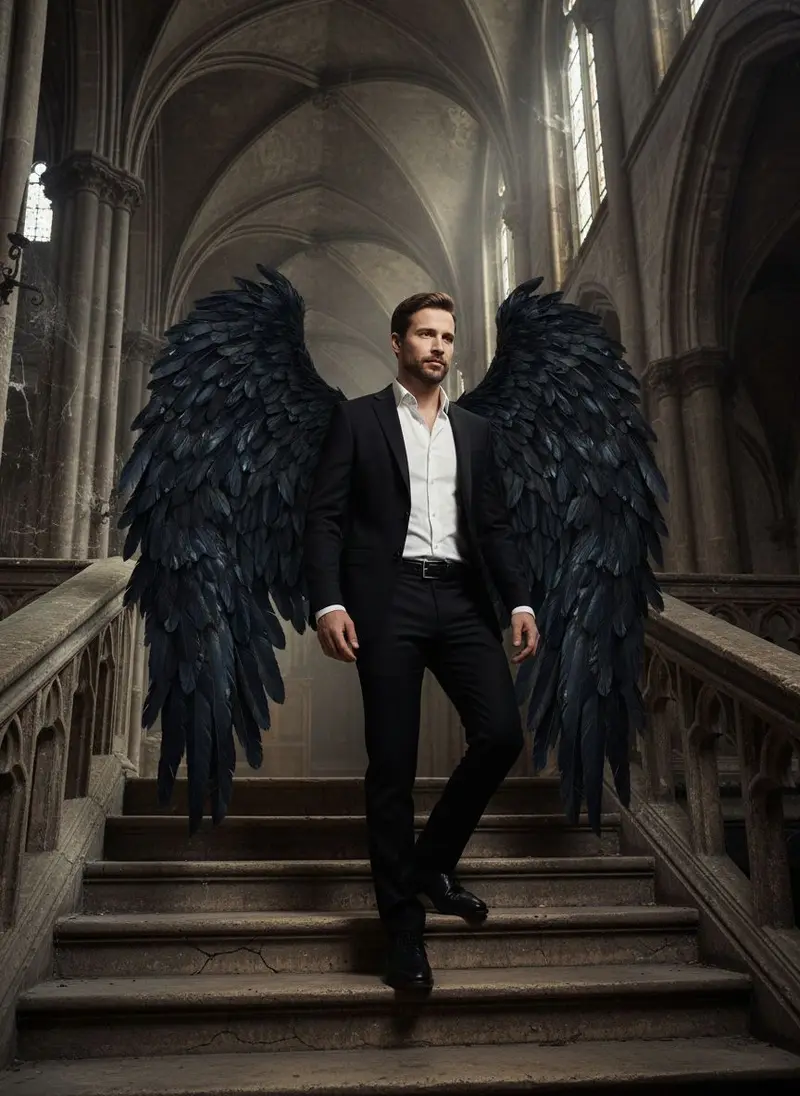
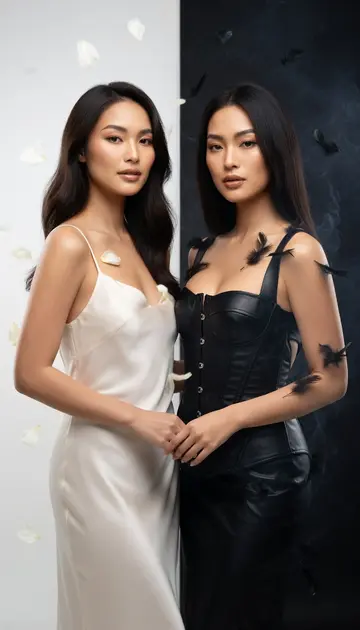
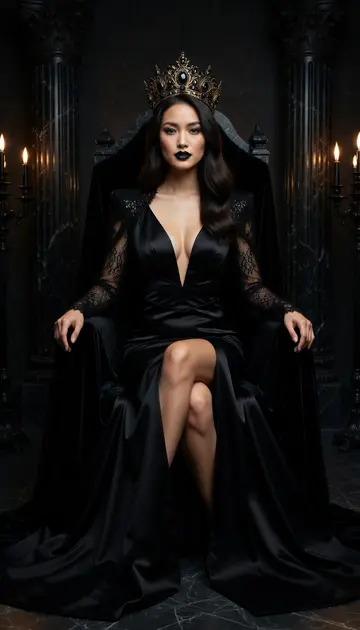
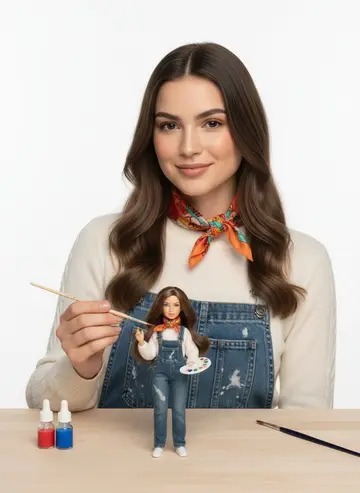
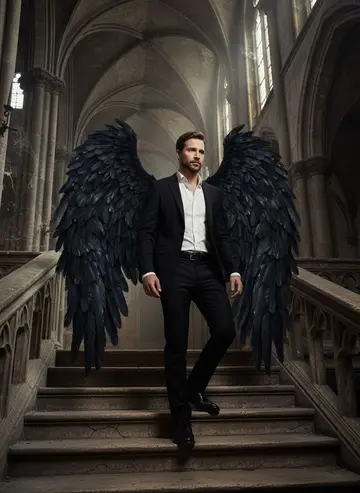
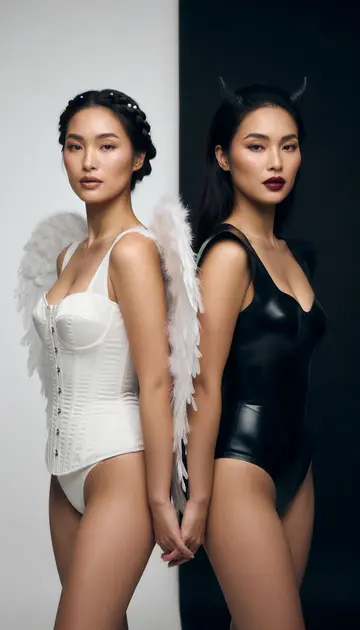
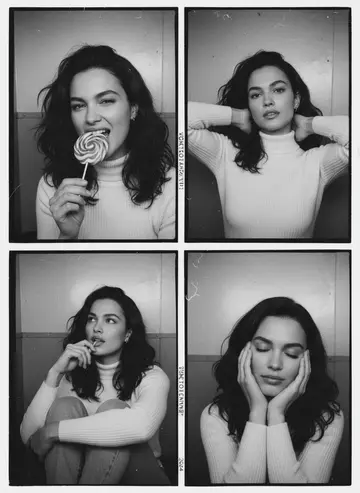
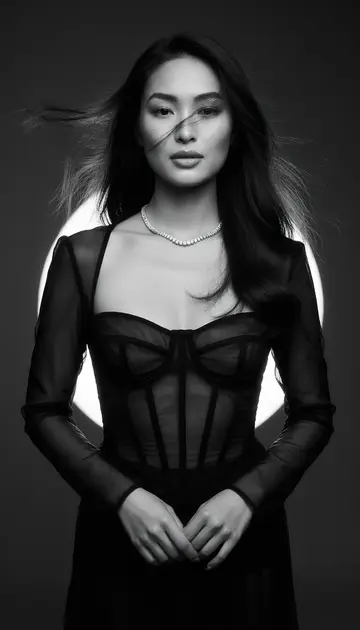
For when a pretty background is not enough. These looks play with the idea of a portrait: your light and dark side in one frame, a shattered mirror, a vintage photobooth strip, a tiny you being painted by you.
Download & claim your FREE AI generation
Updated
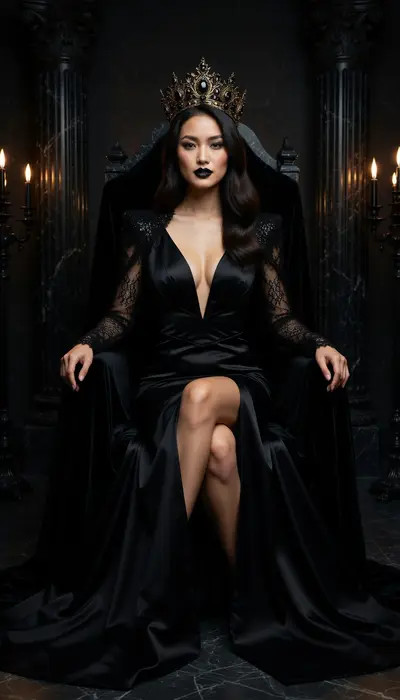
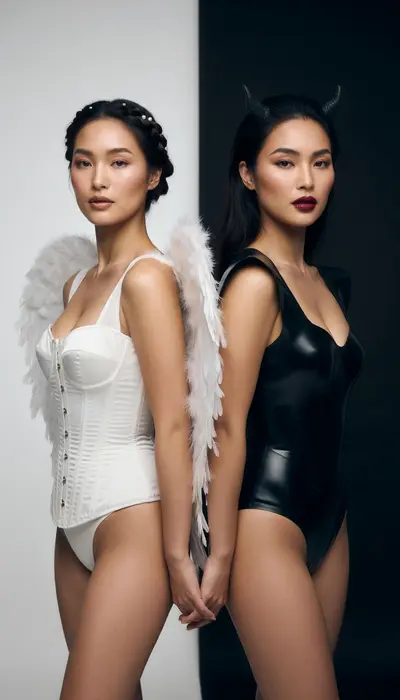
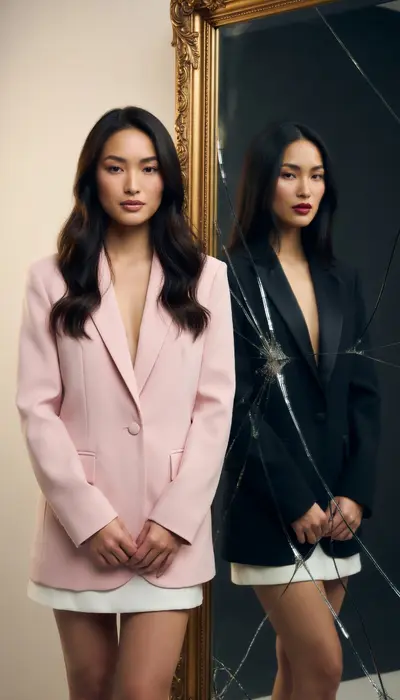
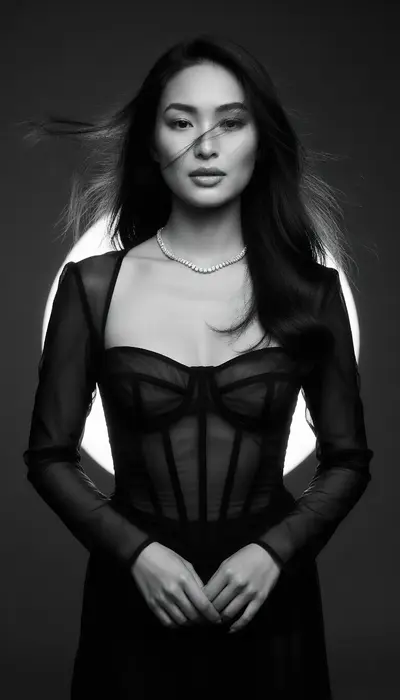
Make artistic portraits in three steps
- 1
Choose a style
Open Artistic portraits in Luren AI and pick the look you want. Every tile shows a real result.
- 2
Add your photo
One clear photo from your camera or gallery. Some styles take a second person or a short note.
- 3
Save and share
Your result lands in History. Save it, share it, or turn it into a video.
More collections
Artistic portraits: questions
How do I make artistic portraits with AI?
Open Luren AI, go to the Artistic portraits collection, pick one of its 14 styles and add a clear photo of yourself. The app returns the finished picture in under a minute, and you can try another style on the same photo straight away.
How many photos do I need?
Just one. Luren AI does not train a model on a batch of selfies: a single, clear, well-lit photo of your face is enough. Front-facing photos with nothing covering the face give the most recognisable results.
What are artistic portraits good for?
People use them for art projects, album-cover ideas and standout avatars. Every result is yours to save and share.
Is it free?
Luren AI is free to download and new users can try it for free. After that you pay per creation with coins, or subscribe to Pro.



Make your own artistic portraits
Free to download on iPhone and Android. Pick a style, add one photo, and see yourself in it in under a minute.
Download & claim your FREE AI generation