
AI object replacer: swap anything in a photo
Image Replace swaps one element of a photo for something new and leaves the rest alone. Name what to replace, such as the vase on the table, say what should take its place, and the app blends the new element in with the photo's perspective, lighting and style.
Download & claim your FREE AI generation
Updated
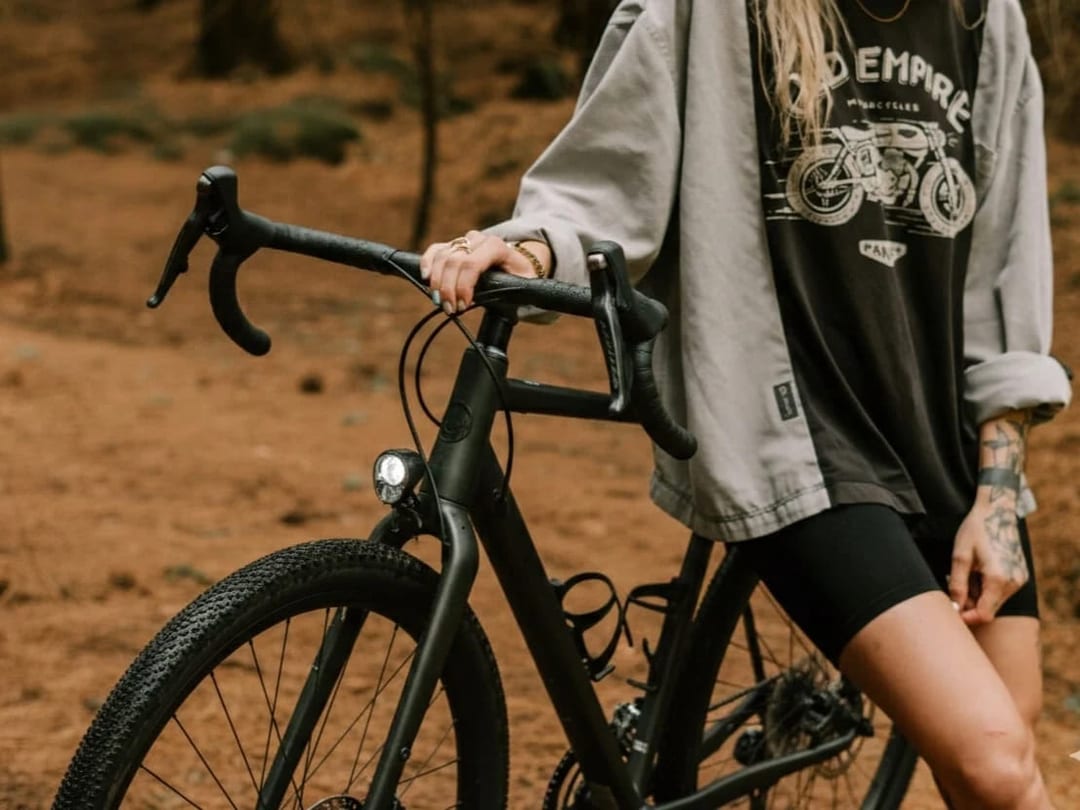
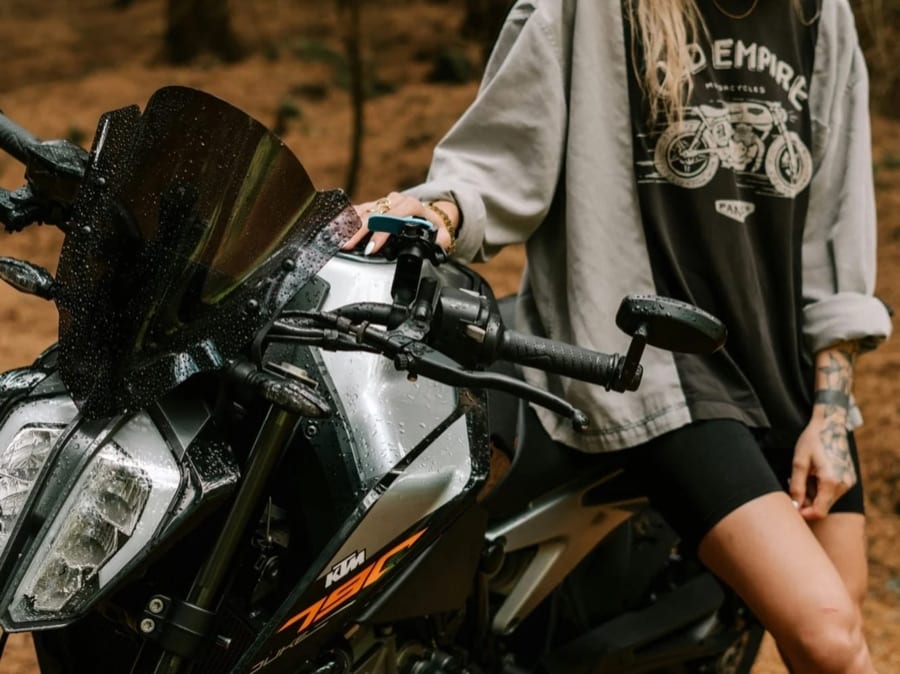 Before After
Object replacer in three steps
- 1
Add your photo
The photo with the element you want to change.
- 2
Name the swap
Say what to replace and what should take its place.
- 3
Check the blend
Find the edited photo in History, or try a different swap on the same photo.
Tips for great results
- Name the target precisely, including where it is: 'the blue mug on the left of the desk'.
- Describe the replacement with size and material, like 'a small ceramic pot with a cactus'.
- Swap one element at a time, and run the result again for further changes.
- Zoom in on edges and shadows around the new element before you save.
What people use it for
- Trying out furniture and decor
- Updating product shots
- Replacing a distracting object
- Playful edits and surprises
Make UGC ads, or let the agent do it
Turn the same product photo into UGC-style ads and videos, or tell the Luren AI agent what you sell and it makes the shot.
More AI features
Object replacer: questions
How does the AI object replacer work?
You add a photo, name the element to replace and describe the new one. An AI image model redraws that area and matches the perspective, lighting and style of the rest of the photo.
Does the rest of the photo stay the same?
The tool is instructed to keep everything else unchanged. Look closely around the replaced area, where edges and shadows are redrawn to fit.
Can I remove an object instead of replacing it?
Yes: describe what should be there instead, such as 'the empty wooden table' or 'clear sky', and the tool fills the area to match its surroundings.
Can I use the edited photos commercially?
With Luren AI Pro, yes: the Terms of Use allow commercial use of your creations while your Pro subscription is active. On the free plan, creations are for personal, non-commercial use. Edit only photos you own or have permission to use, and do not use edits to mislead people about what a photo shows.












Try object replacer in Luren AI
Free to download on iPhone and Android. Pick a style, add one photo, and see yourself in it in under a minute.
Download & claim your FREE AI generation