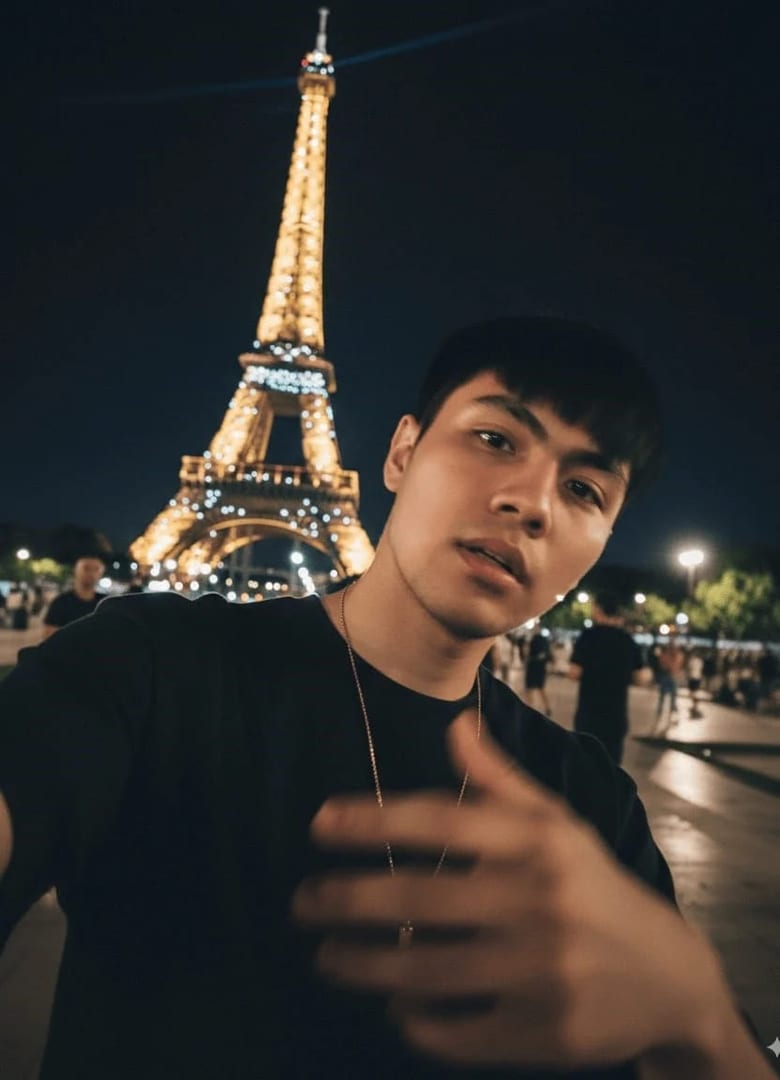
These keynote speaker prompts cover the photos event organizers request and the ones that sell you on a speaker page: a clean headshot, on-stage shots in front of a big screen, mid-gesture moments, wide frames with an audience and a cover for your speaker reel. Add a clear photo, paste a prompt and pick an image model, keeping your face and build true.
Using my photo as the face reference, create a keynote speaker headshot of me in a dark blazer over an open-collar shirt, a plain deep navy background with a soft glow behind my head, refined studio light, an energetic confident smile, a head-and-shoulders crop.
02
Mid-gesture on stage
Show me on a large conference stage mid-sentence with one hand open toward the audience, a headset microphone, a smart casual blazer, a warm spotlight on me and a huge blank screen glowing behind, a medium shot with my face sharp.
03
From the back of the room
Make a wide photo taken from behind the audience, rows of heads in soft silhouette in the foreground, me on a bright stage in the distance under a spotlight beside a big screen, a horizontal frame that shows the scale of the room.
04
Storytelling close-up
Capture me in a tight close-up on stage with my eyebrows raised mid-story, a handheld microphone, warm stage light against a dark background, real emotion on my face, a vertical 4:5 crop.
05
Walking the stage
Photograph me walking across a wide stage toward its edge with a clicker in hand, dark trousers and a crisp shirt, stage lights rimming my shoulders, a purposeful smile at the audience, a full-length horizontal frame.
06
Panel discussion
Show me seated on a panel in a modern armchair, leaning forward to make a point with a handheld microphone, the other panelists softly blurred, warm stage light, an engaged expression, a medium shot.
07
Backstage
Picture me backstage in a dim corridor adjusting my headset microphone, a glow from the stage spilling through a doorway, a smart blazer, a focused calm expression, a candid chest-up crop.
08
Workshop facilitator
Make a workshop photo of me standing beside a whiteboard covered in colorful sticky notes with a marker in hand, a bright breakout room with attendees softly blurred, natural light, an encouraging smile.
09
Applause moment
Create a photo of me on stage at the end of a talk with my arms open, the audience standing and clapping in the softly lit foreground, warm stage light, a grateful smile, a wide horizontal frame.
10
Corporate lectern
Keeping my face and build exactly as in my photo, show me at a lectern on a corporate conference stage, a tailored navy suit, cool blue stage light with a warm key on my face, a confident authoritative expression, a waist-up crop.
11
One-sheet portrait
Create a vertical portrait for a speaker one-sheet, me standing with my arms loosely crossed against a plain charcoal background, a sharp jacket in a signature color such as deep red, crisp light, a confident direct gaze, three-quarter framing with space at the top for my name.
12
Virtual keynote
Show me presenting from a professional home studio, soft even light on my face, a tidy shelf and a plant blurred behind me, a smart blazer, mid-gesture toward the camera, a horizontal chest-up frame.
13
Outdoor festival stage
Make a photo of me speaking on an outdoor festival stage at golden hour, a handheld microphone, a casual blazer, a crowd softly blurred in the warm light, a joyful expressive face, a medium shot.
14
Black-and-white spotlight
Turn my photo into a black-and-white stage portrait under a single spotlight from above, a dark background, me holding a microphone near my chin with a thoughtful expression, a tight chest-up crop with deep blacks.
15
Speaker reel cover
Create a wide 16:9 cover frame for a speaker reel with me on the right third of a dark stage under a dramatic spotlight, a blank glowing screen behind, a confident smile toward the camera, clean space on the left for a title.
Made in Luren AI
More keynote speaker photo ideas to try
Real results from Luren AI's ready-made styles: open one to see how it was made, or use it with your own photo.
A clean headshot for programs and badges, a vertical portrait for your one-sheet, and on-stage shots that show you mid-gesture, with an audience and on a big stage. Organizers often choose speakers partly from how they look in front of a crowd, so the stage shots matter.
How do I make AI stage photos look real?
Describe real stage details: a headset or handheld microphone, spotlights, a little haze, a big screen and an audience in soft focus. Keep the screen blank or abstract rather than asking for text on it, and choose results where your hands and the microphone look natural.
Can I use AI stage photos to market my talks?
Use them with care. A photo that suggests you spoke at a specific event or to a huge crowd should be true, so never imply a stage you were not on. Your face, age, hairstyle and build must also match how you look when you walk out to speak; a clean AI headshot is the safest use.
Paste it, add your photo, pick a model
Free to download on iPhone and Android. Pick a style, add one photo, and see yourself in it in under a minute.