
Photo to painting: turn any photo into a painting with AI
Luren AI turns your photo into a painting in one tap. Choose Painting for soft, flowing color, Watercolor Art for a dreamy wash or Brush Stroke Painting for bold, textured strokes, add a photo, and the artwork lands in your History in under a minute.
Download & claim your FREE AI generation
Updated
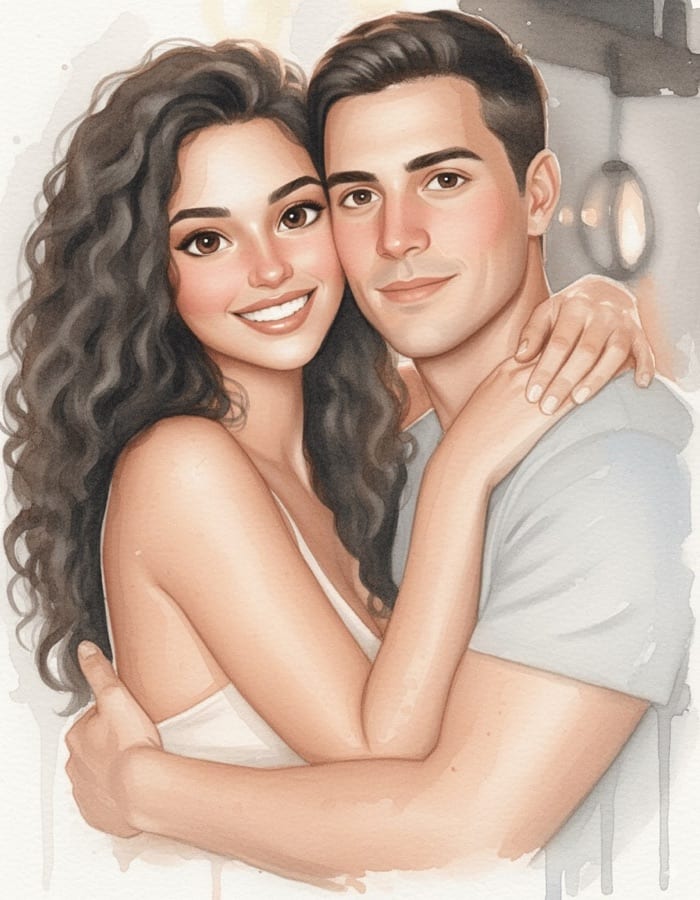
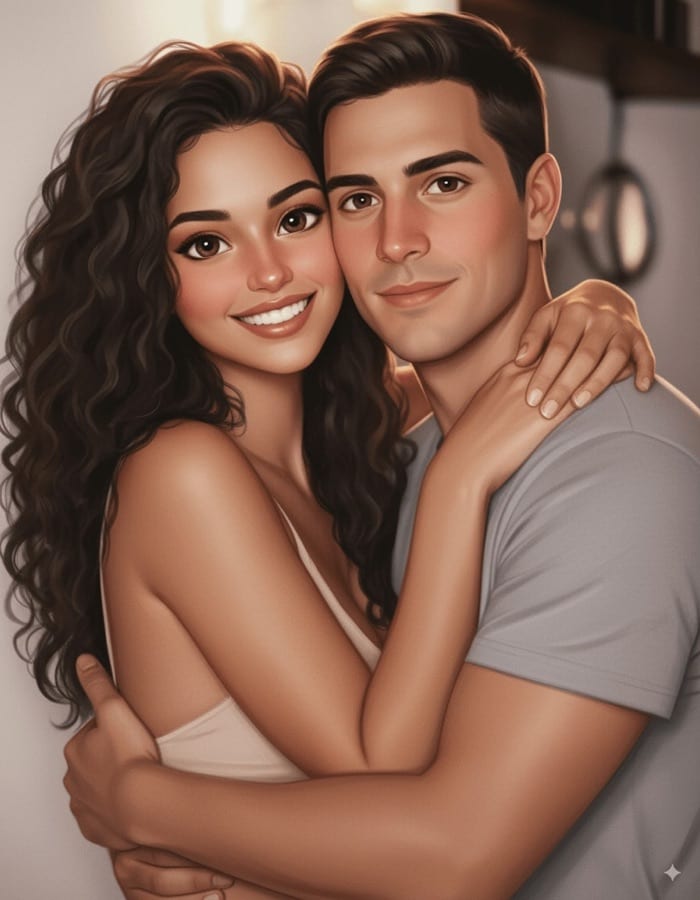 Before After
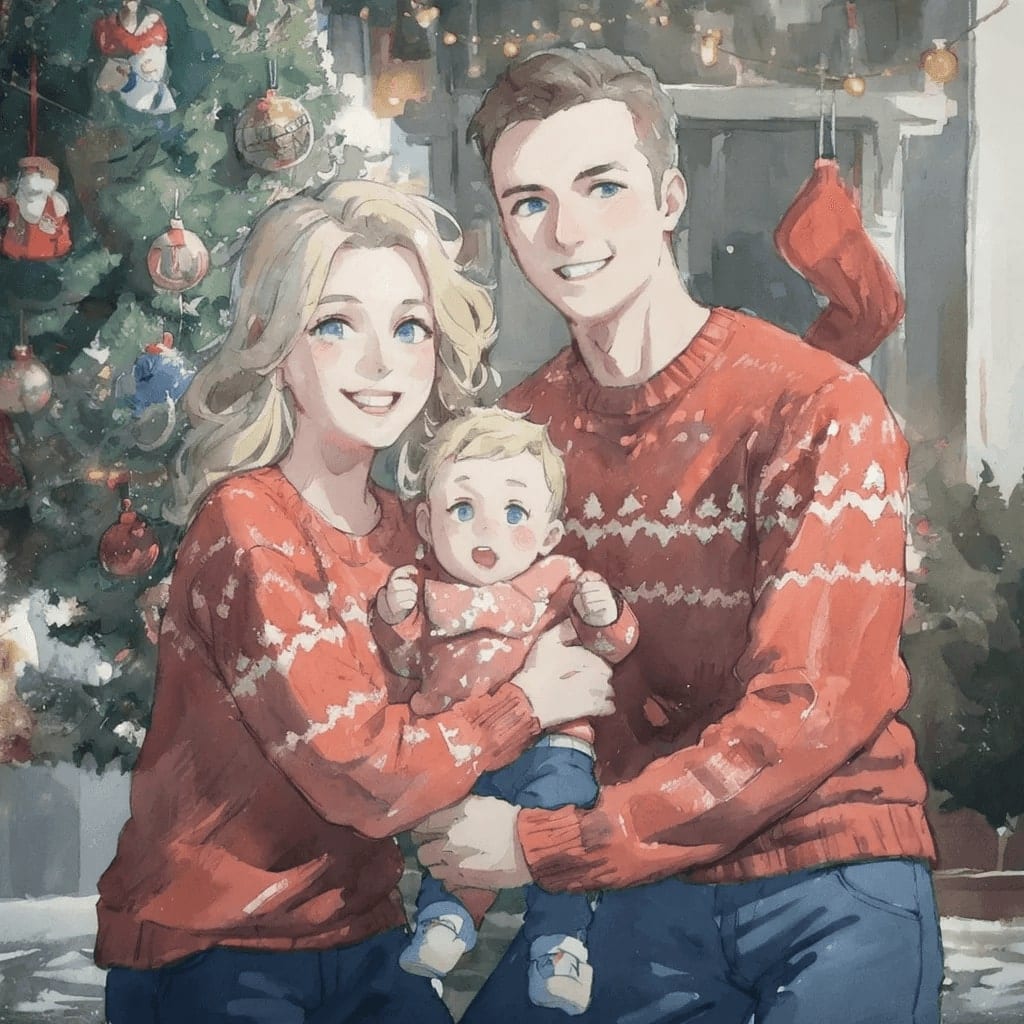
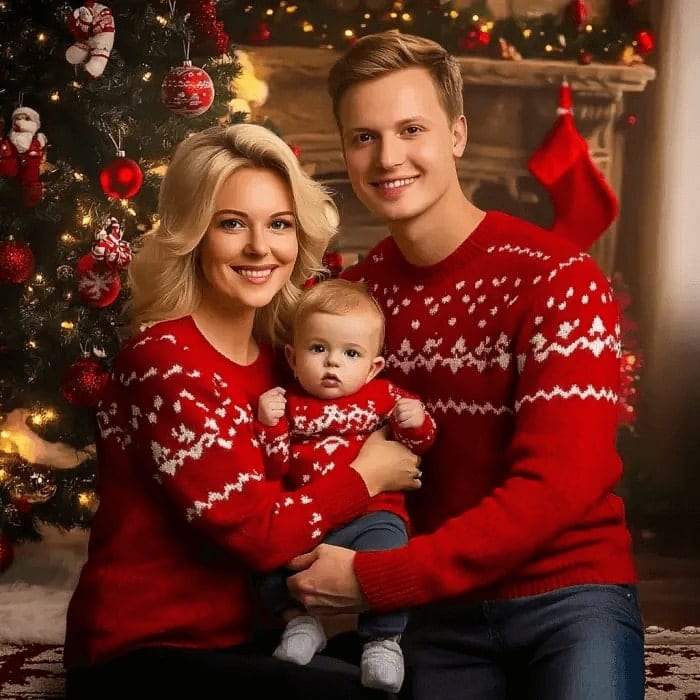 Before After
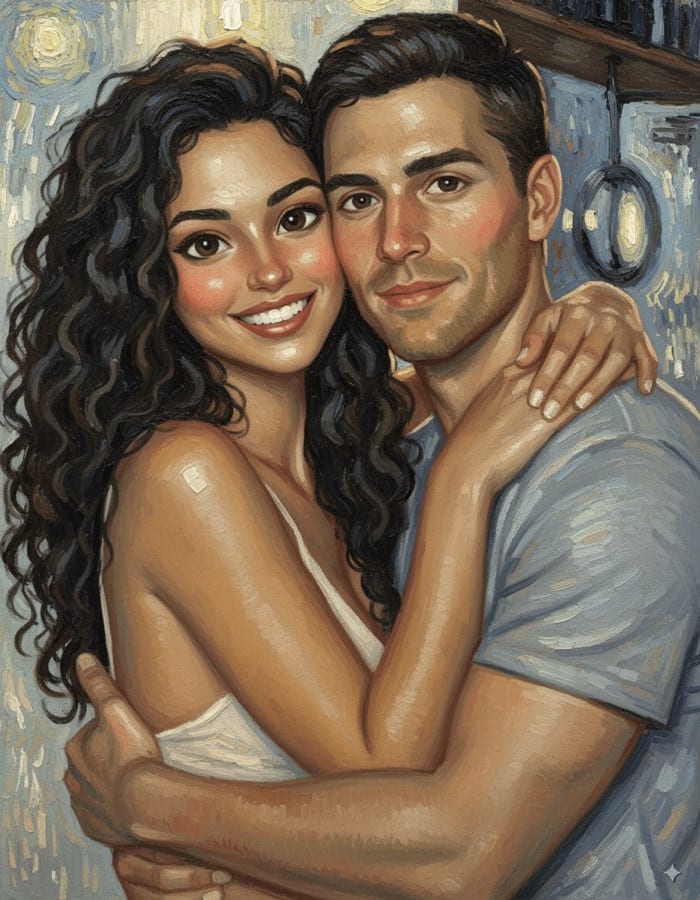
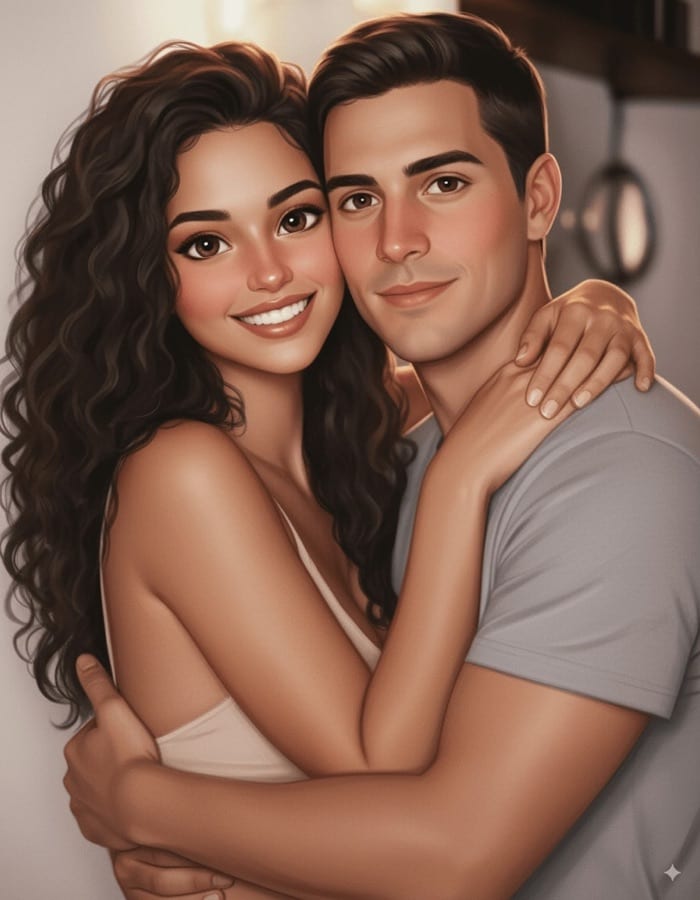 Before After
Photo to painting in three steps
- 1
Pick a painting style
Painting, Watercolor Art or Brush Stroke Painting.
- 2
Add your photo
A portrait, a pet, a landscape or a favorite place.
- 3
Save the artwork
Download or share it, or try the same photo in another style.
Tips for great results
- Photos with one clear subject and a simple background become the most readable paintings.
- Landscapes and golden-hour light suit the watercolor look especially well.
- Choose Brush Stroke Painting when you want visible texture that holds up in print.
- Run one photo through all three styles and keep the one that suits it.
What people use it for
- Wall art and prints
- Personalized gifts
- Pet and family portraits
- Cards and invitations
More AI features
Photo to painting: questions
What painting styles can I choose?
Painting gives a soft, painterly look with flowing color, Watercolor Art a dreamy watercolor wash, and Brush Stroke Painting bold, visible strokes. All three start from the same photo, so you can compare them side by side.
Which photos make the best paintings?
Sharp photos with one clear subject and good light. Busy scenes still work, but a painting simplifies detail, so small background objects can blend together.
Can I print the painting or sell it?
Yes. Save it to your phone and print it like any other photo; the artwork you create is yours to use, including on products you sell, as long as the original photo is yours.
Is the photo to painting tool free?
Luren AI is free to download and try. After that, each painting is paid for with coins or a Pro subscription.












Try photo to painting in Luren AI
Free to download on iPhone and Android. Pick a style, add one photo, and see yourself in it in under a minute.
Download & claim your FREE AI generation