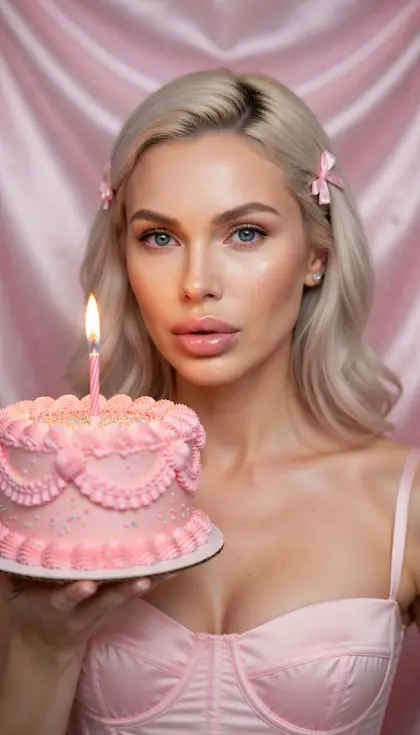
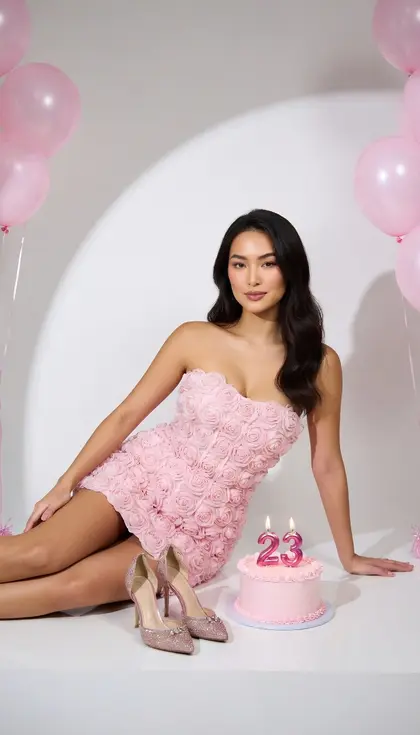
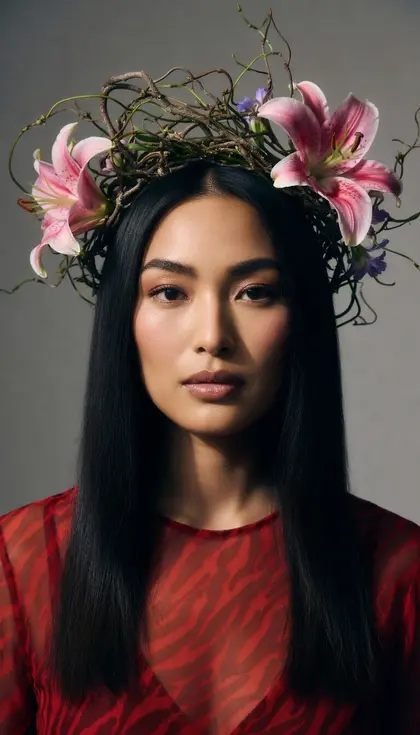
Nano Banana 2 is Google's second-generation fast image model, pairing quick results with sharper detail and better in-image text than the original. It can keep several characters and many objects consistent across a set of reference photos, and it can translate or localize the text inside an existing image. Prompt it with descriptive sentences, spell out any words you want rendered, and give each reference image a clear job.
Write the prompt as a scene description with subject, setting, lighting and style, rather than a list of tags.
Put the exact words you want in the image in quotation marks and describe the lettering style and where it sits.
To translate a sign, menu or poster in your image, name the target language and ask to keep the layout, fonts and colors the same.
With several reference photos, say which image supplies the person, which the outfit and which the background.
State the format and purpose up front, such as a vertical phone wallpaper or a wide banner, so the composition is planned for it.
Portraits from your photo
01
Studio headshot
Turn my photo into a professional headshot: same face, hair and expression, wearing a navy blazer over a white shirt, against a soft grey studio backdrop. Use a flattering three-quarter key light with gentle fill, and keep skin texture natural rather than airbrushed.
02
Night market stroll
Using my photo as the reference for my face, show me browsing a lantern-lit night market and holding a paper cup of hot noodles. Warm string lights glow behind me, steam drifts up, and the background falls into soft bokeh. Candid street-photography feel.
03
Three seasons triptych
Create a three-panel image of me from my photo standing in the same park among spring blossoms, golden autumn leaves and fresh winter snow. Keep my face, pose and framing identical in all three panels; only the season, my clothing layers and the light change.
04
1970s film portrait
Restyle my photo as a 1970s film portrait with warm faded colors, soft grain, slightly lifted blacks and a sun flare from the top corner. Keep my face and expression unchanged, and dress me in a cream knit sweater against a wood-paneled wall.
05
Sunrise on a mountain ridge
Place me from my photo on a rocky mountain ridge at sunrise, wearing a red hiking jacket and a backpack, looking out over a valley full of mist. Keep my face recognizable, shoot from a slightly low angle, and let warm light catch the side of my face.
Text, translation and signs
06
Translate a chalkboard menu
Translate all of the text on the chalkboard menu in this image into Spanish. Keep the same chalk handwriting style, layout, colors, prices and doodles, and do not change anything else in the photo.
07
Rooftop jazz night poster
A vertical poster for a neighborhood summer jazz night. Large hand-lettered title "Jazz on the Roof" at the top, smaller text "Friday, 8 PM" below it, over an illustration of a saxophone silhouette against an orange sunset skyline. Warm retro screen-print style.
08
Painted bakery sign
A photo of a small bakery storefront with a painted wooden sign above the door reading "Morning Crumb Bakery" in elegant gold serif letters. Morning sun on the brick facade, loaves of bread in the window and a bicycle leaning by the entrance.
09
Five-step coffee infographic
A clean infographic titled "How Coffee Is Made" showing five steps in a left-to-right row: harvest, dry, roast, grind, brew. Each step has a simple flat icon with a one-word label underneath. Cream background, brown and orange palette, generous spacing.
Products and brand visuals
10
Serum bottle on slate
A product photo of a frosted glass serum bottle with a dropper cap standing on a wet slate stone, surrounded by fresh eucalyptus leaves. Soft diffused light from the right, droplets on the glass, shallow depth of field, clean premium skincare look.
11
Your logo on merchandise
Apply the logo from my image onto a canvas tote bag, a ceramic mug and a baseball cap arranged together on a light oak table. Wrap the logo naturally around each surface, following folds and curves, and keep it sharp and correctly proportioned.
12
Sneakers on a pastel pedestal
A pair of plain white canvas sneakers on a pastel pink cylindrical pedestal against a mint green backdrop, with a few floating paper clouds around them. Bright, even studio lighting, crisp shadows, playful minimalist product ad style, square format.
13
Tea tin lineup
Three matching tea tins in sage, terracotta and cream standing in a row on a linen surface, with loose tea leaves scattered in front. Each tin carries a simple botanical line drawing. Soft afternoon window light, calm and natural editorial product photography.
Wide and creative scenes
14
Coastal village banner
An ultra-wide panoramic banner of a coastal village at blue hour, with white houses stacked up a hillside, fishing boats in the harbor and warm windows lighting up one by one. Calm water reflects the lights; leave open sky on the left for text.
15
Sky whale wallpaper
A vertical phone wallpaper of a lone whale swimming through a starry night sky above calm ocean waves, its body faintly glowing with bioluminescent patterns. Deep navy and violet palette, dreamy and minimal, with open space at the top for the clock.
16
Treehouse cutaway
A detailed cutaway illustration of a three-story treehouse showing each room inside: a kitchen with hanging pots, a bedroom with a round window, and a lookout deck with a telescope at the top. Warm storybook colors and crisp linework.
17
Isometric music studio
An isometric 3D render of a tiny home music studio: a keyboard, a guitar on a stand, acoustic foam on the walls, a cat asleep on the chair and plants on the shelf. Soft pastel colors, gentle shadows, clean and cute.
18
Mountaintop observatory
A remote mountaintop observatory under a vivid Milky Way, its dome open and a soft red light glowing inside. A winding gravel road leads up to it, and the desert below is lit faintly by starlight. Long-exposure astrophotography look.
Copy a prompt, open Luren AI, choose Nano Banana 2 in the model picker and paste it. Prompts that mention "my photo" expect you to add your own photo as a reference first.
Can I edit the prompts?
Yes, and you should: swap the setting, the outfit, the colours or the light for your own idea. Keep the order (subject, setting, light, camera, mood) and the model will follow you better.
Is Nano Banana 2 part of Luren AI?
Nano Banana 2 is made by Google. Luren AI is an independent app that gives you Nano Banana 2 together with other image and video models, so you can try the same prompt on several of them.
Paste it, add your photo, pick a model
Free to download on iPhone and Android. Pick a style, add one photo, and see yourself in it in under a minute.