
AI expression changer: change a facial expression in a photo
Facial Expression changes how a person looks in a photo without changing who they are. Add the photo, type the expression you want, like a warm smile or surprised laughter, and the app redraws the face while keeping the pose, body, hairstyle and lighting as they were.
Download & claim your FREE AI generation
Updated
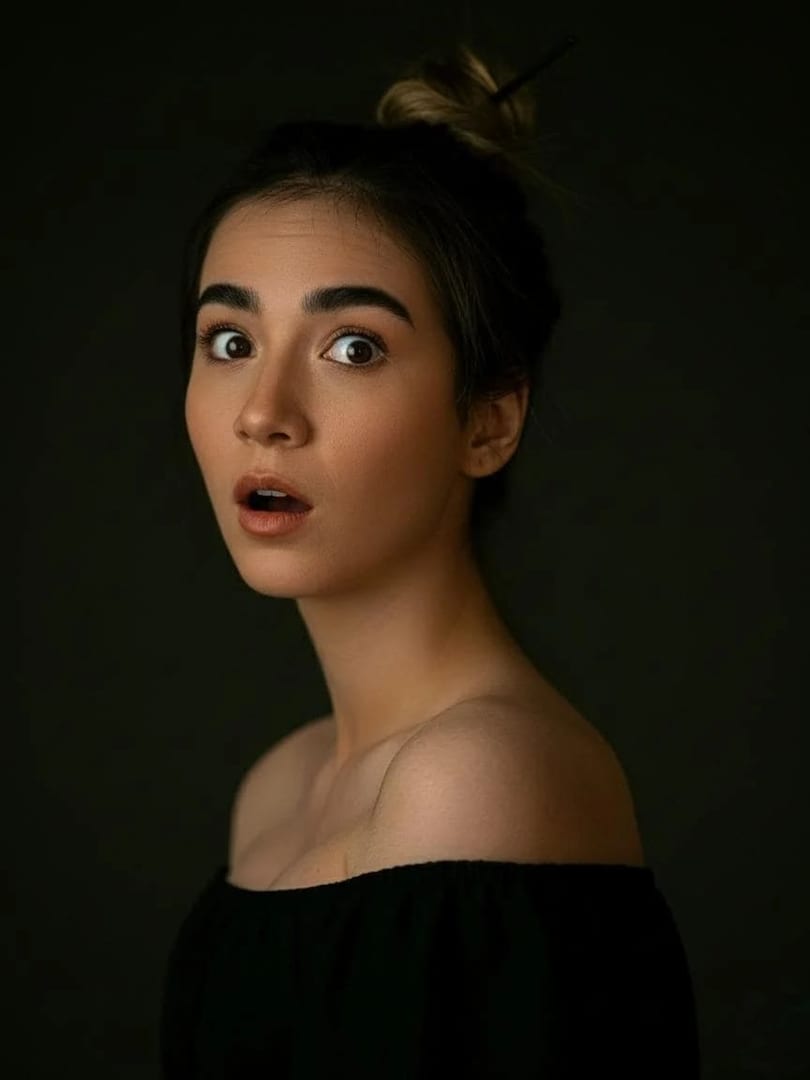
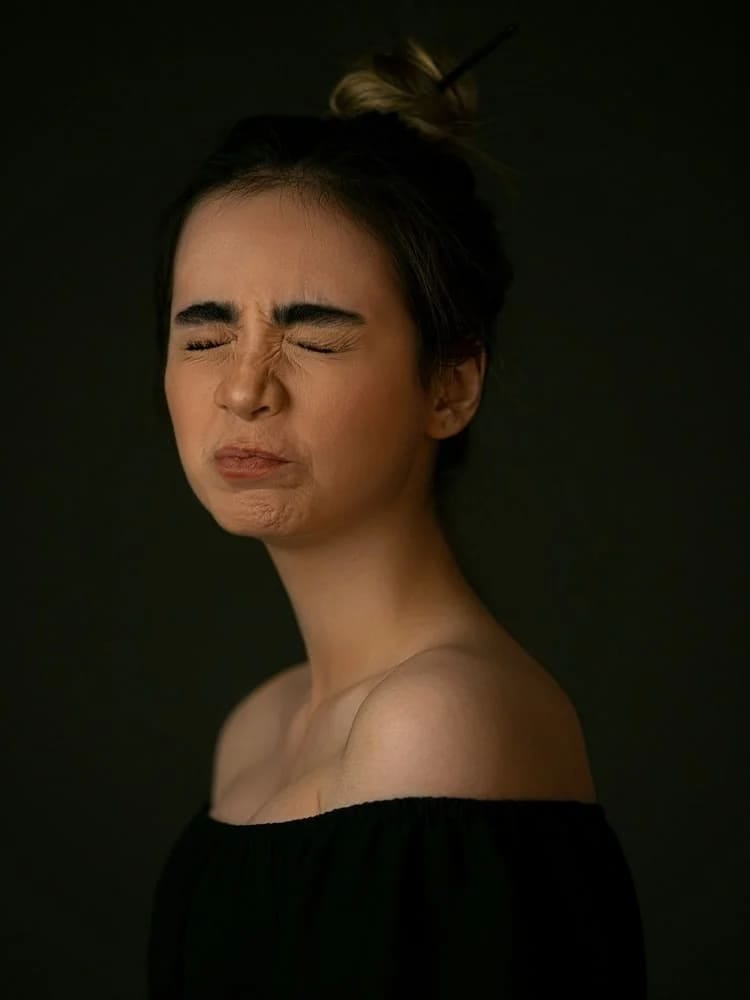 Before After
Expression changer in three steps
- 1
Add a photo
A clear photo of the person whose expression you want to change.
- 2
Type the expression
For example 'a gentle closed-mouth smile' or 'laughing with eyes closed'.
- 3
Save the new take
Find the edited photo in History, or try another expression on the same photo.
Tips for great results
- Describe the expression precisely, since a 'soft smile' and a 'big open laugh' give very different results.
- Faces that are large in the frame and well lit give the most natural changes.
- Small changes, like a slight smile, look more natural than a complete change of mood.
- Compare with the original before saving to be sure the person still looks like themselves.
What people use it for
- Rescuing a photo where someone looked too serious
- Friendlier profile pictures
- Character reactions for storyboards
- Playful edits of your own photos
More AI features
Expression changer: questions
How does the AI expression changer work?
You add a photo and describe the expression you want. An AI image model redraws the face with that expression and is instructed to keep the person's identity, pose, body proportions and hairstyle unchanged.
Will the person still look like themselves?
The tool is built to keep identity, and a clear, well-lit face gives it the most to work with. Subtle changes keep the likeness best; extreme expressions on small or blurry faces can drift.
Can I use it on someone else's photo?
Only with their permission. Changing someone's expression changes what a photo says about them, so never use it to mislead.
Is the AI expression changer free?
Luren AI is free to download and try. After that, each edit is paid for with coins or a Pro subscription.












Try expression changer in Luren AI
Free to download on iPhone and Android. Pick a style, add one photo, and see yourself in it in under a minute.
Download & claim your FREE AI generation