UGC ads work because they look like a real person filmed them on a phone. Luren AI makes that look on demand: add a photo of your product, get it held, worn or unboxed in a natural phone-shot scene, then turn the best frame into a short vertical video with motion and sound. No samples to ship, no creator briefs, no reshoots.
One sharp photo in daylight, label facing the camera. That is the only shoot you need.
2
Make the UGC still
Ask the AI agent for a UGC-style ad, or paste a prompt below on the Image tab with your product photo.
3
Animate it
On the Video tab, turn the best still into a 5 to 8 second vertical clip: Veo 3.1 adds sound, Kling gives longer motion.
4
Post and test
Export 9:16 for TikTok, Reels and Shorts, and make three hooks instead of one to see which lands.
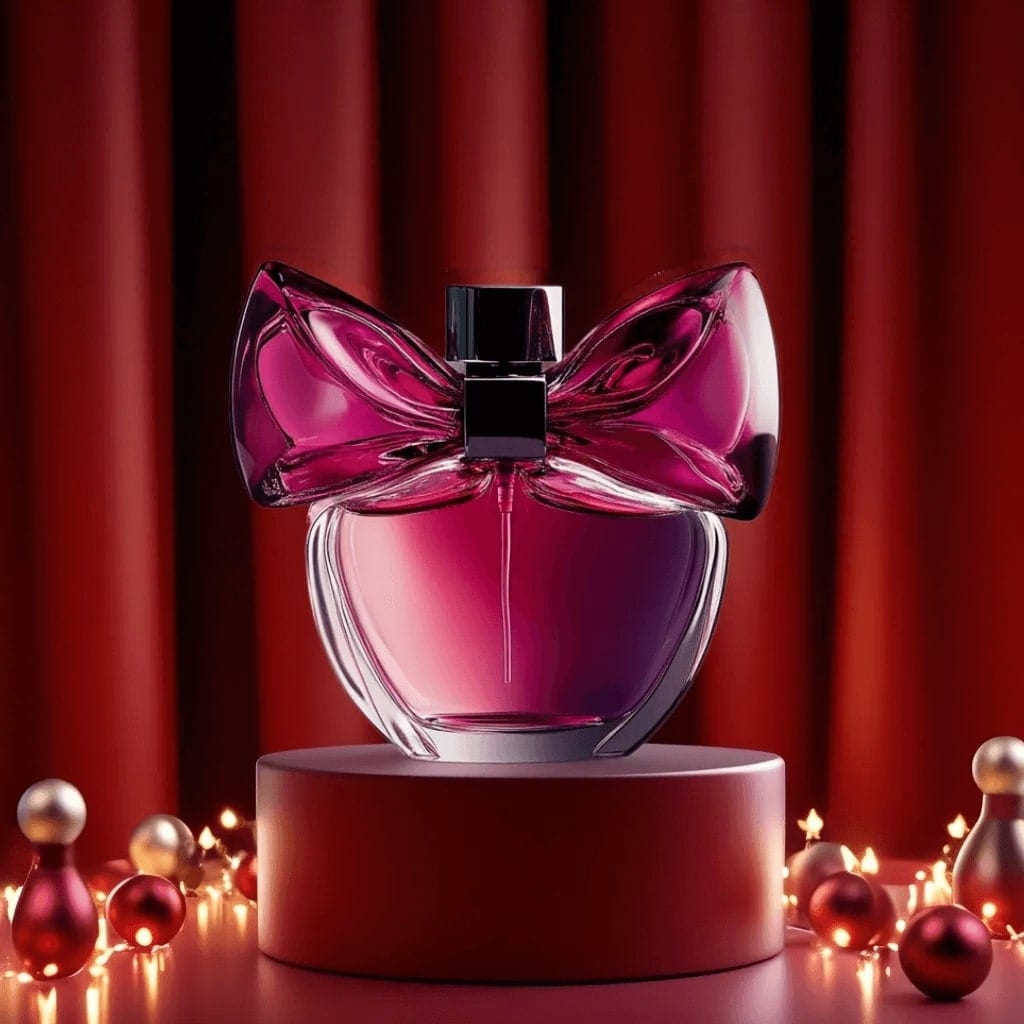
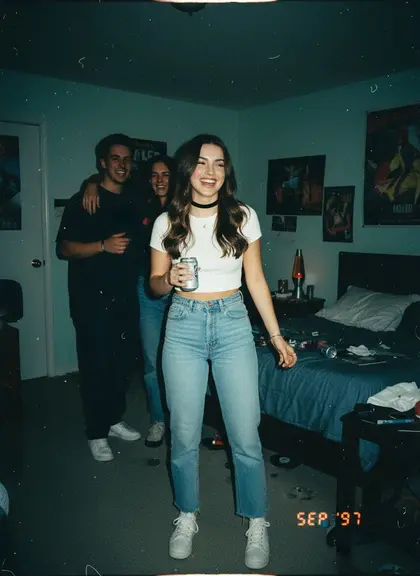
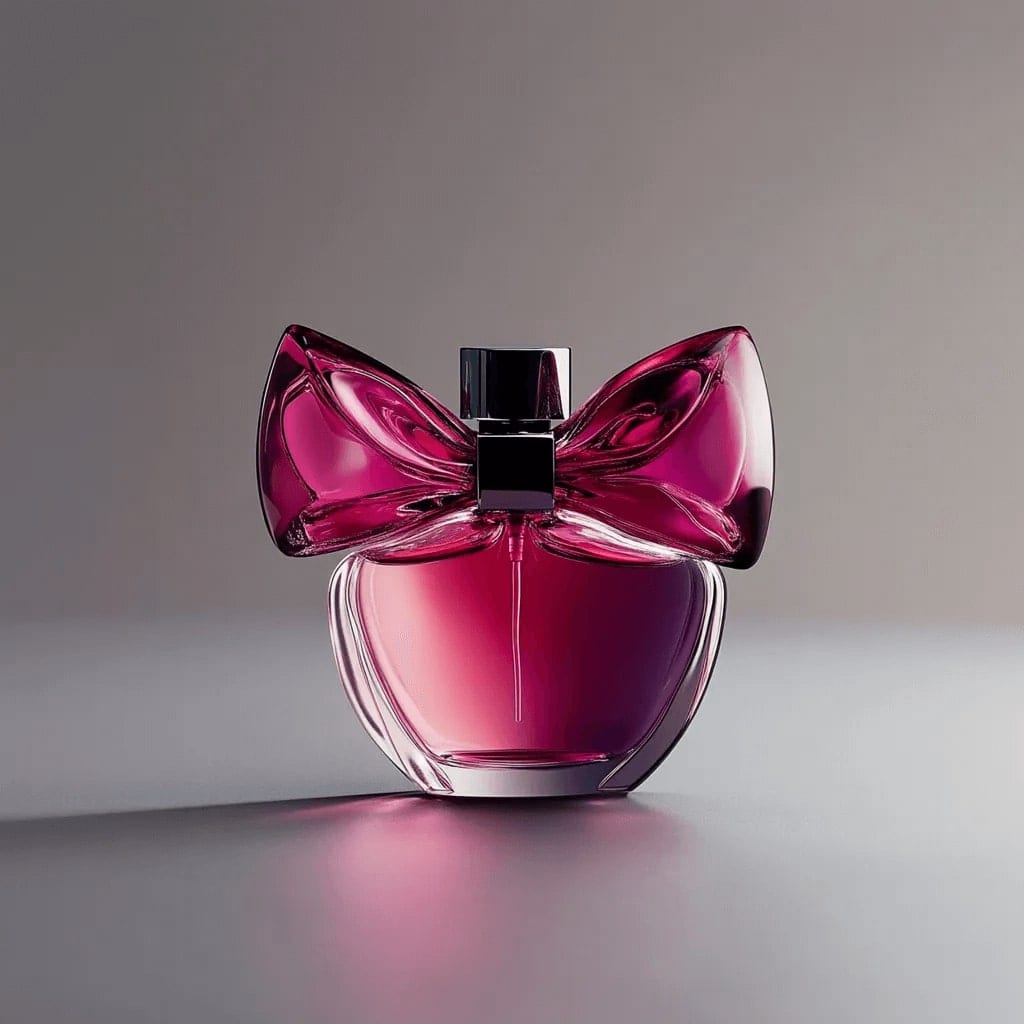
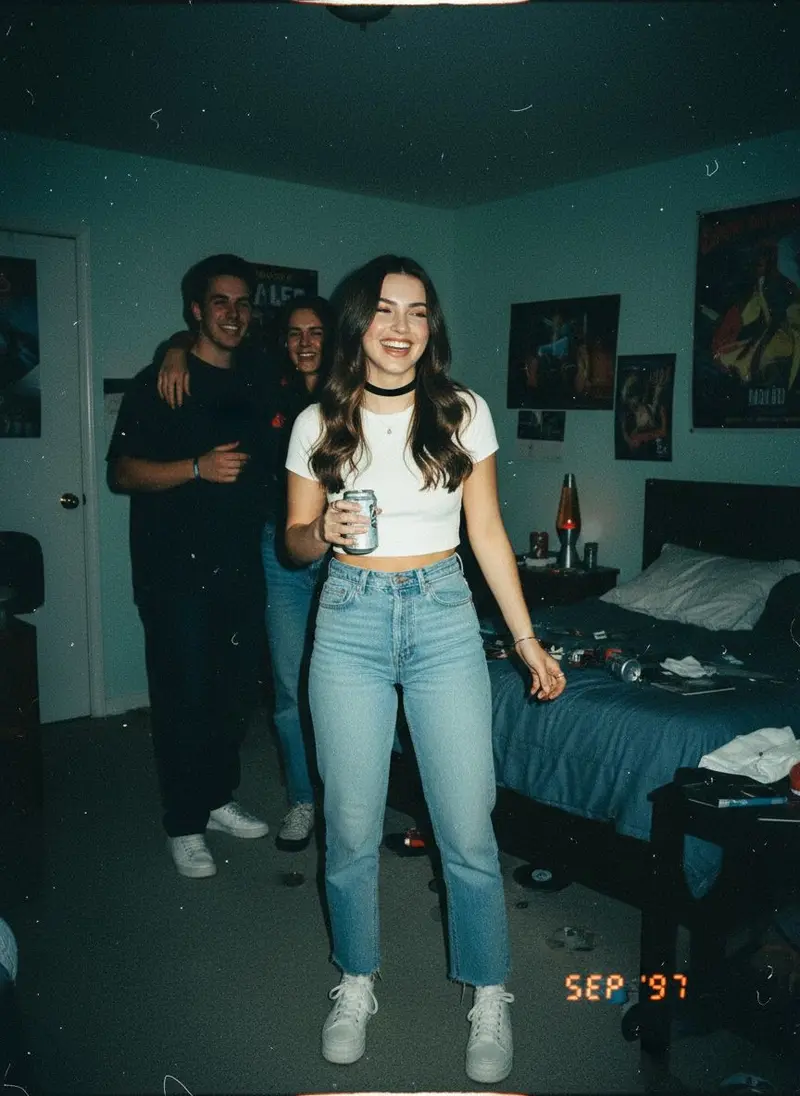
BeforeAfter
Your product photo, restagedLeft: the photo that went in. Right: the AI shot. Real result from the app.
The phone-photo look
UGC feels real because it is a little imperfect: front-camera framing, window light, real rooms. These app styles show
that look; your prompts can ask for it by name.
Paste one on the Image tab with your product photo and pick a model such as Nano Banana Pro, GPT Image 2.5 or Seedream 4.5.
01
Product-in-hand selfie
Using my product photo as the reference, show a young woman holding the product up beside her face in a bright bathroom, front-camera selfie at arm's length, soft window light, slightly off-centre framing, casual phone-photo look, the label sharp and readable, vertical 9:16.
02
Unboxing on the bed
Using my product photo, show two hands opening its box on a rumpled white duvet, tissue paper pulled back and the product half out of the packaging, overhead phone shot, warm afternoon light, a coffee mug at the edge of the frame, vertical 9:16.
03
Get-ready-with-me mirror
Using my product photo, show a person in a bedroom mirror selfie applying the product, phone visible in the reflection, morning light from the side, hair half done, relaxed real-life mood, product clearly recognizable, vertical 9:16.
04
Fitting-room try-on
Using my clothing photo as the reference, show a person wearing the garment in a fitting-room mirror selfie, the whole outfit visible, a candid pose, bright store lighting, light phone-camera grain, the garment's colour and pattern exactly as in my photo, vertical 9:16.
05
Desk setup review
Using my product photo, place the gadget on a tidy home desk next to a laptop and a cup of coffee, point-of-view phone shot from the chair, one hand reaching for it, warm lamp light, a little everyday clutter, vertical 4:5.
06
Kitchen counter demo
Using my product photo, show the product in use on a home kitchen counter, a hand pouring from it into a glass, steam and morning light through the window, handheld phone framing, natural colours, vertical 9:16.
07
What's in my bag
Using my product photo, create an overhead flat lay of a tote bag's contents on a wooden floor: keys, sunglasses, a notebook, earbuds and my product in the centre, soft daylight, slightly messy and real, square 1:1.
08
Parked-car selfie
Using my product photo, show a person in the driver's seat of a parked car holding the product toward the front camera, daylight through the windshield, seatbelt off, relaxed smile, casual phone selfie framing, vertical 9:16.
UGC video
Then make it move
Add your UGC still on the Video tab and use one of these. Veo 3.1 generates sound with the
picture; Kling is the pick for smooth, longer motion. More in the
AI video generator.
01
Hold-up reveal (Veo 3.1, with sound)
Animate this photo: she lifts the product toward the camera, turns it so the label catches the light and smiles, handheld phone camera with a slight natural shake, quiet room sound and her saying "okay, look at this", 6 seconds, vertical.
02
Unboxing hands
Animate this photo: hands lift the lid and pull the product out of the box, tissue paper rustles, a quick handheld push-in toward the label, natural indoor sound, 5 seconds, vertical.
03
Texture close-up
Animate this photo: a drop of the product lands on the back of a hand and is slowly spread with a fingertip, macro framing, soft daylight, gentle close-up sound, 5 seconds, vertical.
04
Product turn with caption space
Animate this photo: the product turns slowly on the counter as the camera arcs around it, the top third of the frame left clear for captions, soft morning light, 6 seconds, vertical.
Or skip the prompts
Just ask the AI agent
Say "make a UGC ad for my serum" and send the product photo. The Luren AI agent writes the brief,
picks the model and makes the shot, then offers the next step, like turning it into a video.
Make a UGC-style ad for my serum, like a quick phone shot
On it: your serum held up in a bright bathroom, shot like a casual phone video still.
Ready · saved to History
Turn it into a videoStudio white backgroundMake an ad with a headline
Describe what you want…🎙
Use AI UGC the right way
Label it. TikTok and Meta both ask for realistic AI-generated content to be labelled; check each platform's current ad policies before you run a campaign.
Never present an AI person as a real customer, and never write fake reviews. Let the video show the product; let real customers give the testimonials.
Use real people's faces only with their permission, including your own team's.
Running them in ads or on a store page is commercial use, which the Terms of Use include with Luren AI Pro.
Show the product truthfully: the same colour, size and what is in the box. Check the label and small print in every result, since AI can soften fine text.
UGC (user-generated content) ads look like a customer filmed them on a phone: a product held up, unboxed or used at home. AI UGC creates that look from a photo of your product, so you can make many variations without shipping samples to creators.
How do I make a UGC video with AI?
Make a UGC-style still first: ask the Luren AI agent for a UGC ad, or use a prompt with your product photo on the Image tab. Then open the Video tab, add the still and describe the motion. Veo 3.1 generates sound with the picture, and Kling gives smooth, longer motion.
Can the person in the video talk?
Veo 3.1 generates sound together with the video, and a short line written in quotes in your prompt can become speech. Keep lines short and about the product, not claims of personal experience.
Is AI UGC allowed in ads?
Platforms allow AI-generated content but ask for realistic AI content to be labelled, and consumer-protection rules forbid fake reviews and testimonials. Use AI UGC to show the product, label it, and keep real reviews real.
Do I need a photo of a person?
No. A product photo is enough: the model can create the scene and the person around it. If you want a specific person, such as yourself or a team member, add their photo too, with their permission.
Can I use AI UGC in paid ads?
Yes, with Luren AI Pro: the Terms of Use allow commercial use of your creations while your Pro subscription is active. On the free plan, creations are for personal use, so subscribe before you run them in ads or on a store page.
How much does it cost?
Luren AI is free to download and try. After that you pay per creation with coins or subscribe to Pro; there is no monthly creator fee and no per-video contract.
Make a UGC ad today
Free to download on iPhone and Android. One product photo is enough to start.