
AI photo enhancer: sharpen, upscale and fix faces
Two one-tap tools sharpen and upscale your photos. Face Upscale restores facial detail, reduces blur and compression artifacts and enhances the background too, while Enhance Image raises resolution and sharpness and keeps the original colors and style. There is no prompt to write: add the photo and the enhanced version lands in your History.
Download & claim your FREE AI generation
Updated

 Before After
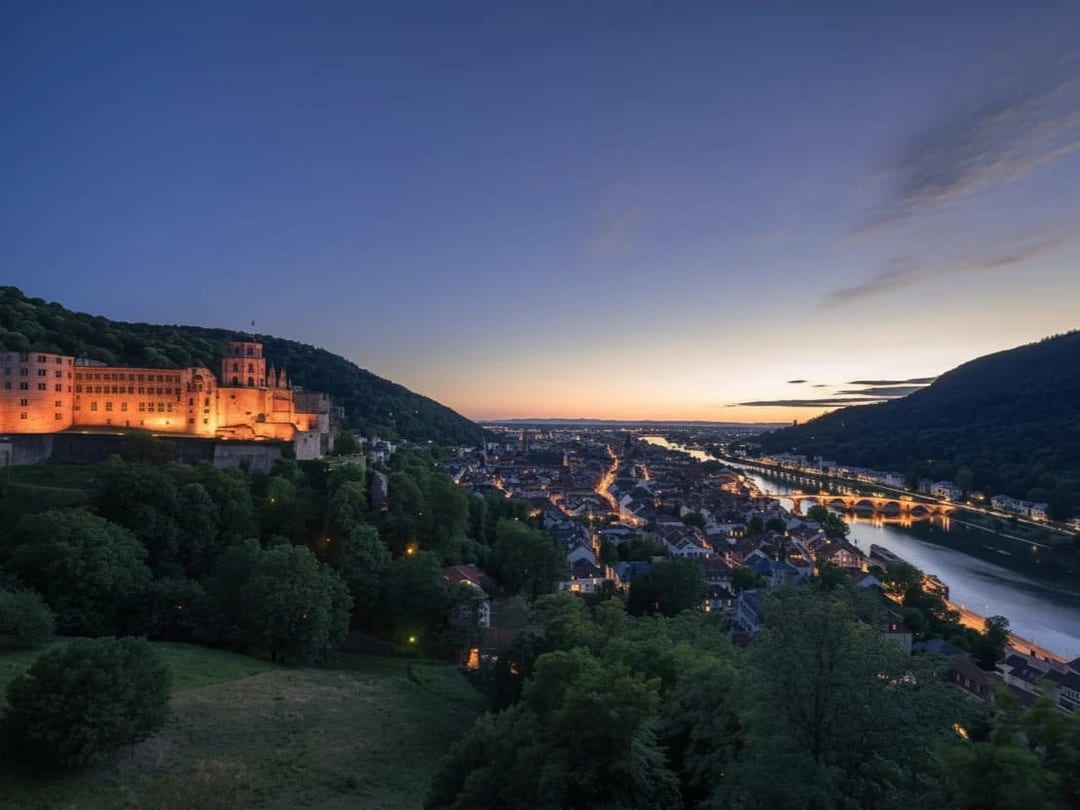
 Before After
Photo enhancer in three steps
- 1
Choose the tool
Face Upscale for portraits, Enhance Image for everything else.
- 2
Add your photo
Pick the blurry, small or compressed photo you want to improve.
- 3
Compare and save
Check the result against the original, then save it.
Tips for great results
- Use Face Upscale when faces are the point of the photo, such as portraits and group shots.
- Use Enhance Image for landscapes, products and artwork, where the style should be left alone.
- Start from the largest copy you have, because a photo forwarded many times has already lost detail.
- Zoom in on eyes and edges before saving to make sure a restored face still looks like the person.
What people use it for
- Old and scanned family photos
- Small images saved from chats
- Profile pictures that look soft
- Product photos that need more detail
More AI features
Photo enhancer: questions
What does the AI photo enhancer do?
Face Upscale uses a face-restoration model to rebuild facial detail, remove blur and compression artifacts and upscale the whole image. Enhance Image upscales and sharpens without reworking faces, so the photo keeps its original look.
Will it change how the person looks?
Face restoration has to rebuild detail the photo no longer shows, so very blurry faces can come back slightly different. Compare with the original before you save, and use Enhance Image when you want a lighter touch.
Can it fix old photos?
It can sharpen blurry or low-resolution scans and bring back facial detail. It does not repair tears or add color, so scan or photograph the print as cleanly as you can first.
Is the AI photo enhancer free?
Luren AI is free to download and try. After that, each enhanced photo is paid for with coins or a Pro subscription.












Try photo enhancer in Luren AI
Free to download on iPhone and Android. Pick a style, add one photo, and see yourself in it in under a minute.
Download & claim your FREE AI generation