
AI saree photo: see yourself in an elegant saree
AI Saree drapes you in an elegant, flowing saree and turns your selfie into a soft, sunlit portrait. Add one photo of yourself, and the app creates a serene, golden-toned image with delicate floral detail and gentle light, ready in your History in under a minute.
Download & claim your FREE AI generation
Updated
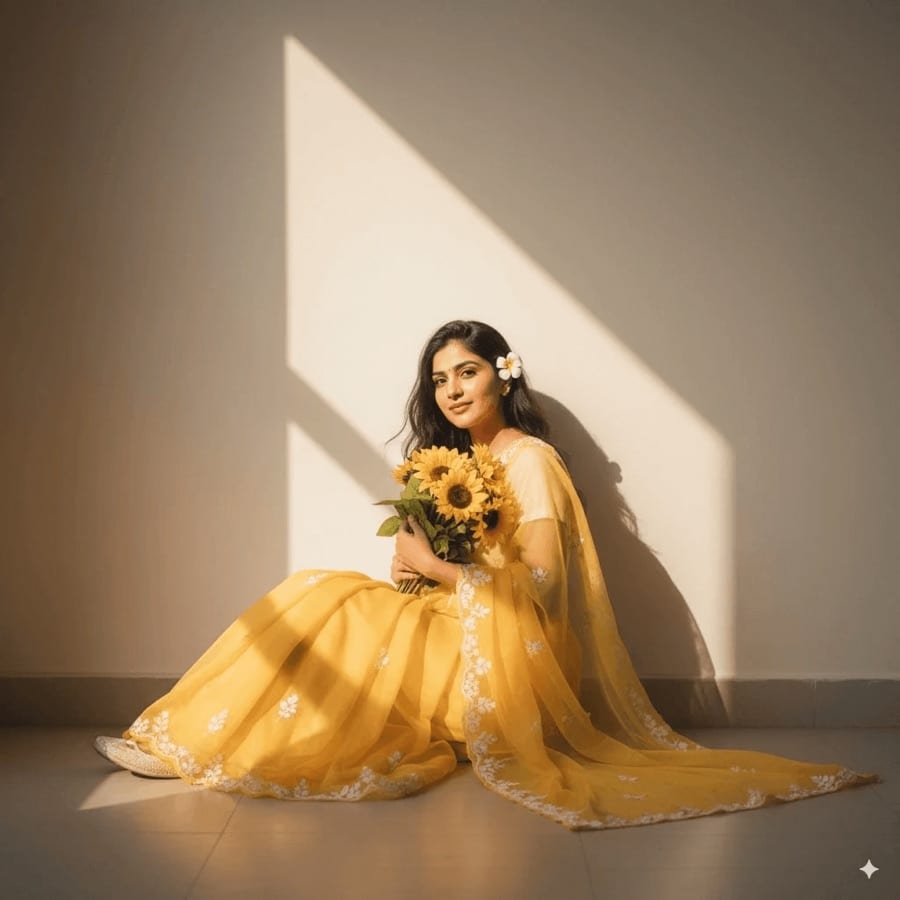
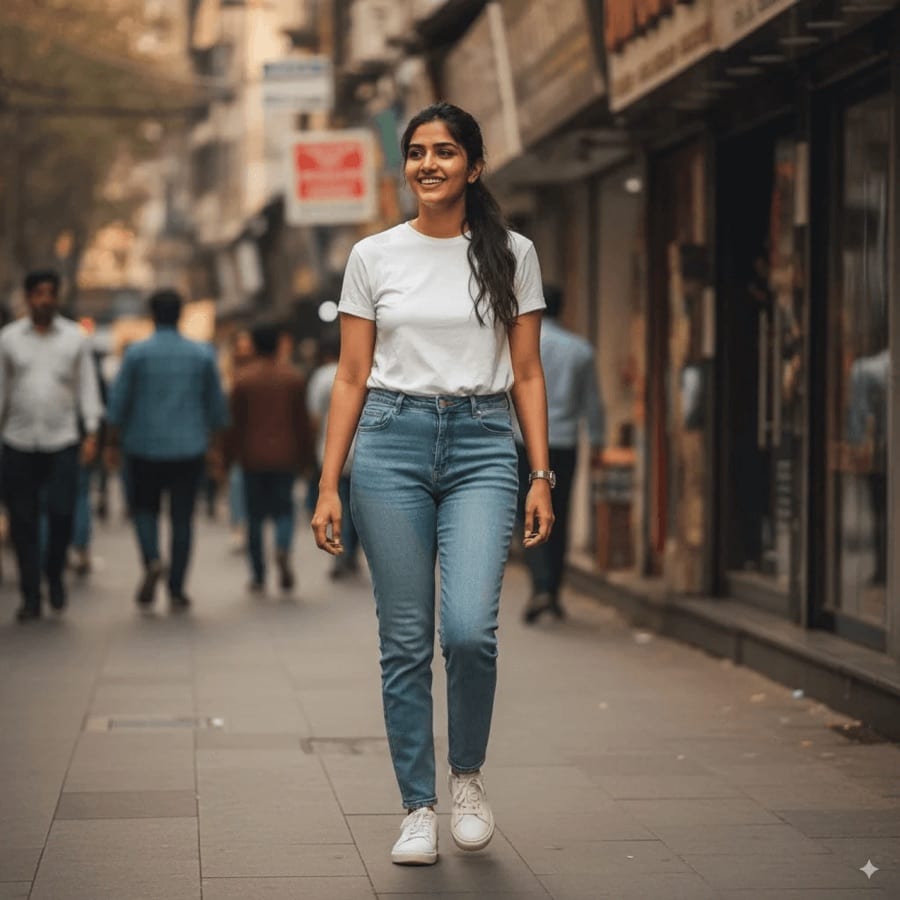 Before After
AI saree photos in three steps
- 1
Open AI Saree
Find it in Creative Tools in the Luren AI app.
- 2
Add a selfie
A clear photo with your face well lit.
- 3
Save your portrait
Download or share it, or run it again for another take.
Tips for great results
- A front-facing photo with your whole face visible keeps the portrait recognizable.
- Natural daylight on your face suits the warm, sunlit look of the result.
- Remove sunglasses and hats so your face reads clearly.
- Run it more than once, since each take varies the pose and light a little.
What people use it for
- Festival and wedding-season posts
- Profile pictures
- Gifts and greeting cards
- Trying a traditional look for fun
More AI features
AI saree photos: questions
How does the AI saree tool work?
You add a selfie and an AI image model creates a portrait of you in a flowing saree with delicate floral embroidery, in soft, warm sunlight. It keeps your face so the portrait looks like you.
Do I need to own a saree?
No. The saree, the setting and the light are all created by the AI, so all you need is one clear photo of yourself.
Is the AI saree photo generator free?
Luren AI is free to download and try. After that, each portrait is paid for with coins or a Pro subscription.
What happens to my selfie?
Your selfie is used only to make your portrait, and the result is kept in your History so you can find it again. To have your data deleted, email [email protected].












Try AI saree photos in Luren AI
Free to download on iPhone and Android. Pick a style, add one photo, and see yourself in it in under a minute.
Download & claim your FREE AI generation