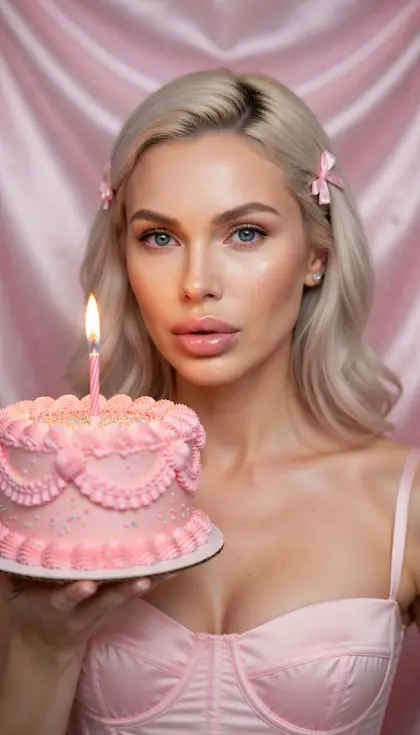
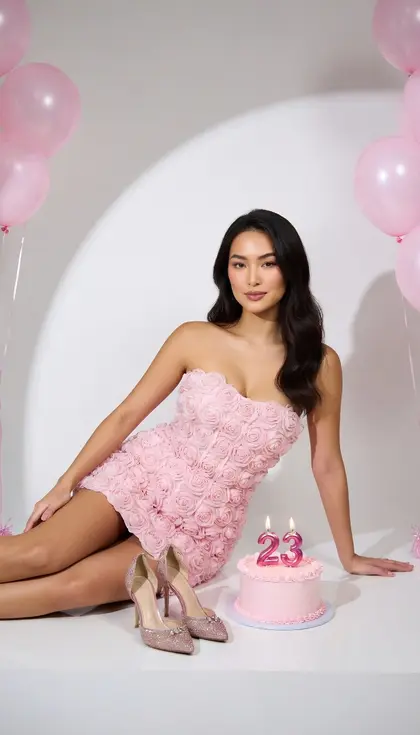
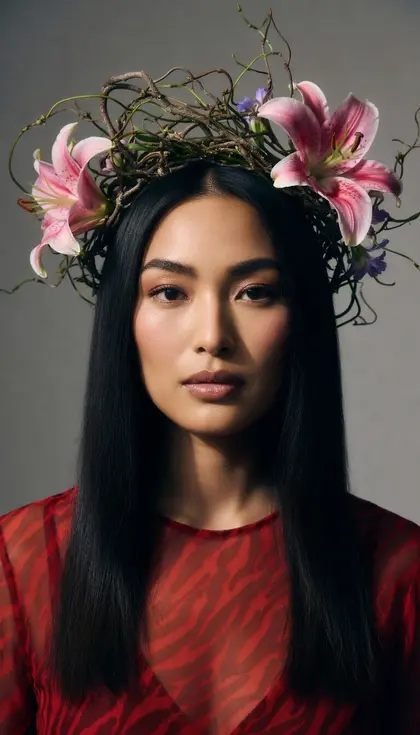
GPT Image 2.5 is OpenAI's image model in two versions: Flare for fast everyday images and Sunburst for careful edits that change only what you ask, round after round. It follows structured prompts well, so describe the scene first, then the subject, the key details and any constraints, and say what the image is for. When you edit, list what must stay the same every time you ask for a change.
Order the prompt as scene, subject, key details, then constraints, and say what the image is for, such as an ad, a menu or a profile photo.
For edits, ask to change only the one element and repeat what must stay the same, such as face, pose, lighting and layout.
Use Sunburst when you plan several rounds of edits on the same picture, and Flare for quick drafts and variations.
Refer to uploaded images by number and role, for example Image 1 as your photo and Image 2 as the jacket, and say how they combine.
For realistic photos, ask for a real photograph with natural imperfections like skin texture and fabric wear rather than a glossy, airbrushed look.
Precise edits to your photo
01
Change only the shirt
Edit my photo: change only my T-shirt to a light blue linen button-up shirt with rolled sleeves. Keep my face, hair, expression, pose, the background, the lighting and the camera angle exactly the same, with no change to color balance or framing.
02
Tidy up my living room
Edit this photo of my living room: remove the laundry on the sofa, the cables on the floor and the boxes by the window. Keep the furniture, walls, plants, lighting and camera angle unchanged so it looks like the same photo, just tidy.
03
Add round glasses
Add a pair of thin, round tortoiseshell glasses to my face in this photo, sized and angled to match my head, with subtle reflections in the lenses. Change nothing else: same skin, hair, expression, clothing, background and lighting.
04
Clean profile picture
Turn my photo into a clean profile picture: replace only the background with a smooth warm-beige gradient and add soft, even light on my face. Keep my facial features, hairstyle, clothing and expression exactly as they are, and crop to a centered head-and-shoulders square.
05
One more small tweak
Using the previous result, make one more change only: warm up the light slightly, as if it were late afternoon. Keep everything else from the last version identical, including my face, outfit, pose, background and composition.
Combine your images
06
Try on a jacket
Image 1 is my photo and Image 2 is a jacket. Dress me in the jacket from Image 2, matching its color, fabric and details exactly, and fit it naturally to my posture. Keep my face, hair, pose and the background from Image 1 unchanged.
07
Candle in a cozy room
Image 1 is a product photo of my handmade candle; Image 2 is a cozy living room. Place the lit candle from Image 1 on the coffee table in Image 2 with matching perspective, scale and warm lighting, plus a soft shadow. Do not alter the candle's label or shape.
08
My cat in a knitted scarf
Image 1 is my cat and Image 2 is a hand-knitted scarf. Show my cat wearing the scarf, sitting on a windowsill with snow falling outside. Keep the cat's fur pattern, eye color and face exactly as in Image 1, and the scarf's pattern exactly as in Image 2.
09
Harbor photo, painted style
Apply the visual style of Image 2, an impressionist landscape painting, to Image 1, my photo of a harbor. Keep the boats, buildings and composition from Image 1, but render them with the brushwork, color palette and soft light of Image 2.
Ads, menus and mockups
10
Coffee shop menu
A printed menu for a small coffee shop on textured cream paper. Title at the top: "Copper Kettle Coffee". Below it, four items, each written exactly once: "Espresso 3.00", "Flat White 4.00", "Oat Latte 4.50", "Cinnamon Bun 3.50". A simple line-drawn kettle icon and dark brown serif type.
11
Plant shop sale ad
A square social media ad for a plant shop's spring sale. A lush monstera and a trailing pothos in terracotta pots on a sunny shelf, with the text "20% Off All Plants" in bold white letters on a green banner across the bottom. Bright, fresh, natural light.
12
Habit app phone mockup
A phone screen mockup for a habit-tracking app, held in a hand against a soft lilac background. The screen shows a weekly grid of colored check circles, a header that reads "Good Morning, Sam" and a large progress ring at 75%. Clean, modern interface with rounded cards.
13
Real estate kitchen shot
A bright, professional real estate photo of a small Scandinavian-style kitchen: white cabinets, light oak floors, a marble island with three stools and morning sun through a large window. Straight vertical lines, wide-angle lens at chest height, true-to-life colors.
Creative concepts
14
Island travel poster
A retro travel poster for a fictional island called "Isla Coral", in flat mid-century screen-print style: a turquoise bay, a red-and-white lighthouse, sailboats and palm trees under a big sun. The name in large cream letters at the top, appearing once, inside a thin border.
15
Picture-book rainy walk
A children's picture-book illustration of a hedgehog and a rabbit sharing an umbrella on a rainy village path, with puddles reflecting lantern light. Soft gouache textures, rounded shapes, warm muted colors, and a calm, clear area at the bottom for a line of story text.
16
Storm in a glass
A surreal still life photograph: a glass of water on a white table where, inside the glass, a tiny stormy ocean with a sailing ship rolls in the waves. Soft studio light, a single shadow, crisp detail on the glass, minimal grey background.
17
Paper-craft night village
A handmade paper-craft diorama of a mountain village at night: layered cut-paper hills, tiny lit windows, a paper moon hanging on a thread and cotton-wool clouds. Photographed close up with shallow focus so the paper texture and edges are visible.
18
Sketch to bedroom render
Turn my pencil sketch of a bedroom into a photoreal interior render. Follow the sketch's layout, furniture positions and window placement exactly; use light oak furniture, white linen bedding, a sage green wall and soft afternoon light.
Copy a prompt, open Luren AI, choose GPT Image 2.5 in the model picker and paste it. Prompts that mention "my photo" expect you to add your own photo as a reference first.
Can I edit the prompts?
Yes, and you should: swap the setting, the outfit, the colours or the light for your own idea. Keep the order (subject, setting, light, camera, mood) and the model will follow you better.
Is GPT Image 2.5 part of Luren AI?
GPT Image 2.5 is made by OpenAI. Luren AI is an independent app that gives you GPT Image 2.5 together with other image and video models, so you can try the same prompt on several of them.
Paste it, add your photo, pick a model
Free to download on iPhone and Android. Pick a style, add one photo, and see yourself in it in under a minute.