
Free AI image prompt generator
Good prompts describe a scene the way an art director would: who, where, what light, which lens, what mood. Fill in what you know, pick the rest from the lists, and copy a prompt that any modern image model understands.
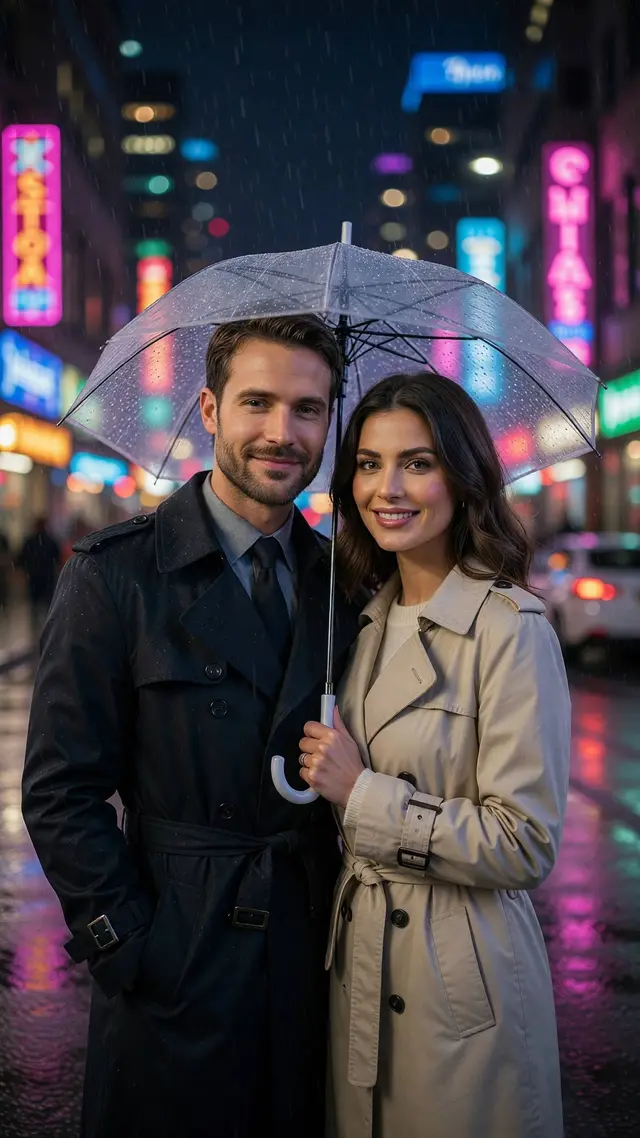 Do it with AI AI image generator Run the prompt: paste it into Luren AI, add your photo if you like, and pick Nano Banana Pro, GPT Image, Seedream or another model. See ai image generator results →
AI prompt generator in three steps
- 1
Describe the subject
A person from your photo, a product, a pet or anything else, in a few words.
- 2
Pick the look
Style, setting, lighting, camera and mood. Or press Surprise me.
- 3
Copy and generate
Paste it into your image model, or into Luren AI with your photo.
AI prompt generator: questions
Which AI models do these prompts work with?
Any model that takes a written description: Nano Banana and Nano Banana Pro, GPT Image, Seedream, Grok Imagine, FLUX and others. Models that edit photos also use the 'keep my face' line to hold your identity.
Is the prompt generator free?
Yes, with no sign-up and no limit. It runs in your browser and simply assembles your choices into a well-ordered prompt.
How long should an image prompt be?
Most current models do best with one or two full sentences, roughly 30 to 80 words: subject first, then setting, light, camera and finish. Very long keyword lists tend to blur the result.
More free tools












Beyond resizing: restyle the photo with AI
Free to download on iPhone and Android. Pick a style, add one photo, and see yourself in it in under a minute.
Download & claim your FREE AI generation