
AI dance video generator: make your photo dance
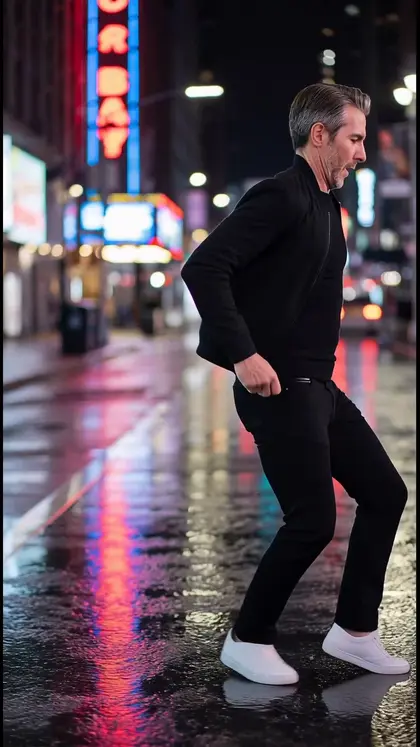
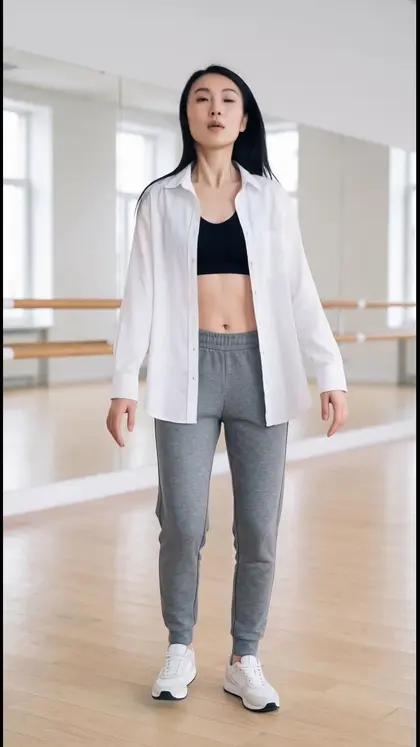
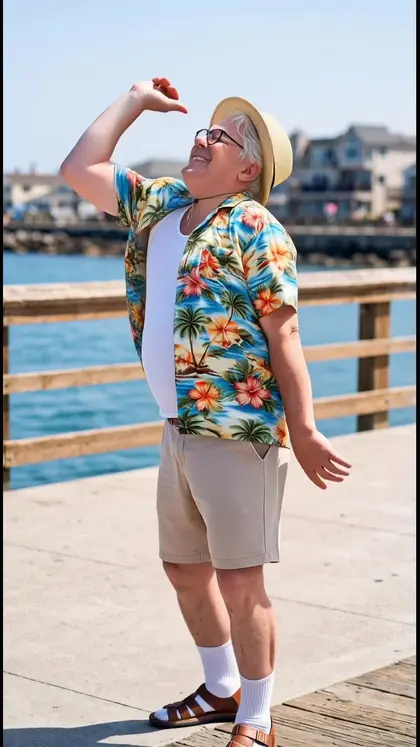
Choose a dance, add a full-body photo, and the motion from the dance clip is transferred onto you, music included. There are dances for every mood, from a smooth runway walk to a grandpa by the pool, plus a few for your dog.
Download & claim your FREE AI generation
Updated
From one photo to a video
- 1
Pick a dance
Scroll the templates and tap the one you want. Each tile shows the real result.
- 2
Add a full-body photo
One photo, standing, arms and legs in view. Pets work too.
- 3
Get your video
The moves and the music are transferred onto you. Save it or share it to Reels and TikTok.
AI dance videos: questions
How does an AI dance video work?
You pick a dance and add one photo. Luren AI uses a motion-transfer video model (Kling motion control) to move the person in your photo exactly like the dancer in the template, and keeps the template's music.
What kind of photo works best?
A full-body photo, standing, facing the camera, with your arms and legs visible and nothing in front of you. Head-and-shoulders selfies give the model too little to animate.
How long are the dance videos?
As long as the dance template, usually between 4 and 16 seconds. The price in coins follows the length, and the app shows it before you generate.
Can I make my dog or cat dance?
Yes. A few templates are made for pets, such as Beach Pup and Happy Paws. Use a clear, full-body photo of your pet.
Can I use my own dance video?
Yes. Besides the templates, the Dance screen in the app lets you upload a dance clip of your own as the motion to copy.












Make your own AI dance videos
Free to download on iPhone and Android. Pick a style, add one photo, and see yourself in it in under a minute.
Download & claim your FREE AI generation