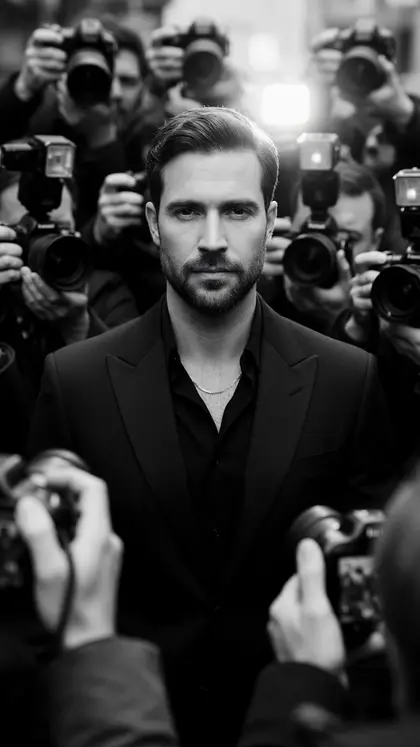
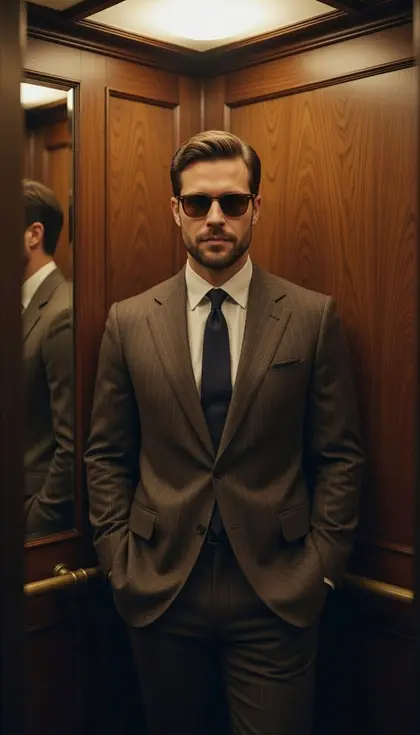
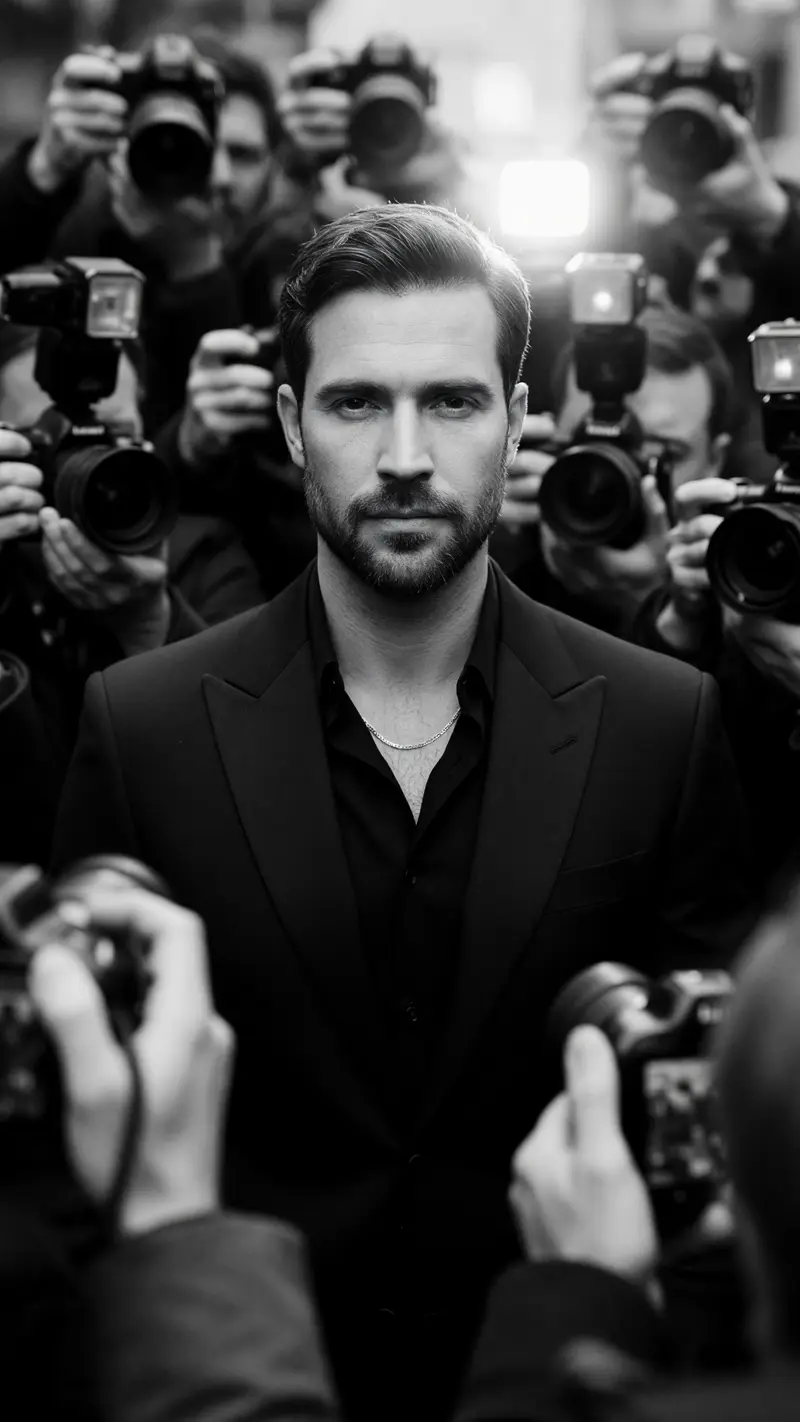
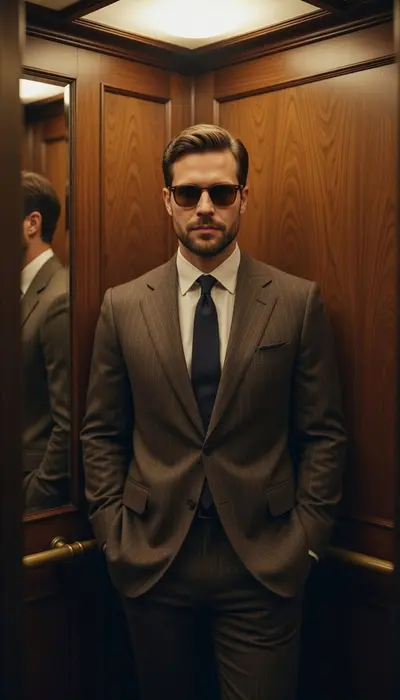
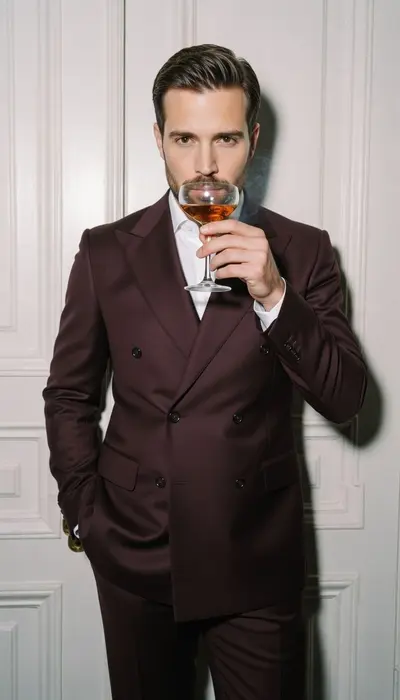
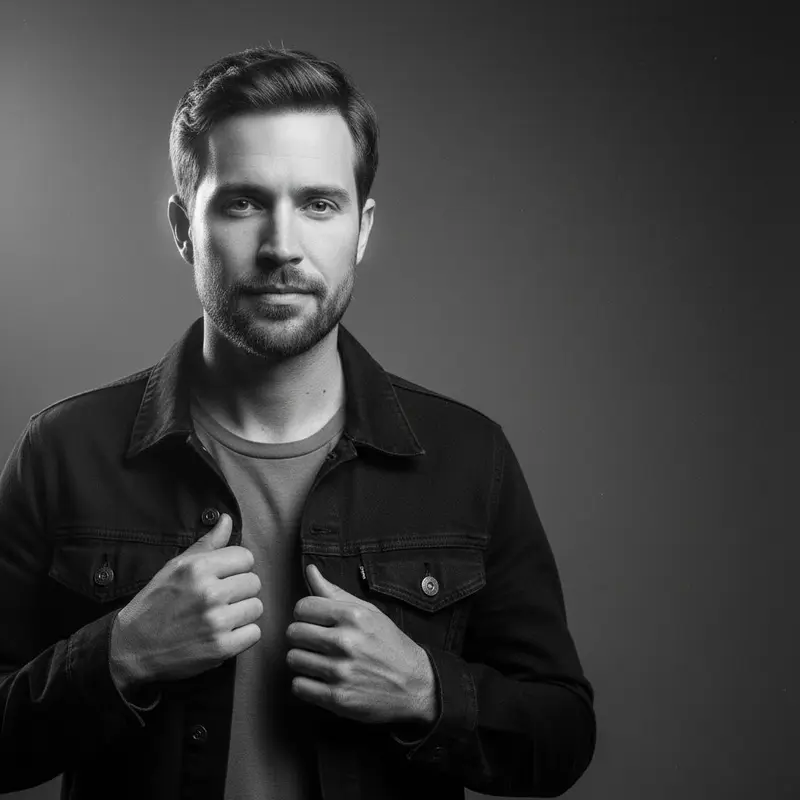
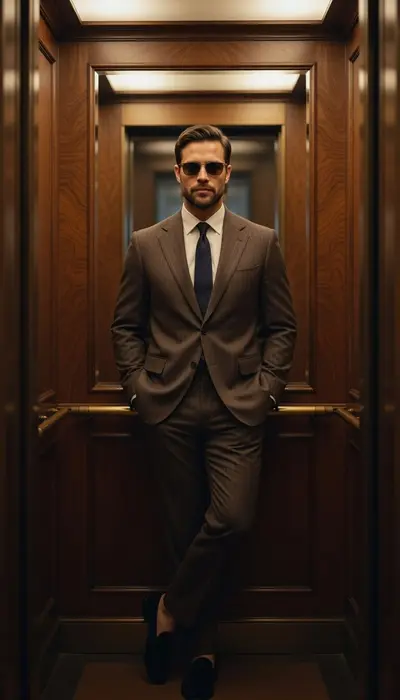
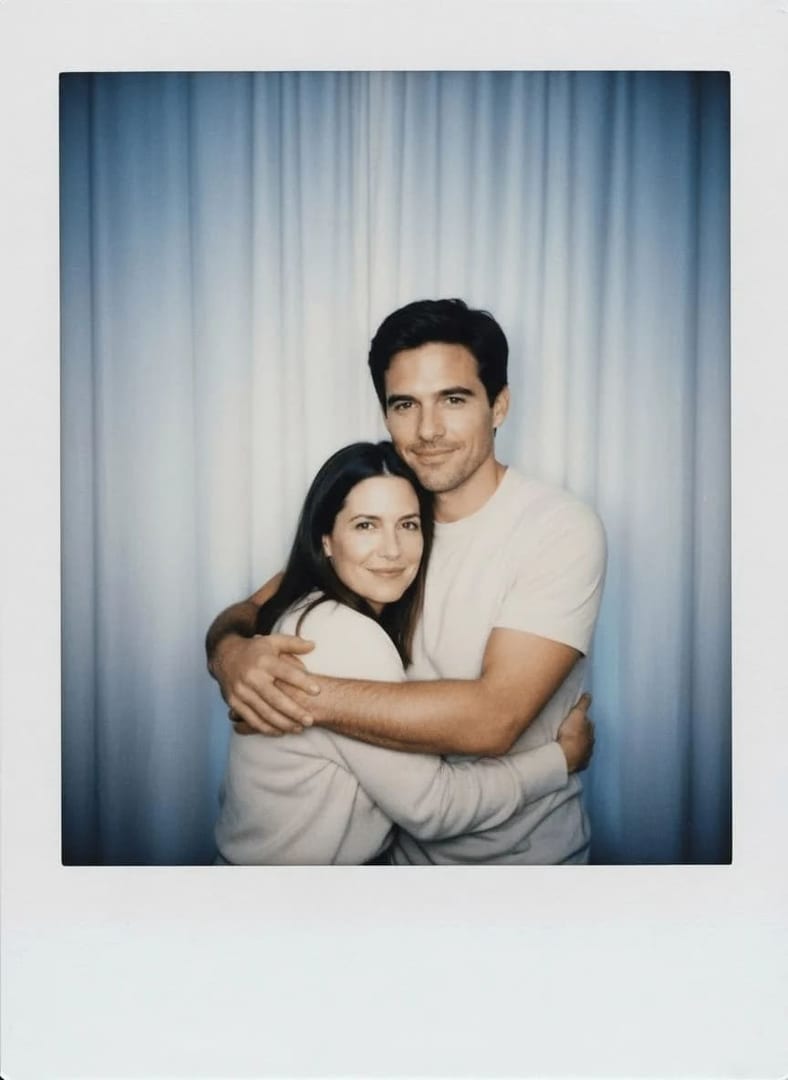
These corporate headshot prompts cover what a company website, an annual report and an internal directory actually need: a plain studio backdrop, a softly blurred office, a consistent team look and crops from a tight square to waist-up. Add a sharp, front-facing photo, paste a prompt and pick an image model, then choose the result that looks most like you.
Using my photo as the face reference, create a corporate headshot of me in a charcoal suit with a white shirt, a plain mid-grey studio backdrop, a soft key light from the left with gentle fill, a confident closed-mouth smile, eyes to camera, a head-and-shoulders crop with a little room above my head.
02
Blurred glass office
Place me in a bright modern office with glass partitions and soft daylight blurred far behind me, a navy blazer over a light blue shirt, shoulders angled slightly with my face turned to the camera, a relaxed professional smile, chest-up framing, my face and build kept exactly as in my photo.
03
Smart casual open plan
Keeping my face, hair and build as they are, show me in an open-plan workspace with plants and long desks softly out of focus, a plain knit sweater over a collared shirt, warm natural window light, an easy genuine smile, framed from mid-chest up.
04
Executive on dark navy
Make an executive headshot of me in a tailored dark suit against a deep navy backdrop with a faint glow behind my shoulders, refined low-key studio light, a calm authoritative expression, a head-and-shoulders crop with true-to-life skin texture.
05
White background for the website
Create a clean website headshot of me on a pure white background that is easy to cut out, a dark blazer over a simple top, bright even light with no harsh shadows, a warm approachable smile, centered head-and-shoulders framing at 4:5.
06
Arms crossed, waist-up
Using my photo for the face, show me waist-up with my arms loosely crossed against a light warm-grey wall, a fitted blazer with the sleeves slightly pushed up, soft directional light, a confident friendly look straight at the camera, empty space on one side for text on an about page.
07
Boardroom window light
Photograph me standing beside a tall boardroom window, soft side light falling across my face, a city skyline blurred into pale shapes behind me, a light grey suit or a tailored dress, a thoughtful expression with a slight smile, a medium crop from the waist up.
08
Annual report portrait
Create an annual-report portrait of me sitting on the edge of a simple wooden table in a calm meeting room, a dark suit with an open collar, natural light from a side window, a composed and trustworthy expression, a horizontal three-quarter-length frame with clean space on the left.
09
Accounting and audit
Make an accountant's headshot of me in a navy suit with a crisp white shirt and a subtle tie or a silk blouse, a plain blue-grey backdrop, crisp even studio light, a steady reliable expression, a tight square crop that reads well small.
10
Matching team set
Create a corporate headshot of me in one consistent team style: a plain light grey backdrop, a single soft key light from the right, a dark top, a chest-up crop with my eyes on the upper third, so it lines up evenly with my colleagues' photos on the company site.
11
Business district outdoors
Show me outdoors in a business district at mid-morning, glass towers softly blurred behind me, a camel coat over a dark suit, natural overcast light, pausing mid-walk with my face toward the camera, a medium shot that keeps my face sharp and recognizable.
12
Black-and-white leadership page
Turn my photo into a black-and-white corporate portrait for a leadership page, a dark blazer, a plain mid-grey background, classic portrait lighting with a soft shadow on one cheek, a calm direct gaze, a tight head-and-shoulders crop with a rich tonal range.
13
Hybrid worker at home
Picture me at a tidy home-office desk with a laptop and a bookshelf softly blurred behind me, a smart shirt or blouse, warm window light, a friendly open smile, framed chest-up as if for an internal directory or a video-call avatar.
14
Client-facing account manager
Using my face from the photo, make a client-facing headshot of me in a soft-colored blazer over a plain top, a plain warm beige backdrop, gentle wrap-around light, an open welcoming smile with a slight forward lean, a square crop that reads well at thumbnail size.
15
Badge and email signature
Create a simple directory headshot of me with my face centered and filling most of the frame, a plain pale blue background, flat even light with no shadows across my eyes, a neutral friendly expression and a dark collar visible, sized for a badge, an email signature and an intranet profile.
Made in Luren AI
More corporate headshot photo ideas to try
Real results from Luren AI's ready-made styles: open one to see how it was made, or use it with your own photo.
Solid, darker colors such as navy, charcoal or deep green read best and date slowly; avoid busy patterns and large logos. Match your industry: a suit for finance and law, a blazer or a knit for tech and marketing. Name the exact garment in the prompt, or the clothes in your photo may carry over.
Which background is best for a company website?
Match whatever your colleagues' photos already use, because a consistent background matters more than any single choice. Plain light grey or white is the safest; a softly blurred office adds context. Generate at 4:5 or 1:1 so the photo fits most website templates.
Can I use an AI headshot for work?
Yes, as long as it still looks like you: your current face, age, hairstyle and build. Colleagues and clients will meet you on calls and in person, so pick the result closest to reality, keep retouching light, and check whether your company has its own photo guidelines.
Paste it, add your photo, pick a model
Free to download on iPhone and Android. Pick a style, add one photo, and see yourself in it in under a minute.