
AI photo editor: restore, enhance and change anything
Fourteen editing tools that used to need hours in a desktop editor: restore a damaged family photo, sharpen a face, try on clothes, swap the weather, change an expression or a pose, or extend a photo past its edges.
Download & claim your FREE AI generation
Updated
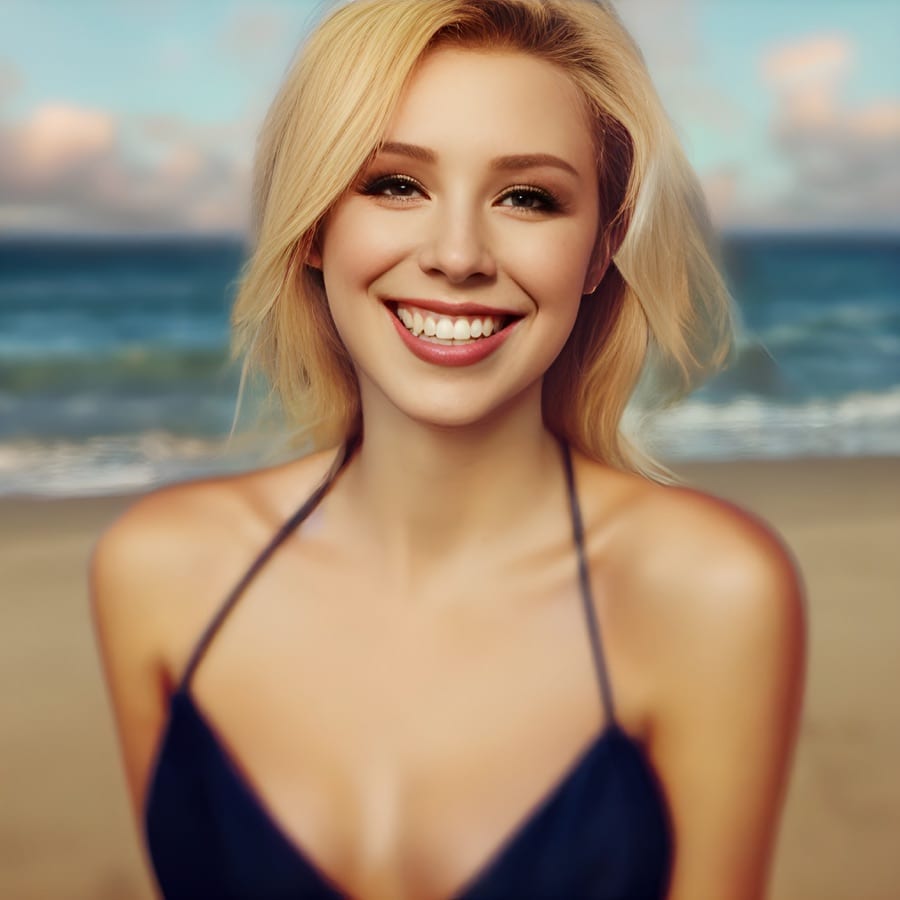
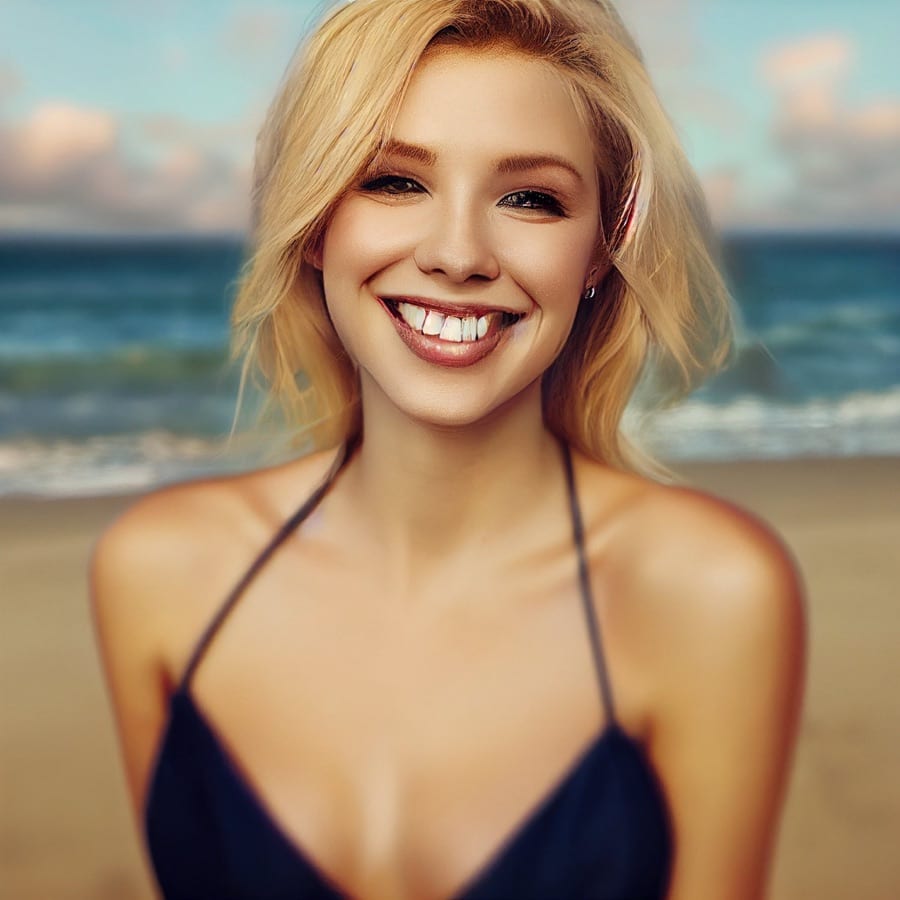 Before After
Face Upscale
Upscale images and fix facial details with AI.
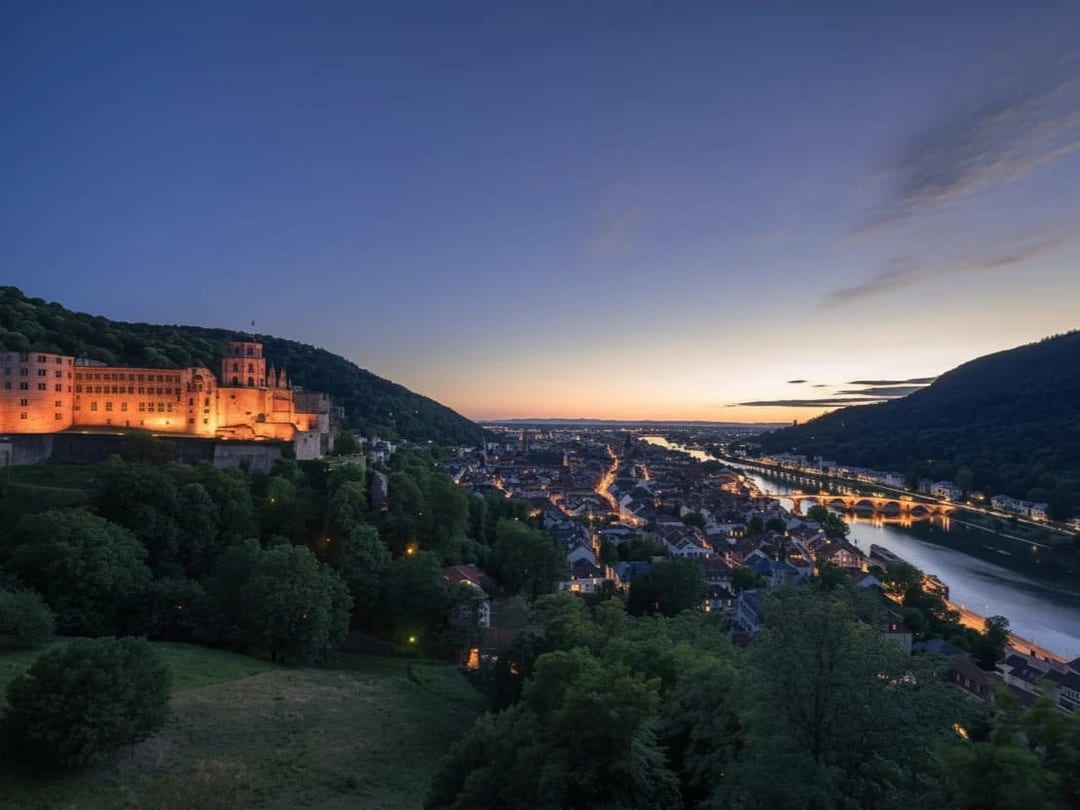
 Before After
Enhance Image
Sharpen and upscale while preserving style.
 Before After
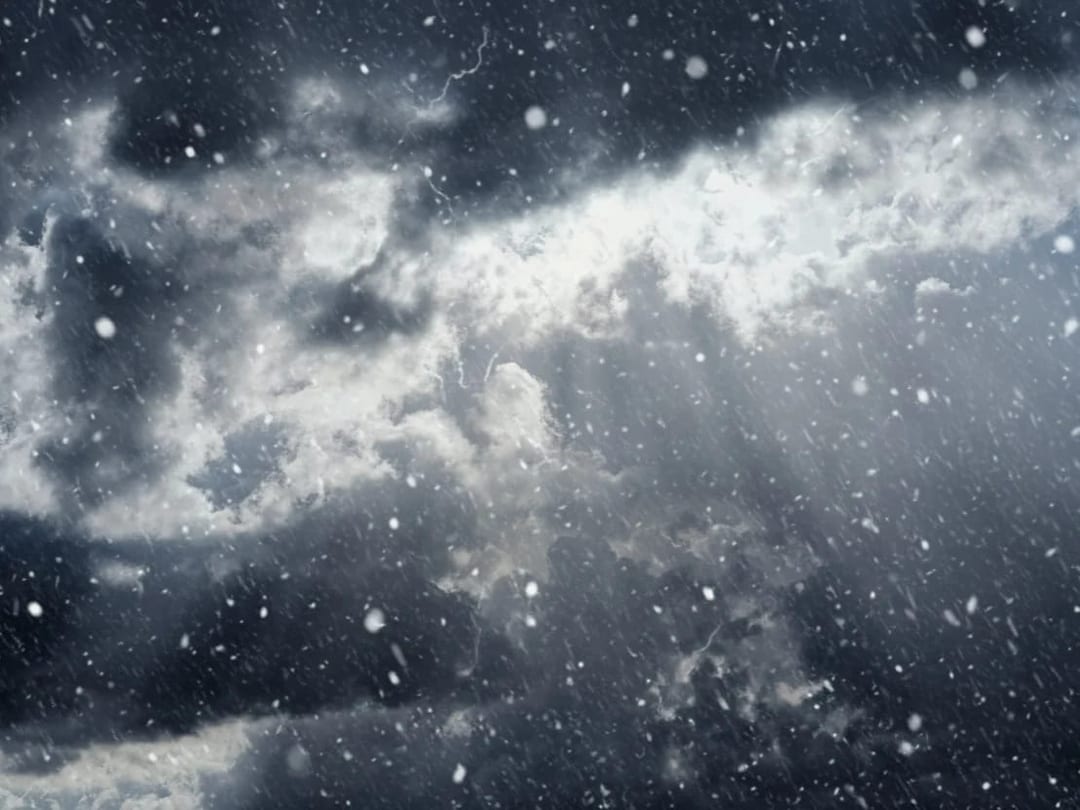
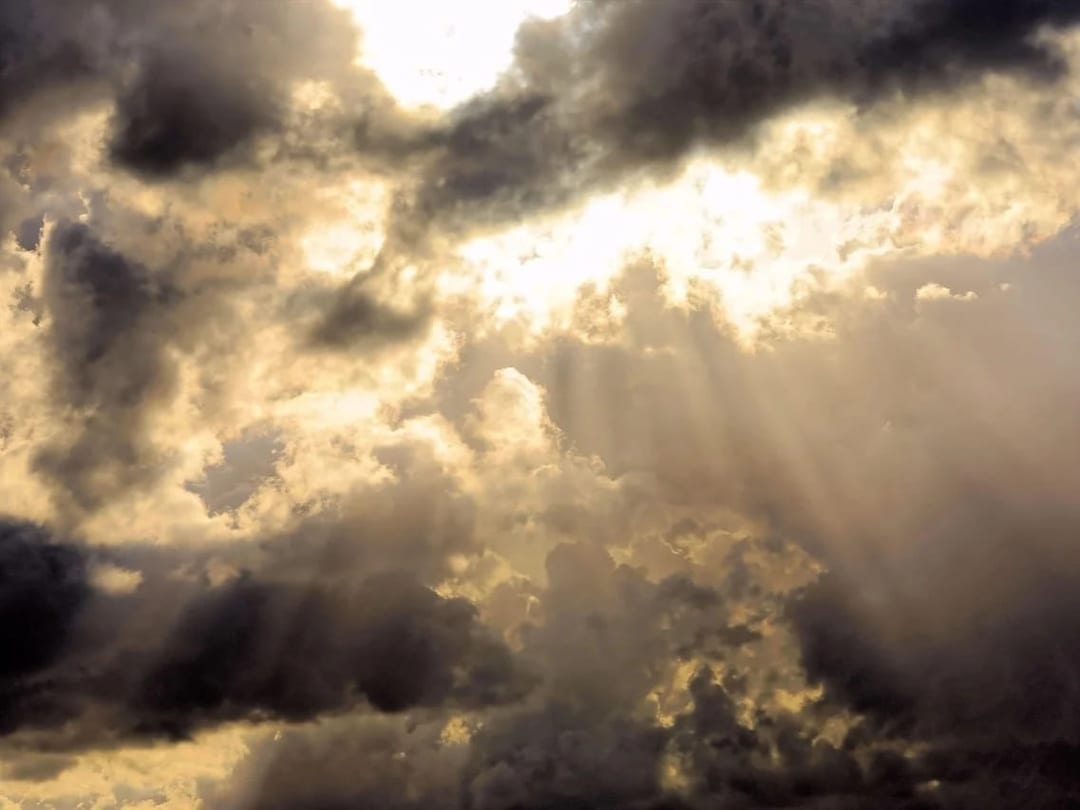
Change the Weather
Swap weather conditions with realistic lighting.
 Before After
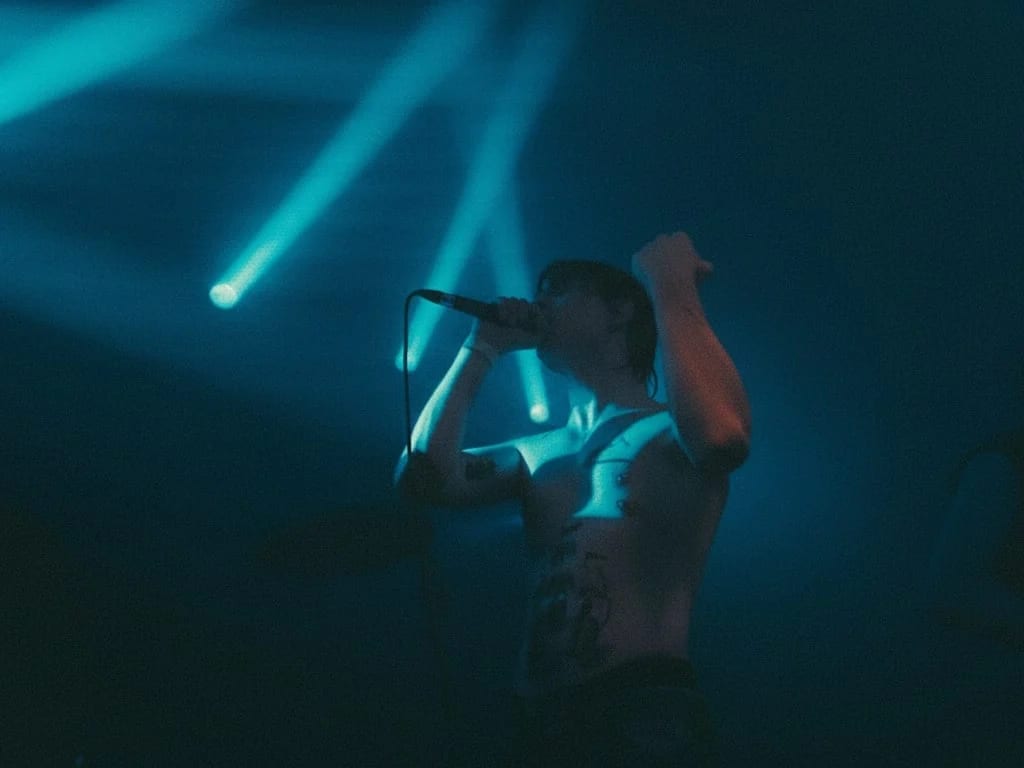
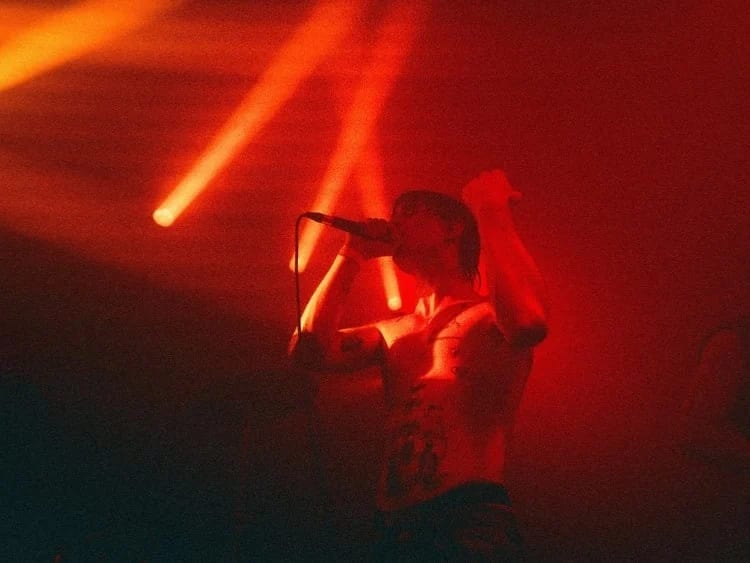
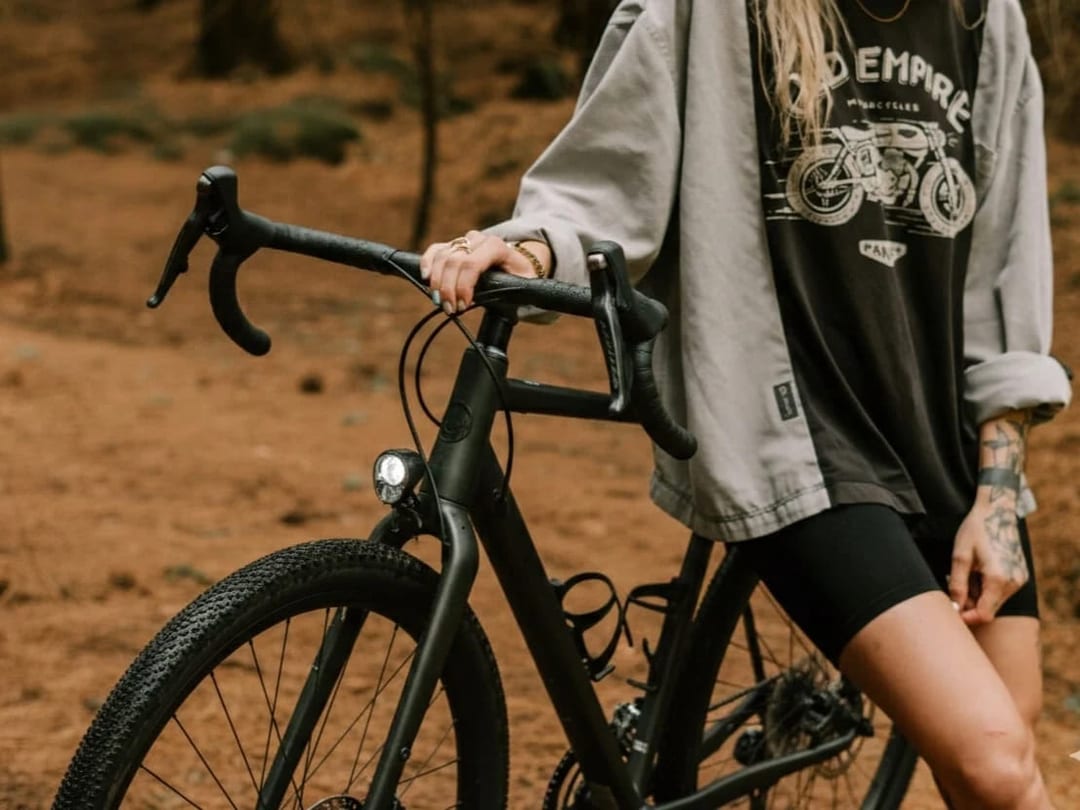
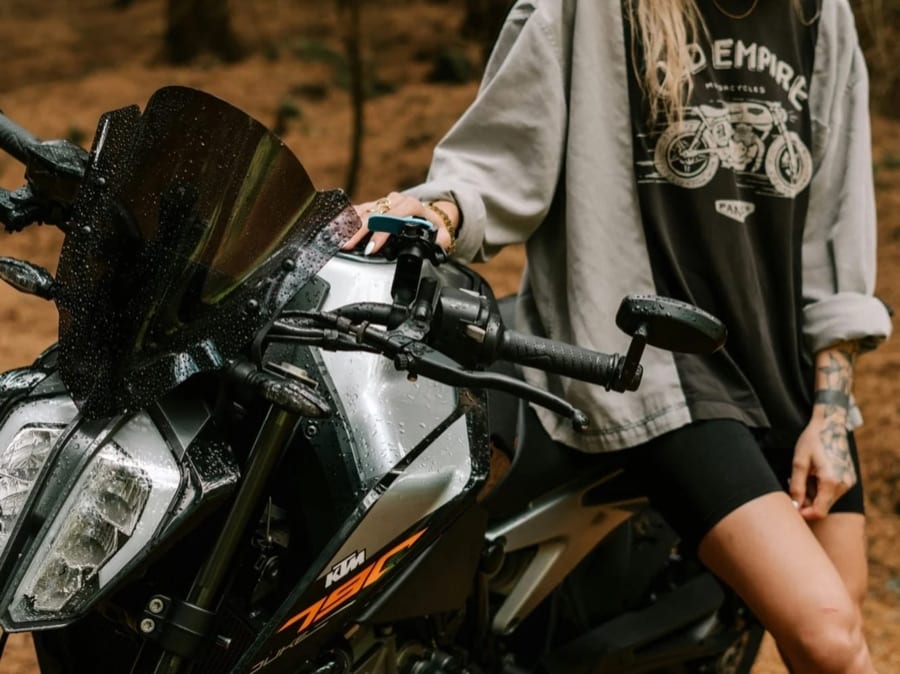
Change Image Color
Retint scenes to new palettes effortlessly.
 Before After
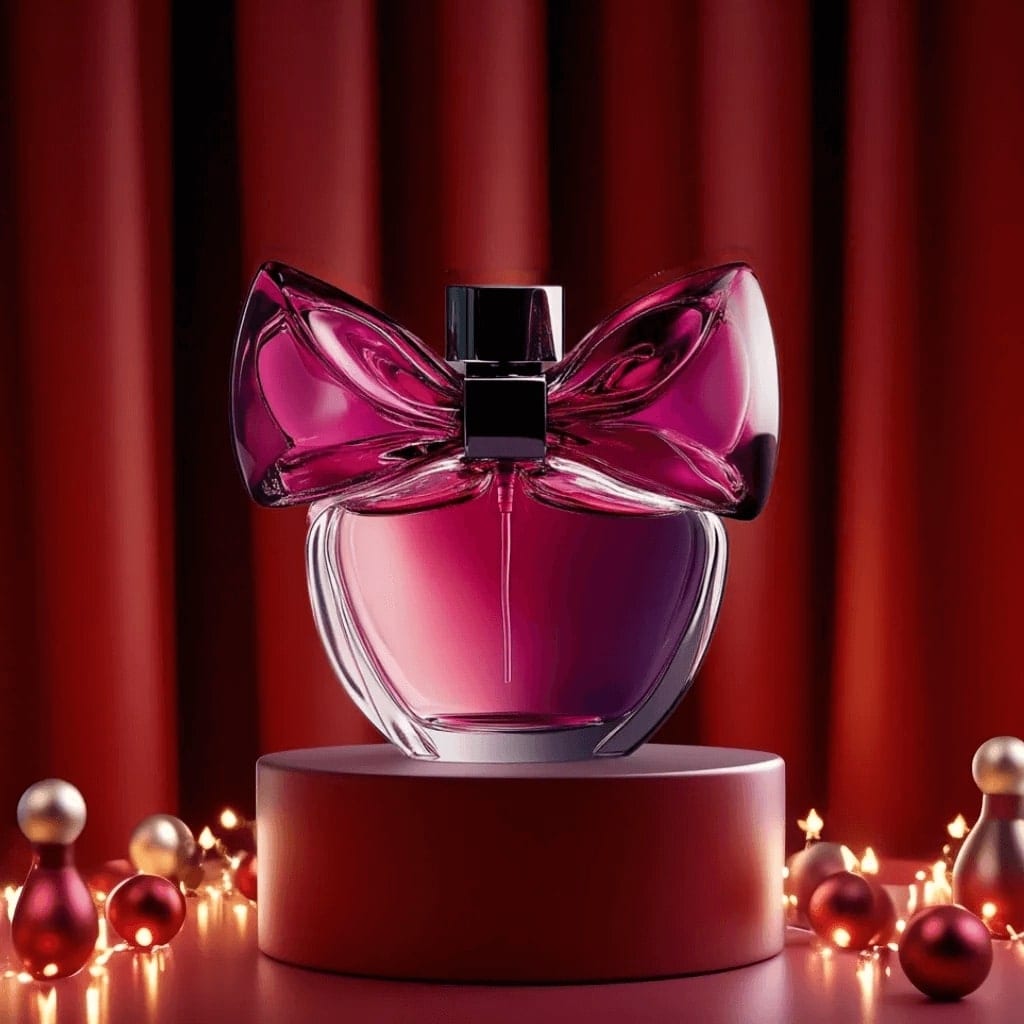
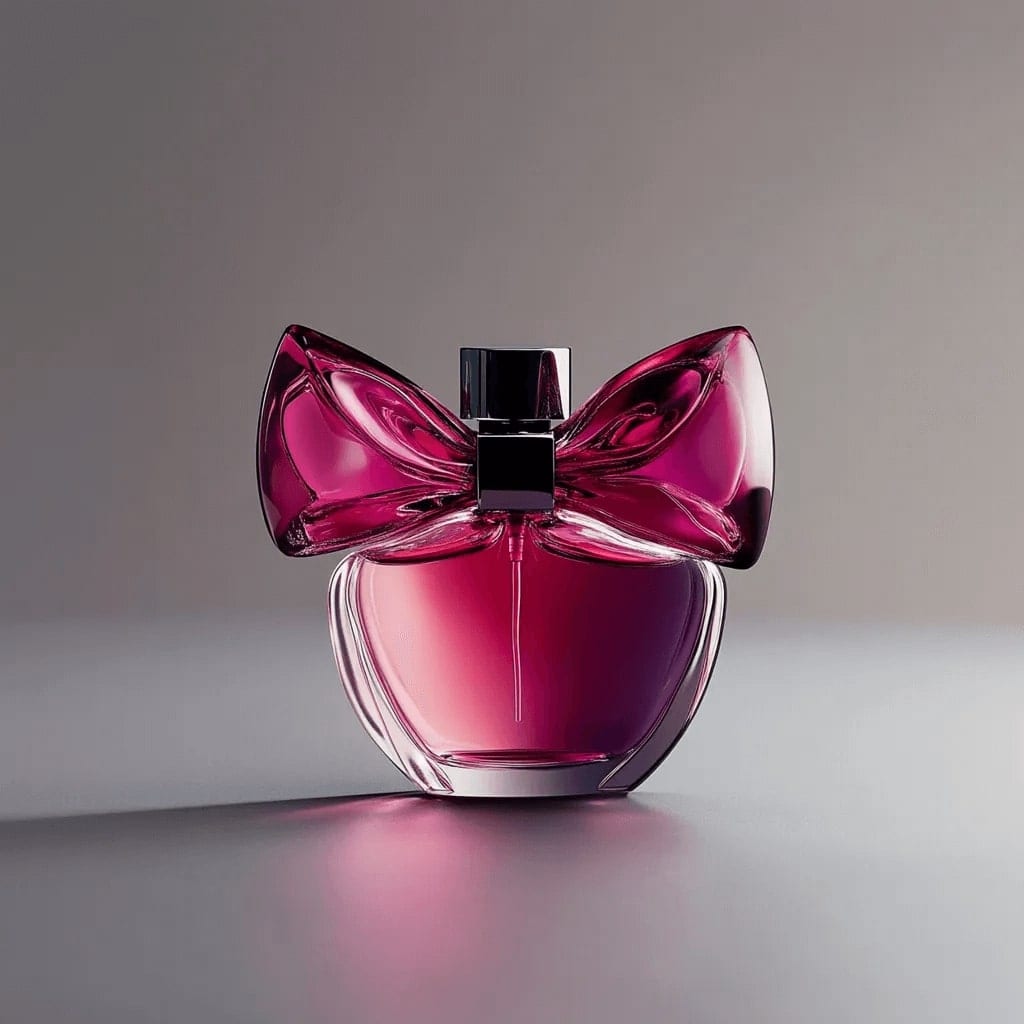
Image Replace
Swap elements while matching perspective and light.
 Before After
Image Outpainting
Extend compositions beyond their borders.
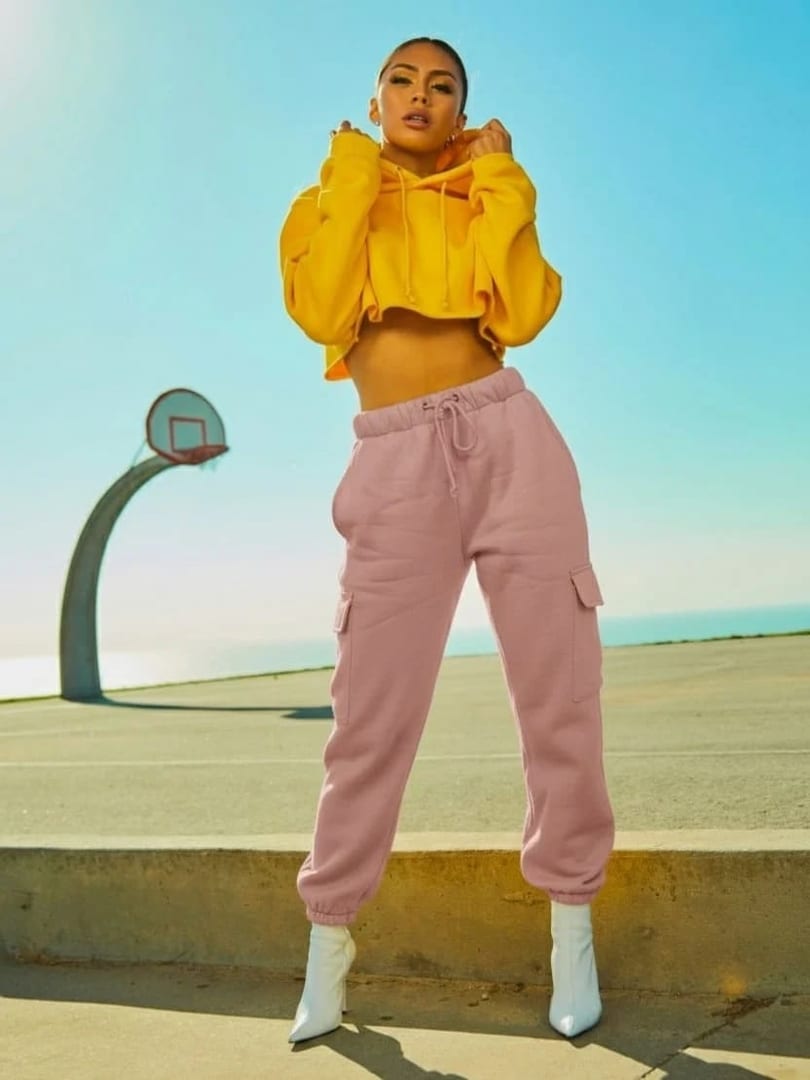
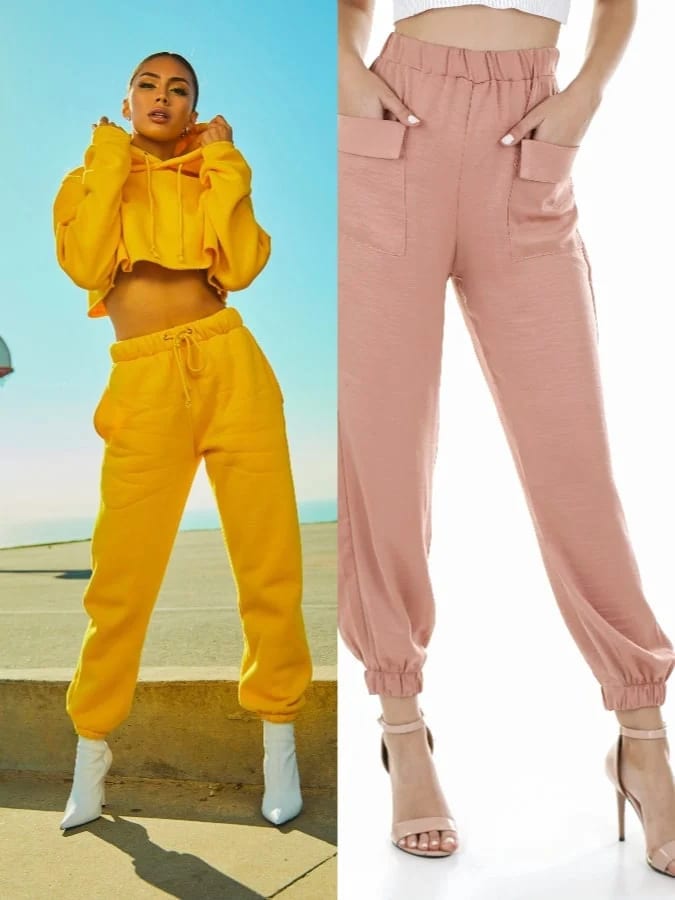 Before After
Change Clothes
Swap wardrobe pieces while keeping identity intact.
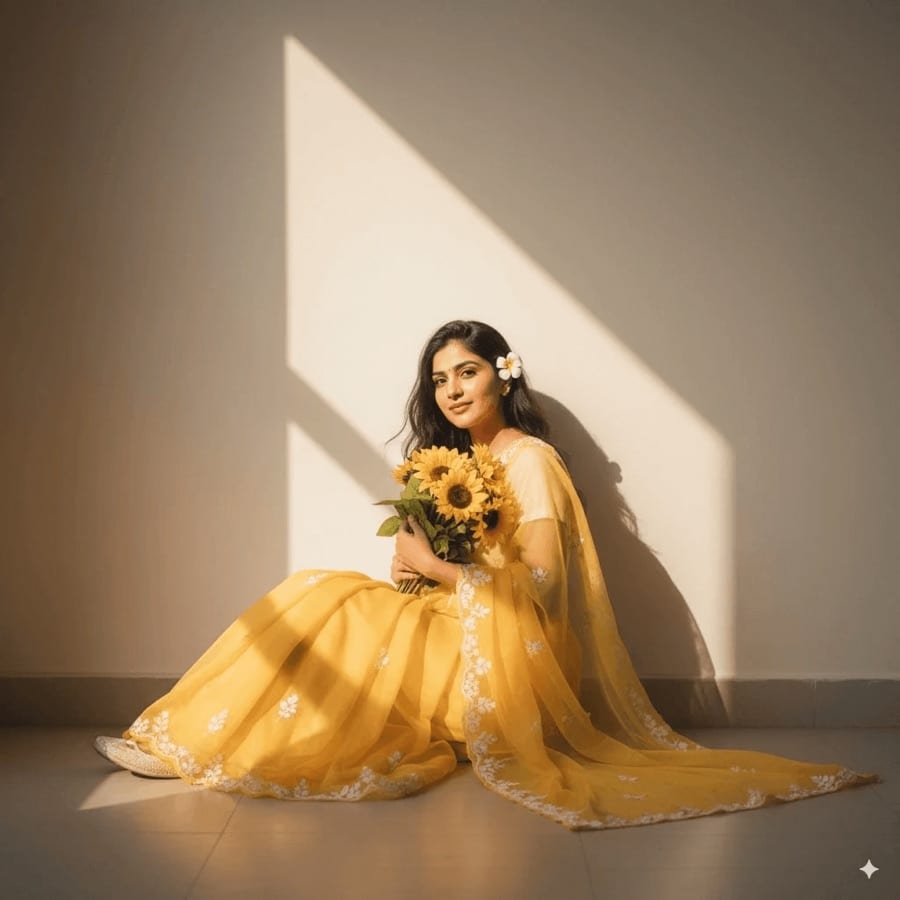
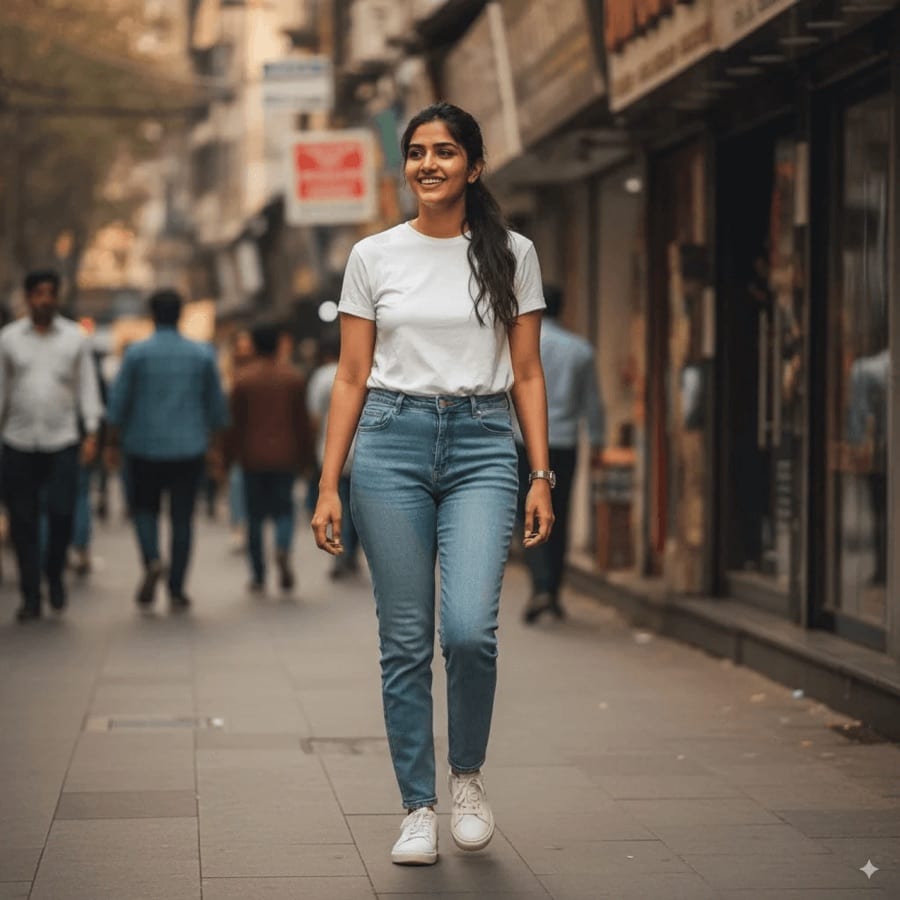 Before After
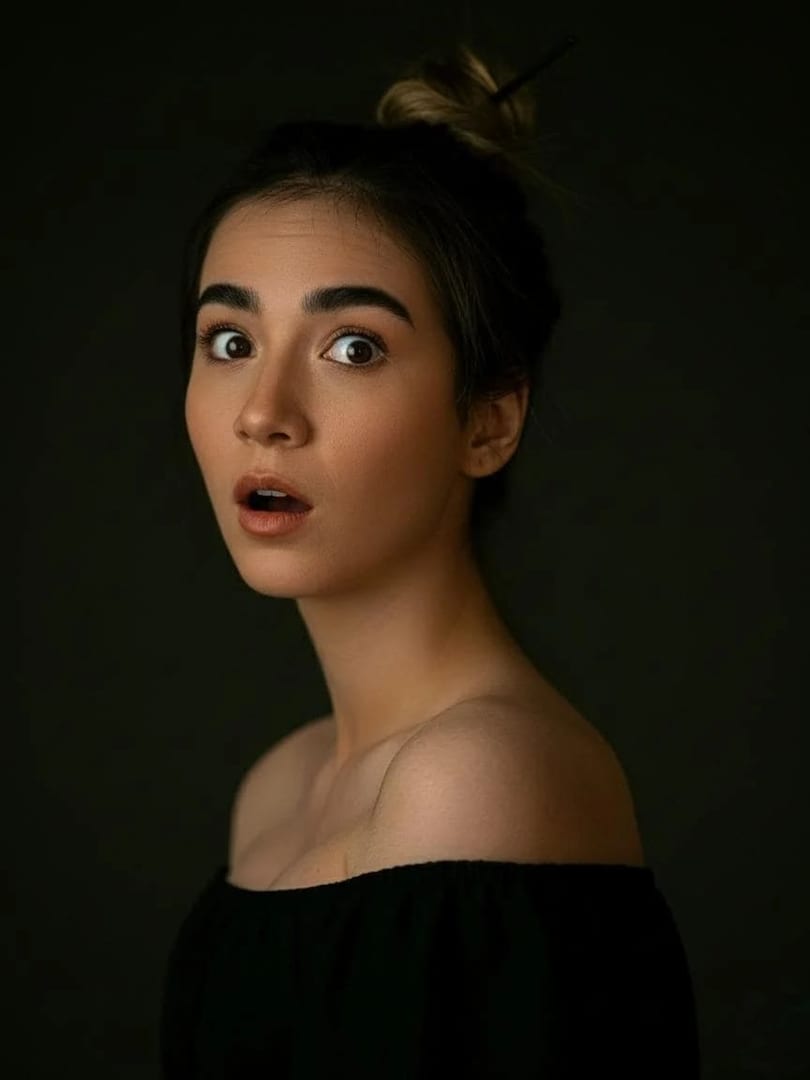
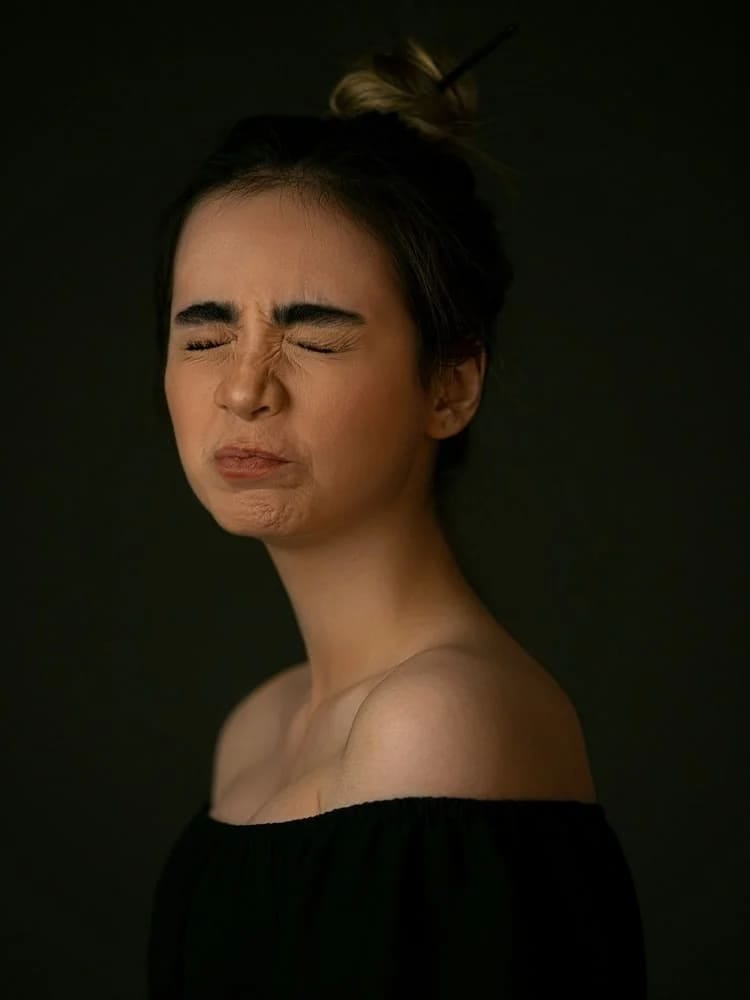
AI Saree
Drape subjects in elegant saree ensembles.
 Before After
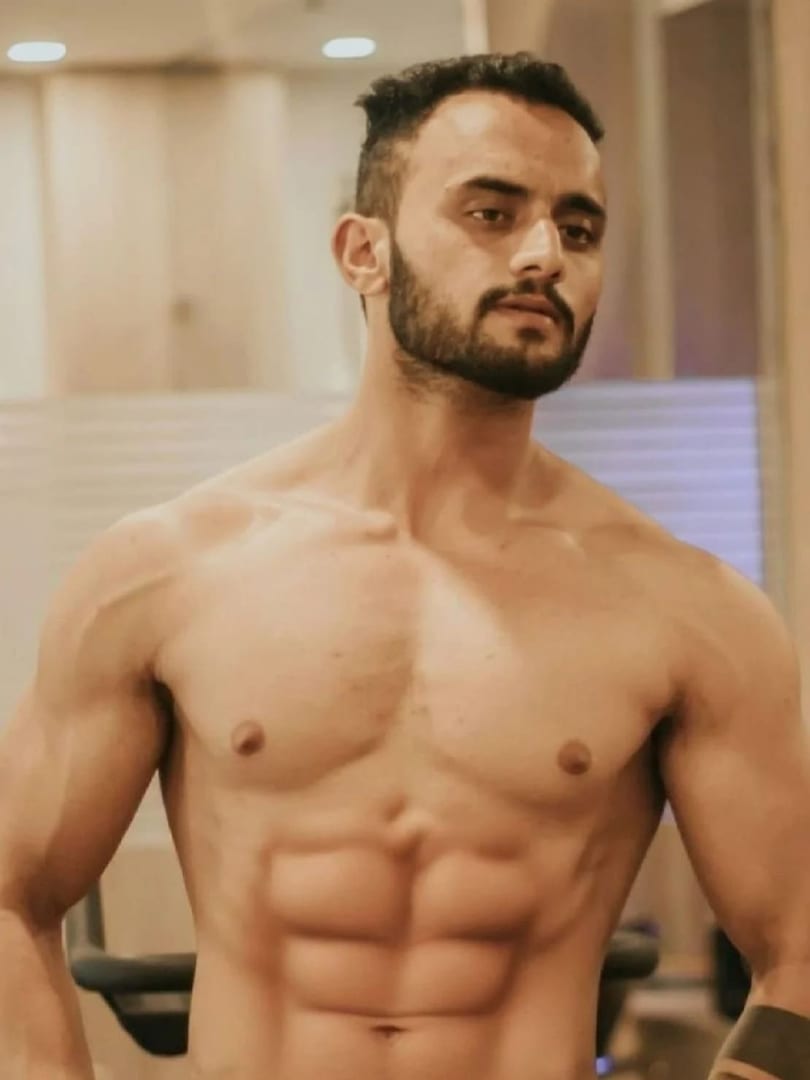
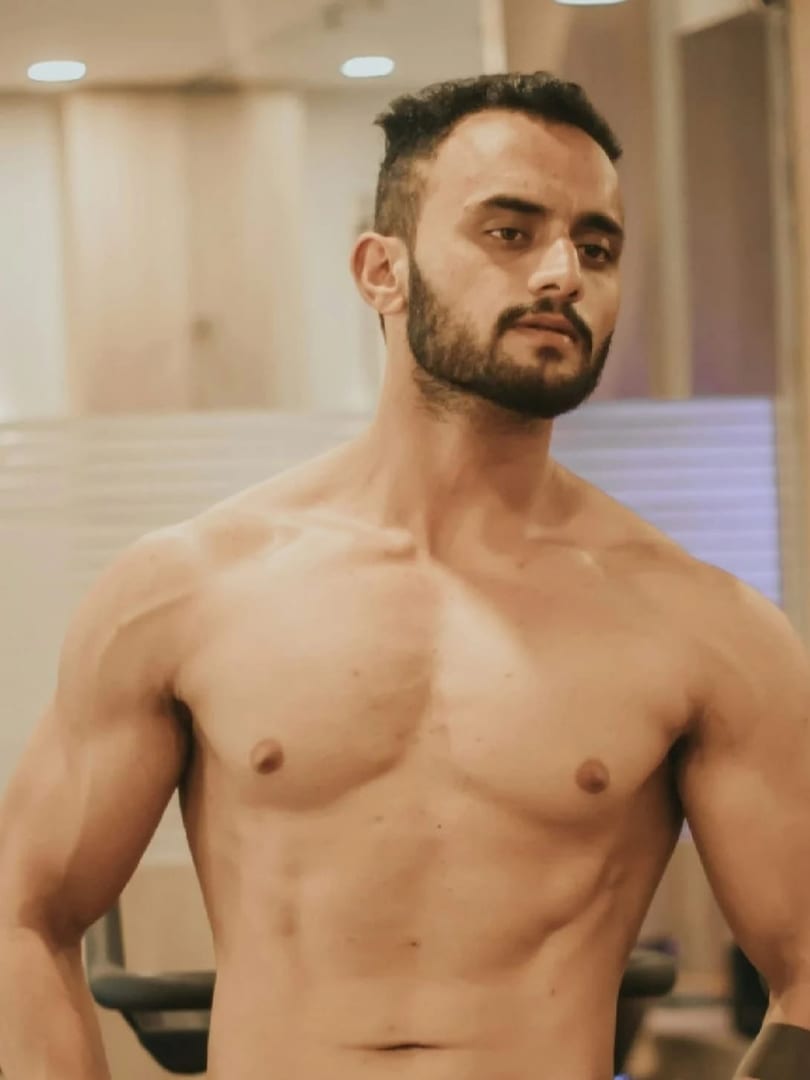
Facial Expression
Modify facial expressions without altering identity.
 Before After
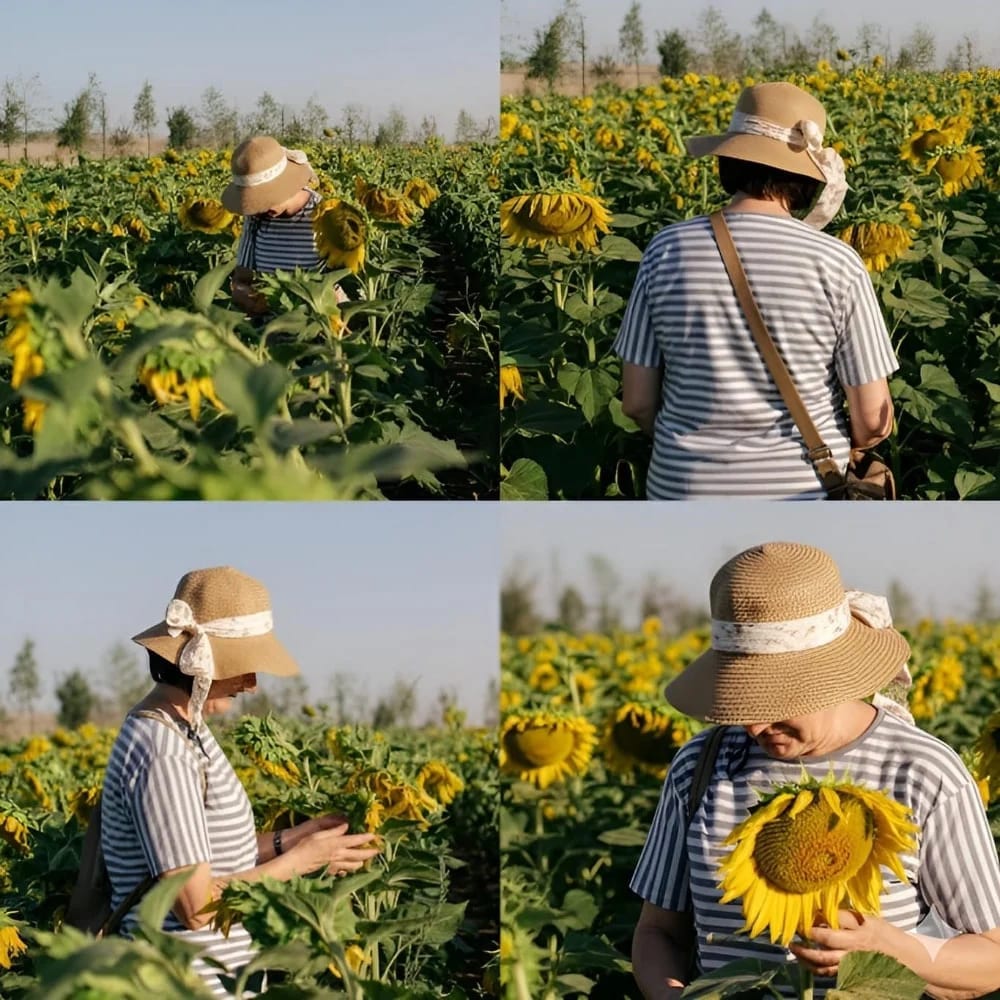
Body Reshape
Adjust body types while keeping identities consistent.
 Before After
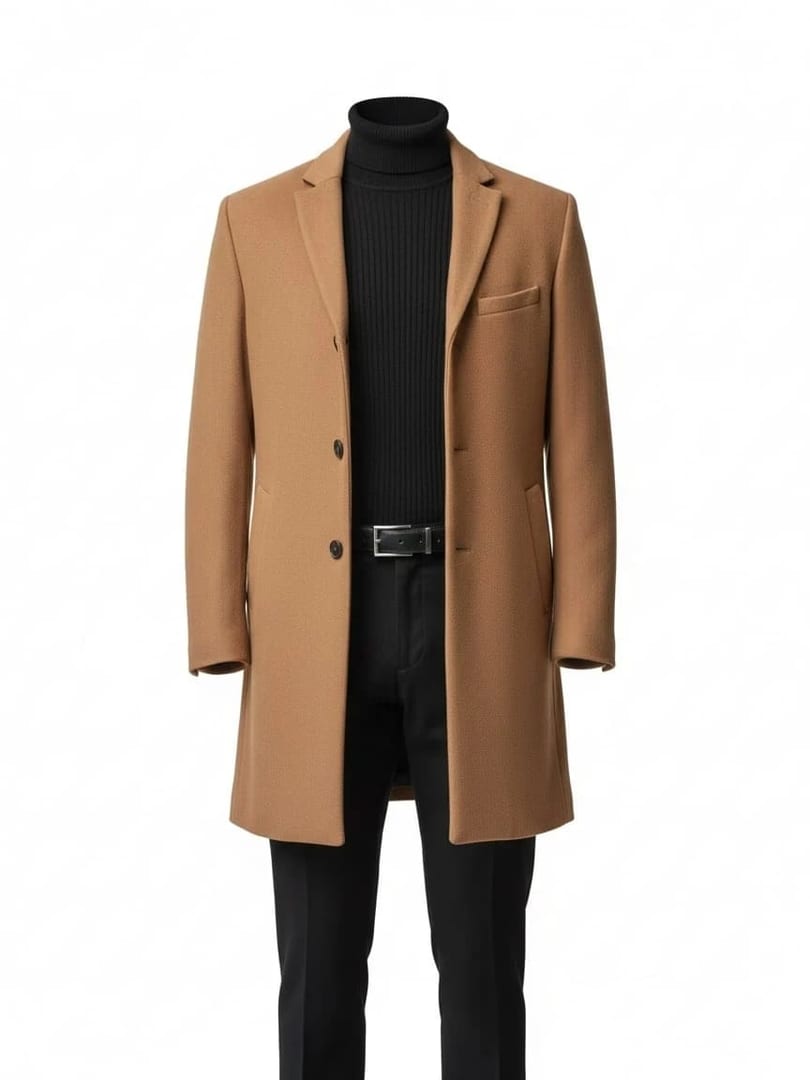
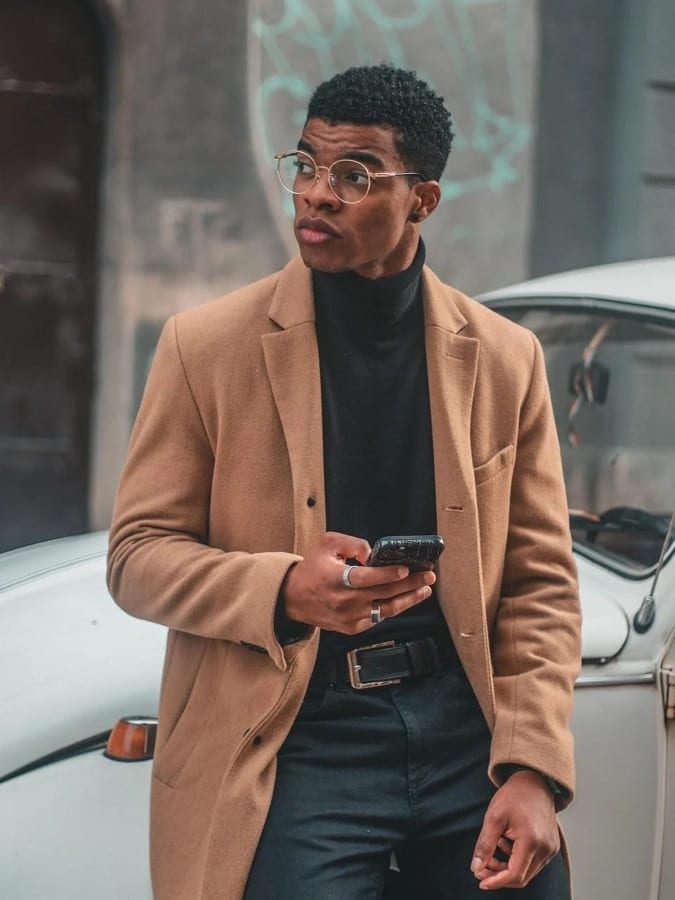
Change Angle
Render multiple perspectives
 Before After
Object Extraction
Isolate garments as e-commerce ready assets.
Make ai photo editor in three steps
- 1
Choose a tool
Open AI photo editor in Luren AI and pick the tool you want. Every tile shows a real result.
- 2
Add your photo
One clear photo from your camera or gallery. Some tools also let you describe the change.
- 3
Save and share
Your result lands in History. Save it, share it, or turn it into a video.
More tools
AI photo editor: questions
How do I make ai photo editor with AI?
Open Luren AI, go to the AI photo editor collection, pick one of its 12 styles and add a clear photo of yourself. The app returns the finished picture in under a minute, and you can try another style on the same photo straight away.
How many photos do I need?
Just one. Luren AI does not train a model on a batch of selfies: a single, clear, well-lit photo of your face is enough. Front-facing photos with nothing covering the face give the most recognisable results.
What are ai photo editor good for?
People use them for family archives, fixing a nearly-perfect photo and quick edits. Every result is yours to save and share.
Is it free?
Luren AI is free to download and new users can try it for free. After that you pay per creation with coins, or subscribe to Pro.
Make your own ai photo editor
Free to download on iPhone and Android. Pick a style, add one photo, and see yourself in it in under a minute.
Download & claim your FREE AI generation