
AI image generator: your prompt, the model you choose
The Image tab in Luren AI turns a written description into a picture. Type what you want to see, add up to six reference photos if you like, then choose the model, aspect ratio and quality before you generate. Most images land in your History in under a minute.
Download & claim your FREE AI generation
Updated
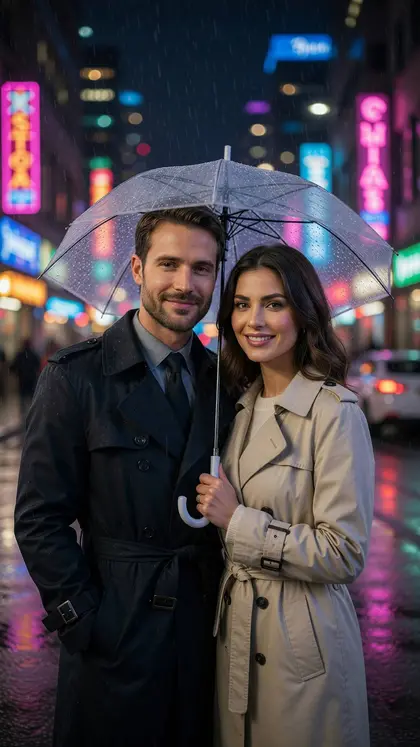
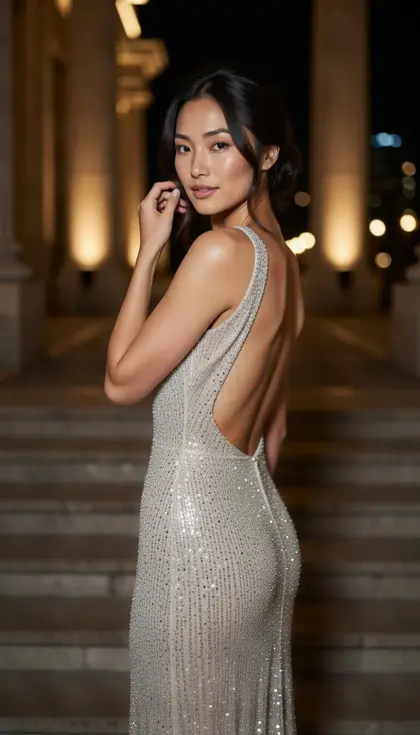
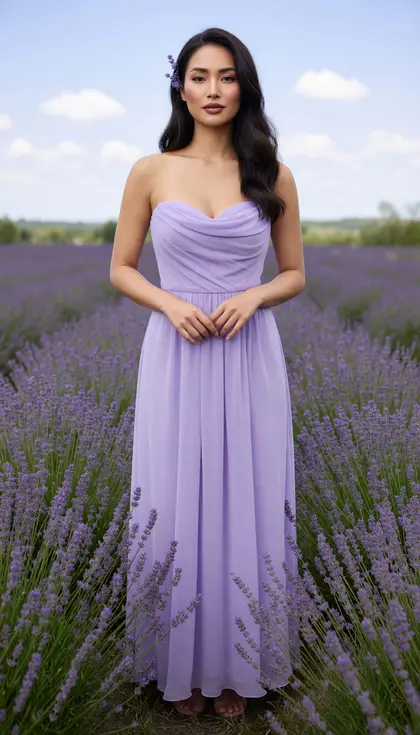
What people make with it
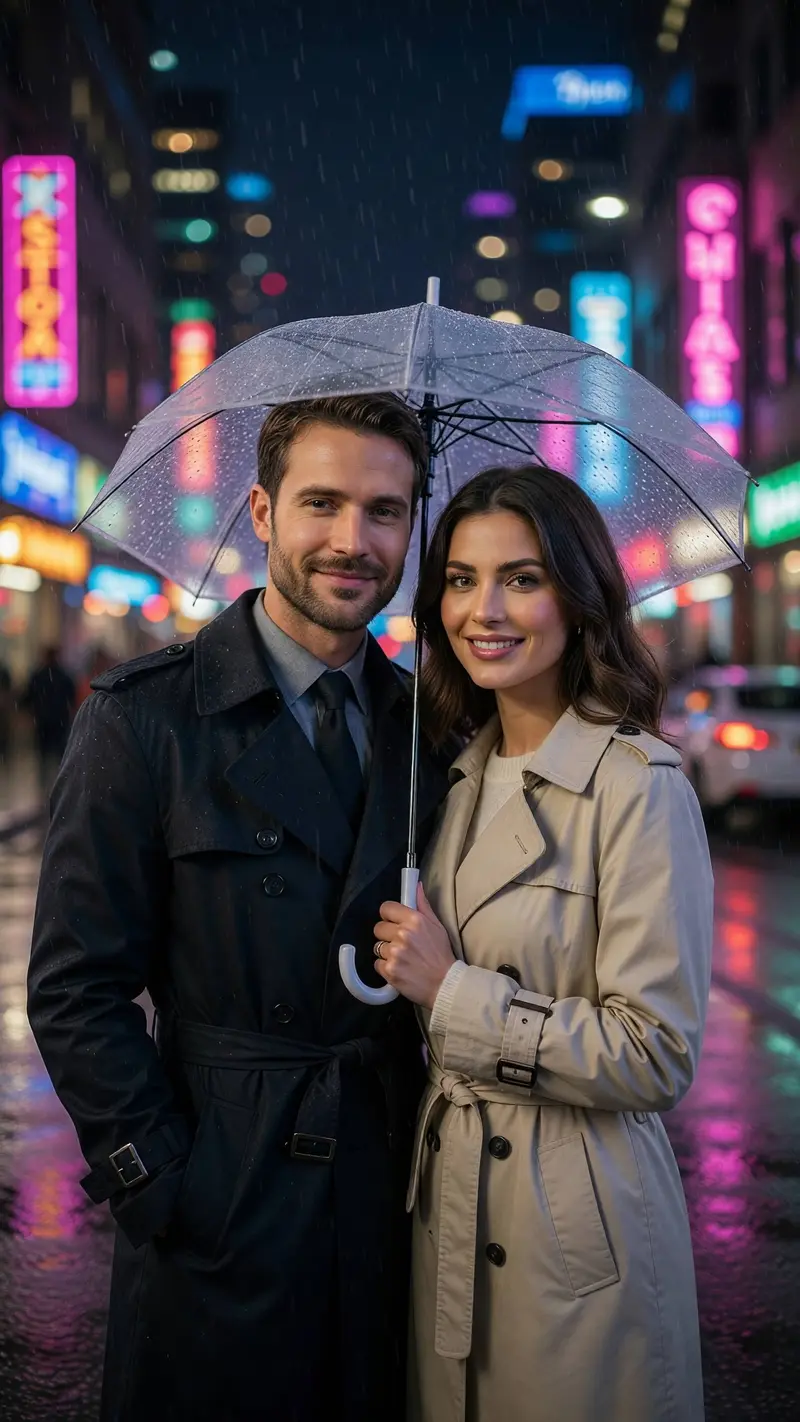 New Couple photos Neon Rain
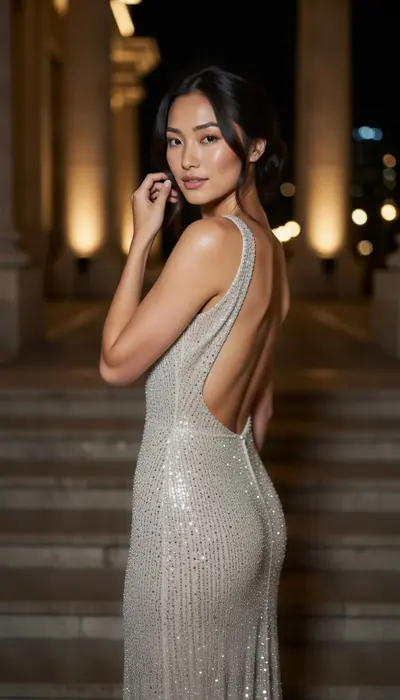 Fantasy & editorial Golden Staircase
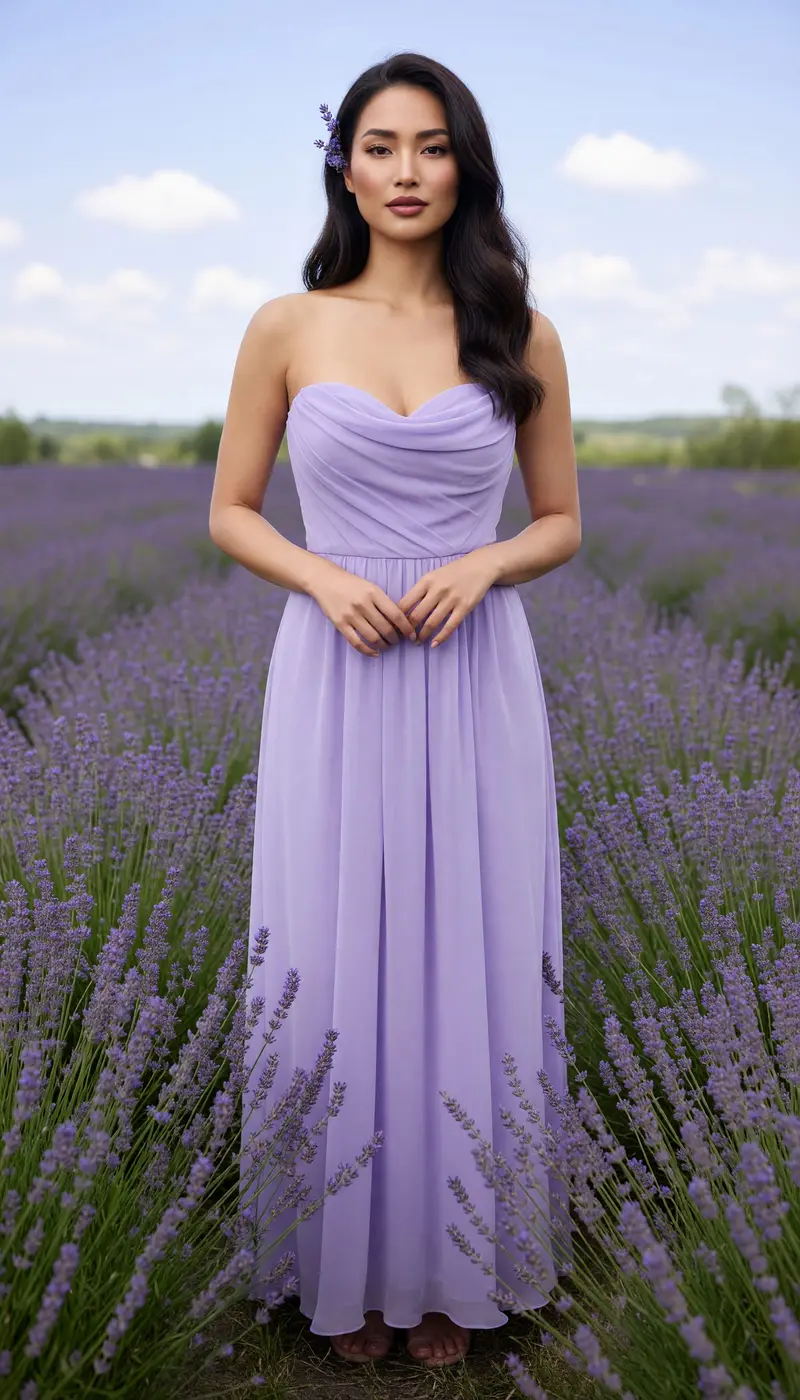 New Spring photoshoot Lavender Fields
 Men's editorial Midnight Tux
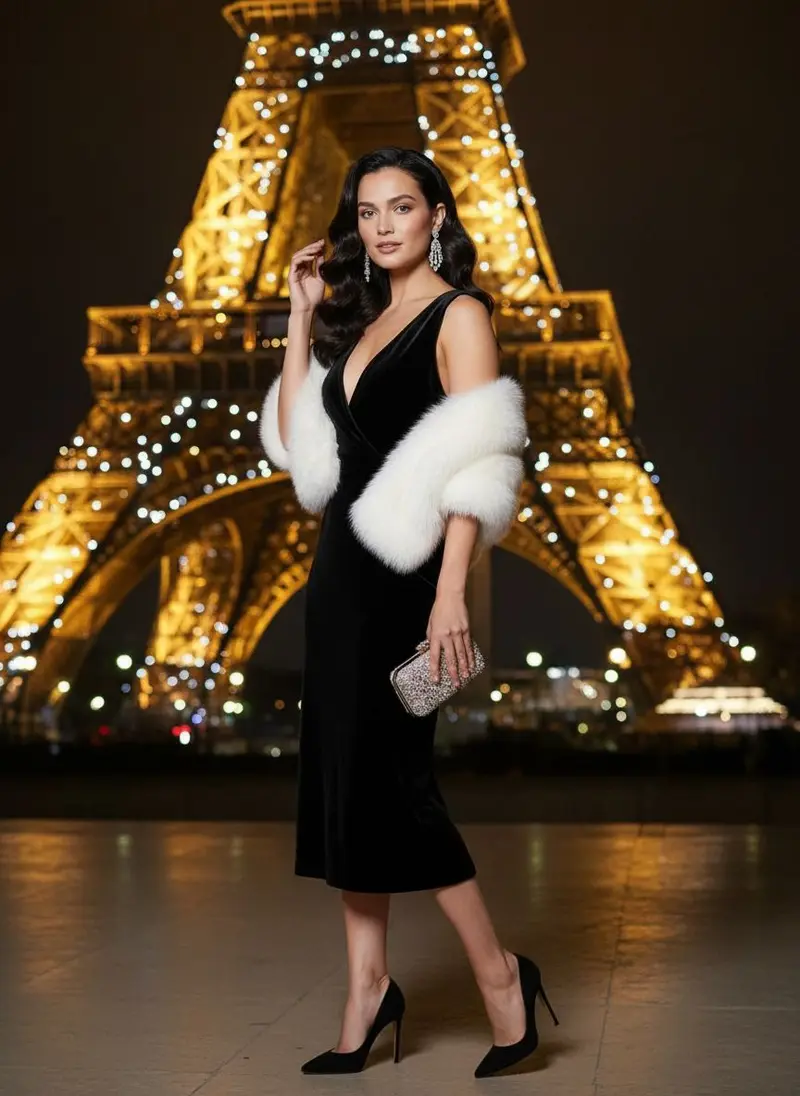 Travel photos Eiffel Tower Female
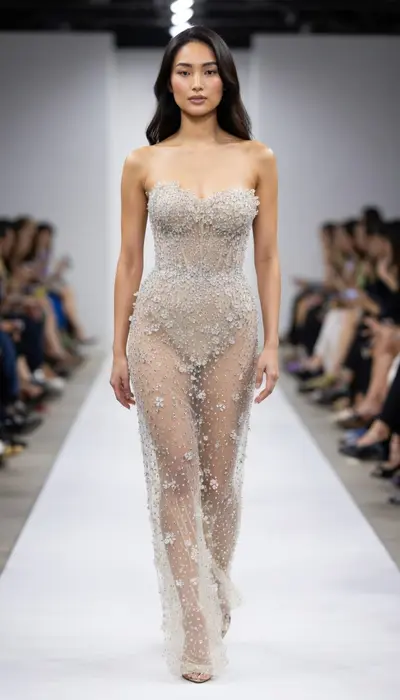 Fantasy & editorial Crystal Couture
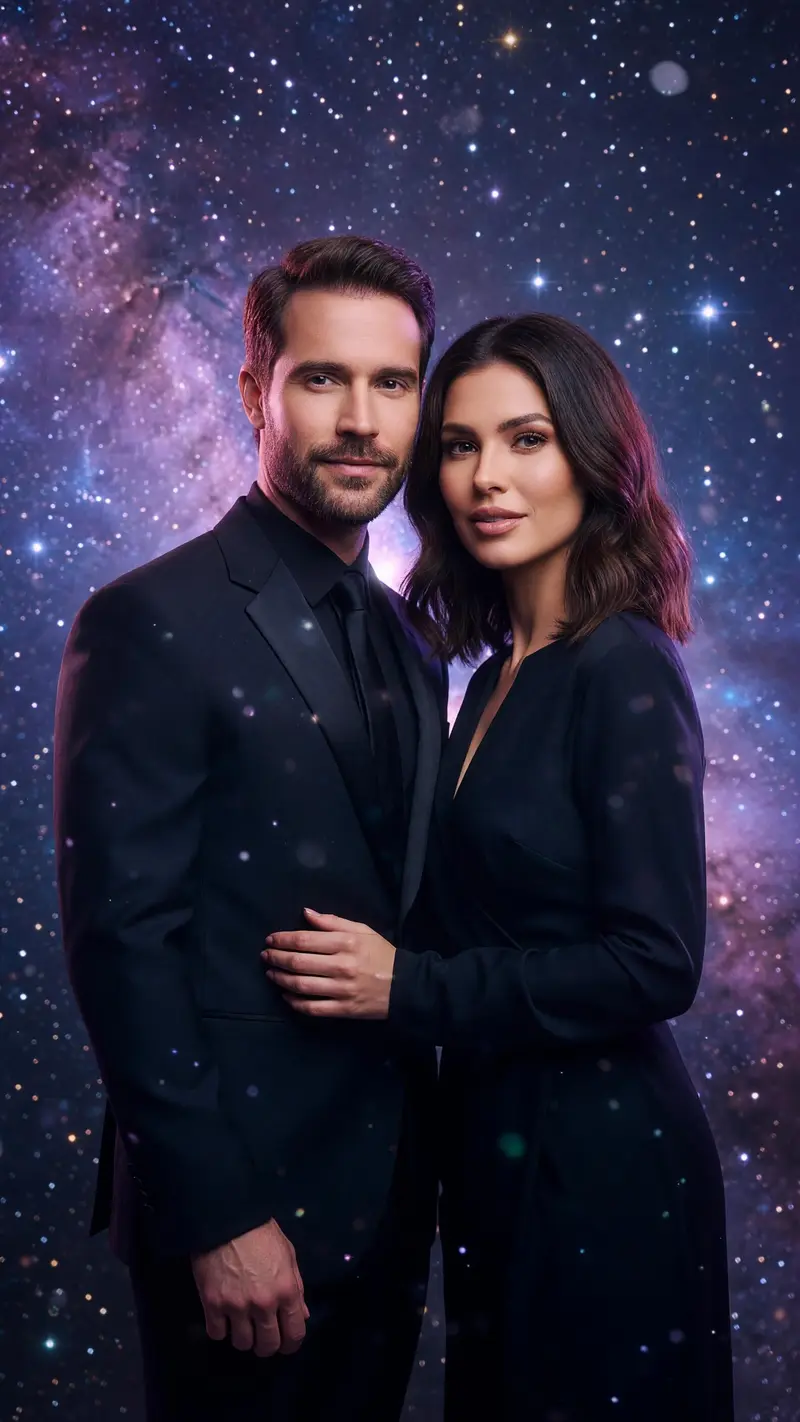 New Couple photos Cosmic Lovers
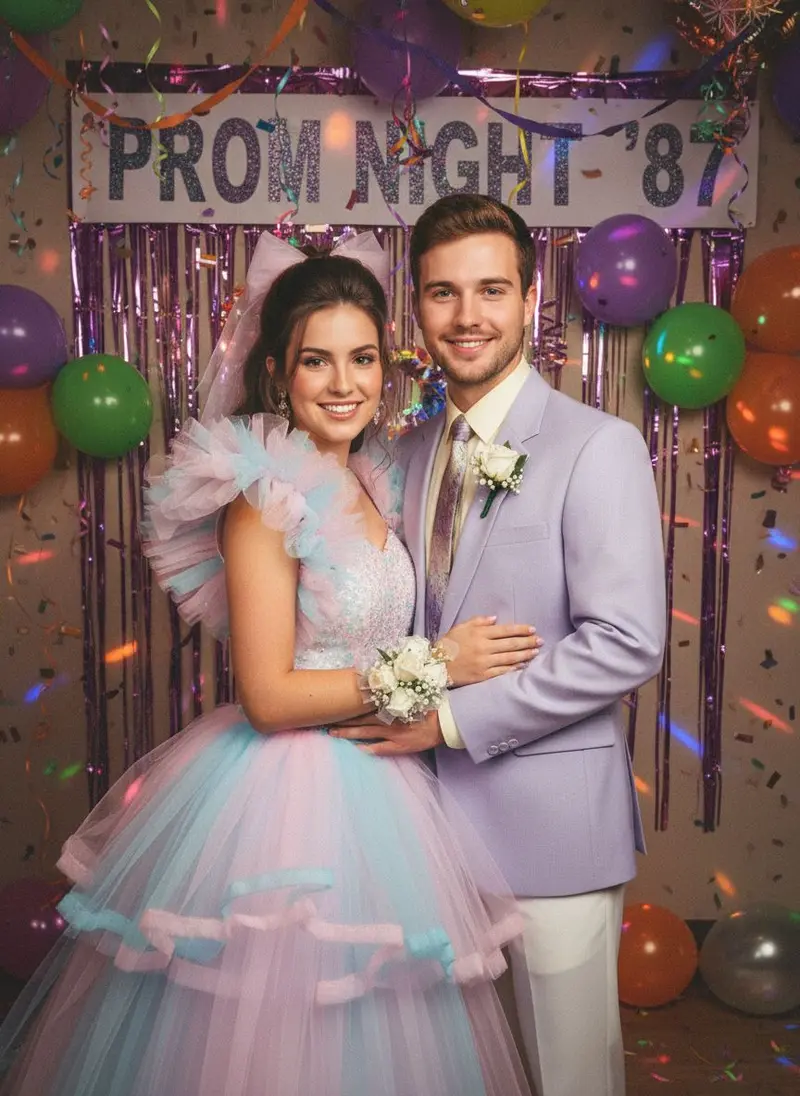 Retro 50s–90s 80s Prom Night
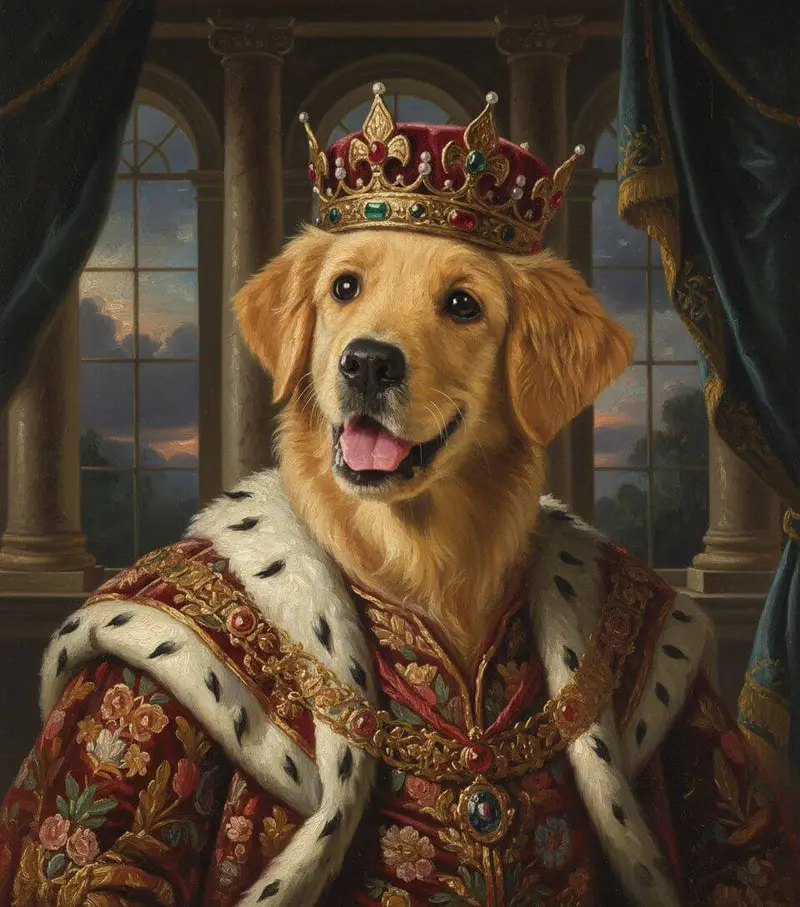 Pet portraits Royal Pet Portrait
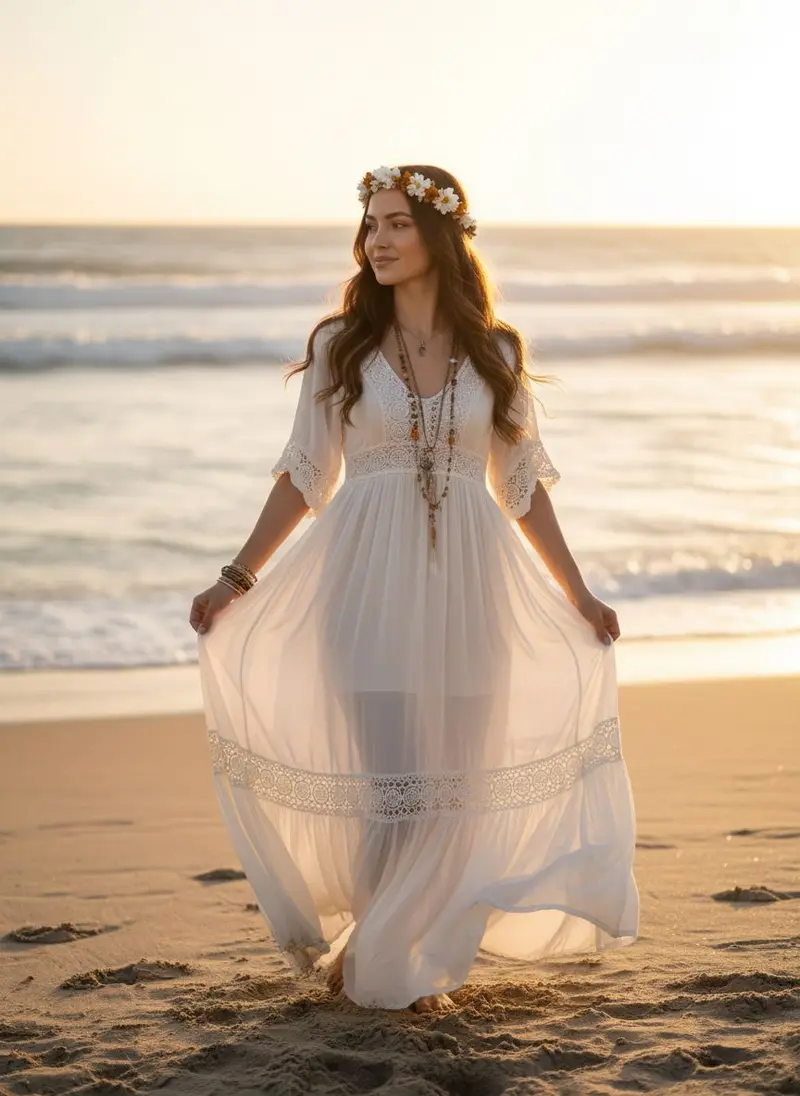 Beach photoshoot Bohemian Sunset
AI image generator in three steps
- 1
Write your prompt
Describe the subject, setting, light and mood in plain sentences.
- 2
Add references and settings
Attach up to six photos, then pick a model, an aspect ratio and a quality level.
- 3
Generate and refine
Save or share the image from History, or change a few words and run it again.
Tips for great results
- Write full sentences in the order subject, setting, light, camera and mood; current models follow descriptions better than keyword lists.
- Add a clear photo of a person or product as a reference when you want it to appear in the picture.
- Run the same prompt on two models, since one may handle text or hands better and another the mood you had in mind.
- Pick the aspect ratio before you generate: square for a feed post, tall for a phone wallpaper, wide for a banner.
What people use it for
- Social posts and profile pictures
- Posters, covers and invitations with text
- Concept art and mood boards
- Product and ad visuals
Choose the model for each job
Nano Banana Pro
Google's sharpest image model: crisp 2K and 4K, legible text and consistent subjects.
GoogleNano Banana 2
Google's second-generation Nano Banana: stronger reasoning and subject consistency, up to 4K.
GoogleNano Banana 2.1
Google's update to Nano Banana 2: better image quality, cleaner text and steadier characters, up to 4K.
GoogleNano Banana 2 Lite
Ultra fast, budget-friendly generation and quick edits from Google's lightest Nano Banana, in shapes from 8:1 to 1:8.
GoogleNano Banana
The original Nano Banana (Gemini 2.5 Flash Image): fast, natural-language photo edits.
OpenAIGPT Image 2.5
Two versions: Flare for fast everyday images, Sunburst for precise edits.
OpenAIGPT Image 2
Accurate, multilingual text rendering inside the image.
ByteDanceSeedream 4.5
Natural photography with rich detail, at 2K or 4K.
ByteDanceSeedream 5
Pro for precise, natural images; Lite for quick drafts at a low price.
xAIGrok Imagine
Bold, stylised images at speed, and video with native audio.
AlibabaQwen-Image 3.0
Alibaba's third-generation Qwen image model: long, detailed briefs turned into dense layouts with legible text.
Need words to start from? Browse the prompt library or build one with the free prompt generator.
More AI features
AI image generator: questions
Which AI models can I use?
The Image tab offers Google's Nano Banana, Nano Banana 2 and Nano Banana Pro, OpenAI's GPT Image 2 and GPT Image 2.5, ByteDance's Seedream 4.5 and Seedream 5, and xAI's Grok Imagine. You choose the model for each image, and some of them are Pro models.
Can I add my own photos to the prompt?
Yes. Add up to six reference photos, such as a selfie, a product or a picture whose style you like, and say in the prompt what to do with them. Models that edit photos use them to keep a face or an object recognizable.
Is the AI image generator free?
Luren AI is free to download and try. After that, images are paid for with coins or a Pro subscription, and the cost depends on the model and quality you pick.
Can I use the images commercially?
With Luren AI Pro, yes: the Terms of Use allow commercial use of your creations while your Pro subscription is active. On the free plan, creations are for personal, non-commercial use. Only add reference photos you have the right to use, and avoid prompts that copy someone else's characters, logos or likeness.












Try AI image generator in Luren AI
Free to download on iPhone and Android. Pick a style, add one photo, and see yourself in it in under a minute.
Download & claim your FREE AI generation