
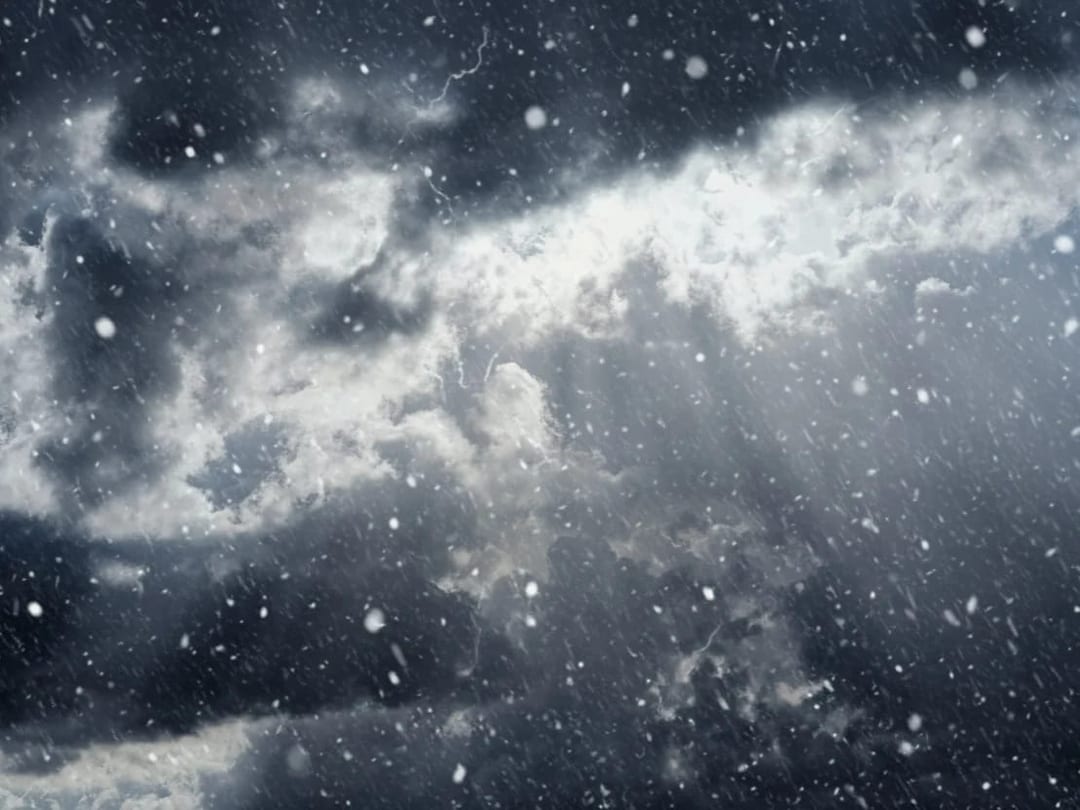
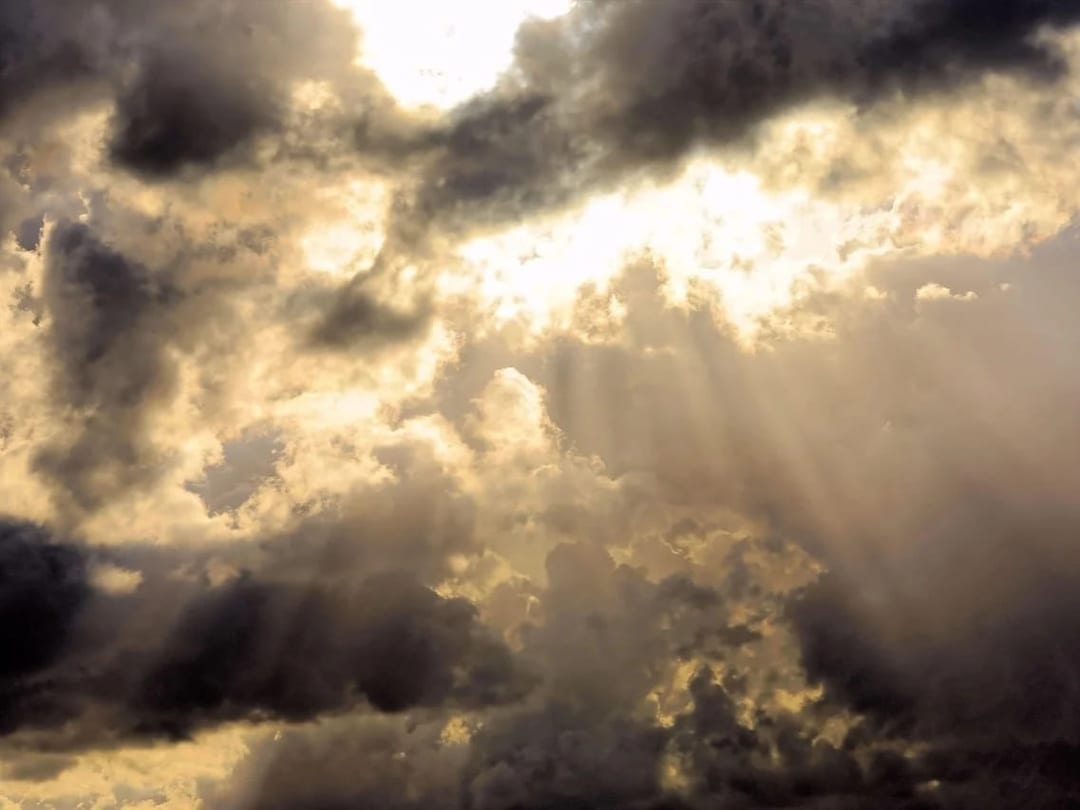
 Before After
AI photo editor
Change the Weather
Swap weather conditions with realistic lighting.
Download & claim your FREE AI generation
- 1 Open Luren AI and find Change the Weather in AI photo editor.
- 2 Add the photo you want to change.
- 3 Get the result in under a minute, then save or share it.
Try it with a prompt
Change the weather in my photo to [new weather], adjusting the sky, light direction, shadows, reflections and any wet or snowy surfaces to match, while keeping every building, object and person exactly where they are and every face unchanged, for a realistic, naturally lit result.
In the app you only add your photo and tap the style. To write your own version, paste this on the Image tab with your photo and pick a model.
More ai photo editor
You might also like




















Try Change the Weather on your own photo
Free to download on iPhone and Android. Pick a style, add one photo, and see yourself in it in under a minute.
Download & claim your FREE AI generation