
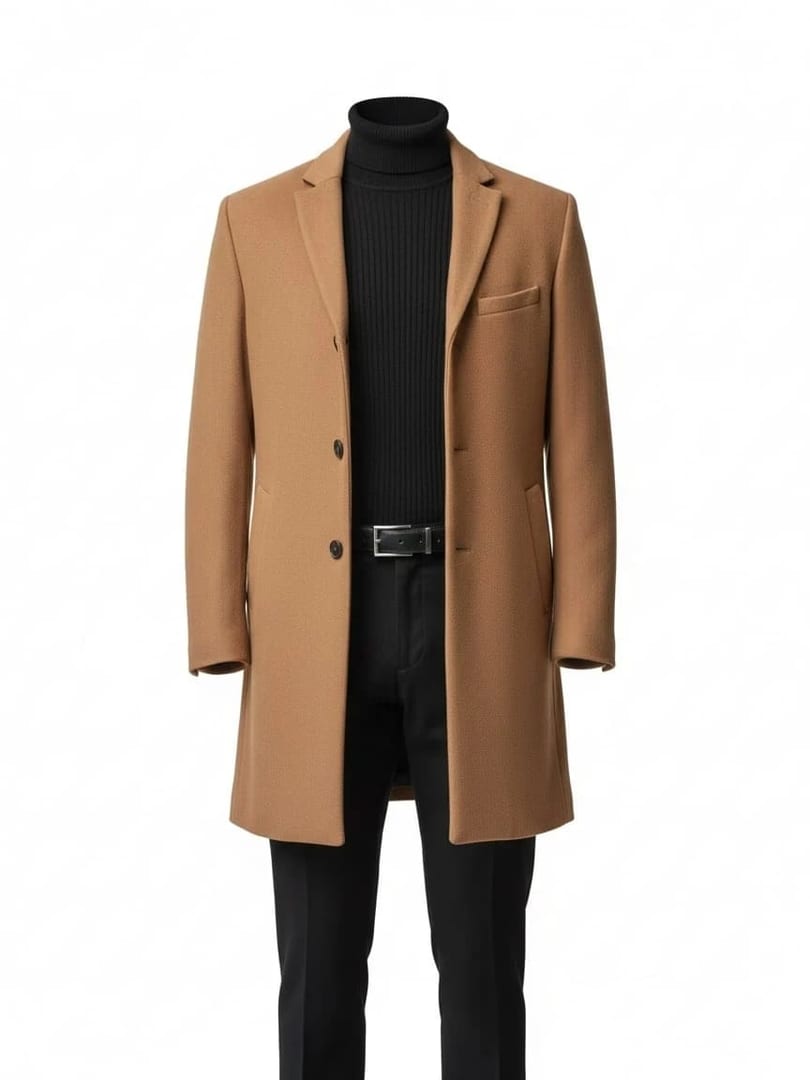
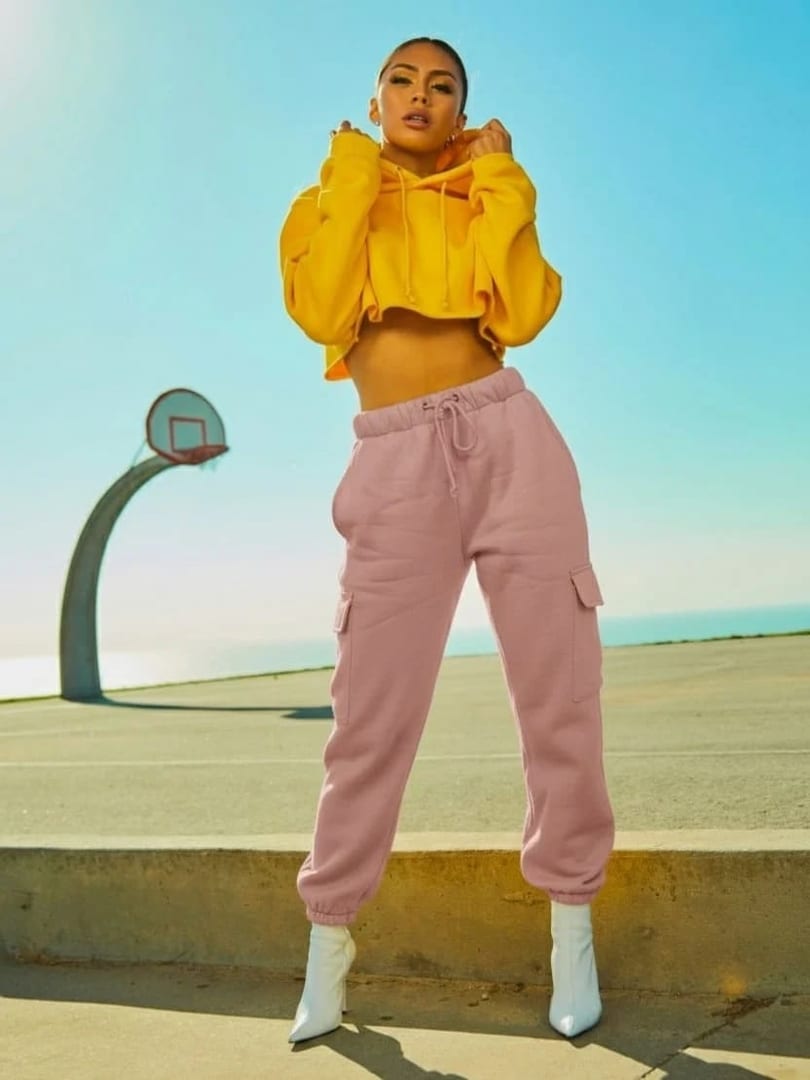
 Before After
AI photo editor
Object Extraction
Isolate garments as e-commerce ready assets.
Download & claim your FREE AI generation
- 1 Open Luren AI and find Object Extraction in AI photo editor.
- 2 Add the photo you want to change.
- 3 Get the result in under a minute, then save or share it.
Try it with a prompt
Extract the [garment] from my photo as a clean e-commerce asset: remove the person and background, reconstruct hidden parts of the garment, show it as a flat lay or on an invisible mannequin with natural fabric shape, true colors, crisp texture detail and a pure white background.
In the app you only add your photo and tap the style. To write your own version, paste this on the Image tab with your photo and pick a model.
More ai photo editor
You might also like















Try Object Extraction on your own photo
Free to download on iPhone and Android. Pick a style, add one photo, and see yourself in it in under a minute.
Download & claim your FREE AI generation