
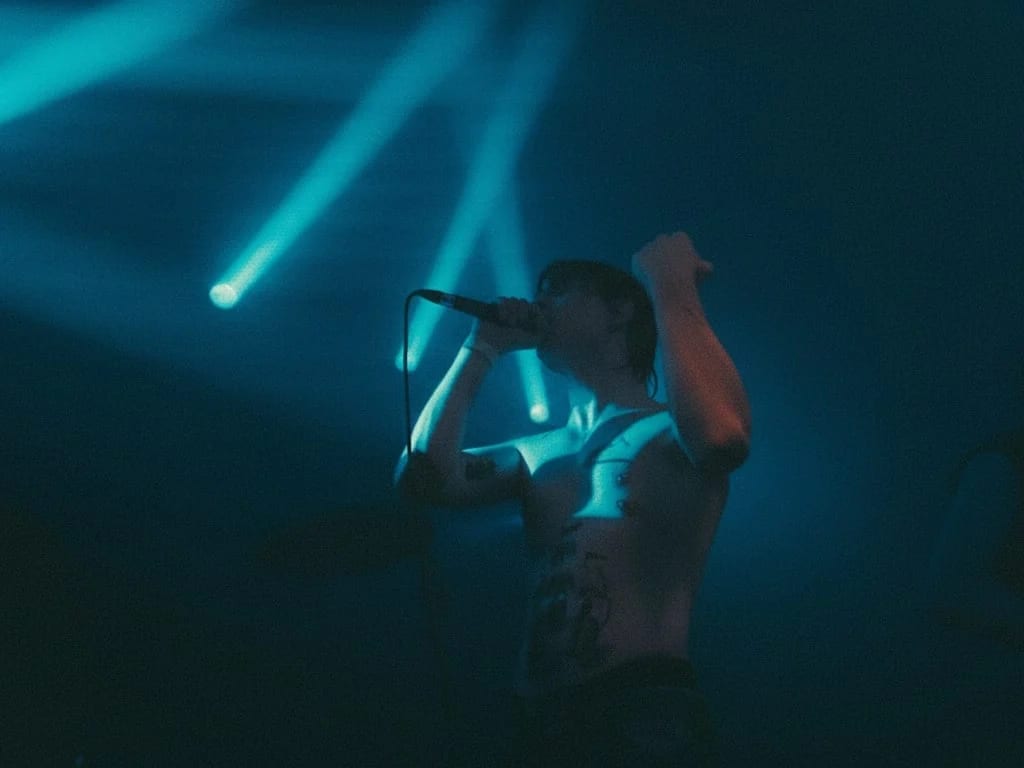
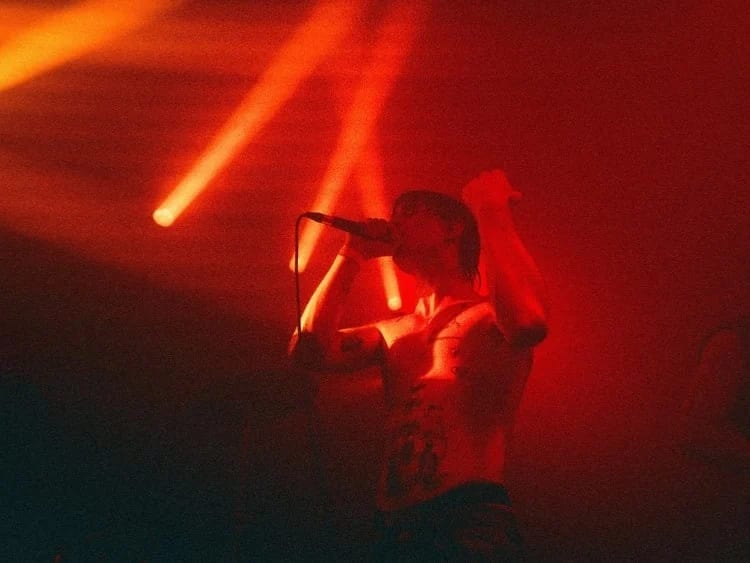
 Before After
AI photo editor
Change Image Color
Retint scenes to new palettes effortlessly.
Download & claim your FREE AI generation
- 1 Open Luren AI and find Change Image Color in AI photo editor.
- 2 Add the photo you want to change.
- 3 Get the result in under a minute, then save or share it.
Try it with a prompt
Recolor my photo to a [new color palette] palette: retint the walls, objects, clothing and overall grade so everything harmonizes, keep skin tones natural and faces untouched, preserve all textures, shadows and highlights, and finish with a cohesive, editorial-style color grade.
In the app you only add your photo and tap the style. To write your own version, paste this on the Image tab with your photo and pick a model.
More ai photo editor
You might also like
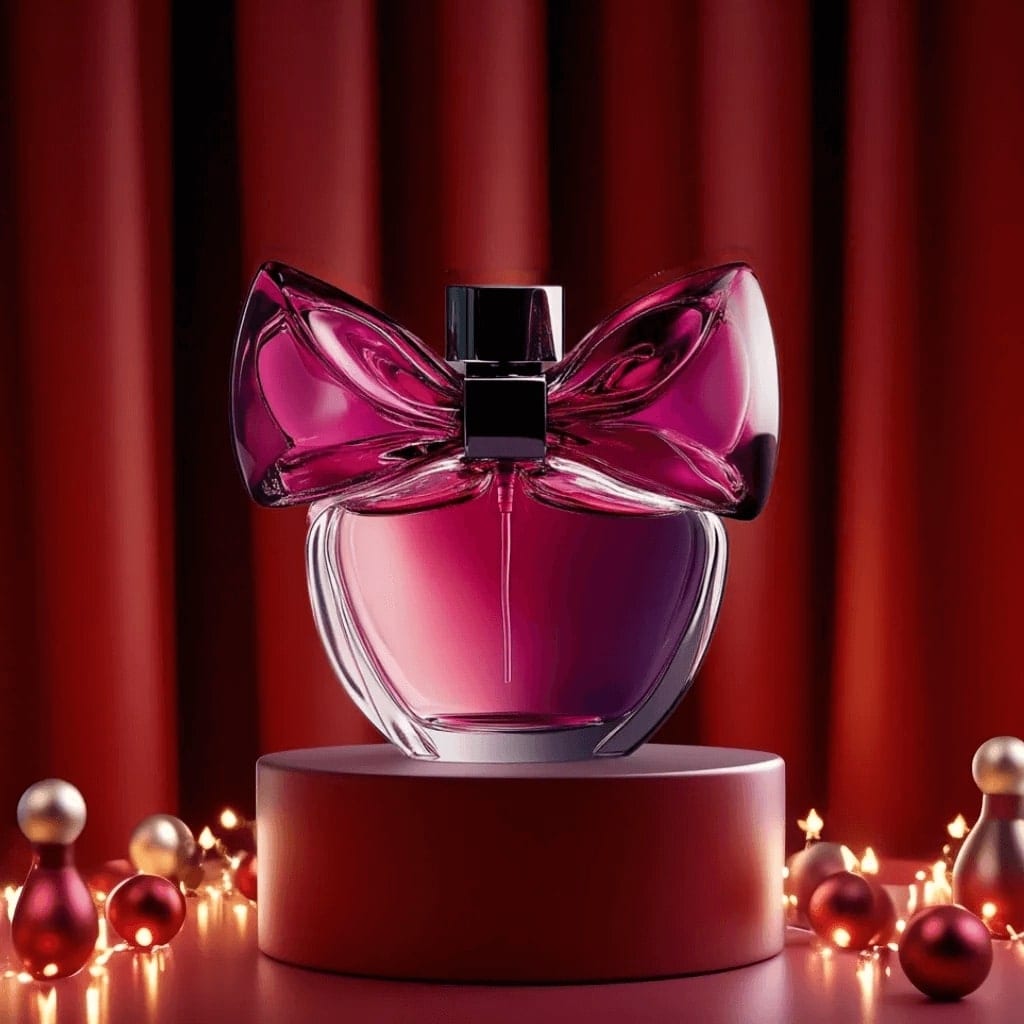
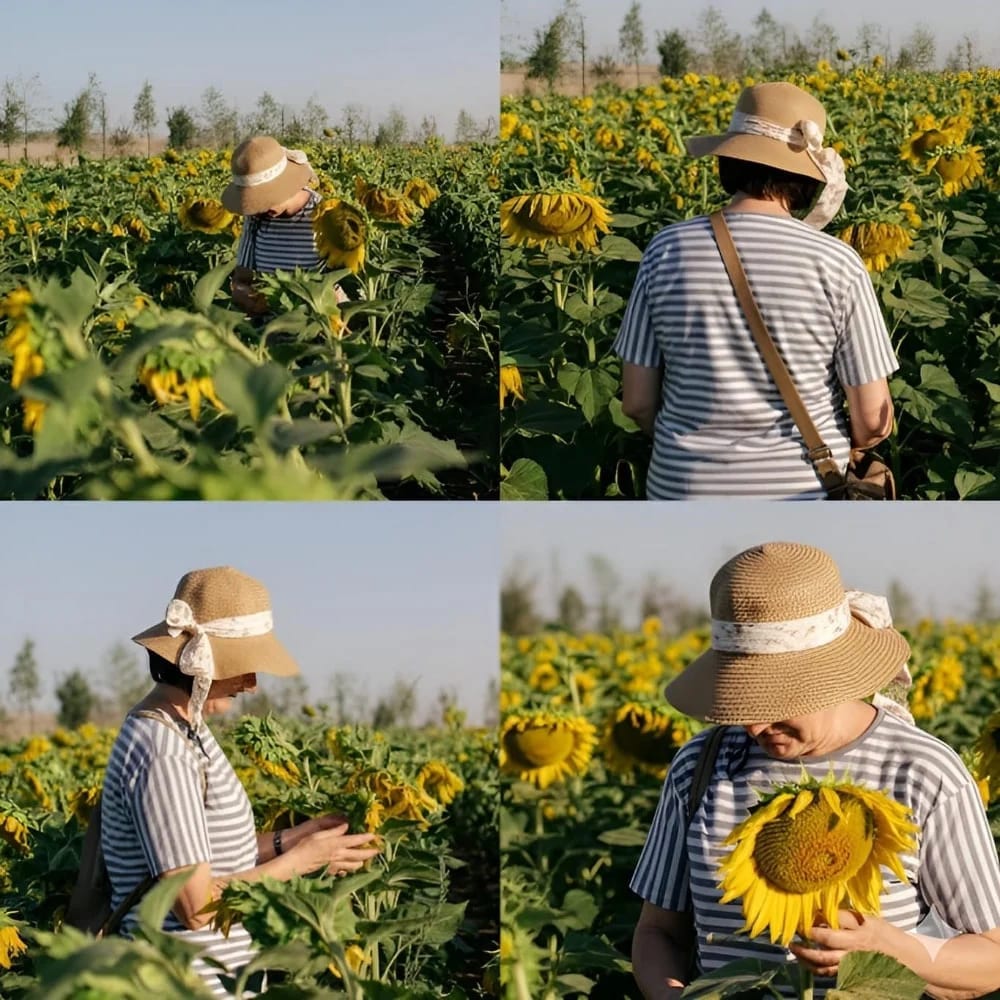
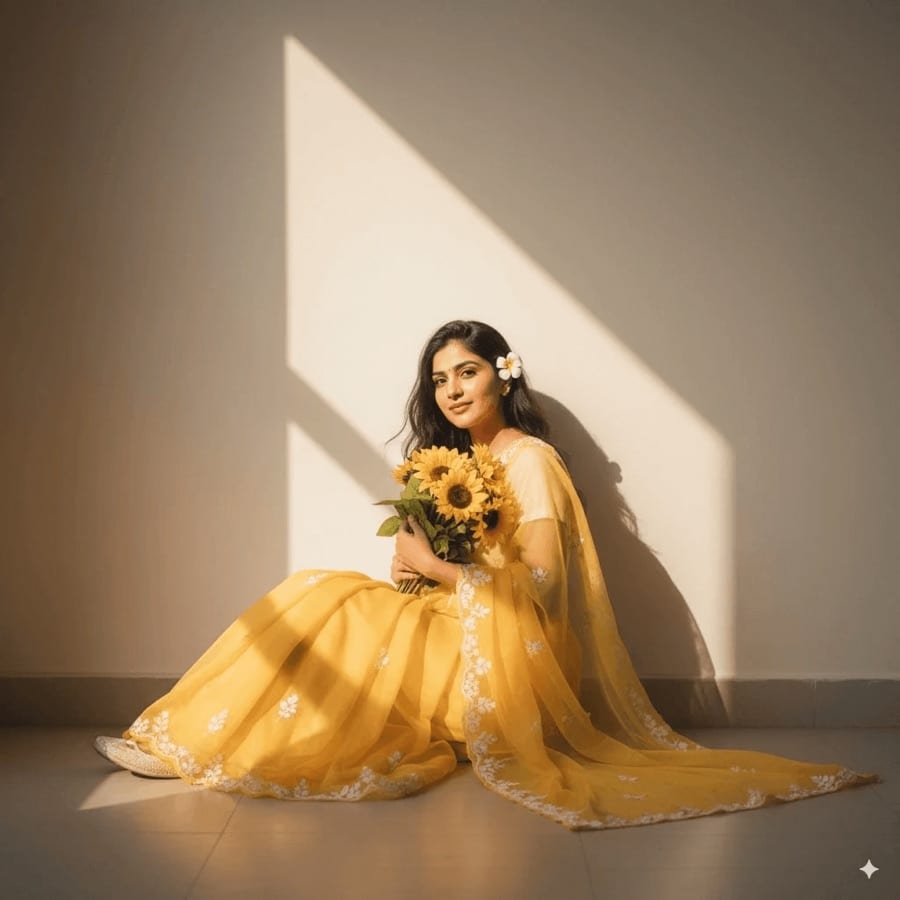

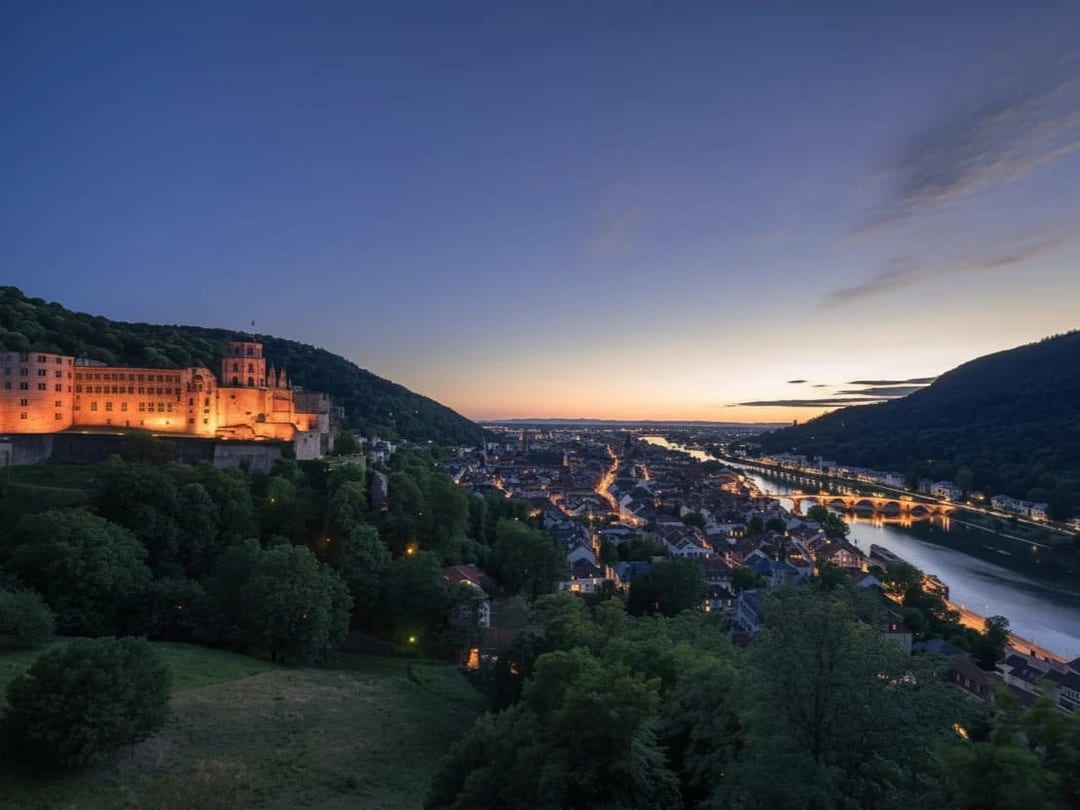
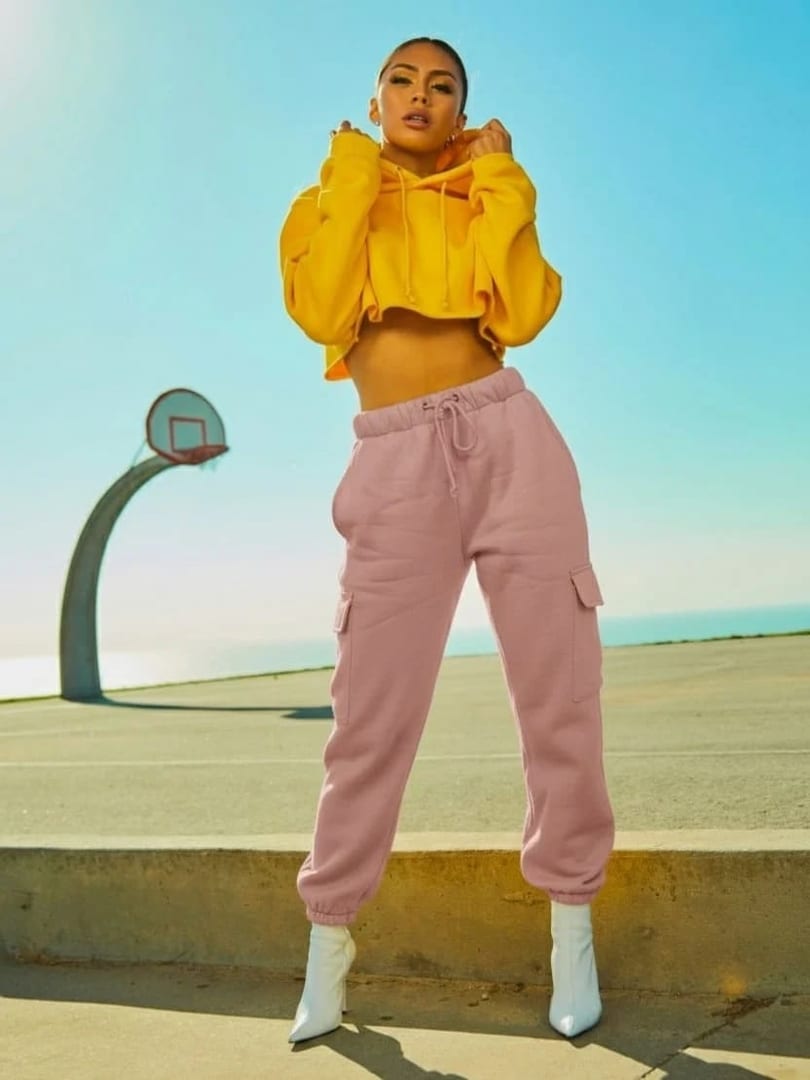
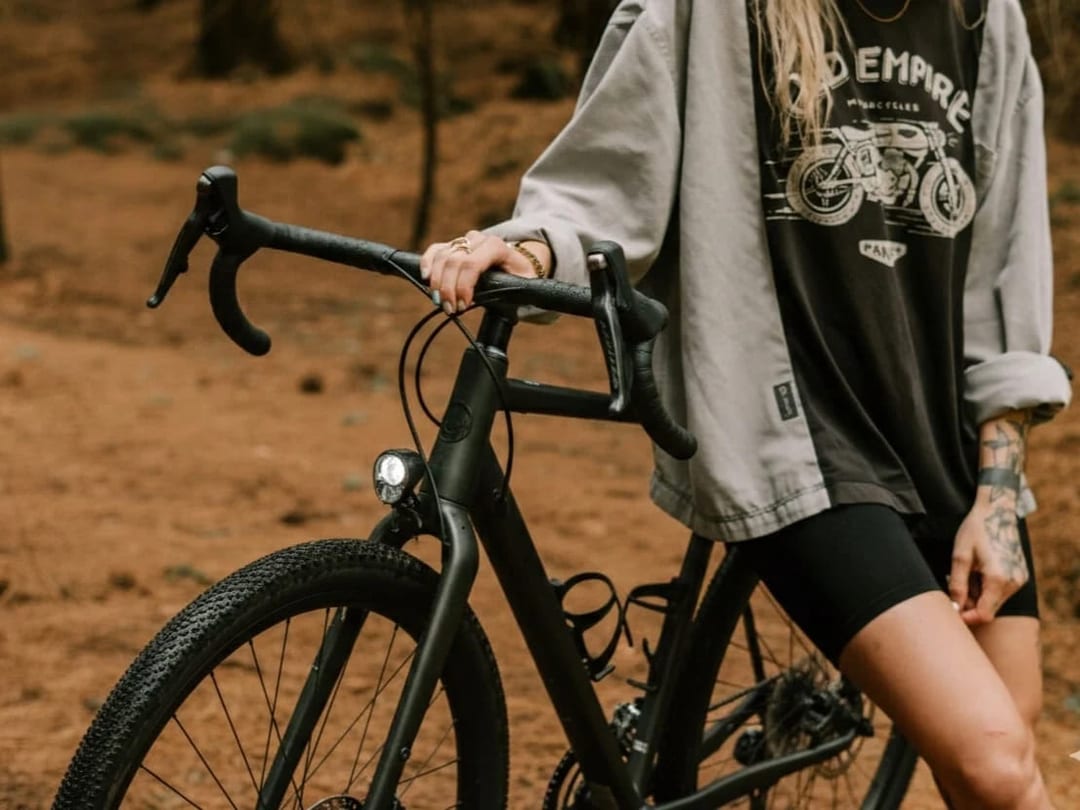













Try Change Image Color on your own photo
Free to download on iPhone and Android. Pick a style, add one photo, and see yourself in it in under a minute.
Download & claim your FREE AI generation