
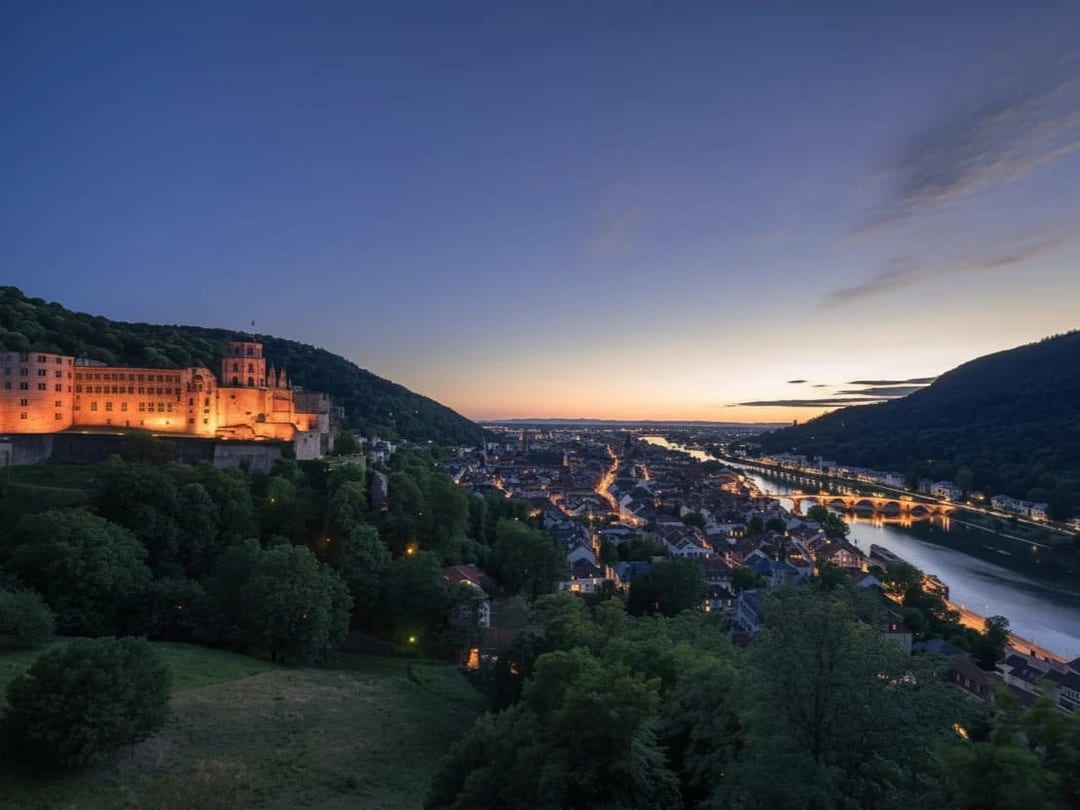
 Before After
AI photo editor
Enhance Image
Sharpen and upscale while preserving style.
Download & claim your FREE AI generation
- 1 Open Luren AI and find Enhance Image in AI photo editor.
- 2 Add the photo you want to change.
- 3 Get the result in under a minute, then save or share it.
Try it with a prompt
Enhance this image: increase sharpness and resolution, reduce noise, recover detail in shadows and highlights and lift clarity slightly, while keeping the original colors, style, composition and every face exactly as they are, so it looks like the same photo shot on a better camera.
In the app you only add your photo and tap the style. To write your own version, paste this on the Image tab with your photo and pick a model.
More ai photo editor
You might also like
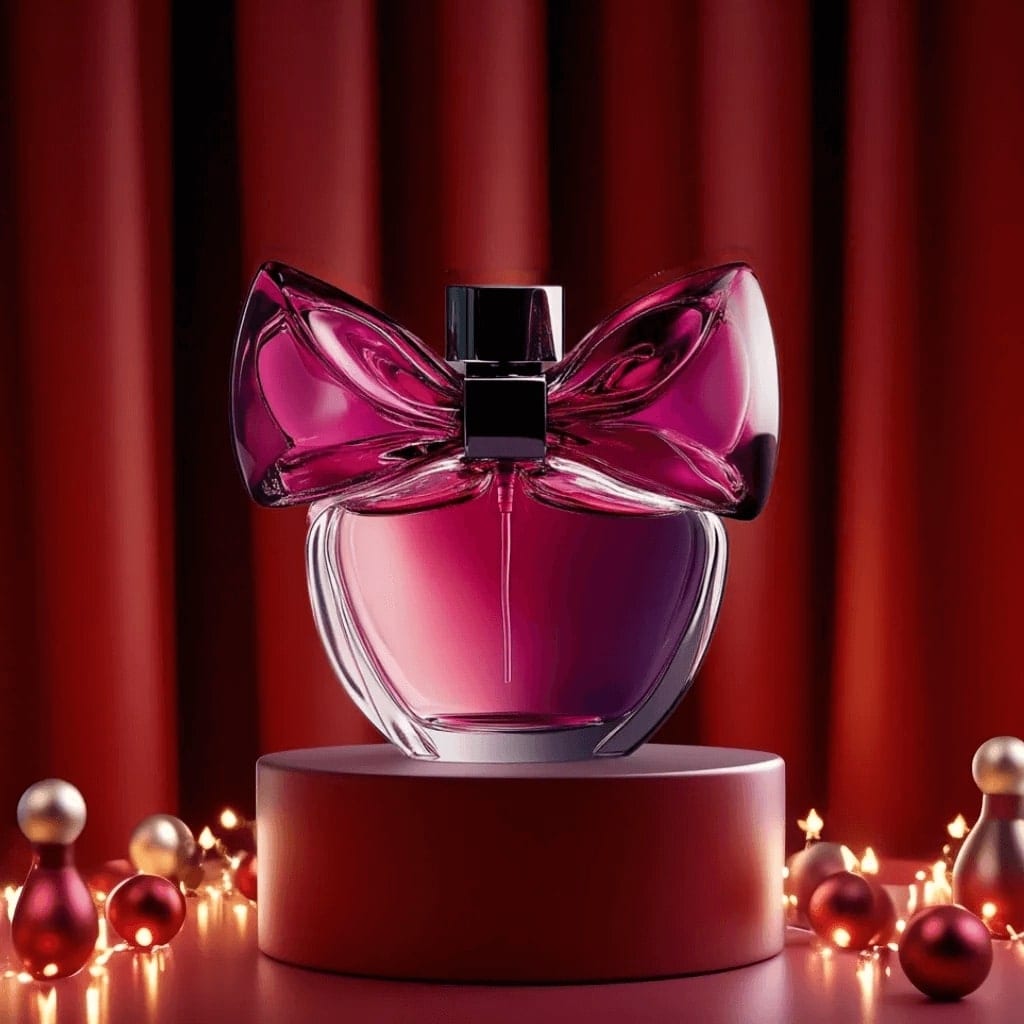
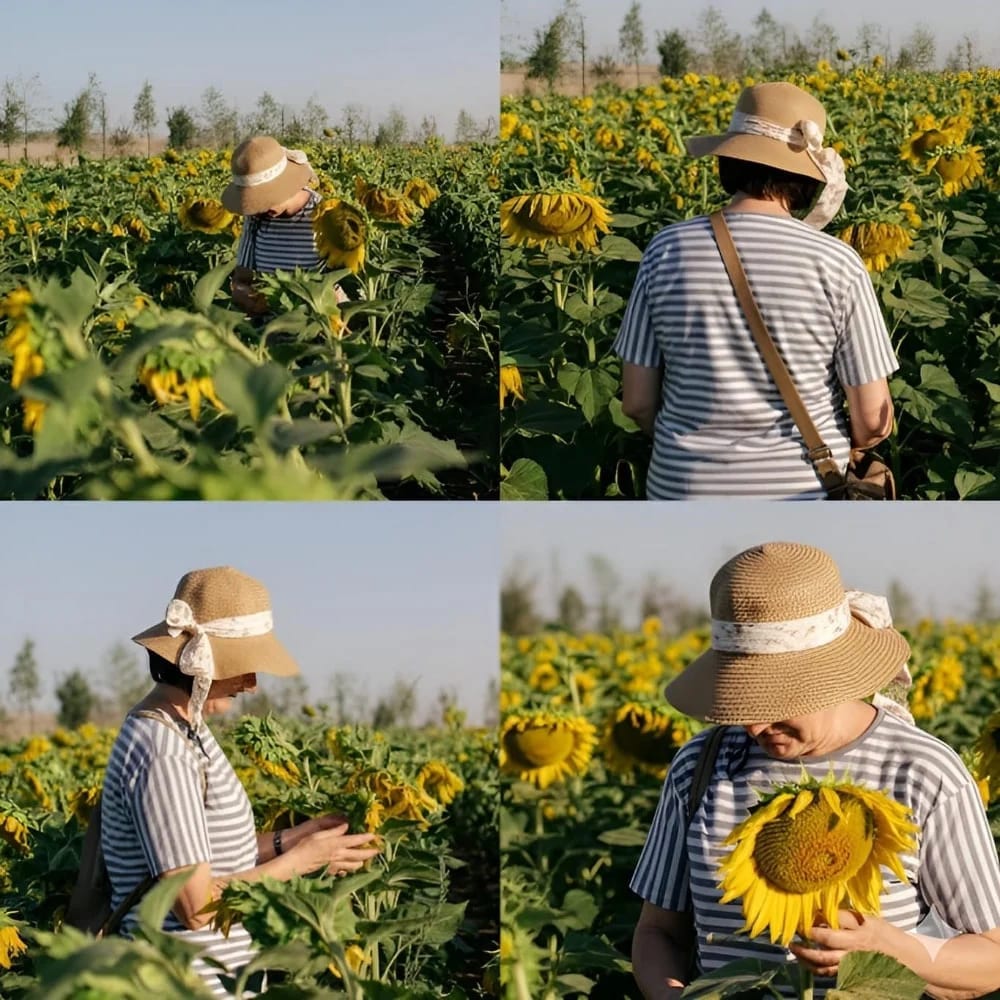
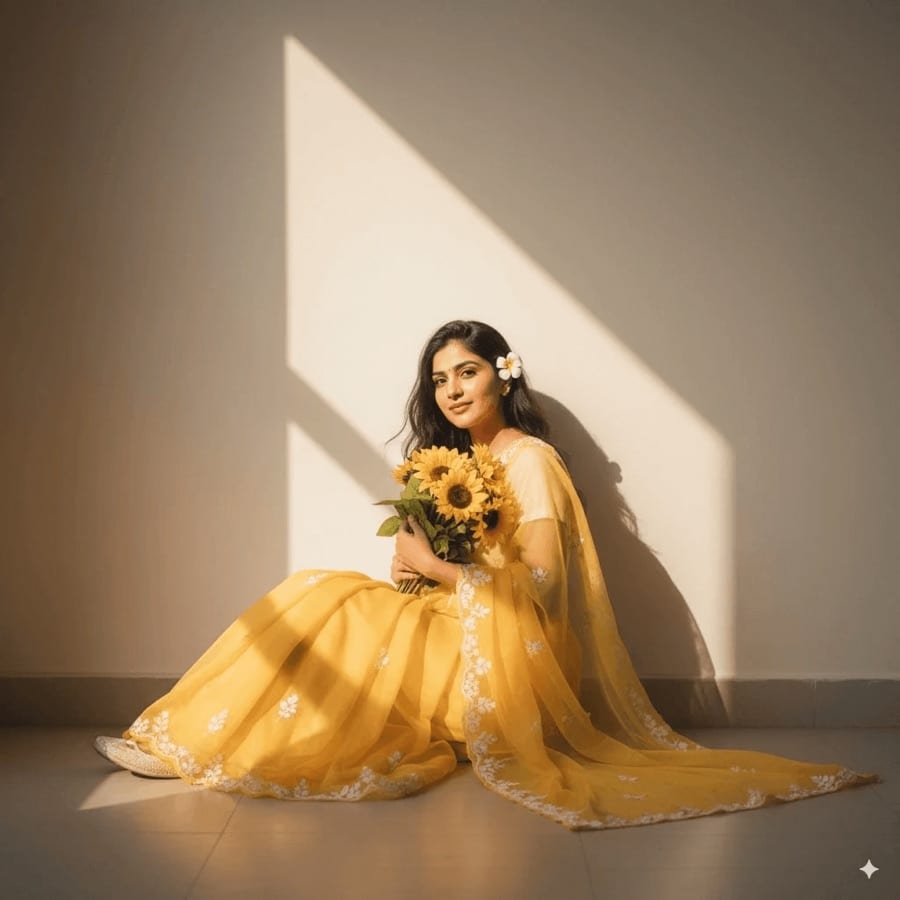
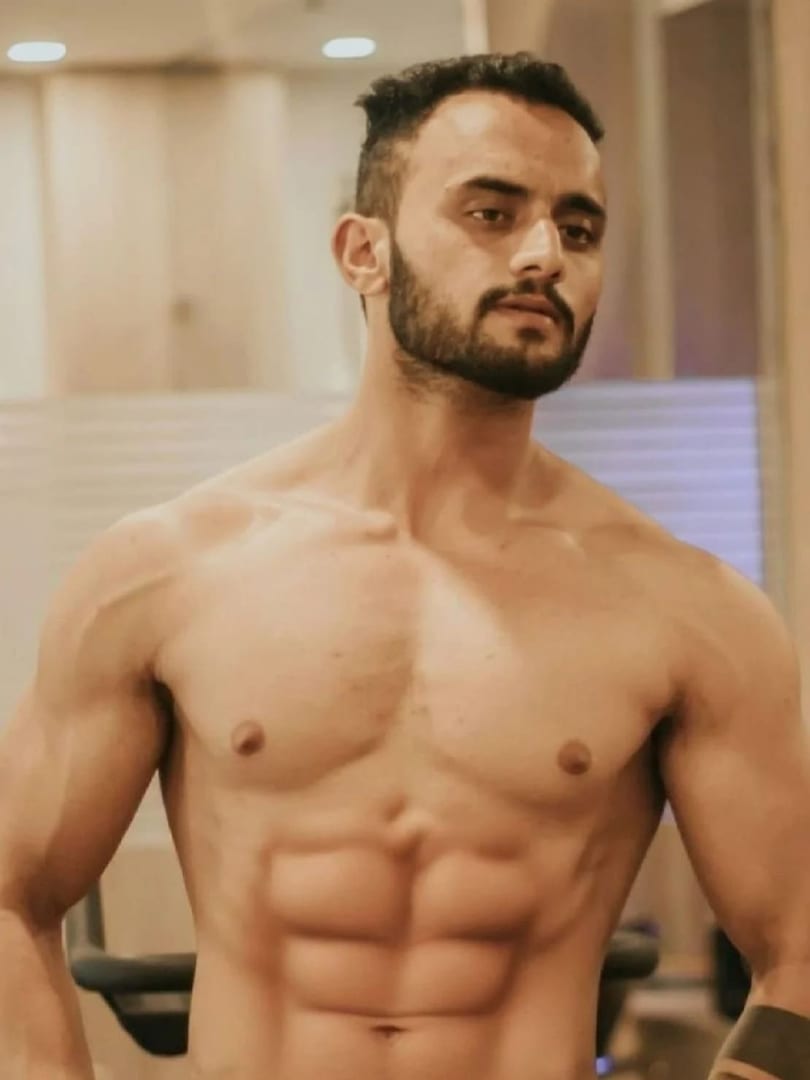












Try Enhance Image on your own photo
Free to download on iPhone and Android. Pick a style, add one photo, and see yourself in it in under a minute.
Download & claim your FREE AI generation