
Resize an image for a YouTube thumbnail
YouTube recommends thumbnails of 1280 by 720 pixels in a 16:9 frame. Drop an image, frame it and download a thumbnail that is the right shape and well under the size limit. Everything happens in your browser.
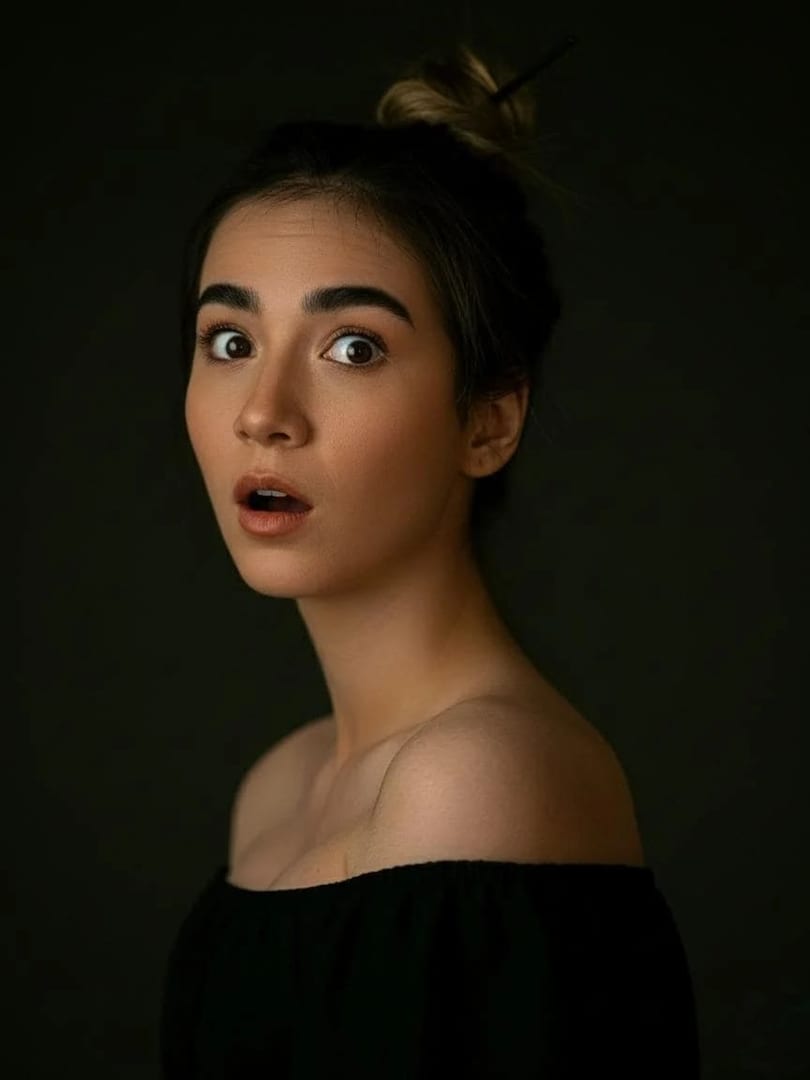
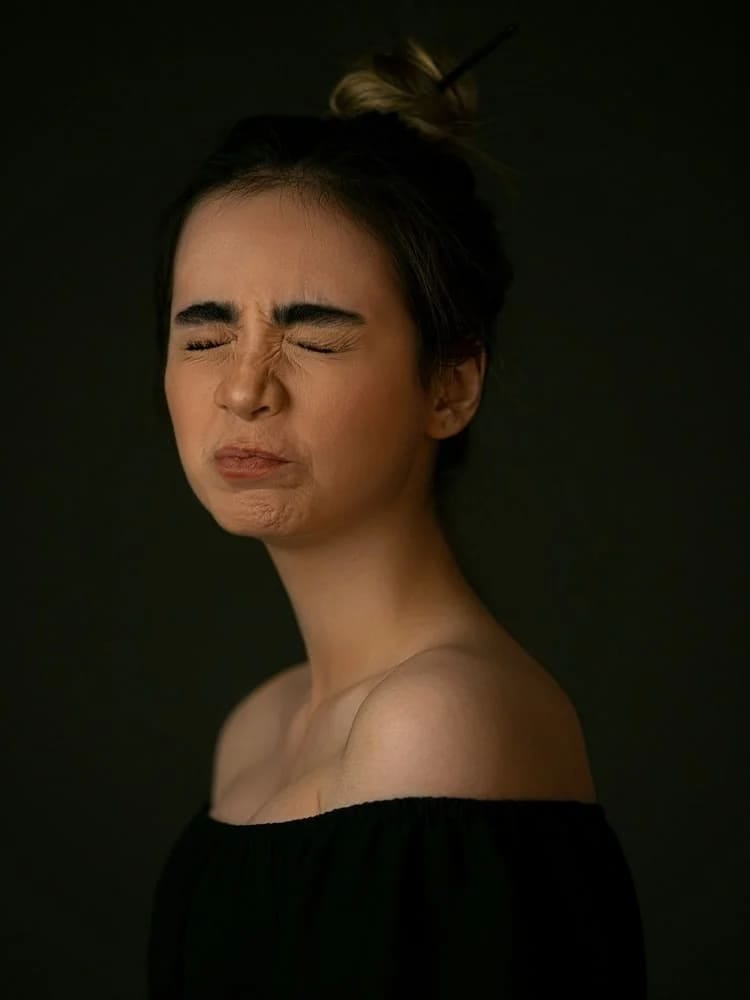 Do it with AI Expression changer Thumbnails sell on the face. The AI expression changer turns a calm photo into surprised laughter or a big smile, still you. See expression changer results →
YouTube thumbnail resizer in three steps
- 1
Add an image
A screenshot, a photo or a design.
- 2
Keep 1280×720
It is set for you; Fill crops to 16:9, Fit keeps the whole image.
- 3
Download and upload
Use it as the custom thumbnail in YouTube Studio.
YouTube thumbnail resizer: questions
Is my image uploaded?
No. The file is read by your browser and processed on your device; nothing is uploaded to a server, so there is nothing for us to keep.
What size should a YouTube thumbnail be?
YouTube recommends 1280 by 720 pixels, a 16:9 ratio, with a minimum width of 640 pixels. Check YouTube's help page for the current file size limit before uploading.
How do I make a thumbnail that gets clicks?
One big face with a clear expression, two to four words of large text and strong contrast. The free YouTube thumbnail prompts on this site help you make the picture with AI.
More free tools












Beyond resizing: restyle the photo with AI
Free to download on iPhone and Android. Pick a style, add one photo, and see yourself in it in under a minute.
Download & claim your FREE AI generation