
Convert JPG to PNG online
PNG is lossless, so further edits and re-saves will not add compression artefacts. Convert a JPG here when a tool, a print shop or a design app asks for PNG. The file is converted on your device.
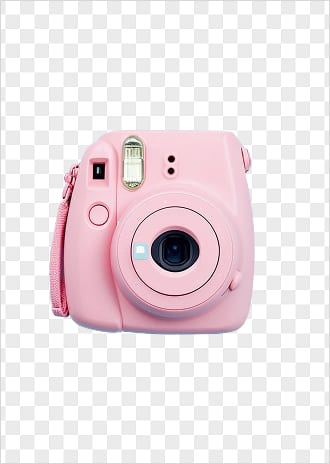
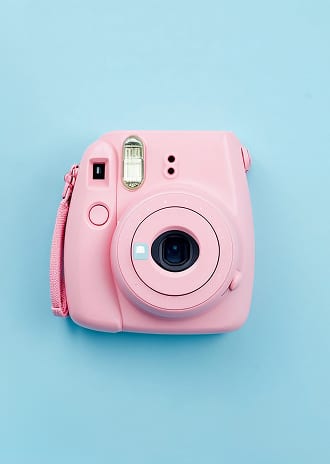 Do it with AI Background remover Converting to PNG for a transparent background? The format alone keeps the background; the AI background remover takes it out. See background remover results →
JPG to PNG in three steps
- 1
Add a JPG
Drop it on the box or choose it.
- 2
Convert
PNG has no quality setting: it keeps every pixel.
- 3
Download the PNG
Save it for editing or printing.
JPG to PNG: questions
Is the photo uploaded?
No. The file is read by your browser and processed on your device; nothing is uploaded to a server, so there is nothing for us to keep.
Does converting JPG to PNG improve quality?
No. It cannot restore detail the JPG already lost, but it stops any further loss when you edit and save again.
Will the background become transparent?
No, a JPG has no transparent areas to keep. To cut out the subject, use a background remover, like the one in the Luren AI app.
More free tools












Beyond resizing: restyle the photo with AI
Free to download on iPhone and Android. Pick a style, add one photo, and see yourself in it in under a minute.
Download & claim your FREE AI generation