
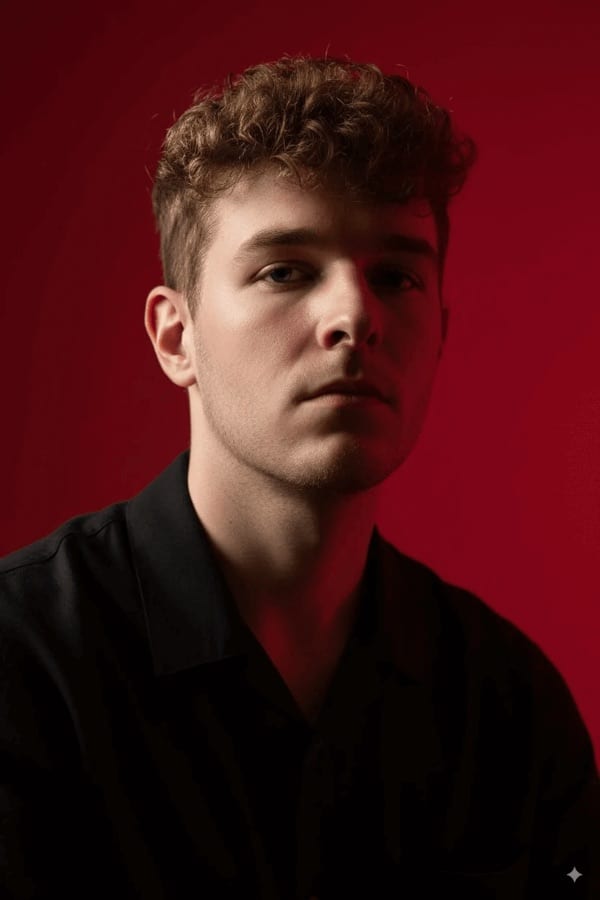
 Before After
Headshots & portraits
AI Cinematic Portrait
Add bold cinematic lighting and drama.
Download & claim your FREE AI generation
- 1 Open Luren AI and find AI Cinematic Portrait in Headshots & portraits.
- 2 Add the photo you want to change.
- 3 Get the result in under a minute, then save or share it.
Try it with a prompt
Give my photo bold cinematic lighting and drama: a [film genre] mood, a teal-and-orange color grade, strong rim light and atmospheric haze, shallow depth of field, widescreen framing with subtle letterbox bars, my face and outfit unchanged, and the look of a still from a big-budget film.
In the app you only add your photo and tap the style. To write your own version, paste this on the Image tab with your photo and pick a model.
More headshots & portraits
You might also like
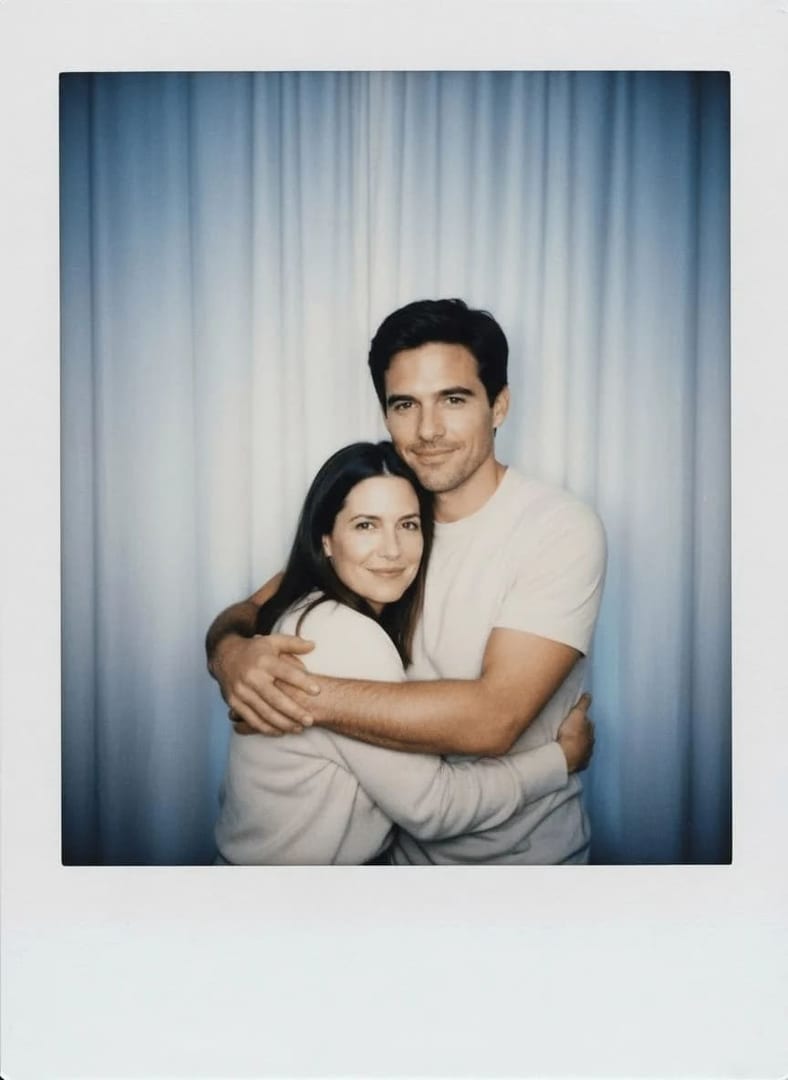

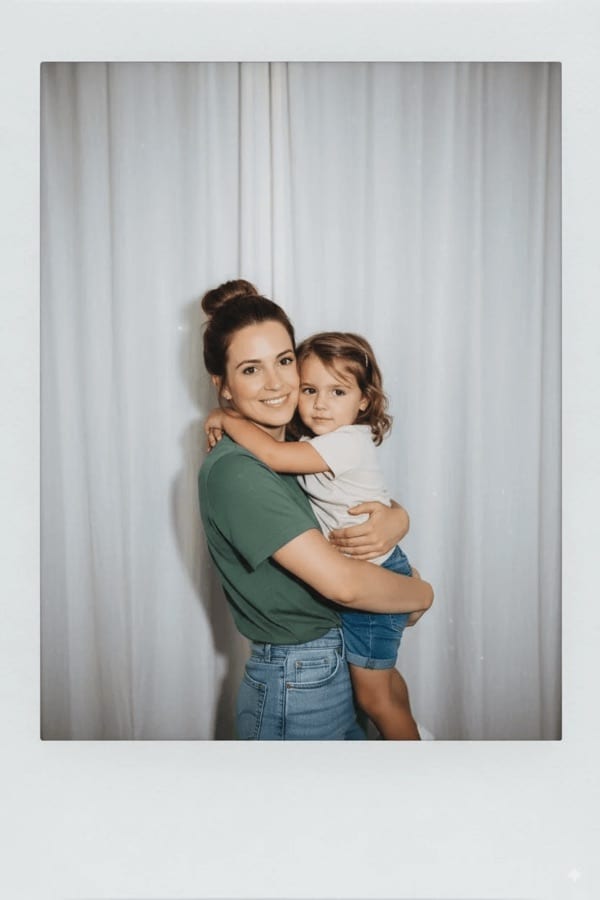

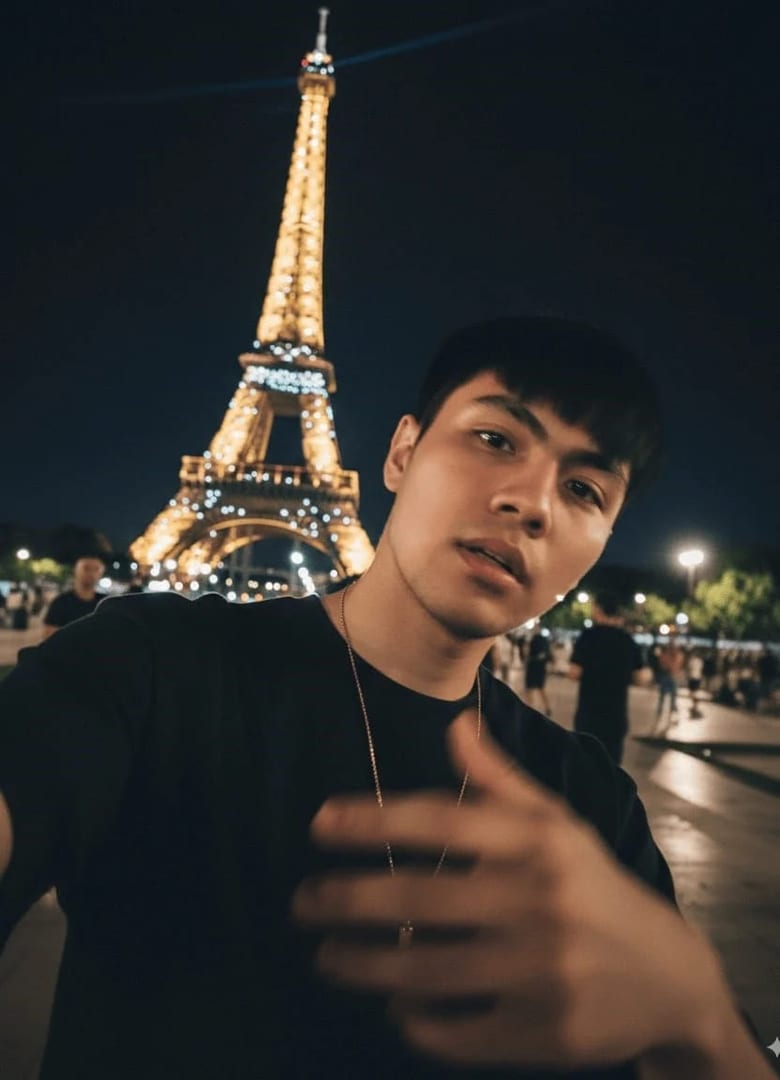
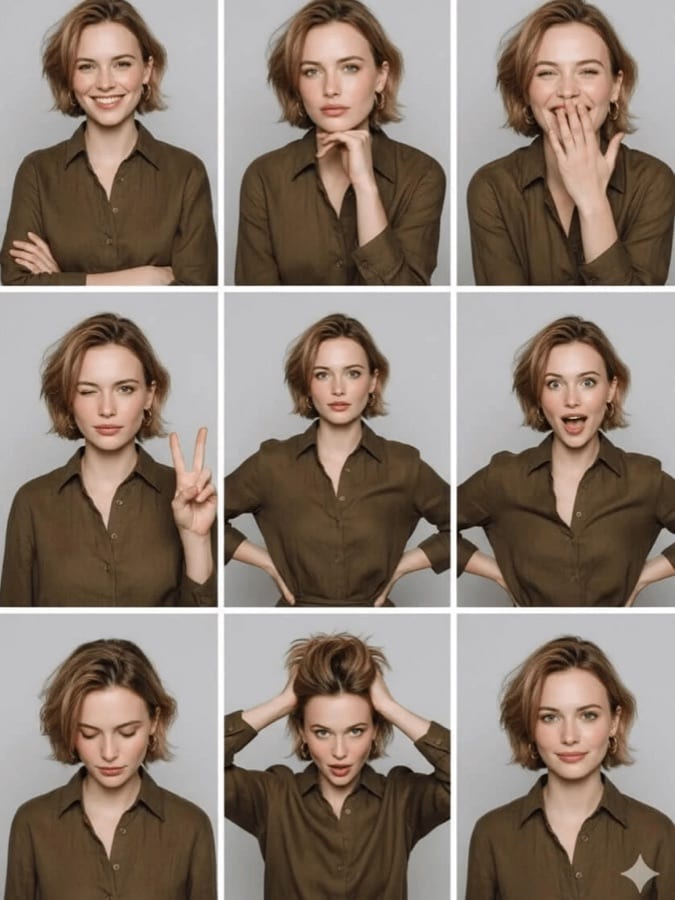
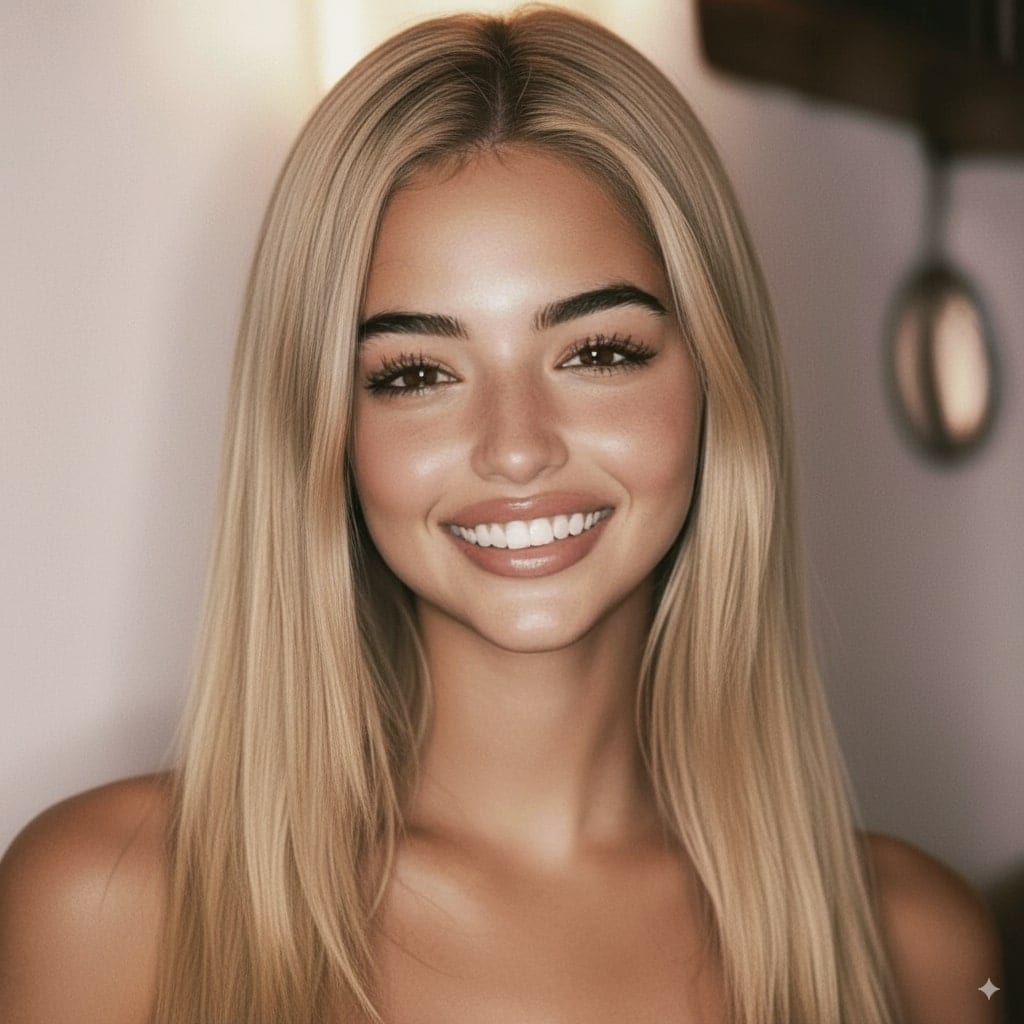
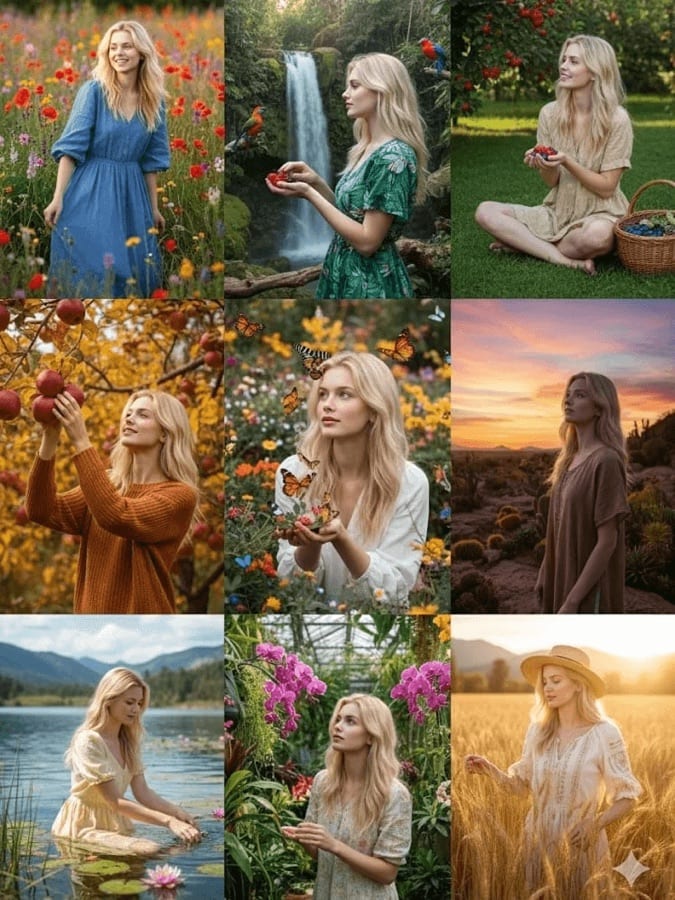












Try AI Cinematic Portrait on your own photo
Free to download on iPhone and Android. Pick a style, add one photo, and see yourself in it in under a minute.
Download & claim your FREE AI generation