Profile picture
Using my photo as the face reference, create a square streamer profile picture of me in a headset, purple and teal light on my face, a dark blurred setup behind me, a confident grin, my face large and centered for a small circle.
 Luren AI
Photo styles
New: AI agent and brand tools
Video
AI editor
AI models
Ideas & prompts
Free tools
Help
These Twitch streamer ideas cover the images a channel needs besides the stream itself: a profile picture, an offline screen, a starting-soon banner, a schedule graphic and big reaction shots for highlights. Add a sharp photo of your face, paste a prompt and pick an image model; keep one color scheme across them, so your channel looks like one brand.
Download & claim your FREE AI generation
Using my photo as the face reference, create a square streamer profile picture of me in a headset, purple and teal light on my face, a dark blurred setup behind me, a confident grin, my face large and centered for a small circle.
Make a 16:9 offline screen of me leaning back in a gaming chair with my hands behind my head, the setup glowing softly behind me with the monitors off, purple light, a relaxed smile, the left half empty for text.
Create a 16:9 starting soon banner of me adjusting my headset at a desk, a mug of tea beside the keyboard, warm lamp light mixing with colored LEDs, a playful wink, wide empty space on the right for a countdown.
Show me jumping up from my chair with both fists raised in victory and my mouth open in a shout, bright colored light, motion blur on my arms but my face sharp, a 16:9 frame for a highlight thumbnail.
Make a tight close-up of me with a huge shocked face and my hands on my cheeks, a plain flat green background, bright even light, clean sharp edges around my head so it can be cut out and simplified later.
Create a cozy streaming scene of me in an oversized knit in a warm room with fairy lights, a cat curled on the desk, a soft lamp glow and a dim monitor, a gentle smile at the camera, 16:9.
Make a dramatic photo of me in a plain team-style jersey with no logos, hands on the keyboard and mouse, intense focus, cold blue light from the screen on my face, a dark arena-like background.
Create a vertical image of me standing on the left and pointing to an empty space on the right, a clean gradient background in my channel colors of purple and orange, bright light, room for a weekly schedule.
Show me on a sofa beside a microphone on a stand, talking with my hands mid-story, warm lamp and soft colored light, plants and shelves behind me, a friendly animated expression, 16:9.
Make an image of me in front of a row of glowing retro arcade cabinets showing only abstract shapes, a bomber jacket, neon pink and blue light, a cool smile, 16:9 with space above me for a title.
Create a 16:9 image of me in a dark room lit only by a monitor's cold glow, clutching my headset with a terrified expression, deep shadows, a spooky but fun mood for a horror game stream.
Make a wide panel image of me from the chest up on the right side, a solid dark background in my channel color, a crisp rim light, a friendly smile, the left side empty for an About me heading.
Turn my photo into a bold cartoon avatar with clean outlines and flat colors, me in a headset with a cheeky smile, a simple teal circle behind my head, my features still recognizable, square format.
Show me holding a big hand-painted sign with no words in front of my setup, a warm proud smile, bright soft light, a cheerful color palette, 16:9 with space beside me for a donation goal.
Using photos of me and my co-streamer, create a 16:9 banner of us standing back to back with arms crossed, each lit in a different color, pink on one side and cyan on the other, confident expressions, space in the center for a title.
Real results from Luren AI's ready-made styles: open one to see how it was made, or use it with your own photo.
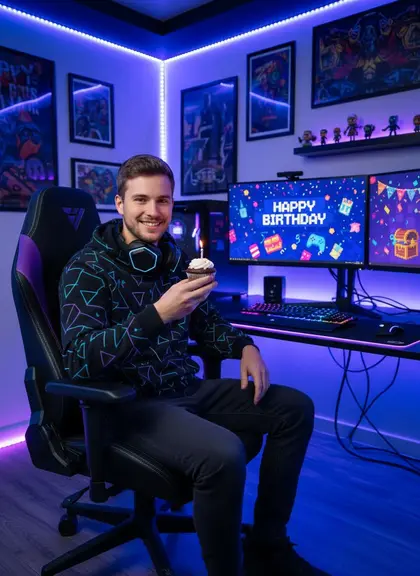
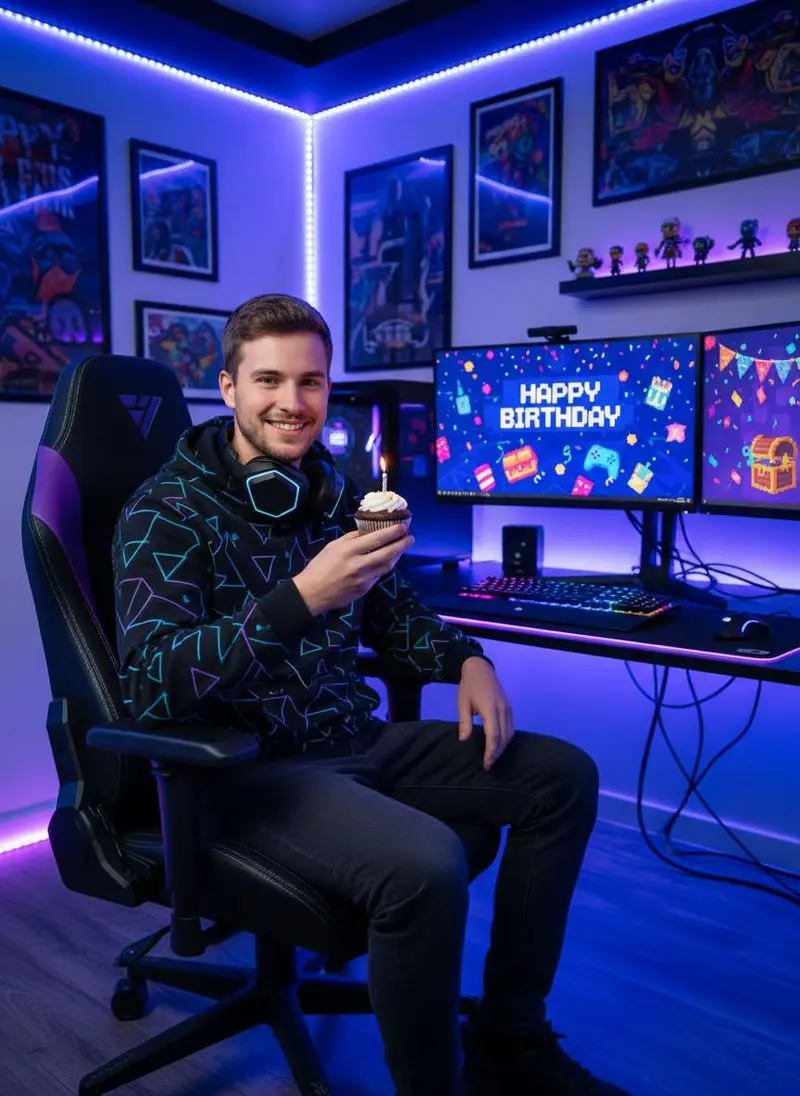 Young man with a birthday cupcake in a neon-lit gaming room with dual monitors
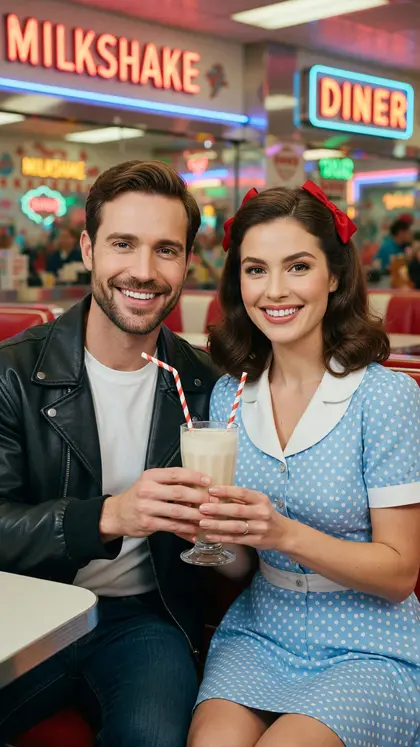
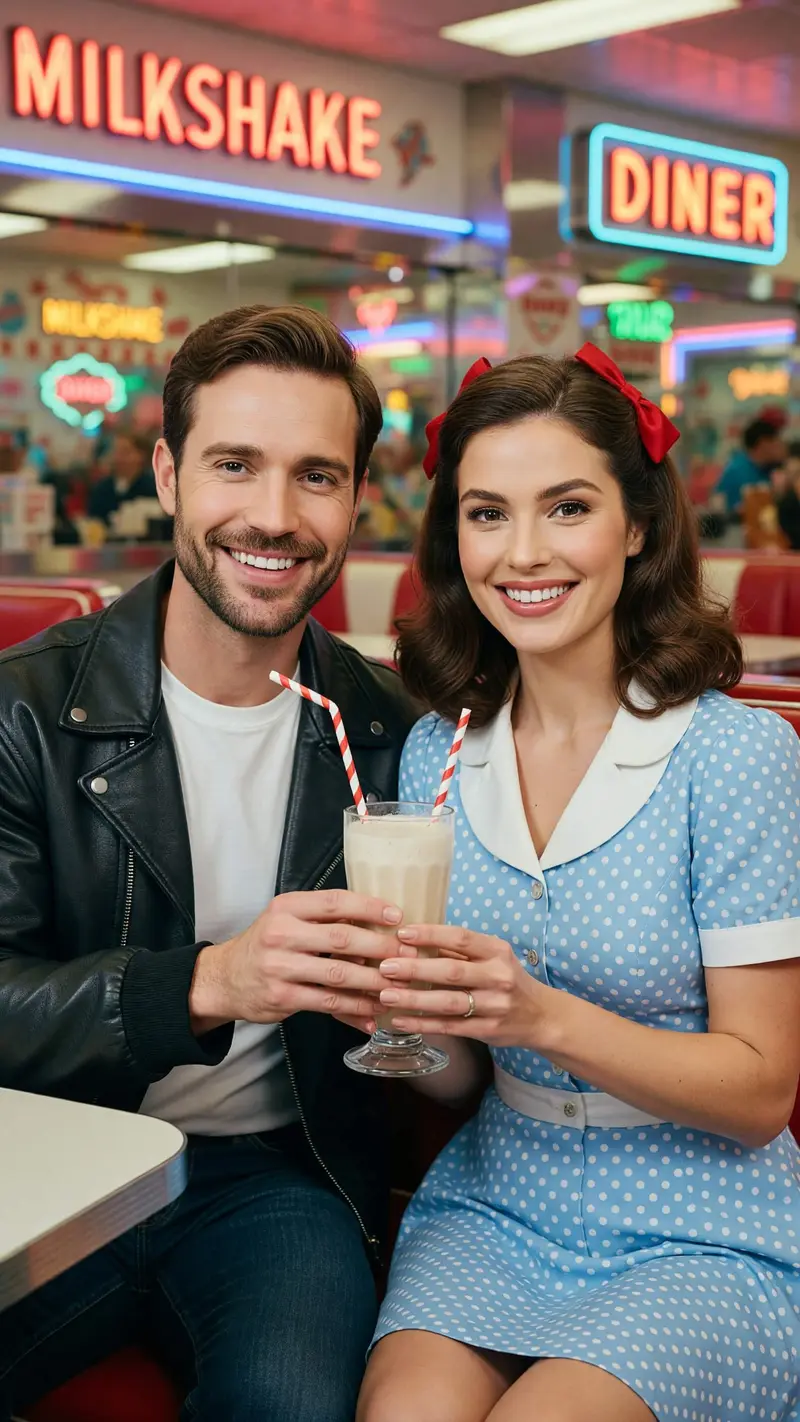 New Couple sharing a milkshake in a 1950s style diner with neon signs
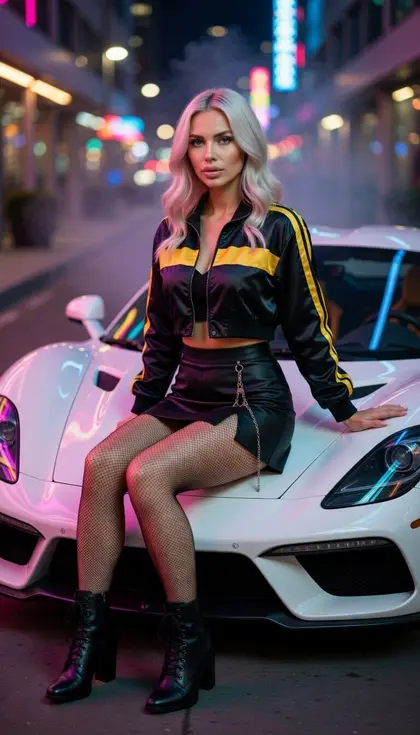
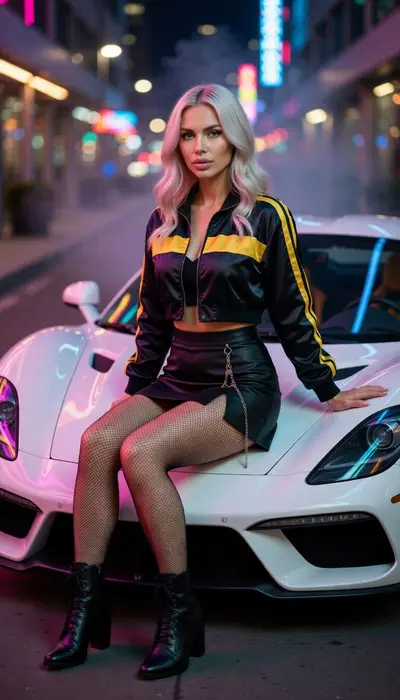 Woman in a striped track jacket sitting on a white sports car on a neon city street
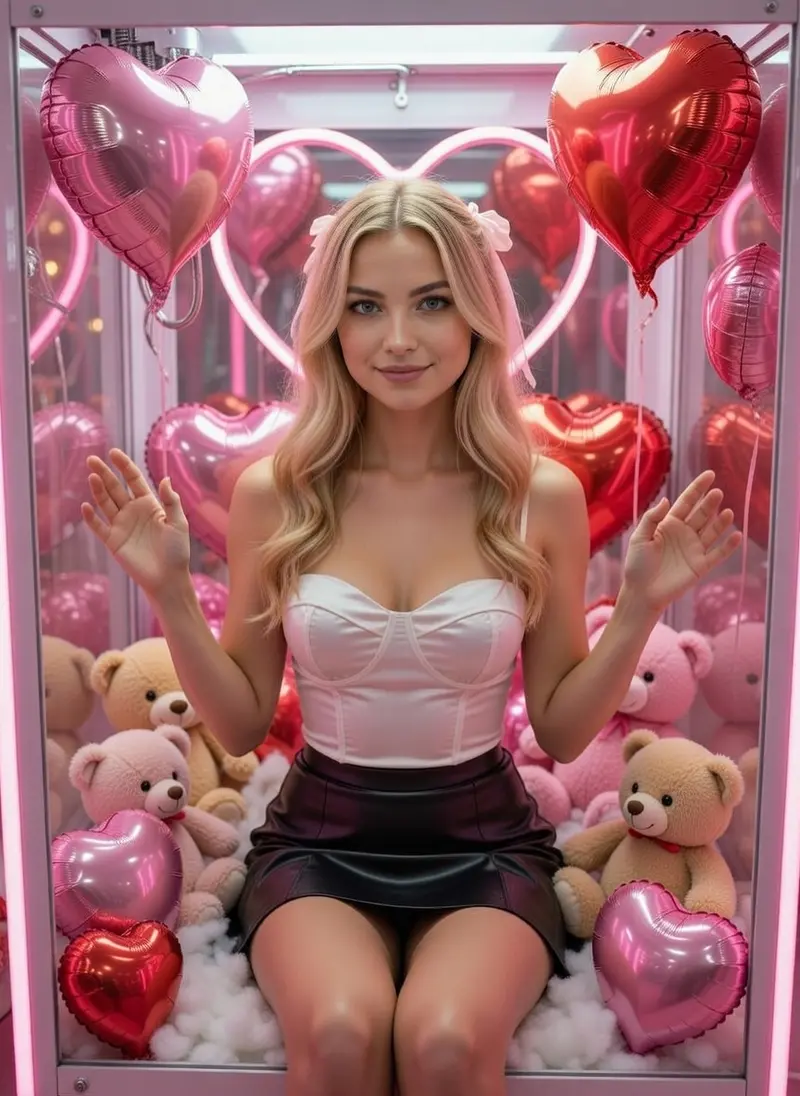 Woman sitting inside a pink claw machine with teddy bears and heart balloons
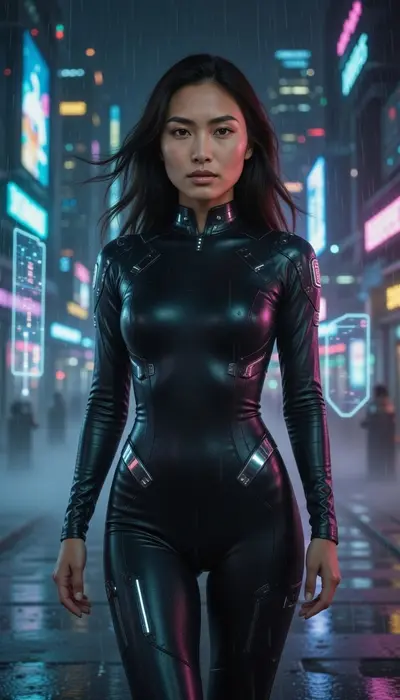 Woman in a black futuristic bodysuit walking down a rainy neon cyberpunk street
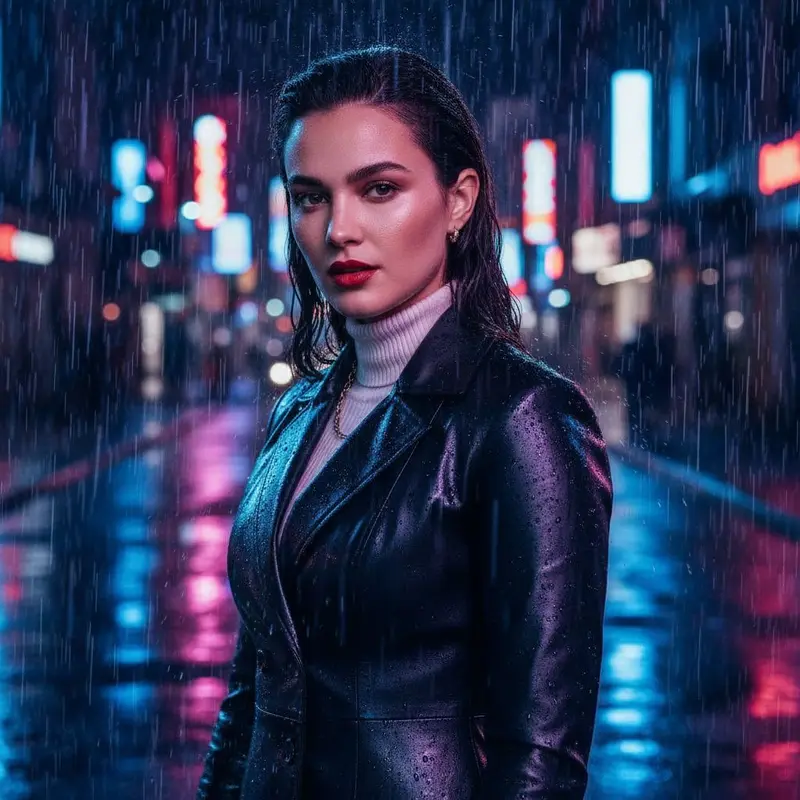 Woman with wet slicked-back hair in a leather coat on a rainy neon street at night
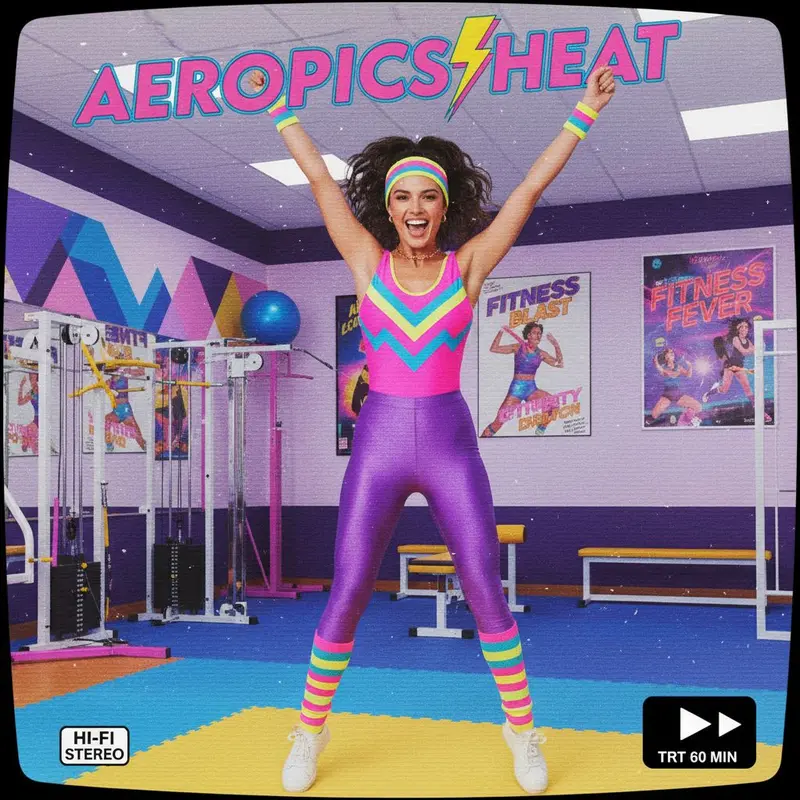 Woman in a 1980s aerobics leotard and leg warmers jumping in a retro gym
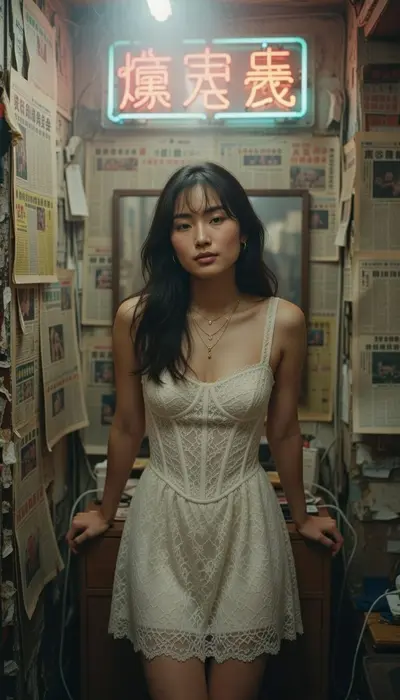 Woman in a cream lace dress under a neon sign in a newspaper-covered room
A square profile picture, a wide banner, an offline screen, small panel images and starting-soon or be-right-back screens. Generate each in the shape it will be shown, square or 16:9, so nothing important is cropped.
You can start from a tight, expressive close-up on a plain background and simplify it afterwards. Emotes are shown very small, so one big expression and a clean outline matter more than detail; check the platform's own size rules before you upload.
Pick two or three colors and name them in every prompt, such as purple and teal light, and reuse the same face photo. A consistent palette across the banner, panels and screens makes a channel look professional.
Free to download on iPhone and Android. Pick a style, add one photo, and see yourself in it in under a minute.
Download & claim your FREE AI generation











