
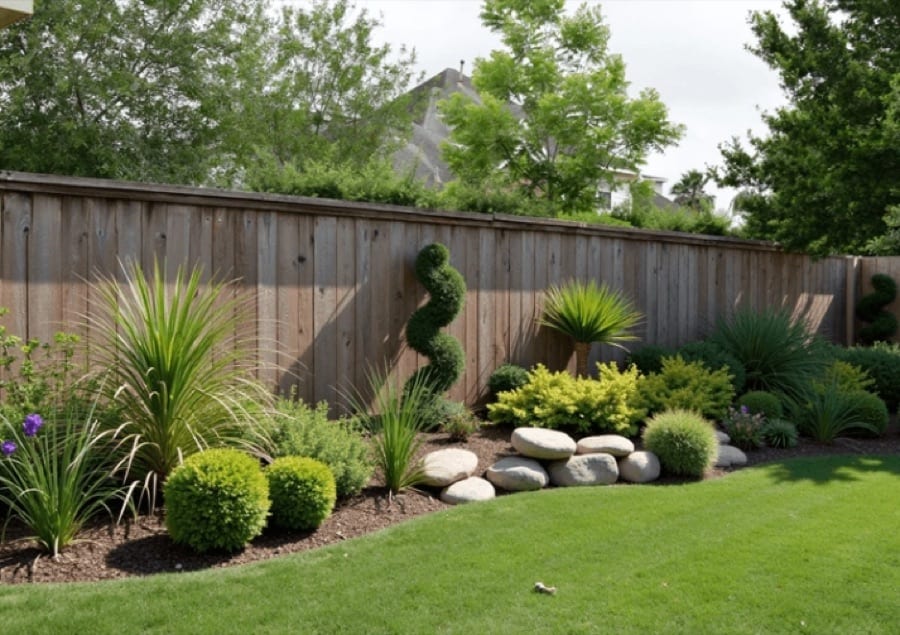
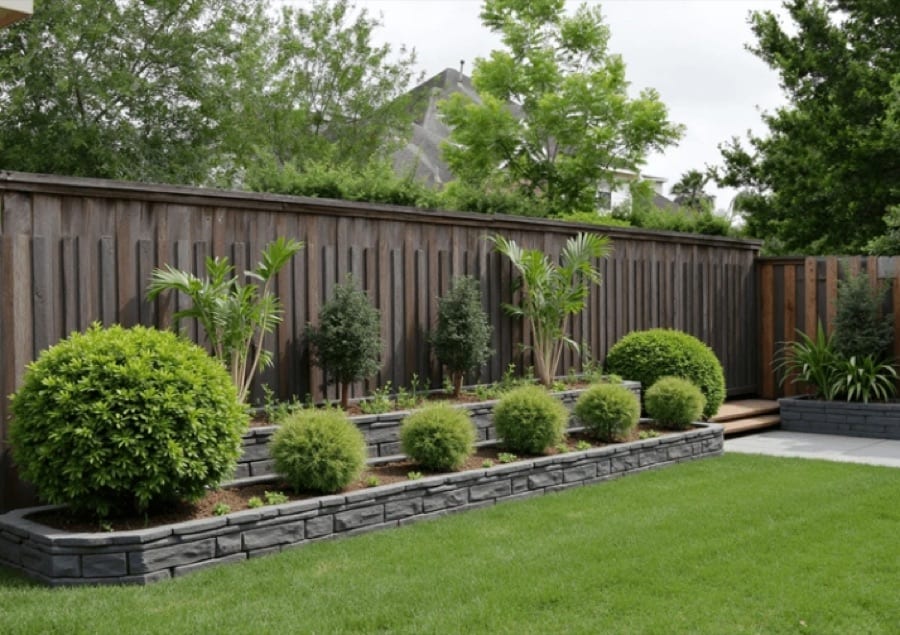
 Before After
Interior design
Repurpose Space
Reimagine outdoor spaces with new purposes.
Download & claim your FREE AI generation
- 1 Open Luren AI and find Repurpose Space in Interior design.
- 2 Add the photo you want to change.
- 3 Get the result in under a minute, then save or share it.
Try it with a prompt
Reimagine the outdoor space in my photo as [new purpose], adding fitting furniture, plants, paths and lighting at realistic scale while keeping the surrounding buildings, boundaries, terrain and camera angle unchanged, in natural daylight with a photorealistic landscape-architecture visualization finish.
In the app you only add your photo and tap the style. To write your own version, paste this on the Image tab with your photo and pick a model.
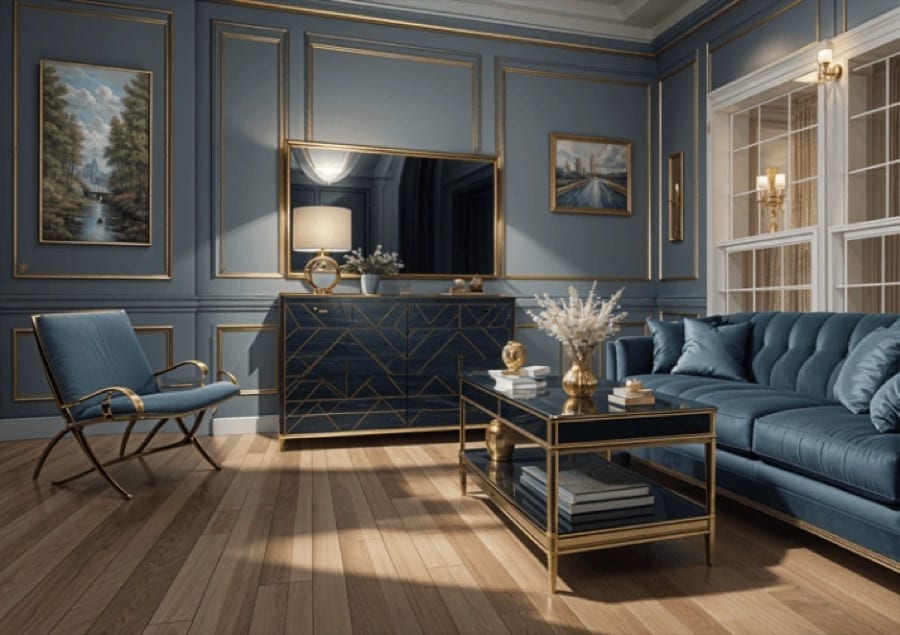
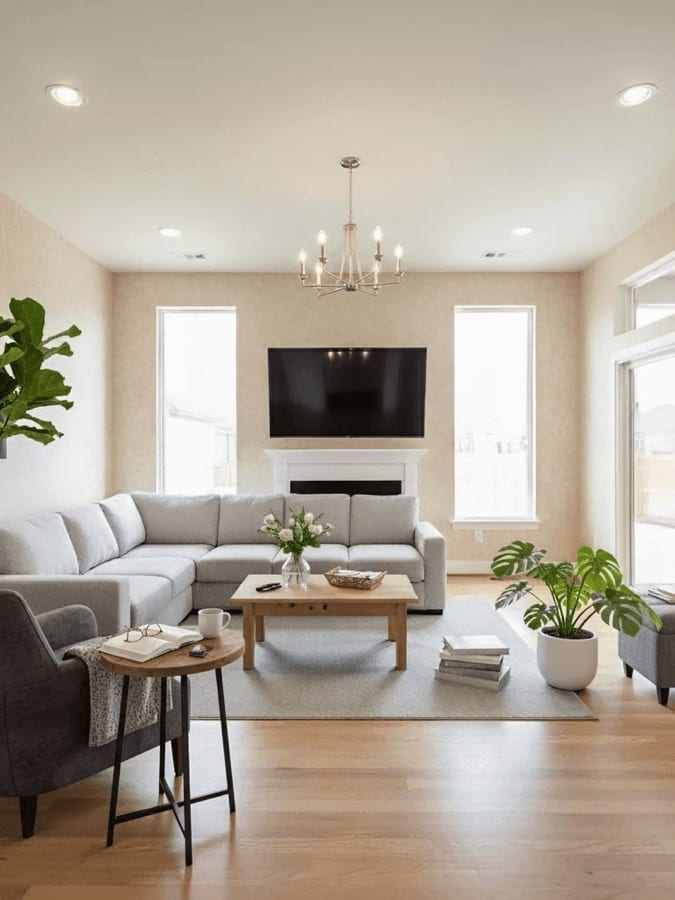












Try Repurpose Space on your own photo
Free to download on iPhone and Android. Pick a style, add one photo, and see yourself in it in under a minute.
Download & claim your FREE AI generation