
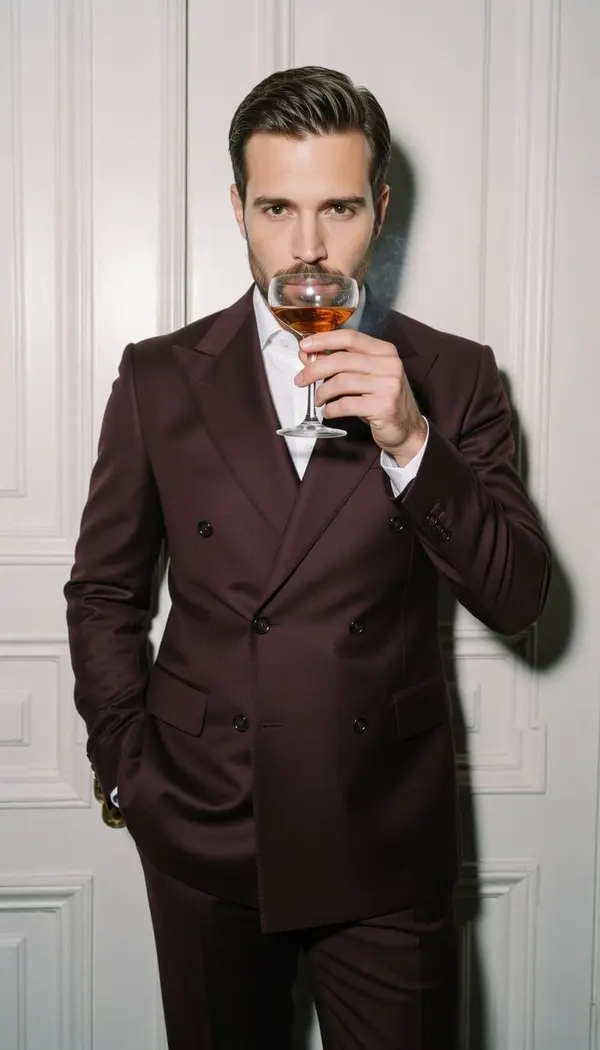
Men's editorial
After Hours: AI photo style
Burgundy suit cinematic nightlife portrait.
Download & claim your FREE AI generation
- 1 Open Luren AI and find After Hours in Men's editorial.
- 2 Add one clear photo of your face.
- 3 Get the result in under a minute, then save or share it.
Try it with a prompt
Photograph the man in my photo in a burgundy suit for a cinematic nightlife portrait: city streets after midnight, neon reflections on wet pavement, leaning against a doorway, warm red and teal tones, slight motion blur from passing lights, his face recognizable and a stylish film finish.
In the app you only add your photo and tap the style. To write your own version, paste this on the Image tab with your photo and pick a model.
More men's editorial
You might also like
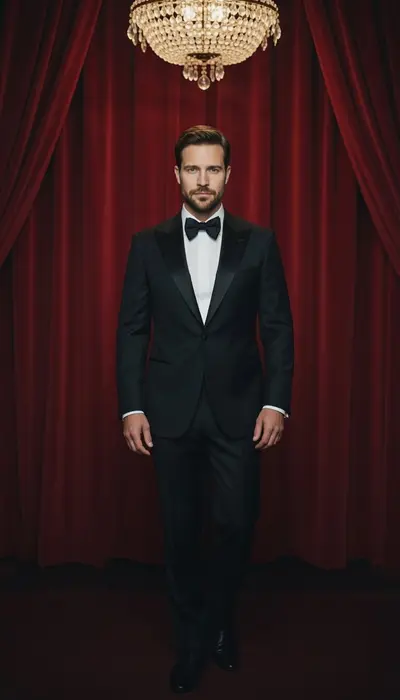
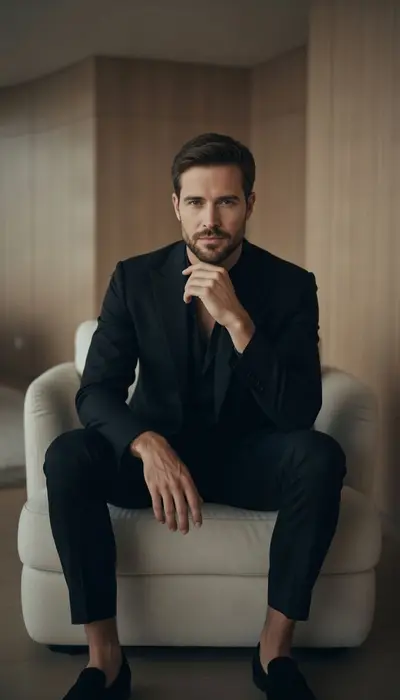
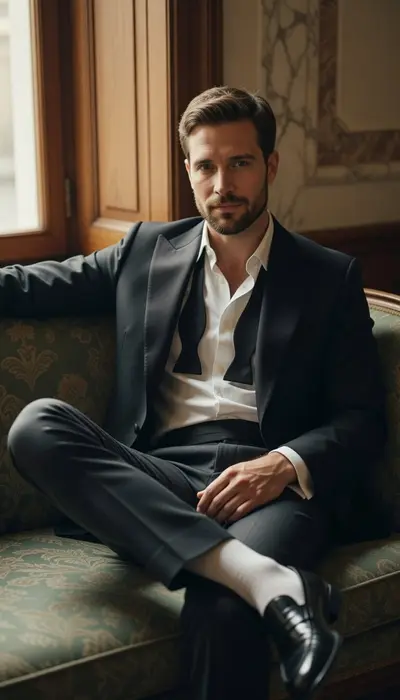
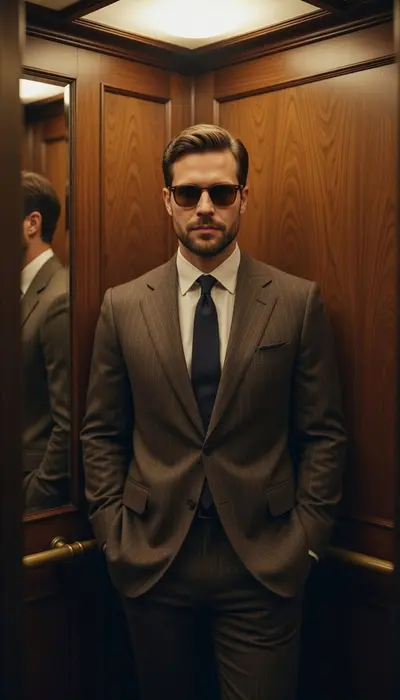
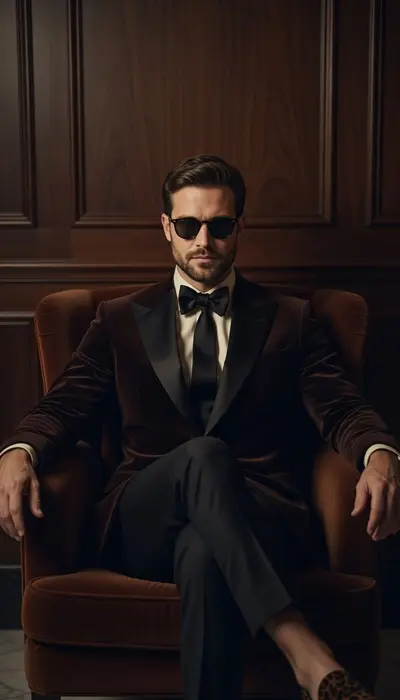
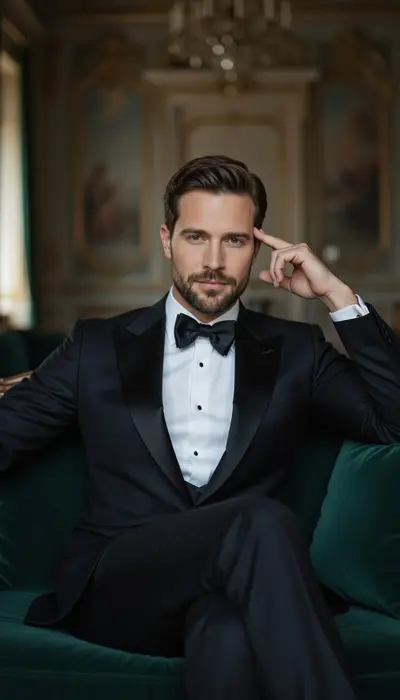
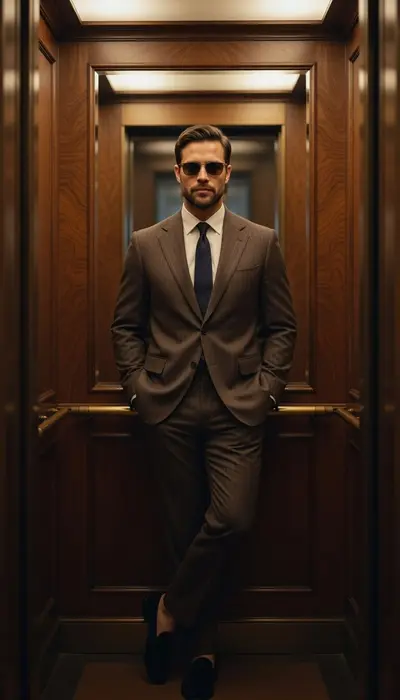
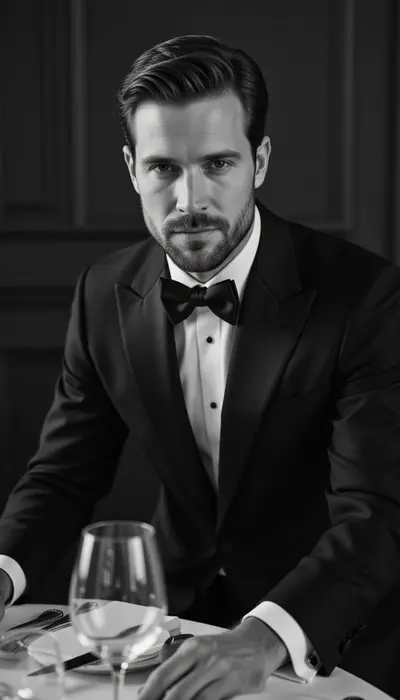












Try After Hours on your own photo
Free to download on iPhone and Android. Pick a style, add one photo, and see yourself in it in under a minute.
Download & claim your FREE AI generation