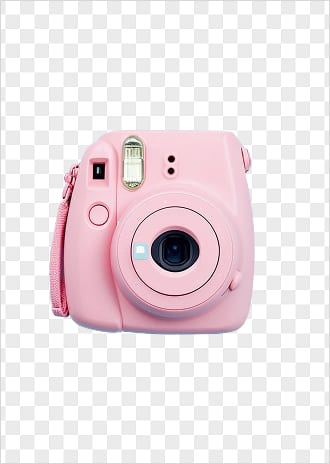
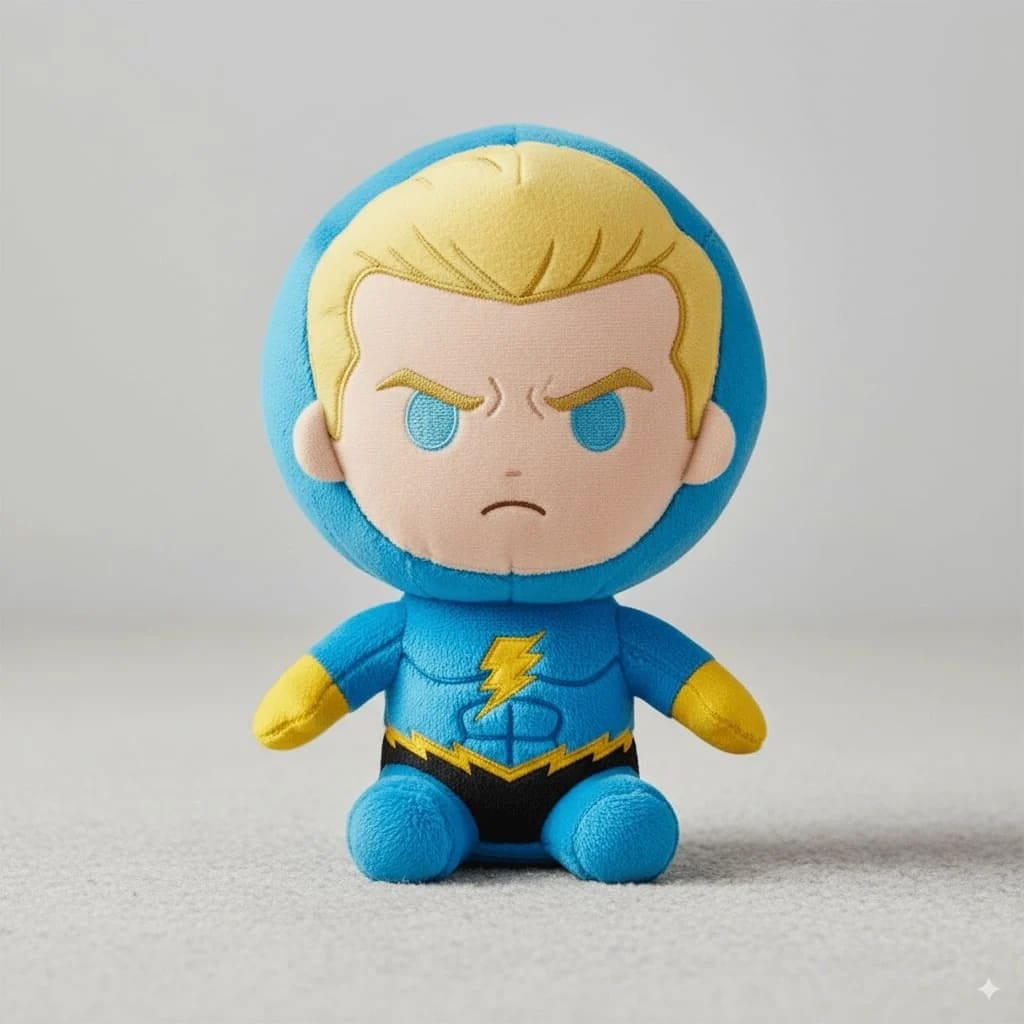
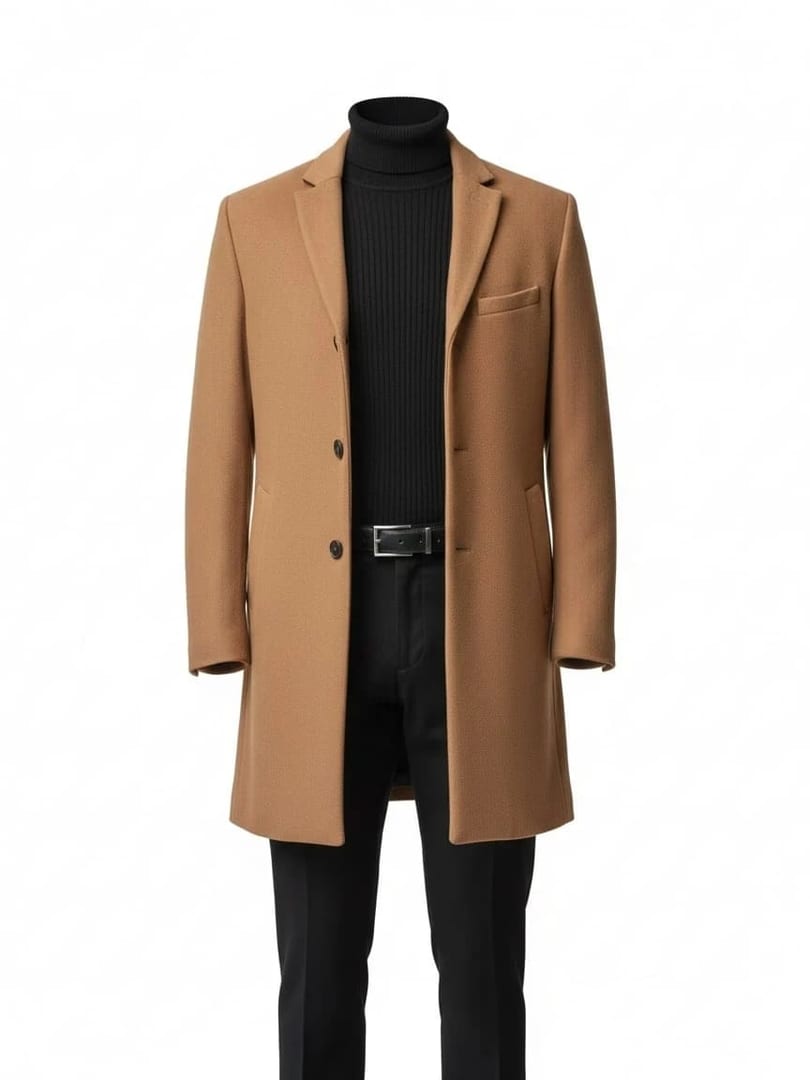
These white background prompts turn one phone photo of your product into a clean packshot for an online store, a catalogue or a marketplace. Shoot the product in soft daylight with the label straight on, paste a prompt and pick an image model; each prompt asks for a pure white background, even catalogue lighting and the product kept exactly as it is.
Using my product photo as the reference, create a front-facing packshot on a pure white background, the product centered and filling about 85 percent of the frame, soft even catalogue lighting with no harsh shadows, the shape, color and label kept exactly as in my photo.
02
Three-quarter depth
Show my product at a three-quarter angle on a pure white background, soft wraparound light that shows its depth, a faint contact shadow beneath, crisp edges and accurate color, nothing else in the frame.
03
Mirror reflection
Place my product on a pure white background with a soft mirror reflection fading beneath it, even studio light, a clean premium catalogue look, the product exactly as in my photo.
04
Floating with a soft shadow
Show my product floating slightly above a pure white background with a soft diffused shadow below, bright even light, a modern clean look, the product's color and details exactly as in my photo.
05
Top-down flat
Make a top-down shot of my product laid flat on a pure white background, shadowless even light, edges aligned square to the frame, the colors and details exactly as in my photo.
06
Every size in a row
Show my product in all its sizes side by side on a pure white background, arranged from smallest to largest at their true relative scale, even catalogue lighting, each size exactly as in my photos.
07
Complete set
Arrange all the pieces of my product set in a neat group on a pure white background, the tallest at the back, even catalogue lighting, every piece's color and size exactly as in my photos and nothing added.
08
Detail close-up
Take a close-up of my product's key detail, such as its texture, stitching or closure, on a pure white background, soft even light and macro sharpness, the detail exactly as in my photo.
09
Open and closed
Show my product twice on a pure white background, once closed and once open, side by side at the same scale, even soft light, both views exactly as in my photos.
10
Readable back panel
Using a photo of the back of my product as the reference, create a straight-on back view on pure white so the ingredients, specs or care details stay readable, flat even light, every line of text kept exactly as in my photo.
11
In hand for scale
Show my product held in a hand against a pure white background so its size is easy to judge, soft even light, a natural relaxed grip, the product at its true scale and exactly as in my photo.
12
Invisible mannequin
Turn my garment photo into an invisible-mannequin shot on a pure white background, the garment filled out as if worn with no person visible, even light, the fabric color, cut and details exactly as in my photo.
13
Short drop shadow
Place my product on a pure white background with a short, soft drop shadow falling to the lower right, bright even lighting, a crisp catalogue look, the product unchanged.
14
Square with even padding
Create a square 1:1 image of my product on pure white with even padding on all sides, centered, bright even light, sharp focus and high detail, nothing added around it, the product exactly as in my photo.
15
Color variants lineup
Line up my product's color variants in a row on a pure white background, the same angle and spacing for each, even catalogue light, each color exactly as in my photos and no new colors invented.
Made in Luren AI
More white background product photo ideas to try
Real results from Luren AI's ready-made styles: open one to see how it was made, or use it with your own photo.
It removes distractions, keeps colors true and makes every product in a store look consistent. Many marketplaces also ask for a pure white main image, so check the marketplace's current image rules before you upload.
Will the AI change my product when it replaces the background?
It can smooth details, shift colors or tidy small text. Each prompt asks for the product exactly as in your photo; compare the result with the real item, and never use a version where the color, size or contents differ from what you ship.
How do I get a clean white background from a phone photo?
Shoot on a plain light surface near a window, with the whole product in frame and in focus, then use these prompts to replace the background. A sharp, evenly lit reference matters more than the backdrop you shoot on.
Paste it, add your photo, pick a model
Free to download on iPhone and Android. Pick a style, add one photo, and see yourself in it in under a minute.