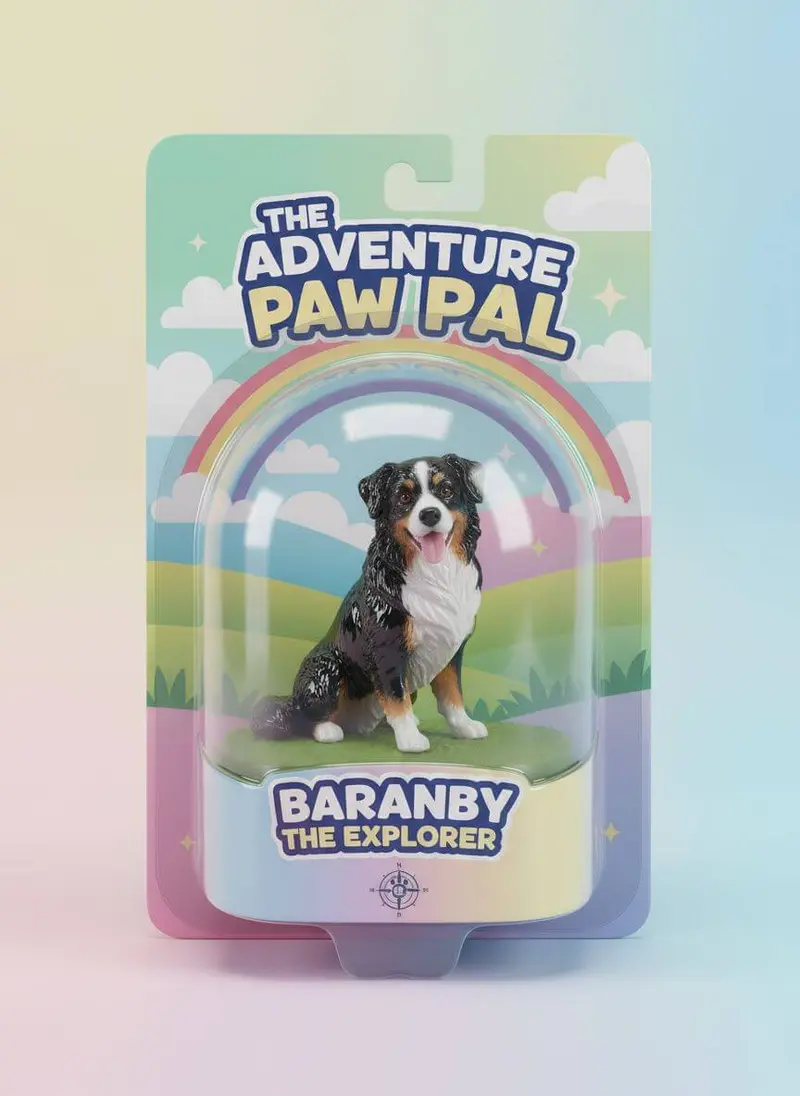
These packaging mockup prompts turn a photo of your box, bag, bottle or label into realistic scenes for a pitch, a launch post or a store page. Upload a sharp, front-facing photo of the finished package or a flat image of the design, paste a prompt and pick an image model; every prompt keeps your artwork, colors and text exactly as they are.
Using my packaging photo as the reference, show the box three times on a light grey backdrop, in front, three-quarter and top views at the same scale, soft even studio light, the artwork, colors and text exactly as in my photo.
02
On a store shelf
Place rows of my package on a shelf in a bright modern shop, the neighboring products blurred and unbranded, warm retail lighting, a realistic in-store look, my packaging exactly as in my photo.
03
Mailer unboxing
Show my mailer box opened on a kitchen table with the product nestled in paper fill and hands lifting the lid, soft daylight, a first-unboxing mood, the printed inside and outside exactly as in my photos.
04
Stand-up pouch in the pantry
Show my stand-up pouch on a wooden counter beside a small bowl of its contents, soft side light, a natural pantry mood, the pouch's print, window and zip exactly as in my photo.
05
Label wrapped on a bottle
Starting from the flat artwork of my label, wrap it around a plain glass bottle on a clean white set, soft studio light with a subtle reflection, the label's colors, text and layout exactly as in my artwork and correctly curved around the glass.
06
Box tower
Stack several of my boxes into a neat tower on a warm concrete floor against a cream wall, one box turned to show its side panel, soft daylight, the artwork on every panel exactly as in my photos.
07
Shopping bag on the street
Show a hand carrying my printed paper shopping bag down a sunny street, shopfronts blurred behind, a natural walking moment, the bag's print and handles exactly as in my photo.
08
Floating launch shot
Show my package floating at a slight angle against a bold backdrop in a color taken from its design, a crisp shadow below, a dynamic launch-ad look, the artwork and text exactly as in my photo.
09
Tissue and seal sticker
Show my printed tissue paper and seal sticker wrapped around a folded garment inside an open box, an overhead view, soft light, a considered unboxing detail, the tissue pattern and sticker exactly as in my photos.
10
Full range lineup
Line up my full packaging range from smallest to largest on a long white plinth, even studio light and consistent spacing, a clean brand-range look, each package's design exactly as in my photos.
11
Doorstep delivery
Show my shipping box on a front doorstep beside a potted plant, soft morning light, a just-delivered feel, a three-quarter angle, the box print exactly as in my photo.
12
Pitch-deck clean
Create a clean presentation image of my package on a seamless off-white background with a soft shadow, centered with room around it for slide titles, even light, the design exactly as in my photo.
13
Finish close-up
Take a close-up of my packaging's material and print finish, embossing, foil or matte texture, with raking side light that brings out the surface, the colors and details exactly as on my package.
14
Farmers' market stall
Show my packaged product on a wooden farmers' market stall among baskets of fresh produce, soft overcast daylight, a local small-batch mood, the packaging exactly as in my photo.
15
Takeaway set
Show my takeaway cup and paper bag together on a café counter, warm morning light and a blurred café behind, a ready-to-go feel, the printed cup and bag exactly as in my photos.
Made in Luren AI
More packaging mockup photo ideas to try
Real results from Luren AI's ready-made styles: open one to see how it was made, or use it with your own photo.
Can I make a mockup before the package is printed?
Yes. Start from a flat image of your design, as in the label prompt, and ask the model to place it on a box, bottle or pouch. Check the result carefully: curved surfaces and small text are where artwork most often drifts.
Will the AI keep my packaging design and text accurate?
Not always, especially small print, ingredient lists and barcodes. Compare every mockup with your artwork, regenerate when text changes, and never show customers packaging, contents or sizes that differ from what you actually ship.
Which photo of my packaging should I upload?
A sharp, straight-on photo in soft daylight with no glare on glossy areas, or the flat artwork exported as an image. One clean reference for each side helps when a prompt shows several angles.
Paste it, add your photo, pick a model
Free to download on iPhone and Android. Pick a style, add one photo, and see yourself in it in under a minute.