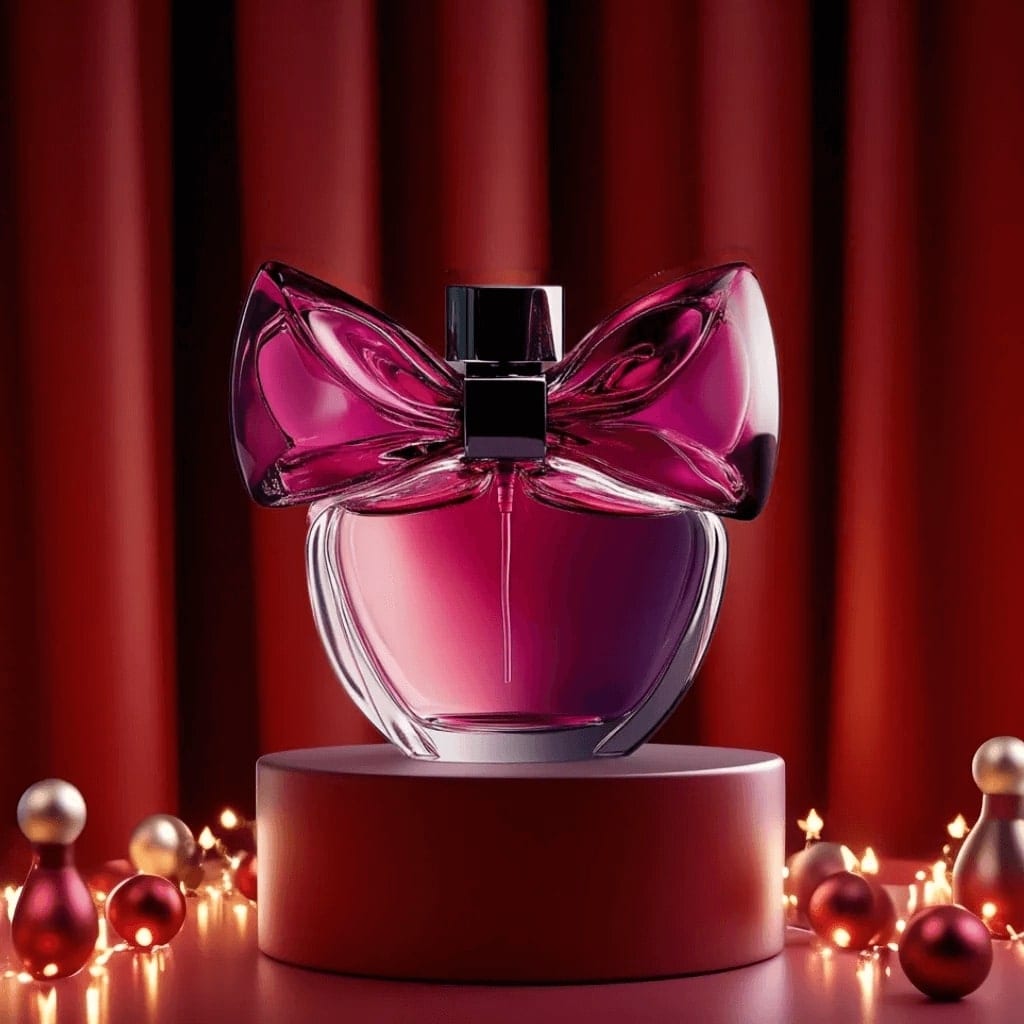
These Amazon listing prompts help you build a full image set from one photo of your product: a clean main image on pure white, then angles, scale, in-use and detail shots. Shoot the product in daylight with the label straight on, paste a prompt and pick an image model, and check the marketplace's current image rules before you upload.
Using my product photo as the reference, create a main listing image on a pure white background, the product filling about 85 percent of the frame and centered, soft even catalogue lighting, no props, text or badges, the shape, color and label exactly as in my photo.
02
Side and top views
Show my product from the side and from above, two views side by side on a pure white background at the same scale and lighting, crisp edges and true color, both views matching my photos exactly.
03
What's in the box
Lay out everything that comes in my product's box on a pure white background, the product, its accessories and the manual in a neat overhead arrangement, even light, only the items shown in my photos and nothing added.
04
Space for feature callouts
Place my product on the left of a pure white image with clean empty space on the right for short feature callouts, soft even light, a slight three-quarter angle, the product exactly as in my photo.
05
In use at home
Show my product being used in a bright, realistic home setting, a person's hands handling it naturally, soft daylight, the product clearly the focus and exactly as in my photo, used only in the way it is designed for.
06
Everyday objects for scale
Show my product beside a coffee mug and a smartphone on a light neutral surface so its real size is obvious, even light, everything at true scale, the product exactly as in my photo.
07
Room for dimension lines
Show my product straight on against pure white with generous margins on all sides for adding dimension lines later, flat even light, no perspective distortion, the product's proportions exactly as in my photo.
08
Styled in its room
Place my product in the room where it is used, simply styled with two or three neutral props, natural daylight, a square 1:1 crop with the product large in the frame, the product exactly as in my photo.
09
Material close-up
Create a close-up of my product's material and finish on a soft white background, raking side light that shows the texture, a clear area at the top for a short label, the material exactly as in my photo.
10
Bundle count
Arrange my multipack on a pure white background with every unit visible and the number of units exactly as sold, even catalogue lighting, each unit's label and color matching my photo.
11
Product with retail box
Show my product standing in front of its retail packaging on a pure white background, both facing the camera, soft even light, the product and the box at their real relative size and exactly as in my photos.
12
Gift-season secondary image
Show my product in a gift scene on a wooden table with wrapping paper and a blank handwritten tag, warm daylight, a secondary listing image for gift season, the product unchanged and clearly the hero.
13
Phone-screen zoom
Create a tight square crop of my product on pure white, the product nearly edge to edge with a small margin so it reads clearly on a small phone screen, crisp detail, the product exactly as in my photo.
14
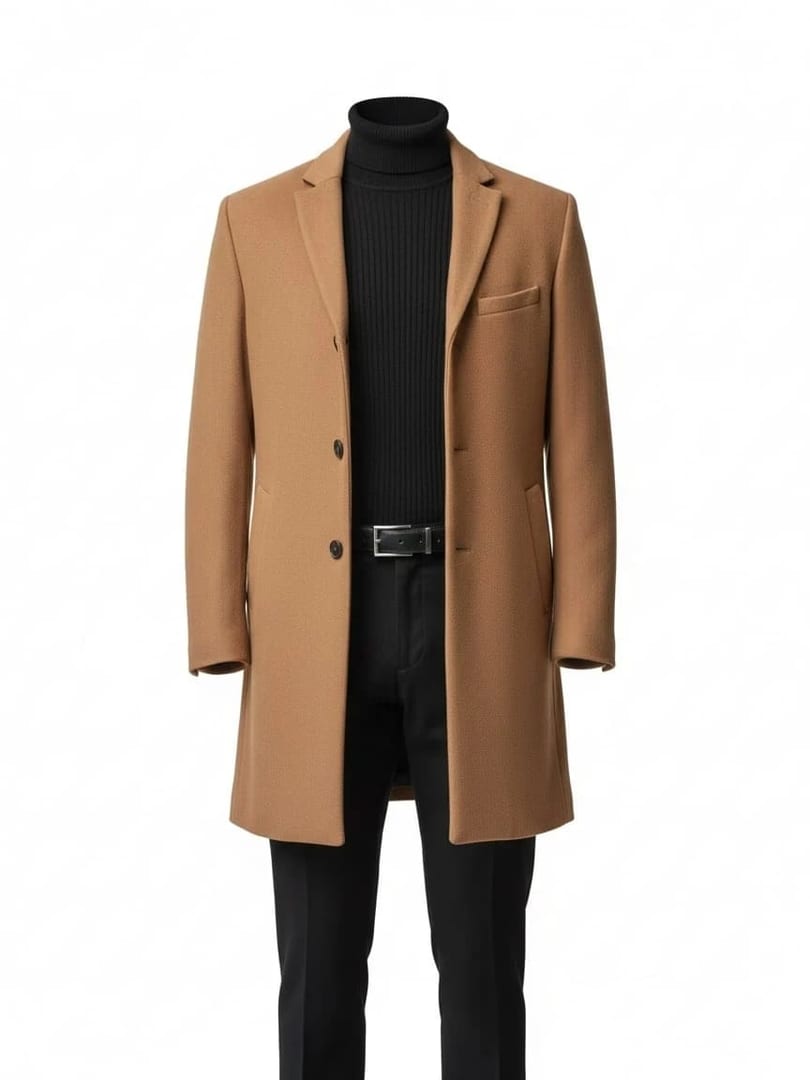
Worn on a model
Show my garment or accessory worn by a model against a pure white background, a full front view with a natural stance, even catalogue light, the fit, color and details exactly as in my photo.
15
Three-step how-to
Create a three-panel image of my product being used in three simple steps on a clean light background, the same angle and lighting in each panel and room above each one for a short caption, the product exactly as in my photo.
Made in Luren AI
More amazon listing photo ideas to try
Real results from Luren AI's ready-made styles: open one to see how it was made, or use it with your own photo.
Marketplaces commonly ask for the product alone on a pure white background, filling most of the frame, with no added text, logos or props. Rules change and vary by category, so check the marketplace's current image rules before you upload.
Do AI listing images have to match the product exactly?
Yes. The color, size, materials, quantity and accessories shown must match what the buyer receives. Check each image against the real item, regenerate anything that drifts, and keep the main image a faithful picture of the product itself.
Can I use these images to sell on Amazon?
Commercial use is included with Luren AI Pro: the Terms of Use allow it while your Pro subscription is active. Start from photos of products you have the right to sell, and keep other brands' logos and trademarks out of your scenes.
Paste it, add your photo, pick a model
Free to download on iPhone and Android. Pick a style, add one photo, and see yourself in it in under a minute.