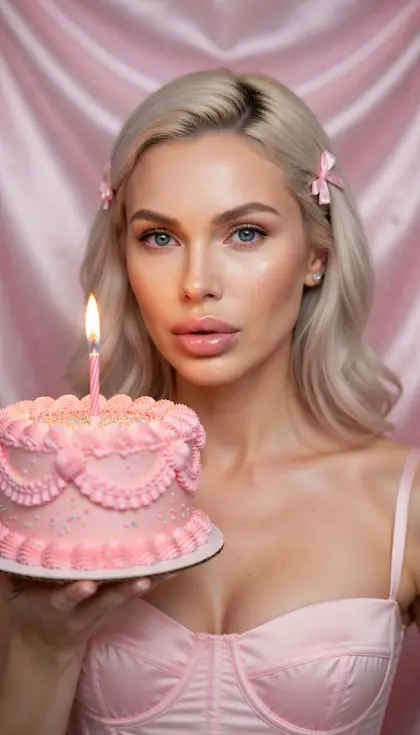
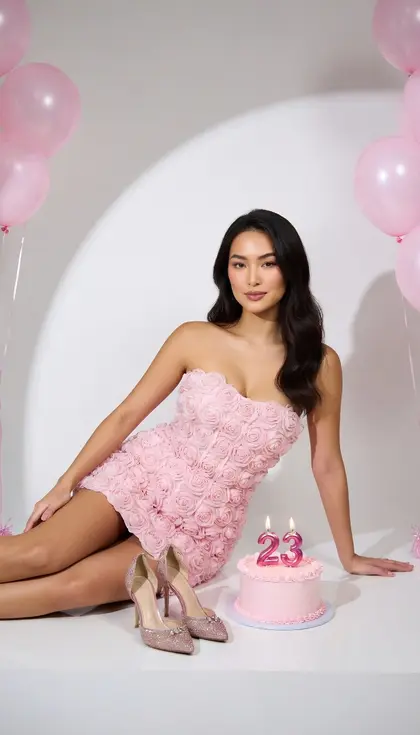
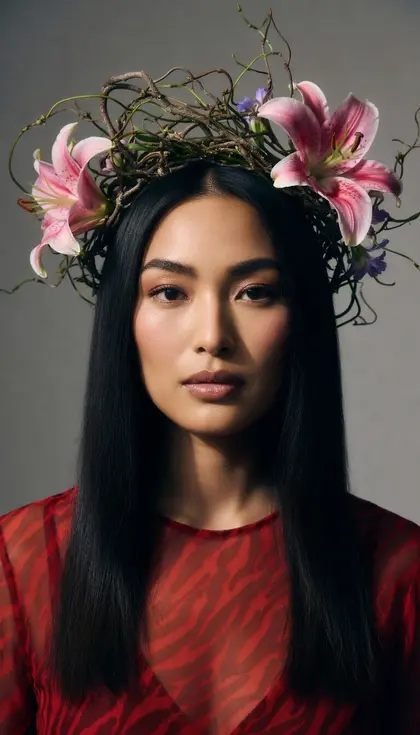
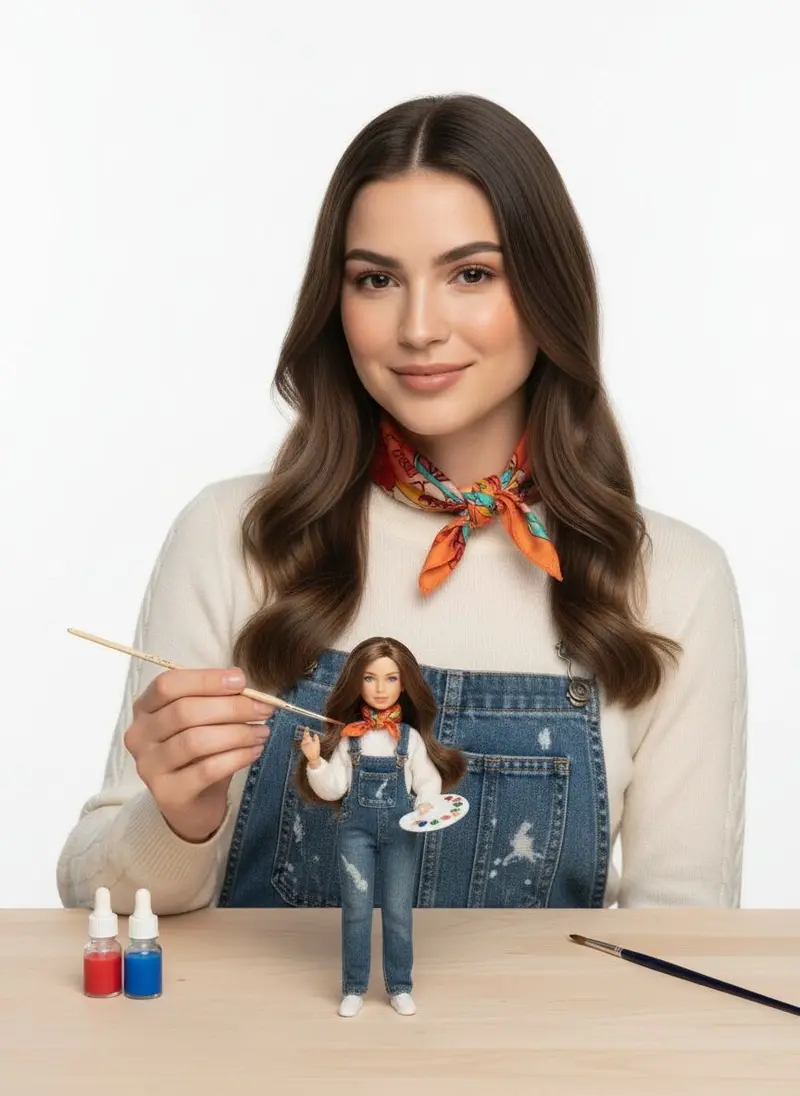
These ad creative prompts turn one product photo into scroll-stopping images for social ads, banners and landing pages, each with clean space for your headline and button. Upload a sharp photo with the label readable, paste a prompt and pick an image model, then add your text in an editor, since models still misspell words. Every prompt keeps the product unchanged.
Using my product photo as the reference, place the product on the right third of a bold tomato-red background with a crisp hard shadow, bright studio light, the left half left completely empty for a headline, a 1:1 social ad, the product's shape, color and label exactly as in my photo.
02
Story with an open top
Create a 9:16 story ad with my product in the lower third on a soft peach-to-cream gradient, gentle studio light, the top half clear and uncluttered for a headline and an offer, the product exactly as in my photo.
03
Wide website banner
Make a 16:9 website banner with my product on the right, resting on a smooth sand-colored stone with soft natural shadows, the left two thirds a plain warm backdrop for text, the product unchanged.
04
Open sky above
Show a hand holding my product up in the lower part of the frame against a clear blue sky, a wide band of open sky above for a headline, bright sunlight, an optimistic mood, the product exactly as in my photo.
05
Corner flat lay
Make an overhead shot of my product in the bottom-right corner of a clean pastel green surface with two small matching props, the rest of the frame left empty for copy, soft even light, a 4:5 feed ad, the product exactly as in my photo.
06
Launch spotlight
Show my product emerging from darkness under a single spotlight on a black set, a soft glow on the surface below and wide dark space above for a launch headline, a dramatic premium mood, the product unchanged.
07
Blurred café backdrop
Place my product sharp in the foreground on a café table, the background blurred into a calm, even tone across the top of the frame for a headline, warm daylight, the product exactly as in my photo.
08
Giant in the square
Show my product as a giant sculpture in a sunny public square with tiny people walking past, a playful surreal scale, a wide clear sky for a headline, the product's proportions, color and label exactly as in my photo.
09
Color-matched world
Build a monochrome ad around my product, the background, props and shadows all in the main color of my packaging, the product at bottom center and clean space at the top, soft even light, the product unchanged.
10
Tossed in the air
Show my product tilted at a dynamic angle as if tossed into the air against a bright yellow background, energetic light, the product sharp, open space on one side for a short punchy headline, the product exactly as in my photo.
11
Summer poolside ad
Place my product on the sunny edge of a pool with rippling light reflections, bright midday sun, the calm turquoise water filling the upper half as clean space for text, a summer campaign mood, the product unchanged.
12
Carousel opener
Create the first frame of a carousel ad: my product at the right edge of a long seamless backdrop that looks like it continues into the next frame, soft light, clean space on the left for a headline, the product exactly as in my photo.
13
Torn paper edge
Place my product on a cream textured paper backdrop with a torn paper edge across the top, warm daylight, a clear area of plain paper for a headline, a crafted editorial feel, the product exactly as in my photo.
14
Terracotta arch
Place my product on a ledge inside a rounded arch cut into a terracotta wall, warm sun and soft shadows, the plain wall above the arch left free for a headline, the product unchanged.
15
Room for three features
Show my product centered on a soft grey background with even empty space on both sides for three short feature callouts, clean studio light, a square 1:1 frame, the product exactly as in my photo.
Made in Luren AI
More ad creative photo ideas to try
Real results from Luren AI's ready-made styles: open one to see how it was made, or use it with your own photo.
It is safer to add text afterwards. Image models can misspell words or warp letters, so these prompts leave clean space and you add the headline, price and button in an editor where you control the font.
How do I keep an ad honest?
Show the product as it really is: the same color, size, packaging and contents a customer receives. Bold backdrops and surreal scenes are fine as styling, but avoid images that suggest results, features or quantities the product does not have.
Can I run these images as paid ads?
Commercial use is included with Luren AI Pro: the Terms of Use allow it while your Pro subscription is active. Keep other brands' logos and recognizable people out of your scenes, and follow each ad platform's own policies.
Paste it, add your photo, pick a model
Free to download on iPhone and Android. Pick a style, add one photo, and see yourself in it in under a minute.