# Luren AI: the main pages of getluren.com in full
> Every page of https://getluren.com is also served as Markdown on its own (Accept: text/markdown, or index.md after the URL). The site map for language models is https://getluren.com/llms.txt; an MCP server is at https://getluren.com/mcp.
---
Source: https://getluren.com/
[*New* The Luren AI agent: just say what you want →](https://getluren.com/ai-agent/) AI photo & video generator
# One selfie. Endless AI photoshoots.
AI photoshoots, AI video, UGC ads and studio product photos, with the newest image and video models and an AI agent that makes it for you. Pick a style or just say what you want.
Download & claim your **FREE** AI generation
[Download on the App Store](https://apps.apple.com/app/apple-store/id6744154685?pt=118850632&ct=web_home&mt=8) [Get it on Google Play](https://play.google.com/store/apps/details?id=com.thekmobile.actionfigure&referrer=utm_source%3Dgetluren.com%26utm_medium%3Dweb%26utm_campaign%3Dhome)
**★** 4.4 App Store 250+ styles AI video UGC ads 31 languages
[Pink Hotline](https://getluren.com/styles/pink-hotline/)[Princess Birthday](https://getluren.com/styles/princess-birthday/)[Golden Hour Birthday](https://getluren.com/styles/golden-hour-birthday/)[Femme Fatale](https://getluren.com/styles/femme-fatale/)[Pink Princess](https://getluren.com/styles/pink-princess/)[Neon Drift](https://getluren.com/styles/neon-drift/)[Gaming Setup Birthday](https://getluren.com/styles/gaming-setup-birthday/)[Friends Birthday](https://getluren.com/styles/friends-birthday/)[Pink Heart](https://getluren.com/styles/pink-heart/)[Elegant Birthday Photo](https://getluren.com/styles/elegant-birthday-photo/)[Velvet Cherry](https://getluren.com/styles/velvet-cherry/)[Twilight Bloom](https://getluren.com/styles/twilight-bloom/)[Birthday Beauty](https://getluren.com/styles/birthday-beauty/)[Rose Birthday](https://getluren.com/styles/rose-birthday/)[Botanical Crown](https://getluren.com/styles/botanical-crown/)[Midnight Luxe](https://getluren.com/styles/midnight-luxe/)[Vanilla Sleepover](https://getluren.com/styles/vanilla-sleepover/)[Neon Rain](https://getluren.com/styles/neon-rain/)[Colosseum Female](https://getluren.com/styles/colosseum-female/)[Bubblegum Balcony](https://getluren.com/styles/bubblegum-balcony/)[Pink Hotline](https://getluren.com/styles/pink-hotline/)[Princess Birthday](https://getluren.com/styles/princess-birthday/)[Golden Hour Birthday](https://getluren.com/styles/golden-hour-birthday/)[Femme Fatale](https://getluren.com/styles/femme-fatale/)[Pink Princess](https://getluren.com/styles/pink-princess/)[Neon Drift](https://getluren.com/styles/neon-drift/)[Gaming Setup Birthday](https://getluren.com/styles/gaming-setup-birthday/)[Friends Birthday](https://getluren.com/styles/friends-birthday/)[Pink Heart](https://getluren.com/styles/pink-heart/)[Elegant Birthday Photo](https://getluren.com/styles/elegant-birthday-photo/)[Velvet Cherry](https://getluren.com/styles/velvet-cherry/)[Twilight Bloom](https://getluren.com/styles/twilight-bloom/)[Birthday Beauty](https://getluren.com/styles/birthday-beauty/)[Rose Birthday](https://getluren.com/styles/rose-birthday/)[Botanical Crown](https://getluren.com/styles/botanical-crown/)[Midnight Luxe](https://getluren.com/styles/midnight-luxe/)[Vanilla Sleepover](https://getluren.com/styles/vanilla-sleepover/)[Neon Rain](https://getluren.com/styles/neon-rain/)[Colosseum Female](https://getluren.com/styles/colosseum-female/)[Bubblegum Balcony](https://getluren.com/styles/bubblegum-balcony/)
[Rain Woman Glamorous](https://getluren.com/styles/rain-woman-glamorous/)[Shadow Self](https://getluren.com/styles/shadow-self/)[Vintage Movie Still](https://getluren.com/styles/vintage-movie-still/)[Candlelit Birthday](https://getluren.com/styles/candlelit-birthday/)[Street Racer](https://getluren.com/styles/street-racer/)[Flashpoint Woman](https://getluren.com/styles/flashpoint-woman/)[Midnight Gala](https://getluren.com/styles/midnight-gala/)[Royal Pet Portrait](https://getluren.com/styles/royal-pet-portrait/)[70s Disco Era](https://getluren.com/styles/70s-disco-era/)[Golden Hour](https://getluren.com/styles/golden-hour/)[Birthday Spotlight](https://getluren.com/styles/birthday-spotlight/)[Big Ben Male](https://getluren.com/styles/big-ben-male/)[Velvet Spotlight](https://getluren.com/styles/velvet-spotlight/)[80s Prom Night](https://getluren.com/styles/80s-prom-night/)[Blossom Nest Baby](https://getluren.com/styles/blossom-nest-baby/)[Faded Kodachrome](https://getluren.com/styles/faded-kodachrome/)[Celestial Angel Archer](https://getluren.com/styles/celestial-angel-archer/)[Noir Minimal](https://getluren.com/styles/noir-minimal/)[Golden Angel](https://getluren.com/styles/golden-angel/)[Winter Carousel Portrait](https://getluren.com/styles/winter-carousel-portrait/)[Rain Woman Glamorous](https://getluren.com/styles/rain-woman-glamorous/)[Shadow Self](https://getluren.com/styles/shadow-self/)[Vintage Movie Still](https://getluren.com/styles/vintage-movie-still/)[Candlelit Birthday](https://getluren.com/styles/candlelit-birthday/)[Street Racer](https://getluren.com/styles/street-racer/)[Flashpoint Woman](https://getluren.com/styles/flashpoint-woman/)[Midnight Gala](https://getluren.com/styles/midnight-gala/)[Royal Pet Portrait](https://getluren.com/styles/royal-pet-portrait/)[70s Disco Era](https://getluren.com/styles/70s-disco-era/)[Golden Hour](https://getluren.com/styles/golden-hour/)[Birthday Spotlight](https://getluren.com/styles/birthday-spotlight/)[Big Ben Male](https://getluren.com/styles/big-ben-male/)[Velvet Spotlight](https://getluren.com/styles/velvet-spotlight/)[80s Prom Night](https://getluren.com/styles/80s-prom-night/)[Blossom Nest Baby](https://getluren.com/styles/blossom-nest-baby/)[Faded Kodachrome](https://getluren.com/styles/faded-kodachrome/)[Celestial Angel Archer](https://getluren.com/styles/celestial-angel-archer/)[Noir Minimal](https://getluren.com/styles/noir-minimal/)[Golden Angel](https://getluren.com/styles/golden-angel/)[Winter Carousel Portrait](https://getluren.com/styles/winter-carousel-portrait/)
Same face, new world
## Drag the line. That's you.
Left: the selfie that went in. Right: what came back. The face stays yours; the scene, the light and the wardrobe are styled for you.
  Before After
[Outdoor Christmas Portrait](https://getluren.com/styles/outdoor-christmas-portrait/) Christmas photos
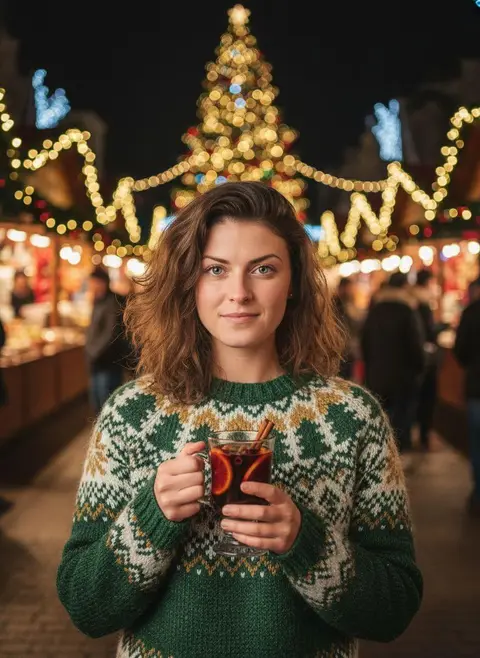 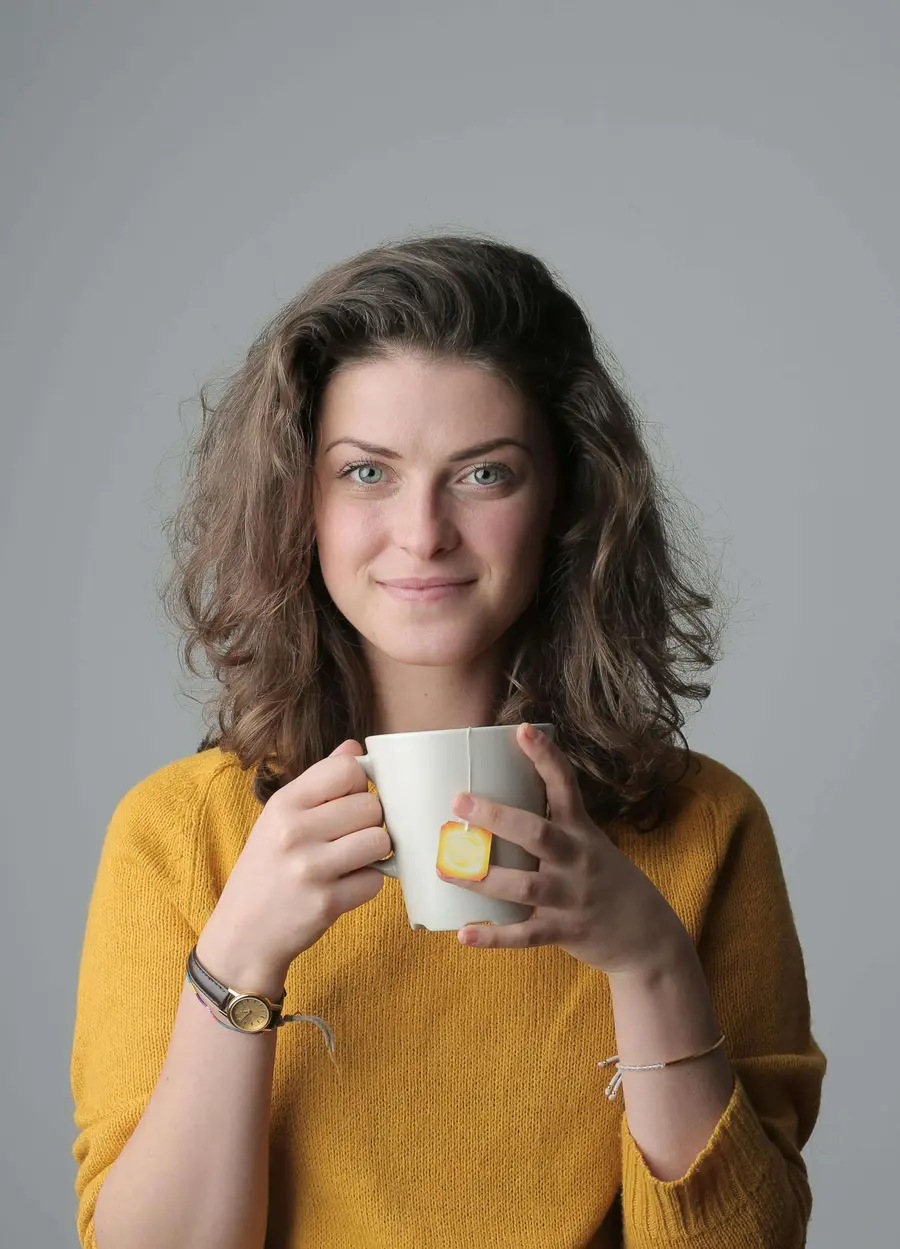 Before After
[Christmas Street Portrait](https://getluren.com/styles/christmas-street-portrait/) Christmas photos
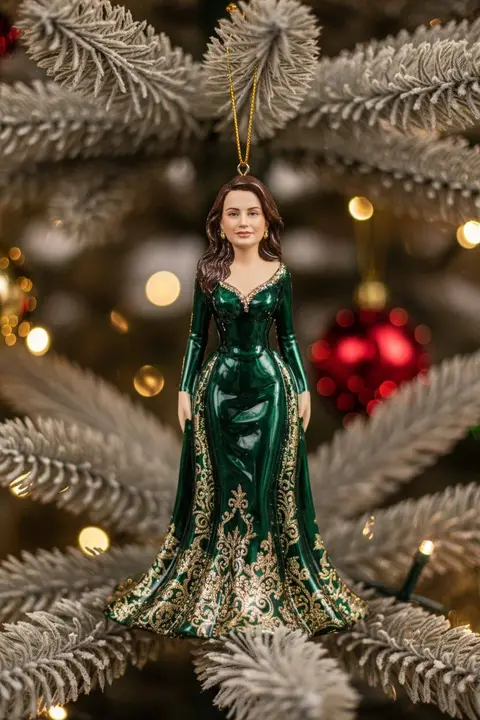 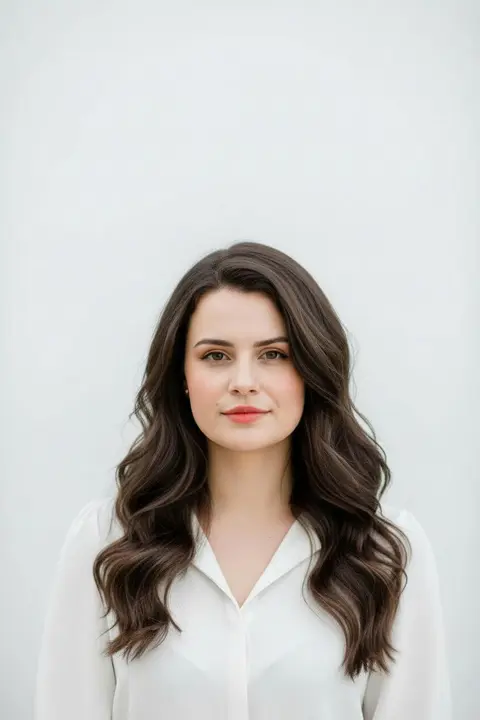 Before After
[Christmas Tree Toy](https://getluren.com/styles/christmas-tree-toy/) Christmas photos
Trending now
## The styles everyone is trying
[See all 264 styles →](https://getluren.com/ai-photo-filters/)
[Christmas photos](https://getluren.com/ai-christmas-photos/)[Couple photos](https://getluren.com/ai-couple-photos/)[Birthday photos](https://getluren.com/ai-birthday-photos/)[Travel photos](https://getluren.com/ai-travel-photos/)[Retro 50s–90s](https://getluren.com/ai-retro-photos/)[Fantasy & editorial](https://getluren.com/ai-fantasy-portraits/)[Men's editorial](https://getluren.com/ai-photoshoot-for-men/)[Pastel aesthetic](https://getluren.com/ai-pastel-aesthetic-photos/)[Artistic portraits](https://getluren.com/ai-art-portraits/)[Black & white](https://getluren.com/ai-black-and-white-portraits/)[Rain photoshoot](https://getluren.com/ai-rain-photoshoot/)[Baby portraits](https://getluren.com/ai-baby-photos/)
[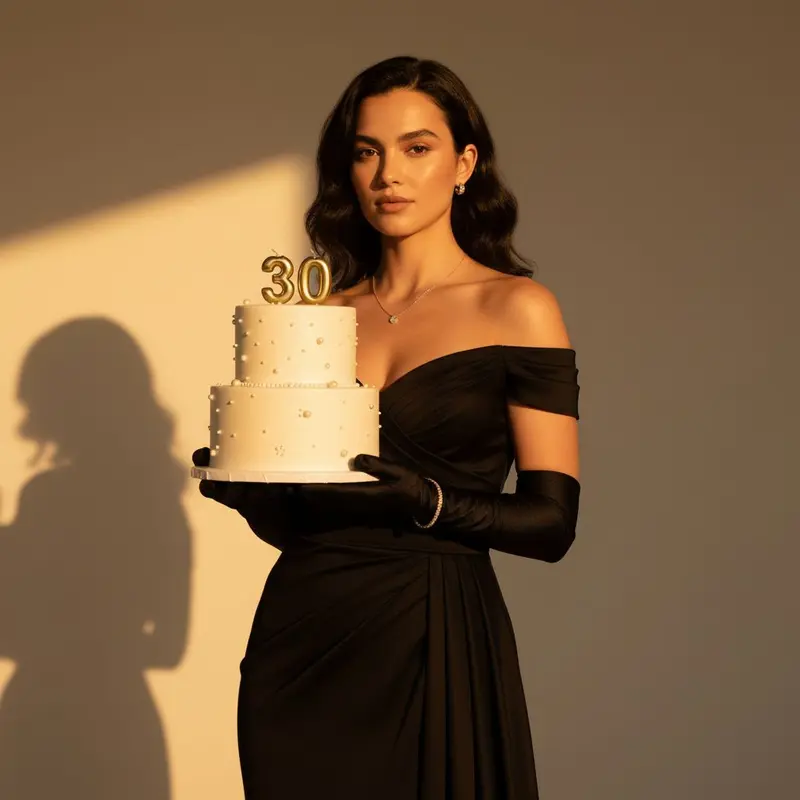 Birthday photos **Golden Hour Birthday**](https://getluren.com/styles/golden-hour-birthday/)[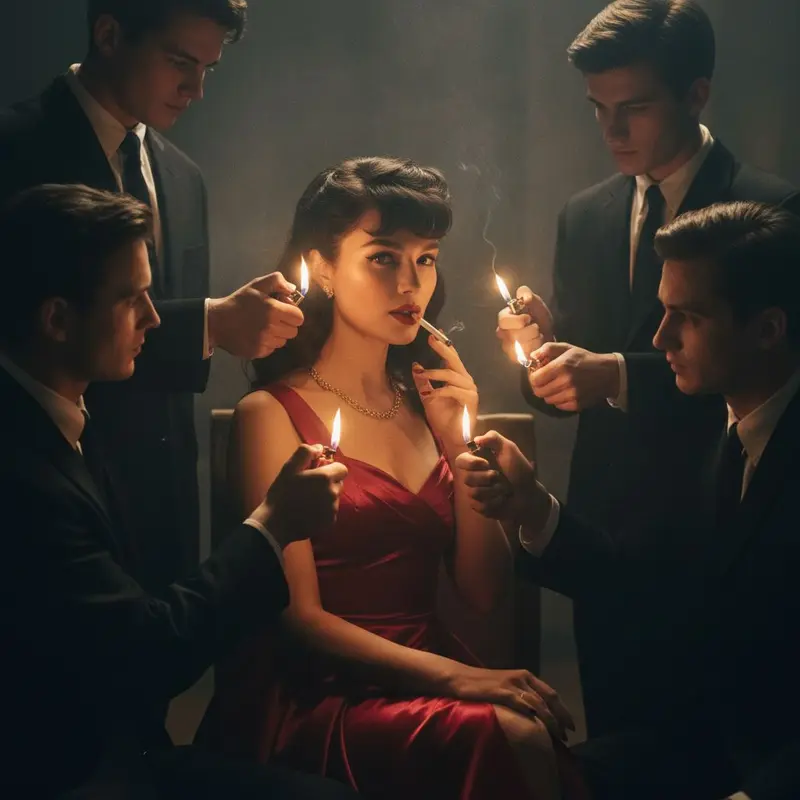 Artistic portraits **Femme Fatale**](https://getluren.com/styles/femme-fatale/)[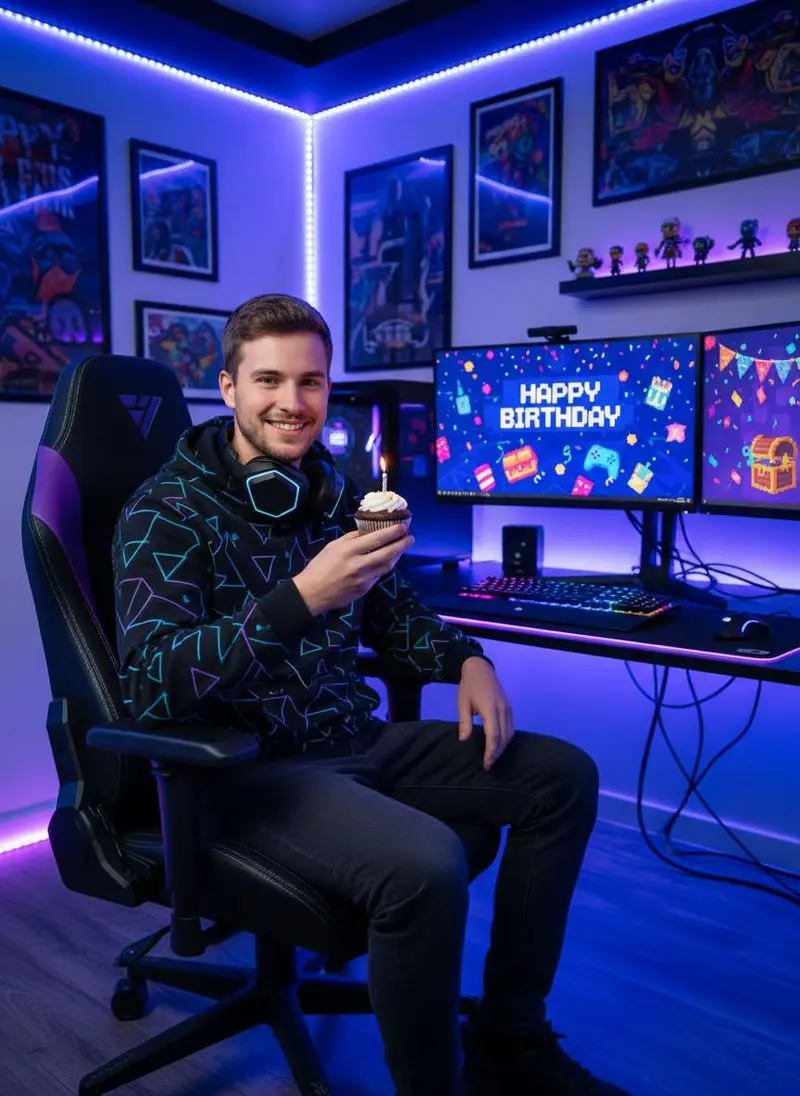 Birthday photos **Gaming Setup Birthday**](https://getluren.com/styles/gaming-setup-birthday/)[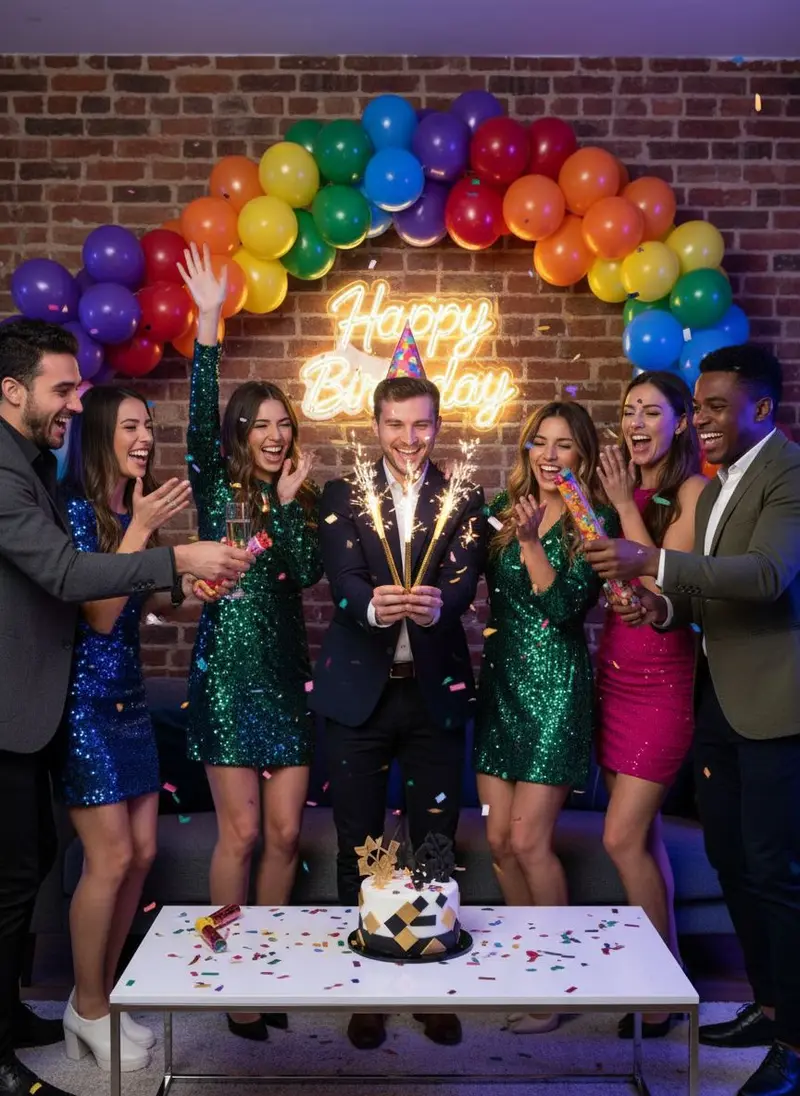 Birthday photos **Friends Birthday**](https://getluren.com/styles/friends-birthday/)[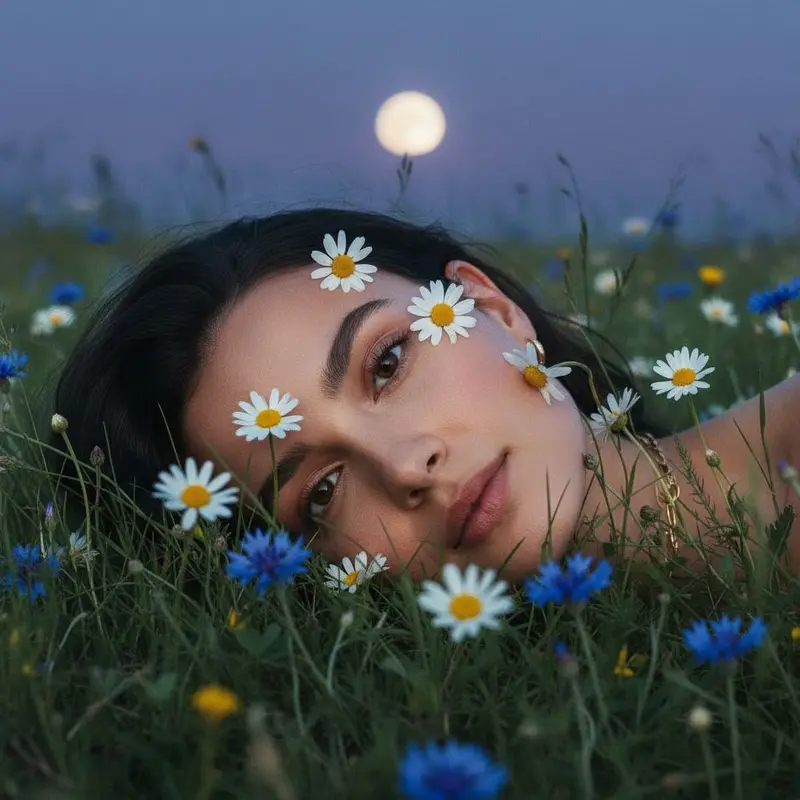 Artistic portraits **Twilight Bloom**](https://getluren.com/styles/twilight-bloom/)[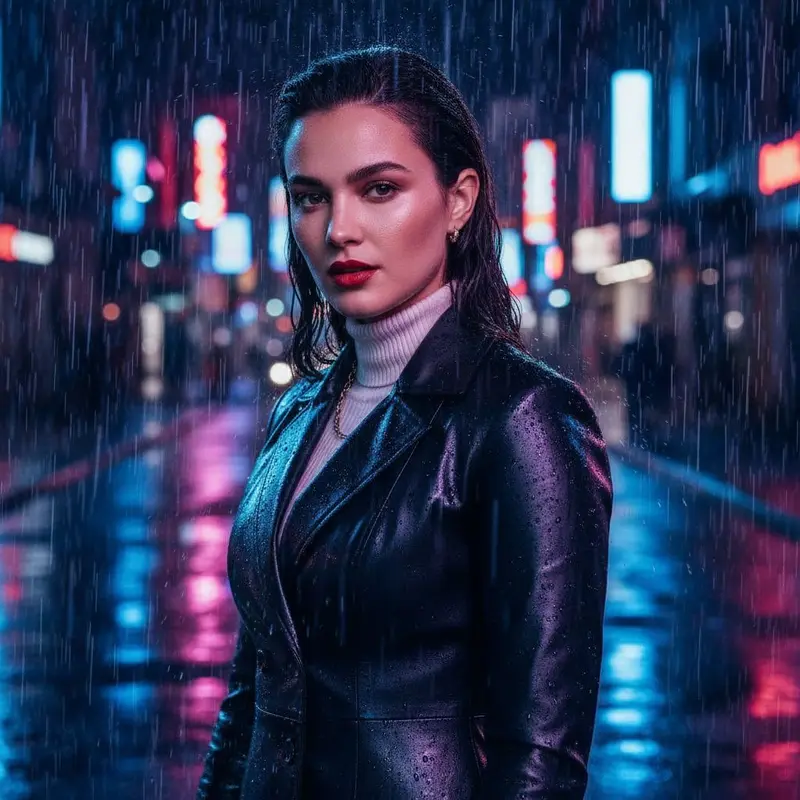 Rain photoshoot **Rain Woman Glamorous**](https://getluren.com/styles/rain-woman-glamorous/)[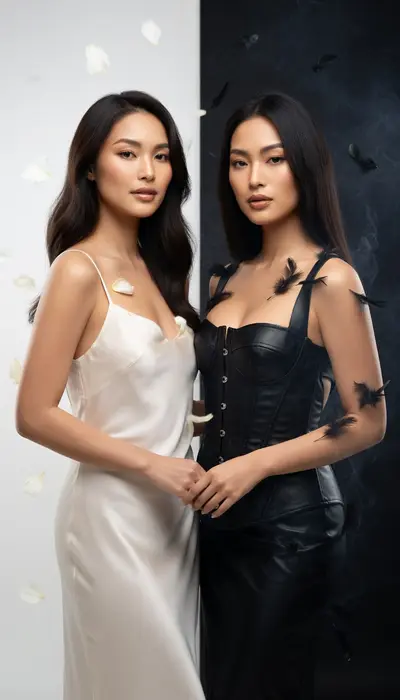 New Artistic portraits **Shadow Self**](https://getluren.com/styles/shadow-self/)[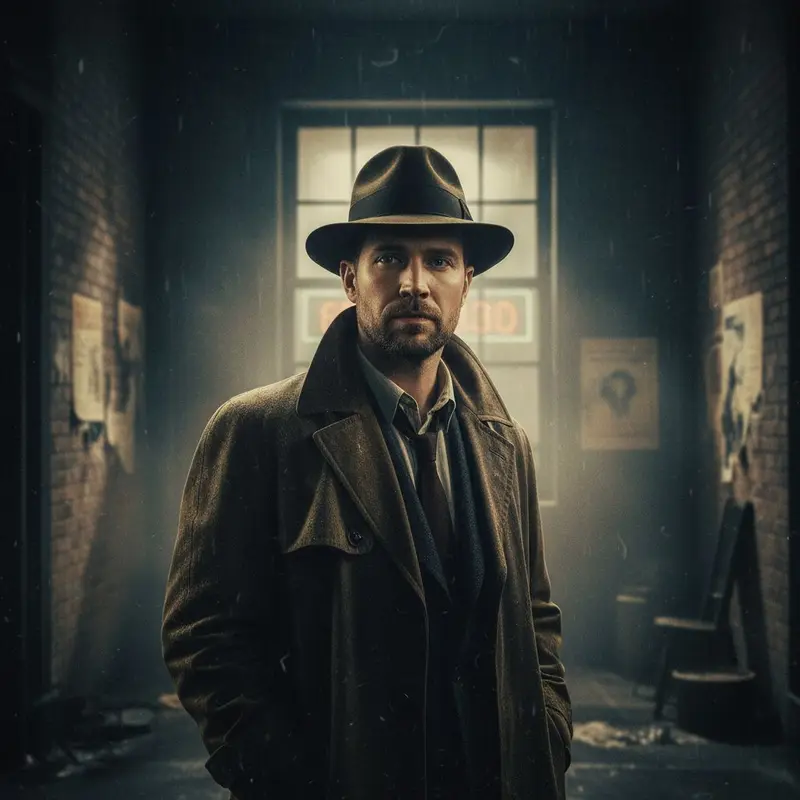 Retro 50s–90s **Vintage Movie Still**](https://getluren.com/styles/vintage-movie-still/)[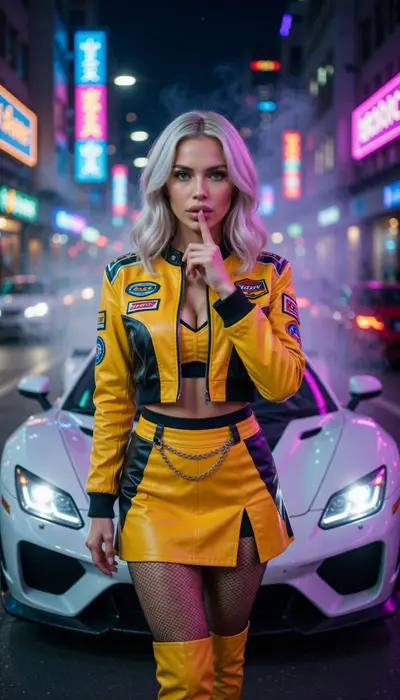 Fantasy & editorial **Street Racer**](https://getluren.com/styles/street-racer/)[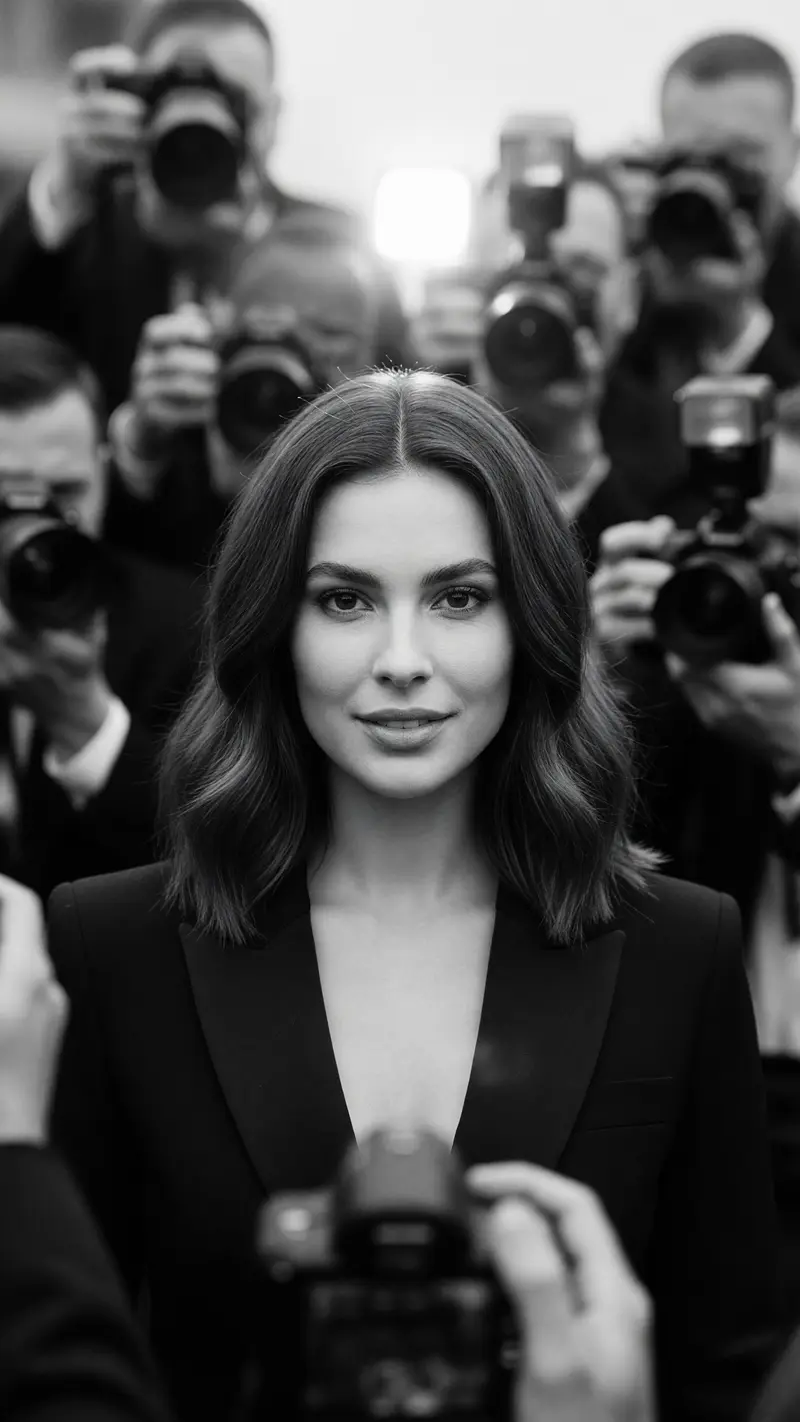 New Fantasy & editorial **Flashpoint Woman**](https://getluren.com/styles/flashpoint-woman/)[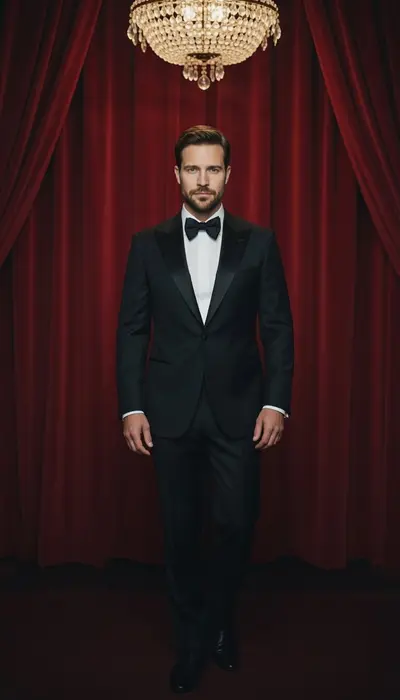 Men's editorial **Midnight Gala**](https://getluren.com/styles/midnight-gala/)[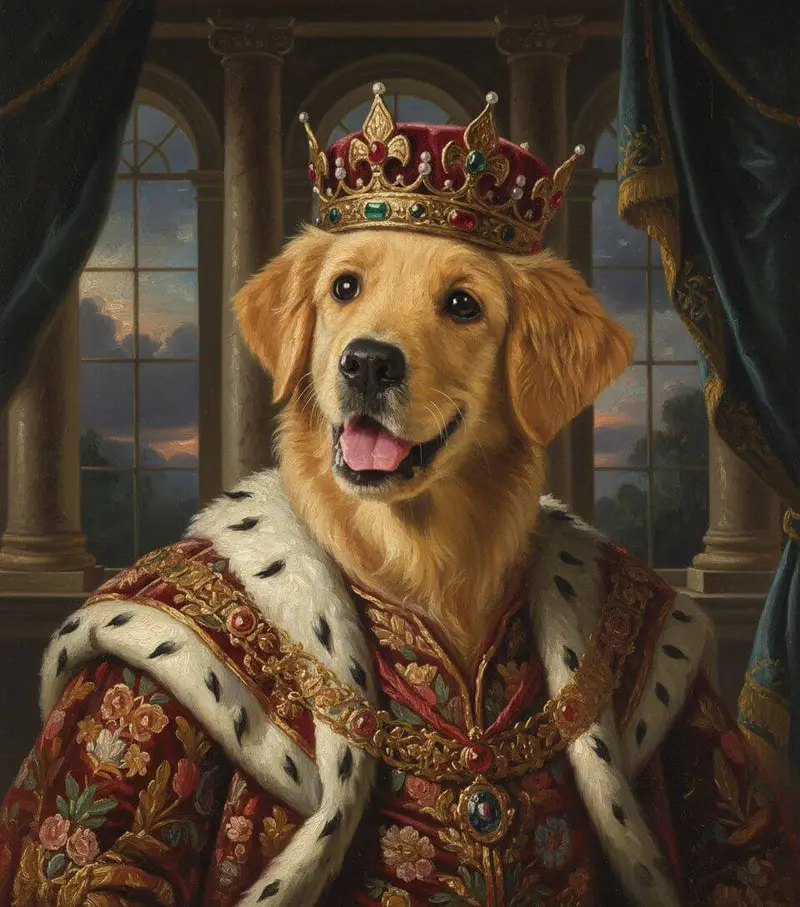 Pet portraits **Royal Pet Portrait**](https://getluren.com/styles/royal-pet-portrait/)[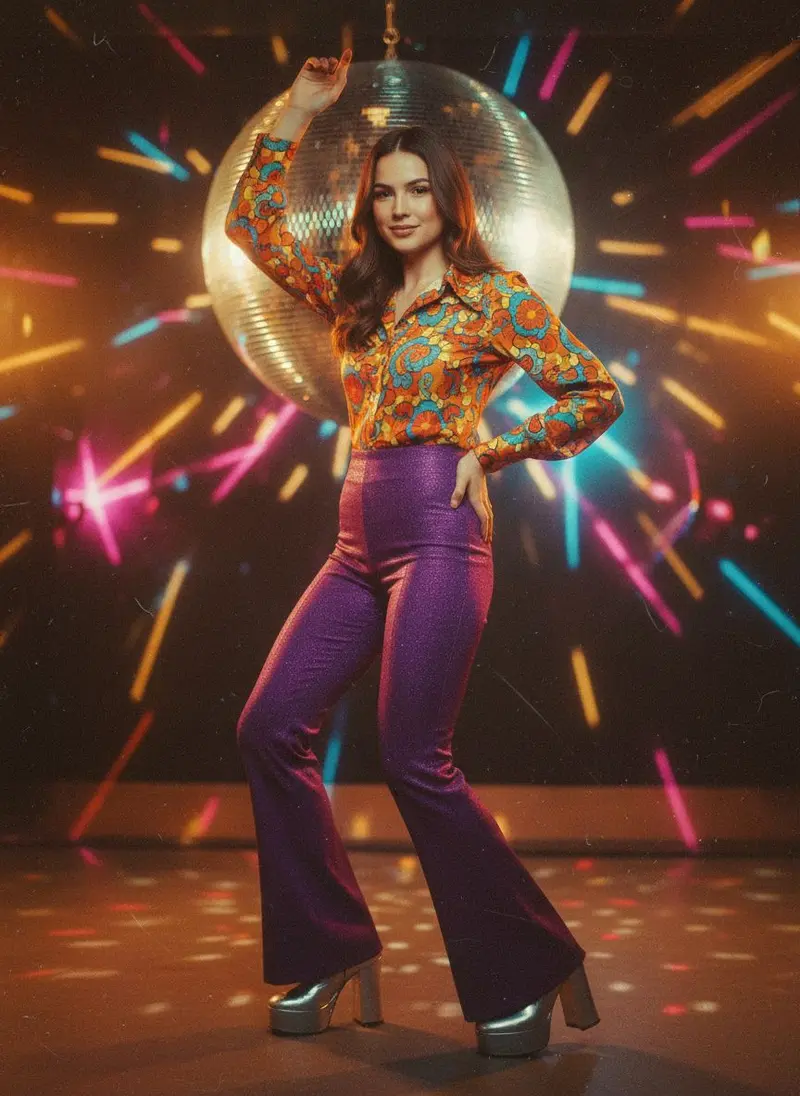 Retro 50s–90s **70s Disco Era**](https://getluren.com/styles/70s-disco-era/)[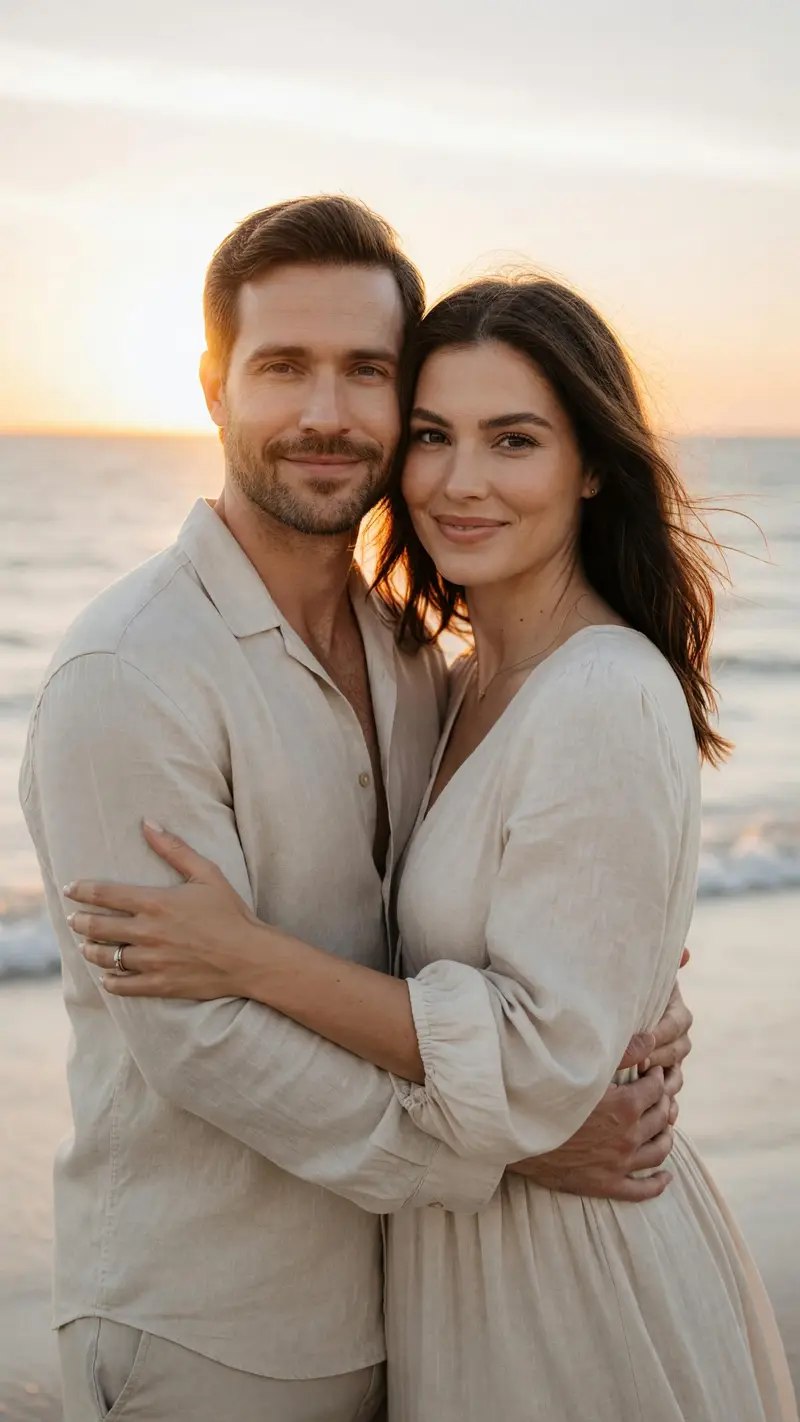 New Couple photos **Golden Hour**](https://getluren.com/styles/golden-hour/)[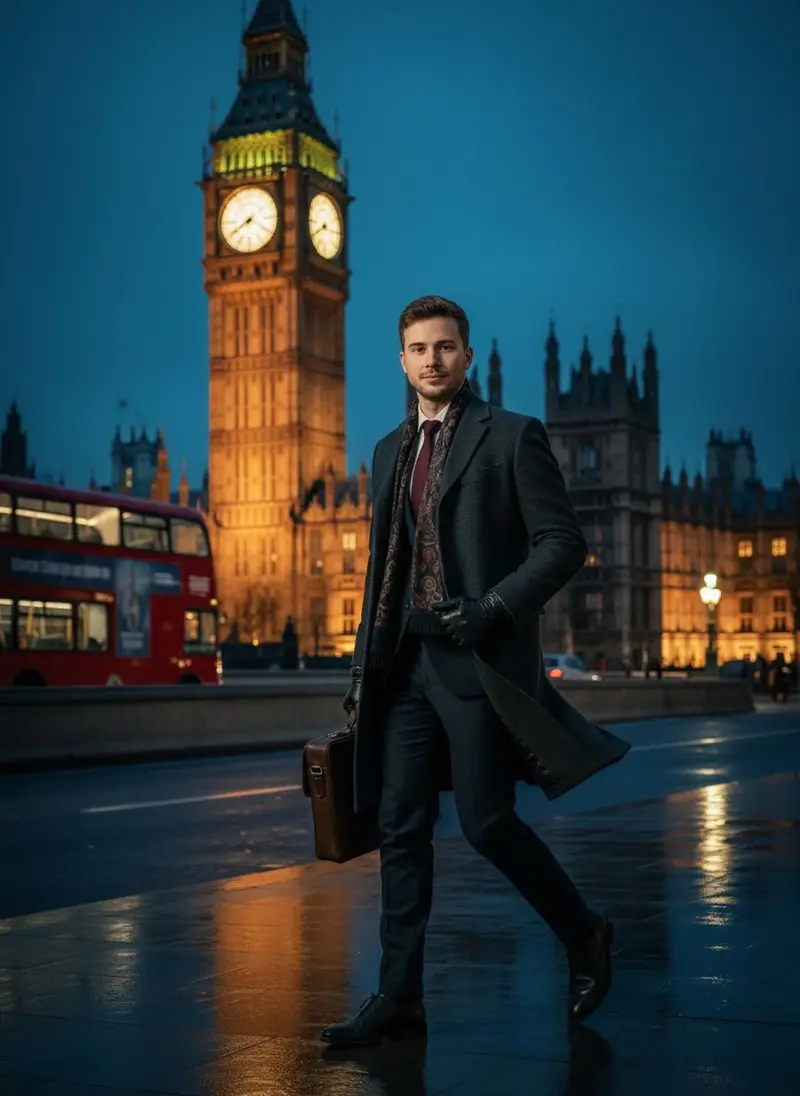 Travel photos **Big Ben Male**](https://getluren.com/styles/big-ben-male/)[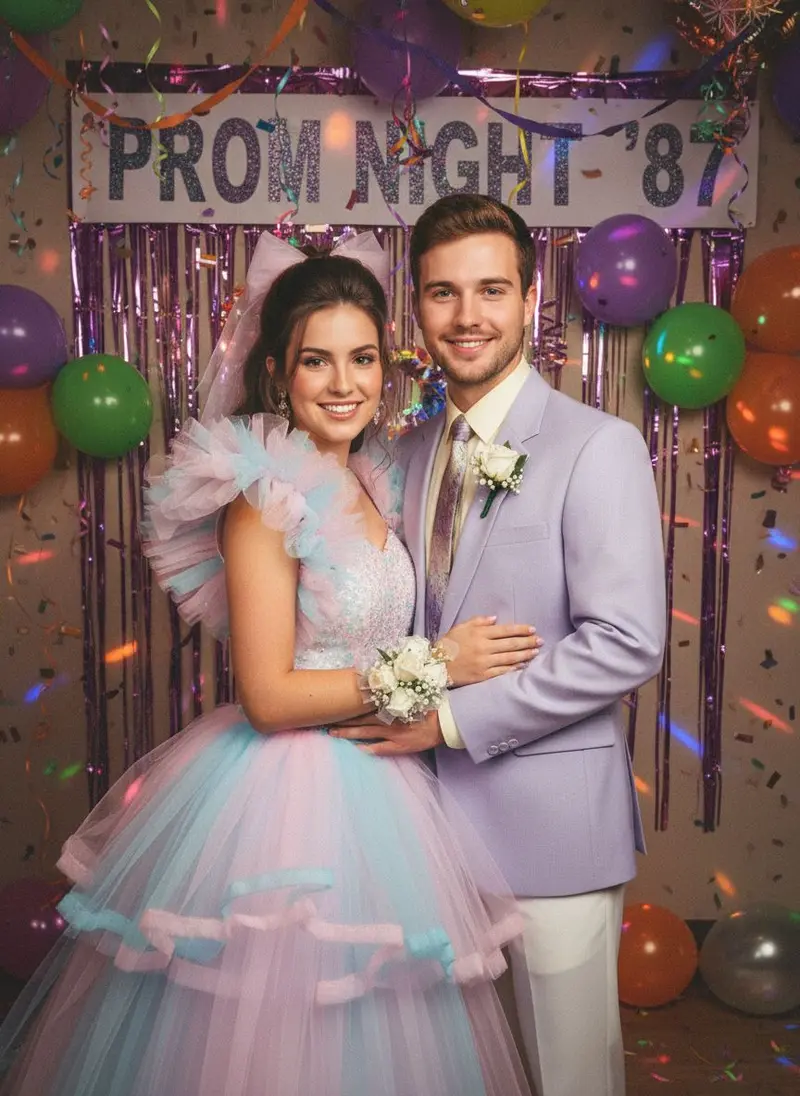 Retro 50s–90s **80s Prom Night**](https://getluren.com/styles/80s-prom-night/)[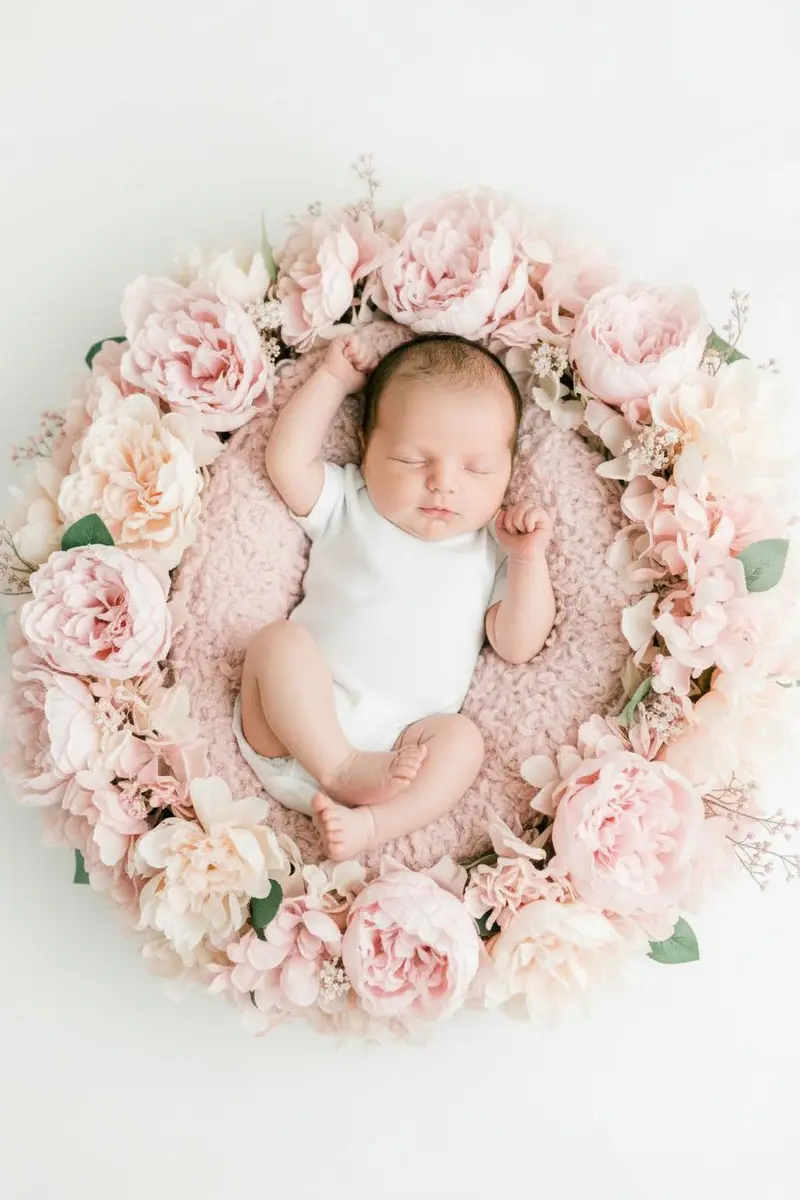 Baby portraits **Blossom Nest Baby**](https://getluren.com/styles/blossom-nest-baby/)[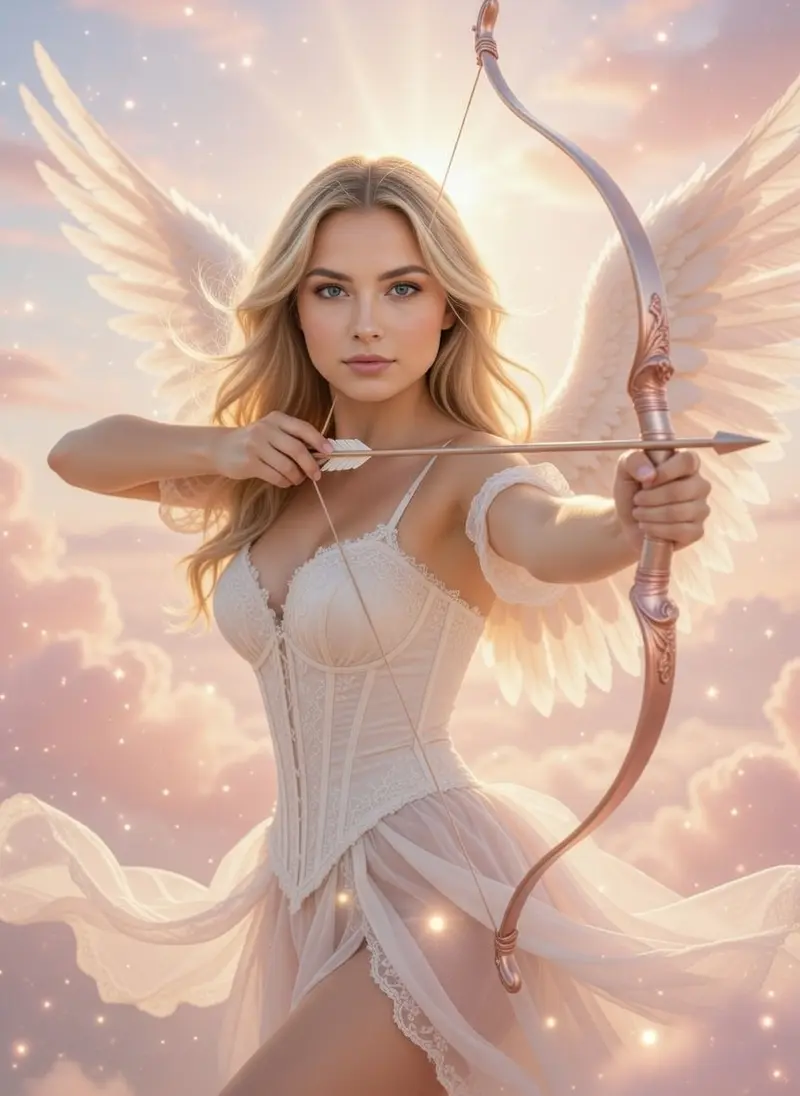 Fantasy & editorial **Celestial Angel Archer**](https://getluren.com/styles/celestial-angel-archer/)[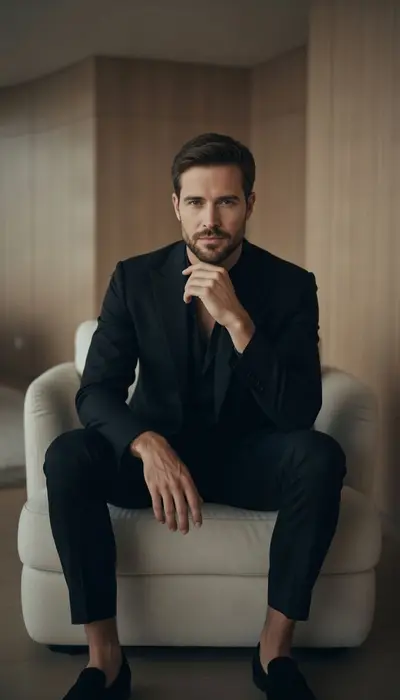 Men's editorial **Noir Minimal**](https://getluren.com/styles/noir-minimal/)[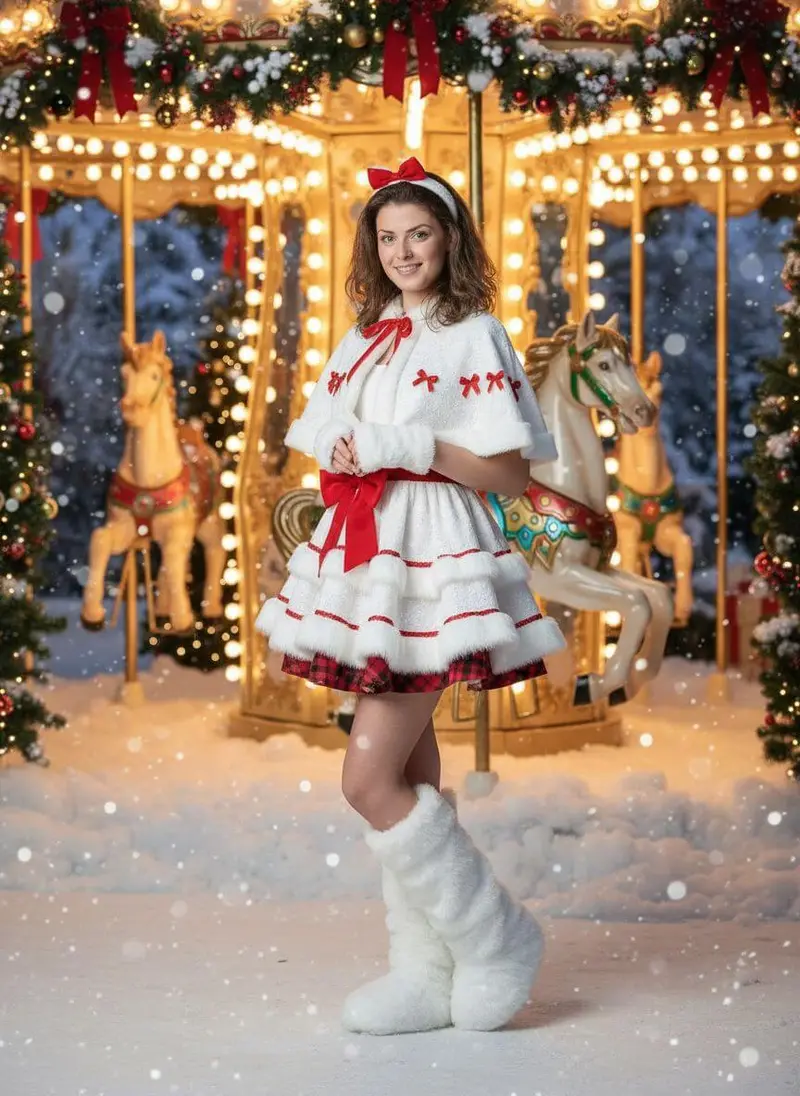 Christmas photos **Winter Carousel Portrait**](https://getluren.com/styles/winter-carousel-portrait/)
AI video generator
## Make it move, with sound.
Turn any photo into a video with Veo 3.1, Kling and Seedance, make UGC-style clips of your product, write a scene and watch it play, or pick one of 40+ dances and the moves are transferred onto you. No filming.
[AI video generator](https://getluren.com/ai-video-generator/) [UGC videos](https://getluren.com/ai-ugc-generator/) [AI dances](https://getluren.com/ai-dance-video/)
[**Moon Slide** 14s](https://getluren.com/ai-dance-video/moon-slide/)
[**Zombie Night** 16s](https://getluren.com/ai-dance-video/zombie-night/)
[**Soda Shuffle** 10s](https://getluren.com/ai-dance-video/soda-shuffle/)
[**Pool Grandpa** 10s](https://getluren.com/ai-dance-video/pool-grandpa/)
[**Braces Boogie** 8s](https://getluren.com/ai-dance-video/braces-boogie/)
[**Favela Step** 10s](https://getluren.com/ai-dance-video/favela-step/)
[**Dad Mode** 10s](https://getluren.com/ai-dance-video/dad-mode/)
[**Tokyo Step** 10s](https://getluren.com/ai-dance-video/tokyo-step/)
[**Lantern Nights** 10s](https://getluren.com/ai-dance-video/lantern-nights/)
[**Give It** 10s](https://getluren.com/ai-dance-video/give-it/)
[Pro **Mic Drop Duo** 14s · 2 people](https://getluren.com/ai-video-effects/mic-drop-duo/)
[Pro **One in White** 15s](https://getluren.com/ai-video-effects/one-in-white/)
[Pro **Supercar Flex** 5s](https://getluren.com/ai-video-effects/supercar-flex/)
For brands, sellers and creators
## A studio, a UGC team and an AI agent.
Studio product photos from one snapshot, UGC-style ads and videos without hiring creators, and an agent that turns a sentence into the finished shot.
[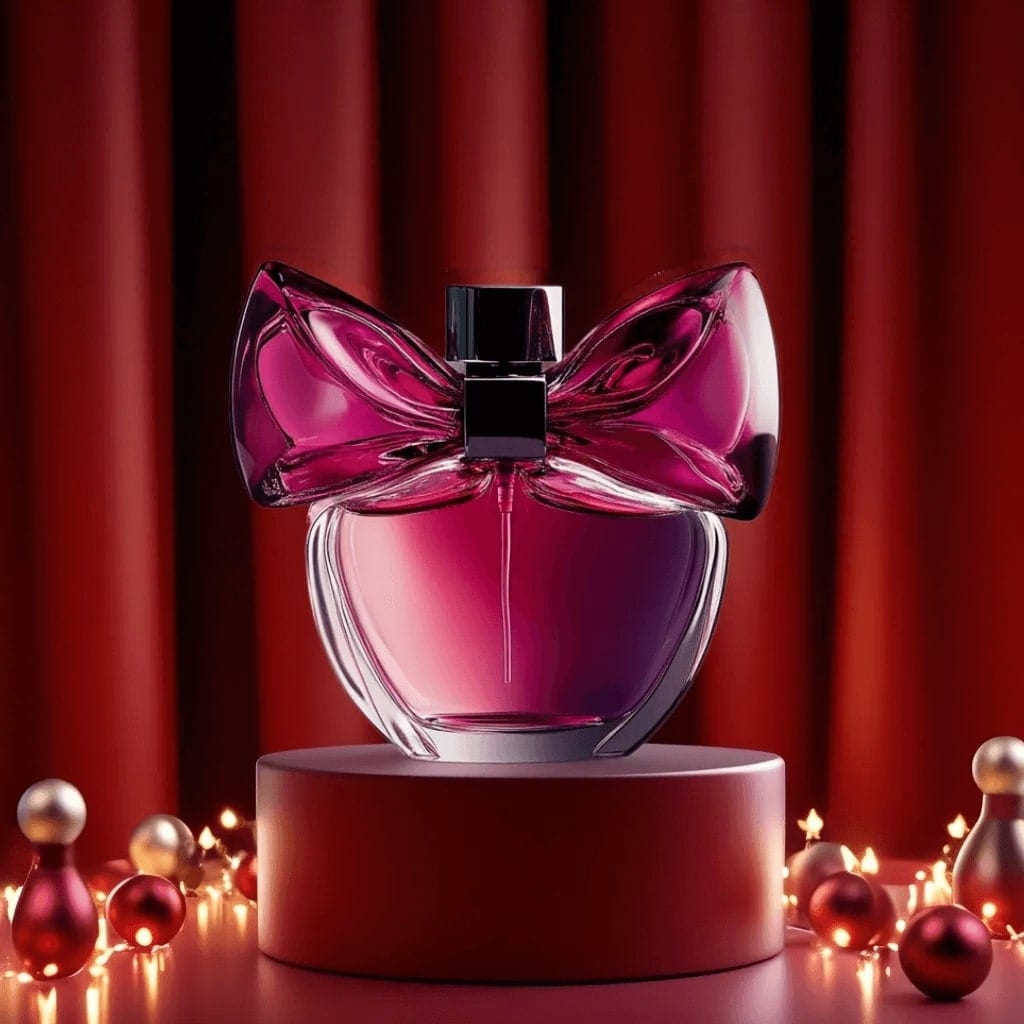 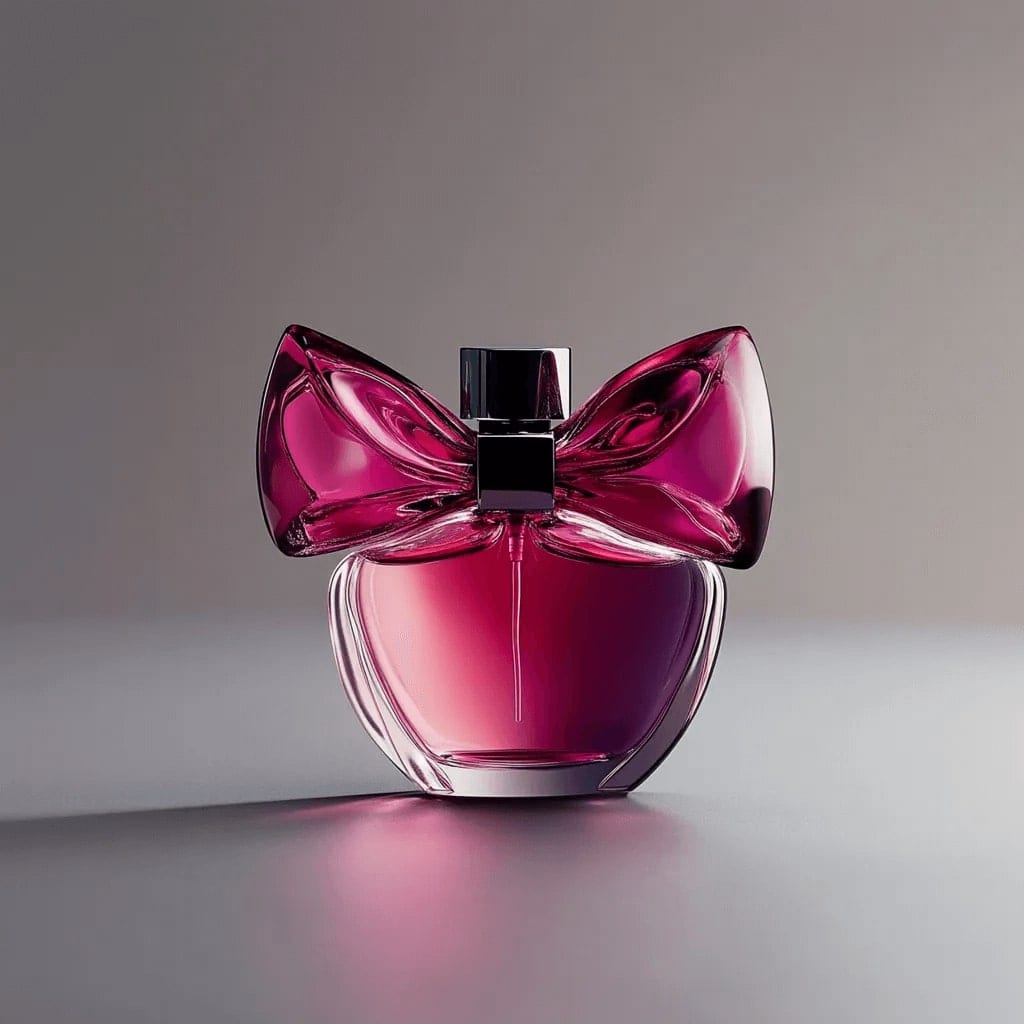 Before After Product photo studio ### Studio shots from one product photo Catalogue white, styled sets, lifestyle scenes and ads with room for a headline.](https://getluren.com/ai-product-photography/)[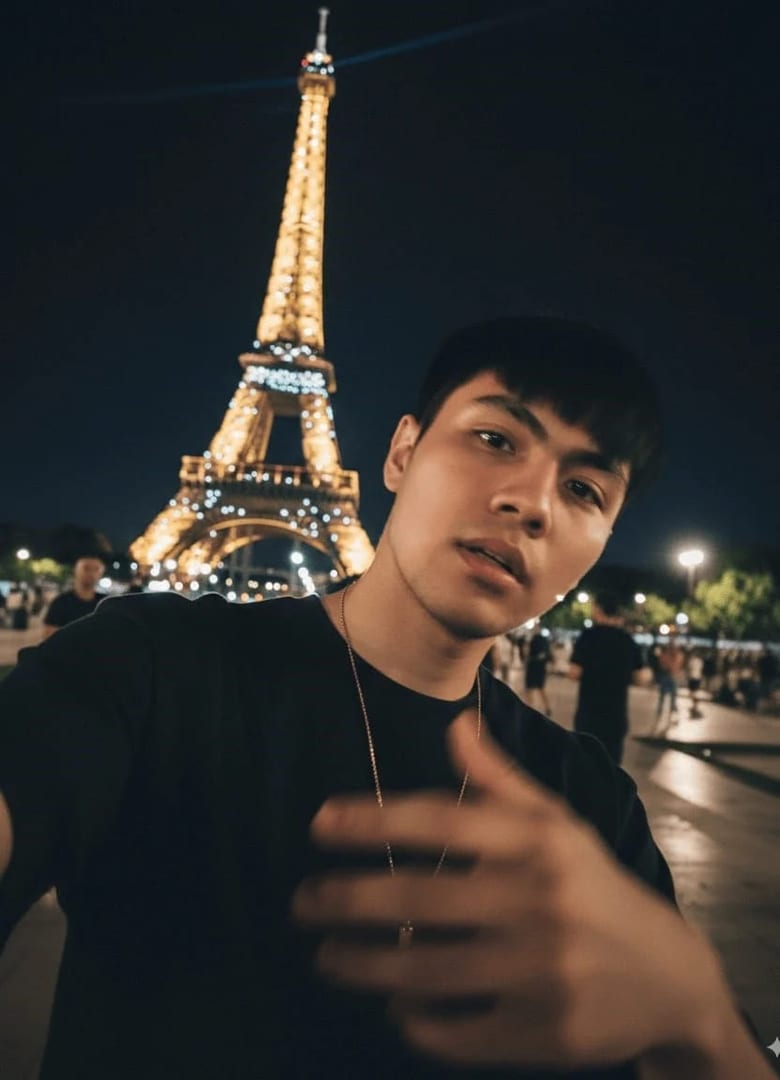 AI UGC ### UGC ads and videos, no creators needed Your product held, worn or unboxed in a real-looking phone shot, then animated with sound.](https://getluren.com/ai-ugc-generator/)
Luren AI agent
Make a UGC-style ad for my serum, like a quick phone shot
On it: your serum held up in a bright bathroom, shot like a casual phone video still.
Ready · saved to History
Turn it into a video Studio white background Make an ad with a headline
Describe what you want…
AI agent · new
### Just say what you want
It writes the brief, picks the model and makes the picture. [Meet the agent →](https://getluren.com/ai-agent/)
How it works
## Three taps to a photoshoot
01
### Pick a style
Browse trends, collections and dances. Every tile is a real result, so you see what you get before you start.
02
### Add one photo
A clear selfie is all it takes. No training, no set of twenty photos, no waiting.
03
### Get your shoot
Your photo or video arrives in your History, ready to save and share. Try another style in a tap.
Pick a style
Multi-model
## Every top model. One app.
Most apps run one model. Luren AI works with several providers and puts each to work where it is best, and when you write your own prompt, you choose.
[Image · Google ### Nano Banana Pro Google's sharpest image model: crisp 2K and 4K, legible text and consistent subjects.](https://getluren.com/ai-models/nano-banana-pro/) [Image · Google ### Nano Banana 2 Google's second-generation Nano Banana: stronger reasoning and subject consistency, up to 4K.](https://getluren.com/ai-models/nano-banana-2/) [Image · Google ### Nano Banana 2.1 Google's update to Nano Banana 2: better image quality, cleaner text and steadier characters, up to 4K.](https://getluren.com/ai-models/nano-banana-2-1/) [Image · Google ### Nano Banana 2 Lite Ultra fast, budget-friendly generation and quick edits from Google's lightest Nano Banana, in shapes from 8:1 to 1:8.](https://getluren.com/ai-models/nano-banana-2-lite/) [Image · Google ### Nano Banana The original Nano Banana (Gemini 2.5 Flash Image): fast, natural-language photo edits.](https://getluren.com/ai-models/nano-banana/) [Image · OpenAI ### GPT Image 2.5 Two versions: Flare for fast everyday images, Sunburst for precise edits.](https://getluren.com/ai-models/gpt-image-2-5/) [Image · OpenAI ### GPT Image 2 Accurate, multilingual text rendering inside the image.](https://getluren.com/ai-models/gpt-image-2/) [Image · ByteDance ### Seedream 4.5 Natural photography with rich detail, at 2K or 4K.](https://getluren.com/ai-models/seedream-4-5/) [Image · ByteDance ### Seedream 5 Pro for precise, natural images; Lite for quick drafts at a low price.](https://getluren.com/ai-models/seedream-5/) [Image · xAI ### Grok Imagine Bold, stylised images at speed, and video with native audio.](https://getluren.com/ai-models/grok-imagine/) [Image · Alibaba ### Qwen-Image 3.0 Alibaba's third-generation Qwen image model: long, detailed briefs turned into dense layouts with legible text.](https://getluren.com/ai-models/qwen-image-3/) [Video · Google ### Veo 3.1 Google's video model with native sound: text or photo to video, up to 4K.](https://getluren.com/ai-models/veo-3-1/) [Video · Kuaishou ### Kling Image-to-video up to 15 seconds with audio, and the motion behind AI dance.](https://getluren.com/ai-models/kling/) [Video · ByteDance ### Seedance Fast, efficient video, from quick 720p animations to 1080p.](https://getluren.com/ai-models/seedance/)
**250** +
photo styles and tools
**40** +
AI dances
**31**
languages in the app
**4.4** ★
App Store rating · 390 ratings
Collections
## Find your shoot
Every collection is a set of looks styled around one idea. Open one to see every style in it.
[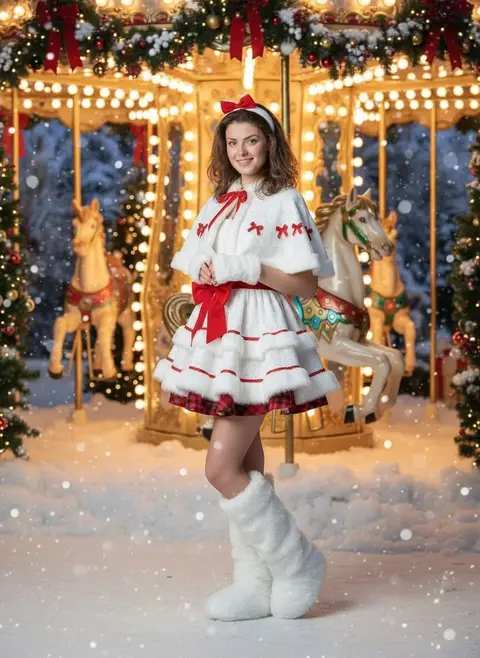 In season **Christmas photos** 14 styles](https://getluren.com/ai-christmas-photos/)[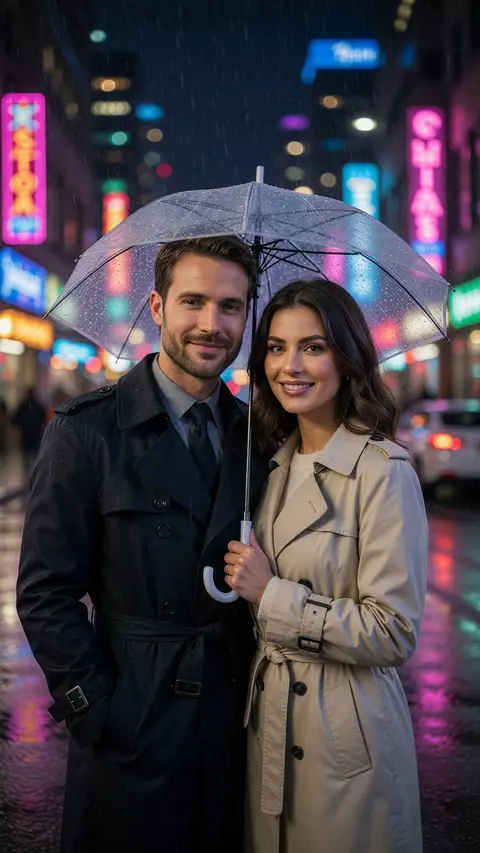 **Couple photos** 19 styles](https://getluren.com/ai-couple-photos/)[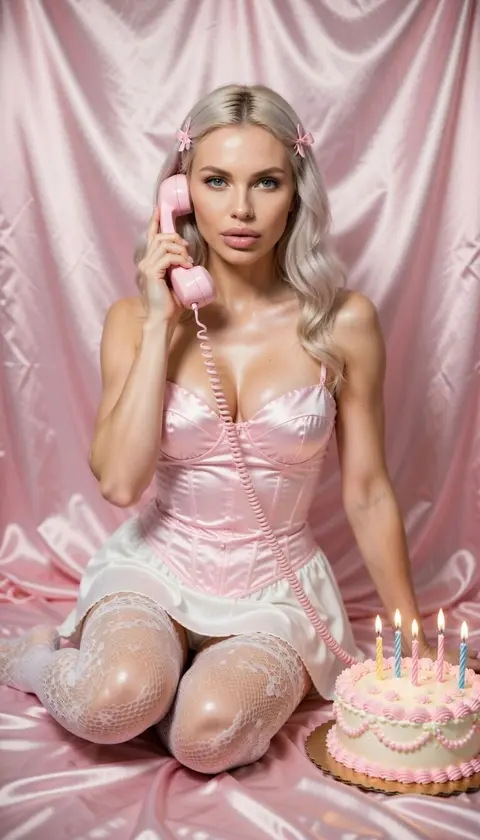 **Birthday photos** 16 styles](https://getluren.com/ai-birthday-photos/)[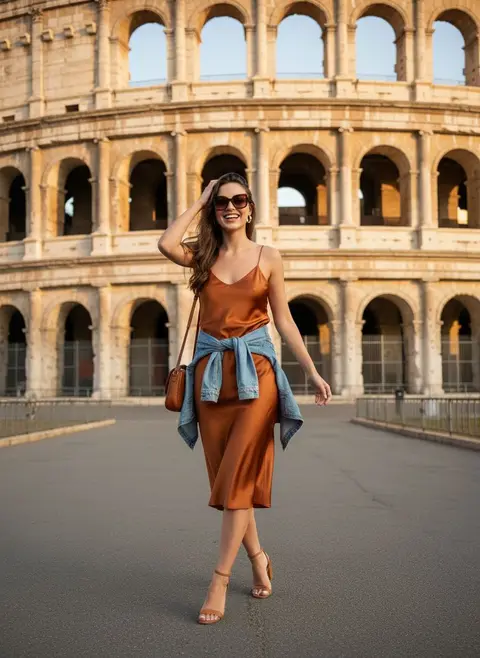 **Travel photos** 16 styles](https://getluren.com/ai-travel-photos/)[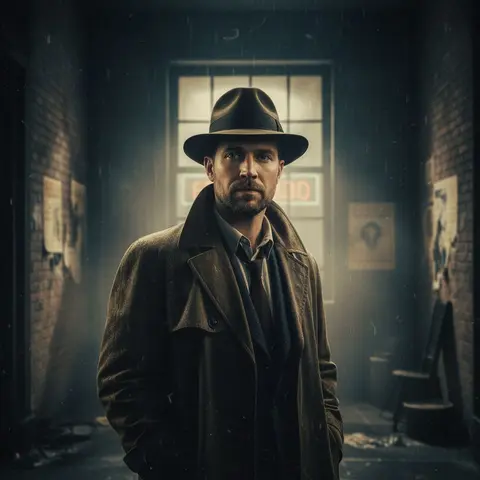 **Retro 50s–90s** 12 styles](https://getluren.com/ai-retro-photos/)[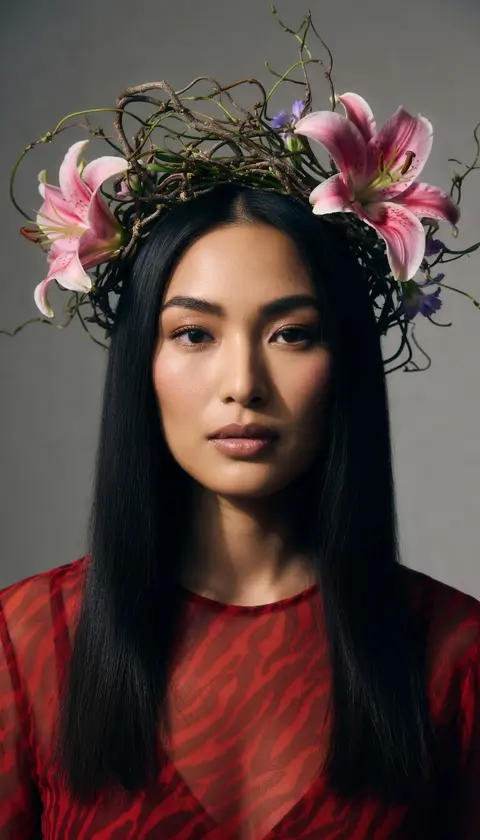 **Fantasy & editorial** 43 styles](https://getluren.com/ai-fantasy-portraits/)[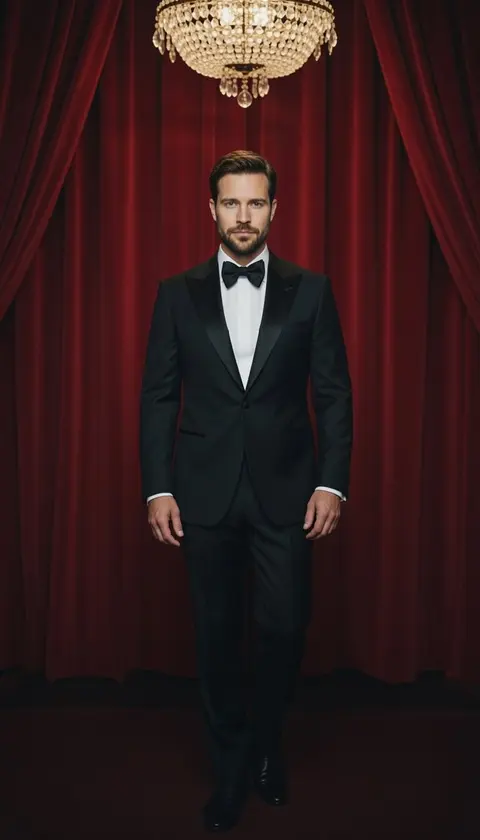 **Men's editorial** 14 styles](https://getluren.com/ai-photoshoot-for-men/)[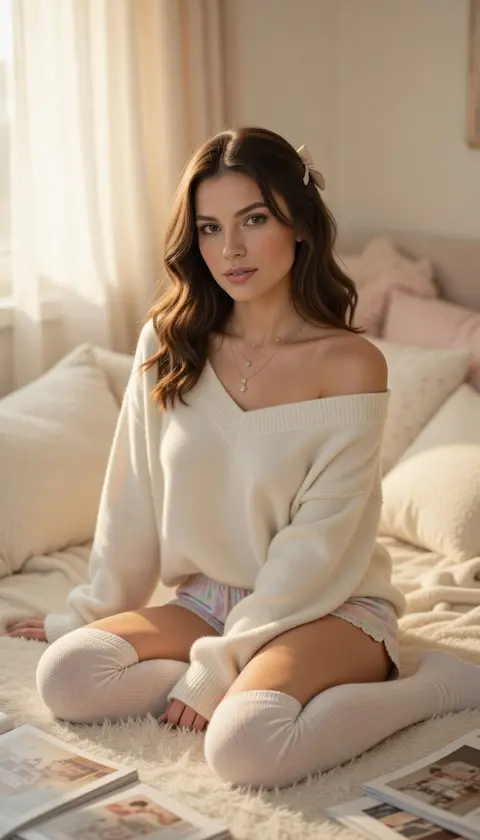 **Pastel aesthetic** 11 styles](https://getluren.com/ai-pastel-aesthetic-photos/)[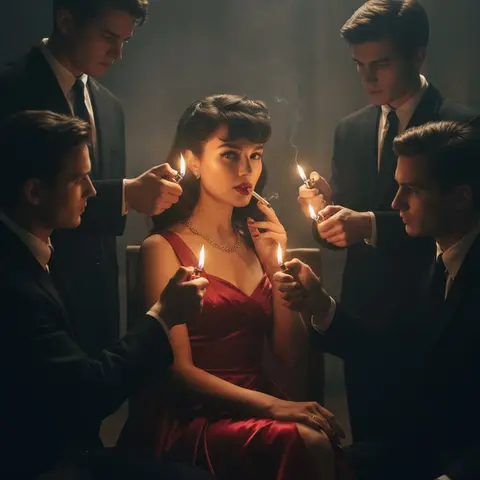 **Artistic portraits** 14 styles](https://getluren.com/ai-art-portraits/)[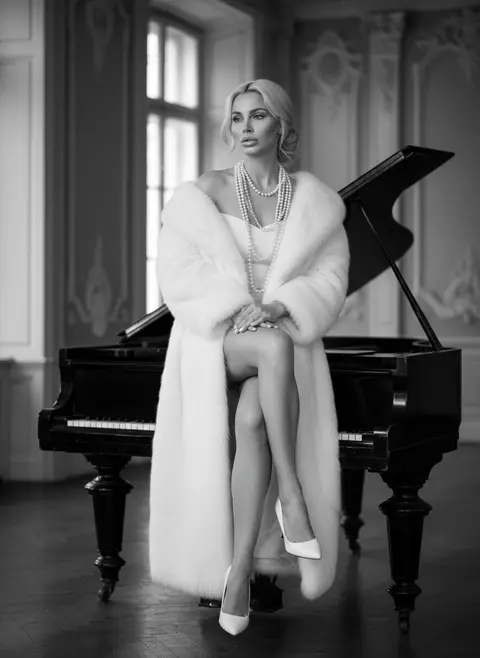 **Black & white** 5 styles](https://getluren.com/ai-black-and-white-portraits/)[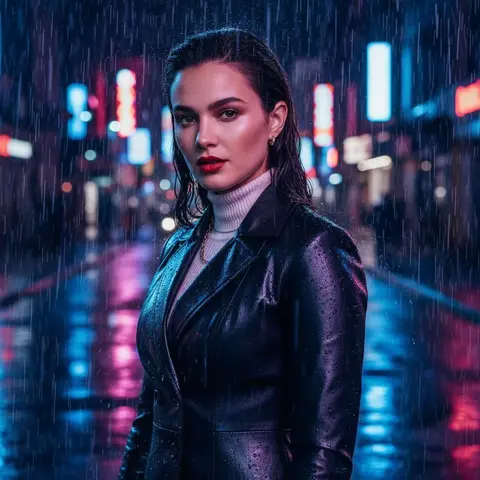 **Rain photoshoot** 4 styles](https://getluren.com/ai-rain-photoshoot/)[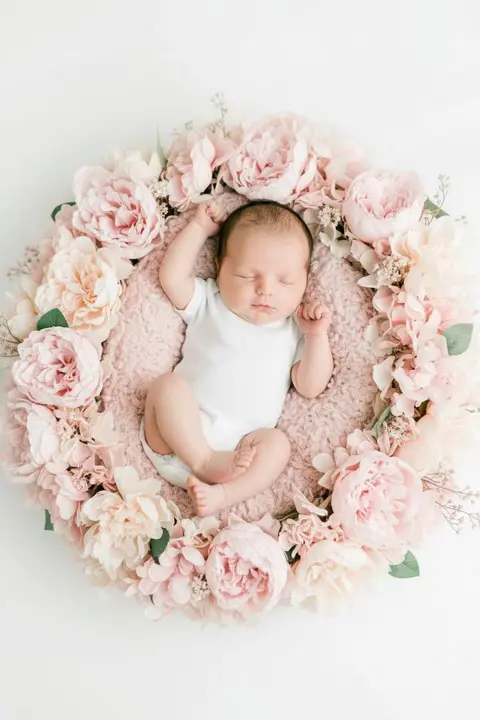 **Baby portraits** 6 styles](https://getluren.com/ai-baby-photos/)[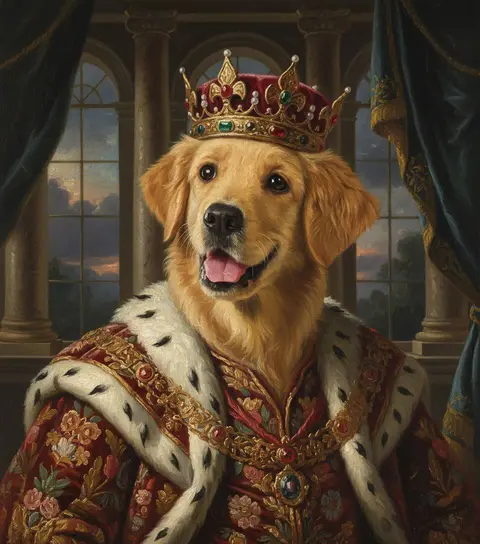 **Pet portraits** 6 styles](https://getluren.com/ai-pet-portraits/)[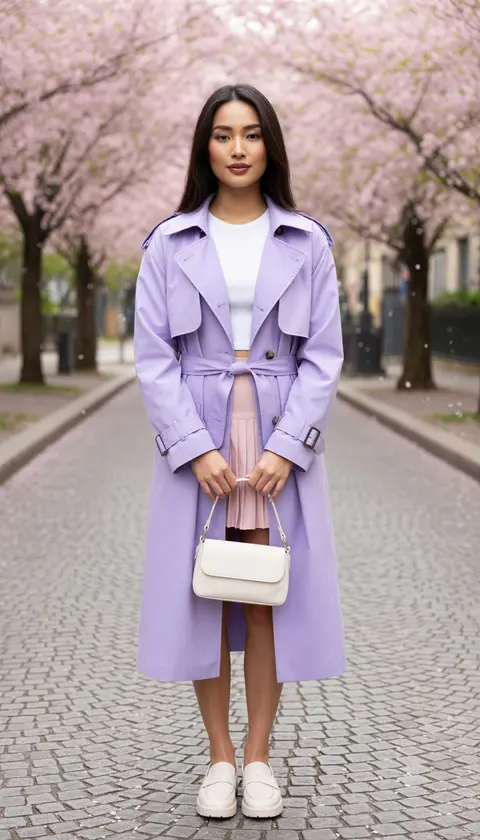 **Spring photoshoot** 15 styles](https://getluren.com/ai-spring-photoshoot/)[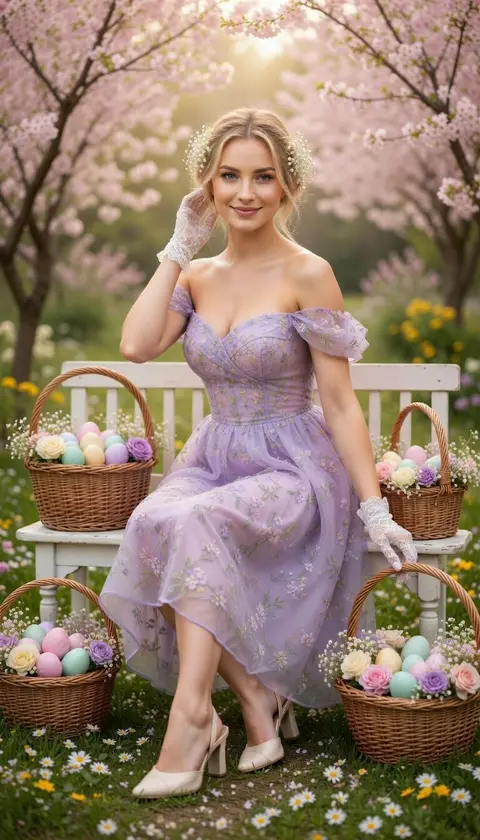 **Easter photos** 11 styles](https://getluren.com/ai-easter-photos/)[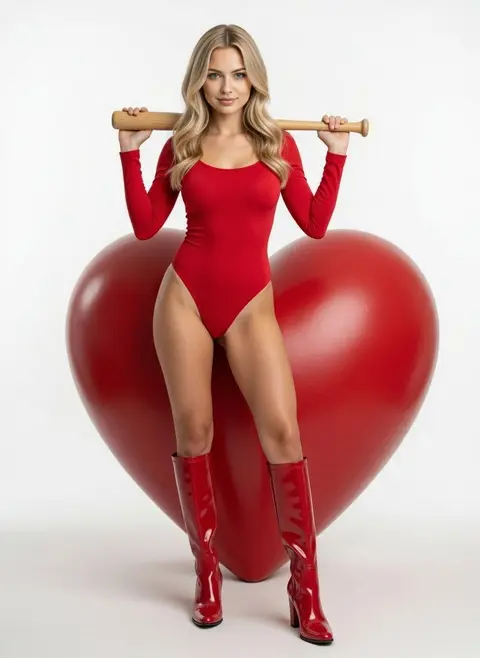 **Anti-Valentine** 8 styles](https://getluren.com/anti-valentine-ai-photos/)[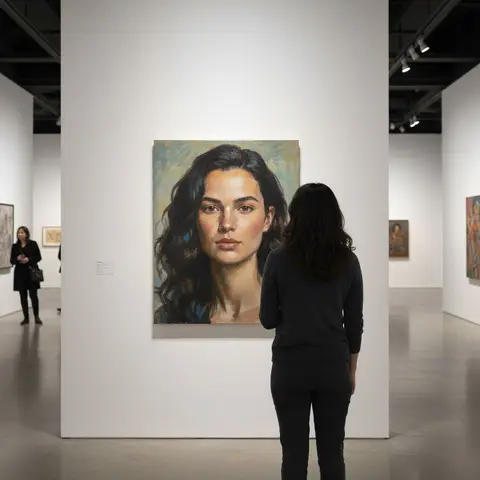 **Winter photoshoot** 6 styles](https://getluren.com/ai-winter-photoshoot/)[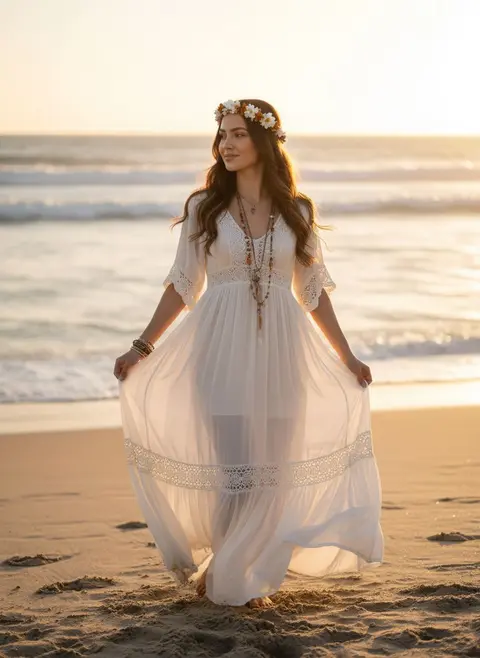 **Beach photoshoot** 9 styles](https://getluren.com/ai-beach-photoshoot/)
AI photo tools
## Fix it, restyle it, toy-ify it
[All tools →](https://getluren.com/ai-photo-editor/)
  Before After
[AI Headshot](https://getluren.com/ai-headshot-generator/) Create professional AI headshots instantly.
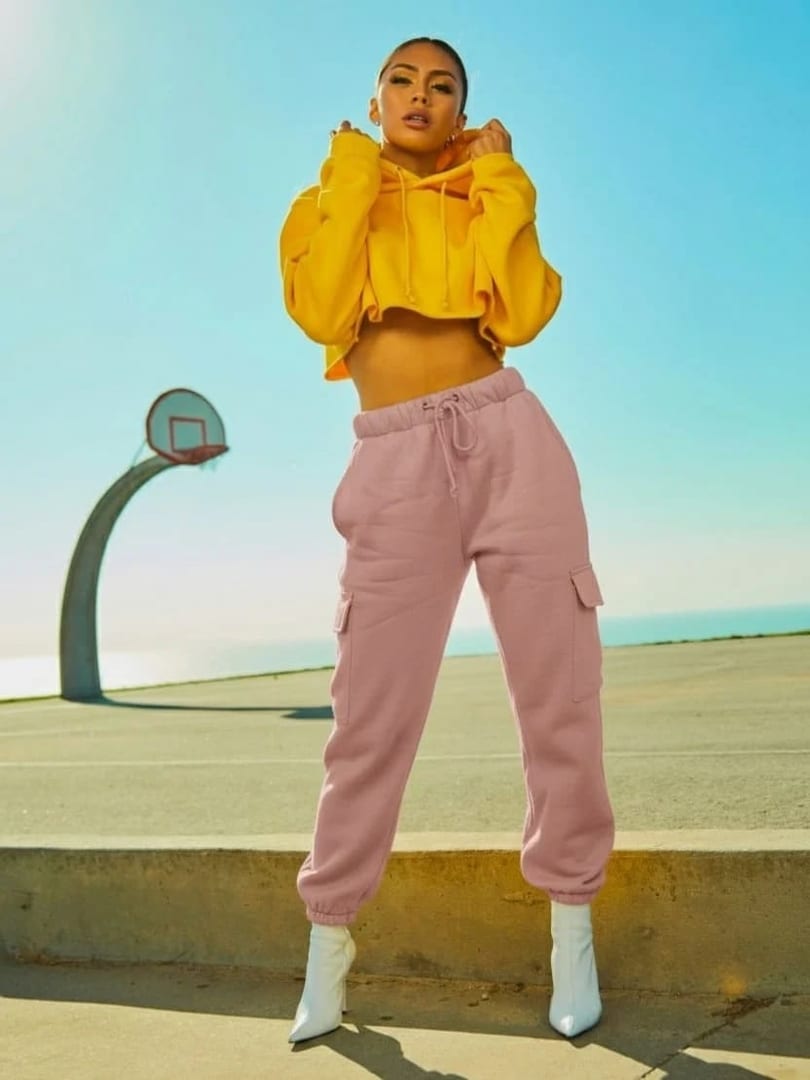 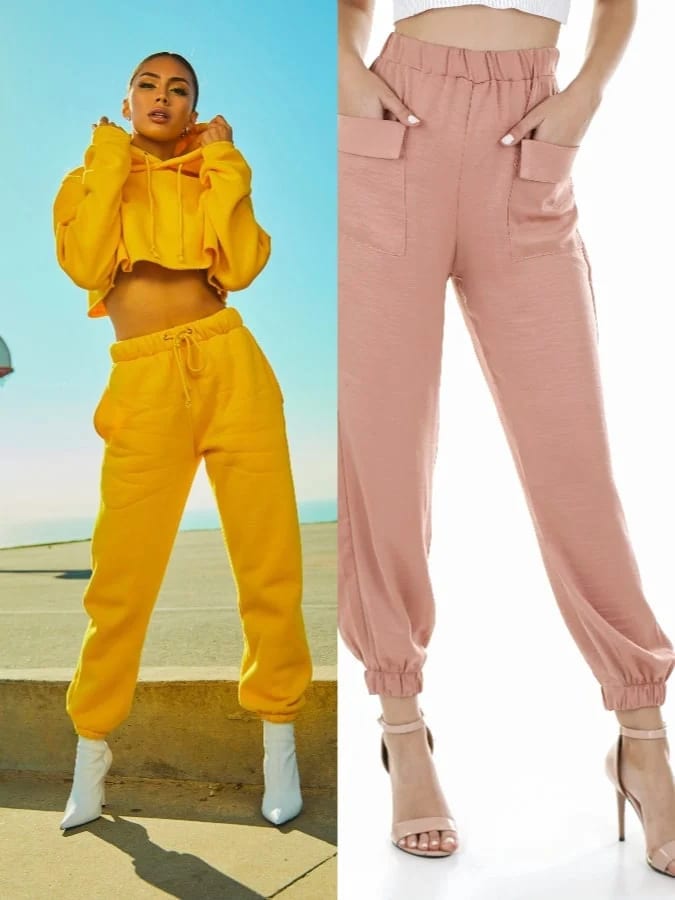 Before After
[Change Clothes](https://getluren.com/ai-clothes-changer/) Swap wardrobe pieces while keeping identity intact.
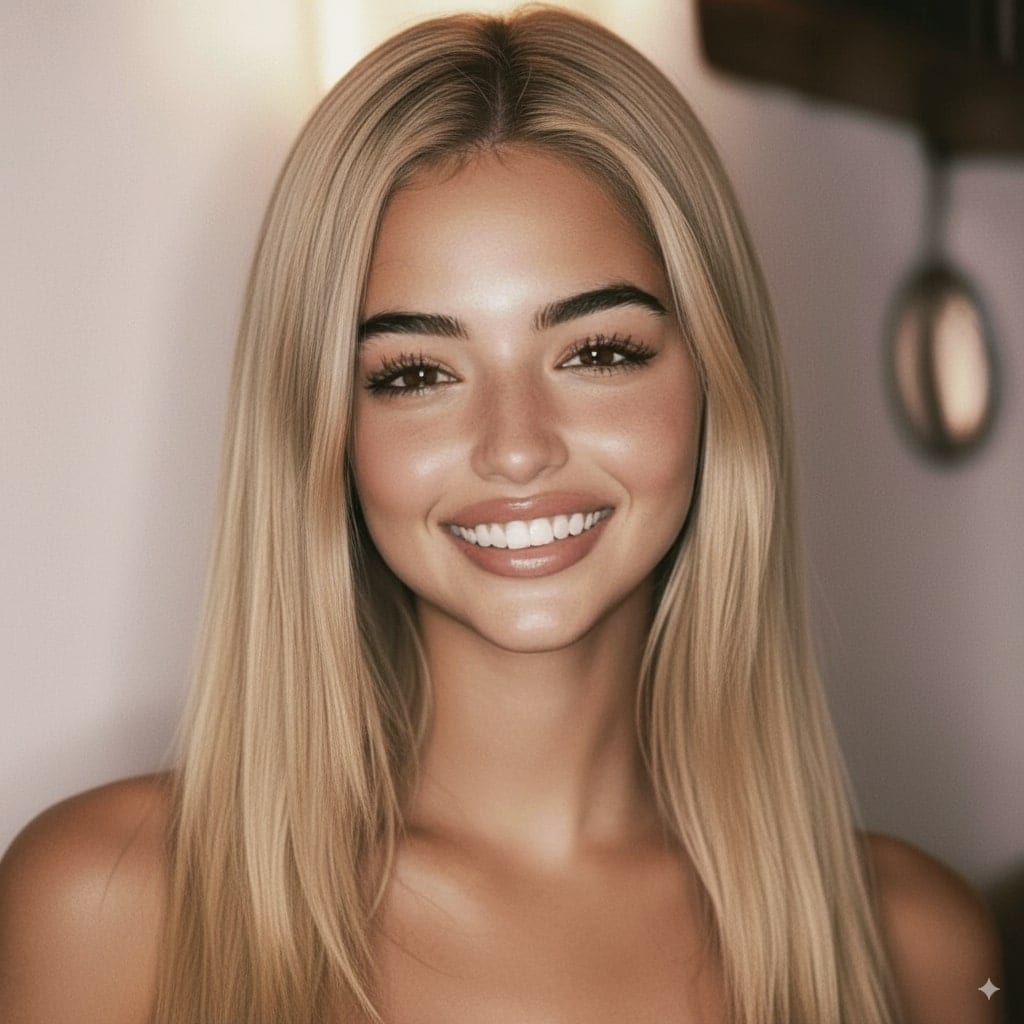 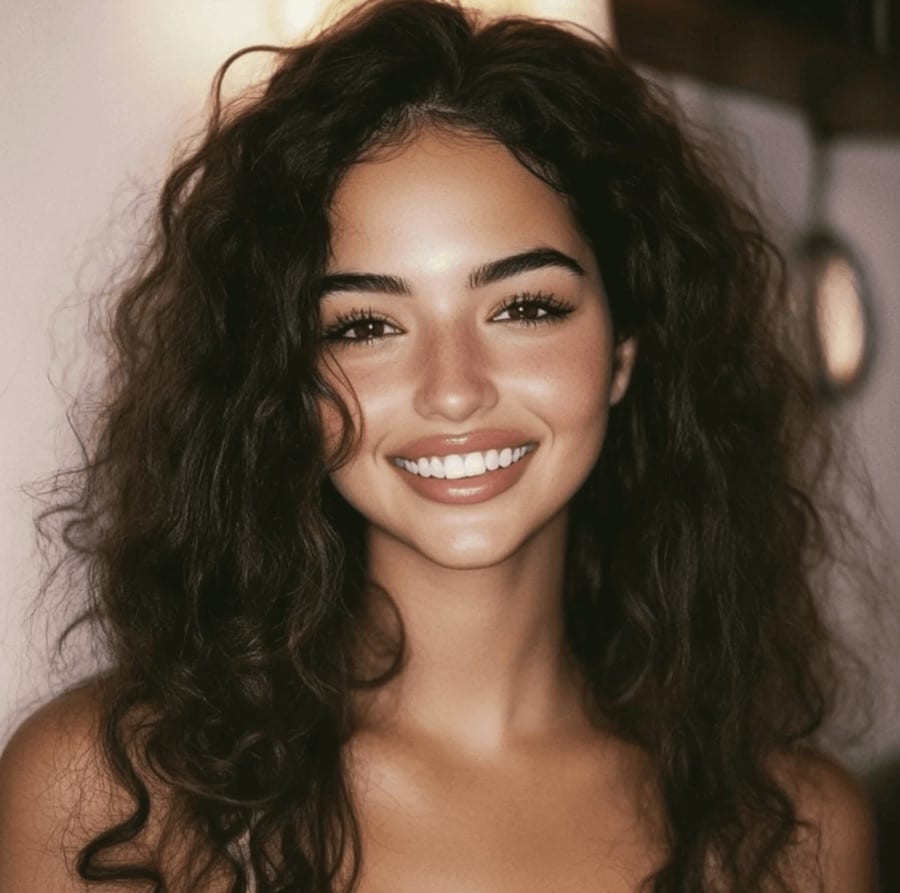 Before After
[Change Hair Color & Style](https://getluren.com/ai-hairstyle-changer/) Swap hair color or type.
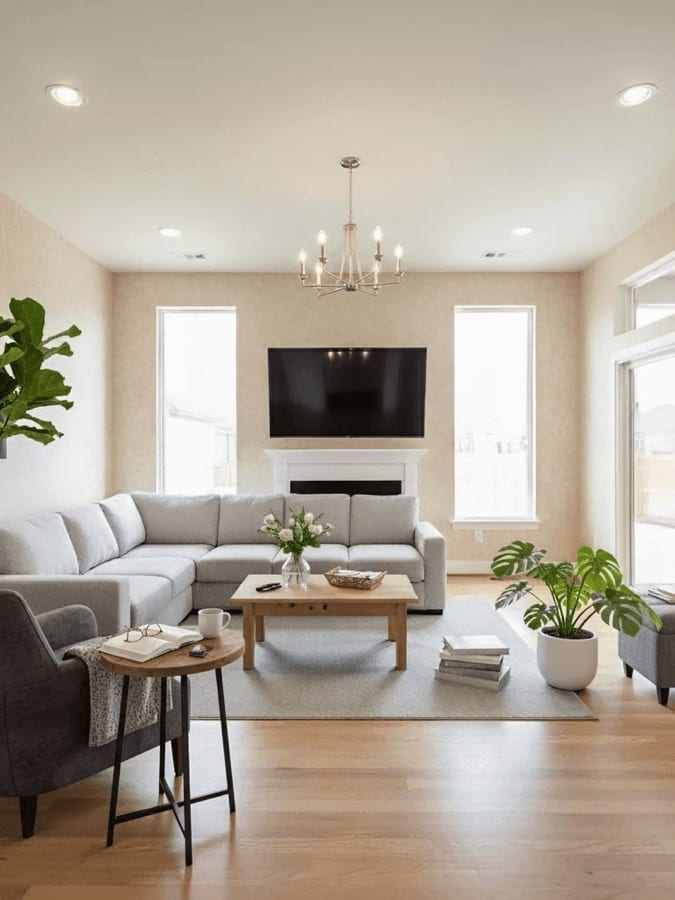 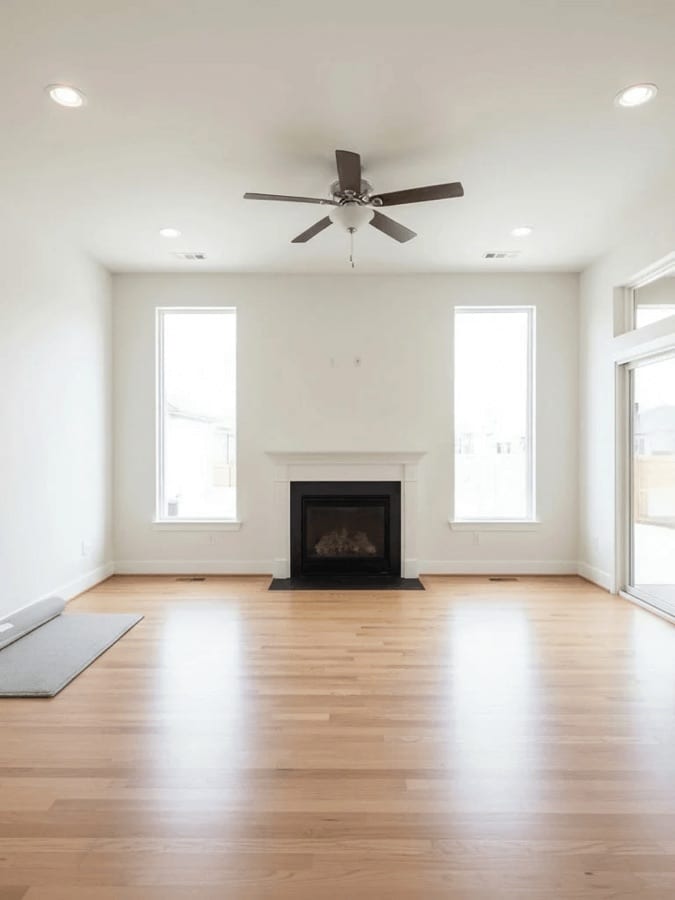 Before After
[AI Interior Design](https://getluren.com/ai-interior-design/) Remodel interiors with guided multi-step prompts.
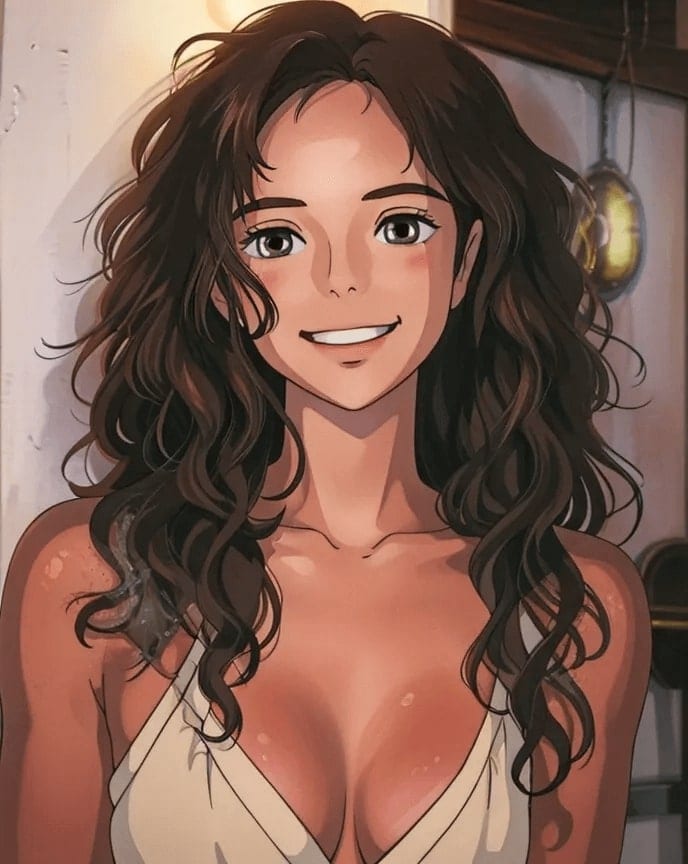 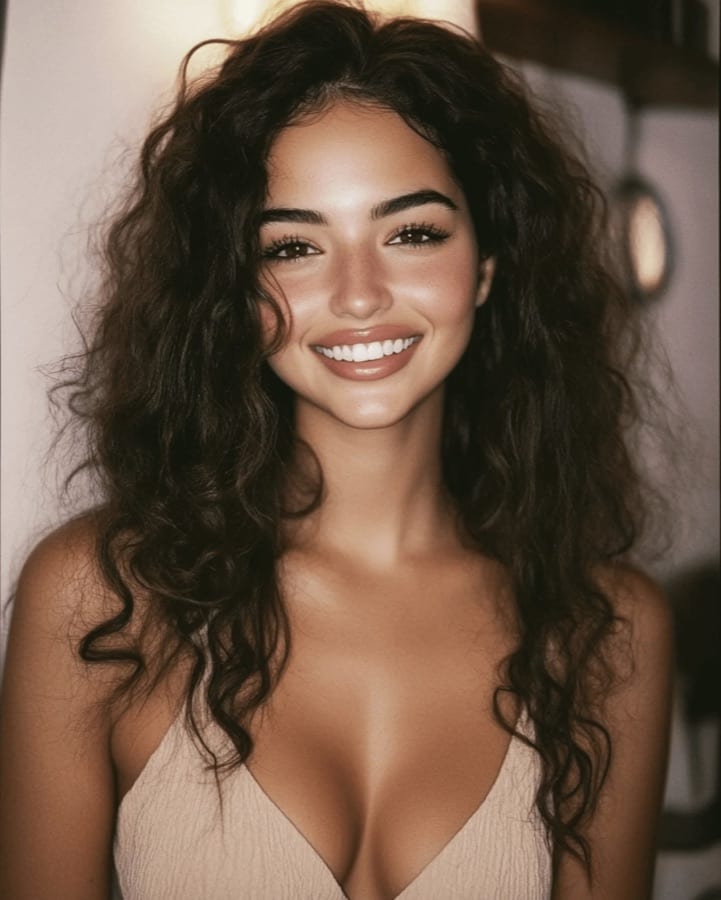 Before After
[Toonify ME](https://getluren.com/ai-cartoon-yourself/) Transform your photos into cartoons.
  Before After
[Remove Background](https://getluren.com/ai-background-remover/) Isolate subjects with clean transparent backgrounds.
[Photo ideas & prompts ## 254 photo ideas, 4050+ prompts Holidays, travel, aesthetics, headshots, dating and product shots, with free prompts for every model in the app. Diwali photo ideasThanksgiving photo ideasFall and autumn photo ideasBlack Friday ad photo ideasChristmas photo ideasChristmas card photo ideas Nano Banana Pro promptsNano Banana 2 promptsNano Banana 2.1 prompts](https://getluren.com/ideas/) [Free tools ## 30 photo tools, no upload Compress, resize, convert HEIC, crop, strip location data or build a prompt. Free, in your browser. AI prompt generatorImage compressorImage resizerImage converterPNG to JPGJPG to PNGWebP to JPGJPG to WebP](https://getluren.com/tools/)
FAQ
## Questions, answered
### What is Luren AI?
Luren AI is an AI photo and video generator for iPhone and Android. You pick a style, a trend or a dance, add one photo of yourself, and the app returns a finished photoshoot or video. You can also type your own prompt and choose between image models such as Nano Banana Pro, GPT Image 2.5, Seedream and Grok Imagine, and video models such as Veo 3.1 and Kling.
### Is Luren AI free?
The app is free to download and new users can try it for free. After that, you can buy coin packs and pay per creation, or subscribe to Luren AI Pro for Pro-only models and a weekly or yearly allowance. There is no monthly plan you have to commit to before you start.
### How many photos do I need to upload?
One. Luren AI does not train a personal model, so there is no set of 10 to 20 selfies and no waiting for training. A single clear, well-lit photo of your face is enough for most styles; dance videos work best with a full-body photo.
### Which AI models does Luren AI use?
Luren AI works with several providers instead of one. For images it offers Google's Nano Banana, Nano Banana 2, Nano Banana 2.1, Nano Banana 2 Lite and Nano Banana Pro, OpenAI's GPT Image 2.5 and GPT Image 2, ByteDance's Seedream 4.5 and 5, Alibaba's Qwen-Image 3.0 and xAI's Grok Imagine; for video it offers Google's Veo 3.1, Kling, Grok Imagine Video and Seedance, among others. Each style picks the model that suits it, and when you type your own prompt you choose.
### Does Luren AI have an AI agent?
Yes. The Luren AI agent is a chat inside the app: describe what you want in your own words, send a photo if it needs one, and it writes the prompt, picks the model and makes the picture, from UGC-style ads and studio product photos to headshots and restorations. For video, it hands you to the video creator with your picture ready.
### Can Luren AI make UGC ads and product photos?
Yes. From one photo of your product it makes studio catalogue shots, styled scenes, lifestyle images and UGC-style shots of the product held, worn or unboxed, and the Video tab turns them into short vertical clips with Veo 3.1 or Kling. Commercial use is included with Luren AI Pro.
### Can Luren AI make videos?
Yes. You can turn a photo into a video, generate a video from a text prompt, make an AI dance video from one photo with 40+ dances to choose from, or put yourself into viral video templates.
### Is Luren AI available on Android?
Yes. Luren AI is available on the App Store for iPhone and iPad and on Google Play for Android.
### What languages does the app support?
The app is available in 31 languages, including English, Spanish, Portuguese, German, French, Turkish, Arabic, Japanese, Korean and both Simplified and Traditional Chinese.
### What happens to my photos?
Your photo is used to make the creation you asked for, and the results are kept in your History so you can save or share them later. To have your data deleted, email support@getluren.com.
## Your next photoshoot is one selfie away
Free to download on iPhone and Android. Pick a style, add one photo, and see yourself in it in under a minute.
Download & claim your **FREE** AI generation
[Download on the App Store](https://apps.apple.com/app/apple-store/id6744154685?pt=118850632&ct=web_home&mt=8) [Get it on Google Play](https://play.google.com/store/apps/details?id=com.thekmobile.actionfigure&referrer=utm_source%3Dgetluren.com%26utm_medium%3Dweb%26utm_campaign%3Dhome)
4.4 on the App Store · 390 ratings
---
Source: https://getluren.com/about/
1. [Home](https://getluren.com/)
2. About
About
# One app, every good AI model
Luren AI is an AI photo and video app for iPhone and Android, made by KMobile. It turns one photo into styled photoshoots, dance videos and short clips, and lets you work with models from Google, OpenAI, ByteDance, xAI, Alibaba, Kuaishou without switching apps.
Download & claim your **FREE** AI generation
[Download on the App Store](https://apps.apple.com/app/apple-store/id6744154685?pt=118850632&ct=web_download&mt=8) [Get it on Google Play](https://play.google.com/store/apps/details?id=com.thekmobile.actionfigure&referrer=utm_source%3Dgetluren.com%26utm_medium%3Dweb%26utm_campaign%3Ddownload)
## What Luren AI does
Most AI photo apps are built around one model. Luren AI is built around many: each style in the app runs on the model that suits it best, and when you write your own prompt, you choose. Today that means 14 model families for images and video, 250+ ready-made styles and tools, and 40+ AI dances, with new trends added by our team.
## How it works
You add one photo. There is no model to train and no set of twenty selfies: the app sends your photo and the style's instructions to the chosen model and returns the result to your History, where you can save or share it. The app is free to download; creations are paid with coins or a Pro subscription.
## Who makes it
Luren AI is developed and published by KMobile. It is available in 31 languages and holds a 4.4-star rating on the App Store from 390 ratings. Luren AI is an independent app; the AI models it offers are made by their respective companies and their names are their trademarks.
## Contact
Help with the app: [support@getluren.com](mailto:support@getluren.com). Press and partnerships: [hello@getluren.com](mailto:hello@getluren.com). Legal: [legal@getluren.com](mailto:legal@getluren.com).
## Your next photoshoot is one selfie away
Free to download on iPhone and Android. Pick a style, add one photo, and see yourself in it in under a minute.
Download & claim your **FREE** AI generation
[Download on the App Store](https://apps.apple.com/app/apple-store/id6744154685?pt=118850632&ct=web_download&mt=8) [Get it on Google Play](https://play.google.com/store/apps/details?id=com.thekmobile.actionfigure&referrer=utm_source%3Dgetluren.com%26utm_medium%3Dweb%26utm_campaign%3Ddownload)
4.4 on the App Store · 390 ratings
---
Source: https://getluren.com/ai-agent/
1. [Home](https://getluren.com/)
2. AI agent
New in Luren AI · AI agent
# Your AI creative agent. Say it, get it.
No prompts to write, no models to compare. Tell the Luren AI agent what you want in your own words, send a photo if it needs one, and it briefs the right model, makes the picture and suggests the next step. Ads, product shots, headshots and restorations, from one chat.
Download & claim your **FREE** AI generation
[Download on the App Store](https://apps.apple.com/app/apple-store/id6744154685?pt=118850632&ct=web_agent&mt=8) [Get it on Google Play](https://play.google.com/store/apps/details?id=com.thekmobile.actionfigure&referrer=utm_source%3Dgetluren.com%26utm_medium%3Dweb%26utm_campaign%3Dagent)
Luren AI agent
Make a UGC-style ad for my serum, like a quick phone shot
On it: your serum held up in a bright bathroom, shot like a casual phone video still.
Ready · saved to History
Turn it into a video Studio white background Make an ad with a headline
Describe what you want…
What it makes
## Eleven things to ask for
Start with one of these, or describe anything else you want to see.
[### UGC-style ads "Make my sneakers look like a friend filmed them on a phone" Learn more →](https://getluren.com/ai-ugc-generator/)[### Ad shots with room for a headline "Turn this perfume into a campaign image with space for text" Learn more →](https://getluren.com/ai-product-photography/)[### Studio product photos "Shoot my mug like a catalogue photo on white" Learn more →](https://getluren.com/ai-product-photography/)
### Lifestyle shots
"Show my backpack being used on a city street"
[### Professional headshots "Make a LinkedIn headshot from my selfie" Learn more →](https://getluren.com/ai-headshot-generator/)[### Old photo restoration "Fix this scratched photo of my grandparents" Learn more →](https://getluren.com/ai-photo-enhancer/)[### Outfit changes "Put me in this jacket (with a photo of you and one of the jacket)" Learn more →](https://getluren.com/ai-clothes-changer/)[### Background changes "Same photo, but on a beach at sunset" Learn more →](https://getluren.com/ai-background-remover/)
### Posters
"A poster for our Saturday yoga class"
[### Thumbnails "A bold thumbnail for my video about budget travel" Learn more →](https://getluren.com/ideas/youtube-thumbnail/)[### Cartoon and anime versions "Turn this photo of my dog into an anime character" Learn more →](https://getluren.com/ai-cartoon-yourself/)
How it works
## Three steps, all in a chat
1. 1
### Say what you want
Type it, or hold the microphone and say it. Plain words, any of the app's 31 languages.
2. 2
### Send a photo when it asks
Your product, your selfie or the old photo. It tells you which one it needs and how it should look.
3. 3
### Get it, then refine
The picture arrives in the chat. Ask for changes in words, or tap one of the next steps it suggests.
Why use it
## A creative team in your pocket
### No prompt writing
It turns a sentence into the detailed brief the model needs: subject, setting, light, framing and style.
### The right model for the job
Image models from Google, OpenAI, ByteDance and xAI are in the app; the agent picks one that fits, or uses the one you name.
### Remembers the conversation
Say "warmer light" or "try it on marble" and it edits the picture it just made, not a new one.
### Video when you want it
Ask to animate a result and it opens the video creator with your picture ready, where Veo 3.1, Kling and Seedance take over.
### Same price as doing it yourself
Pictures use your free creations, coins or Pro exactly like the rest of the app.
### Rate every result
A thumbs up or down under each picture tells us which results land and which models to lean on.
Prefer to steer every setting yourself? The [AI image generator](https://getluren.com/ai-image-generator/) lets you pick the model, resolution and aspect ratio, and the [prompt library](https://getluren.com/prompts/) has ideas to start from.
FAQ
## The Luren AI agent: questions
### What is the Luren AI agent?
A chat inside the Luren AI app that makes pictures for you. You describe what you want in your own words, send a photo when it needs one, and it writes the brief, chooses an image model and returns the result, then lets you refine it by asking.
### Do I need to write prompts?
No. The agent writes the detailed prompt itself from what you say. If you like writing your own, the Image tab gives you full control over the model, resolution and aspect ratio.
### Can the agent make UGC ads and product photos?
Yes, those are among the things it does best: UGC-style shots of your product held or worn, campaign images with space for a headline, studio catalogue photos and lifestyle scenes. Send a clear photo of the product and say what you need.
### Can it make videos?
The agent makes pictures. When you want one to move, it hands you to the video creator with the picture already loaded, where you pick Veo 3.1, Kling or another video model.
### Is the agent free?
Chatting is part of the app. Each picture it makes is paid for like any other in Luren AI: from your free creations, coins or a Pro subscription.
### Can I use what the agent makes in my business?
Yes, with Luren AI Pro: the Terms of Use allow commercial use of your creations while your Pro subscription is active. On the free plan, creations are for personal use.
### What can't it do?
It is a picture maker, not a search engine or a general assistant, so it will steer off-topic questions back to something it can make. Questions about the app itself, like coins, Pro or where a result went, it will answer.
## Tell it what you want
The agent is inside Luren AI for iPhone and Android, free to download. Describe a picture and send a photo; it does the rest.
Download & claim your **FREE** AI generation
[Download on the App Store](https://apps.apple.com/app/apple-store/id6744154685?pt=118850632&ct=web_agent&mt=8) [Get it on Google Play](https://play.google.com/store/apps/details?id=com.thekmobile.actionfigure&referrer=utm_source%3Dgetluren.com%26utm_medium%3Dweb%26utm_campaign%3Dagent)
4.4 on the App Store · 390 ratings
---
Source: https://getluren.com/ai-photo-filters/
1. [Home](https://getluren.com/)
2. Photo styles
264 styles · 20 trends · one photo
# AI photo filters and styles
Every look in Luren AI, grouped by idea. Open a collection to see each style as a real result, then make it in the app with one photo of yourself.
Download & claim your **FREE** AI generation
[Download on the App Store](https://apps.apple.com/app/apple-store/id6744154685?pt=118850632&ct=web_collection&mt=8) [Get it on Google Play](https://play.google.com/store/apps/details?id=com.thekmobile.actionfigure&referrer=utm_source%3Dgetluren.com%26utm_medium%3Dweb%26utm_campaign%3Dcollection)
Updated October 18, 2026
## Photoshoot collections
[ **Christmas photos** 14 styles](https://getluren.com/ai-christmas-photos/)[ **Couple photos** 19 styles](https://getluren.com/ai-couple-photos/)[ **Birthday photos** 16 styles](https://getluren.com/ai-birthday-photos/)[ **Travel photos** 16 styles](https://getluren.com/ai-travel-photos/)[ **Retro 50s–90s** 12 styles](https://getluren.com/ai-retro-photos/)[ **Fantasy & editorial** 43 styles](https://getluren.com/ai-fantasy-portraits/)[ **Men's editorial** 14 styles](https://getluren.com/ai-photoshoot-for-men/)[ **Pastel aesthetic** 11 styles](https://getluren.com/ai-pastel-aesthetic-photos/)[ **Artistic portraits** 14 styles](https://getluren.com/ai-art-portraits/)[ **Black & white** 5 styles](https://getluren.com/ai-black-and-white-portraits/)[ **Rain photoshoot** 4 styles](https://getluren.com/ai-rain-photoshoot/)[ **Baby portraits** 6 styles](https://getluren.com/ai-baby-photos/)[ **Pet portraits** 6 styles](https://getluren.com/ai-pet-portraits/)[ **Spring photoshoot** 15 styles](https://getluren.com/ai-spring-photoshoot/)[ **Easter photos** 11 styles](https://getluren.com/ai-easter-photos/)[ **Anti-Valentine** 8 styles](https://getluren.com/anti-valentine-ai-photos/)[ **Winter photoshoot** 6 styles](https://getluren.com/ai-winter-photoshoot/)[ **Beach photoshoot** 9 styles](https://getluren.com/ai-beach-photoshoot/)
## AI photo tools
[ **Headshots & portraits** 10 tools](https://getluren.com/ai-portrait-studio/)[ **Art styles** 4 tools](https://getluren.com/ai-art-styles/)[ **Action figures & toys** 4 tools](https://getluren.com/ai-action-figure-generator/)[ **Product photos** 2 tools](https://getluren.com/ai-product-photography/)[ **Interior design** 3 tools](https://getluren.com/ai-interior-design/)[ **AI photo editor** 12 tools](https://getluren.com/ai-photo-editor/)
Most loved
## Popular right now in the app
[ Birthday photos **Pink Hotline**](https://getluren.com/styles/pink-hotline/)[ Birthday photos **Princess Birthday**](https://getluren.com/styles/princess-birthday/)[ Birthday photos **Golden Hour Birthday**](https://getluren.com/styles/golden-hour-birthday/)[ Artistic portraits **Femme Fatale**](https://getluren.com/styles/femme-fatale/)[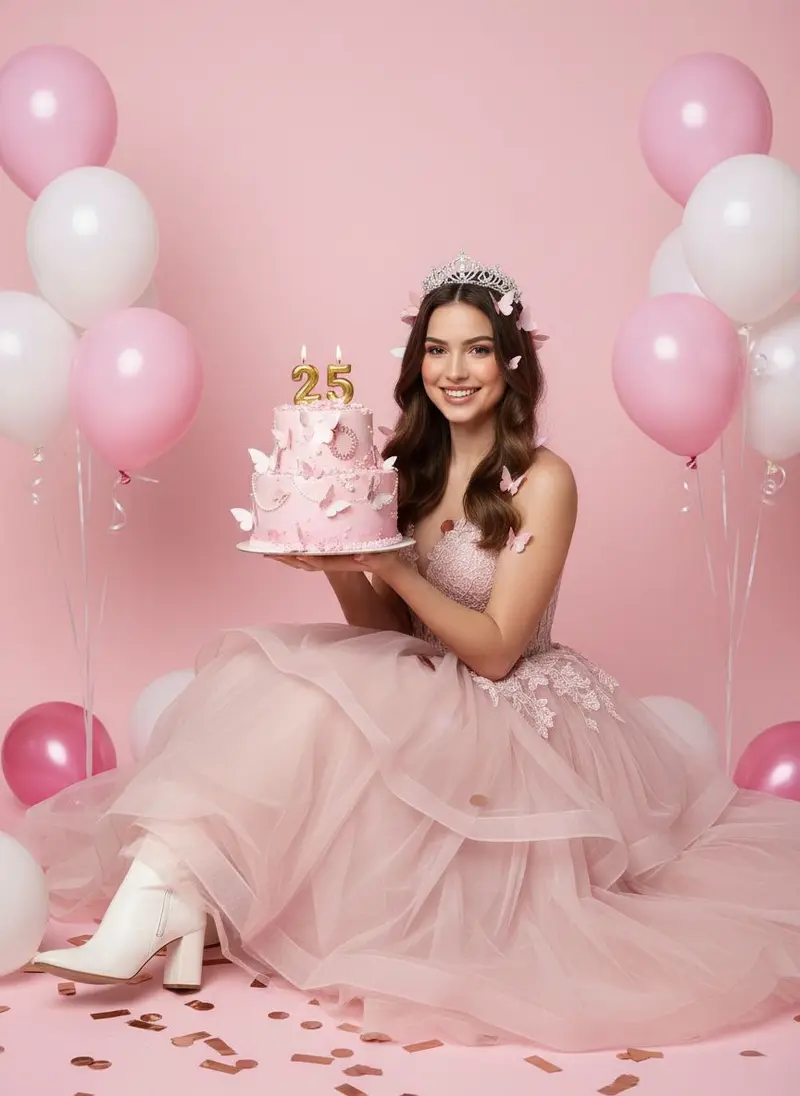 Birthday photos **Pink Princess**](https://getluren.com/styles/pink-princess/)[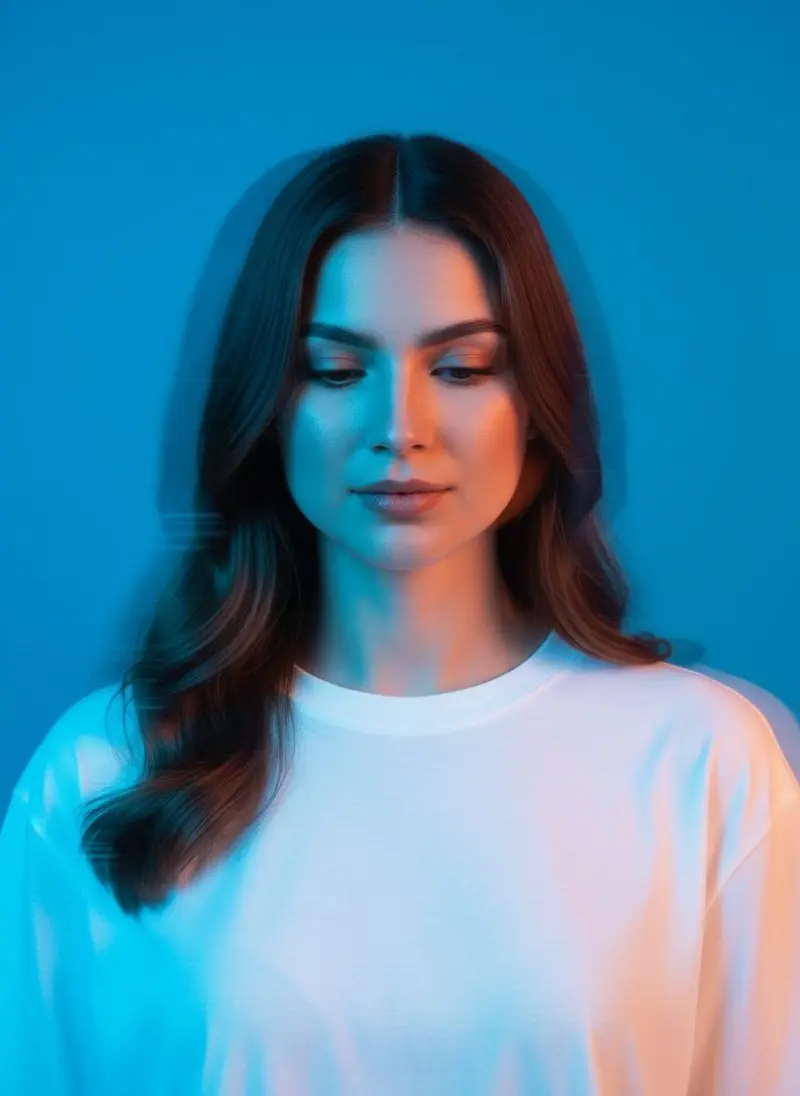 Artistic portraits **Neon Drift**](https://getluren.com/styles/neon-drift/)[ Birthday photos **Gaming Setup Birthday**](https://getluren.com/styles/gaming-setup-birthday/)[ Birthday photos **Friends Birthday**](https://getluren.com/styles/friends-birthday/)[ Birthday photos **Pink Heart**](https://getluren.com/styles/pink-heart/)[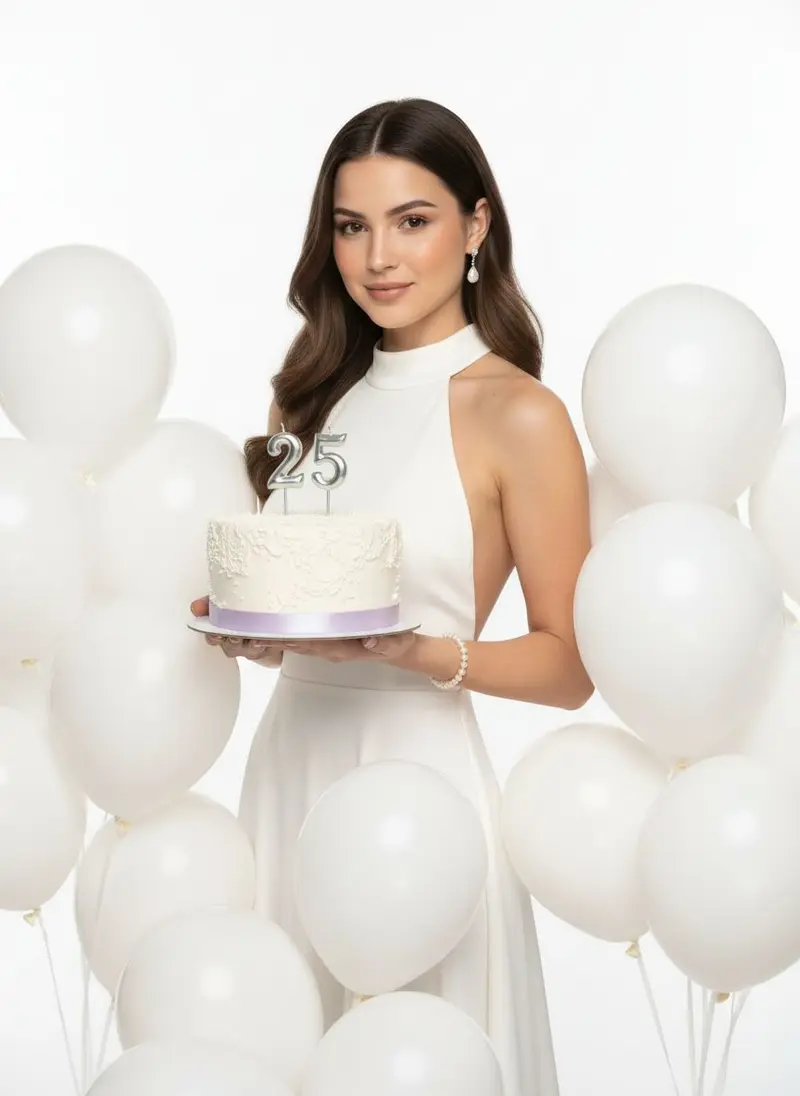 Birthday photos **Elegant Birthday Photo**](https://getluren.com/styles/elegant-birthday-photo/)[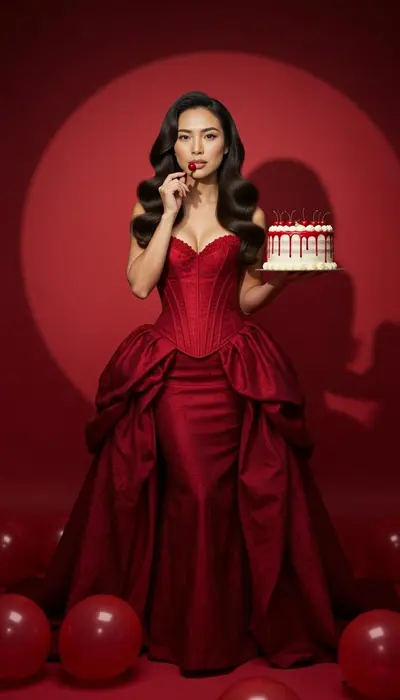 Birthday photos **Velvet Cherry**](https://getluren.com/styles/velvet-cherry/)[ Artistic portraits **Twilight Bloom**](https://getluren.com/styles/twilight-bloom/)[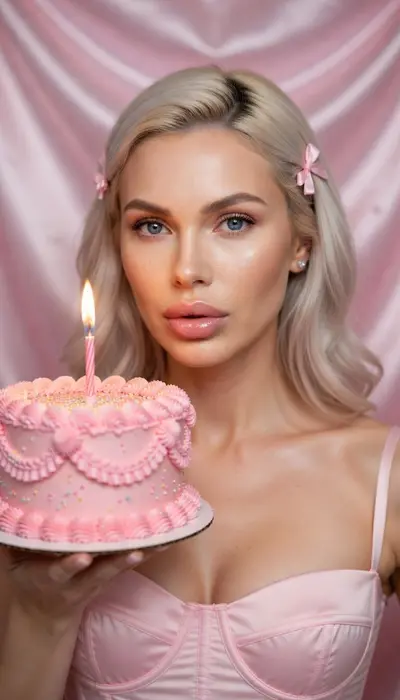 Birthday photos **Birthday Beauty**](https://getluren.com/styles/birthday-beauty/)[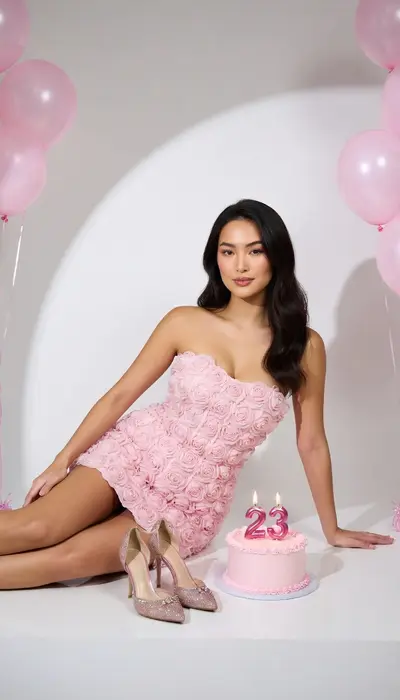 Birthday photos **Rose Birthday**](https://getluren.com/styles/rose-birthday/)[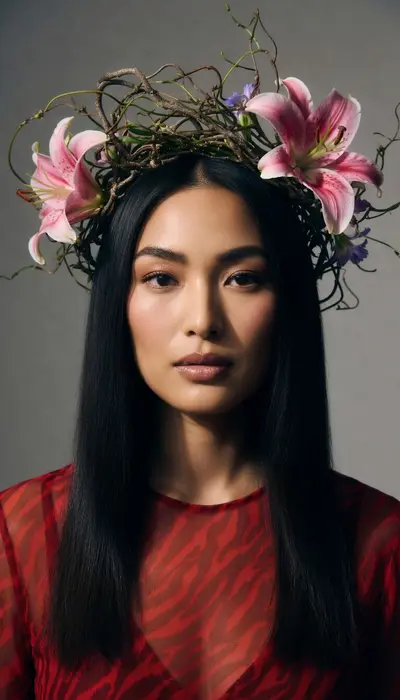 Fantasy & editorial **Botanical Crown**](https://getluren.com/styles/botanical-crown/)
FAQ
## AI photo filters: questions
### What is an AI photo filter?
A ready-made look that puts you into a new scene from one photo: a Christmas living room, a Paris café, a magazine cover. Unlike a classic filter that tints your picture, an AI filter redraws the scene, the outfit and the light around your face.
### How many AI photo styles does Luren AI have?
There are 264 photo styles and tools on this site, grouped into 24 collections.
### Do I need to write a prompt?
No. Each style already carries its own brief; you only add your photo. If you want to describe something yourself, the Image tab takes your own prompt and lets you choose the model.
## Your next photoshoot is one selfie away
Free to download on iPhone and Android. Pick a style, add one photo, and see yourself in it in under a minute.
Download & claim your **FREE** AI generation
[Download on the App Store](https://apps.apple.com/app/apple-store/id6744154685?pt=118850632&ct=web_collection&mt=8) [Get it on Google Play](https://play.google.com/store/apps/details?id=com.thekmobile.actionfigure&referrer=utm_source%3Dgetluren.com%26utm_medium%3Dweb%26utm_campaign%3Dcollection)
4.4 on the App Store · 390 ratings
---
Source: https://getluren.com/ai-video-generator/
1. [Home](https://getluren.com/)
2. AI video
Image to video · Text to video · UGC · Dance
# AI video generator for photos and ideas
Animate a photo, write a scene and watch it play, turn a product photo into a UGC-style clip, make yourself dance, or drop into a viral clip. Veo 3.1 (with sound), Kling, Seedance and Grok Imagine Video in one app, so each job goes to the model that does it best.
Download & claim your **FREE** AI generation
[Download on the App Store](https://apps.apple.com/app/apple-store/id6744154685?pt=118850632&ct=web_video&mt=8) [Get it on Google Play](https://play.google.com/store/apps/details?id=com.thekmobile.actionfigure&referrer=utm_source%3Dgetluren.com%26utm_medium%3Dweb%26utm_campaign%3Dvideo)
## Six ways to make a video
[### Image to video Animate any photo: describe the motion, pick the model and length. Open →](https://getluren.com/image-to-video-ai/)[### Text to video Write a scene and watch it play, no photo needed. Open →](https://getluren.com/text-to-video-ai/)[### UGC videos Your product in a creator-style vertical clip, made from one product photo. Open →](https://getluren.com/ai-ugc-generator/)[### Start and end frame Veo 3.1 moves from your first picture to your last. Open →](https://getluren.com/ai-models/veo-3-1/)[### AI dance 40+ dances transferred onto your photo, music included. Open →](https://getluren.com/ai-dance-video/)[### Video effects Trending clips re-made with you in the lead role. Open →](https://getluren.com/ai-video-effects/)
## AI dance videos
40+ dances, transferred onto your photo with the music.
[Open →](https://getluren.com/ai-dance-video/)
[**Moon Slide** 14s](https://getluren.com/ai-dance-video/moon-slide/) [**Zombie Night** 16s](https://getluren.com/ai-dance-video/zombie-night/) [**Soda Shuffle** 10s](https://getluren.com/ai-dance-video/soda-shuffle/) [**Pool Grandpa** 10s](https://getluren.com/ai-dance-video/pool-grandpa/)
## AI video effects
Trending clips re-made with you in the lead role.
[Open →](https://getluren.com/ai-video-effects/)
[Pro **Mic Drop Duo** 14s · 2 people](https://getluren.com/ai-video-effects/mic-drop-duo/) [Pro **One in White** 15s](https://getluren.com/ai-video-effects/one-in-white/) [Pro **Supercar Flex** 5s](https://getluren.com/ai-video-effects/supercar-flex/)
Models
## The video models in the app
[Google ### Veo 3.1 Google's video model with native sound: text or photo to video, up to 4K.](https://getluren.com/ai-models/veo-3-1/)[Kuaishou ### Kling Image-to-video up to 15 seconds with audio, and the motion behind AI dance.](https://getluren.com/ai-models/kling/)[ByteDance ### Seedance Fast, efficient video, from quick 720p animations to 1080p.](https://getluren.com/ai-models/seedance/)[xAI ### Grok Imagine Video Text or photo to video with native audio, 1 to 15 seconds.](https://getluren.com/ai-models/grok-imagine/)
**Looking for Sora 2?** OpenAI shut it down on September 24, 2026. The models above do its job, and Veo 3.1 is the closest match. [What happened to Sora 2](https://getluren.com/ai-models/sora-2/) · [Sora 2 prompts that still work](https://getluren.com/prompts/sora-2/)
FAQ
## AI video: questions
### Can Luren AI turn a photo into a video?
Yes. On the Video tab, add a photo and describe the motion, or leave it to the model. Some models also take an end frame, so the clip moves from your first picture to your second, and some generate sound with the video.
### Can I make a video from text only?
Yes. Text-to-video models generate a clip from a written prompt, no photo needed.
### Which video models are available?
Luren AI offers several video models, including Veo 3.1, Kling, Seedance. Each shows its length, resolution and price before you generate.
### Can I make UGC-style product videos?
Yes. Make a UGC-style still of your product first (the AI agent can do it from one product photo), then animate it on the Video tab. Veo 3.1 generates sound with the picture, and Kling gives smooth, longer motion.
### Can I still use Sora 2?
No. OpenAI shut Sora 2 down on September 24, 2026, everywhere. The video models in Luren AI do its job: Veo 3.1, Kling, Seedance. Veo 3.1 is the closest match, with sound and up to 4K.
### How long can a video be?
It depends on the model: from a few seconds up to 15 seconds for image-to-video, and up to 30 seconds for a dance that copies your own clip.
## Make an AI video from one photo
Free to download on iPhone and Android. Pick a style, add one photo, and see yourself in it in under a minute.
Download & claim your **FREE** AI generation
[Download on the App Store](https://apps.apple.com/app/apple-store/id6744154685?pt=118850632&ct=web_video&mt=8) [Get it on Google Play](https://play.google.com/store/apps/details?id=com.thekmobile.actionfigure&referrer=utm_source%3Dgetluren.com%26utm_medium%3Dweb%26utm_campaign%3Dvideo)
4.4 on the App Store · 390 ratings
---
Source: https://getluren.com/ai-ugc-generator/
1. [Home](https://getluren.com/)
2. AI UGC generator
For brands, sellers and creators
# AI UGC generator for product ads and videos
UGC ads work because they look like a real person filmed them on a phone. Luren AI makes that look on demand: add a photo of your product, get it held, worn or unboxed in a natural phone-shot scene, then turn the best frame into a short vertical video with motion and sound. No samples to ship, no creator briefs, no reshoots.
Download & claim your **FREE** AI generation
[Download on the App Store](https://apps.apple.com/app/apple-store/id6744154685?pt=118850632&ct=web_business&mt=8) [Get it on Google Play](https://play.google.com/store/apps/details?id=com.thekmobile.actionfigure&referrer=utm_source%3Dgetluren.com%26utm_medium%3Dweb%26utm_campaign%3Dbusiness)
How it works
## From one product photo to a UGC video
1. 1
### Photograph the product
One sharp photo in daylight, label facing the camera. That is the only shoot you need.
2. 2
### Make the UGC still
Ask the AI agent for a UGC-style ad, or paste a prompt below on the Image tab with your product photo.
3. 3
### Animate it
On the Video tab, turn the best still into a 5 to 8 second vertical clip: Veo 3.1 adds sound, Kling gives longer motion.
4. 4
### Post and test
Export 9:16 for TikTok, Reels and Shorts, and make three hooks instead of one to see which lands.
  Before After
**Your product photo, restaged** Left: the photo that went in. Right: the AI shot. Real result from the app.
## The phone-photo look
UGC feels real because it is a little imperfect: front-camera framing, window light, real rooms. These app styles show that look; your prompts can ask for it by name.
[ **iPhone Selfies**](https://getluren.com/styles/iphone-selfies/)[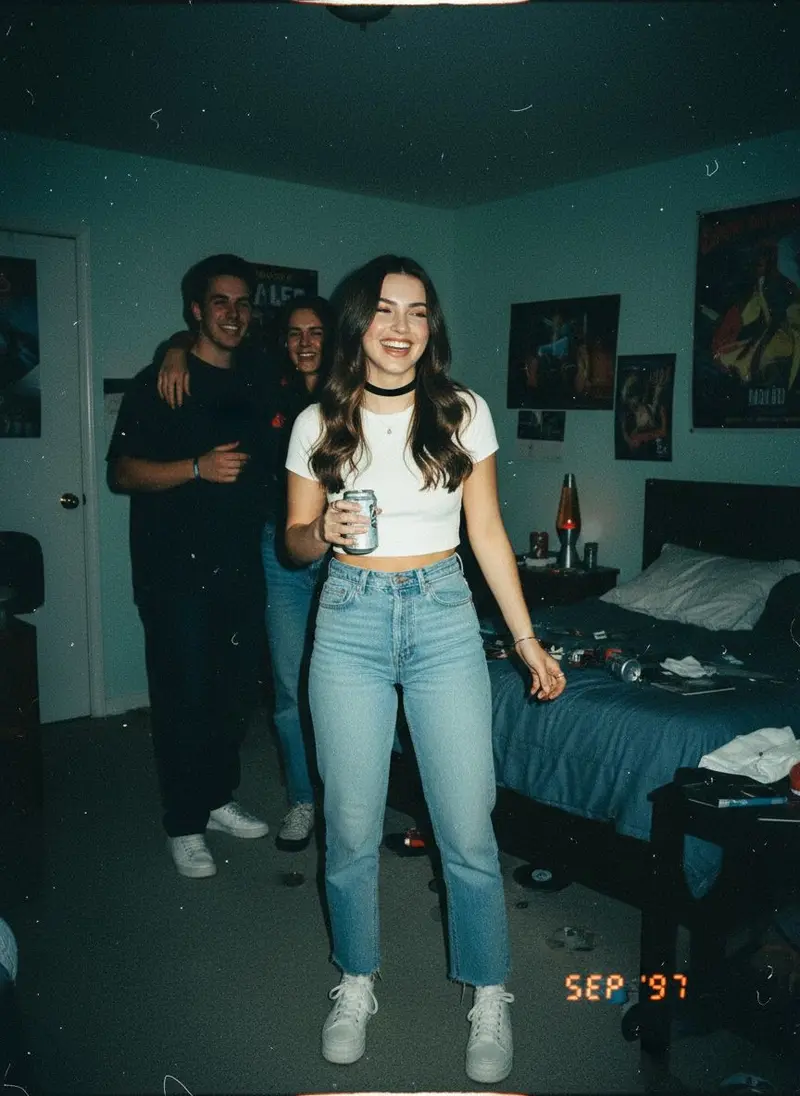 **90s Disposable Camera**](https://getluren.com/styles/90s-disposable-camera/)[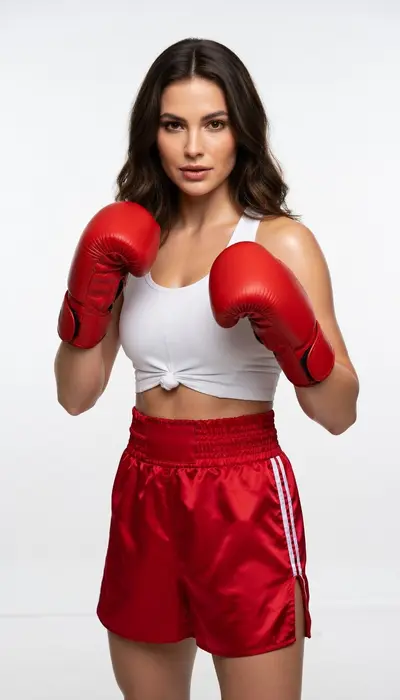 **Ringlight**](https://getluren.com/styles/ringlight/)
UGC photo ideas
## Eight UGC formats to copy
Paste one on the Image tab with your product photo and pick a model such as Nano Banana Pro, GPT Image 2.5 or Seedream 4.5.
01
### Product-in-hand selfie
Using my product photo as the reference, show a young woman holding the product up beside her face in a bright bathroom, front-camera selfie at arm's length, soft window light, slightly off-centre framing, casual phone-photo look, the label sharp and readable, vertical 9:16.
02
### Unboxing on the bed
Using my product photo, show two hands opening its box on a rumpled white duvet, tissue paper pulled back and the product half out of the packaging, overhead phone shot, warm afternoon light, a coffee mug at the edge of the frame, vertical 9:16.
03
### Get-ready-with-me mirror
Using my product photo, show a person in a bedroom mirror selfie applying the product, phone visible in the reflection, morning light from the side, hair half done, relaxed real-life mood, product clearly recognizable, vertical 9:16.
04
### Fitting-room try-on
Using my clothing photo as the reference, show a person wearing the garment in a fitting-room mirror selfie, the whole outfit visible, a candid pose, bright store lighting, light phone-camera grain, the garment's colour and pattern exactly as in my photo, vertical 9:16.
05
### Desk setup review
Using my product photo, place the gadget on a tidy home desk next to a laptop and a cup of coffee, point-of-view phone shot from the chair, one hand reaching for it, warm lamp light, a little everyday clutter, vertical 4:5.
06
### Kitchen counter demo
Using my product photo, show the product in use on a home kitchen counter, a hand pouring from it into a glass, steam and morning light through the window, handheld phone framing, natural colours, vertical 9:16.
07
### What's in my bag
Using my product photo, create an overhead flat lay of a tote bag's contents on a wooden floor: keys, sunglasses, a notebook, earbuds and my product in the centre, soft daylight, slightly messy and real, square 1:1.
08
### Parked-car selfie
Using my product photo, show a person in the driver's seat of a parked car holding the product toward the front camera, daylight through the windshield, seatbelt off, relaxed smile, casual phone selfie framing, vertical 9:16.
UGC video
## Then make it move
Add your UGC still on the Video tab and use one of these. [Veo 3.1](https://getluren.com/ai-models/veo-3-1/) generates sound with the picture; [Kling](https://getluren.com/ai-models/kling/) is the pick for smooth, longer motion. More in the [AI video generator](https://getluren.com/ai-video-generator/).
01
### Hold-up reveal (Veo 3.1, with sound)
Animate this photo: she lifts the product toward the camera, turns it so the label catches the light and smiles, handheld phone camera with a slight natural shake, quiet room sound and her saying "okay, look at this", 6 seconds, vertical.
02
### Unboxing hands
Animate this photo: hands lift the lid and pull the product out of the box, tissue paper rustles, a quick handheld push-in toward the label, natural indoor sound, 5 seconds, vertical.
03
### Texture close-up
Animate this photo: a drop of the product lands on the back of a hand and is slowly spread with a fingertip, macro framing, soft daylight, gentle close-up sound, 5 seconds, vertical.
04
### Product turn with caption space
Animate this photo: the product turns slowly on the counter as the camera arcs around it, the top third of the frame left clear for captions, soft morning light, 6 seconds, vertical.
Or skip the prompts
## Just ask the AI agent
Say "make a UGC ad for my serum" and send the product photo. The [Luren AI agent](https://getluren.com/ai-agent/) writes the brief, picks the model and makes the shot, then offers the next step, like turning it into a video.
[Meet the AI agent](https://getluren.com/ai-agent/)
Luren AI agent
Make a UGC-style ad for my serum, like a quick phone shot
On it: your serum held up in a bright bathroom, shot like a casual phone video still.
Ready · saved to History
Turn it into a video Studio white background Make an ad with a headline
Describe what you want…
## Use AI UGC the right way
- Label it. TikTok and Meta both ask for realistic AI-generated content to be labelled; check each platform's current ad policies before you run a campaign.
- Never present an AI person as a real customer, and never write fake reviews. Let the video show the product; let real customers give the testimonials.
- Use real people's faces only with their permission, including your own team's.
- Running them in ads or on a store page is commercial use, which the Terms of Use include with Luren AI Pro.
- Show the product truthfully: the same colour, size and what is in the box. Check the label and small print in every result, since AI can soften fine text.
More for brands: the [AI product photo studio](https://getluren.com/ai-product-photography/), the [background remover](https://getluren.com/ai-background-remover/) and [product photography prompts](https://getluren.com/ideas/product-photography/).
FAQ
## AI UGC: questions
### What is AI UGC?
UGC (user-generated content) ads look like a customer filmed them on a phone: a product held up, unboxed or used at home. AI UGC creates that look from a photo of your product, so you can make many variations without shipping samples to creators.
### How do I make a UGC video with AI?
Make a UGC-style still first: ask the Luren AI agent for a UGC ad, or use a prompt with your product photo on the Image tab. Then open the Video tab, add the still and describe the motion. Veo 3.1 generates sound with the picture, and Kling gives smooth, longer motion.
### Can the person in the video talk?
Veo 3.1 generates sound together with the video, and a short line written in quotes in your prompt can become speech. Keep lines short and about the product, not claims of personal experience.
### Is AI UGC allowed in ads?
Platforms allow AI-generated content but ask for realistic AI content to be labelled, and consumer-protection rules forbid fake reviews and testimonials. Use AI UGC to show the product, label it, and keep real reviews real.
### Do I need a photo of a person?
No. A product photo is enough: the model can create the scene and the person around it. If you want a specific person, such as yourself or a team member, add their photo too, with their permission.
### Can I use AI UGC in paid ads?
Yes, with Luren AI Pro: the Terms of Use allow commercial use of your creations while your Pro subscription is active. On the free plan, creations are for personal use, so subscribe before you run them in ads or on a store page.
### How much does it cost?
Luren AI is free to download and try. After that you pay per creation with coins or subscribe to Pro; there is no monthly creator fee and no per-video contract.
## Make a UGC ad today
Free to download on iPhone and Android. One product photo is enough to start.
Download & claim your **FREE** AI generation
[Download on the App Store](https://apps.apple.com/app/apple-store/id6744154685?pt=118850632&ct=web_business&mt=8) [Get it on Google Play](https://play.google.com/store/apps/details?id=com.thekmobile.actionfigure&referrer=utm_source%3Dgetluren.com%26utm_medium%3Dweb%26utm_campaign%3Dbusiness)
4.4 on the App Store · 390 ratings
---
Source: https://getluren.com/ai-image-generator/
1. [Home](https://getluren.com/)
2. AI image generator
AI image generator
# AI image generator: your prompt, the model you choose
The Image tab in Luren AI turns a written description into a picture. Type what you want to see, add up to six reference photos if you like, then choose the model, aspect ratio and quality before you generate. Most images land in your History in under a minute.
Download & claim your **FREE** AI generation
[Download on the App Store](https://apps.apple.com/app/apple-store/id6744154685?pt=118850632&ct=web_style&mt=8) [Get it on Google Play](https://play.google.com/store/apps/details?id=com.thekmobile.actionfigure&referrer=utm_source%3Dgetluren.com%26utm_medium%3Dweb%26utm_campaign%3Dstyle)
Updated October 18, 2026
Made in Luren AI
## What people make with it
[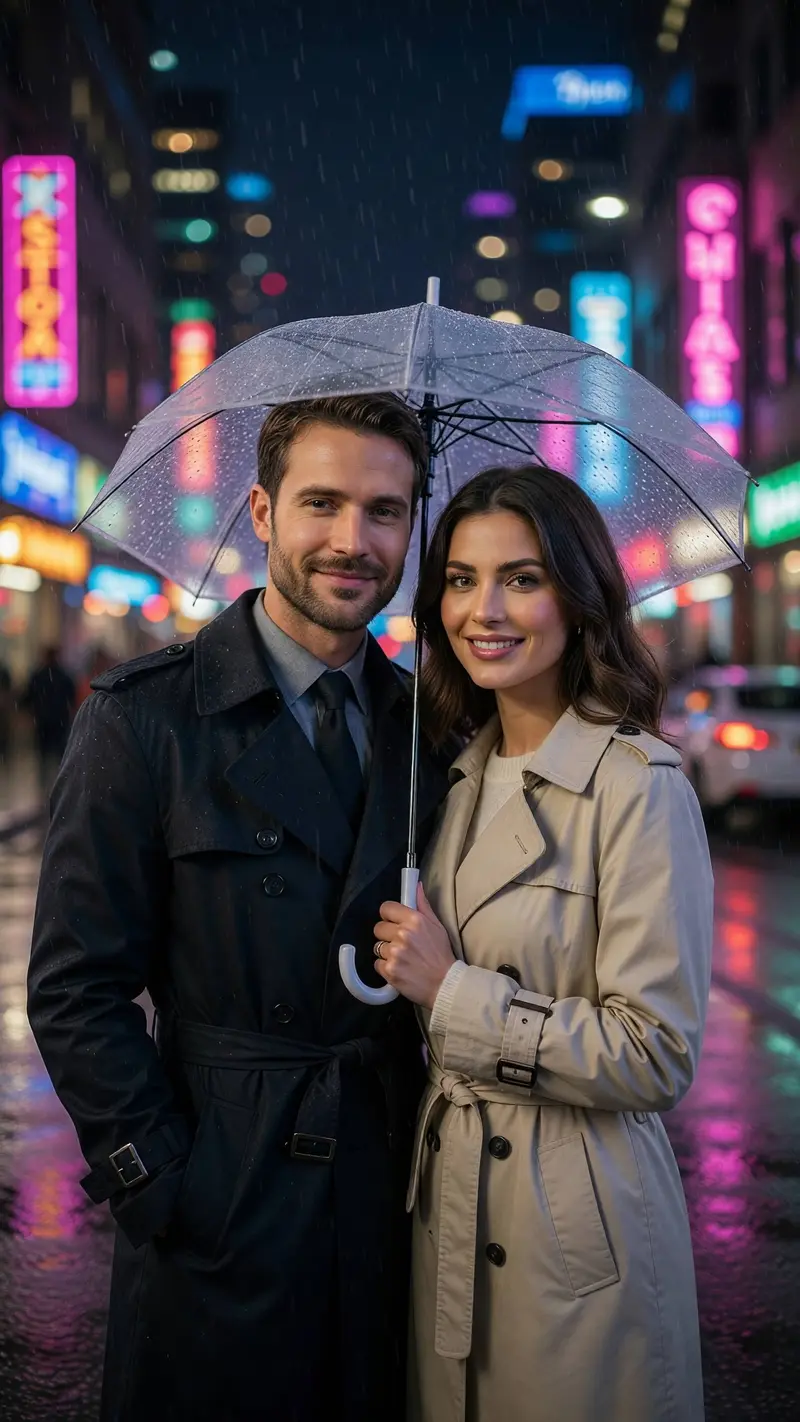 New Couple photos **Neon Rain**](https://getluren.com/styles/neon-rain/)[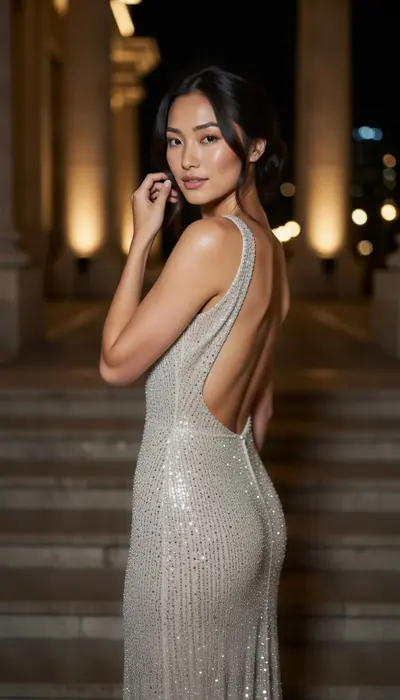 Fantasy & editorial **Golden Staircase**](https://getluren.com/styles/golden-staircase/)[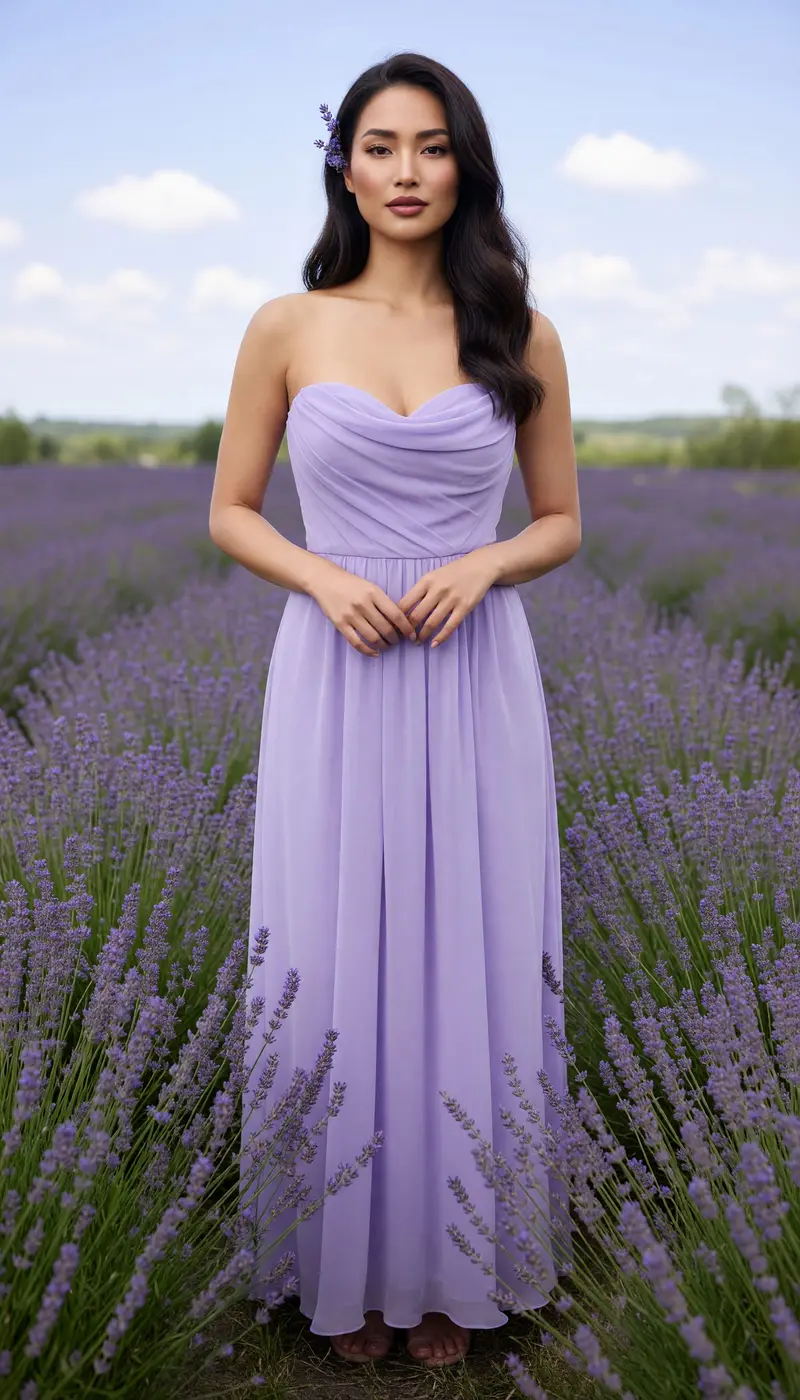 New Spring photoshoot **Lavender Fields**](https://getluren.com/styles/lavender-fields/)[ Men's editorial **Midnight Tux**](https://getluren.com/styles/midnight-tux/)[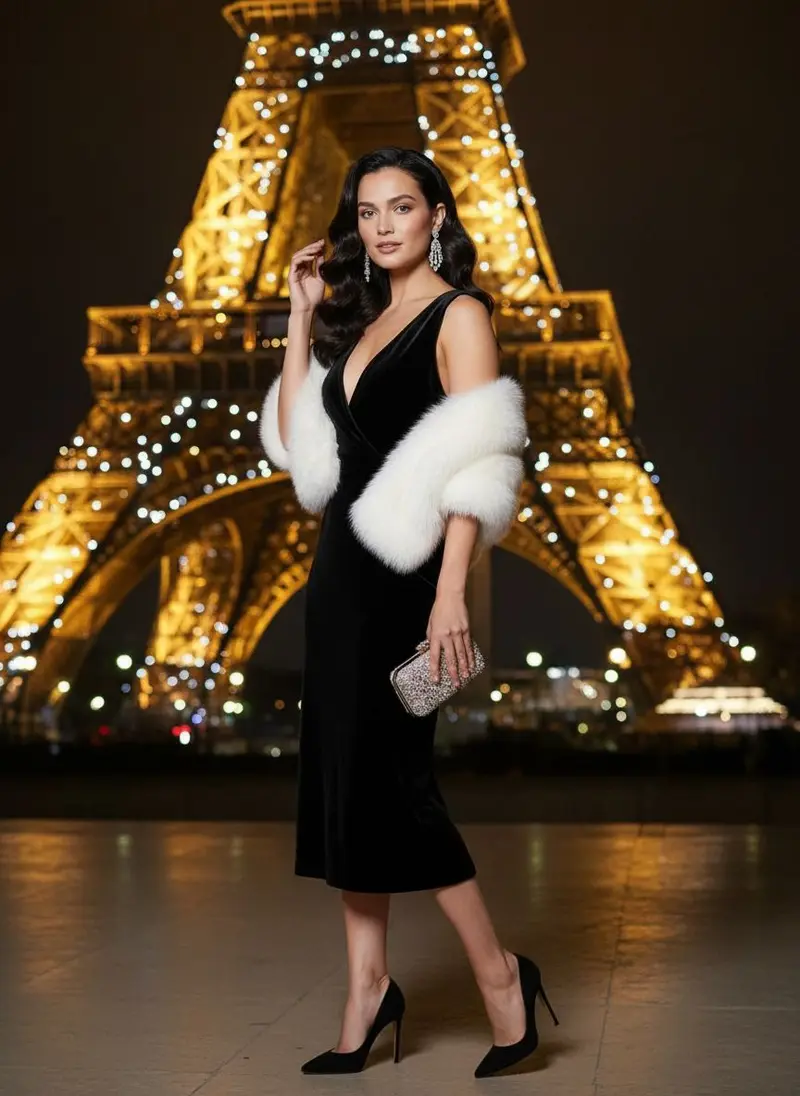 Travel photos **Eiffel Tower Female**](https://getluren.com/styles/eiffel-tower-female/)[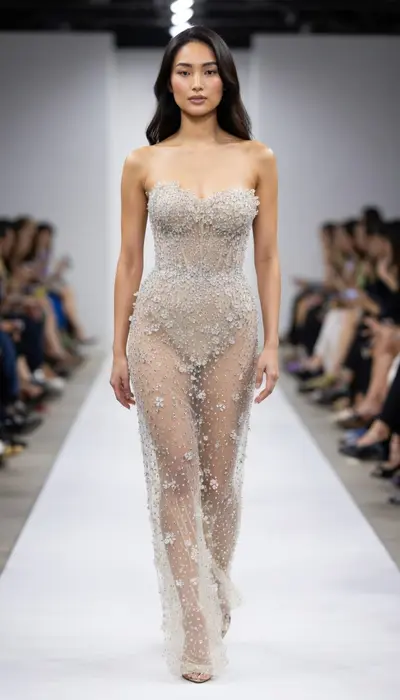 Fantasy & editorial **Crystal Couture**](https://getluren.com/styles/crystal-couture/)[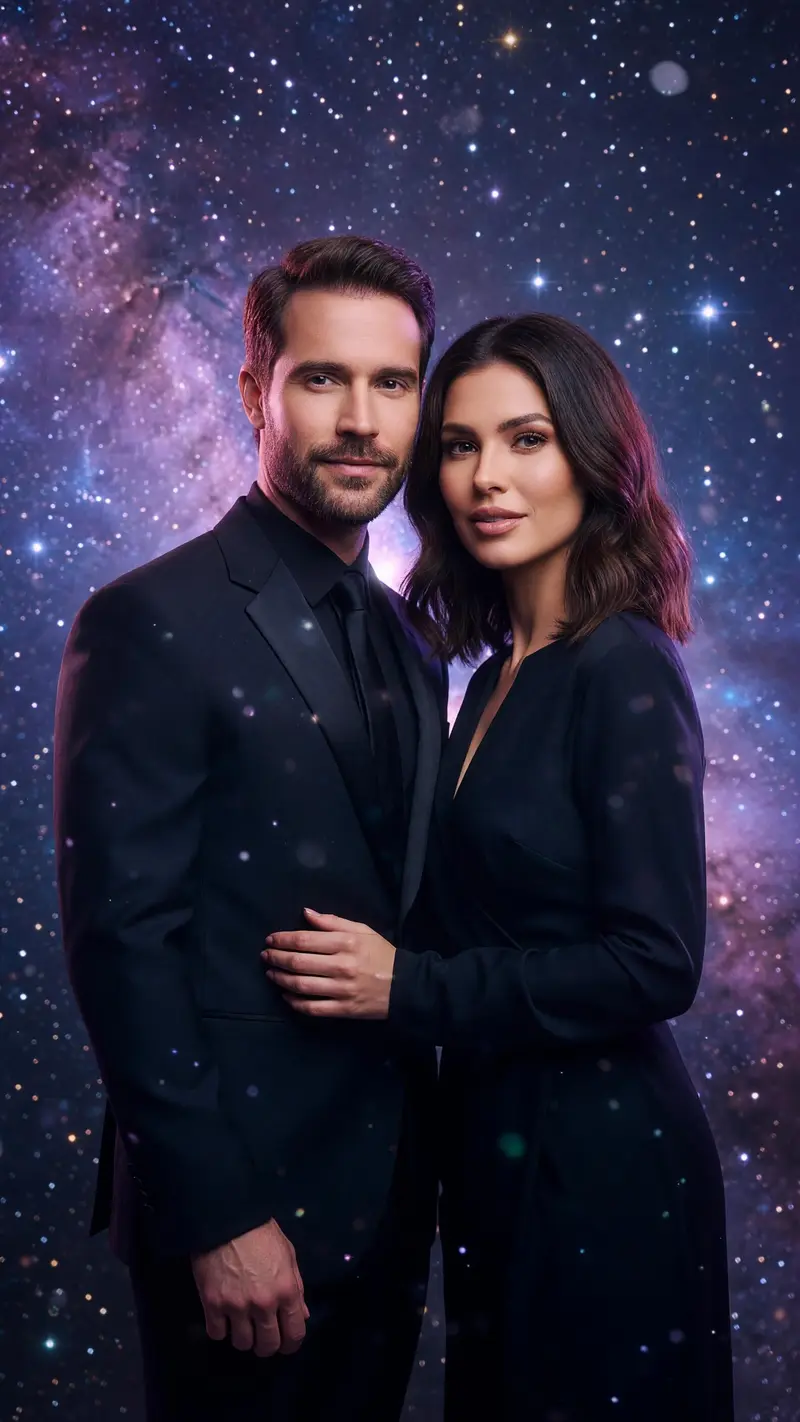 New Couple photos **Cosmic Lovers**](https://getluren.com/styles/cosmic-lovers/)[ Retro 50s–90s **80s Prom Night**](https://getluren.com/styles/80s-prom-night/)[ Pet portraits **Royal Pet Portrait**](https://getluren.com/styles/royal-pet-portrait/)[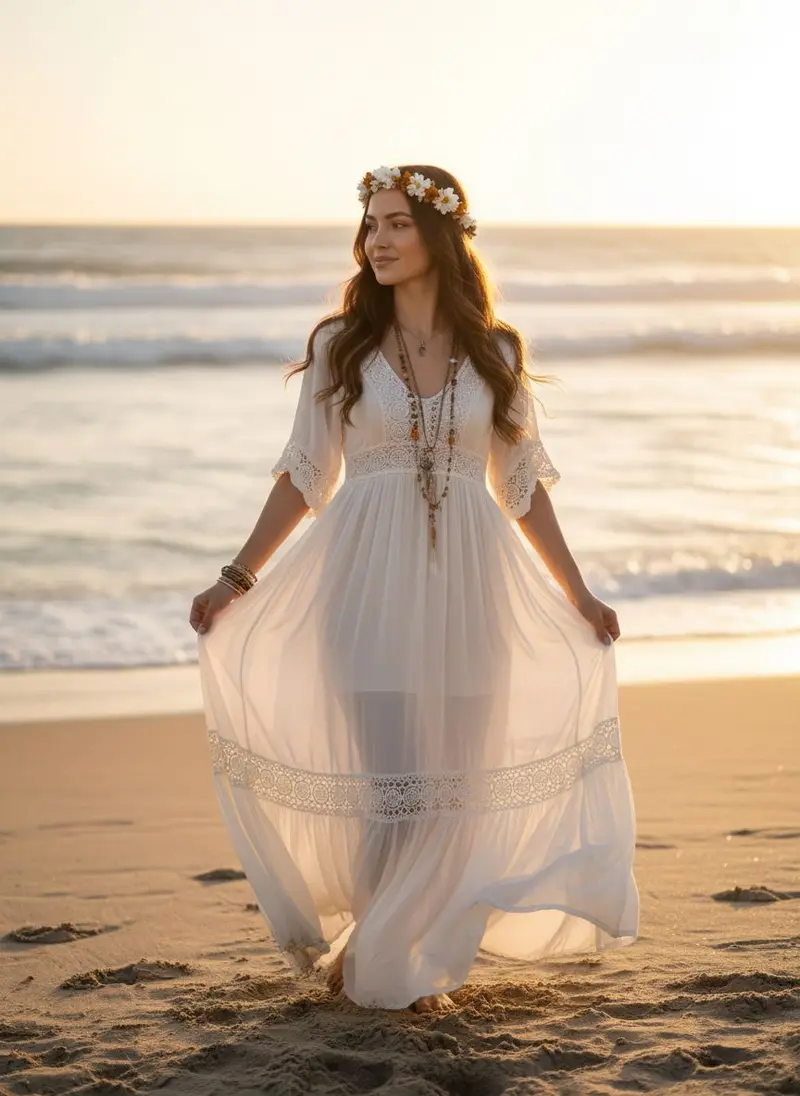 Beach photoshoot **Bohemian Sunset**](https://getluren.com/styles/bohemian-sunset/)
How it works
## AI image generator in three steps
1. 1
### Write your prompt
Describe the subject, setting, light and mood in plain sentences.
2. 2
### Add references and settings
Attach up to six photos, then pick a model, an aspect ratio and a quality level.
3. 3
### Generate and refine
Save or share the image from History, or change a few words and run it again.
## Tips for great results
- Write full sentences in the order subject, setting, light, camera and mood; current models follow descriptions better than keyword lists.
- Add a clear photo of a person or product as a reference when you want it to appear in the picture.
- Run the same prompt on two models, since one may handle text or hands better and another the mood you had in mind.
- Pick the aspect ratio before you generate: square for a feed post, tall for a phone wallpaper, wide for a banner.
## What people use it for
- Social posts and profile pictures
- Posters, covers and invitations with text
- Concept art and mood boards
- Product and ad visuals
Models
## Choose the model for each job
[Google ### Nano Banana Pro Google's sharpest image model: crisp 2K and 4K, legible text and consistent subjects.](https://getluren.com/ai-models/nano-banana-pro/)[Google ### Nano Banana 2 Google's second-generation Nano Banana: stronger reasoning and subject consistency, up to 4K.](https://getluren.com/ai-models/nano-banana-2/)[Google ### Nano Banana 2.1 Google's update to Nano Banana 2: better image quality, cleaner text and steadier characters, up to 4K.](https://getluren.com/ai-models/nano-banana-2-1/)[Google ### Nano Banana 2 Lite Ultra fast, budget-friendly generation and quick edits from Google's lightest Nano Banana, in shapes from 8:1 to 1:8.](https://getluren.com/ai-models/nano-banana-2-lite/)[Google ### Nano Banana The original Nano Banana (Gemini 2.5 Flash Image): fast, natural-language photo edits.](https://getluren.com/ai-models/nano-banana/)[OpenAI ### GPT Image 2.5 Two versions: Flare for fast everyday images, Sunburst for precise edits.](https://getluren.com/ai-models/gpt-image-2-5/)[OpenAI ### GPT Image 2 Accurate, multilingual text rendering inside the image.](https://getluren.com/ai-models/gpt-image-2/)[ByteDance ### Seedream 4.5 Natural photography with rich detail, at 2K or 4K.](https://getluren.com/ai-models/seedream-4-5/)[ByteDance ### Seedream 5 Pro for precise, natural images; Lite for quick drafts at a low price.](https://getluren.com/ai-models/seedream-5/)[xAI ### Grok Imagine Bold, stylised images at speed, and video with native audio.](https://getluren.com/ai-models/grok-imagine/)[Alibaba ### Qwen-Image 3.0 Alibaba's third-generation Qwen image model: long, detailed briefs turned into dense layouts with legible text.](https://getluren.com/ai-models/qwen-image-3/)
Need words to start from? Browse the [prompt library](https://getluren.com/prompts/) or build one with the [free prompt generator](https://getluren.com/tools/ai-prompt-generator/).
## More AI features
[Image to video](https://getluren.com/image-to-video-ai/)[Text to video](https://getluren.com/text-to-video-ai/)[AI headshots](https://getluren.com/ai-headshot-generator/)[Cartoon yourself](https://getluren.com/ai-cartoon-yourself/)[Hairstyle changer](https://getluren.com/ai-hairstyle-changer/)[Hug your younger self](https://getluren.com/ai-hug-younger-self/)[Photo to painting](https://getluren.com/photo-to-painting/)[Photo to pixel art](https://getluren.com/photo-to-pixel-art/)[Product photo studio](https://getluren.com/ai-product-photography/)[Background remover](https://getluren.com/ai-background-remover/)[AI interior design](https://getluren.com/ai-interior-design/)[Virtual staging](https://getluren.com/ai-virtual-staging/)[Photo enhancer](https://getluren.com/ai-photo-enhancer/)[Object replacer](https://getluren.com/ai-object-replacer/)
FAQ
## AI image generator: questions
### Which AI models can I use?
The Image tab offers Google's Nano Banana, Nano Banana 2 and Nano Banana Pro, OpenAI's GPT Image 2 and GPT Image 2.5, ByteDance's Seedream 4.5 and Seedream 5, and xAI's Grok Imagine. You choose the model for each image, and some of them are Pro models.
### Can I add my own photos to the prompt?
Yes. Add up to six reference photos, such as a selfie, a product or a picture whose style you like, and say in the prompt what to do with them. Models that edit photos use them to keep a face or an object recognizable.
### Is the AI image generator free?
Luren AI is free to download and try. After that, images are paid for with coins or a Pro subscription, and the cost depends on the model and quality you pick.
### Can I use the images commercially?
With Luren AI Pro, yes: the Terms of Use allow commercial use of your creations while your Pro subscription is active. On the free plan, creations are for personal, non-commercial use. Only add reference photos you have the right to use, and avoid prompts that copy someone else's characters, logos or likeness.
## Try AI image generator in Luren AI
Free to download on iPhone and Android. Pick a style, add one photo, and see yourself in it in under a minute.
Download & claim your **FREE** AI generation
[Download on the App Store](https://apps.apple.com/app/apple-store/id6744154685?pt=118850632&ct=web_style&mt=8) [Get it on Google Play](https://play.google.com/store/apps/details?id=com.thekmobile.actionfigure&referrer=utm_source%3Dgetluren.com%26utm_medium%3Dweb%26utm_campaign%3Dstyle)
4.4 on the App Store · 390 ratings
---
Source: https://getluren.com/image-to-video-ai/
1. [Home](https://getluren.com/)
2. Image to video
Image to video
# Image to video AI: animate any photo
Add a photo, describe how it should move, and an AI video model turns it into a short clip. You choose the model, length and aspect ratio; some models can also finish on an end frame you supply or generate sound to match the action. The finished video lands in your History, ready to save and share.
Download & claim your **FREE** AI generation
[Download on the App Store](https://apps.apple.com/app/apple-store/id6744154685?pt=118850632&ct=web_style&mt=8) [Get it on Google Play](https://play.google.com/store/apps/details?id=com.thekmobile.actionfigure&referrer=utm_source%3Dgetluren.com%26utm_medium%3Dweb%26utm_campaign%3Dstyle)
Updated October 18, 2026
[Pro **Mic Drop Duo** 14s · 2 people](https://getluren.com/ai-video-effects/mic-drop-duo/) [Pro **One in White** 15s](https://getluren.com/ai-video-effects/one-in-white/) [Pro **Supercar Flex** 5s](https://getluren.com/ai-video-effects/supercar-flex/) [**Moon Slide** 14s](https://getluren.com/ai-dance-video/moon-slide/) [**Zombie Night** 16s](https://getluren.com/ai-dance-video/zombie-night/) [**Soda Shuffle** 10s](https://getluren.com/ai-dance-video/soda-shuffle/) [**Pool Grandpa** 10s](https://getluren.com/ai-dance-video/pool-grandpa/) [**Braces Boogie** 8s](https://getluren.com/ai-dance-video/braces-boogie/)
Clips made with Luren AI's video templates and AI dance.
How it works
## Image to video in three steps
1. 1
### Add a photo
Pick the picture to animate: a portrait, a pet, a product or a landscape.
2. 2
### Describe the motion
Say what should move and what the camera does, then pick a model and a length.
3. 3
### Get your clip
The video renders in the background and appears in History when it is done.
## Tips for great results
- Start from a sharp, well-lit photo, because the model can only animate detail it can see.
- Describe one clear action and one camera move, such as 'she turns and smiles as the camera slowly pushes in'.
- Add an end frame on models that support it when the clip has to finish on a specific picture.
- Try a short length first, then render the longer version once the motion looks right.
## What people use it for
- Bringing family photos to life
- Short vertical clips for social posts
- Product shots that turn and catch the light
- Animated greetings and invitations
Models
## Choose the model for each job
[Google ### Veo 3.1 Google's video model with native sound: text or photo to video, up to 4K.](https://getluren.com/ai-models/veo-3-1/)[Kuaishou ### Kling Image-to-video up to 15 seconds with audio, and the motion behind AI dance.](https://getluren.com/ai-models/kling/)[ByteDance ### Seedance Fast, efficient video, from quick 720p animations to 1080p.](https://getluren.com/ai-models/seedance/)
Need words to start from? Browse the [prompt library](https://getluren.com/prompts/) or build one with the [free prompt generator](https://getluren.com/tools/ai-prompt-generator/).
## More AI features
[AI image generator](https://getluren.com/ai-image-generator/)[Text to video](https://getluren.com/text-to-video-ai/)[AI headshots](https://getluren.com/ai-headshot-generator/)[Cartoon yourself](https://getluren.com/ai-cartoon-yourself/)[Hairstyle changer](https://getluren.com/ai-hairstyle-changer/)[Hug your younger self](https://getluren.com/ai-hug-younger-self/)[Photo to painting](https://getluren.com/photo-to-painting/)[Photo to pixel art](https://getluren.com/photo-to-pixel-art/)[Product photo studio](https://getluren.com/ai-product-photography/)[Background remover](https://getluren.com/ai-background-remover/)[AI interior design](https://getluren.com/ai-interior-design/)[Virtual staging](https://getluren.com/ai-virtual-staging/)[Photo enhancer](https://getluren.com/ai-photo-enhancer/)[Object replacer](https://getluren.com/ai-object-replacer/)
FAQ
## Image to video: questions
### Which AI models can animate a photo?
Image to video runs on Google's Veo 3.1, Kling, Seedance and Grok Imagine Video. Veo 3.1 makes 4, 6 or 8 second clips at up to 4K, while other models go up to 15 seconds.
### Can the video have sound?
Some models generate sound together with the picture, such as ambience and effects that follow the action. Whether a clip has sound depends on the model you pick.
### How long does it take to make a video?
Longer than an image, depending on the model and the length you choose. The clip renders in the background, so you can keep using the app, and it appears in your History when it is ready.
### Is image to video free?
Luren AI is free to download and try. After that, videos are paid for with coins or a Pro subscription, and the cost depends on the model, length and quality.
## Try image to video in Luren AI
Free to download on iPhone and Android. Pick a style, add one photo, and see yourself in it in under a minute.
Download & claim your **FREE** AI generation
[Download on the App Store](https://apps.apple.com/app/apple-store/id6744154685?pt=118850632&ct=web_style&mt=8) [Get it on Google Play](https://play.google.com/store/apps/details?id=com.thekmobile.actionfigure&referrer=utm_source%3Dgetluren.com%26utm_medium%3Dweb%26utm_campaign%3Dstyle)
4.4 on the App Store · 390 ratings
---
Source: https://getluren.com/text-to-video-ai/
1. [Home](https://getluren.com/)
2. Text to video
Text to video
# Text to video AI: turn a written prompt into a clip
Write a scene the way a director would brief a crew, and an AI video model renders it as a short clip, no photo needed. Pick the model, length and aspect ratio; some models also generate sound with the picture. The clip appears in your History when it is ready.
Download & claim your **FREE** AI generation
[Download on the App Store](https://apps.apple.com/app/apple-store/id6744154685?pt=118850632&ct=web_style&mt=8) [Get it on Google Play](https://play.google.com/store/apps/details?id=com.thekmobile.actionfigure&referrer=utm_source%3Dgetluren.com%26utm_medium%3Dweb%26utm_campaign%3Dstyle)
Updated October 18, 2026
[Pro **Mic Drop Duo** 14s · 2 people](https://getluren.com/ai-video-effects/mic-drop-duo/) [Pro **One in White** 15s](https://getluren.com/ai-video-effects/one-in-white/) [Pro **Supercar Flex** 5s](https://getluren.com/ai-video-effects/supercar-flex/) [**Moon Slide** 14s](https://getluren.com/ai-dance-video/moon-slide/) [**Zombie Night** 16s](https://getluren.com/ai-dance-video/zombie-night/) [**Soda Shuffle** 10s](https://getluren.com/ai-dance-video/soda-shuffle/) [**Pool Grandpa** 10s](https://getluren.com/ai-dance-video/pool-grandpa/) [**Braces Boogie** 8s](https://getluren.com/ai-dance-video/braces-boogie/)
Clips made with Luren AI's video templates and AI dance.
How it works
## Text to video in three steps
1. 1
### Write the scene
Describe who or what is in it, where it happens and what moves.
2. 2
### Choose model and length
Pick a video model, a duration and a vertical or horizontal frame.
3. 3
### Watch and share
The clip renders in the background and lands in History, ready to save or share.
## Tips for great results
- Name the shot, because a wide establishing shot, a close-up and a slow tracking shot each change the result.
- Keep to one scene and one main action; several events in a few seconds tend to blur together.
- Mention the light and time of day, such as golden hour, a neon night or an overcast morning.
- If a specific person or product has to appear, start from a photo with image to video instead.
## What people use it for
- Short vertical clips for social posts
- Concept tests and storyboards
- Background loops for presentations
- Mood scenes for music and stories
Models
## Choose the model for each job
[Google ### Veo 3.1 Google's video model with native sound: text or photo to video, up to 4K.](https://getluren.com/ai-models/veo-3-1/)[Kuaishou ### Kling Image-to-video up to 15 seconds with audio, and the motion behind AI dance.](https://getluren.com/ai-models/kling/)[ByteDance ### Seedance Fast, efficient video, from quick 720p animations to 1080p.](https://getluren.com/ai-models/seedance/)
Need words to start from? Browse the [prompt library](https://getluren.com/prompts/) or build one with the [free prompt generator](https://getluren.com/tools/ai-prompt-generator/).
## More AI features
[AI image generator](https://getluren.com/ai-image-generator/)[Image to video](https://getluren.com/image-to-video-ai/)[AI headshots](https://getluren.com/ai-headshot-generator/)[Cartoon yourself](https://getluren.com/ai-cartoon-yourself/)[Hairstyle changer](https://getluren.com/ai-hairstyle-changer/)[Hug your younger self](https://getluren.com/ai-hug-younger-self/)[Photo to painting](https://getluren.com/photo-to-painting/)[Photo to pixel art](https://getluren.com/photo-to-pixel-art/)[Product photo studio](https://getluren.com/ai-product-photography/)[Background remover](https://getluren.com/ai-background-remover/)[AI interior design](https://getluren.com/ai-interior-design/)[Virtual staging](https://getluren.com/ai-virtual-staging/)[Photo enhancer](https://getluren.com/ai-photo-enhancer/)[Object replacer](https://getluren.com/ai-object-replacer/)
FAQ
## Text to video: questions
### Which text to video models are available?
Text to video runs on Google's Veo 3.1, Seedance and Grok Imagine Video. Veo 3.1 renders 4, 6 or 8 second clips at up to 4K and generates sound together with the picture.
### How do I write a good video prompt?
Describe the subject, the setting, the action and the camera in two or three plain sentences. Concrete details, like 'rain on a neon street, camera tracking behind her', guide the model better than a list of adjectives.
### How long can a clip be?
It depends on the model: Veo 3.1 makes 4, 6 or 8 second clips, and other models in the app go up to 15 seconds. Longer and higher-quality clips cost more to render.
### Can I use the videos commercially?
With Luren AI Pro, yes: the Terms of Use allow commercial use of your creations while your Pro subscription is active. On the free plan, creations are for personal, non-commercial use. Avoid prompts that recreate real people, brands or copyrighted characters.
## Try text to video in Luren AI
Free to download on iPhone and Android. Pick a style, add one photo, and see yourself in it in under a minute.
Download & claim your **FREE** AI generation
[Download on the App Store](https://apps.apple.com/app/apple-store/id6744154685?pt=118850632&ct=web_style&mt=8) [Get it on Google Play](https://play.google.com/store/apps/details?id=com.thekmobile.actionfigure&referrer=utm_source%3Dgetluren.com%26utm_medium%3Dweb%26utm_campaign%3Dstyle)
4.4 on the App Store · 390 ratings
---
Source: https://getluren.com/ai-headshot-generator/
1. [Home](https://getluren.com/)
2. AI headshots
AI headshots
# AI headshot generator: professional headshots from a selfie
Add one selfie and the AI Headshot tool redraws you as a professional studio headshot: business attire, a neutral background, studio lighting and a confident expression. There is no set of photos to upload and no model to train, and the result lands in your History in under a minute.
Download & claim your **FREE** AI generation
[Download on the App Store](https://apps.apple.com/app/apple-store/id6744154685?pt=118850632&ct=web_style&mt=8) [Get it on Google Play](https://play.google.com/store/apps/details?id=com.thekmobile.actionfigure&referrer=utm_source%3Dgetluren.com%26utm_medium%3Dweb%26utm_campaign%3Dstyle)
Updated October 18, 2026
  Before After
**AI Headshot** Create professional AI headshots instantly.
How it works
## AI headshots in three steps
1. 1
### Open AI Headshot
Find it in Creative Tools in the Luren AI app.
2. 2
### Add one selfie
A clear, front-facing photo with your face well lit works best.
3. 3
### Save your headshot
Download it, share it, or run it again for another take.
## Tips for great results
- Face the camera with the lens at eye level, as you would for a passport photo.
- Use soft, even daylight and avoid hard shadows across one side of your face.
- Take off sunglasses and hats, and keep hair away from your eyes.
- Generate a few takes and keep the one that looks most like you on a good day.
## What people use it for
- CVs and job applications
- Professional networking profiles
- Company websites and team pages
- Speaker bios and press kits
Made in Luren AI
## More looks to try
[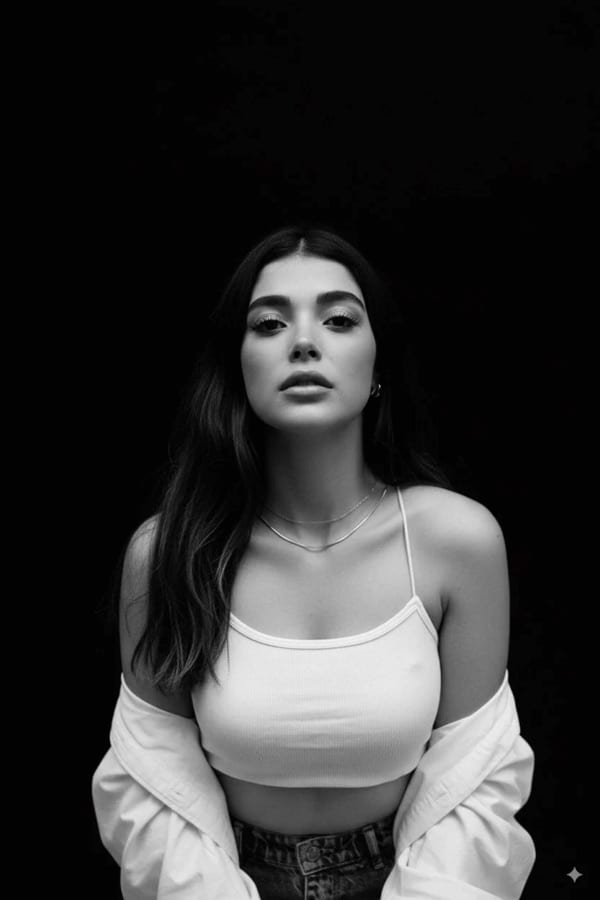 Headshots & portraits **AI B&W Studio Portrait**](https://getluren.com/styles/ai-b-and-w-studio-portrait/)[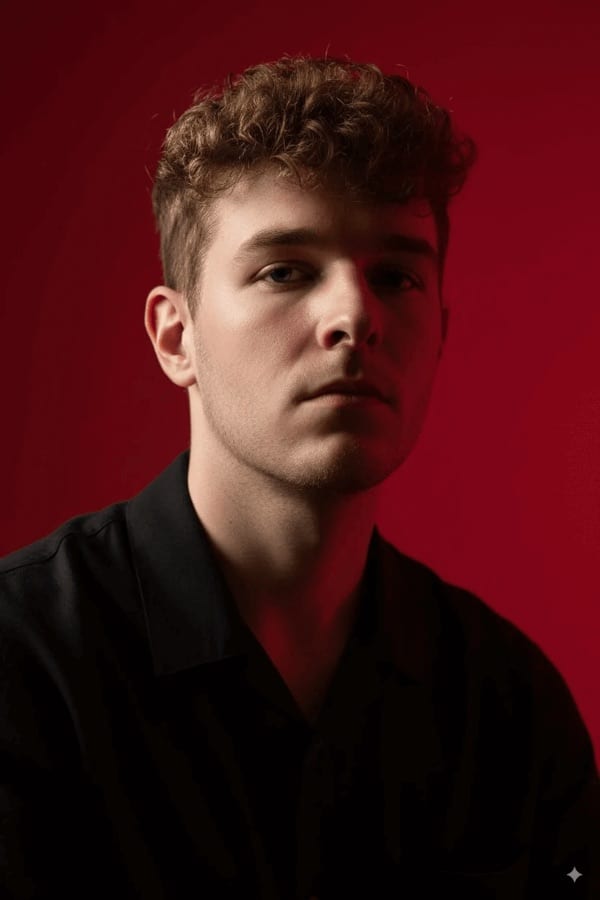 Headshots & portraits **AI Cinematic Portrait**](https://getluren.com/styles/ai-cinematic-portrait/)[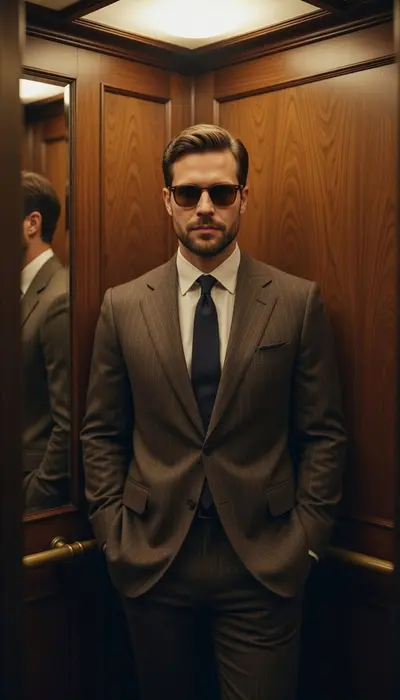 Men's editorial **Walnut Authority**](https://getluren.com/styles/walnut-authority/)[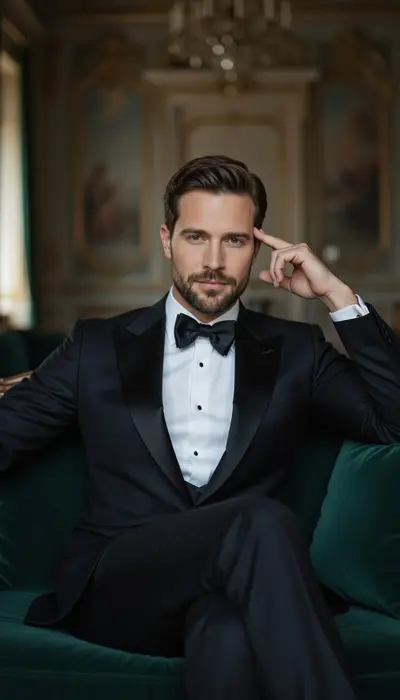 Men's editorial **Modern Heir**](https://getluren.com/styles/modern-heir/)[ Men's editorial **Noir Minimal**](https://getluren.com/styles/noir-minimal/)[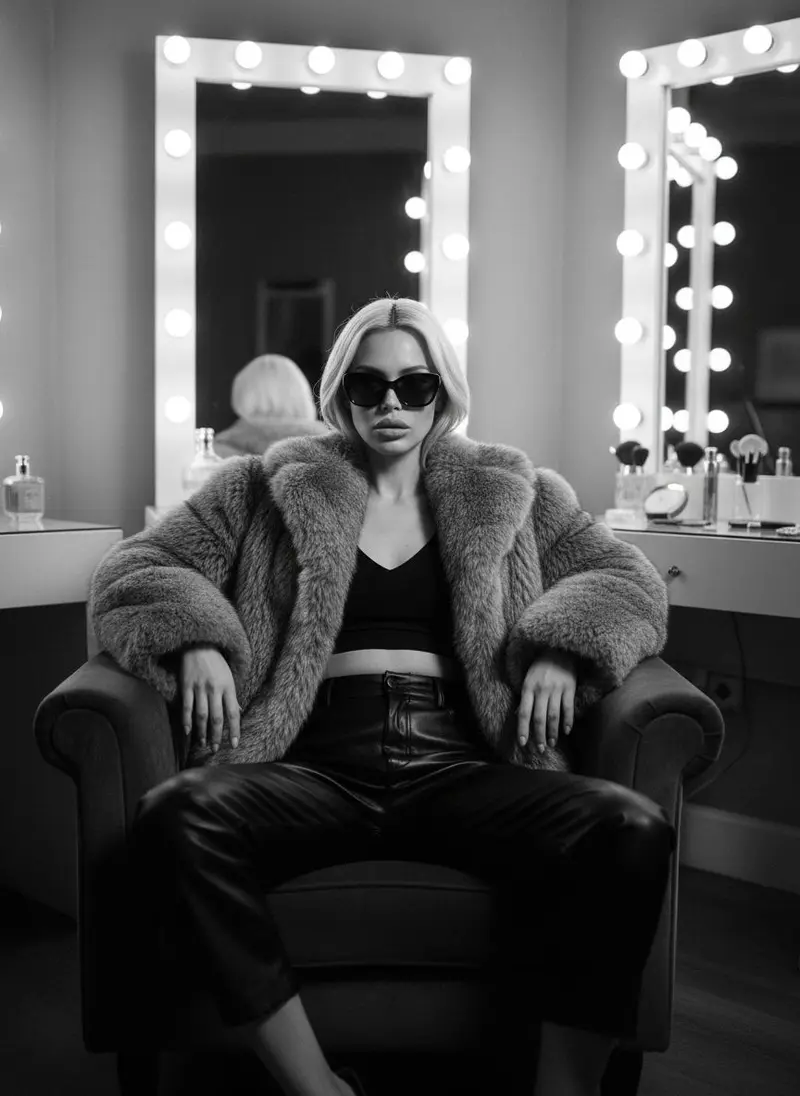 Black & white **Boss Lady**](https://getluren.com/styles/boss-lady/)[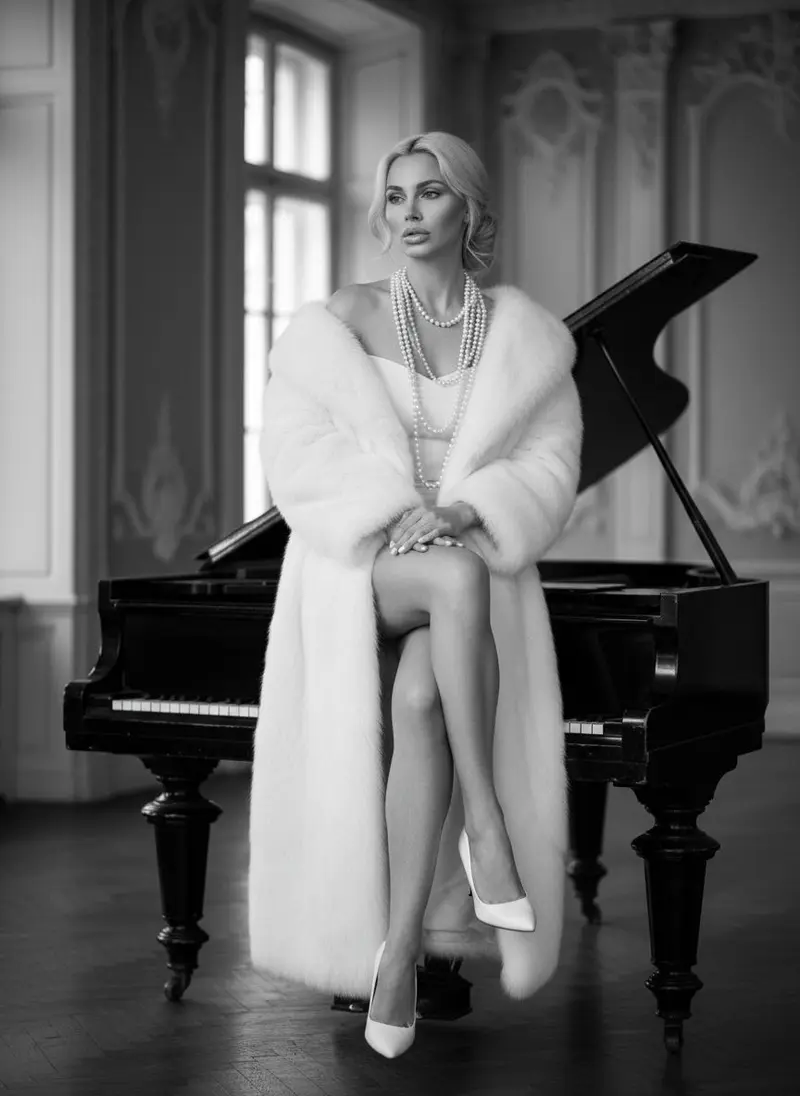 Black & white **Classic Luxury**](https://getluren.com/styles/classic-luxury/)[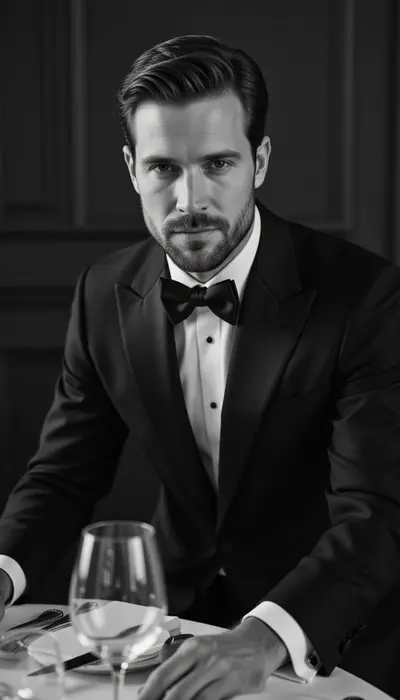 Men's editorial **The Final Cut**](https://getluren.com/styles/the-final-cut/)
## More AI features
[AI image generator](https://getluren.com/ai-image-generator/)[Image to video](https://getluren.com/image-to-video-ai/)[Text to video](https://getluren.com/text-to-video-ai/)[Cartoon yourself](https://getluren.com/ai-cartoon-yourself/)[Hairstyle changer](https://getluren.com/ai-hairstyle-changer/)[Hug your younger self](https://getluren.com/ai-hug-younger-self/)[Photo to painting](https://getluren.com/photo-to-painting/)[Photo to pixel art](https://getluren.com/photo-to-pixel-art/)[Product photo studio](https://getluren.com/ai-product-photography/)[Background remover](https://getluren.com/ai-background-remover/)[AI interior design](https://getluren.com/ai-interior-design/)[Virtual staging](https://getluren.com/ai-virtual-staging/)[Photo enhancer](https://getluren.com/ai-photo-enhancer/)[Object replacer](https://getluren.com/ai-object-replacer/)
FAQ
## AI headshots: questions
### How does an AI headshot work?
You add one selfie and an AI image model redraws it as a studio portrait in business attire against a neutral background. The tool is built to keep your face, so the headshot looks like you, dressed and lit for work.
### Which selfie gives the best headshot?
A sharp, front-facing photo in soft light, with your whole face visible and nothing covering it. Group photos, heavy filters and very dim light make it harder for the model to keep your features.
### Do I need to upload lots of photos?
No. One selfie is enough, because Luren AI does not train a personal model. That also means no waiting: your headshot is ready in under a minute.
### Can I use the headshot on my CV or company website?
Yes, the headshots you create are yours to use, including for work. Only use photos of yourself, or of someone who has given you permission.
## Try AI headshots in Luren AI
Free to download on iPhone and Android. Pick a style, add one photo, and see yourself in it in under a minute.
Download & claim your **FREE** AI generation
[Download on the App Store](https://apps.apple.com/app/apple-store/id6744154685?pt=118850632&ct=web_style&mt=8) [Get it on Google Play](https://play.google.com/store/apps/details?id=com.thekmobile.actionfigure&referrer=utm_source%3Dgetluren.com%26utm_medium%3Dweb%26utm_campaign%3Dstyle)
4.4 on the App Store · 390 ratings
---
Source: https://getluren.com/ai-cartoon-yourself/
1. [Home](https://getluren.com/)
2. Cartoon yourself
Cartoon yourself
# Cartoon yourself with AI
Toonify Me turns an ordinary photo into a cartoon version of you. Take a selfie or pick one from your gallery, choose a cartoon look, and your toon arrives in your History in under a minute, ready to save, share or redo in another look.
Download & claim your **FREE** AI generation
[Download on the App Store](https://apps.apple.com/app/apple-store/id6744154685?pt=118850632&ct=web_style&mt=8) [Get it on Google Play](https://play.google.com/store/apps/details?id=com.thekmobile.actionfigure&referrer=utm_source%3Dgetluren.com%26utm_medium%3Dweb%26utm_campaign%3Dstyle)
Updated October 18, 2026
  Before After
**Toonify ME** Transform your photos into cartoons.
How it works
## Cartoon yourself in three steps
1. 1
### Open Toonify Me
Find it in Creative Tools in the Luren AI app.
2. 2
### Add your photo
Take a selfie with the camera or pick one from your gallery.
3. 3
### Pick a look
Choose a cartoon style, then save or share the result.
## Tips for great results
- A clear photo with your face in the middle of the frame gives the cleanest cartoon.
- Bright, even light keeps your eyes and smile readable once they are simplified.
- Plain backgrounds keep the focus on you, while busy scenes turn into busy cartoons.
- Try the same photo in a second look, because each style draws you differently.
## What people use it for
- Profile pictures and avatars
- Birthday cards and party invitations
- Cartoon versions of family photos
- Avatars for gaming and streaming profiles
## More AI features
[AI image generator](https://getluren.com/ai-image-generator/)[Image to video](https://getluren.com/image-to-video-ai/)[Text to video](https://getluren.com/text-to-video-ai/)[AI headshots](https://getluren.com/ai-headshot-generator/)[Hairstyle changer](https://getluren.com/ai-hairstyle-changer/)[Hug your younger self](https://getluren.com/ai-hug-younger-self/)[Photo to painting](https://getluren.com/photo-to-painting/)[Photo to pixel art](https://getluren.com/photo-to-pixel-art/)[Product photo studio](https://getluren.com/ai-product-photography/)[Background remover](https://getluren.com/ai-background-remover/)[AI interior design](https://getluren.com/ai-interior-design/)[Virtual staging](https://getluren.com/ai-virtual-staging/)[Photo enhancer](https://getluren.com/ai-photo-enhancer/)[Object replacer](https://getluren.com/ai-object-replacer/)
FAQ
## Cartoon yourself: questions
### How do I cartoon myself?
Open Toonify Me, add a photo of yourself and pick a cartoon look. The app redraws the photo as a cartoon and puts it in your History, where you can save or share it.
### Will the cartoon still look like me?
The cartoon keeps the things people recognize you by, like face shape, hair and expression, and simplifies the rest. A clear, front-facing photo gives the closest likeness.
### Is it free to cartoon yourself?
Luren AI is free to download and try. After that, cartoons are paid for with coins or a Pro subscription, and some cartoon looks are part of Pro.
### What happens to my photo?
Your photo is used only to make your cartoon, and the result is kept in your History so you can find it again. To have your data deleted, email support@getluren.com.
## Try cartoon yourself in Luren AI
Free to download on iPhone and Android. Pick a style, add one photo, and see yourself in it in under a minute.
Download & claim your **FREE** AI generation
[Download on the App Store](https://apps.apple.com/app/apple-store/id6744154685?pt=118850632&ct=web_style&mt=8) [Get it on Google Play](https://play.google.com/store/apps/details?id=com.thekmobile.actionfigure&referrer=utm_source%3Dgetluren.com%26utm_medium%3Dweb%26utm_campaign%3Dstyle)
4.4 on the App Store · 390 ratings
---
Source: https://getluren.com/ai-hairstyle-changer/
1. [Home](https://getluren.com/)
2. Hairstyle changer
Hairstyle changer
# AI hairstyle changer: try new hair color and styles on yourself
Change Hair Color & Style lets you try a new look on your own face. Add a selfie, type the hair color and the hair type you want, such as copper red and loose curls, and the app redraws your hair so you can judge the look on yourself.
Download & claim your **FREE** AI generation
[Download on the App Store](https://apps.apple.com/app/apple-store/id6744154685?pt=118850632&ct=web_style&mt=8) [Get it on Google Play](https://play.google.com/store/apps/details?id=com.thekmobile.actionfigure&referrer=utm_source%3Dgetluren.com%26utm_medium%3Dweb%26utm_campaign%3Dstyle)
Updated October 18, 2026
  Before After
**Change Hair Color & Style** Swap hair color or type.
How it works
## Hairstyle changer in three steps
1. 1
### Add a selfie
Use a photo where your hair is clearly visible.
2. 2
### Choose color and type
Type the hair color and the hair type you want to try.
3. 3
### Compare looks
See the result in History, then try another color on the same photo.
## Tips for great results
- Use a photo where your whole hairline and the full length of your hair are in the frame.
- Be specific about color: 'ash blonde', 'deep burgundy' or 'honey brown' work better than 'lighter'.
- Describe the hair type in plain words, like 'straight and sleek', 'beach waves' or 'tight curls'.
- Take the photo in daylight so the new color is judged against your real skin tone.
## What people use it for
- Testing a color before a salon visit
- Showing your stylist the look you want
- Trying bold colors without commitment
- Before-and-after posts for fun
## More AI features
[AI image generator](https://getluren.com/ai-image-generator/)[Image to video](https://getluren.com/image-to-video-ai/)[Text to video](https://getluren.com/text-to-video-ai/)[AI headshots](https://getluren.com/ai-headshot-generator/)[Cartoon yourself](https://getluren.com/ai-cartoon-yourself/)[Hug your younger self](https://getluren.com/ai-hug-younger-self/)[Photo to painting](https://getluren.com/photo-to-painting/)[Photo to pixel art](https://getluren.com/photo-to-pixel-art/)[Product photo studio](https://getluren.com/ai-product-photography/)[Background remover](https://getluren.com/ai-background-remover/)[AI interior design](https://getluren.com/ai-interior-design/)[Virtual staging](https://getluren.com/ai-virtual-staging/)[Photo enhancer](https://getluren.com/ai-photo-enhancer/)[Object replacer](https://getluren.com/ai-object-replacer/)
FAQ
## Hairstyle changer: questions
### How does the AI hairstyle changer work?
You add a photo and type a hair color and a hair type. An AI image model redraws your hair to match, so you can see the look on your own face rather than on a model.
### Can I change only the color and keep my haircut?
Yes. Type the new color and describe your current hair type, for example 'shoulder-length and straight', so only the color is asked to change.
### Will my real hair turn out like the preview?
It is a preview, not a promise: a real result depends on your hair's starting color and condition. Use it to choose a direction and to show your stylist what you have in mind.
### Is the hairstyle changer free?
Luren AI is free to download and try. After that, each new look is paid for with coins or a Pro subscription.
## Try hairstyle changer in Luren AI
Free to download on iPhone and Android. Pick a style, add one photo, and see yourself in it in under a minute.
Download & claim your **FREE** AI generation
[Download on the App Store](https://apps.apple.com/app/apple-store/id6744154685?pt=118850632&ct=web_style&mt=8) [Get it on Google Play](https://play.google.com/store/apps/details?id=com.thekmobile.actionfigure&referrer=utm_source%3Dgetluren.com%26utm_medium%3Dweb%26utm_campaign%3Dstyle)
4.4 on the App Store · 390 ratings
---
Source: https://getluren.com/ai-hug-younger-self/
1. [Home](https://getluren.com/)
2. Hug your younger self
Hug your younger self
# AI hug younger self: a portrait with the child you once were
AI Hug Younger Self puts you and the child you once were in the same picture, wrapped in a hug. Add your photo and a childhood photo, and the app creates one candid, flash-lit snapshot of the two of you together in front of soft curtains, with both faces kept as they are.
Download & claim your **FREE** AI generation
[Download on the App Store](https://apps.apple.com/app/apple-store/id6744154685?pt=118850632&ct=web_style&mt=8) [Get it on Google Play](https://play.google.com/store/apps/details?id=com.thekmobile.actionfigure&referrer=utm_source%3Dgetluren.com%26utm_medium%3Dweb%26utm_campaign%3Dstyle)
Updated October 18, 2026
 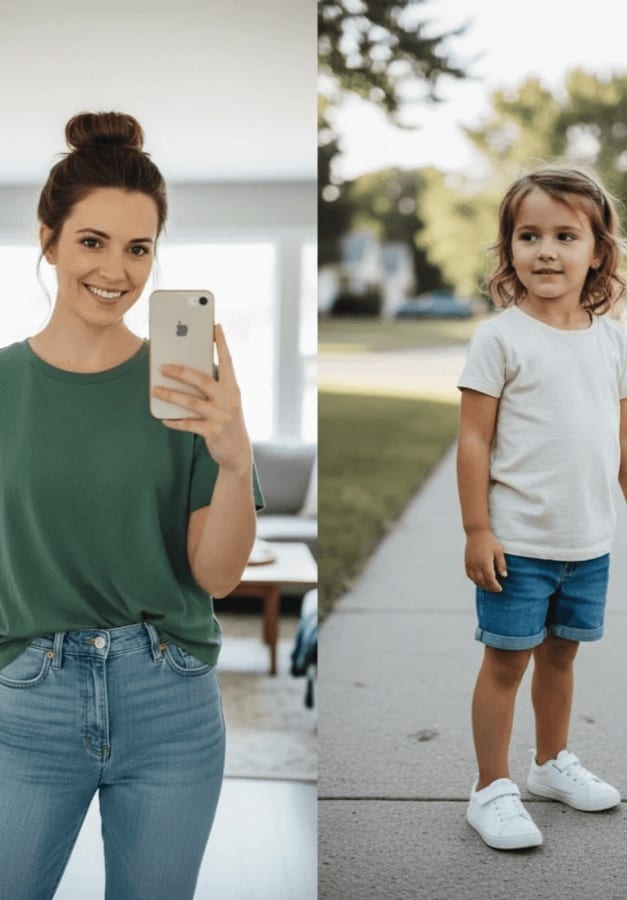 Before After
**AI Hug Younger Self** Create heartfelt portraits across timelines.
How it works
## Hug your younger self in three steps
1. 1
### Pick two photos
Your photo and a photo of you as a child.
2. 2
### Add them to the tool
Open AI Hug Younger Self in Creative Tools and add both.
3. 3
### Keep the moment
The portrait lands in History, ready to save, print or share.
## Tips for great results
- Choose photos where both faces look toward the camera and are not too small in the frame.
- A childhood photo with a clear close-up face works better than a wide shot with the child far away.
- Photograph old prints flat, in daylight and without glare before you add them.
- If the first take is not quite right, run it again, since each take frames the hug a little differently.
## What people use it for
- Birthday and milestone posts
- Gifts for parents and grandparents
- Printed keepsakes and frames
- Personal reflection and self-love posts
## More AI features
[AI image generator](https://getluren.com/ai-image-generator/)[Image to video](https://getluren.com/image-to-video-ai/)[Text to video](https://getluren.com/text-to-video-ai/)[AI headshots](https://getluren.com/ai-headshot-generator/)[Cartoon yourself](https://getluren.com/ai-cartoon-yourself/)[Hairstyle changer](https://getluren.com/ai-hairstyle-changer/)[Photo to painting](https://getluren.com/photo-to-painting/)[Photo to pixel art](https://getluren.com/photo-to-pixel-art/)[Product photo studio](https://getluren.com/ai-product-photography/)[Background remover](https://getluren.com/ai-background-remover/)[AI interior design](https://getluren.com/ai-interior-design/)[Virtual staging](https://getluren.com/ai-virtual-staging/)[Photo enhancer](https://getluren.com/ai-photo-enhancer/)[Object replacer](https://getluren.com/ai-object-replacer/)
FAQ
## Hug your younger self: questions
### How does AI Hug Younger Self work?
You add your photo and a childhood photo. An AI image model places both of you in one scene, hugging, with a soft flash-lit look, and it is instructed not to change either face.
### What photos work best?
Clear, well-lit photos where each face is visible and roughly front-facing. Old prints work too: photograph them flat in daylight so there is no glare across the face.
### Is AI Hug Younger Self free?
Luren AI is free to download and try. After that, each portrait is paid for with coins or a Pro subscription.
### What happens to my childhood photos?
Your photos are used only to make your portrait, and the result is kept in your History so you can find it again. To have your data deleted, email support@getluren.com.
## Try hug your younger self in Luren AI
Free to download on iPhone and Android. Pick a style, add one photo, and see yourself in it in under a minute.
Download & claim your **FREE** AI generation
[Download on the App Store](https://apps.apple.com/app/apple-store/id6744154685?pt=118850632&ct=web_style&mt=8) [Get it on Google Play](https://play.google.com/store/apps/details?id=com.thekmobile.actionfigure&referrer=utm_source%3Dgetluren.com%26utm_medium%3Dweb%26utm_campaign%3Dstyle)
4.4 on the App Store · 390 ratings
---
Source: https://getluren.com/photo-to-painting/
1. [Home](https://getluren.com/)
2. Photo to painting
Photo to painting
# Photo to painting: turn any photo into a painting with AI
Luren AI turns your photo into a painting in one tap. Choose Painting for soft, flowing color, Watercolor Art for a dreamy wash or Brush Stroke Painting for bold, textured strokes, add a photo, and the artwork lands in your History in under a minute.
Download & claim your **FREE** AI generation
[Download on the App Store](https://apps.apple.com/app/apple-store/id6744154685?pt=118850632&ct=web_style&mt=8) [Get it on Google Play](https://play.google.com/store/apps/details?id=com.thekmobile.actionfigure&referrer=utm_source%3Dgetluren.com%26utm_medium%3Dweb%26utm_campaign%3Dstyle)
Updated October 18, 2026
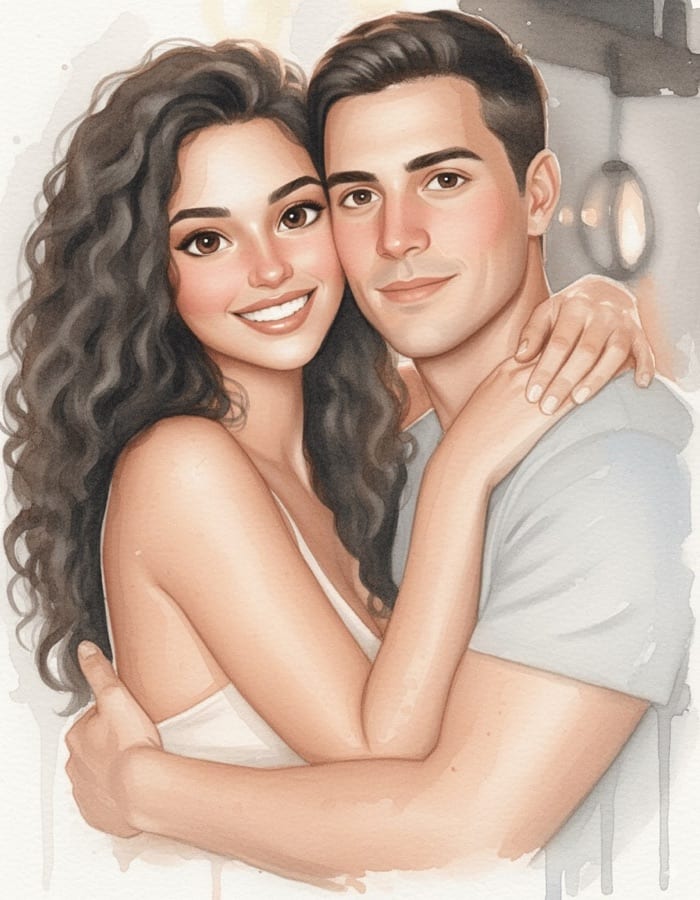 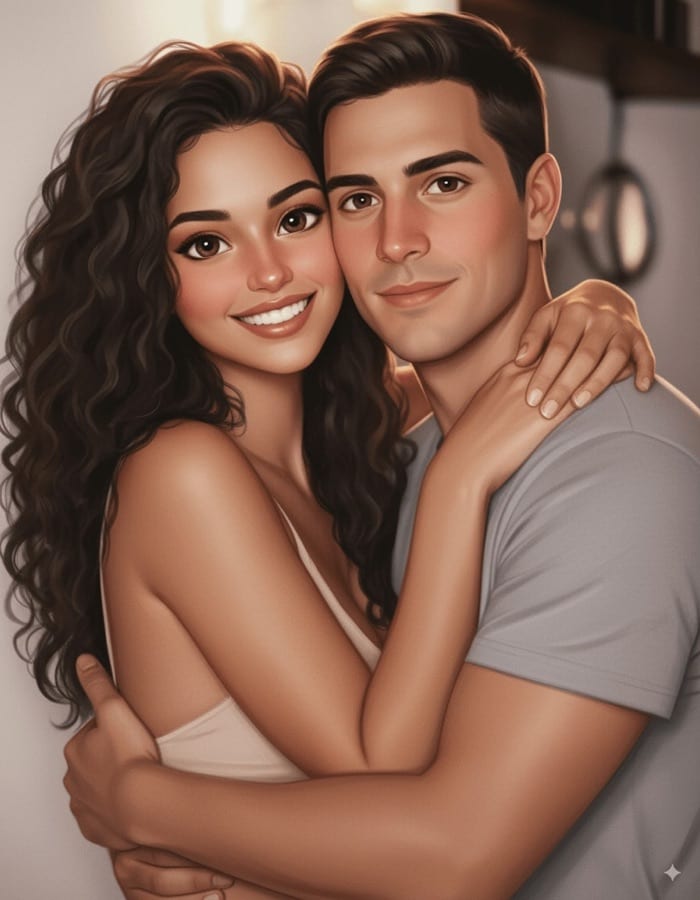 Before After
**Painting** Turn photos into soft, painterly artworks.
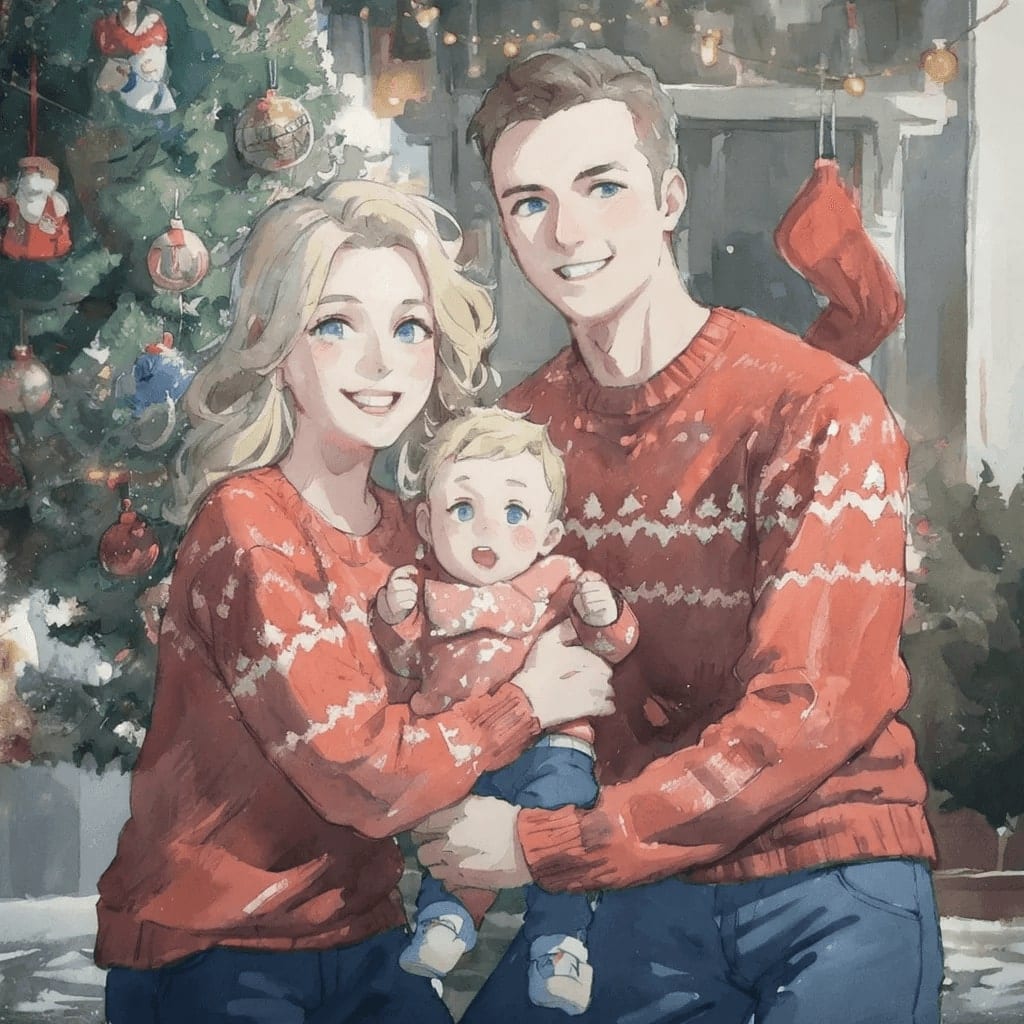 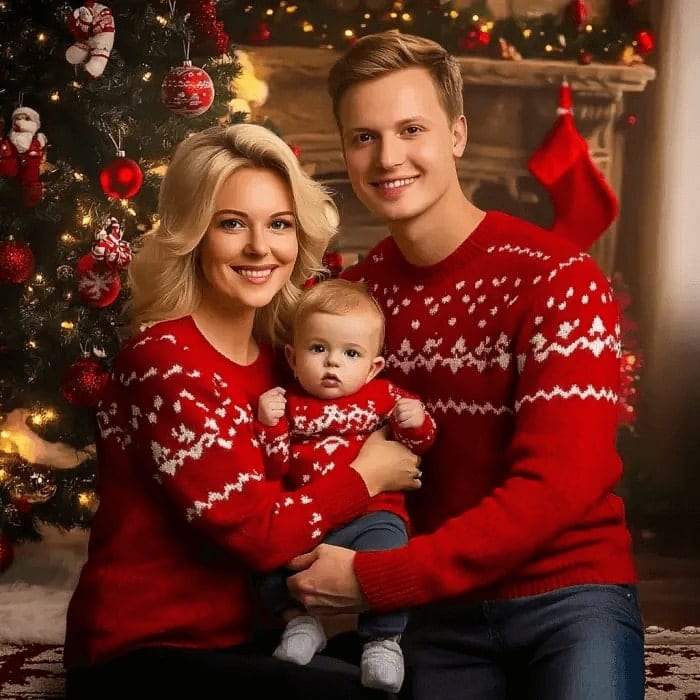 Before After
**Watercolor Art** Create dreamy watercolor paintings from photos.
 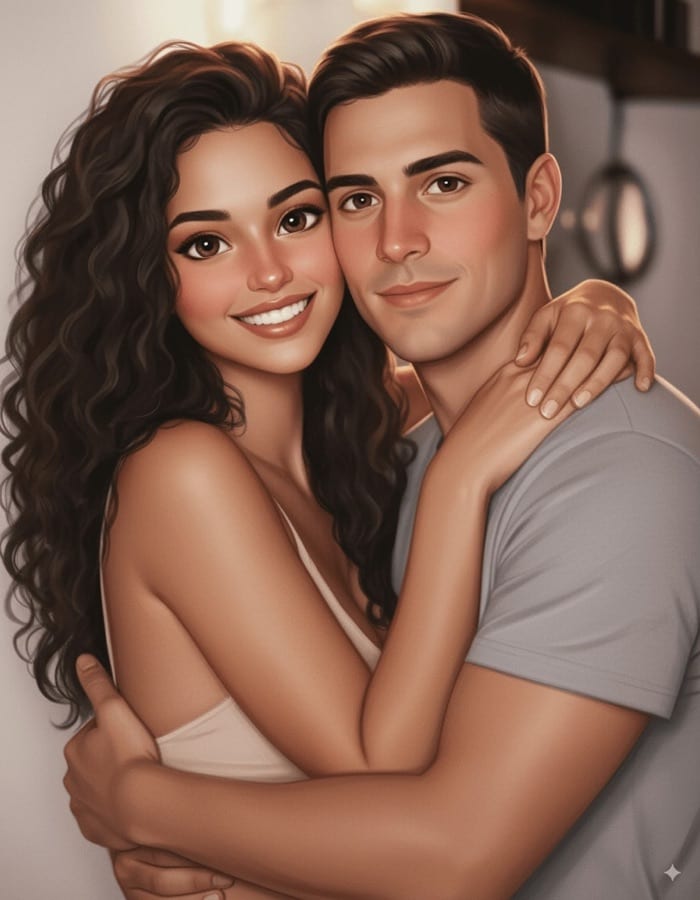 Before After
**Brush Stroke Painting** Add bold brush strokes inspired by Van Gogh.
How it works
## Photo to painting in three steps
1. 1
### Pick a painting style
Painting, Watercolor Art or Brush Stroke Painting.
2. 2
### Add your photo
A portrait, a pet, a landscape or a favorite place.
3. 3
### Save the artwork
Download or share it, or try the same photo in another style.
## Tips for great results
- Photos with one clear subject and a simple background become the most readable paintings.
- Landscapes and golden-hour light suit the watercolor look especially well.
- Choose Brush Stroke Painting when you want visible texture that holds up in print.
- Run one photo through all three styles and keep the one that suits it.
## What people use it for
- Wall art and prints
- Personalized gifts
- Pet and family portraits
- Cards and invitations
## More AI features
[AI image generator](https://getluren.com/ai-image-generator/)[Image to video](https://getluren.com/image-to-video-ai/)[Text to video](https://getluren.com/text-to-video-ai/)[AI headshots](https://getluren.com/ai-headshot-generator/)[Cartoon yourself](https://getluren.com/ai-cartoon-yourself/)[Hairstyle changer](https://getluren.com/ai-hairstyle-changer/)[Hug your younger self](https://getluren.com/ai-hug-younger-self/)[Photo to pixel art](https://getluren.com/photo-to-pixel-art/)[Product photo studio](https://getluren.com/ai-product-photography/)[Background remover](https://getluren.com/ai-background-remover/)[AI interior design](https://getluren.com/ai-interior-design/)[Virtual staging](https://getluren.com/ai-virtual-staging/)[Photo enhancer](https://getluren.com/ai-photo-enhancer/)[Object replacer](https://getluren.com/ai-object-replacer/)
FAQ
## Photo to painting: questions
### What painting styles can I choose?
Painting gives a soft, painterly look with flowing color, Watercolor Art a dreamy watercolor wash, and Brush Stroke Painting bold, visible strokes. All three start from the same photo, so you can compare them side by side.
### Which photos make the best paintings?
Sharp photos with one clear subject and good light. Busy scenes still work, but a painting simplifies detail, so small background objects can blend together.
### Can I print the painting or sell it?
Yes. Save it to your phone and print it like any other photo; the artwork you create is yours to use, including on products you sell, as long as the original photo is yours.
### Is the photo to painting tool free?
Luren AI is free to download and try. After that, each painting is paid for with coins or a Pro subscription.
## Try photo to painting in Luren AI
Free to download on iPhone and Android. Pick a style, add one photo, and see yourself in it in under a minute.
Download & claim your **FREE** AI generation
[Download on the App Store](https://apps.apple.com/app/apple-store/id6744154685?pt=118850632&ct=web_style&mt=8) [Get it on Google Play](https://play.google.com/store/apps/details?id=com.thekmobile.actionfigure&referrer=utm_source%3Dgetluren.com%26utm_medium%3Dweb%26utm_campaign%3Dstyle)
4.4 on the App Store · 390 ratings
---
Source: https://getluren.com/photo-to-pixel-art/
1. [Home](https://getluren.com/)
2. Photo to pixel art
Photo to pixel art
# Photo to pixel art: become a 16-bit game character
16-Bit Game Character turns a photo into retro pixel art. Add your photo, describe the character in a few words, and the app recreates it as a 16-bit video game hero standing in a level of a 2D platform game.
Download & claim your **FREE** AI generation
[Download on the App Store](https://apps.apple.com/app/apple-store/id6744154685?pt=118850632&ct=web_style&mt=8) [Get it on Google Play](https://play.google.com/store/apps/details?id=com.thekmobile.actionfigure&referrer=utm_source%3Dgetluren.com%26utm_medium%3Dweb%26utm_campaign%3Dstyle)
Updated October 18, 2026
  Before After
**16-Bit Game Character** Pixelate to 16-bits.
How it works
## Photo to pixel art in three steps
1. 1
### Add a photo
A clear photo of yourself or a friend.
2. 2
### Name the character
Describe who is in the photo, such as 'a girl in a red jacket'.
3. 3
### Press start
Your pixel-art character arrives in History, ready to save and share.
## Tips for great results
- Clothes in strong, simple colors read best once they are reduced to pixels.
- Full-body or half-body photos give the character more to work with than a tight face crop.
- Add a detail to the description, like 'with a skateboard' or 'in a wizard hat', to steer the character.
- Do not worry about the background, because the tool builds a game level around the character anyway.
## What people use it for
- Retro avatars for gaming profiles
- Stream overlays and channel art
- Invitations for game nights and birthdays
- Gifts for friends who love retro games
## More AI features
[AI image generator](https://getluren.com/ai-image-generator/)[Image to video](https://getluren.com/image-to-video-ai/)[Text to video](https://getluren.com/text-to-video-ai/)[AI headshots](https://getluren.com/ai-headshot-generator/)[Cartoon yourself](https://getluren.com/ai-cartoon-yourself/)[Hairstyle changer](https://getluren.com/ai-hairstyle-changer/)[Hug your younger self](https://getluren.com/ai-hug-younger-self/)[Photo to painting](https://getluren.com/photo-to-painting/)[Product photo studio](https://getluren.com/ai-product-photography/)[Background remover](https://getluren.com/ai-background-remover/)[AI interior design](https://getluren.com/ai-interior-design/)[Virtual staging](https://getluren.com/ai-virtual-staging/)[Photo enhancer](https://getluren.com/ai-photo-enhancer/)[Object replacer](https://getluren.com/ai-object-replacer/)
FAQ
## Photo to pixel art: questions
### What does the 16-Bit Game Character tool make?
A pixel-art version of the person in your photo, drawn like a character from a 16-bit console game and placed in a level of a 2D platform game.
### What should I type in the character field?
A short description of who is in the photo, such as 'a man with a beard and a green hoodie'. It helps the model keep the details that make the character recognizable.
### Can I use the pixel art as a profile picture?
Yes. Save the image and crop it to a square in any photo editor; the pixel art you create is yours to use.
### Is photo to pixel art free?
Luren AI is free to download and try. After that, each character is paid for with coins or a Pro subscription.
## Try photo to pixel art in Luren AI
Free to download on iPhone and Android. Pick a style, add one photo, and see yourself in it in under a minute.
Download & claim your **FREE** AI generation
[Download on the App Store](https://apps.apple.com/app/apple-store/id6744154685?pt=118850632&ct=web_style&mt=8) [Get it on Google Play](https://play.google.com/store/apps/details?id=com.thekmobile.actionfigure&referrer=utm_source%3Dgetluren.com%26utm_medium%3Dweb%26utm_campaign%3Dstyle)
4.4 on the App Store · 390 ratings
---
Source: https://getluren.com/ai-product-photography/
1. [Home](https://getluren.com/)
2. Product photo studio
Product photo studio
# AI product photo studio: studio-quality shots from one photo
Skip the studio booking. Take one clear photo of your product and Luren AI stages it like a professional shoot: a clean catalogue shot on white, a styled set with the surface, light and props you choose, a lifestyle scene, or a campaign image with room for a headline. Need a cut-out? Remove Background gives you a transparent PNG. Prefer to describe it? Tell the AI agent what you sell and it makes the shot.
Download & claim your **FREE** AI generation
[Download on the App Store](https://apps.apple.com/app/apple-store/id6744154685?pt=118850632&ct=web_style&mt=8) [Get it on Google Play](https://play.google.com/store/apps/details?id=com.thekmobile.actionfigure&referrer=utm_source%3Dgetluren.com%26utm_medium%3Dweb%26utm_campaign%3Dstyle)
Updated October 18, 2026
  Before After
**AI Product Staging** Stage products with customizable lighting & props.
  Before After
**Remove Background** Isolate subjects with clean transparent backgrounds.
How it works
## Product photo studio in three steps
1. 1
### Photograph the product
One sharp photo on a plain surface in daylight, label facing the camera.
2. 2
### Choose the shot
Catalogue white, a styled set, a lifestyle scene, an ad with headline space or a UGC-style photo. Set the surface, light, mood and props, or just describe it to the AI agent.
3. 3
### Publish
Save the result from History, make more angles and scenes from the same photo, or turn it into a video on the Video tab.
## Tips for great results
- Photograph the product straight on in soft daylight so its shape, label and color are captured accurately.
- Name the product type precisely, like 'amber glass serum bottle' rather than 'bottle'.
- Match the set to the buyer: marble and soft light for skincare, wood and steam for coffee, concrete for sneakers.
- Check labels and small print in the result before you publish, since AI can soften fine text.
## What people use it for
- Amazon, Shopify and Etsy listings on clean white
- Ad creatives with space for a headline
- UGC-style shots for TikTok and Reels
- Seasonal and holiday campaigns without a reshoot
- Catalogues, pitch decks and wholesale sheets
For brands
## Make UGC ads, or let the agent do it
Turn the same product photo into [UGC-style ads and videos](https://getluren.com/ai-ugc-generator/), or tell the [Luren AI agent](https://getluren.com/ai-agent/) what you sell and it makes the shot.
[Meet the AI agent](https://getluren.com/ai-agent/)
## More AI features
[AI image generator](https://getluren.com/ai-image-generator/)[Image to video](https://getluren.com/image-to-video-ai/)[Text to video](https://getluren.com/text-to-video-ai/)[AI headshots](https://getluren.com/ai-headshot-generator/)[Cartoon yourself](https://getluren.com/ai-cartoon-yourself/)[Hairstyle changer](https://getluren.com/ai-hairstyle-changer/)[Hug your younger self](https://getluren.com/ai-hug-younger-self/)[Photo to painting](https://getluren.com/photo-to-painting/)[Photo to pixel art](https://getluren.com/photo-to-pixel-art/)[Background remover](https://getluren.com/ai-background-remover/)[AI interior design](https://getluren.com/ai-interior-design/)[Virtual staging](https://getluren.com/ai-virtual-staging/)[Photo enhancer](https://getluren.com/ai-photo-enhancer/)[Object replacer](https://getluren.com/ai-object-replacer/)
FAQ
## Product photo studio: questions
### How does AI product photography work?
You add a photo of your product and describe the set: surface, background, lighting, mood and props. An AI image model builds that scene around the product and returns a finished product shot.
### Will the product look exactly like mine?
The tool keeps the product in sharp focus as the subject, and a clear photo helps it hold shape and color. Always compare the result with the real item before using it in a listing, so customers get what they see.
### Can I get a white or transparent background?
Yes. Remove Background cuts the product out onto a transparent background so you can place it anywhere, or you can stage it on a plain white backdrop by typing that as the background.
### Can I use the images commercially?
With Luren AI Pro, yes: the Terms of Use allow commercial use of your creations while your Pro subscription is active. On the free plan, creations are for personal, non-commercial use. Use photos of products you own or have the right to sell.
### Can the AI agent make product photos for me?
Yes. In the Luren AI agent, say what you need, like "a catalogue shot of my candle on white" or "an ad with space for a headline", and send the product photo. It writes the brief, picks the model and makes the shot, and you can ask for changes in words.
### Can I turn a product photo into a video?
Yes. Add the finished product shot on the Video tab and describe the motion, such as a slow turn or a hand picking it up. Veo 3.1 adds sound; Kling gives smooth, longer motion. For creator-style clips, see the AI UGC generator.
## Try product photo studio in Luren AI
Free to download on iPhone and Android. Pick a style, add one photo, and see yourself in it in under a minute.
Download & claim your **FREE** AI generation
[Download on the App Store](https://apps.apple.com/app/apple-store/id6744154685?pt=118850632&ct=web_style&mt=8) [Get it on Google Play](https://play.google.com/store/apps/details?id=com.thekmobile.actionfigure&referrer=utm_source%3Dgetluren.com%26utm_medium%3Dweb%26utm_campaign%3Dstyle)
4.4 on the App Store · 390 ratings
---
Source: https://getluren.com/ai-background-remover/
1. [Home](https://getluren.com/)
2. Background remover
Background remover
# AI background remover: cut out any subject in one tap
Remove Background isolates the subject of your photo and removes everything behind it. There is no prompt to write: add the photo, and the app returns a transparent PNG cut-out with soft edges, which helps hair and other fine details look natural.
Download & claim your **FREE** AI generation
[Download on the App Store](https://apps.apple.com/app/apple-store/id6744154685?pt=118850632&ct=web_style&mt=8) [Get it on Google Play](https://play.google.com/store/apps/details?id=com.thekmobile.actionfigure&referrer=utm_source%3Dgetluren.com%26utm_medium%3Dweb%26utm_campaign%3Dstyle)
Updated October 18, 2026
  Before After
**Remove Background** Isolate subjects with clean transparent backgrounds.
How it works
## Background remover in three steps
1. 1
### Open Remove Background
Find it in Creative Tools in the Luren AI app.
2. 2
### Add a photo
Choose a photo with one clear main subject.
3. 3
### Save the cut-out
Your transparent image lands in History, ready to save and use.
## Tips for great results
- Pick photos where the subject stands out from the background in color or brightness.
- Keep the whole subject in the frame, because anything cut off by the photo's edge stays cut off.
- Soft, even light gives cleaner edges than strong backlight.
- To put the subject into a new scene, stage it with AI Product Staging or place the cut-out in any design app.
## What people use it for
- Product photos for online stores
- Stickers and collages
- Profile pictures on a clean backdrop
- Presentations and flyers
For brands
## Make UGC ads, or let the agent do it
Turn the same product photo into [UGC-style ads and videos](https://getluren.com/ai-ugc-generator/), or tell the [Luren AI agent](https://getluren.com/ai-agent/) what you sell and it makes the shot.
[Meet the AI agent](https://getluren.com/ai-agent/)
## More AI features
[AI image generator](https://getluren.com/ai-image-generator/)[Image to video](https://getluren.com/image-to-video-ai/)[Text to video](https://getluren.com/text-to-video-ai/)[AI headshots](https://getluren.com/ai-headshot-generator/)[Cartoon yourself](https://getluren.com/ai-cartoon-yourself/)[Hairstyle changer](https://getluren.com/ai-hairstyle-changer/)[Hug your younger self](https://getluren.com/ai-hug-younger-self/)[Photo to painting](https://getluren.com/photo-to-painting/)[Photo to pixel art](https://getluren.com/photo-to-pixel-art/)[Product photo studio](https://getluren.com/ai-product-photography/)[AI interior design](https://getluren.com/ai-interior-design/)[Virtual staging](https://getluren.com/ai-virtual-staging/)[Photo enhancer](https://getluren.com/ai-photo-enhancer/)[Object replacer](https://getluren.com/ai-object-replacer/)
FAQ
## Background remover: questions
### How do I remove a background with AI?
Open Remove Background and add your photo. A dedicated background-removal model separates the subject from everything behind it, and the cut-out arrives in your History in under a minute.
### Is the result a transparent PNG?
Yes. The cut-out is a PNG with a transparent background, so you can place it on any color or scene. Edges are kept soft, which helps hair and fine details look natural.
### Which photos work best?
Photos with one clear subject that stands out from its background, like a person, a pet or a product. Very busy scenes, or subjects that blend into the background, can leave rougher edges.
### Is the AI background remover free?
Luren AI is free to download and try. After that, each cut-out is paid for with coins or a Pro subscription.
## Try background remover in Luren AI
Free to download on iPhone and Android. Pick a style, add one photo, and see yourself in it in under a minute.
Download & claim your **FREE** AI generation
[Download on the App Store](https://apps.apple.com/app/apple-store/id6744154685?pt=118850632&ct=web_style&mt=8) [Get it on Google Play](https://play.google.com/store/apps/details?id=com.thekmobile.actionfigure&referrer=utm_source%3Dgetluren.com%26utm_medium%3Dweb%26utm_campaign%3Dstyle)
4.4 on the App Store · 390 ratings
---
Source: https://getluren.com/ai-interior-design/
1. [Home](https://getluren.com/)
2. AI interior design
AI interior design
# AI interior design: redesign a room from a photo
AI Interior Design remodels a room from a single photo. Describe what you want to change, one step at a time if you like (new furniture first, then colours and accessories), and the app renders the redesigned room. Decor Staging restyles a room in a chosen style, and Repurpose Space reimagines an outdoor area for a new use.
Download & claim your **FREE** AI generation
[Download on the App Store](https://apps.apple.com/app/apple-store/id6744154685?pt=118850632&ct=web_style&mt=8) [Get it on Google Play](https://play.google.com/store/apps/details?id=com.thekmobile.actionfigure&referrer=utm_source%3Dgetluren.com%26utm_medium%3Dweb%26utm_campaign%3Dstyle)
Updated October 18, 2026
  Before After
**AI Interior Design** Remodel interiors with guided multi-step prompts.
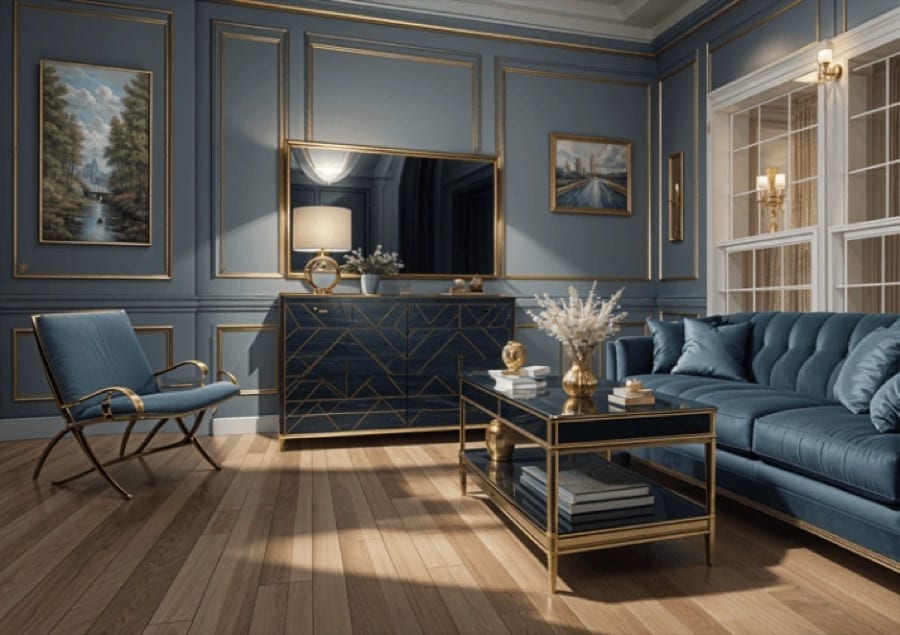 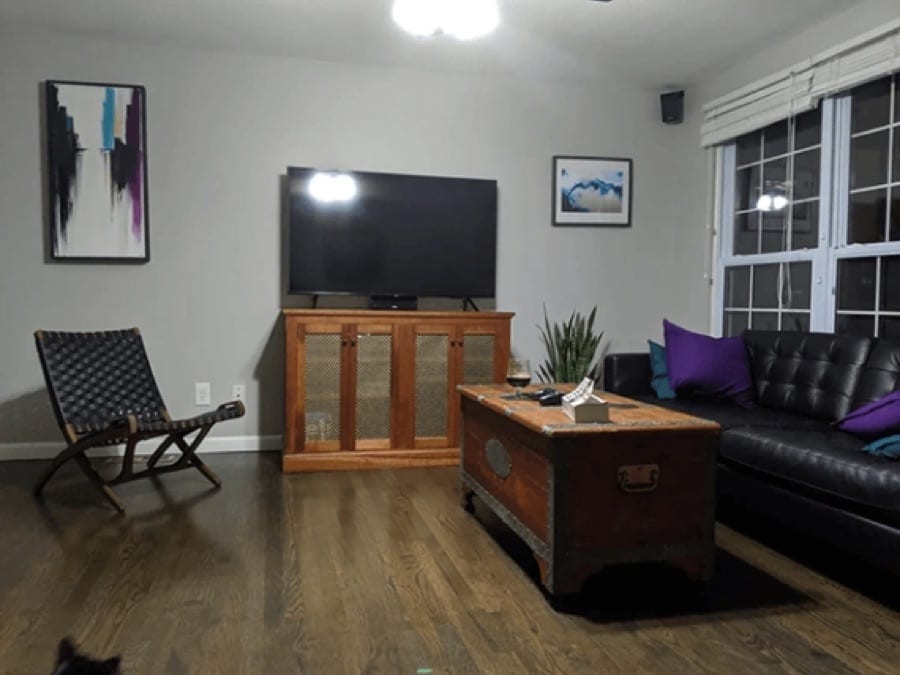 Before After
**Decor Staging** Refresh room layouts with curated decor styles.
  Before After
**Repurpose Space** Reimagine outdoor spaces with new purposes.
How it works
## AI interior design in three steps
1. 1
### Photograph the room
Stand in a corner and capture as much of the room as you can.
2. 2
### Describe the changes
Write them as steps: furniture first, then walls, colors and details.
3. 3
### Compare the design
Find the redesigned room in History, adjust a step and try again.
## Tips for great results
- Shoot in daylight with the lights on so walls, floor and windows are clearly visible.
- Hold the camera level, because a tilted photo produces tilted furniture.
- Name materials and colors, like 'oak floor', 'linen curtains' or 'sage green walls'.
- Change a few things at a time so the room stays recognizable.
## What people use it for
- Planning a renovation or a repaint
- Choosing furniture before you buy
- Refreshing a rental or a first home
- Patio, garden and balcony ideas
## More AI features
[AI image generator](https://getluren.com/ai-image-generator/)[Image to video](https://getluren.com/image-to-video-ai/)[Text to video](https://getluren.com/text-to-video-ai/)[AI headshots](https://getluren.com/ai-headshot-generator/)[Cartoon yourself](https://getluren.com/ai-cartoon-yourself/)[Hairstyle changer](https://getluren.com/ai-hairstyle-changer/)[Hug your younger self](https://getluren.com/ai-hug-younger-self/)[Photo to painting](https://getluren.com/photo-to-painting/)[Photo to pixel art](https://getluren.com/photo-to-pixel-art/)[Product photo studio](https://getluren.com/ai-product-photography/)[Background remover](https://getluren.com/ai-background-remover/)[Virtual staging](https://getluren.com/ai-virtual-staging/)[Photo enhancer](https://getluren.com/ai-photo-enhancer/)[Object replacer](https://getluren.com/ai-object-replacer/)
FAQ
## AI interior design: questions
### How does AI interior design work?
You add a photo of the room and describe what to change, step by step. An AI image model redraws the room with the new furniture, colors and finishes, working from your photo rather than a blank render.
### What is the difference between AI Interior Design, Decor Staging and Repurpose Space?
AI Interior Design follows your own step-by-step changes. Decor Staging restyles a room in a chosen style while keeping its architecture, windows and layout, and Repurpose Space gives an outdoor area a new purpose while keeping fences, walls and paving.
### Can I build from the design?
Treat it as a visual idea, not a plan, because proportions and measurements are not guaranteed. It is ideal for choosing a direction and showing a contractor or partner what you mean.
### Is AI interior design free?
Luren AI is free to download and try. After that, each design is paid for with coins or a Pro subscription.
## Try AI interior design in Luren AI
Free to download on iPhone and Android. Pick a style, add one photo, and see yourself in it in under a minute.
Download & claim your **FREE** AI generation
[Download on the App Store](https://apps.apple.com/app/apple-store/id6744154685?pt=118850632&ct=web_style&mt=8) [Get it on Google Play](https://play.google.com/store/apps/details?id=com.thekmobile.actionfigure&referrer=utm_source%3Dgetluren.com%26utm_medium%3Dweb%26utm_campaign%3Dstyle)
4.4 on the App Store · 390 ratings
---
Source: https://getluren.com/ai-virtual-staging/
1. [Home](https://getluren.com/)
2. Virtual staging
Virtual staging
# AI virtual staging: furnish and style a room from a photo
Decor Staging furnishes and restyles a room from a single photo. Pick the room type and a style, list the furniture, colors and lighting you want, note anything to avoid, and the app stages the room while keeping its architecture, windows and layout unchanged.
Download & claim your **FREE** AI generation
[Download on the App Store](https://apps.apple.com/app/apple-store/id6744154685?pt=118850632&ct=web_style&mt=8) [Get it on Google Play](https://play.google.com/store/apps/details?id=com.thekmobile.actionfigure&referrer=utm_source%3Dgetluren.com%26utm_medium%3Dweb%26utm_campaign%3Dstyle)
Updated October 18, 2026
  Before After
**Decor Staging** Refresh room layouts with curated decor styles.
How it works
## Virtual staging in three steps
1. 1
### Photograph the room
Empty or furnished, from a corner, in good light.
2. 2
### Choose the staging
Fill in the room type, style, furniture, colors, lighting and goal.
3. 3
### Use the result
Save the staged photo from History, or try another style on the same room.
## Tips for great results
- Shoot wide from a corner at chest height so the floor and two walls are visible.
- Say what the room is for in the goal field, like 'a calm bedroom for a young couple'.
- Use the avoid field for what you do not want, such as rugs over the wood floor or clutter on counters.
- Label virtually staged photos as staged when you use them in a property listing.
## What people use it for
- Property listings
- Rental and holiday home photos
- Showing buyers what a space could be
- Trying decor styles before moving in
For brands
## Make UGC ads, or let the agent do it
Turn the same product photo into [UGC-style ads and videos](https://getluren.com/ai-ugc-generator/), or tell the [Luren AI agent](https://getluren.com/ai-agent/) what you sell and it makes the shot.
[Meet the AI agent](https://getluren.com/ai-agent/)
## More AI features
[AI image generator](https://getluren.com/ai-image-generator/)[Image to video](https://getluren.com/image-to-video-ai/)[Text to video](https://getluren.com/text-to-video-ai/)[AI headshots](https://getluren.com/ai-headshot-generator/)[Cartoon yourself](https://getluren.com/ai-cartoon-yourself/)[Hairstyle changer](https://getluren.com/ai-hairstyle-changer/)[Hug your younger self](https://getluren.com/ai-hug-younger-self/)[Photo to painting](https://getluren.com/photo-to-painting/)[Photo to pixel art](https://getluren.com/photo-to-pixel-art/)[Product photo studio](https://getluren.com/ai-product-photography/)[Background remover](https://getluren.com/ai-background-remover/)[AI interior design](https://getluren.com/ai-interior-design/)[Photo enhancer](https://getluren.com/ai-photo-enhancer/)[Object replacer](https://getluren.com/ai-object-replacer/)
FAQ
## Virtual staging: questions
### What is AI virtual staging?
Virtual staging adds furniture and decor to a photo of a room so viewers can picture it lived in. Decor Staging does it with AI from one photo, following the style, furniture, colors and lighting you choose.
### Does it change the walls or windows?
It is instructed to keep the architecture, windows and layout as they are and to change only the furnishing and decor. Check the result anyway, since small details can still shift.
### Can I use staged photos in a property listing?
Yes, the images are yours to use. Many markets expect virtually staged photos to be marked as staged, so label them and keep the original photo available.
### Is AI virtual staging free?
Luren AI is free to download and try. After that, each staged photo is paid for with coins or a Pro subscription.
## Try virtual staging in Luren AI
Free to download on iPhone and Android. Pick a style, add one photo, and see yourself in it in under a minute.
Download & claim your **FREE** AI generation
[Download on the App Store](https://apps.apple.com/app/apple-store/id6744154685?pt=118850632&ct=web_style&mt=8) [Get it on Google Play](https://play.google.com/store/apps/details?id=com.thekmobile.actionfigure&referrer=utm_source%3Dgetluren.com%26utm_medium%3Dweb%26utm_campaign%3Dstyle)
4.4 on the App Store · 390 ratings
---
Source: https://getluren.com/ai-photo-enhancer/
1. [Home](https://getluren.com/)
2. Photo enhancer
Photo enhancer
# AI photo enhancer: sharpen, upscale and fix faces
Two one-tap tools sharpen and upscale your photos. Face Upscale restores facial detail, reduces blur and compression artifacts and enhances the background too, while Enhance Image raises resolution and sharpness and keeps the original colors and style. There is no prompt to write: add the photo and the enhanced version lands in your History.
Download & claim your **FREE** AI generation
[Download on the App Store](https://apps.apple.com/app/apple-store/id6744154685?pt=118850632&ct=web_style&mt=8) [Get it on Google Play](https://play.google.com/store/apps/details?id=com.thekmobile.actionfigure&referrer=utm_source%3Dgetluren.com%26utm_medium%3Dweb%26utm_campaign%3Dstyle)
Updated October 18, 2026
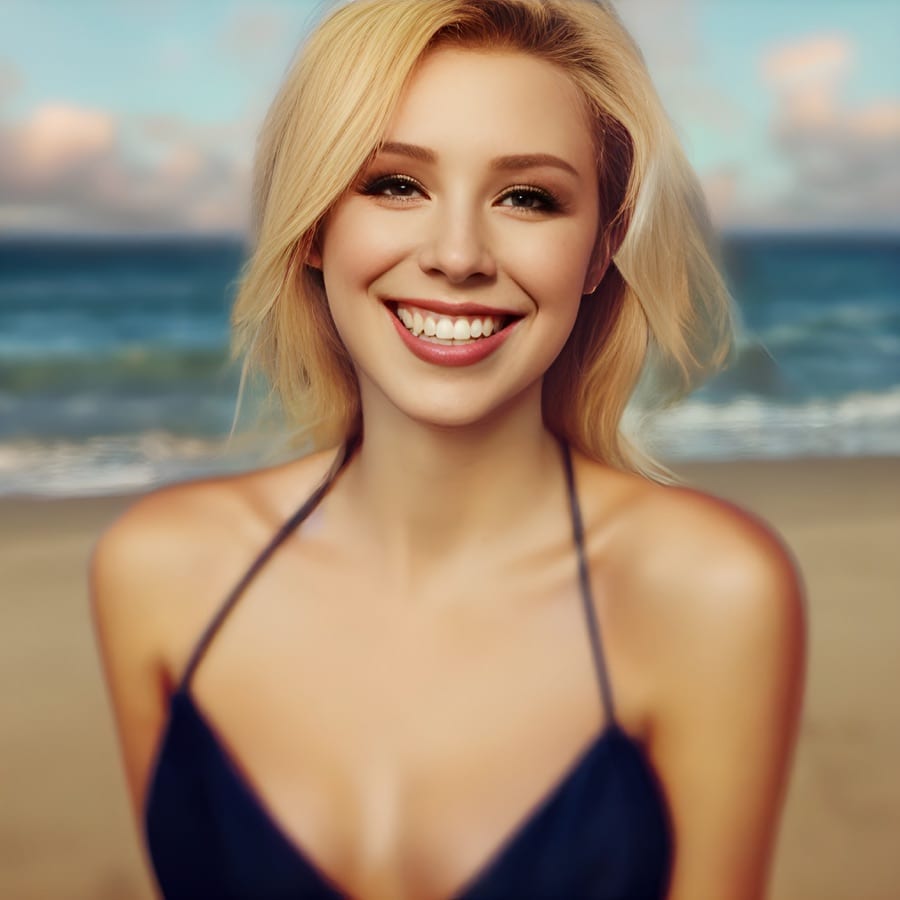  Before After
**Face Upscale** Upscale images and fix facial details with AI.
  Before After
**Enhance Image** Sharpen and upscale while preserving style.
How it works
## Photo enhancer in three steps
1. 1
### Choose the tool
Face Upscale for portraits, Enhance Image for everything else.
2. 2
### Add your photo
Pick the blurry, small or compressed photo you want to improve.
3. 3
### Compare and save
Check the result against the original, then save it.
## Tips for great results
- Use Face Upscale when faces are the point of the photo, such as portraits and group shots.
- Use Enhance Image for landscapes, products and artwork, where the style should be left alone.
- Start from the largest copy you have, because a photo forwarded many times has already lost detail.
- Zoom in on eyes and edges before saving to make sure a restored face still looks like the person.
## What people use it for
- Old and scanned family photos
- Small images saved from chats
- Profile pictures that look soft
- Product photos that need more detail
## More AI features
[AI image generator](https://getluren.com/ai-image-generator/)[Image to video](https://getluren.com/image-to-video-ai/)[Text to video](https://getluren.com/text-to-video-ai/)[AI headshots](https://getluren.com/ai-headshot-generator/)[Cartoon yourself](https://getluren.com/ai-cartoon-yourself/)[Hairstyle changer](https://getluren.com/ai-hairstyle-changer/)[Hug your younger self](https://getluren.com/ai-hug-younger-self/)[Photo to painting](https://getluren.com/photo-to-painting/)[Photo to pixel art](https://getluren.com/photo-to-pixel-art/)[Product photo studio](https://getluren.com/ai-product-photography/)[Background remover](https://getluren.com/ai-background-remover/)[AI interior design](https://getluren.com/ai-interior-design/)[Virtual staging](https://getluren.com/ai-virtual-staging/)[Object replacer](https://getluren.com/ai-object-replacer/)
FAQ
## Photo enhancer: questions
### What does the AI photo enhancer do?
Face Upscale uses a face-restoration model to rebuild facial detail, remove blur and compression artifacts and upscale the whole image. Enhance Image upscales and sharpens without reworking faces, so the photo keeps its original look.
### Will it change how the person looks?
Face restoration has to rebuild detail the photo no longer shows, so very blurry faces can come back slightly different. Compare with the original before you save, and use Enhance Image when you want a lighter touch.
### Can it fix old photos?
It can sharpen blurry or low-resolution scans and bring back facial detail. It does not repair tears or add color, so scan or photograph the print as cleanly as you can first.
### Is the AI photo enhancer free?
Luren AI is free to download and try. After that, each enhanced photo is paid for with coins or a Pro subscription.
## Try photo enhancer in Luren AI
Free to download on iPhone and Android. Pick a style, add one photo, and see yourself in it in under a minute.
Download & claim your **FREE** AI generation
[Download on the App Store](https://apps.apple.com/app/apple-store/id6744154685?pt=118850632&ct=web_style&mt=8) [Get it on Google Play](https://play.google.com/store/apps/details?id=com.thekmobile.actionfigure&referrer=utm_source%3Dgetluren.com%26utm_medium%3Dweb%26utm_campaign%3Dstyle)
4.4 on the App Store · 390 ratings
---
Source: https://getluren.com/ai-object-replacer/
1. [Home](https://getluren.com/)
2. Object replacer
Object replacer
# AI object replacer: swap anything in a photo
Image Replace swaps one element of a photo for something new and leaves the rest alone. Name what to replace, such as the vase on the table, say what should take its place, and the app blends the new element in with the photo's perspective, lighting and style.
Download & claim your **FREE** AI generation
[Download on the App Store](https://apps.apple.com/app/apple-store/id6744154685?pt=118850632&ct=web_style&mt=8) [Get it on Google Play](https://play.google.com/store/apps/details?id=com.thekmobile.actionfigure&referrer=utm_source%3Dgetluren.com%26utm_medium%3Dweb%26utm_campaign%3Dstyle)
Updated October 18, 2026
  Before After
**Image Replace** Swap elements while matching perspective and light.
How it works
## Object replacer in three steps
1. 1
### Add your photo
The photo with the element you want to change.
2. 2
### Name the swap
Say what to replace and what should take its place.
3. 3
### Check the blend
Find the edited photo in History, or try a different swap on the same photo.
## Tips for great results
- Name the target precisely, including where it is: 'the blue mug on the left of the desk'.
- Describe the replacement with size and material, like 'a small ceramic pot with a cactus'.
- Swap one element at a time, and run the result again for further changes.
- Zoom in on edges and shadows around the new element before you save.
## What people use it for
- Trying out furniture and decor
- Updating product shots
- Replacing a distracting object
- Playful edits and surprises
For brands
## Make UGC ads, or let the agent do it
Turn the same product photo into [UGC-style ads and videos](https://getluren.com/ai-ugc-generator/), or tell the [Luren AI agent](https://getluren.com/ai-agent/) what you sell and it makes the shot.
[Meet the AI agent](https://getluren.com/ai-agent/)
## More AI features
[AI image generator](https://getluren.com/ai-image-generator/)[Image to video](https://getluren.com/image-to-video-ai/)[Text to video](https://getluren.com/text-to-video-ai/)[AI headshots](https://getluren.com/ai-headshot-generator/)[Cartoon yourself](https://getluren.com/ai-cartoon-yourself/)[Hairstyle changer](https://getluren.com/ai-hairstyle-changer/)[Hug your younger self](https://getluren.com/ai-hug-younger-self/)[Photo to painting](https://getluren.com/photo-to-painting/)[Photo to pixel art](https://getluren.com/photo-to-pixel-art/)[Product photo studio](https://getluren.com/ai-product-photography/)[Background remover](https://getluren.com/ai-background-remover/)[AI interior design](https://getluren.com/ai-interior-design/)[Virtual staging](https://getluren.com/ai-virtual-staging/)[Photo enhancer](https://getluren.com/ai-photo-enhancer/)
FAQ
## Object replacer: questions
### How does the AI object replacer work?
You add a photo, name the element to replace and describe the new one. An AI image model redraws that area and matches the perspective, lighting and style of the rest of the photo.
### Does the rest of the photo stay the same?
The tool is instructed to keep everything else unchanged. Look closely around the replaced area, where edges and shadows are redrawn to fit.
### Can I remove an object instead of replacing it?
Yes: describe what should be there instead, such as 'the empty wooden table' or 'clear sky', and the tool fills the area to match its surroundings.
### Can I use the edited photos commercially?
With Luren AI Pro, yes: the Terms of Use allow commercial use of your creations while your Pro subscription is active. On the free plan, creations are for personal, non-commercial use. Edit only photos you own or have permission to use, and do not use edits to mislead people about what a photo shows.
## Try object replacer in Luren AI
Free to download on iPhone and Android. Pick a style, add one photo, and see yourself in it in under a minute.
Download & claim your **FREE** AI generation
[Download on the App Store](https://apps.apple.com/app/apple-store/id6744154685?pt=118850632&ct=web_style&mt=8) [Get it on Google Play](https://play.google.com/store/apps/details?id=com.thekmobile.actionfigure&referrer=utm_source%3Dgetluren.com%26utm_medium%3Dweb%26utm_campaign%3Dstyle)
4.4 on the App Store · 390 ratings
---
Source: https://getluren.com/ai-image-extender/
1. [Home](https://getluren.com/)
2. Image extender
Image extender
# AI image extender: expand a photo beyond its borders
Image Outpainting extends a photo beyond its original borders. Add the photo and the app fills in the missing surroundings so they blend with the original picture, leaving the main subject and composition as they were.
Download & claim your **FREE** AI generation
[Download on the App Store](https://apps.apple.com/app/apple-store/id6744154685?pt=118850632&ct=web_style&mt=8) [Get it on Google Play](https://play.google.com/store/apps/details?id=com.thekmobile.actionfigure&referrer=utm_source%3Dgetluren.com%26utm_medium%3Dweb%26utm_campaign%3Dstyle)
Updated October 18, 2026
 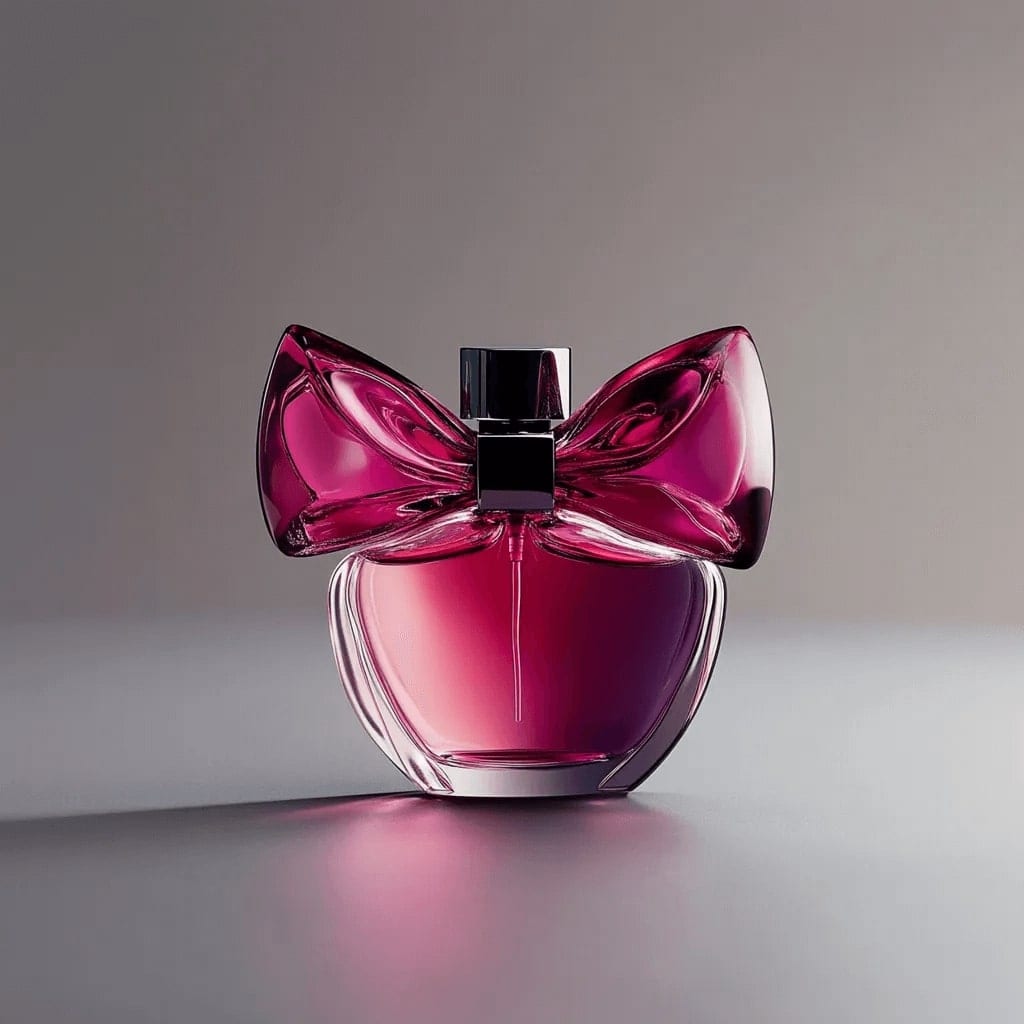 Before After
**Image Outpainting** Extend compositions beyond their borders.
How it works
## Image extender in three steps
1. 1
### Add a photo
One that feels cropped too tight or needs more space around it.
2. 2
### Extend it
The tool builds new scenery around the edges of your photo.
3. 3
### Save the bigger picture
Find the extended image in History, then save or share it.
## Tips for great results
- Photos with simple, continuing backgrounds like sky, sea, walls or fields extend most convincingly.
- If an aspect ratio choice is shown, pick the final shape you want: wide for a banner, tall for a phone wallpaper.
- Avoid photos where a person is cut off right at the edge, since the tool has to invent the missing part.
- Check the seams where the original meets the new area before you print or post.
## What people use it for
- Banners and cover images
- Phone and desktop wallpapers
- Fixing photos cropped too tightly
- Room for text on posters
For brands
## Make UGC ads, or let the agent do it
Turn the same product photo into [UGC-style ads and videos](https://getluren.com/ai-ugc-generator/), or tell the [Luren AI agent](https://getluren.com/ai-agent/) what you sell and it makes the shot.
[Meet the AI agent](https://getluren.com/ai-agent/)
## More AI features
[AI image generator](https://getluren.com/ai-image-generator/)[Image to video](https://getluren.com/image-to-video-ai/)[Text to video](https://getluren.com/text-to-video-ai/)[AI headshots](https://getluren.com/ai-headshot-generator/)[Cartoon yourself](https://getluren.com/ai-cartoon-yourself/)[Hairstyle changer](https://getluren.com/ai-hairstyle-changer/)[Hug your younger self](https://getluren.com/ai-hug-younger-self/)[Photo to painting](https://getluren.com/photo-to-painting/)[Photo to pixel art](https://getluren.com/photo-to-pixel-art/)[Product photo studio](https://getluren.com/ai-product-photography/)[Background remover](https://getluren.com/ai-background-remover/)[AI interior design](https://getluren.com/ai-interior-design/)[Virtual staging](https://getluren.com/ai-virtual-staging/)[Photo enhancer](https://getluren.com/ai-photo-enhancer/)
FAQ
## Image extender: questions
### What is AI outpainting?
Outpainting extends an image past its original borders. The model studies the photo and continues it outward, adding new scenery that matches its colors, light and perspective.
### Will my subject change?
The tool is instructed to keep the main subject and composition intact and to build around the edges. Check the result anyway, especially where the original photo ends.
### Which photos extend best?
Landscapes, skies, interiors and portraits with space around the subject. Photos with complex patterns or text running off the edge are harder to continue convincingly.
### Is the AI image extender free?
Luren AI is free to download and try. After that, each extended image is paid for with coins or a Pro subscription.
## Try image extender in Luren AI
Free to download on iPhone and Android. Pick a style, add one photo, and see yourself in it in under a minute.
Download & claim your **FREE** AI generation
[Download on the App Store](https://apps.apple.com/app/apple-store/id6744154685?pt=118850632&ct=web_style&mt=8) [Get it on Google Play](https://play.google.com/store/apps/details?id=com.thekmobile.actionfigure&referrer=utm_source%3Dgetluren.com%26utm_medium%3Dweb%26utm_campaign%3Dstyle)
4.4 on the App Store · 390 ratings
---
Source: https://getluren.com/ai-clothes-changer/
1. [Home](https://getluren.com/)
2. Clothes changer
Clothes changer
# AI clothes changer: try on outfits from a photo
Change Clothes is a virtual try-on. Add a photo of the person and a photo of the garment, or of up to five garments, and a dedicated try-on model returns the person wearing them. It works from the actual clothing photos rather than a written description, so the result follows the pieces you picked.
Download & claim your **FREE** AI generation
[Download on the App Store](https://apps.apple.com/app/apple-store/id6744154685?pt=118850632&ct=web_style&mt=8) [Get it on Google Play](https://play.google.com/store/apps/details?id=com.thekmobile.actionfigure&referrer=utm_source%3Dgetluren.com%26utm_medium%3Dweb%26utm_campaign%3Dstyle)
Updated October 18, 2026
  Before After
**Change Clothes** Swap wardrobe pieces while keeping identity intact.
How it works
## Clothes changer in three steps
1. 1
### Add the person
A clear photo of the person who will wear the outfit.
2. 2
### Add the garments
A photo of each piece of clothing, up to five.
3. 3
### See the try-on
The result lands in History; swap a garment and try again.
## Tips for great results
- Use a photo of the person standing straight, with the body facing the camera and arms slightly away from the sides.
- Photograph garments flat or on a hanger against a plain background, with the whole piece in the frame.
- Match the framing to the outfit: a full-body photo for dresses and trousers, a half-body photo is enough for tops.
- Start with one garment, then combine pieces once each one looks right.
## What people use it for
- Checking an outfit before you buy
- Planning what to wear to an event
- Showing clothing on a person in an online shop
- Styling ideas for content
## More AI features
[AI image generator](https://getluren.com/ai-image-generator/)[Image to video](https://getluren.com/image-to-video-ai/)[Text to video](https://getluren.com/text-to-video-ai/)[AI headshots](https://getluren.com/ai-headshot-generator/)[Cartoon yourself](https://getluren.com/ai-cartoon-yourself/)[Hairstyle changer](https://getluren.com/ai-hairstyle-changer/)[Hug your younger self](https://getluren.com/ai-hug-younger-self/)[Photo to painting](https://getluren.com/photo-to-painting/)[Photo to pixel art](https://getluren.com/photo-to-pixel-art/)[Product photo studio](https://getluren.com/ai-product-photography/)[Background remover](https://getluren.com/ai-background-remover/)[AI interior design](https://getluren.com/ai-interior-design/)[Virtual staging](https://getluren.com/ai-virtual-staging/)[Photo enhancer](https://getluren.com/ai-photo-enhancer/)
FAQ
## Clothes changer: questions
### How does the AI clothes changer work?
You add two kinds of photo: the person first, then one or more garments. A virtual try-on model dresses the person in those garments and keeps their face, returning a single image.
### How many garments can I add?
Up to five garment photos with one photo of the person, for example a top, trousers and a jacket. At least one garment photo is needed, because the tool dresses the person in real clothing photos rather than inventing clothes from words.
### Will it show how the garment fits?
It shows how the style, color and pattern look on the person, not how a particular size will fit. Use it to decide on a look, then check the size chart before you buy.
### Can I use someone else's photo?
Only with their permission. Use it for yourself, for your own models, or for people who have agreed to it, and remember the result is kept in your History.
## Try clothes changer in Luren AI
Free to download on iPhone and Android. Pick a style, add one photo, and see yourself in it in under a minute.
Download & claim your **FREE** AI generation
[Download on the App Store](https://apps.apple.com/app/apple-store/id6744154685?pt=118850632&ct=web_style&mt=8) [Get it on Google Play](https://play.google.com/store/apps/details?id=com.thekmobile.actionfigure&referrer=utm_source%3Dgetluren.com%26utm_medium%3Dweb%26utm_campaign%3Dstyle)
4.4 on the App Store · 390 ratings
---
Source: https://getluren.com/ai-saree-photo/
1. [Home](https://getluren.com/)
2. AI saree photos
AI saree photos
# AI saree photo: see yourself in an elegant saree
AI Saree drapes you in an elegant, flowing saree and turns your selfie into a soft, sunlit portrait. Add one photo of yourself, and the app creates a serene, golden-toned image with delicate floral detail and gentle light, ready in your History in under a minute.
Download & claim your **FREE** AI generation
[Download on the App Store](https://apps.apple.com/app/apple-store/id6744154685?pt=118850632&ct=web_style&mt=8) [Get it on Google Play](https://play.google.com/store/apps/details?id=com.thekmobile.actionfigure&referrer=utm_source%3Dgetluren.com%26utm_medium%3Dweb%26utm_campaign%3Dstyle)
Updated October 18, 2026
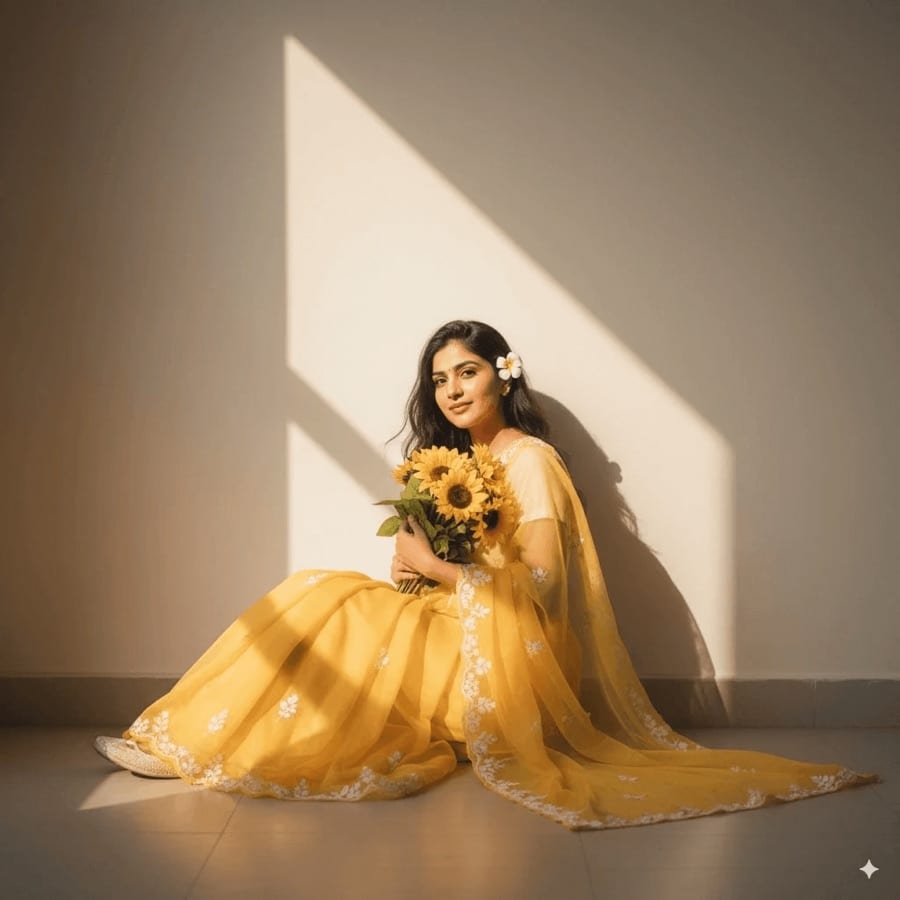 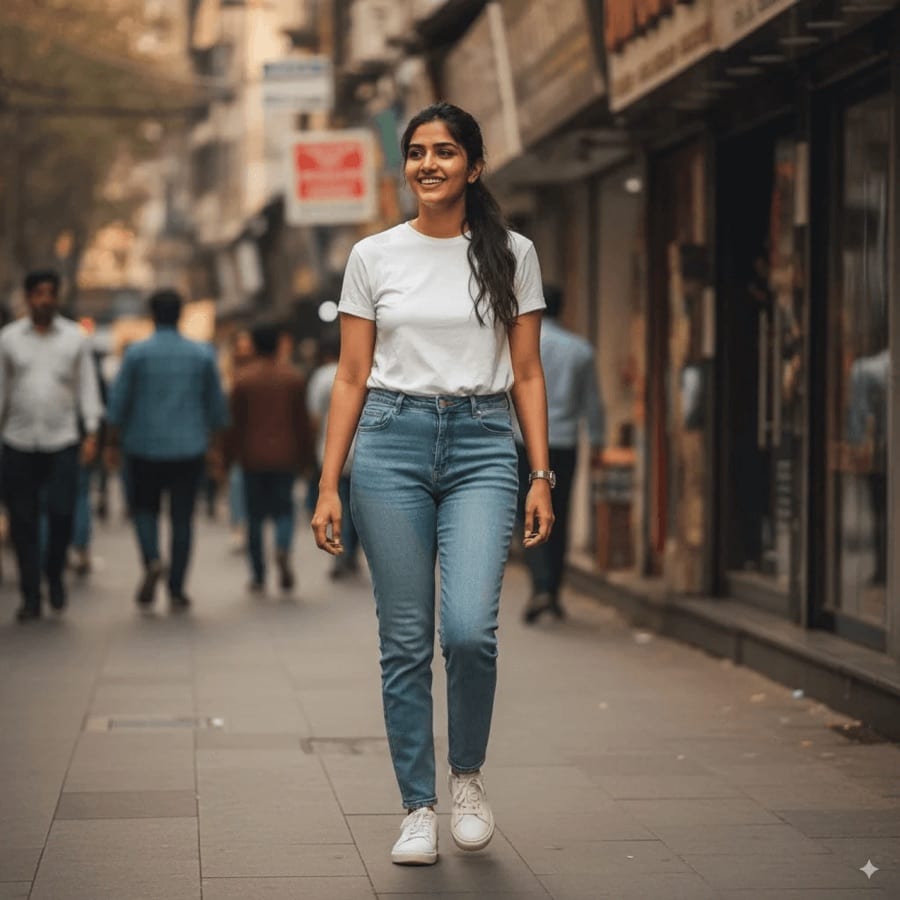 Before After
**AI Saree** Drape subjects in elegant saree ensembles.
How it works
## AI saree photos in three steps
1. 1
### Open AI Saree
Find it in Creative Tools in the Luren AI app.
2. 2
### Add a selfie
A clear photo with your face well lit.
3. 3
### Save your portrait
Download or share it, or run it again for another take.
## Tips for great results
- A front-facing photo with your whole face visible keeps the portrait recognizable.
- Natural daylight on your face suits the warm, sunlit look of the result.
- Remove sunglasses and hats so your face reads clearly.
- Run it more than once, since each take varies the pose and light a little.
## What people use it for
- Festival and wedding-season posts
- Profile pictures
- Gifts and greeting cards
- Trying a traditional look for fun
## More AI features
[AI image generator](https://getluren.com/ai-image-generator/)[Image to video](https://getluren.com/image-to-video-ai/)[Text to video](https://getluren.com/text-to-video-ai/)[AI headshots](https://getluren.com/ai-headshot-generator/)[Cartoon yourself](https://getluren.com/ai-cartoon-yourself/)[Hairstyle changer](https://getluren.com/ai-hairstyle-changer/)[Hug your younger self](https://getluren.com/ai-hug-younger-self/)[Photo to painting](https://getluren.com/photo-to-painting/)[Photo to pixel art](https://getluren.com/photo-to-pixel-art/)[Product photo studio](https://getluren.com/ai-product-photography/)[Background remover](https://getluren.com/ai-background-remover/)[AI interior design](https://getluren.com/ai-interior-design/)[Virtual staging](https://getluren.com/ai-virtual-staging/)[Photo enhancer](https://getluren.com/ai-photo-enhancer/)
FAQ
## AI saree photos: questions
### How does the AI saree tool work?
You add a selfie and an AI image model creates a portrait of you in a flowing saree with delicate floral embroidery, in soft, warm sunlight. It keeps your face so the portrait looks like you.
### Do I need to own a saree?
No. The saree, the setting and the light are all created by the AI, so all you need is one clear photo of yourself.
### Is the AI saree photo generator free?
Luren AI is free to download and try. After that, each portrait is paid for with coins or a Pro subscription.
### What happens to my selfie?
Your selfie is used only to make your portrait, and the result is kept in your History so you can find it again. To have your data deleted, email support@getluren.com.
## Try AI saree photos in Luren AI
Free to download on iPhone and Android. Pick a style, add one photo, and see yourself in it in under a minute.
Download & claim your **FREE** AI generation
[Download on the App Store](https://apps.apple.com/app/apple-store/id6744154685?pt=118850632&ct=web_style&mt=8) [Get it on Google Play](https://play.google.com/store/apps/details?id=com.thekmobile.actionfigure&referrer=utm_source%3Dgetluren.com%26utm_medium%3Dweb%26utm_campaign%3Dstyle)
4.4 on the App Store · 390 ratings
---
Source: https://getluren.com/ai-expression-changer/
1. [Home](https://getluren.com/)
2. Expression changer
Expression changer
# AI expression changer: change a facial expression in a photo
Facial Expression changes how a person looks in a photo without changing who they are. Add the photo, type the expression you want, like a warm smile or surprised laughter, and the app redraws the face while keeping the pose, body, hairstyle and lighting as they were.
Download & claim your **FREE** AI generation
[Download on the App Store](https://apps.apple.com/app/apple-store/id6744154685?pt=118850632&ct=web_style&mt=8) [Get it on Google Play](https://play.google.com/store/apps/details?id=com.thekmobile.actionfigure&referrer=utm_source%3Dgetluren.com%26utm_medium%3Dweb%26utm_campaign%3Dstyle)
Updated October 18, 2026
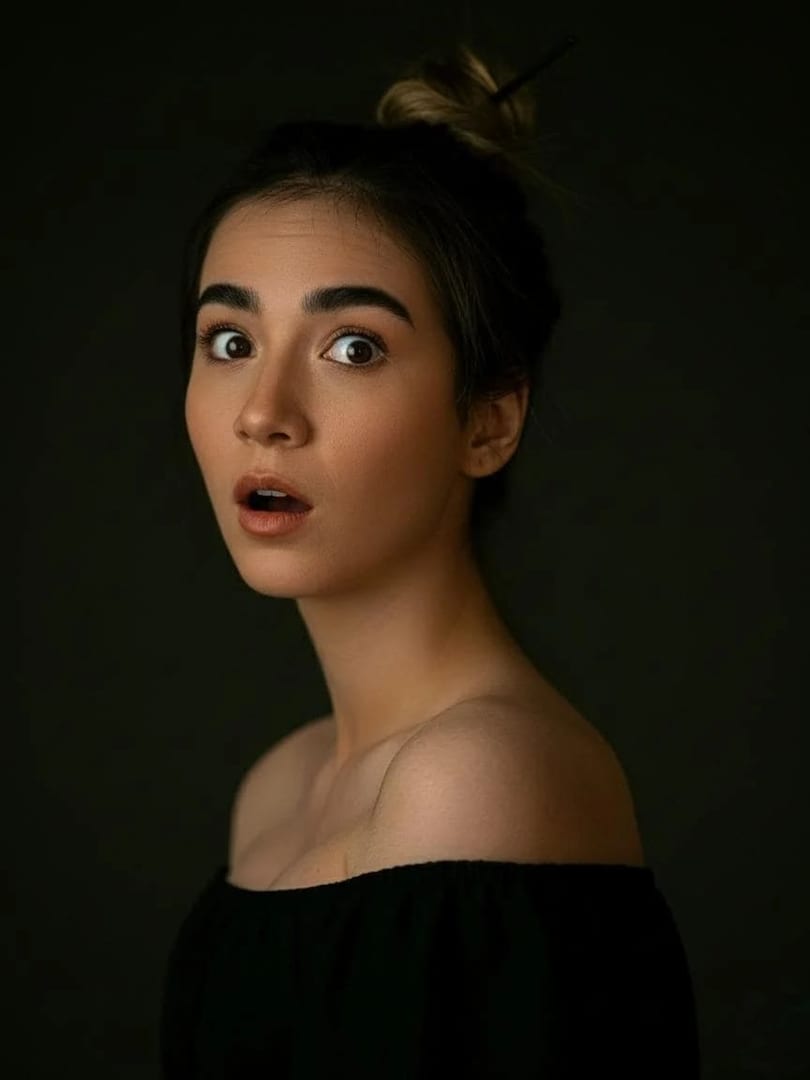 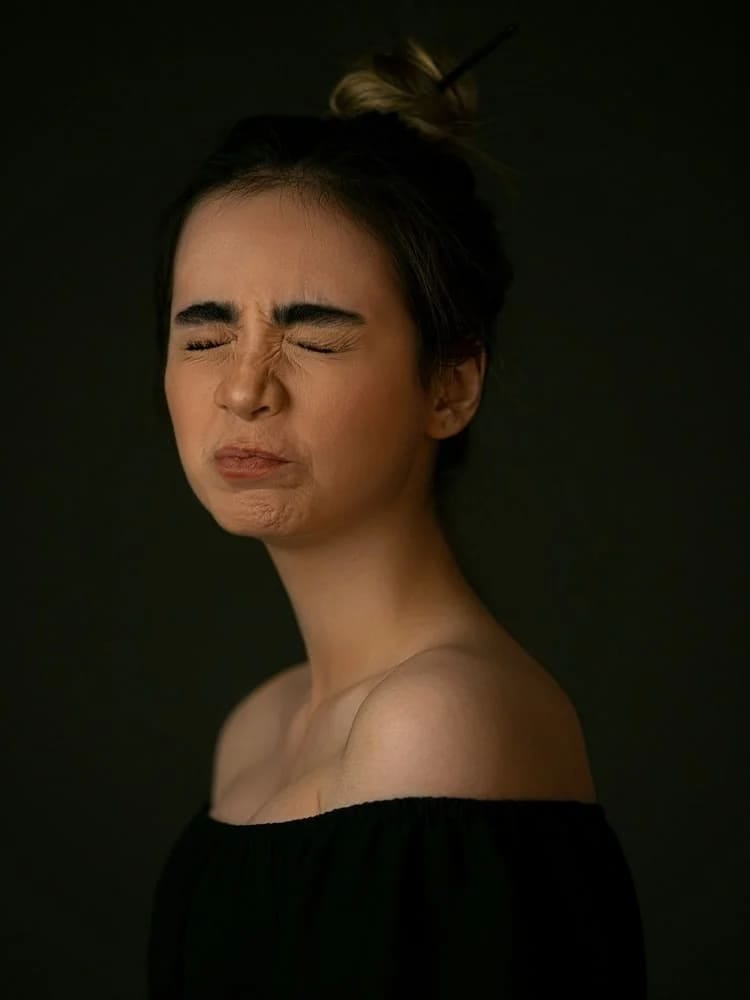 Before After
**Facial Expression** Modify facial expressions without altering identity.
How it works
## Expression changer in three steps
1. 1
### Add a photo
A clear photo of the person whose expression you want to change.
2. 2
### Type the expression
For example 'a gentle closed-mouth smile' or 'laughing with eyes closed'.
3. 3
### Save the new take
Find the edited photo in History, or try another expression on the same photo.
## Tips for great results
- Describe the expression precisely, since a 'soft smile' and a 'big open laugh' give very different results.
- Faces that are large in the frame and well lit give the most natural changes.
- Small changes, like a slight smile, look more natural than a complete change of mood.
- Compare with the original before saving to be sure the person still looks like themselves.
## What people use it for
- Rescuing a photo where someone looked too serious
- Friendlier profile pictures
- Character reactions for storyboards
- Playful edits of your own photos
## More AI features
[AI image generator](https://getluren.com/ai-image-generator/)[Image to video](https://getluren.com/image-to-video-ai/)[Text to video](https://getluren.com/text-to-video-ai/)[AI headshots](https://getluren.com/ai-headshot-generator/)[Cartoon yourself](https://getluren.com/ai-cartoon-yourself/)[Hairstyle changer](https://getluren.com/ai-hairstyle-changer/)[Hug your younger self](https://getluren.com/ai-hug-younger-self/)[Photo to painting](https://getluren.com/photo-to-painting/)[Photo to pixel art](https://getluren.com/photo-to-pixel-art/)[Product photo studio](https://getluren.com/ai-product-photography/)[Background remover](https://getluren.com/ai-background-remover/)[AI interior design](https://getluren.com/ai-interior-design/)[Virtual staging](https://getluren.com/ai-virtual-staging/)[Photo enhancer](https://getluren.com/ai-photo-enhancer/)
FAQ
## Expression changer: questions
### How does the AI expression changer work?
You add a photo and describe the expression you want. An AI image model redraws the face with that expression and is instructed to keep the person's identity, pose, body proportions and hairstyle unchanged.
### Will the person still look like themselves?
The tool is built to keep identity, and a clear, well-lit face gives it the most to work with. Subtle changes keep the likeness best; extreme expressions on small or blurry faces can drift.
### Can I use it on someone else's photo?
Only with their permission. Changing someone's expression changes what a photo says about them, so never use it to mislead.
### Is the AI expression changer free?
Luren AI is free to download and try. After that, each edit is paid for with coins or a Pro subscription.
## Try expression changer in Luren AI
Free to download on iPhone and Android. Pick a style, add one photo, and see yourself in it in under a minute.
Download & claim your **FREE** AI generation
[Download on the App Store](https://apps.apple.com/app/apple-store/id6744154685?pt=118850632&ct=web_style&mt=8) [Get it on Google Play](https://play.google.com/store/apps/details?id=com.thekmobile.actionfigure&referrer=utm_source%3Dgetluren.com%26utm_medium%3Dweb%26utm_campaign%3Dstyle)
4.4 on the App Store · 390 ratings
---
Source: https://getluren.com/ai-pose-changer/
1. [Home](https://getluren.com/)
2. Pose changer
Pose changer
# AI pose changer: re-pose a person in a photo
Pose Control changes how a person stands, sits or moves in a photo while keeping them the same person. Add the photo, describe the new pose or add a reference photo that shows it, and the app redraws the person in that pose with consistent lighting, shadows and perspective.
Download & claim your **FREE** AI generation
[Download on the App Store](https://apps.apple.com/app/apple-store/id6744154685?pt=118850632&ct=web_style&mt=8) [Get it on Google Play](https://play.google.com/store/apps/details?id=com.thekmobile.actionfigure&referrer=utm_source%3Dgetluren.com%26utm_medium%3Dweb%26utm_campaign%3Dstyle)
Updated October 18, 2026
How it works
## Pose changer in three steps
1. 1
### Add the photo
A clear photo of the person you want to re-pose.
2. 2
### Show the pose
Describe it in words, or add a reference photo of someone in that pose.
3. 3
### Save the result
Find the re-posed photo in History, or try another pose on the same photo.
## Tips for great results
- Full-body photos give the most room to change a pose, while a tight headshot leaves little to move.
- Describe the pose with body parts and direction: 'sitting on the steps, elbows on knees, looking left'.
- For complex poses like a lift or a jump, a reference photo is often clearer than words.
- Check hands and feet before saving, as they change the most when a pose changes.
## What people use it for
- Fixing an awkward stance in a good photo
- Poses for fashion and product content
- Character and storyboard references
- Fun photos with friends
## More AI features
[AI image generator](https://getluren.com/ai-image-generator/)[Image to video](https://getluren.com/image-to-video-ai/)[Text to video](https://getluren.com/text-to-video-ai/)[AI headshots](https://getluren.com/ai-headshot-generator/)[Cartoon yourself](https://getluren.com/ai-cartoon-yourself/)[Hairstyle changer](https://getluren.com/ai-hairstyle-changer/)[Hug your younger self](https://getluren.com/ai-hug-younger-self/)[Photo to painting](https://getluren.com/photo-to-painting/)[Photo to pixel art](https://getluren.com/photo-to-pixel-art/)[Product photo studio](https://getluren.com/ai-product-photography/)[Background remover](https://getluren.com/ai-background-remover/)[AI interior design](https://getluren.com/ai-interior-design/)[Virtual staging](https://getluren.com/ai-virtual-staging/)[Photo enhancer](https://getluren.com/ai-photo-enhancer/)
FAQ
## Pose changer: questions
### How does the AI pose changer work?
You add a photo of the person and show the new pose, in words or with a reference photo. An AI image model redraws the person in that pose and is instructed to keep their identity, body proportions and clothing.
### Can it pose two people together?
Yes. Describe how the people should pose together, for example one carrying the other, or add a reference photo of the pose you want.
### Why do hands sometimes look wrong?
Hands and feet change shape the most when a pose changes, so the model has the most to invent there. Running the tool again, or describing what the hands are doing, often fixes it.
### Is the AI pose changer free?
Luren AI is free to download and try. After that, each new pose is paid for with coins or a Pro subscription.
## Try pose changer in Luren AI
Free to download on iPhone and Android. Pick a style, add one photo, and see yourself in it in under a minute.
Download & claim your **FREE** AI generation
[Download on the App Store](https://apps.apple.com/app/apple-store/id6744154685?pt=118850632&ct=web_style&mt=8) [Get it on Google Play](https://play.google.com/store/apps/details?id=com.thekmobile.actionfigure&referrer=utm_source%3Dgetluren.com%26utm_medium%3Dweb%26utm_campaign%3Dstyle)
4.4 on the App Store · 390 ratings
---
Source: https://getluren.com/ai-camera-angle-changer/
1. [Home](https://getluren.com/)
2. Camera angle changer
Camera angle changer
# AI camera angle changer: see one photo from new angles
Change Angle re-renders a photo as if it had been taken from other camera positions. Add one photo and the app recreates the same person and setting from several perspectives, a bird's-eye view, a rear view, a side profile and a close-up, side by side in one image, keeping identity, proportions and clothing consistent.
Download & claim your **FREE** AI generation
[Download on the App Store](https://apps.apple.com/app/apple-store/id6744154685?pt=118850632&ct=web_style&mt=8) [Get it on Google Play](https://play.google.com/store/apps/details?id=com.thekmobile.actionfigure&referrer=utm_source%3Dgetluren.com%26utm_medium%3Dweb%26utm_campaign%3Dstyle)
Updated October 18, 2026
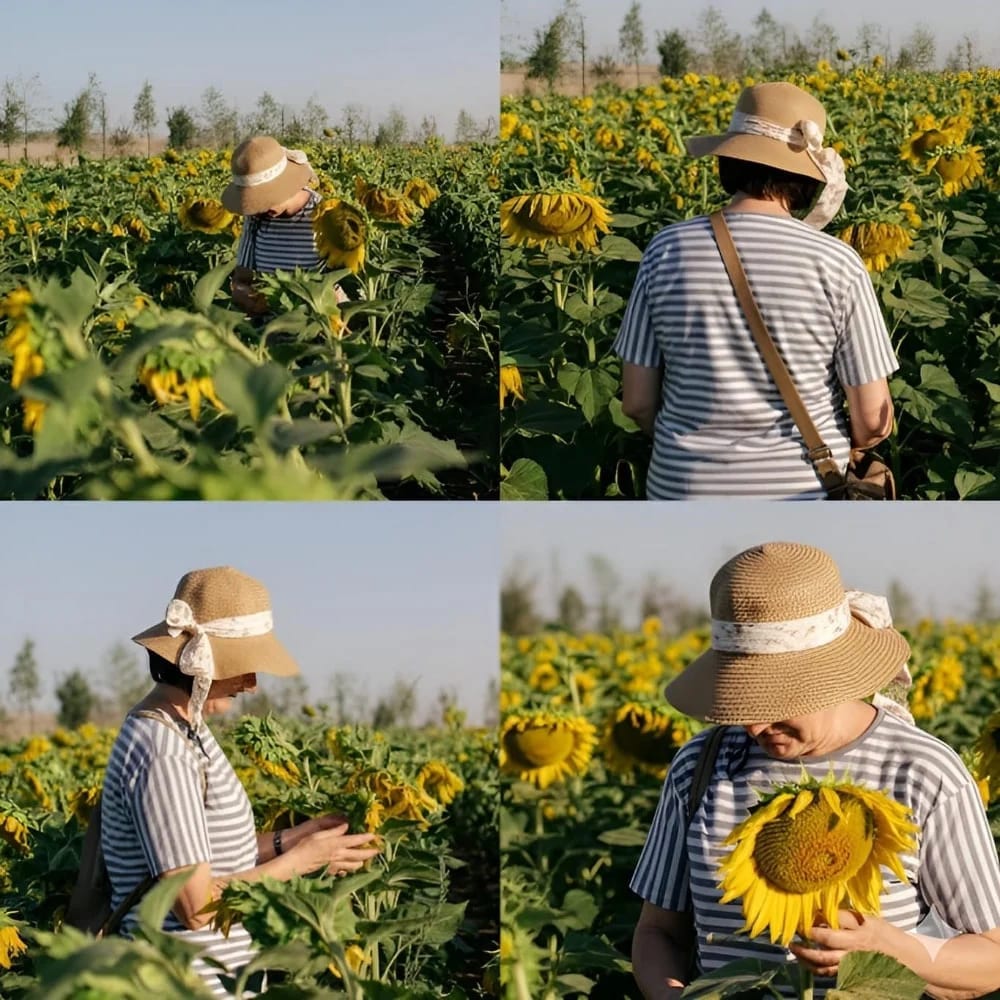  Before After
**Change Angle** Render multiple perspectives
How it works
## Camera angle changer in three steps
1. 1
### Add a photo
One photo of a person in a setting you like.
2. 2
### Generate the angles
The tool renders the scene from several camera perspectives.
3. 3
### Pick your favorite
Save the image from History and crop out the view you want.
## Tips for great results
- Use a photo where the whole person and some of the surroundings are visible, so there is a scene to move around.
- Clear, even light makes it easier to keep the lighting consistent from every side.
- Simple outfits stay consistent across angles more reliably than busy patterns.
- Crop the view you like best into its own image with any photo editor.
## What people use it for
- More variety from a single photo shoot
- Character and outfit reference sheets
- Storyboards and shot planning
- Fashion lookbooks
## More AI features
[AI image generator](https://getluren.com/ai-image-generator/)[Image to video](https://getluren.com/image-to-video-ai/)[Text to video](https://getluren.com/text-to-video-ai/)[AI headshots](https://getluren.com/ai-headshot-generator/)[Cartoon yourself](https://getluren.com/ai-cartoon-yourself/)[Hairstyle changer](https://getluren.com/ai-hairstyle-changer/)[Hug your younger self](https://getluren.com/ai-hug-younger-self/)[Photo to painting](https://getluren.com/photo-to-painting/)[Photo to pixel art](https://getluren.com/photo-to-pixel-art/)[Product photo studio](https://getluren.com/ai-product-photography/)[Background remover](https://getluren.com/ai-background-remover/)[AI interior design](https://getluren.com/ai-interior-design/)[Virtual staging](https://getluren.com/ai-virtual-staging/)[Photo enhancer](https://getluren.com/ai-photo-enhancer/)
FAQ
## Camera angle changer: questions
### What does the AI camera angle changer do?
It takes one photo and recreates the same person and background from different camera positions: from above, from behind, from the side and close up. The views arrive side by side in one image.
### Does it keep the same person and outfit?
The goal is the same person, build and outfit in every view. The back and sides are not in your photo, so the model infers them; check details like hair and prints.
### What photo should I use?
A sharp photo of one person, ideally full or half body, with some of the setting visible. A tight face crop gives the model little to work with for the wider angles.
### Is the AI camera angle changer free?
Luren AI is free to download and try. After that, each set of angles is paid for with coins or a Pro subscription.
## Try camera angle changer in Luren AI
Free to download on iPhone and Android. Pick a style, add one photo, and see yourself in it in under a minute.
Download & claim your **FREE** AI generation
[Download on the App Store](https://apps.apple.com/app/apple-store/id6744154685?pt=118850632&ct=web_style&mt=8) [Get it on Google Play](https://play.google.com/store/apps/details?id=com.thekmobile.actionfigure&referrer=utm_source%3Dgetluren.com%26utm_medium%3Dweb%26utm_campaign%3Dstyle)
4.4 on the App Store · 390 ratings
---
Source: https://getluren.com/ai-models/
1. [Home](https://getluren.com/)
2. AI models
Multi-model
# The AI models inside Luren AI
Luren AI does not lock you into one model. It works with Google, OpenAI, ByteDance, Alibaba, xAI, Kuaishou and other providers, uses the best fit for each style, and lets you pick yourself when you write your own prompt.
Download & claim your **FREE** AI generation
[Download on the App Store](https://apps.apple.com/app/apple-store/id6744154685?pt=118850632&ct=web_model&mt=8) [Get it on Google Play](https://play.google.com/store/apps/details?id=com.thekmobile.actionfigure&referrer=utm_source%3Dgetluren.com%26utm_medium%3Dweb%26utm_campaign%3Dmodel)
## Image models
[Google · Pro ### Nano Banana Pro Google's sharpest image model: crisp 2K and 4K, legible text and consistent subjects. - Ultra-sharp 4K images - Keeping the same person consistent across shots - Posters and designs with readable text](https://getluren.com/ai-models/nano-banana-pro/)[Google ### Nano Banana 2 Google's second-generation Nano Banana: stronger reasoning and subject consistency, up to 4K. - Edits that keep your face consistent - Multi-step changes to the same photo - 1K drafts to 4K finals](https://getluren.com/ai-models/nano-banana-2/)[Google ### Nano Banana 2.1 Google's update to Nano Banana 2: better image quality, cleaner text and steadier characters, up to 4K. - A series of images starring the same character - Posters and infographics with clean text - Blending many reference photos into one scene](https://getluren.com/ai-models/nano-banana-2-1/)[Google ### Nano Banana 2 Lite Ultra fast, budget-friendly generation and quick edits from Google's lightest Nano Banana, in shapes from 8:1 to 1:8. - Fast drafts and quick variations - Simple edits: a new color, background or sticker - Wide banners and tall wallpapers](https://getluren.com/ai-models/nano-banana-2-lite/)[Google ### Nano Banana The original Nano Banana (Gemini 2.5 Flash Image): fast, natural-language photo edits. - Quick edits described in plain words - Blending several photos into one - Action figures and playful transformations](https://getluren.com/ai-models/nano-banana/)[OpenAI · Pro ### GPT Image 2.5 Two versions: Flare for fast everyday images, Sunburst for precise edits. - Edits that change only what you ask - Text inside images - Product and ad visuals](https://getluren.com/ai-models/gpt-image-2-5/)[OpenAI ### GPT Image 2 Accurate, multilingual text rendering inside the image. - Posters and covers with words on them - Signs and labels in any language - Clean illustration](https://getluren.com/ai-models/gpt-image-2/)[ByteDance ### Seedream 4.5 Natural photography with rich detail, at 2K or 4K. - Photorealistic portraits - Combining many reference photos - Large 4K output](https://getluren.com/ai-models/seedream-4-5/)[ByteDance ### Seedream 5 Pro for precise, natural images; Lite for quick drafts at a low price. - Fast drafts and variations - Natural-looking scenes - Prompts in several languages](https://getluren.com/ai-models/seedream-5/)[xAI ### Grok Imagine Bold, stylised images at speed, and video with native audio. - Stylised, striking looks - Fast iterations - Short clips with sound](https://getluren.com/ai-models/grok-imagine/)[Alibaba ### Qwen-Image 3.0 Alibaba's third-generation Qwen image model: long, detailed briefs turned into dense layouts with legible text. - Posters, menus and infographics from a long brief - Chinese and English text in the same design - Dense pages such as newspapers, slides and storyboards](https://getluren.com/ai-models/qwen-image-3/)
## Video models
[Google ### Veo 3.1 Google's video model with native sound: text or photo to video, up to 4K. - Cinematic clips with sound - Animating a photo between a first and last frame - Vertical 9:16 video for Reels and TikTok](https://getluren.com/ai-models/veo-3-1/)[Kuaishou ### Kling Image-to-video up to 15 seconds with audio, and the motion behind AI dance. - Animating a photo - Start and end frames - AI dance videos](https://getluren.com/ai-models/kling/)[ByteDance ### Seedance Fast, efficient video, from quick 720p animations to 1080p. - Quick animations - Text-to-video - 1080p clips](https://getluren.com/ai-models/seedance/)
## No longer available
[OpenAI · Shut down ### Sora 2 OpenAI's video model with synced sound, shut down on September 24, 2026. Veo 3.1, Kling and Seedance do its job today.](https://getluren.com/ai-models/sora-2/)
## Try every model in one app
Free to download on iPhone and Android. Pick a style, add one photo, and see yourself in it in under a minute.
Download & claim your **FREE** AI generation
[Download on the App Store](https://apps.apple.com/app/apple-store/id6744154685?pt=118850632&ct=web_model&mt=8) [Get it on Google Play](https://play.google.com/store/apps/details?id=com.thekmobile.actionfigure&referrer=utm_source%3Dgetluren.com%26utm_medium%3Dweb%26utm_campaign%3Dmodel)
4.4 on the App Store · 390 ratings
---
Source: https://getluren.com/ai-models/gpt-image-2-5/
1. [Home](https://getluren.com/)
2. [AI models](https://getluren.com/ai-models/)
3. GPT Image 2.5
Image model · OpenAI
# GPT Image 2.5 in Luren AI
Two versions: Flare for fast everyday images, Sunburst for precise edits.
Download & claim your **FREE** AI generation
[Download on the App Store](https://apps.apple.com/app/apple-store/id6744154685?pt=118850632&ct=web_model&mt=8) [Get it on Google Play](https://play.google.com/store/apps/details?id=com.thekmobile.actionfigure&referrer=utm_source%3Dgetluren.com%26utm_medium%3Dweb%26utm_campaign%3Dmodel)
[18 GPT Image 2.5 prompts →](https://getluren.com/prompts/gpt-image-2-5/)
Luren AI offers OpenAI's GPT Image 2.5 in both of its versions. Flare is the fast one, built for high-quality everyday generation. Sunburst spends more time on precision, which pays off when you edit the same image over several rounds and want everything you did not mention to stay put.
Both run at the same price in the app, so the choice is only about speed against precision. Pick a quality tier (Low, Medium or High) before you generate.
## Best for
- Edits that change only what you ask
- Text inside images
- Product and ad visuals
## At a glance
Made by
OpenAI
Type
Image generation and editing
In Luren AI
Yes, Pro
Versions
Flare (fast) · Sunburst (precise)
Quality tiers
Low · Medium · High
Inputs
Text prompt, optional reference photos
Access
Pro
GPT Image 2.5 is developed by OpenAI. Luren AI is an independent app that offers it alongside other models; it is not affiliated with or endorsed by OpenAI, and the model's name is a trademark of its owner.
## Other models in the app
[GPT Image 2.5 vs Nano Banana Pro](https://getluren.com/compare/nano-banana-pro-vs-gpt-image-2-5/)[GPT Image 2.5 vs Seedream 4.5](https://getluren.com/compare/gpt-image-2-5-vs-seedream-4-5/)[GPT Image 2.5 vs Qwen-Image 3.0](https://getluren.com/compare/qwen-image-3-vs-gpt-image-2-5/)[GPT Image 2.5 vs GPT Image 2](https://getluren.com/compare/gpt-image-2-5-vs-gpt-image-2/)[GPT Image 2.5 vs Nano Banana 2](https://getluren.com/compare/nano-banana-2-vs-gpt-image-2-5/)[GPT Image 2.5 vs Nano Banana 2.1](https://getluren.com/compare/nano-banana-2-1-vs-gpt-image-2-5/)[GPT Image 2.5 vs Nano Banana 2 Lite](https://getluren.com/compare/nano-banana-2-lite-vs-gpt-image-2-5/)[GPT Image 2.5 vs Nano Banana](https://getluren.com/compare/nano-banana-vs-gpt-image-2-5/)[GPT Image 2.5 vs Seedream 5](https://getluren.com/compare/gpt-image-2-5-vs-seedream-5/)[GPT Image 2.5 vs Grok Imagine](https://getluren.com/compare/gpt-image-2-5-vs-grok-imagine/) [Nano Banana Pro](https://getluren.com/ai-models/nano-banana-pro/)[Nano Banana 2](https://getluren.com/ai-models/nano-banana-2/)[Nano Banana 2.1](https://getluren.com/ai-models/nano-banana-2-1/)[Nano Banana 2 Lite](https://getluren.com/ai-models/nano-banana-2-lite/)[Nano Banana](https://getluren.com/ai-models/nano-banana/)[GPT Image 2](https://getluren.com/ai-models/gpt-image-2/)[Seedream 4.5](https://getluren.com/ai-models/seedream-4-5/)[Seedream 5](https://getluren.com/ai-models/seedream-5/)[Grok Imagine](https://getluren.com/ai-models/grok-imagine/)[Qwen-Image 3.0](https://getluren.com/ai-models/qwen-image-3/)[Veo 3.1](https://getluren.com/ai-models/veo-3-1/)[Kling](https://getluren.com/ai-models/kling/)[Seedance](https://getluren.com/ai-models/seedance/)
FAQ
## GPT Image 2.5: questions
### Can I use GPT Image 2.5 on my phone?
Yes. GPT Image 2.5 is available inside the Luren AI app for iPhone and Android, for Pro subscribers. Choose it in the model picker on the Image tab.
### What is GPT Image 2.5 best at?
Edits that change only what you ask, Text inside images, Product and ad visuals.
### Who makes GPT Image 2.5?
GPT Image 2.5 is developed by OpenAI. Luren AI is an independent app that gives you access to it alongside other models.
## Link to this page
Writing a guide or a list of resources? Paste this where it helps your readers.
`GPT Image 2.5: what it does and how to use it`
## Try GPT Image 2.5 in Luren AI
Free to download on iPhone and Android. Pick a style, add one photo, and see yourself in it in under a minute.
Download & claim your **FREE** AI generation
[Download on the App Store](https://apps.apple.com/app/apple-store/id6744154685?pt=118850632&ct=web_model&mt=8) [Get it on Google Play](https://play.google.com/store/apps/details?id=com.thekmobile.actionfigure&referrer=utm_source%3Dgetluren.com%26utm_medium%3Dweb%26utm_campaign%3Dmodel)
4.4 on the App Store · 390 ratings
---
Source: https://getluren.com/ai-models/gpt-image-2/
1. [Home](https://getluren.com/)
2. [AI models](https://getluren.com/ai-models/)
3. GPT Image 2
Image model · OpenAI
# GPT Image 2 in Luren AI
Accurate, multilingual text rendering inside the image.
Download & claim your **FREE** AI generation
[Download on the App Store](https://apps.apple.com/app/apple-store/id6744154685?pt=118850632&ct=web_model&mt=8) [Get it on Google Play](https://play.google.com/store/apps/details?id=com.thekmobile.actionfigure&referrer=utm_source%3Dgetluren.com%26utm_medium%3Dweb%26utm_campaign%3Dmodel)
[17 GPT Image 2 prompts →](https://getluren.com/prompts/gpt-image-2/)
OpenAI's GPT Image 2 is the model to pick when the image needs readable words: a poster, a magazine cover, a sign, a label, in English or another language.
## Best for
- Posters and covers with words on them
- Signs and labels in any language
- Clean illustration
## At a glance
Made by
OpenAI
Type
Image generation and editing
In Luren AI
Yes
Quality tiers
Low · Medium · High
Aspect ratios
1:1 · 3:2 · 2:3
Inputs
Text prompt, optional reference photos
GPT Image 2 is developed by OpenAI. Luren AI is an independent app that offers it alongside other models; it is not affiliated with or endorsed by OpenAI, and the model's name is a trademark of its owner.
## Other models in the app
[GPT Image 2 vs GPT Image 2.5](https://getluren.com/compare/gpt-image-2-5-vs-gpt-image-2/)[GPT Image 2 vs Nano Banana Pro](https://getluren.com/compare/nano-banana-pro-vs-gpt-image-2/)[GPT Image 2 vs Nano Banana 2](https://getluren.com/compare/nano-banana-2-vs-gpt-image-2/)[GPT Image 2 vs Nano Banana 2.1](https://getluren.com/compare/nano-banana-2-1-vs-gpt-image-2/)[GPT Image 2 vs Nano Banana 2 Lite](https://getluren.com/compare/nano-banana-2-lite-vs-gpt-image-2/)[GPT Image 2 vs Nano Banana](https://getluren.com/compare/nano-banana-vs-gpt-image-2/)[GPT Image 2 vs Seedream 4.5](https://getluren.com/compare/gpt-image-2-vs-seedream-4-5/)[GPT Image 2 vs Seedream 5](https://getluren.com/compare/gpt-image-2-vs-seedream-5/)[GPT Image 2 vs Grok Imagine](https://getluren.com/compare/gpt-image-2-vs-grok-imagine/)[GPT Image 2 vs Qwen-Image 3.0](https://getluren.com/compare/gpt-image-2-vs-qwen-image-3/) [Nano Banana Pro](https://getluren.com/ai-models/nano-banana-pro/)[Nano Banana 2](https://getluren.com/ai-models/nano-banana-2/)[Nano Banana 2.1](https://getluren.com/ai-models/nano-banana-2-1/)[Nano Banana 2 Lite](https://getluren.com/ai-models/nano-banana-2-lite/)[Nano Banana](https://getluren.com/ai-models/nano-banana/)[GPT Image 2.5](https://getluren.com/ai-models/gpt-image-2-5/)[Seedream 4.5](https://getluren.com/ai-models/seedream-4-5/)[Seedream 5](https://getluren.com/ai-models/seedream-5/)[Grok Imagine](https://getluren.com/ai-models/grok-imagine/)[Qwen-Image 3.0](https://getluren.com/ai-models/qwen-image-3/)[Veo 3.1](https://getluren.com/ai-models/veo-3-1/)[Kling](https://getluren.com/ai-models/kling/)[Seedance](https://getluren.com/ai-models/seedance/)
FAQ
## GPT Image 2: questions
### Can I use GPT Image 2 on my phone?
Yes. GPT Image 2 is available inside the Luren AI app for iPhone and Android. Choose it in the model picker on the Image tab.
### What is GPT Image 2 best at?
Posters and covers with words on them, Signs and labels in any language, Clean illustration.
### Who makes GPT Image 2?
GPT Image 2 is developed by OpenAI. Luren AI is an independent app that gives you access to it alongside other models.
## Link to this page
Writing a guide or a list of resources? Paste this where it helps your readers.
`GPT Image 2: what it does and how to use it`
## Try GPT Image 2 in Luren AI
Free to download on iPhone and Android. Pick a style, add one photo, and see yourself in it in under a minute.
Download & claim your **FREE** AI generation
[Download on the App Store](https://apps.apple.com/app/apple-store/id6744154685?pt=118850632&ct=web_model&mt=8) [Get it on Google Play](https://play.google.com/store/apps/details?id=com.thekmobile.actionfigure&referrer=utm_source%3Dgetluren.com%26utm_medium%3Dweb%26utm_campaign%3Dmodel)
4.4 on the App Store · 390 ratings
---
Source: https://getluren.com/ai-models/grok-imagine/
1. [Home](https://getluren.com/)
2. [AI models](https://getluren.com/ai-models/)
3. Grok Imagine
Image model · xAI
# Grok Imagine in Luren AI
Bold, stylised images at speed, and video with native audio.
Download & claim your **FREE** AI generation
[Download on the App Store](https://apps.apple.com/app/apple-store/id6744154685?pt=118850632&ct=web_model&mt=8) [Get it on Google Play](https://play.google.com/store/apps/details?id=com.thekmobile.actionfigure&referrer=utm_source%3Dgetluren.com%26utm_medium%3Dweb%26utm_campaign%3Dmodel)
[18 Grok Imagine prompts →](https://getluren.com/prompts/grok-imagine/)
xAI's Grok Imagine 2 is fast and has a bold, stylised eye. Close to a hundred of the style cards in Luren AI are made with it.
Grok Imagine Video, the video side, generates clips from a prompt or animates a photo, with native audio, from 1 to 15 seconds.
## Best for
- Stylised, striking looks
- Fast iterations
- Short clips with sound
## At a glance
Made by
xAI
Type
Image generation and editing
In Luren AI
Yes
Image resolutions
1K · 2K
Video length
1–15 seconds, 480p or 720p
Video inputs
Text prompt or a photo
Grok Imagine is developed by xAI. Luren AI is an independent app that offers it alongside other models; it is not affiliated with or endorsed by xAI, and the model's name is a trademark of its owner.
## Other models in the app
[Grok Imagine vs Nano Banana 2](https://getluren.com/compare/grok-imagine-vs-nano-banana-2/)[Grok Imagine vs Nano Banana Pro](https://getluren.com/compare/nano-banana-pro-vs-grok-imagine/)[Grok Imagine vs Nano Banana 2.1](https://getluren.com/compare/nano-banana-2-1-vs-grok-imagine/)[Grok Imagine vs Nano Banana 2 Lite](https://getluren.com/compare/nano-banana-2-lite-vs-grok-imagine/)[Grok Imagine vs Nano Banana](https://getluren.com/compare/nano-banana-vs-grok-imagine/)[Grok Imagine vs GPT Image 2.5](https://getluren.com/compare/gpt-image-2-5-vs-grok-imagine/)[Grok Imagine vs GPT Image 2](https://getluren.com/compare/gpt-image-2-vs-grok-imagine/)[Grok Imagine vs Seedream 4.5](https://getluren.com/compare/seedream-4-5-vs-grok-imagine/)[Grok Imagine vs Seedream 5](https://getluren.com/compare/seedream-5-vs-grok-imagine/)[Grok Imagine vs Qwen-Image 3.0](https://getluren.com/compare/grok-imagine-vs-qwen-image-3/) [Nano Banana Pro](https://getluren.com/ai-models/nano-banana-pro/)[Nano Banana 2](https://getluren.com/ai-models/nano-banana-2/)[Nano Banana 2.1](https://getluren.com/ai-models/nano-banana-2-1/)[Nano Banana 2 Lite](https://getluren.com/ai-models/nano-banana-2-lite/)[Nano Banana](https://getluren.com/ai-models/nano-banana/)[GPT Image 2.5](https://getluren.com/ai-models/gpt-image-2-5/)[GPT Image 2](https://getluren.com/ai-models/gpt-image-2/)[Seedream 4.5](https://getluren.com/ai-models/seedream-4-5/)[Seedream 5](https://getluren.com/ai-models/seedream-5/)[Qwen-Image 3.0](https://getluren.com/ai-models/qwen-image-3/)[Veo 3.1](https://getluren.com/ai-models/veo-3-1/)[Kling](https://getluren.com/ai-models/kling/)[Seedance](https://getluren.com/ai-models/seedance/)
FAQ
## Grok Imagine: questions
### Can I use Grok Imagine on my phone?
Yes. Grok Imagine is available inside the Luren AI app for iPhone and Android. Choose it in the model picker on the Image tab.
### What is Grok Imagine best at?
Stylised, striking looks, Fast iterations, Short clips with sound.
### Who makes Grok Imagine?
Grok Imagine is developed by xAI. Luren AI is an independent app that gives you access to it alongside other models.
## Link to this page
Writing a guide or a list of resources? Paste this where it helps your readers.
`Grok Imagine: what it does and how to use it`
## Try Grok Imagine in Luren AI
Free to download on iPhone and Android. Pick a style, add one photo, and see yourself in it in under a minute.
Download & claim your **FREE** AI generation
[Download on the App Store](https://apps.apple.com/app/apple-store/id6744154685?pt=118850632&ct=web_model&mt=8) [Get it on Google Play](https://play.google.com/store/apps/details?id=com.thekmobile.actionfigure&referrer=utm_source%3Dgetluren.com%26utm_medium%3Dweb%26utm_campaign%3Dmodel)
4.4 on the App Store · 390 ratings
---
Source: https://getluren.com/ai-models/kling/
1. [Home](https://getluren.com/)
2. [AI models](https://getluren.com/ai-models/)
3. Kling
Video model · Kuaishou
# Kling in Luren AI
Image-to-video up to 15 seconds with audio, and the motion behind AI dance.
Download & claim your **FREE** AI generation
[Download on the App Store](https://apps.apple.com/app/apple-store/id6744154685?pt=118850632&ct=web_model&mt=8) [Get it on Google Play](https://play.google.com/store/apps/details?id=com.thekmobile.actionfigure&referrer=utm_source%3Dgetluren.com%26utm_medium%3Dweb%26utm_campaign%3Dmodel)
[18 Kling prompts →](https://getluren.com/prompts/kling/)
Kling is the video family Luren AI leans on most. Kling O3 animates a photo into a clip of up to 15 seconds, can aim for an end frame you supply, and can generate sound with it. Kling 2.1 offers 720p and 1080p clips for simpler animations.
Kling's motion-control model is what powers AI dance: it takes the movement from a dance clip and transfers it onto the person in your photo, keeping the original music.
## Best for
- Animating a photo
- Start and end frames
- AI dance videos
## At a glance
Made by
Kuaishou
Type
Video generation
In Luren AI
Yes
Length
3–15 seconds (O3)
Resolution
720p · 1080p
Extras
End frame · Native audio · Motion transfer
Kling is developed by Kuaishou. Luren AI is an independent app that offers it alongside other models; it is not affiliated with or endorsed by Kuaishou, and the model's name is a trademark of its owner.
## Other models in the app
[Kling vs Veo 3.1](https://getluren.com/compare/veo-3-1-vs-kling/)[Kling vs Seedance](https://getluren.com/compare/kling-vs-seedance/)[Kling vs Sora 2](https://getluren.com/compare/sora-2-vs-kling/) [Nano Banana Pro](https://getluren.com/ai-models/nano-banana-pro/)[Nano Banana 2](https://getluren.com/ai-models/nano-banana-2/)[Nano Banana 2.1](https://getluren.com/ai-models/nano-banana-2-1/)[Nano Banana 2 Lite](https://getluren.com/ai-models/nano-banana-2-lite/)[Nano Banana](https://getluren.com/ai-models/nano-banana/)[GPT Image 2.5](https://getluren.com/ai-models/gpt-image-2-5/)[GPT Image 2](https://getluren.com/ai-models/gpt-image-2/)[Seedream 4.5](https://getluren.com/ai-models/seedream-4-5/)[Seedream 5](https://getluren.com/ai-models/seedream-5/)[Grok Imagine](https://getluren.com/ai-models/grok-imagine/)[Qwen-Image 3.0](https://getluren.com/ai-models/qwen-image-3/)[Veo 3.1](https://getluren.com/ai-models/veo-3-1/)[Seedance](https://getluren.com/ai-models/seedance/)
FAQ
## Kling: questions
### Can I use Kling on my phone?
Yes. Kling is available inside the Luren AI app for iPhone and Android. Choose it on the Video tab.
### What is Kling best at?
Animating a photo, Start and end frames, AI dance videos.
### Who makes Kling?
Kling is developed by Kuaishou. Luren AI is an independent app that gives you access to it alongside other models.
## Link to this page
Writing a guide or a list of resources? Paste this where it helps your readers.
`Kling: what it does and how to use it`
## Try Kling in Luren AI
Free to download on iPhone and Android. Pick a style, add one photo, and see yourself in it in under a minute.
Download & claim your **FREE** AI generation
[Download on the App Store](https://apps.apple.com/app/apple-store/id6744154685?pt=118850632&ct=web_model&mt=8) [Get it on Google Play](https://play.google.com/store/apps/details?id=com.thekmobile.actionfigure&referrer=utm_source%3Dgetluren.com%26utm_medium%3Dweb%26utm_campaign%3Dmodel)
4.4 on the App Store · 390 ratings
---
Source: https://getluren.com/ai-models/nano-banana-2-1/
1. [Home](https://getluren.com/)
2. [AI models](https://getluren.com/ai-models/)
3. Nano Banana 2.1
Image model · Google
# Nano Banana 2.1 in Luren AI
Google's update to Nano Banana 2: better image quality, cleaner text and steadier characters, up to 4K.
Download & claim your **FREE** AI generation
[Download on the App Store](https://apps.apple.com/app/apple-store/id6744154685?pt=118850632&ct=web_model&mt=8) [Get it on Google Play](https://play.google.com/store/apps/details?id=com.thekmobile.actionfigure&referrer=utm_source%3Dgetluren.com%26utm_medium%3Dweb%26utm_campaign%3Dmodel)
[21 Nano Banana 2.1 prompts →](https://getluren.com/prompts/nano-banana-2-1/)
Nano Banana 2.1 is Google's update to Nano Banana 2, generally available since 6 October 2026 and the newest Nano Banana in Luren AI. It keeps the speed of a Flash model while improving visual quality, how closely it follows the prompt, text rendering, and keeping a character the same while you edit an image over several turns.
In Luren AI it is open to every user, not only Pro subscribers, at 1K, 2K and 4K. Pick any of 14 shapes, from an 8:1 banner to a 1:8 strip, or match the shape of your photo, and add your own photos as references. Google built it to lay out infographics more accurately and to keep very wide and very tall images clean at 2K and 4K.
## Best for
- A series of images starring the same character
- Posters and infographics with clean text
- Blending many reference photos into one scene
## At a glance
Made by
Google
Type
Image generation and editing
In Luren AI
Yes
Resolutions
1K · 2K · 4K
Aspect ratios
14 shapes from 8:1 to 1:8, or match your photo
Inputs
Text prompt, reference photos
Strengths
Character consistency, text, multi-image blending
Access
Everyone
Nano Banana 2.1 is developed by Google. Luren AI is an independent app that offers it alongside other models; it is not affiliated with or endorsed by Google, and the model's name is a trademark of its owner.
## Other models in the app
[Nano Banana 2.1 vs Nano Banana 2](https://getluren.com/compare/nano-banana-2-1-vs-nano-banana-2/)[Nano Banana 2.1 vs Nano Banana Pro](https://getluren.com/compare/nano-banana-2-1-vs-nano-banana-pro/)[Nano Banana 2.1 vs Nano Banana 2 Lite](https://getluren.com/compare/nano-banana-2-1-vs-nano-banana-2-lite/)[Nano Banana 2.1 vs Nano Banana](https://getluren.com/compare/nano-banana-2-1-vs-nano-banana/)[Nano Banana 2.1 vs GPT Image 2.5](https://getluren.com/compare/nano-banana-2-1-vs-gpt-image-2-5/)[Nano Banana 2.1 vs GPT Image 2](https://getluren.com/compare/nano-banana-2-1-vs-gpt-image-2/)[Nano Banana 2.1 vs Seedream 4.5](https://getluren.com/compare/nano-banana-2-1-vs-seedream-4-5/)[Nano Banana 2.1 vs Seedream 5](https://getluren.com/compare/nano-banana-2-1-vs-seedream-5/)[Nano Banana 2.1 vs Grok Imagine](https://getluren.com/compare/nano-banana-2-1-vs-grok-imagine/)[Nano Banana 2.1 vs Qwen-Image 3.0](https://getluren.com/compare/nano-banana-2-1-vs-qwen-image-3/) [Nano Banana Pro](https://getluren.com/ai-models/nano-banana-pro/)[Nano Banana 2](https://getluren.com/ai-models/nano-banana-2/)[Nano Banana 2 Lite](https://getluren.com/ai-models/nano-banana-2-lite/)[Nano Banana](https://getluren.com/ai-models/nano-banana/)[GPT Image 2.5](https://getluren.com/ai-models/gpt-image-2-5/)[GPT Image 2](https://getluren.com/ai-models/gpt-image-2/)[Seedream 4.5](https://getluren.com/ai-models/seedream-4-5/)[Seedream 5](https://getluren.com/ai-models/seedream-5/)[Grok Imagine](https://getluren.com/ai-models/grok-imagine/)[Qwen-Image 3.0](https://getluren.com/ai-models/qwen-image-3/)[Veo 3.1](https://getluren.com/ai-models/veo-3-1/)[Kling](https://getluren.com/ai-models/kling/)[Seedance](https://getluren.com/ai-models/seedance/)
FAQ
## Nano Banana 2.1: questions
### Can I use Nano Banana 2.1 on my phone?
Yes. Nano Banana 2.1 is available inside the Luren AI app for iPhone and Android. Choose it in the model picker on the Image tab.
### What is Nano Banana 2.1 best at?
A series of images starring the same character, Posters and infographics with clean text, Blending many reference photos into one scene.
### Who makes Nano Banana 2.1?
Nano Banana 2.1 is developed by Google. Luren AI is an independent app that gives you access to it alongside other models.
## Link to this page
Writing a guide or a list of resources? Paste this where it helps your readers.
`Nano Banana 2.1: what it does and how to use it`
## Try Nano Banana 2.1 in Luren AI
Free to download on iPhone and Android. Pick a style, add one photo, and see yourself in it in under a minute.
Download & claim your **FREE** AI generation
[Download on the App Store](https://apps.apple.com/app/apple-store/id6744154685?pt=118850632&ct=web_model&mt=8) [Get it on Google Play](https://play.google.com/store/apps/details?id=com.thekmobile.actionfigure&referrer=utm_source%3Dgetluren.com%26utm_medium%3Dweb%26utm_campaign%3Dmodel)
4.4 on the App Store · 390 ratings
---
Source: https://getluren.com/ai-models/nano-banana-2-lite/
1. [Home](https://getluren.com/)
2. [AI models](https://getluren.com/ai-models/)
3. Nano Banana 2 Lite
Image model · Google
# Nano Banana 2 Lite in Luren AI
Ultra fast, budget-friendly generation and quick edits from Google's lightest Nano Banana, in shapes from 8:1 to 1:8.
Download & claim your **FREE** AI generation
[Download on the App Store](https://apps.apple.com/app/apple-store/id6744154685?pt=118850632&ct=web_model&mt=8) [Get it on Google Play](https://play.google.com/store/apps/details?id=com.thekmobile.actionfigure&referrer=utm_source%3Dgetluren.com%26utm_medium%3Dweb%26utm_campaign%3Dmodel)
[22 Nano Banana 2 Lite prompts →](https://getluren.com/prompts/nano-banana-2-lite/)
Nano Banana 2 Lite (Gemini 3.1 Flash-Lite Image) is the fastest and most efficient model in Google's Nano Banana family, generally available since June 2026. Google built it for rapid ideas and quick iterations, and it still follows prompts reliably, keeps characters consistent and writes legible text.
In Luren AI it is open to every user, not only Pro subscribers, and renders at a single size, so there is no tier to choose. Pick any of 14 shapes, from an 8:1 banner to a 1:4 phone wallpaper, or match the shape of your photo. Try ideas on it quickly, then take the keeper to Nano Banana 2 or Nano Banana Pro for a larger render.
## Best for
- Fast drafts and quick variations
- Simple edits: a new color, background or sticker
- Wide banners and tall wallpapers
## At a glance
Made by
Google
Type
Image generation and editing
In Luren AI
Yes
Resolutions
1K
Aspect ratios
14 shapes from 8:1 to 1:8, or match your photo
Inputs
Text prompt, optional reference photos
Strengths
Speed, quick edits, unusual formats
Nano Banana 2 Lite is developed by Google. Luren AI is an independent app that offers it alongside other models; it is not affiliated with or endorsed by Google, and the model's name is a trademark of its owner.
## Other models in the app
[Nano Banana 2 Lite vs Nano Banana 2](https://getluren.com/compare/nano-banana-2-lite-vs-nano-banana-2/)[Nano Banana 2 Lite vs Nano Banana](https://getluren.com/compare/nano-banana-2-lite-vs-nano-banana/)[Nano Banana 2 Lite vs Nano Banana Pro](https://getluren.com/compare/nano-banana-pro-vs-nano-banana-2-lite/)[Nano Banana 2 Lite vs Nano Banana 2.1](https://getluren.com/compare/nano-banana-2-1-vs-nano-banana-2-lite/)[Nano Banana 2 Lite vs GPT Image 2.5](https://getluren.com/compare/nano-banana-2-lite-vs-gpt-image-2-5/)[Nano Banana 2 Lite vs GPT Image 2](https://getluren.com/compare/nano-banana-2-lite-vs-gpt-image-2/)[Nano Banana 2 Lite vs Seedream 4.5](https://getluren.com/compare/nano-banana-2-lite-vs-seedream-4-5/)[Nano Banana 2 Lite vs Seedream 5](https://getluren.com/compare/nano-banana-2-lite-vs-seedream-5/)[Nano Banana 2 Lite vs Grok Imagine](https://getluren.com/compare/nano-banana-2-lite-vs-grok-imagine/)[Nano Banana 2 Lite vs Qwen-Image 3.0](https://getluren.com/compare/nano-banana-2-lite-vs-qwen-image-3/) [Nano Banana Pro](https://getluren.com/ai-models/nano-banana-pro/)[Nano Banana 2](https://getluren.com/ai-models/nano-banana-2/)[Nano Banana 2.1](https://getluren.com/ai-models/nano-banana-2-1/)[Nano Banana](https://getluren.com/ai-models/nano-banana/)[GPT Image 2.5](https://getluren.com/ai-models/gpt-image-2-5/)[GPT Image 2](https://getluren.com/ai-models/gpt-image-2/)[Seedream 4.5](https://getluren.com/ai-models/seedream-4-5/)[Seedream 5](https://getluren.com/ai-models/seedream-5/)[Grok Imagine](https://getluren.com/ai-models/grok-imagine/)[Qwen-Image 3.0](https://getluren.com/ai-models/qwen-image-3/)[Veo 3.1](https://getluren.com/ai-models/veo-3-1/)[Kling](https://getluren.com/ai-models/kling/)[Seedance](https://getluren.com/ai-models/seedance/)
FAQ
## Nano Banana 2 Lite: questions
### Can I use Nano Banana 2 Lite on my phone?
Yes. Nano Banana 2 Lite is available inside the Luren AI app for iPhone and Android. Choose it in the model picker on the Image tab.
### What is Nano Banana 2 Lite best at?
Fast drafts and quick variations, Simple edits: a new color, background or sticker, Wide banners and tall wallpapers.
### Who makes Nano Banana 2 Lite?
Nano Banana 2 Lite is developed by Google. Luren AI is an independent app that gives you access to it alongside other models.
## Link to this page
Writing a guide or a list of resources? Paste this where it helps your readers.
`Nano Banana 2 Lite: what it does and how to use it`
## Try Nano Banana 2 Lite in Luren AI
Free to download on iPhone and Android. Pick a style, add one photo, and see yourself in it in under a minute.
Download & claim your **FREE** AI generation
[Download on the App Store](https://apps.apple.com/app/apple-store/id6744154685?pt=118850632&ct=web_model&mt=8) [Get it on Google Play](https://play.google.com/store/apps/details?id=com.thekmobile.actionfigure&referrer=utm_source%3Dgetluren.com%26utm_medium%3Dweb%26utm_campaign%3Dmodel)
4.4 on the App Store · 390 ratings
---
Source: https://getluren.com/ai-models/nano-banana-2/
1. [Home](https://getluren.com/)
2. [AI models](https://getluren.com/ai-models/)
3. Nano Banana 2
Image model · Google
# Nano Banana 2 in Luren AI
Google's second-generation Nano Banana: stronger reasoning and subject consistency, up to 4K.
Download & claim your **FREE** AI generation
[Download on the App Store](https://apps.apple.com/app/apple-store/id6744154685?pt=118850632&ct=web_model&mt=8) [Get it on Google Play](https://play.google.com/store/apps/details?id=com.thekmobile.actionfigure&referrer=utm_source%3Dgetluren.com%26utm_medium%3Dweb%26utm_campaign%3Dmodel)
[18 Nano Banana 2 prompts →](https://getluren.com/prompts/nano-banana-2/)
Nano Banana 2 is the second generation of Google's Nano Banana image model. It is better at understanding what you ask for and at keeping the same subject consistent while it changes the scene, outfit or light around them.
Luren AI offers it to every user at 1K, 2K and 4K, so you can try an idea quickly and render the keeper large.
## Best for
- Edits that keep your face consistent
- Multi-step changes to the same photo
- 1K drafts to 4K finals
## At a glance
Made by
Google
Type
Image generation and editing
In Luren AI
Yes
Resolutions
1K · 2K · 4K
Inputs
Text prompt, reference photos
Access
Everyone
Nano Banana 2 is developed by Google. Luren AI is an independent app that offers it alongside other models; it is not affiliated with or endorsed by Google, and the model's name is a trademark of its owner.
## Other models in the app
[Nano Banana 2 vs Nano Banana Pro](https://getluren.com/compare/nano-banana-2-vs-nano-banana-pro/)[Nano Banana 2 vs Nano Banana 2.1](https://getluren.com/compare/nano-banana-2-1-vs-nano-banana-2/)[Nano Banana 2 vs Nano Banana 2 Lite](https://getluren.com/compare/nano-banana-2-lite-vs-nano-banana-2/)[Nano Banana 2 vs GPT Image 2.5](https://getluren.com/compare/nano-banana-2-vs-gpt-image-2-5/)[Nano Banana 2 vs Grok Imagine](https://getluren.com/compare/grok-imagine-vs-nano-banana-2/)[Nano Banana 2 vs Nano Banana](https://getluren.com/compare/nano-banana-2-vs-nano-banana/)[Nano Banana 2 vs GPT Image 2](https://getluren.com/compare/nano-banana-2-vs-gpt-image-2/)[Nano Banana 2 vs Seedream 4.5](https://getluren.com/compare/nano-banana-2-vs-seedream-4-5/)[Nano Banana 2 vs Seedream 5](https://getluren.com/compare/nano-banana-2-vs-seedream-5/)[Nano Banana 2 vs Qwen-Image 3.0](https://getluren.com/compare/nano-banana-2-vs-qwen-image-3/) [Nano Banana Pro](https://getluren.com/ai-models/nano-banana-pro/)[Nano Banana 2.1](https://getluren.com/ai-models/nano-banana-2-1/)[Nano Banana 2 Lite](https://getluren.com/ai-models/nano-banana-2-lite/)[Nano Banana](https://getluren.com/ai-models/nano-banana/)[GPT Image 2.5](https://getluren.com/ai-models/gpt-image-2-5/)[GPT Image 2](https://getluren.com/ai-models/gpt-image-2/)[Seedream 4.5](https://getluren.com/ai-models/seedream-4-5/)[Seedream 5](https://getluren.com/ai-models/seedream-5/)[Grok Imagine](https://getluren.com/ai-models/grok-imagine/)[Qwen-Image 3.0](https://getluren.com/ai-models/qwen-image-3/)[Veo 3.1](https://getluren.com/ai-models/veo-3-1/)[Kling](https://getluren.com/ai-models/kling/)[Seedance](https://getluren.com/ai-models/seedance/)
FAQ
## Nano Banana 2: questions
### Can I use Nano Banana 2 on my phone?
Yes. Nano Banana 2 is available inside the Luren AI app for iPhone and Android. Choose it in the model picker on the Image tab.
### What is Nano Banana 2 best at?
Edits that keep your face consistent, Multi-step changes to the same photo, 1K drafts to 4K finals.
### Who makes Nano Banana 2?
Nano Banana 2 is developed by Google. Luren AI is an independent app that gives you access to it alongside other models.
## Link to this page
Writing a guide or a list of resources? Paste this where it helps your readers.
`Nano Banana 2: what it does and how to use it`
## Try Nano Banana 2 in Luren AI
Free to download on iPhone and Android. Pick a style, add one photo, and see yourself in it in under a minute.
Download & claim your **FREE** AI generation
[Download on the App Store](https://apps.apple.com/app/apple-store/id6744154685?pt=118850632&ct=web_model&mt=8) [Get it on Google Play](https://play.google.com/store/apps/details?id=com.thekmobile.actionfigure&referrer=utm_source%3Dgetluren.com%26utm_medium%3Dweb%26utm_campaign%3Dmodel)
4.4 on the App Store · 390 ratings
---
Source: https://getluren.com/ai-models/nano-banana-pro/
1. [Home](https://getluren.com/)
2. [AI models](https://getluren.com/ai-models/)
3. Nano Banana Pro
Image model · Google
# Nano Banana Pro in Luren AI
Google's sharpest image model: crisp 2K and 4K, legible text and consistent subjects.
Download & claim your **FREE** AI generation
[Download on the App Store](https://apps.apple.com/app/apple-store/id6744154685?pt=118850632&ct=web_model&mt=8) [Get it on Google Play](https://play.google.com/store/apps/details?id=com.thekmobile.actionfigure&referrer=utm_source%3Dgetluren.com%26utm_medium%3Dweb%26utm_campaign%3Dmodel)
[18 Nano Banana Pro prompts →](https://getluren.com/prompts/nano-banana-pro/)
Nano Banana Pro is Google's top image generation and editing model, built on Gemini 3 Pro. It reasons about the whole scene before it draws, which shows in small text that stays readable, hands and products that keep their shape, and a subject that stays the same person from one image to the next.
In Luren AI it renders at 2K or 4K. Add your photo as a reference and describe the scene in plain sentences; it follows long, detailed descriptions better than keyword lists.
## Best for
- Ultra-sharp 4K images
- Keeping the same person consistent across shots
- Posters and designs with readable text
## At a glance
Made by
Google
Type
Image generation and editing
In Luren AI
Yes, Pro
Resolutions
2K · 4K
Inputs
Text prompt, reference photos
Strengths
Detail, text rendering, subject consistency
Access
Pro
Nano Banana Pro is developed by Google. Luren AI is an independent app that offers it alongside other models; it is not affiliated with or endorsed by Google, and the model's name is a trademark of its owner.
## Other models in the app
[Nano Banana Pro vs GPT Image 2.5](https://getluren.com/compare/nano-banana-pro-vs-gpt-image-2-5/)[Nano Banana Pro vs Seedream 4.5](https://getluren.com/compare/nano-banana-pro-vs-seedream-4-5/)[Nano Banana Pro vs Nano Banana 2](https://getluren.com/compare/nano-banana-2-vs-nano-banana-pro/)[Nano Banana Pro vs Nano Banana](https://getluren.com/compare/nano-banana-vs-nano-banana-pro/)[Nano Banana Pro vs Nano Banana 2.1](https://getluren.com/compare/nano-banana-2-1-vs-nano-banana-pro/)[Nano Banana Pro vs Qwen-Image 3.0](https://getluren.com/compare/qwen-image-3-vs-nano-banana-pro/)[Nano Banana Pro vs Nano Banana 2 Lite](https://getluren.com/compare/nano-banana-pro-vs-nano-banana-2-lite/)[Nano Banana Pro vs GPT Image 2](https://getluren.com/compare/nano-banana-pro-vs-gpt-image-2/)[Nano Banana Pro vs Seedream 5](https://getluren.com/compare/nano-banana-pro-vs-seedream-5/)[Nano Banana Pro vs Grok Imagine](https://getluren.com/compare/nano-banana-pro-vs-grok-imagine/) [Nano Banana 2](https://getluren.com/ai-models/nano-banana-2/)[Nano Banana 2.1](https://getluren.com/ai-models/nano-banana-2-1/)[Nano Banana 2 Lite](https://getluren.com/ai-models/nano-banana-2-lite/)[Nano Banana](https://getluren.com/ai-models/nano-banana/)[GPT Image 2.5](https://getluren.com/ai-models/gpt-image-2-5/)[GPT Image 2](https://getluren.com/ai-models/gpt-image-2/)[Seedream 4.5](https://getluren.com/ai-models/seedream-4-5/)[Seedream 5](https://getluren.com/ai-models/seedream-5/)[Grok Imagine](https://getluren.com/ai-models/grok-imagine/)[Qwen-Image 3.0](https://getluren.com/ai-models/qwen-image-3/)[Veo 3.1](https://getluren.com/ai-models/veo-3-1/)[Kling](https://getluren.com/ai-models/kling/)[Seedance](https://getluren.com/ai-models/seedance/)
FAQ
## Nano Banana Pro: questions
### Can I use Nano Banana Pro on my phone?
Yes. Nano Banana Pro is available inside the Luren AI app for iPhone and Android, for Pro subscribers. Choose it in the model picker on the Image tab.
### What is Nano Banana Pro best at?
Ultra-sharp 4K images, Keeping the same person consistent across shots, Posters and designs with readable text.
### Who makes Nano Banana Pro?
Nano Banana Pro is developed by Google. Luren AI is an independent app that gives you access to it alongside other models.
## Link to this page
Writing a guide or a list of resources? Paste this where it helps your readers.
`Nano Banana Pro: what it does and how to use it`
## Try Nano Banana Pro in Luren AI
Free to download on iPhone and Android. Pick a style, add one photo, and see yourself in it in under a minute.
Download & claim your **FREE** AI generation
[Download on the App Store](https://apps.apple.com/app/apple-store/id6744154685?pt=118850632&ct=web_model&mt=8) [Get it on Google Play](https://play.google.com/store/apps/details?id=com.thekmobile.actionfigure&referrer=utm_source%3Dgetluren.com%26utm_medium%3Dweb%26utm_campaign%3Dmodel)
4.4 on the App Store · 390 ratings
---
Source: https://getluren.com/ai-models/nano-banana/
1. [Home](https://getluren.com/)
2. [AI models](https://getluren.com/ai-models/)
3. Nano Banana
Image model · Google
# Nano Banana in Luren AI
The original Nano Banana (Gemini 2.5 Flash Image): fast, natural-language photo edits.
Download & claim your **FREE** AI generation
[Download on the App Store](https://apps.apple.com/app/apple-store/id6744154685?pt=118850632&ct=web_model&mt=8) [Get it on Google Play](https://play.google.com/store/apps/details?id=com.thekmobile.actionfigure&referrer=utm_source%3Dgetluren.com%26utm_medium%3Dweb%26utm_campaign%3Dmodel)
[18 Nano Banana prompts →](https://getluren.com/prompts/nano-banana/)
Nano Banana is Google's Gemini 2.5 Flash Image model, the one that made editing a photo by describing the change mainstream. It is fast, good at combining several input images, and keeps a person recognisable through big changes of scene.
Several classic Luren AI styles, including the action figure, are made with it.
## Best for
- Quick edits described in plain words
- Blending several photos into one
- Action figures and playful transformations
## At a glance
Made by
Google
Type
Image generation and editing
In Luren AI
Yes
Inputs
Text prompt, one or more photos
Strengths
Speed, multi-image blending, natural-language edits
Nano Banana is developed by Google. Luren AI is an independent app that offers it alongside other models; it is not affiliated with or endorsed by Google, and the model's name is a trademark of its owner.
## Other models in the app
[Nano Banana vs Nano Banana Pro](https://getluren.com/compare/nano-banana-vs-nano-banana-pro/)[Nano Banana vs Nano Banana 2 Lite](https://getluren.com/compare/nano-banana-2-lite-vs-nano-banana/)[Nano Banana vs Nano Banana 2](https://getluren.com/compare/nano-banana-2-vs-nano-banana/)[Nano Banana vs Nano Banana 2.1](https://getluren.com/compare/nano-banana-2-1-vs-nano-banana/)[Nano Banana vs GPT Image 2.5](https://getluren.com/compare/nano-banana-vs-gpt-image-2-5/)[Nano Banana vs GPT Image 2](https://getluren.com/compare/nano-banana-vs-gpt-image-2/)[Nano Banana vs Seedream 4.5](https://getluren.com/compare/nano-banana-vs-seedream-4-5/)[Nano Banana vs Seedream 5](https://getluren.com/compare/nano-banana-vs-seedream-5/)[Nano Banana vs Grok Imagine](https://getluren.com/compare/nano-banana-vs-grok-imagine/)[Nano Banana vs Qwen-Image 3.0](https://getluren.com/compare/nano-banana-vs-qwen-image-3/) [Nano Banana Pro](https://getluren.com/ai-models/nano-banana-pro/)[Nano Banana 2](https://getluren.com/ai-models/nano-banana-2/)[Nano Banana 2.1](https://getluren.com/ai-models/nano-banana-2-1/)[Nano Banana 2 Lite](https://getluren.com/ai-models/nano-banana-2-lite/)[GPT Image 2.5](https://getluren.com/ai-models/gpt-image-2-5/)[GPT Image 2](https://getluren.com/ai-models/gpt-image-2/)[Seedream 4.5](https://getluren.com/ai-models/seedream-4-5/)[Seedream 5](https://getluren.com/ai-models/seedream-5/)[Grok Imagine](https://getluren.com/ai-models/grok-imagine/)[Qwen-Image 3.0](https://getluren.com/ai-models/qwen-image-3/)[Veo 3.1](https://getluren.com/ai-models/veo-3-1/)[Kling](https://getluren.com/ai-models/kling/)[Seedance](https://getluren.com/ai-models/seedance/)
FAQ
## Nano Banana: questions
### Can I use Nano Banana on my phone?
Yes. Nano Banana is available inside the Luren AI app for iPhone and Android. Choose it in the model picker on the Image tab.
### What is Nano Banana best at?
Quick edits described in plain words, Blending several photos into one, Action figures and playful transformations.
### Who makes Nano Banana?
Nano Banana is developed by Google. Luren AI is an independent app that gives you access to it alongside other models.
## Link to this page
Writing a guide or a list of resources? Paste this where it helps your readers.
`Nano Banana: what it does and how to use it`
## Try Nano Banana in Luren AI
Free to download on iPhone and Android. Pick a style, add one photo, and see yourself in it in under a minute.
Download & claim your **FREE** AI generation
[Download on the App Store](https://apps.apple.com/app/apple-store/id6744154685?pt=118850632&ct=web_model&mt=8) [Get it on Google Play](https://play.google.com/store/apps/details?id=com.thekmobile.actionfigure&referrer=utm_source%3Dgetluren.com%26utm_medium%3Dweb%26utm_campaign%3Dmodel)
4.4 on the App Store · 390 ratings
---
Source: https://getluren.com/ai-models/qwen-image-3/
1. [Home](https://getluren.com/)
2. [AI models](https://getluren.com/ai-models/)
3. Qwen-Image 3.0
Image model · Alibaba
# Qwen-Image 3.0 in Luren AI
Alibaba's third-generation Qwen image model: long, detailed briefs turned into dense layouts with legible text.
Download & claim your **FREE** AI generation
[Download on the App Store](https://apps.apple.com/app/apple-store/id6744154685?pt=118850632&ct=web_model&mt=8) [Get it on Google Play](https://play.google.com/store/apps/details?id=com.thekmobile.actionfigure&referrer=utm_source%3Dgetluren.com%26utm_medium%3Dweb%26utm_campaign%3Dmodel)
[21 Qwen-Image 3.0 prompts →](https://getluren.com/prompts/qwen-image-3/)
Qwen-Image 3.0 is the third generation of the Qwen-Image series from Alibaba's Qwen team, announced in July 2026. It is built for useful, information-heavy images: it accepts instructions of up to about 4,500 tokens, enough to describe a whole newspaper page, a menu or a grid of infographic cards, and lays them out in one pass. Alibaba says it renders text as small as 10 pixels and writes natively in 12 languages, including Chinese and English in the same image, as well as formulas.
In Luren AI, pick it in the image model list and write the brief the way you would hand it to a designer: the layout first, then every block of text in quotation marks, then the style. It renders up to 2K, and it can also edit an image from one to three of your reference pictures.
## Best for
- Posters, menus and infographics from a long brief
- Chinese and English text in the same design
- Dense pages such as newspapers, slides and storyboards
## At a glance
Made by
Alibaba
Type
Image generation and editing
In Luren AI
Yes
Prompt length
Up to about 4,500 tokens
Text
12 languages, including Chinese and English
Reference photos
1–3 for edits
Resolutions
Up to 2K
Qwen-Image 3.0 is developed by Alibaba. Luren AI is an independent app that offers it alongside other models; it is not affiliated with or endorsed by Alibaba, and the model's name is a trademark of its owner.
## Other models in the app
[Qwen-Image 3.0 vs Nano Banana Pro](https://getluren.com/compare/qwen-image-3-vs-nano-banana-pro/)[Qwen-Image 3.0 vs GPT Image 2.5](https://getluren.com/compare/qwen-image-3-vs-gpt-image-2-5/)[Qwen-Image 3.0 vs Nano Banana 2](https://getluren.com/compare/nano-banana-2-vs-qwen-image-3/)[Qwen-Image 3.0 vs Nano Banana 2.1](https://getluren.com/compare/nano-banana-2-1-vs-qwen-image-3/)[Qwen-Image 3.0 vs Nano Banana 2 Lite](https://getluren.com/compare/nano-banana-2-lite-vs-qwen-image-3/)[Qwen-Image 3.0 vs Nano Banana](https://getluren.com/compare/nano-banana-vs-qwen-image-3/)[Qwen-Image 3.0 vs GPT Image 2](https://getluren.com/compare/gpt-image-2-vs-qwen-image-3/)[Qwen-Image 3.0 vs Seedream 4.5](https://getluren.com/compare/seedream-4-5-vs-qwen-image-3/)[Qwen-Image 3.0 vs Seedream 5](https://getluren.com/compare/seedream-5-vs-qwen-image-3/)[Qwen-Image 3.0 vs Grok Imagine](https://getluren.com/compare/grok-imagine-vs-qwen-image-3/) [Nano Banana Pro](https://getluren.com/ai-models/nano-banana-pro/)[Nano Banana 2](https://getluren.com/ai-models/nano-banana-2/)[Nano Banana 2.1](https://getluren.com/ai-models/nano-banana-2-1/)[Nano Banana 2 Lite](https://getluren.com/ai-models/nano-banana-2-lite/)[Nano Banana](https://getluren.com/ai-models/nano-banana/)[GPT Image 2.5](https://getluren.com/ai-models/gpt-image-2-5/)[GPT Image 2](https://getluren.com/ai-models/gpt-image-2/)[Seedream 4.5](https://getluren.com/ai-models/seedream-4-5/)[Seedream 5](https://getluren.com/ai-models/seedream-5/)[Grok Imagine](https://getluren.com/ai-models/grok-imagine/)[Veo 3.1](https://getluren.com/ai-models/veo-3-1/)[Kling](https://getluren.com/ai-models/kling/)[Seedance](https://getluren.com/ai-models/seedance/)
FAQ
## Qwen-Image 3.0: questions
### Can I use Qwen-Image 3.0 on my phone?
Yes. Qwen-Image 3.0 is available inside the Luren AI app for iPhone and Android. Choose it in the model picker on the Image tab.
### What is Qwen-Image 3.0 best at?
Posters, menus and infographics from a long brief, Chinese and English text in the same design, Dense pages such as newspapers, slides and storyboards.
### Who makes Qwen-Image 3.0?
Qwen-Image 3.0 is developed by Alibaba. Luren AI is an independent app that gives you access to it alongside other models.
## Link to this page
Writing a guide or a list of resources? Paste this where it helps your readers.
`Qwen-Image 3.0: what it does and how to use it`
## Try Qwen-Image 3.0 in Luren AI
Free to download on iPhone and Android. Pick a style, add one photo, and see yourself in it in under a minute.
Download & claim your **FREE** AI generation
[Download on the App Store](https://apps.apple.com/app/apple-store/id6744154685?pt=118850632&ct=web_model&mt=8) [Get it on Google Play](https://play.google.com/store/apps/details?id=com.thekmobile.actionfigure&referrer=utm_source%3Dgetluren.com%26utm_medium%3Dweb%26utm_campaign%3Dmodel)
4.4 on the App Store · 390 ratings
---
Source: https://getluren.com/ai-models/seedance/
1. [Home](https://getluren.com/)
2. [AI models](https://getluren.com/ai-models/)
3. Seedance
Video model · ByteDance
# Seedance in Luren AI
Fast, efficient video, from quick 720p animations to 1080p.
Download & claim your **FREE** AI generation
[Download on the App Store](https://apps.apple.com/app/apple-store/id6744154685?pt=118850632&ct=web_model&mt=8) [Get it on Google Play](https://play.google.com/store/apps/details?id=com.thekmobile.actionfigure&referrer=utm_source%3Dgetluren.com%26utm_medium%3Dweb%26utm_campaign%3Dmodel)
[18 Seedance prompts →](https://getluren.com/prompts/seedance/)
ByteDance's Seedance models are the quick way to animate an idea. Seedance Lite is fast and inexpensive for simple motion; Seedance Pro renders in 1080p for clips you want to keep.
## Best for
- Quick animations
- Text-to-video
- 1080p clips
## At a glance
Made by
ByteDance
Type
Video generation
In Luren AI
Yes
Versions
Lite (720p) · Pro (1080p)
Inputs
Text prompt or a photo
Seedance is developed by ByteDance. Luren AI is an independent app that offers it alongside other models; it is not affiliated with or endorsed by ByteDance, and the model's name is a trademark of its owner.
## Other models in the app
[Seedance vs Kling](https://getluren.com/compare/kling-vs-seedance/)[Seedance vs Veo 3.1](https://getluren.com/compare/veo-3-1-vs-seedance/)[Seedance vs Sora 2](https://getluren.com/compare/sora-2-vs-seedance/) [Nano Banana Pro](https://getluren.com/ai-models/nano-banana-pro/)[Nano Banana 2](https://getluren.com/ai-models/nano-banana-2/)[Nano Banana 2.1](https://getluren.com/ai-models/nano-banana-2-1/)[Nano Banana 2 Lite](https://getluren.com/ai-models/nano-banana-2-lite/)[Nano Banana](https://getluren.com/ai-models/nano-banana/)[GPT Image 2.5](https://getluren.com/ai-models/gpt-image-2-5/)[GPT Image 2](https://getluren.com/ai-models/gpt-image-2/)[Seedream 4.5](https://getluren.com/ai-models/seedream-4-5/)[Seedream 5](https://getluren.com/ai-models/seedream-5/)[Grok Imagine](https://getluren.com/ai-models/grok-imagine/)[Qwen-Image 3.0](https://getluren.com/ai-models/qwen-image-3/)[Veo 3.1](https://getluren.com/ai-models/veo-3-1/)[Kling](https://getluren.com/ai-models/kling/)
FAQ
## Seedance: questions
### Can I use Seedance on my phone?
Yes. Seedance is available inside the Luren AI app for iPhone and Android. Choose it on the Video tab.
### What is Seedance best at?
Quick animations, Text-to-video, 1080p clips.
### Who makes Seedance?
Seedance is developed by ByteDance. Luren AI is an independent app that gives you access to it alongside other models.
## Link to this page
Writing a guide or a list of resources? Paste this where it helps your readers.
`Seedance: what it does and how to use it`
## Try Seedance in Luren AI
Free to download on iPhone and Android. Pick a style, add one photo, and see yourself in it in under a minute.
Download & claim your **FREE** AI generation
[Download on the App Store](https://apps.apple.com/app/apple-store/id6744154685?pt=118850632&ct=web_model&mt=8) [Get it on Google Play](https://play.google.com/store/apps/details?id=com.thekmobile.actionfigure&referrer=utm_source%3Dgetluren.com%26utm_medium%3Dweb%26utm_campaign%3Dmodel)
4.4 on the App Store · 390 ratings
---
Source: https://getluren.com/ai-models/seedream-4-5/
1. [Home](https://getluren.com/)
2. [AI models](https://getluren.com/ai-models/)
3. Seedream 4.5
Image model · ByteDance
# Seedream 4.5 in Luren AI
Natural photography with rich detail, at 2K or 4K.
Download & claim your **FREE** AI generation
[Download on the App Store](https://apps.apple.com/app/apple-store/id6744154685?pt=118850632&ct=web_model&mt=8) [Get it on Google Play](https://play.google.com/store/apps/details?id=com.thekmobile.actionfigure&referrer=utm_source%3Dgetluren.com%26utm_medium%3Dweb%26utm_campaign%3Dmodel)
[18 Seedream 4.5 prompts →](https://getluren.com/prompts/seedream-4-5/)
ByteDance's Seedream 4.5 produces natural, photographic images with fine detail, and it can read many reference photos at once, which makes it strong at putting a person, an outfit and a place together in one picture.
It renders at 2K or 4K for the same price, so there is no reason not to take the larger image.
## Best for
- Photorealistic portraits
- Combining many reference photos
- Large 4K output
## At a glance
Made by
ByteDance
Type
Image generation and editing
In Luren AI
Yes
Resolutions
2K · 4K
Reference photos
Up to 14
Inputs
Text prompt, reference photos
Seedream 4.5 is developed by ByteDance. Luren AI is an independent app that offers it alongside other models; it is not affiliated with or endorsed by ByteDance, and the model's name is a trademark of its owner.
## Other models in the app
[Seedream 4.5 vs Nano Banana Pro](https://getluren.com/compare/nano-banana-pro-vs-seedream-4-5/)[Seedream 4.5 vs GPT Image 2.5](https://getluren.com/compare/gpt-image-2-5-vs-seedream-4-5/)[Seedream 4.5 vs Seedream 5](https://getluren.com/compare/seedream-5-vs-seedream-4-5/)[Seedream 4.5 vs Nano Banana 2](https://getluren.com/compare/nano-banana-2-vs-seedream-4-5/)[Seedream 4.5 vs Nano Banana 2.1](https://getluren.com/compare/nano-banana-2-1-vs-seedream-4-5/)[Seedream 4.5 vs Nano Banana 2 Lite](https://getluren.com/compare/nano-banana-2-lite-vs-seedream-4-5/)[Seedream 4.5 vs Nano Banana](https://getluren.com/compare/nano-banana-vs-seedream-4-5/)[Seedream 4.5 vs GPT Image 2](https://getluren.com/compare/gpt-image-2-vs-seedream-4-5/)[Seedream 4.5 vs Grok Imagine](https://getluren.com/compare/seedream-4-5-vs-grok-imagine/)[Seedream 4.5 vs Qwen-Image 3.0](https://getluren.com/compare/seedream-4-5-vs-qwen-image-3/) [Nano Banana Pro](https://getluren.com/ai-models/nano-banana-pro/)[Nano Banana 2](https://getluren.com/ai-models/nano-banana-2/)[Nano Banana 2.1](https://getluren.com/ai-models/nano-banana-2-1/)[Nano Banana 2 Lite](https://getluren.com/ai-models/nano-banana-2-lite/)[Nano Banana](https://getluren.com/ai-models/nano-banana/)[GPT Image 2.5](https://getluren.com/ai-models/gpt-image-2-5/)[GPT Image 2](https://getluren.com/ai-models/gpt-image-2/)[Seedream 5](https://getluren.com/ai-models/seedream-5/)[Grok Imagine](https://getluren.com/ai-models/grok-imagine/)[Qwen-Image 3.0](https://getluren.com/ai-models/qwen-image-3/)[Veo 3.1](https://getluren.com/ai-models/veo-3-1/)[Kling](https://getluren.com/ai-models/kling/)[Seedance](https://getluren.com/ai-models/seedance/)
FAQ
## Seedream 4.5: questions
### Can I use Seedream 4.5 on my phone?
Yes. Seedream 4.5 is available inside the Luren AI app for iPhone and Android. Choose it in the model picker on the Image tab.
### What is Seedream 4.5 best at?
Photorealistic portraits, Combining many reference photos, Large 4K output.
### Who makes Seedream 4.5?
Seedream 4.5 is developed by ByteDance. Luren AI is an independent app that gives you access to it alongside other models.
## Link to this page
Writing a guide or a list of resources? Paste this where it helps your readers.
`Seedream 4.5: what it does and how to use it`
## Try Seedream 4.5 in Luren AI
Free to download on iPhone and Android. Pick a style, add one photo, and see yourself in it in under a minute.
Download & claim your **FREE** AI generation
[Download on the App Store](https://apps.apple.com/app/apple-store/id6744154685?pt=118850632&ct=web_model&mt=8) [Get it on Google Play](https://play.google.com/store/apps/details?id=com.thekmobile.actionfigure&referrer=utm_source%3Dgetluren.com%26utm_medium%3Dweb%26utm_campaign%3Dmodel)
4.4 on the App Store · 390 ratings
---
Source: https://getluren.com/ai-models/seedream-5/
1. [Home](https://getluren.com/)
2. [AI models](https://getluren.com/ai-models/)
3. Seedream 5
Image model · ByteDance
# Seedream 5 in Luren AI
Pro for precise, natural images; Lite for quick drafts at a low price.
Download & claim your **FREE** AI generation
[Download on the App Store](https://apps.apple.com/app/apple-store/id6744154685?pt=118850632&ct=web_model&mt=8) [Get it on Google Play](https://play.google.com/store/apps/details?id=com.thekmobile.actionfigure&referrer=utm_source%3Dgetluren.com%26utm_medium%3Dweb%26utm_campaign%3Dmodel)
[18 Seedream 5 prompts →](https://getluren.com/prompts/seedream-5/)
Seedream 5 comes in two versions in Luren AI. Seedream 5 Pro is the careful one: precise, natural and comfortable with prompts in many languages. Seedream 5 Lite is the quick, low-cost option for trying ideas before you commit to a bigger model.
## Best for
- Fast drafts and variations
- Natural-looking scenes
- Prompts in several languages
## At a glance
Made by
ByteDance
Type
Image generation and editing
In Luren AI
Yes
Versions
Pro (1K · 2K) · Lite (2K · 3K)
Inputs
Text prompt, optional reference photos
Seedream 5 is developed by ByteDance. Luren AI is an independent app that offers it alongside other models; it is not affiliated with or endorsed by ByteDance, and the model's name is a trademark of its owner.
## Other models in the app
[Seedream 5 vs Seedream 4.5](https://getluren.com/compare/seedream-5-vs-seedream-4-5/)[Seedream 5 vs Nano Banana Pro](https://getluren.com/compare/nano-banana-pro-vs-seedream-5/)[Seedream 5 vs Nano Banana 2](https://getluren.com/compare/nano-banana-2-vs-seedream-5/)[Seedream 5 vs Nano Banana 2.1](https://getluren.com/compare/nano-banana-2-1-vs-seedream-5/)[Seedream 5 vs Nano Banana 2 Lite](https://getluren.com/compare/nano-banana-2-lite-vs-seedream-5/)[Seedream 5 vs Nano Banana](https://getluren.com/compare/nano-banana-vs-seedream-5/)[Seedream 5 vs GPT Image 2.5](https://getluren.com/compare/gpt-image-2-5-vs-seedream-5/)[Seedream 5 vs GPT Image 2](https://getluren.com/compare/gpt-image-2-vs-seedream-5/)[Seedream 5 vs Grok Imagine](https://getluren.com/compare/seedream-5-vs-grok-imagine/)[Seedream 5 vs Qwen-Image 3.0](https://getluren.com/compare/seedream-5-vs-qwen-image-3/) [Nano Banana Pro](https://getluren.com/ai-models/nano-banana-pro/)[Nano Banana 2](https://getluren.com/ai-models/nano-banana-2/)[Nano Banana 2.1](https://getluren.com/ai-models/nano-banana-2-1/)[Nano Banana 2 Lite](https://getluren.com/ai-models/nano-banana-2-lite/)[Nano Banana](https://getluren.com/ai-models/nano-banana/)[GPT Image 2.5](https://getluren.com/ai-models/gpt-image-2-5/)[GPT Image 2](https://getluren.com/ai-models/gpt-image-2/)[Seedream 4.5](https://getluren.com/ai-models/seedream-4-5/)[Grok Imagine](https://getluren.com/ai-models/grok-imagine/)[Qwen-Image 3.0](https://getluren.com/ai-models/qwen-image-3/)[Veo 3.1](https://getluren.com/ai-models/veo-3-1/)[Kling](https://getluren.com/ai-models/kling/)[Seedance](https://getluren.com/ai-models/seedance/)
FAQ
## Seedream 5: questions
### Can I use Seedream 5 on my phone?
Yes. Seedream 5 is available inside the Luren AI app for iPhone and Android. Choose it in the model picker on the Image tab.
### What is Seedream 5 best at?
Fast drafts and variations, Natural-looking scenes, Prompts in several languages.
### Who makes Seedream 5?
Seedream 5 is developed by ByteDance. Luren AI is an independent app that gives you access to it alongside other models.
## Link to this page
Writing a guide or a list of resources? Paste this where it helps your readers.
`Seedream 5: what it does and how to use it`
## Try Seedream 5 in Luren AI
Free to download on iPhone and Android. Pick a style, add one photo, and see yourself in it in under a minute.
Download & claim your **FREE** AI generation
[Download on the App Store](https://apps.apple.com/app/apple-store/id6744154685?pt=118850632&ct=web_model&mt=8) [Get it on Google Play](https://play.google.com/store/apps/details?id=com.thekmobile.actionfigure&referrer=utm_source%3Dgetluren.com%26utm_medium%3Dweb%26utm_campaign%3Dmodel)
4.4 on the App Store · 390 ratings
---
Source: https://getluren.com/ai-models/sora-2/
1. [Home](https://getluren.com/)
2. [AI models](https://getluren.com/ai-models/)
3. Sora 2
Video model · OpenAI · Shut down September 24, 2026
# Sora 2
OpenAI's video model with synced sound, shut down on September 24, 2026. Veo 3.1, Kling and Seedance do its job today.
Download & claim your **FREE** AI generation
[Download on the App Store](https://apps.apple.com/app/apple-store/id6744154685?pt=118850632&ct=web_model&mt=8) [Get it on Google Play](https://play.google.com/store/apps/details?id=com.thekmobile.actionfigure&referrer=utm_source%3Dgetluren.com%26utm_medium%3Dweb%26utm_campaign%3Dmodel)
[What to use instead](#instead)[24 Sora 2 prompts →](https://getluren.com/prompts/sora-2/)
Sora 2 was OpenAI's video model. It turned a text prompt or a photo into a short clip with synced dialogue, sound effects and ambience, and Sora 2 Pro was its higher-quality version.
OpenAI announced the end of Sora on March 24, 2026. The Sora app and website closed on April 26, 2026, and the Sora 2 models and the Videos API were switched off on September 24, 2026, with no replacement from OpenAI. New Sora 2 videos can no longer be made anywhere.
The models that took over do more. Veo 3.1 makes video with native sound at up to 4K, where Sora 2 Pro topped out at 1080p. Veo 3.1 and Kling can aim for a last frame you choose, where Sora 2 started from a first frame only, and Kling adds motion transfer, the engine behind AI dance. Seedance is the fast way to try an idea. All three run in Luren AI today.
## Best for
- Cinematic clips with synced dialogue and sound
- Turning a prompt or a photo into a short video
- Realistic motion and physics
## At a glance
Made by
OpenAI
Type
Video generation
In Luren AI
No longer available
Status
Shut down by OpenAI, Sept 24, 2026
Length
4 to 20 seconds
Resolution
720p · up to 1080p (Pro)
Extras
Synced audio · First frame from a photo
Use these instead
## Sora 2 is gone. These models are in Luren AI today
Same idea, a prompt or a photo in and a clip with sound out, on models that are still running and still improving.
Google
### [Veo 3.1](https://getluren.com/ai-models/veo-3-1/)
Google's video model with native sound: text or photo to video, up to 4K.
- Cinematic clips with sound
- Animating a photo between a first and last frame
- Vertical 9:16 video for Reels and TikTok
[About Veo 3.1](https://getluren.com/ai-models/veo-3-1/) [Sora 2 vs Veo 3.1](https://getluren.com/compare/sora-2-vs-veo-3-1/)
Kuaishou
### [Kling](https://getluren.com/ai-models/kling/)
Image-to-video up to 15 seconds with audio, and the motion behind AI dance.
- Animating a photo
- Start and end frames
- AI dance videos
[About Kling](https://getluren.com/ai-models/kling/) [Sora 2 vs Kling](https://getluren.com/compare/sora-2-vs-kling/)
ByteDance
### [Seedance](https://getluren.com/ai-models/seedance/)
Fast, efficient video, from quick 720p animations to 1080p.
- Quick animations
- Text-to-video
- 1080p clips
[About Seedance](https://getluren.com/ai-models/seedance/) [Sora 2 vs Seedance](https://getluren.com/compare/sora-2-vs-seedance/)
Sora 2 was developed by OpenAI, which shut it down on September 24, 2026 ([OpenAI's notice](https://developers.openai.com/api/docs/deprecations)). Luren AI is an independent app, not affiliated with or endorsed by OpenAI; the model's name is a trademark of its owner.
## Other models in the app
[Sora 2 vs Veo 3.1](https://getluren.com/compare/sora-2-vs-veo-3-1/)[Sora 2 vs Kling](https://getluren.com/compare/sora-2-vs-kling/)[Sora 2 vs Seedance](https://getluren.com/compare/sora-2-vs-seedance/) [Nano Banana Pro](https://getluren.com/ai-models/nano-banana-pro/)[Nano Banana 2](https://getluren.com/ai-models/nano-banana-2/)[Nano Banana 2.1](https://getluren.com/ai-models/nano-banana-2-1/)[Nano Banana 2 Lite](https://getluren.com/ai-models/nano-banana-2-lite/)[Nano Banana](https://getluren.com/ai-models/nano-banana/)[GPT Image 2.5](https://getluren.com/ai-models/gpt-image-2-5/)[GPT Image 2](https://getluren.com/ai-models/gpt-image-2/)[Seedream 4.5](https://getluren.com/ai-models/seedream-4-5/)[Seedream 5](https://getluren.com/ai-models/seedream-5/)[Grok Imagine](https://getluren.com/ai-models/grok-imagine/)[Qwen-Image 3.0](https://getluren.com/ai-models/qwen-image-3/)[Veo 3.1](https://getluren.com/ai-models/veo-3-1/)[Kling](https://getluren.com/ai-models/kling/)[Seedance](https://getluren.com/ai-models/seedance/)
FAQ
## Sora 2: questions
### Is Sora 2 still available?
No. OpenAI announced the end of Sora on March 24, 2026. The Sora app and website closed on April 26, 2026, and the Sora 2 models and the Videos API were switched off on September 24, 2026, with no replacement from OpenAI. New Sora 2 videos can no longer be made anywhere.
### What is the best Sora 2 alternative?
Veo 3.1, Kling, Seedance, all in the Luren AI app for iPhone and Android. The models that took over do more. Veo 3.1 makes video with native sound at up to 4K, where Sora 2 Pro topped out at 1080p. Veo 3.1 and Kling can aim for a last frame you choose, where Sora 2 started from a first frame only, and Kling adds motion transfer, the engine behind AI dance. Seedance is the fast way to try an idea. All three run in Luren AI today.
### Do Sora 2 prompts work with other models?
Mostly, yes: describe the shot, the subject, the action and the sound the same way. The Sora 2 prompts on this site are written to paste straight into Veo 3.1 or Kling.
### Who made Sora 2?
Sora 2 was developed by OpenAI. Luren AI is an independent app, not affiliated with OpenAI.
## Link to this page
Writing a guide or a list of resources? Paste this where it helps your readers.
`Sora 2 shut down: what happened and what to use now`
## Make the video Sora 2 would have made
Free to download on iPhone and Android. Pick a style, add one photo, and see yourself in it in under a minute.
Download & claim your **FREE** AI generation
[Download on the App Store](https://apps.apple.com/app/apple-store/id6744154685?pt=118850632&ct=web_model&mt=8) [Get it on Google Play](https://play.google.com/store/apps/details?id=com.thekmobile.actionfigure&referrer=utm_source%3Dgetluren.com%26utm_medium%3Dweb%26utm_campaign%3Dmodel)
4.4 on the App Store · 390 ratings
---
Source: https://getluren.com/ai-models/veo-3-1/
1. [Home](https://getluren.com/)
2. [AI models](https://getluren.com/ai-models/)
3. Veo 3.1
Video model · Google
# Veo 3.1 in Luren AI
Google's video model with native sound: text or photo to video, up to 4K.
Download & claim your **FREE** AI generation
[Download on the App Store](https://apps.apple.com/app/apple-store/id6744154685?pt=118850632&ct=web_model&mt=8) [Get it on Google Play](https://play.google.com/store/apps/details?id=com.thekmobile.actionfigure&referrer=utm_source%3Dgetluren.com%26utm_medium%3Dweb%26utm_campaign%3Dmodel)
[18 Veo 3.1 prompts →](https://getluren.com/prompts/veo-3-1/)
Veo 3.1 is Google DeepMind's video model. It generates the picture and the sound together, so dialogue, effects and ambience come out in sync with the action, and it follows camera directions such as a slow push-in or a tracking shot.
Luren AI offers it from a text prompt or from a photo, including a first-and-last-frame mode that moves from one picture to another, in clips of 4, 6 or 8 seconds at up to 4K. Veo 3.1 Fast is the quicker, lower-cost version.
## Best for
- Cinematic clips with sound
- Animating a photo between a first and last frame
- Vertical 9:16 video for Reels and TikTok
## At a glance
Made by
Google
Type
Video generation
In Luren AI
Yes
Length
4 · 6 · 8 seconds
Resolution
720p · 1080p · 4K
Aspect ratios
16:9 · 9:16
Extras
Native audio · First and last frame · Fast version
Veo 3.1 is developed by Google. Luren AI is an independent app that offers it alongside other models; it is not affiliated with or endorsed by Google, and the model's name is a trademark of its owner.
## Other models in the app
[Veo 3.1 vs Kling](https://getluren.com/compare/veo-3-1-vs-kling/)[Veo 3.1 vs Seedance](https://getluren.com/compare/veo-3-1-vs-seedance/)[Veo 3.1 vs Sora 2](https://getluren.com/compare/sora-2-vs-veo-3-1/) [Nano Banana Pro](https://getluren.com/ai-models/nano-banana-pro/)[Nano Banana 2](https://getluren.com/ai-models/nano-banana-2/)[Nano Banana 2.1](https://getluren.com/ai-models/nano-banana-2-1/)[Nano Banana 2 Lite](https://getluren.com/ai-models/nano-banana-2-lite/)[Nano Banana](https://getluren.com/ai-models/nano-banana/)[GPT Image 2.5](https://getluren.com/ai-models/gpt-image-2-5/)[GPT Image 2](https://getluren.com/ai-models/gpt-image-2/)[Seedream 4.5](https://getluren.com/ai-models/seedream-4-5/)[Seedream 5](https://getluren.com/ai-models/seedream-5/)[Grok Imagine](https://getluren.com/ai-models/grok-imagine/)[Qwen-Image 3.0](https://getluren.com/ai-models/qwen-image-3/)[Kling](https://getluren.com/ai-models/kling/)[Seedance](https://getluren.com/ai-models/seedance/)
FAQ
## Veo 3.1: questions
### Can I use Veo 3.1 on my phone?
Yes. Veo 3.1 is available inside the Luren AI app for iPhone and Android. Choose it on the Video tab.
### What is Veo 3.1 best at?
Cinematic clips with sound, Animating a photo between a first and last frame, Vertical 9:16 video for Reels and TikTok.
### Who makes Veo 3.1?
Veo 3.1 is developed by Google. Luren AI is an independent app that gives you access to it alongside other models.
## Link to this page
Writing a guide or a list of resources? Paste this where it helps your readers.
`Veo 3.1: what it does and how to use it`
## Try Veo 3.1 in Luren AI
Free to download on iPhone and Android. Pick a style, add one photo, and see yourself in it in under a minute.
Download & claim your **FREE** AI generation
[Download on the App Store](https://apps.apple.com/app/apple-store/id6744154685?pt=118850632&ct=web_model&mt=8) [Get it on Google Play](https://play.google.com/store/apps/details?id=com.thekmobile.actionfigure&referrer=utm_source%3Dgetluren.com%26utm_medium%3Dweb%26utm_campaign%3Dmodel)
4.4 on the App Store · 390 ratings
---
Source: https://getluren.com/guides/
1. [Home](https://getluren.com/)
2. Guides
Guides
# Guides to AI photos and video
Short, practical answers: how to get great AI photos of yourself, write prompts that work, animate a photo, and handle the everyday file chores around it.
[4 min read ## How to make AI photos of yourself Make AI photos of yourself from a single selfie: which photo to use, how to choose a model, how to prompt for a true likeness and how to keep it private.](https://getluren.com/guides/how-to-make-ai-photos-of-yourself/)[4 min read ## How to write AI image prompts that work Write AI image prompts that work: the six parts of a strong prompt, editing prompts that keep your face, camera and light terms, text in images and iteration.](https://getluren.com/guides/how-to-write-ai-image-prompts/)[4 min read ## What is Nano Banana? Google's AI image models explained Nano Banana is the name of Google's Gemini image models. Learn what Nano Banana, Nano Banana 2 and Nano Banana Pro are, how they differ and when to use each.](https://getluren.com/guides/what-is-nano-banana/)[4 min read ## How to turn a photo into a video with AI Turn a photo into a video with AI: choose a photo that animates well, write a motion prompt, pick a model such as Veo 3.1 or Kling and fix common problems.](https://getluren.com/guides/how-to-turn-a-photo-into-a-video-with-ai/)[3 min read ## How to make an AI dance video Make an AI dance video from one full-body photo: how motion transfer works, which photo and dance clip to use, the steps to follow and how to fix common issues.](https://getluren.com/guides/how-to-make-an-ai-dance-video/)[3 min read ## Popular AI photo trends you can make with one selfie Popular AI photo trends to make from one selfie: boxed action figures, desk figurines, hugging your younger self, retro decades, saree and holiday portraits.](https://getluren.com/guides/ai-photo-trends/)[4 min read ## Best image sizes for social media in 2026 Social media image sizes for 2026: Instagram 3:4 and 4:5 posts, Stories and Reels, TikTok, YouTube thumbnails, Facebook, X and LinkedIn, with exact pixel sizes.](https://getluren.com/guides/best-image-sizes-for-social-media/)[4 min read ## HEIC vs JPG: what's the difference? HEIC vs JPG explained: file size, quality, colour depth and compatibility, why iPhones save HEIC, how to switch your camera to JPG and how to convert for free.](https://getluren.com/guides/heic-vs-jpg/)[4 min read ## How to remove location from photos Remove location data from photos on iPhone, Android, Windows and Mac, share them without GPS, stop your camera saving it, or strip all metadata in a browser.](https://getluren.com/guides/how-to-remove-location-from-photos/)[4 min read ## How to make an Instagram grid Make an Instagram grid: plan a 3x3 puzzle feed, size tiles at 3:4 for the profile grid, split one image into numbered tiles and post them in the right order.](https://getluren.com/guides/how-to-make-an-instagram-grid/)
## Your next photoshoot is one selfie away
Free to download on iPhone and Android. Pick a style, add one photo, and see yourself in it in under a minute.
Download & claim your **FREE** AI generation
[Download on the App Store](https://apps.apple.com/app/apple-store/id6744154685?pt=118850632&ct=web_download&mt=8) [Get it on Google Play](https://play.google.com/store/apps/details?id=com.thekmobile.actionfigure&referrer=utm_source%3Dgetluren.com%26utm_medium%3Dweb%26utm_campaign%3Ddownload)
4.4 on the App Store · 390 ratings
---
Source: https://getluren.com/guides/ai-photo-trends/
1. [Home](https://getluren.com/)
2. [Guides](https://getluren.com/guides/)
3. Popular AI photo trends you can make with one selfie
Guide · 3 min read
# Popular AI photo trends you can make with one selfie
By the Luren AI team · Updated October 16, 2026
The most popular AI photo trends turn one selfie into a picture you could never easily shoot: yourself as a boxed action figure or a collectible desk figurine, a hug with your younger self, portraits from past decades, vintage saree portraits, couple portraits and seasonal holiday sets. Each one works the same way: an AI image model takes your photo plus a description of the scene and keeps your face recognisable. Most need nothing more than one clear, front-facing photo.
On this page
1. [Toy box action figures and desk figurines](#s1)
2. [Hug your younger self](#s2)
3. [Retro decades](#s3)
4. [Vintage saree portraits](#s4)
5. [Couple and friends portraits](#s5)
6. [Holiday and seasonal sets](#s6)
7. [More trends worth trying](#s7)
## Toy box action figures and desk figurines
The action figure trend took off in spring 2025. Your photo becomes a plastic figure sealed in a blister pack, with your name printed on the card and accessories that sum you up: a laptop, a coffee cup, running shoes, a pet. The packaging is half the joke, so prompts spell out the box colour, the label text and every accessory.
Its successor is the collectible figurine: a realistic miniature of you standing on a desk, often beside its own printed box and a computer screen showing the figure's 3D model. It became one of the most shared image trends of 2025 and works just as well for pets. A full-body or half-body photo gives the figure a better outfit and pose than a tight selfie.
## Hug your younger self
One of the most emotional trends: a soft, instant-camera style photo of you today hugging yourself as a child. It needs two photos, a current one and a childhood one, and a prompt that puts both people in the same scene and the same light, often with a white instant-film border. Apps that accept several reference photos make it easy. Photograph or scan the old print in good light first, and crop it so the child's face is large and sharp.
## Retro decades
Decade portraits restyle you with the hair, clothes, film stock and backdrop of another era. The favourites are the 1990s school yearbook portrait with its mottled blue backdrop, 1970s film with warm faded colour and wide collars, 1980s glamour with big hair and soft-focus studio light, and the early-2000s look of a point-and-shoot camera with direct flash.
These work from an ordinary selfie because the model changes everything except your face. The [AI retro photos](https://getluren.com/ai-retro-photos/) collection has the decades ready to apply.
## Vintage saree portraits
In September 2025 a wave of vintage saree portraits spread across Instagram, particularly in India: a selfie reimagined as a still from a classic film, with a flowing chiffon or polka-dot saree, grainy film texture, warm golden light and a dramatic, wind-blown pose. Good results come from naming the colour and fabric of the saree, the backdrop and the light. Like every trend here it needs a clear solo portrait, because group photos and blurry selfies tend to produce distorted faces.
## Couple and friends portraits
Couple trends put two people into one scene: a candid engagement-style shoot, matching outfits in a city at night, a retro photo booth strip or a painted portrait. Each person needs a clear photo, and the prompt should say who stands where. The [AI couple photos](https://getluren.com/ai-couple-photos/) styles are set up for two. Ask the other person first; a couple photo is also a photo of them.
## Holiday and seasonal sets
Every season brings its own wave: cosy Christmas portraits by the tree in matching pyjamas, snowy winter-market scenes, Valentine's Day pictures, and Halloween costumes from classic monsters to elaborate fantasy make-up. Seasonal styles are the easiest way to make a set of matching pictures for a card or a profile refresh. Browse the [AI Christmas photos](https://getluren.com/ai-christmas-photos/) and the [Halloween photo prompts](https://getluren.com/ideas/halloween/) for ideas.
## More trends worth trying
In Luren AI, trends and collections like these come with the prompt and the model already chosen, so you add one photo and generate. The [AI photo filters](https://getluren.com/ai-photo-filters/) page shows the full range.
Beyond the viral waves, a few trends keep coming back because they are useful as well as fun:
- Travel photos: you in front of places you have not visited yet. See the [AI travel photos](https://getluren.com/ai-travel-photos/).
- Professional headshots: a clean studio portrait for work profiles.
- Hairstyle try-ons: a new cut or colour before you commit.
- Outfit swaps: the same photo in a suit, an evening gown or streetwear.
- Photo restoration: sharpening and colouring old family pictures.
- Comic and cartoon versions of you, from three-panel strips to 3D animated characters.
**Try it in Luren AI.** One photo, many models, free to download.
Download & claim your **FREE** AI generation
[Download on the App Store](https://apps.apple.com/app/apple-store/id6744154685?pt=118850632&ct=web_download&mt=8) [Get it on Google Play](https://play.google.com/store/apps/details?id=com.thekmobile.actionfigure&referrer=utm_source%3Dgetluren.com%26utm_medium%3Dweb%26utm_campaign%3Ddownload)
Read next
[AI photo filters](https://getluren.com/ai-photo-filters/)[AI image generator](https://getluren.com/ai-image-generator/)[Prompts](https://getluren.com/prompts/)
FAQ
## Questions
### What is the most popular AI photo trend?
Trends change every few weeks, but the boxed action figure, the desk figurine, hugging your younger self and retro decade portraits have been among the most shared since 2025. Seasonal trends such as Christmas portraits come back every year.
### What photo do I need for AI photo trends?
One clear photo of your face in even light is enough for most trends. Use a full-body photo for figures and outfit trends, and add a childhood photo for the younger-self hug.
### Is it safe to upload my selfie for an AI trend?
Use apps you trust, check how they handle photos, and only upload pictures of yourself or of people who agreed. Removing the location data from the photo before you upload it is a sensible extra step.
## More guides
[How to make AI photos of yourself](https://getluren.com/guides/how-to-make-ai-photos-of-yourself/)[How to write AI image prompts that work](https://getluren.com/guides/how-to-write-ai-image-prompts/)[What is Nano Banana? Google's AI image models explained](https://getluren.com/guides/what-is-nano-banana/)[How to turn a photo into a video with AI](https://getluren.com/guides/how-to-turn-a-photo-into-a-video-with-ai/)[How to make an AI dance video](https://getluren.com/guides/how-to-make-an-ai-dance-video/)[Best image sizes for social media in 2026](https://getluren.com/guides/best-image-sizes-for-social-media/)[HEIC vs JPG: what's the difference?](https://getluren.com/guides/heic-vs-jpg/)[How to remove location from photos](https://getluren.com/guides/how-to-remove-location-from-photos/)[How to make an Instagram grid](https://getluren.com/guides/how-to-make-an-instagram-grid/)
## Link to this guide
Writing a guide or a list of resources? Paste this where it helps your readers.
`Popular AI photo trends you can make with one selfie`
## Your next photoshoot is one selfie away
Free to download on iPhone and Android. Pick a style, add one photo, and see yourself in it in under a minute.
Download & claim your **FREE** AI generation
[Download on the App Store](https://apps.apple.com/app/apple-store/id6744154685?pt=118850632&ct=web_download&mt=8) [Get it on Google Play](https://play.google.com/store/apps/details?id=com.thekmobile.actionfigure&referrer=utm_source%3Dgetluren.com%26utm_medium%3Dweb%26utm_campaign%3Ddownload)
4.4 on the App Store · 390 ratings
---
Source: https://getluren.com/guides/best-image-sizes-for-social-media/
1. [Home](https://getluren.com/)
2. [Guides](https://getluren.com/guides/)
3. Best image sizes for social media in 2026
Guide · 4 min read
# Best image sizes for social media in 2026
By the Luren AI team · Updated October 16, 2026
Use 1080 x 1350 pixels (4:5) or 1080 x 1440 (3:4) for Instagram and Facebook feed posts, 1080 x 1920 (9:16) for Stories, Reels and TikTok, a 16:9 image for YouTube thumbnails (1280 x 720 works, 3840 x 2160 is now recommended), and 1200 x 627 (1.91:1) for LinkedIn link images. The rule that holds everywhere: upload at least 1080 pixels wide, in the platform's own aspect ratio, so nothing gets cropped or upscaled.
On this page
1. [Quick reference](#s1)
2. [Instagram](#s2)
3. [TikTok](#s3)
4. [YouTube](#s4)
5. [Facebook](#s5)
6. [X and LinkedIn](#s6)
7. [How to get every size right](#s7)
## Quick reference
The sizes below are the ones each platform documents or that fill its feed without cropping:
- Instagram feed post: 1080 x 1440 (3:4) or 1080 x 1350 (4:5); square 1080 x 1080 still works.
- Instagram Stories and Reels: 1080 x 1920 (9:16).
- TikTok video: 1080 x 1920 (9:16).
- YouTube thumbnail: 16:9; YouTube recommends 3840 x 2160, and 1280 x 720 remains a safe choice.
- YouTube Shorts thumbnail: 2160 x 3840 (9:16).
- Facebook feed: 1080 x 1350 (4:5); Stories 1080 x 1920 (9:16).
- X: 1600 x 900 (16:9) or 1080 x 1350 (4:5) for post images; header 1500 x 500; profile photo 400 x 400.
- LinkedIn: 1200 x 627 (1.91:1) for link images; 1080 x 1080 or 1080 x 1350 for feed images; background photo 1584 x 396.
## Instagram
Instagram keeps a feed photo at full resolution when it is between 320 and 1080 pixels wide and its aspect ratio is between 1.91:1 (landscape) and 3:4 (portrait), which at 1080 pixels wide means a height between 566 and 1440 pixels. Photos outside that range are cropped to fit, and wider ones are scaled down to 1080.
Since January 2025 the profile grid shows posts as 3:4 portrait thumbnails instead of squares. That makes 1080 x 1440 the size that fills both the feed and the grid with no crop. The long-standing 4:5 size (1080 x 1350) still looks good and loses only a thin strip at the sides in the grid, while square posts lose much more.
Stories and Reels are 9:16 at 1080 x 1920. Instagram accepts Reels between 1.91:1 and 9:16, with a minimum resolution of 720 pixels and at least 30 frames per second. On the profile grid a Reel appears as a 3:4 crop from the middle, so keep faces and text near the centre.
## TikTok
TikTok is a full-screen vertical feed, so 9:16 at 1080 x 1920 is the standard for videos. TikTok's own advertising tips note that most top-performing videos are 720p or higher; 1080p is the sensible target, since uploads are compressed and 4K adds little. Keep text and faces away from the bottom of the frame and the right-hand edge, where the caption, username and buttons sit.
## YouTube
YouTube's help centre now recommends 3840 x 2160 pixels for custom video thumbnails, at 16:9, with a minimum width of 640 pixels, in an image format such as JPG or PNG. The file limit is 2 MB when you upload from a phone and 50 MB from a computer, so the classic 1280 x 720 is still the practical choice for phone uploads.
Shorts thumbnails are vertical: 2160 x 3840 recommended, 9:16, with a minimum height of 640 pixels. Thumbnails are seen small, so favour big faces, few words and strong contrast.
## Facebook
Meta recommends vertical 4:5 images for the Facebook feed. Its ads guide lists 1440 x 1800, and 1080 x 1350 is the common upload size. Stories use 9:16 at 1080 x 1920, and Meta suggests keeping roughly the top and bottom 14 percent (about 250 pixels) free of text and logos so the interface does not cover them.
For Pages, the profile picture displays at 176 x 176 pixels on computers and 196 x 196 on phones, so upload at least 320 x 320. Facebook suggests 851 x 315 for a Page cover photo.
## X and LinkedIn
Since 2021, X shows a single image in its original shape on mobile and centre-crops only very tall or very wide pictures. Landscape 16:9 (1600 x 900), square and 4:5 portrait all display well. X recommends 400 x 400 for profile photos and 1500 x 500 for the header, and warns that the top and bottom of a header can be cut off on some screens.
LinkedIn's own guidance for custom link images is 1.91:1, or 1200 x 627 pixels. For images posted directly to the feed, square 1080 x 1080 and portrait 1080 x 1350 take up more of a phone screen. Profile photos should be at least 400 x 400 and the background photo 1584 x 396.
## How to get every size right
A few habits save most of the cropping and blurriness people blame on the platforms:
- Create in the final aspect ratio from the start instead of cropping later. AI image generators such as [Luren AI](https://getluren.com/ai-image-generator/) let you pick a vertical, portrait or landscape ratio before you generate.
- Use the [image resizer](https://getluren.com/tools/image-resizer/) for exact platform sizes, with Fit to keep the whole picture or Fill to crop to the frame.
- Work out unusual sizes with the [aspect ratio calculator](https://getluren.com/tools/aspect-ratio-calculator/).
- Save photos as JPG and graphics with text as PNG, in the sRGB colour space.
- Keep files light with the [image compressor](https://getluren.com/tools/image-compressor/), especially for thumbnails with size limits.
- Planning a puzzle feed? The [Instagram grid maker](https://getluren.com/tools/instagram-grid-maker/) splits one image into 3:4 tiles.
**Try it in Luren AI.** One photo, many models, free to download.
Download & claim your **FREE** AI generation
[Download on the App Store](https://apps.apple.com/app/apple-store/id6744154685?pt=118850632&ct=web_download&mt=8) [Get it on Google Play](https://play.google.com/store/apps/details?id=com.thekmobile.actionfigure&referrer=utm_source%3Dgetluren.com%26utm_medium%3Dweb%26utm_campaign%3Ddownload)
Read next
[Image resizer](https://getluren.com/tools/image-resizer/)[Aspect ratio calculator](https://getluren.com/tools/aspect-ratio-calculator/)[Image compressor](https://getluren.com/tools/image-compressor/)
FAQ
## Questions
### What is the best Instagram post size in 2026?
1080 x 1440 pixels (3:4) fills the feed and the 3:4 profile grid without cropping. 1080 x 1350 (4:5) is the long-standing standard and still looks good, with a thin strip cropped at the sides in the grid.
### What size should a YouTube thumbnail be?
16:9, with YouTube now recommending 3840 x 2160 pixels and accepting a minimum width of 640. Files must stay under 2 MB from a phone or 50 MB from a computer, so 1280 x 720 remains a safe choice.
### Is one image size enough for every platform?
Nearly. A 1080 x 1920 vertical works for Stories, Reels, TikTok and Shorts, and a 1080 x 1350 portrait works in most feeds. Thumbnails, link previews and headers still need their own landscape sizes.
## More guides
[How to make AI photos of yourself](https://getluren.com/guides/how-to-make-ai-photos-of-yourself/)[How to write AI image prompts that work](https://getluren.com/guides/how-to-write-ai-image-prompts/)[What is Nano Banana? Google's AI image models explained](https://getluren.com/guides/what-is-nano-banana/)[How to turn a photo into a video with AI](https://getluren.com/guides/how-to-turn-a-photo-into-a-video-with-ai/)[How to make an AI dance video](https://getluren.com/guides/how-to-make-an-ai-dance-video/)[Popular AI photo trends you can make with one selfie](https://getluren.com/guides/ai-photo-trends/)[HEIC vs JPG: what's the difference?](https://getluren.com/guides/heic-vs-jpg/)[How to remove location from photos](https://getluren.com/guides/how-to-remove-location-from-photos/)[How to make an Instagram grid](https://getluren.com/guides/how-to-make-an-instagram-grid/)
## Link to this guide
Writing a guide or a list of resources? Paste this where it helps your readers.
`Best image sizes for social media in 2026`
## Your next photoshoot is one selfie away
Free to download on iPhone and Android. Pick a style, add one photo, and see yourself in it in under a minute.
Download & claim your **FREE** AI generation
[Download on the App Store](https://apps.apple.com/app/apple-store/id6744154685?pt=118850632&ct=web_download&mt=8) [Get it on Google Play](https://play.google.com/store/apps/details?id=com.thekmobile.actionfigure&referrer=utm_source%3Dgetluren.com%26utm_medium%3Dweb%26utm_campaign%3Ddownload)
4.4 on the App Store · 390 ratings
---
Source: https://getluren.com/guides/heic-vs-jpg/
1. [Home](https://getluren.com/)
2. [Guides](https://getluren.com/guides/)
3. HEIC vs JPG: what's the difference?
Guide · 4 min read
# HEIC vs JPG: what's the difference?
By the Luren AI team · Updated October 16, 2026
HEIC is the photo format iPhones save by default. It keeps the same visual quality as JPG at roughly half the file size, and it can store extras such as transparency, depth maps and bursts. JPG is older and larger, but every phone, computer, browser and website can open it. The practical answer: keep HEIC on your phone to save space, and convert to JPG when you share, upload or print somewhere that does not support HEIC.
On this page
1. [What HEIC is](#s1)
2. [What JPG is](#s2)
3. [The key differences](#s3)
4. [Where HEIC still doesn't work](#s4)
5. [How to make your iPhone save JPG instead](#s5)
6. [How to convert HEIC to JPG](#s6)
7. [Which should you use?](#s7)
## What HEIC is
HEIC is a flavour of HEIF, the High Efficiency Image File Format, a container standard developed by the Moving Picture Experts Group (MPEG) and introduced in 2015. A HEIF file that holds images compressed with HEVC, the H.265 video codec, is a HEIC file. Using a modern video codec to compress still photos is what makes the files so small.
Apple adopted the format in iOS 11 and macOS High Sierra in 2017, and iPhones from the iPhone 7 onward save photos as HEIC by default. Android added HEIC support in Android 10, and some Android cameras offer HEIF as an option to save space.
## What JPG is
JPG, or JPEG after the Joint Photographic Experts Group that created it, has been the standard photo format since the early 1990s. It uses lossy compression, stores 8 bits per colour channel and has no transparency. Its strength is that it works everywhere: every browser, operating system, printer, website upload form and messaging app reads it.
## The key differences
For everyday photos the two look the same. The differences are in size, depth and support:
- File size: Apple says HEIF offers better compression than JPEG. A HEIC photo is typically around half the size of a JPG of the same visual quality, so a phone holds roughly twice as many.
- Quality: at the same file size, HEIC shows fewer compression artefacts. At normal camera settings the difference is invisible.
- Colour depth: HEIF supports more than 8 bits per channel (10-bit is common in cameras), which helps smooth gradients and HDR. JPG is limited to 8 bits.
- Extras: HEIF can store transparency, depth maps for portrait effects and image sequences such as bursts in one file. JPG holds a single image.
- Compatibility: JPG opens everywhere. HEIC support is still patchy outside Apple devices.
- Editing: both are lossy, so repeated saves cost quality. Edit from the original and export once.
## Where HEIC still doesn't work
Among web browsers, only Safari (from version 17) displays HEIC natively. Chrome, Edge and Firefox do not, which is why many websites and online forms reject HEIC uploads or show a broken image.
On Windows, HEIC support comes from Microsoft's HEIF Image Extensions. Windows 11 should include them, but some PCs still need them installed from the Microsoft Store, and some photos also need the HEVC Video Extensions. Macs have opened HEIC since macOS High Sierra. Older photo editors, print kiosks and some email clients can still fail on it.
## How to make your iPhone save JPG instead
If you mostly share photos with Windows users or upload them to websites, you can change the format. Most Compatible uses more storage, so it is worth switching only if you constantly need JPG files. Two settings matter:
- Open Settings > Camera > Formats and choose Most Compatible. New photos are saved as JPG and new videos as H.264.
- To keep HEIC on the phone but get compatible files on a computer, go to Settings > Apps > Photos and set Transfer to Mac or PC to Automatic. Photos imported over USB are then converted. Choose Keep Originals if you want the HEIC files themselves.
## How to convert HEIC to JPG
Converting at high quality loses very little detail, but the JPG will be larger than the HEIC. If you need a lossless copy, convert to PNG instead, and if the JPG is too big for email or a web form, run it through the [image compressor](https://getluren.com/tools/image-compressor/).
Converting is quick on any device:
- In a browser: the free [HEIC to JPG converter](https://getluren.com/tools/heic-to-jpg/) converts one photo or many on your own device, without uploading them.
- On a Mac: open the photo in Preview, choose File > Export and pick JPEG.
- On Windows: with the HEIF extension installed, open the photo in Paint and use Save as > JPEG picture.
## Which should you use?
Both formats can carry the photo's GPS location in their metadata, so whichever you choose, check it before sharing; the [remove photo metadata](https://getluren.com/tools/remove-photo-metadata/) tool strips it. Beyond that, use each format where it is strongest:
- HEIC for everyday shooting on an iPhone: smaller files, the same quality, and Apple devices handle it seamlessly.
- JPG for sharing with Windows and Android users, uploading to websites and forms, printing, and anything you are unsure about.
- PNG for screenshots and graphics with text or transparency.
**Try it in Luren AI.** One photo, many models, free to download.
Download & claim your **FREE** AI generation
[Download on the App Store](https://apps.apple.com/app/apple-store/id6744154685?pt=118850632&ct=web_download&mt=8) [Get it on Google Play](https://play.google.com/store/apps/details?id=com.thekmobile.actionfigure&referrer=utm_source%3Dgetluren.com%26utm_medium%3Dweb%26utm_campaign%3Ddownload)
Read next
[Heic to jpg](https://getluren.com/tools/heic-to-jpg/)[Image resizer](https://getluren.com/tools/image-resizer/)[Remove photo metadata](https://getluren.com/tools/remove-photo-metadata/)
FAQ
## Questions
### Is HEIC better quality than JPG?
At the same file size, yes, because its compression is more efficient. At the sizes phones normally save, the two look the same, and HEIC simply uses about half the storage.
### Does converting HEIC to JPG lose quality?
A little, because JPG is also a lossy format, but at high quality settings the difference is not visible. The JPG file will be larger than the original HEIC.
### Why can't I open HEIC files on Windows?
Windows reads HEIC through the HEIF Image Extensions, and some files also need the HEVC Video Extensions, both from the Microsoft Store. Install them, or convert the photos to JPG.
## More guides
[How to make AI photos of yourself](https://getluren.com/guides/how-to-make-ai-photos-of-yourself/)[How to write AI image prompts that work](https://getluren.com/guides/how-to-write-ai-image-prompts/)[What is Nano Banana? Google's AI image models explained](https://getluren.com/guides/what-is-nano-banana/)[How to turn a photo into a video with AI](https://getluren.com/guides/how-to-turn-a-photo-into-a-video-with-ai/)[How to make an AI dance video](https://getluren.com/guides/how-to-make-an-ai-dance-video/)[Popular AI photo trends you can make with one selfie](https://getluren.com/guides/ai-photo-trends/)[Best image sizes for social media in 2026](https://getluren.com/guides/best-image-sizes-for-social-media/)[How to remove location from photos](https://getluren.com/guides/how-to-remove-location-from-photos/)[How to make an Instagram grid](https://getluren.com/guides/how-to-make-an-instagram-grid/)
## Link to this guide
Writing a guide or a list of resources? Paste this where it helps your readers.
`HEIC vs JPG: what's the difference?`
## Your next photoshoot is one selfie away
Free to download on iPhone and Android. Pick a style, add one photo, and see yourself in it in under a minute.
Download & claim your **FREE** AI generation
[Download on the App Store](https://apps.apple.com/app/apple-store/id6744154685?pt=118850632&ct=web_download&mt=8) [Get it on Google Play](https://play.google.com/store/apps/details?id=com.thekmobile.actionfigure&referrer=utm_source%3Dgetluren.com%26utm_medium%3Dweb%26utm_campaign%3Ddownload)
4.4 on the App Store · 390 ratings
---
Source: https://getluren.com/guides/how-to-make-ai-photos-of-yourself/
1. [Home](https://getluren.com/)
2. [Guides](https://getluren.com/guides/)
3. How to make AI photos of yourself
Guide · 4 min read
# How to make AI photos of yourself
By the Luren AI team · Updated October 16, 2026
To make AI photos of yourself, start with one clear, well-lit photo of your face, add it to an AI image model that can edit a photo while keeping the person recognisable, then pick a ready-made style or describe the scene you want. Current models such as Nano Banana Pro, GPT Image 2.5 and Seedream 4.5 work from a single reference photo, so there is no training step and a result usually arrives within a minute or two. The quality of that one photo decides, more than anything else, how much the result looks like you.
On this page
1. [Start with the right photo](#s1)
2. [Step by step](#s2)
3. [Use a style or write your own prompt](#s3)
4. [Which AI model to choose](#s4)
5. [How to make it look like you](#s5)
6. [Privacy and fair use](#s6)
## Start with the right photo
Every AI portrait is built from the reference photo, so a few seconds spent choosing it pays off more than any prompt. The model can only keep what it can see. If half your face is in shadow or hidden behind sunglasses, it has to guess, and guesses are where the likeness slips.
- Your face is fully visible and roughly facing the camera, with no sunglasses, mask or hand in the way.
- Soft, even light, such as daylight from a window. Avoid hard shadows and coloured party lighting.
- Only you in the frame, or a crop where you are clearly the main subject.
- A sharp, recent photo straight from the camera, not a screenshot or a photo with a beauty filter.
- A neutral or natural expression, unless you want that exact expression kept.
- For full-body scenes, a second photo that shows your whole outfit and build.
## Step by step
The workflow is the same in most apps built on modern image models:
- Choose a starting point: a ready-made style (a headshot, a travel scene, a retro look) or a blank prompt.
- Add your photo. If the app accepts several reference images, add a second angle of your face, or a photo of an outfit or place you want in the picture.
- Pick the model. Use a detail-focused model for close portraits and a fast one for trying ideas.
- Set the aspect ratio for where the picture will go: 4:5 or 3:4 for an Instagram post, 9:16 for a Story, 1:1 for a profile picture.
- Generate, then refine. Change one thing at a time ('make the light warmer', 'zoom out to show the whole jacket') instead of rewriting everything.
- Save the version you like at the highest resolution offered.
## Use a style or write your own prompt
Styles are the quickest route. Someone has already written and tested the prompt and chosen the model, so all you add is the photo. They are ideal for well-known looks such as professional headshots, holiday cards or a retro decade, and for joining a trend without working out how it was made.
Writing your own prompt gives you control over everything else: the place, the outfit, the light, the camera. Describe the picture in full sentences and state what must not change. A prompt like 'Keep my face, hair and skin tone exactly as in the photo. Show me on a balcony in Lisbon at golden hour, wearing a linen shirt, photographed with an 85mm lens and a softly blurred background' gives the model a clear brief. The [AI portrait prompts](https://getluren.com/ideas/ai-portrait/) page has examples to copy and adapt.
In [Luren AI](https://getluren.com/ai-image-generator/) you can do both. The styles, trends and collections fill in the prompt for you, while the Image tab lets you type your own prompt, add up to six reference photos and choose the model yourself.
## Which AI model to choose
Models are good at different things, which is why apps that offer several of them let you switch per image. As a rule of thumb:
- Nano Banana Pro (Google): the most detail and the most consistent faces, at 2K or 4K. Good for close portraits and images with readable text.
- Nano Banana 2 (Google): fast and strong at keeping your face while it changes the scene, outfit or light, up to 4K.
- GPT Image 2.5 (OpenAI): precise edits that change only what you ask for, useful when you refine one image over several rounds.
- Seedream 4.5 (ByteDance): natural, photographic results. It reads many reference photos at once, which helps when combining you, an outfit and a place.
- Grok Imagine (xAI): bold, stylised looks at speed.
## How to make it look like you
Most likeness problems come from a prompt that asks for more change than the photo can support. If you describe a different age, hair colour or face shape, the model will follow you and the person will drift. Describe the scene and the clothes, and leave your features to the photo. You can compare what each model does best on the [AI models](https://getluren.com/ai-models/) page.
- Say explicitly that the face must stay the same, and mention hair and skin tone if they matter to you.
- Keep the framing close to your photo. A head-and-shoulders selfie makes a better close portrait than a full-body action shot.
- Add a second photo of your face from another angle if the model accepts several references.
- Generate two or three versions. The likeness varies between runs, and one is usually clearly the best.
- For couple or group pictures, add one clear photo per person and say who stands where.
## Privacy and fair use
Only use photos of yourself, or of people who have agreed to it. A photo taken on a phone can also carry the exact GPS location where it was taken, so check it before you upload or share it. The free [remove photo metadata](https://getluren.com/tools/remove-photo-metadata/) tool shows what a photo reveals and saves a clean copy without uploading it anywhere.
Treat AI portraits as what they are. Images made with Google's Nano Banana models carry SynthID, an invisible watermark that identifies them as AI-generated, and an AI picture is never a substitute where a genuine photograph is required, such as an ID card or a passport application.
**Try it in Luren AI.** One photo, many models, free to download.
Download & claim your **FREE** AI generation
[Download on the App Store](https://apps.apple.com/app/apple-store/id6744154685?pt=118850632&ct=web_download&mt=8) [Get it on Google Play](https://play.google.com/store/apps/details?id=com.thekmobile.actionfigure&referrer=utm_source%3Dgetluren.com%26utm_medium%3Dweb%26utm_campaign%3Ddownload)
Read next
[AI headshot generator](https://getluren.com/ai-headshot-generator/)[AI photo filters](https://getluren.com/ai-photo-filters/)[AI portrait](https://getluren.com/ideas/ai-portrait/)
FAQ
## Questions
### Do I need to upload lots of photos to make AI photos of myself?
No. Earlier AI avatar apps trained a personal model on a batch of selfies, but current image models work from a single reference photo. A second photo from another angle can help with tricky scenes, but one clear selfie is enough for most styles.
### Why doesn't the AI photo look like me?
Usually the reference photo is dark, blurry or partly covered, or the prompt asks for changes to your features. Use a sharp, evenly lit photo, tell the model to keep your face unchanged, and generate a couple of versions to choose from.
### Can I use an AI photo of myself as a profile picture?
Yes. AI headshots are widely used on social and professional profiles. Pick a realistic style that keeps the likeness close, and never use an AI image where a real photograph is required, such as on identity documents.
## More guides
[How to write AI image prompts that work](https://getluren.com/guides/how-to-write-ai-image-prompts/)[What is Nano Banana? Google's AI image models explained](https://getluren.com/guides/what-is-nano-banana/)[How to turn a photo into a video with AI](https://getluren.com/guides/how-to-turn-a-photo-into-a-video-with-ai/)[How to make an AI dance video](https://getluren.com/guides/how-to-make-an-ai-dance-video/)[Popular AI photo trends you can make with one selfie](https://getluren.com/guides/ai-photo-trends/)[Best image sizes for social media in 2026](https://getluren.com/guides/best-image-sizes-for-social-media/)[HEIC vs JPG: what's the difference?](https://getluren.com/guides/heic-vs-jpg/)[How to remove location from photos](https://getluren.com/guides/how-to-remove-location-from-photos/)[How to make an Instagram grid](https://getluren.com/guides/how-to-make-an-instagram-grid/)
## Link to this guide
Writing a guide or a list of resources? Paste this where it helps your readers.
`How to make AI photos of yourself`
## Your next photoshoot is one selfie away
Free to download on iPhone and Android. Pick a style, add one photo, and see yourself in it in under a minute.
Download & claim your **FREE** AI generation
[Download on the App Store](https://apps.apple.com/app/apple-store/id6744154685?pt=118850632&ct=web_download&mt=8) [Get it on Google Play](https://play.google.com/store/apps/details?id=com.thekmobile.actionfigure&referrer=utm_source%3Dgetluren.com%26utm_medium%3Dweb%26utm_campaign%3Ddownload)
4.4 on the App Store · 390 ratings
---
Source: https://getluren.com/guides/how-to-make-an-ai-dance-video/
1. [Home](https://getluren.com/)
2. [Guides](https://getluren.com/guides/)
3. How to make an AI dance video
Guide · 3 min read
# How to make an AI dance video
By the Luren AI team · Updated October 16, 2026
To make an AI dance video, choose a dance (a ready-made template or your own clip), add one full-body photo of the person who should dance, and let a motion-transfer model copy the movement from the clip onto that person. In Luren AI this runs on Kling's motion-control model: pick one of more than 40 dance templates or upload your own clip of 3 to 30 seconds, add your photo, and the finished video keeps the original music. The photo and the clip you choose decide most of the quality.
On this page
1. [How AI dance videos work](#s1)
2. [Step by step](#s2)
3. [Choose the right photo](#s3)
4. [Templates or your own dance clip](#s4)
5. [Fix common problems](#s5)
6. [Sharing your dance video](#s6)
## How AI dance videos work
An AI dance video combines two inputs. The dance clip supplies the motion: every step, turn and arm movement, frame by frame, with the timing that matches the music. Your photo supplies the dancer: face, body, clothes and, with Kling's motion control, the background too. The model reads the movement in the clip and renders it as the person in your photo, so the result is a new video of you doing the dance rather than a face pasted onto someone else.
Because the motion is copied rather than invented, these videos follow the choreography far more closely than an ordinary [image-to-video](https://getluren.com/image-to-video-ai/) prompt such as 'she dances' ever could. The [Kling](https://getluren.com/ai-models/kling/) model page explains the rest of what the model family does.
## Step by step
The whole process takes a couple of taps:
- Open the [AI dance video](https://getluren.com/ai-dance-video/) screen and pick a dance from the templates, or upload your own dance clip.
- Add a full-body photo of yourself, or of someone who has agreed to it.
- Choose the quality if you are offered a choice, then generate.
- Wait for the render. Longer dances take longer, and you can keep using the app meanwhile.
- Save the video and share it.
## Choose the right photo
The photo is the part you control most, and it decides whether the dancer looks like you.
- Full body, head to feet. The model has to invent anything that is cut off, and invented legs are where dances go wrong.
- Standing upright and facing the camera, with arms relaxed and visible rather than crossed or hidden.
- Some space around you, so wide arm movements and jumps stay inside the frame.
- Even light and a sharp face. A small or shadowed face is harder to keep consistent while you move.
- Just you. One person per photo gives the cleanest result.
- Clothes and a background you are happy to see in the video, because both come from the photo.
## Templates or your own dance clip
Templates are the quick option. Each one is a tested clip with clear, full-body movement and its music, so all you add is the photo. They cover viral dances and trending moves, and you can watch each one before you choose.
Your own clip lets you copy any dance you have filmed or have the right to use. Kling's motion control accepts clips from 3 to 30 seconds. For the best transfer, use a clip that is:
- One continuous shot, with no cuts or camera changes.
- A single dancer, visible from head to feet for the whole clip.
- Filmed with a steady camera in good light.
- Framed like your photo: a full-body clip for a full-body photo.
## Fix common problems
Most problems trace back to the photo or the clip rather than the model. If a result looks wrong, change one input and try again:
- Arms or legs blur or bend oddly: use a sharper photo with your limbs clearly visible, and a clip where the dancer's arms do not cross the body too often.
- Hands or feet leave the frame: choose a photo with more space around you.
- The face drifts: use a brighter photo in which your face is larger and turned toward the camera.
- The movement jumps or stutters: check that your clip is one continuous shot, because cuts confuse the motion transfer.
## Sharing your dance video
Dance videos are made for vertical feeds such as TikTok, Reels and Shorts. Post them as they are, or pair them with the trend's sound from the platform's own library. If you used your own clip, make sure you have the right to use the dance video and its music.
Only make dance videos of people who have said yes. A realistic video of someone dancing is still a video of them, even if they never moved. For other short, fun clips made from a single photo, try the [AI video effects](https://getluren.com/ai-video-effects/).
**Try it in Luren AI.** One photo, many models, free to download.
Download & claim your **FREE** AI generation
[Download on the App Store](https://apps.apple.com/app/apple-store/id6744154685?pt=118850632&ct=web_download&mt=8) [Get it on Google Play](https://play.google.com/store/apps/details?id=com.thekmobile.actionfigure&referrer=utm_source%3Dgetluren.com%26utm_medium%3Dweb%26utm_campaign%3Ddownload)
Read next
[AI dance video](https://getluren.com/ai-dance-video/)[Kling](https://getluren.com/ai-models/kling/)[Veo 3 1 vs kling](https://getluren.com/compare/veo-3-1-vs-kling/)
FAQ
## Questions
### What kind of photo works best for an AI dance video?
A sharp, well-lit, full-body photo of one person standing upright, with arms visible and some space around them. Cropped selfies force the model to invent your body, which is where most errors start.
### Can I use my own dance video?
Yes. Upload a clip of 3 to 30 seconds that shows one dancer in a single continuous shot, and the movement is transferred to the person in your photo. The original music in the clip is kept.
### Does the AI dance video keep the music?
Yes. The motion-control model keeps the sound from the dance clip, so the finished video plays with the same music and timing as the original. Luren AI's dance templates come with their music included.
## More guides
[How to make AI photos of yourself](https://getluren.com/guides/how-to-make-ai-photos-of-yourself/)[How to write AI image prompts that work](https://getluren.com/guides/how-to-write-ai-image-prompts/)[What is Nano Banana? Google's AI image models explained](https://getluren.com/guides/what-is-nano-banana/)[How to turn a photo into a video with AI](https://getluren.com/guides/how-to-turn-a-photo-into-a-video-with-ai/)[Popular AI photo trends you can make with one selfie](https://getluren.com/guides/ai-photo-trends/)[Best image sizes for social media in 2026](https://getluren.com/guides/best-image-sizes-for-social-media/)[HEIC vs JPG: what's the difference?](https://getluren.com/guides/heic-vs-jpg/)[How to remove location from photos](https://getluren.com/guides/how-to-remove-location-from-photos/)[How to make an Instagram grid](https://getluren.com/guides/how-to-make-an-instagram-grid/)
## Link to this guide
Writing a guide or a list of resources? Paste this where it helps your readers.
`How to make an AI dance video`
## Your next photoshoot is one selfie away
Free to download on iPhone and Android. Pick a style, add one photo, and see yourself in it in under a minute.
Download & claim your **FREE** AI generation
[Download on the App Store](https://apps.apple.com/app/apple-store/id6744154685?pt=118850632&ct=web_download&mt=8) [Get it on Google Play](https://play.google.com/store/apps/details?id=com.thekmobile.actionfigure&referrer=utm_source%3Dgetluren.com%26utm_medium%3Dweb%26utm_campaign%3Ddownload)
4.4 on the App Store · 390 ratings
---
Source: https://getluren.com/guides/how-to-make-an-instagram-grid/
1. [Home](https://getluren.com/)
2. [Guides](https://getluren.com/guides/)
3. How to make an Instagram grid
Guide · 4 min read
# How to make an Instagram grid
By the Luren AI team · Updated October 16, 2026
To make an Instagram grid, split one large image into tiles in rows of three, cut at 3:4 so they match the profile's portrait thumbnails, and post them in reverse order, last tile first, so they line up into one picture on your profile. A 3 x 3 grid of 1080 x 1440 tiles needs a source image of 3240 x 4320 pixels. If a tile lands in the wrong place, Instagram's Reorder grid option, rolled out in June 2026, lets you drag it into position.
On this page
1. [How the Instagram profile grid works in 2026](#s1)
2. [Choose a grid layout](#s2)
3. [Do the size math](#s3)
4. [Split the image into tiles](#s4)
5. [Post the tiles in the right order](#s5)
6. [Make an image worth splitting](#s6)
## How the Instagram profile grid works in 2026
Your profile shows posts three across, newest first. Since January 2025 the thumbnails are 3:4 portrait rectangles rather than squares, and Instagram keeps a feed photo at full resolution up to 1080 x 1440 pixels, which is exactly that 3:4 shape. Up to three pinned posts sit at the top, ahead of everything else.
In June 2026 Instagram added grid reordering: long-press a post on your profile, choose Reorder grid and drag posts into the order you want. Changes are visible to everyone straight away, and pinned posts stay fixed at the top. That makes a puzzle feed far more forgiving than it used to be.
## Choose a grid layout
A grid does not have to be one giant picture. The common layouts:
- Banner (3 x 1): one wide image across a single row. Quick, and good for announcements.
- Puzzle (3 x 2 or 3 x 3): one picture across several rows, the classic grid that turns your profile into a poster.
- Row themes: each row of three tells one story, such as a trip, a product or a series of portraits.
- Checkerboard: alternate two kinds of post, for example photos and quote graphics.
- Colour story: consecutive posts that share a palette, so the grid looks planned without being split.
- Seamless carousel: the same idea inside one post, with a wide panorama split across up to 20 carousel slides.
## Do the size math
Each tile should be 1080 pixels wide, and 1440 tall for 3:4 tiles or 1080 for squares. Three columns are always 3240 pixels wide, so a 3 x 1 banner is 3240 x 1440, a 3 x 2 grid 3240 x 2880 and a 3 x 3 grid 3240 x 4320, which is itself exactly 3:4. For square tiles, a 3 x 3 grid is 3240 x 3240.
A smaller source still works, but tiles narrower than 1080 pixels look soft on large screens. The [aspect ratio calculator](https://getluren.com/tools/aspect-ratio-calculator/) helps you plan the shape, and the [image resizer](https://getluren.com/tools/image-resizer/) gets the exact pixels.
## Split the image into tiles
The free [Instagram grid maker](https://getluren.com/tools/instagram-grid-maker/) does the cutting: add a photo, choose one to four rows of three and square or 3:4 tiles, and download numbered tiles in posting order. It runs in your browser, so the photo is not uploaded anywhere.
Before you split, look at where the cuts fall. Instagram leaves thin gaps between thumbnails, so keep faces, eyes and small text away from the seams, and avoid fine lines that must match perfectly across two tiles. Remember that each tile also appears on its own in followers' feeds, so every piece should be worth looking at.
## Post the tiles in the right order
Order is where most grids go wrong. Follow these rules:
- Post the highest-numbered tile first and tile 1 last, because the newest post appears at the top left.
- Post all the tiles in one session, so nothing else slips in between.
- Mind pinned posts: they take the first places in the grid, so unpin them or pin exactly three (a full row) to keep the puzzle aligned.
- Write a caption for each tile, or put one caption on the last tile that explains the whole picture.
- If something lands out of place, use Reorder grid instead of deleting and reposting.
- Every later post shifts the puzzle by one place; posting in threes keeps the rows intact.
## Make an image worth splitting
A grid only works with a large, detailed picture. Tall images with a clear subject, plenty of background and something interesting in every tile work best: a landscape with you in it, a poster-style design, a product on a long backdrop.
AI image generators make it easy to create one at the right shape. In [Luren AI](https://getluren.com/ai-image-generator/) you can pick a tall portrait aspect ratio and a high-resolution model such as [Nano Banana Pro](https://getluren.com/ai-models/nano-banana-pro/), which renders at 2K or 4K, then describe a scene designed for splitting, for example 'a tall vertical scene with a woman standing on a cliff in the lower third and a dramatic sunset sky filling the top two thirds'.
**Try it in Luren AI.** One photo, many models, free to download.
Download & claim your **FREE** AI generation
[Download on the App Store](https://apps.apple.com/app/apple-store/id6744154685?pt=118850632&ct=web_download&mt=8) [Get it on Google Play](https://play.google.com/store/apps/details?id=com.thekmobile.actionfigure&referrer=utm_source%3Dgetluren.com%26utm_medium%3Dweb%26utm_campaign%3Ddownload)
Read next
[Instagram grid maker](https://getluren.com/tools/instagram-grid-maker/)[Image resizer](https://getluren.com/tools/image-resizer/)[AI image generator](https://getluren.com/ai-image-generator/)
FAQ
## Questions
### What size should Instagram grid tiles be?
1080 x 1440 pixels (3:4) to match the current profile thumbnails, or 1080 x 1080 if you prefer square posts. A full 3 x 3 grid of 3:4 tiles comes from a 3240 x 4320 pixel image.
### In what order do I post an Instagram grid?
In reverse: the last tile (bottom right) first and the first tile (top left) last, because the newest post appears at the top left of your profile. Numbered tiles make this easy to follow.
### Can I rearrange my Instagram grid after posting?
Yes. Since June 2026 you can long-press a post on your profile, choose Reorder grid and drag posts into place without deleting them. Pinned posts stay at the top.
## More guides
[How to make AI photos of yourself](https://getluren.com/guides/how-to-make-ai-photos-of-yourself/)[How to write AI image prompts that work](https://getluren.com/guides/how-to-write-ai-image-prompts/)[What is Nano Banana? Google's AI image models explained](https://getluren.com/guides/what-is-nano-banana/)[How to turn a photo into a video with AI](https://getluren.com/guides/how-to-turn-a-photo-into-a-video-with-ai/)[How to make an AI dance video](https://getluren.com/guides/how-to-make-an-ai-dance-video/)[Popular AI photo trends you can make with one selfie](https://getluren.com/guides/ai-photo-trends/)[Best image sizes for social media in 2026](https://getluren.com/guides/best-image-sizes-for-social-media/)[HEIC vs JPG: what's the difference?](https://getluren.com/guides/heic-vs-jpg/)[How to remove location from photos](https://getluren.com/guides/how-to-remove-location-from-photos/)
## Link to this guide
Writing a guide or a list of resources? Paste this where it helps your readers.
`How to make an Instagram grid`
## Your next photoshoot is one selfie away
Free to download on iPhone and Android. Pick a style, add one photo, and see yourself in it in under a minute.
Download & claim your **FREE** AI generation
[Download on the App Store](https://apps.apple.com/app/apple-store/id6744154685?pt=118850632&ct=web_download&mt=8) [Get it on Google Play](https://play.google.com/store/apps/details?id=com.thekmobile.actionfigure&referrer=utm_source%3Dgetluren.com%26utm_medium%3Dweb%26utm_campaign%3Ddownload)
4.4 on the App Store · 390 ratings
---
Source: https://getluren.com/guides/how-to-remove-location-from-photos/
1. [Home](https://getluren.com/)
2. [Guides](https://getluren.com/guides/)
3. How to remove location from photos
Guide · 4 min read
# How to remove location from photos
By the Luren AI team · Updated October 16, 2026
On iPhone, open the photo in Photos, tap More, then Adjust Location, and choose No Location; to send a photo without it, tap Options in the share sheet and switch Location off. On a Samsung phone, turn on Remove location data in the Gallery share panel, while Google Photos can only remove locations you added or that it estimated. On a computer, use Properties > Details > Remove Properties and Personal Information on Windows or the GPS tab in Preview's Inspector on a Mac, or strip all metadata with a browser tool.
On this page
1. [Why your photos carry a location](#s1)
2. [On iPhone](#s2)
3. [On Android](#s3)
4. [On Windows](#s4)
5. [On a Mac](#s5)
6. [In your browser, on any device](#s6)
7. [What metadata removal cannot hide](#s7)
## Why your photos carry a location
When location access is on, your phone's camera writes the GPS coordinates of every photo into the file's EXIF metadata, along with the date, time and camera model. Anyone who gets the original file can read those coordinates and see where it was taken, which for photos taken at home means your address.
Apple notes that sharing a photo also shares its metadata, including the location. Large social networks generally remove EXIF data from the copies other people see, but files sent by email, as documents in messaging apps or through cloud links often keep it.
## On iPhone
To share a photo without its location and leave the original untouched, open the share sheet, tap Options at the top, switch Location off and check that 'Location Not Included' appears before you send.
To stop saving location in new photos, go to Settings > Privacy & Security > Location Services > Camera and choose Never.
To remove the location from a photo already in your library (menu names vary slightly between iOS versions):
- Open the photo in the Photos app.
- Tap the More button, then Adjust Location.
- Tap No Location.
## On Android
On Samsung Galaxy phones, select the photos in Gallery and tap Share. At the top of the share panel, turn on Remove location data before you choose an app; the recipient cannot see where the photo was taken. To remove it from the file itself, open the photo's details, tap Edit and delete the location.
In Google Photos, open the photo, tap More, then Edit, and choose Remove location; select several photos and use Edit location to do it in bulk. The limit matters: Google Photos can only remove estimated locations and locations you added manually. A location recorded by your camera cannot be removed there, and it stays in the file if you download or email it. Google Photos does not include location when you share a new link, album or conversation unless you choose to.
To stop recording location altogether, open your camera app's settings and turn the location option off. Its name differs by manufacturer.
## On Windows
File Explorer can strip location without extra software. Check the result afterwards, because some fields can survive: reopen Details and make sure the GPS section is empty. The steps:
- Right-click the photo and choose Properties.
- Open the Details tab and click Remove Properties and Personal Information.
- Choose to create a copy with all possible properties removed, or select the GPS fields to remove them from the original.
## On a Mac
Preview, the Mac's built-in image viewer, can do it in three steps:
- Open the photo in Preview.
- Choose Tools > Show Inspector, or press Command-I.
- Open the GPS tab, which appears only when the photo has location data, and click Remove Location Info.
## In your browser, on any device
The free [remove photo metadata](https://getluren.com/tools/remove-photo-metadata/) tool shows what a photo reveals (location, camera, lens and date) and downloads a clean copy with all EXIF, XMP and IPTC data removed. It runs entirely on your device, so the photo is never uploaded, and it accepts JPG, PNG, WebP and iPhone HEIC files. That makes it handy on a shared or work computer where you cannot install software, and on a phone before you send a file by email.
If the place you are sending to does not accept HEIC, convert the photo with the [HEIC to JPG converter](https://getluren.com/tools/heic-to-jpg/), which also runs in the browser.
## What metadata removal cannot hide
Removing GPS data stops a file from giving away coordinates, but the picture itself can still give away a place: a street sign, a house number, the view from a window, a reflection, a school logo on a uniform. Look at the background before you post, and crop or blur anything that identifies where you live.
The same applies when you upload a selfie to an AI photo app such as Luren AI to make [AI photos](https://getluren.com/ai-image-generator/) of yourself: pick a photo you are comfortable sharing, and remove its location first.
**Try it in Luren AI.** One photo, many models, free to download.
Download & claim your **FREE** AI generation
[Download on the App Store](https://apps.apple.com/app/apple-store/id6744154685?pt=118850632&ct=web_download&mt=8) [Get it on Google Play](https://play.google.com/store/apps/details?id=com.thekmobile.actionfigure&referrer=utm_source%3Dgetluren.com%26utm_medium%3Dweb%26utm_campaign%3Ddownload)
Read next
[Remove photo metadata](https://getluren.com/tools/remove-photo-metadata/)[Heic to jpg](https://getluren.com/tools/heic-to-jpg/)[Image compressor](https://getluren.com/tools/image-compressor/)
FAQ
## Questions
### Do Instagram and Facebook remove location data from photos?
They generally strip EXIF data, including GPS, from the copy other people see. Your original file is unchanged, and a location tag you add to a post yourself is public, so remove the data yourself when in doubt.
### Does removing location data change the photo?
The picture looks the same; only the hidden information about where it was taken is removed. Tools that strip all metadata also remove the date and camera details, and some re-save the image at high quality.
### Can I turn off location for photos permanently?
Yes. On iPhone, set Settings > Privacy & Security > Location Services > Camera to Never; on Android, switch off the location option in your camera app's settings. Photos taken afterwards will not record where they were taken.
## More guides
[How to make AI photos of yourself](https://getluren.com/guides/how-to-make-ai-photos-of-yourself/)[How to write AI image prompts that work](https://getluren.com/guides/how-to-write-ai-image-prompts/)[What is Nano Banana? Google's AI image models explained](https://getluren.com/guides/what-is-nano-banana/)[How to turn a photo into a video with AI](https://getluren.com/guides/how-to-turn-a-photo-into-a-video-with-ai/)[How to make an AI dance video](https://getluren.com/guides/how-to-make-an-ai-dance-video/)[Popular AI photo trends you can make with one selfie](https://getluren.com/guides/ai-photo-trends/)[Best image sizes for social media in 2026](https://getluren.com/guides/best-image-sizes-for-social-media/)[HEIC vs JPG: what's the difference?](https://getluren.com/guides/heic-vs-jpg/)[How to make an Instagram grid](https://getluren.com/guides/how-to-make-an-instagram-grid/)
## Link to this guide
Writing a guide or a list of resources? Paste this where it helps your readers.
`How to remove location from photos`
## Your next photoshoot is one selfie away
Free to download on iPhone and Android. Pick a style, add one photo, and see yourself in it in under a minute.
Download & claim your **FREE** AI generation
[Download on the App Store](https://apps.apple.com/app/apple-store/id6744154685?pt=118850632&ct=web_download&mt=8) [Get it on Google Play](https://play.google.com/store/apps/details?id=com.thekmobile.actionfigure&referrer=utm_source%3Dgetluren.com%26utm_medium%3Dweb%26utm_campaign%3Ddownload)
4.4 on the App Store · 390 ratings
---
Source: https://getluren.com/guides/how-to-turn-a-photo-into-a-video-with-ai/
1. [Home](https://getluren.com/)
2. [Guides](https://getluren.com/guides/)
3. How to turn a photo into a video with AI
Guide · 4 min read
# How to turn a photo into a video with AI
By the Luren AI team · Updated October 16, 2026
To turn a photo into a video with AI, upload the photo to an image-to-video model, describe the motion you want (what moves, how the camera moves, the mood and any sound), choose the length and aspect ratio, and generate. The model uses your photo as the opening frame and invents what happens next, so a sharp photo and a short, specific motion prompt matter more than anything else. Current models such as Veo 3.1 and Kling produce clips of several seconds, and some generate matching sound at the same time.
On this page
1. [How image-to-video AI works](#s1)
2. [Step by step](#s2)
3. [Choose a photo that animates well](#s3)
4. [Write a motion prompt](#s4)
5. [Pick the model and settings](#s5)
6. [Fix common problems](#s6)
7. [Ideas to try](#s7)
## How image-to-video AI works
An image-to-video model starts from your picture and predicts the frames that follow, guided by your prompt. Because the first frame is fixed, the people, clothes and place in the clip come from the photo, while the movement, the camera and the timing come from the model and your words.
Some models also accept an end frame, a second image the clip has to arrive at. That turns the job into an animated transition between two pictures, useful for before-and-after reveals or moving between two poses. Text-to-video is the related task with no photo at all, where the model invents the whole scene from words; see [text-to-video AI](https://getluren.com/text-to-video-ai/) for that.
## Step by step
The process is the same whichever model you use:
- Pick a photo that is sharp and has room for movement around the subject.
- Open an [image-to-video](https://getluren.com/image-to-video-ai/) tool and add the photo as the first frame, plus an end frame if you want one.
- Write a motion prompt: one main action, the camera move, the atmosphere and any sound.
- Choose the model, length, resolution and aspect ratio: 9:16 for Reels and TikTok, 16:9 for YouTube.
- Generate, watch the result and change one thing in the prompt if something is off.
- Download the clip and add captions or music in your editor if needed.
## Choose a photo that animates well
The model can only move what it can see, and it has to invent anything that enters the frame. A few choices make a big difference:
- Sharp and well lit. Blur and noise turn into flicker and smearing once things move.
- The whole subject in frame. If the person will walk or dance, use a full-body photo, because cut-off feet or hands have to be made up.
- Room around the subject, so a camera move or a gesture does not run off the edge.
- A clear, simple background. Busy patterns tend to wobble.
- A face turned roughly toward the camera if you want the person to stay recognisable.
## Write a motion prompt
Describe what should happen, not what the picture already shows. Google's prompting guide for Veo 3.1 builds a prompt from five parts: cinematography (the camera), subject, action, context, and style and ambiance. In an image-to-video clip the subject and context are already in the photo, so most of your words go to the action, the camera and the sound.
For example: 'She turns toward the camera and smiles as the wind lifts her hair. Slow push-in, shallow depth of field. Soft city ambience and distant traffic.' One clear action per clip works better than a list of events; for a longer story, make several clips and join them. If the model generates audio and you want spoken words, put the line in quotation marks.
More ready-made examples for portraits, products and travel photos are in the [image-to-video prompts](https://getluren.com/ideas/image-to-video/) collection.
## Pick the model and settings
Models differ in length, resolution and whether they make sound. The Video tab in Luren AI lets you choose between these:
- Veo 3.1 (Google): clips of 4, 6 or 8 seconds at up to 4K, with sound generated together with the picture, plus a first-and-last-frame mode. Strong at cinematic camera moves.
- Kling (Kuaishou): photo animation up to 15 seconds, with an optional end frame and audio.
- Seedance (ByteDance): quick, efficient animations from 720p up to 1080p.
- Grok Imagine Video (xAI): clips from 1 to 15 seconds with native audio.
## Fix common problems
Longer clips give the model more time to drift away from your photo, so start short and extend once a prompt works. For a closer look at the two most popular models, see [Veo 3.1 vs Kling](https://getluren.com/compare/veo-3-1-vs-kling/). The usual fixes:
- The face changes during the clip: use a closer, sharper photo, ask for less movement and keep the clip short.
- Hands or limbs warp: simplify the action and avoid fast gestures close to the camera.
- Nothing much happens: use specific verbs ('spins around', 'raises a glass') and name the camera move.
- The camera wanders: write 'static camera' or 'locked-off shot' if only the subject should move.
- The motion feels rushed: ask for slow motion or a calmer action.
## Ideas to try
Bring a portrait to life with a smile and a turn of the head, make a product spin slowly on a pedestal, add drifting clouds and moving water to a travel photo, or turn a still into a playful effect clip. Ready-made [AI video effects](https://getluren.com/ai-video-effects/) do the prompting for you. If you animate a photo of someone else, ask them first: a realistic video of a person is still a video of them.
**Try it in Luren AI.** One photo, many models, free to download.
Download & claim your **FREE** AI generation
[Download on the App Store](https://apps.apple.com/app/apple-store/id6744154685?pt=118850632&ct=web_download&mt=8) [Get it on Google Play](https://play.google.com/store/apps/details?id=com.thekmobile.actionfigure&referrer=utm_source%3Dgetluren.com%26utm_medium%3Dweb%26utm_campaign%3Ddownload)
Read next
[Image to video AI](https://getluren.com/image-to-video-ai/)[Image to video](https://getluren.com/ideas/image-to-video/)[Veo 3 1](https://getluren.com/ai-models/veo-3-1/)
FAQ
## Questions
### How long can an AI video made from a photo be?
It depends on the model. Veo 3.1 makes clips of 4, 6 or 8 seconds, while Kling and Grok Imagine Video go up to 15 seconds. For a longer video, generate several clips and edit them together.
### Can AI add sound to a video made from a photo?
Yes, some models generate audio along with the picture. Veo 3.1 produces dialogue, sound effects and ambience in sync with the action, and Kling and Grok Imagine Video can add sound as well.
### Why does the person in my AI video stop looking like themselves?
Every frame after the first is generated, so identity can drift, especially with big movements, long clips or a small, blurry face. A sharp, close photo, a simpler action and a shorter clip keep the likeness much better.
## More guides
[How to make AI photos of yourself](https://getluren.com/guides/how-to-make-ai-photos-of-yourself/)[How to write AI image prompts that work](https://getluren.com/guides/how-to-write-ai-image-prompts/)[What is Nano Banana? Google's AI image models explained](https://getluren.com/guides/what-is-nano-banana/)[How to make an AI dance video](https://getluren.com/guides/how-to-make-an-ai-dance-video/)[Popular AI photo trends you can make with one selfie](https://getluren.com/guides/ai-photo-trends/)[Best image sizes for social media in 2026](https://getluren.com/guides/best-image-sizes-for-social-media/)[HEIC vs JPG: what's the difference?](https://getluren.com/guides/heic-vs-jpg/)[How to remove location from photos](https://getluren.com/guides/how-to-remove-location-from-photos/)[How to make an Instagram grid](https://getluren.com/guides/how-to-make-an-instagram-grid/)
## Link to this guide
Writing a guide or a list of resources? Paste this where it helps your readers.
`How to turn a photo into a video with AI`
## Your next photoshoot is one selfie away
Free to download on iPhone and Android. Pick a style, add one photo, and see yourself in it in under a minute.
Download & claim your **FREE** AI generation
[Download on the App Store](https://apps.apple.com/app/apple-store/id6744154685?pt=118850632&ct=web_download&mt=8) [Get it on Google Play](https://play.google.com/store/apps/details?id=com.thekmobile.actionfigure&referrer=utm_source%3Dgetluren.com%26utm_medium%3Dweb%26utm_campaign%3Ddownload)
4.4 on the App Store · 390 ratings
---
Source: https://getluren.com/guides/how-to-write-ai-image-prompts/
1. [Home](https://getluren.com/)
2. [Guides](https://getluren.com/guides/)
3. How to write AI image prompts that work
Guide · 4 min read
# How to write AI image prompts that work
By the Luren AI team · Updated October 16, 2026
A good AI image prompt describes the picture in plain sentences: the subject, what they are doing, where, the light, the camera framing and the style, plus anything that must stay the same if you are editing a photo. Modern image models understand full sentences far better than lists of keywords, and Google's own guidance for its Gemini image models puts it simply: the more specific you are, the more control you have. Start with one clear sentence about the subject, then add detail one layer at a time.
On this page
1. [The six parts of a strong prompt](#s1)
2. [Write sentences, not keyword lists](#s2)
3. [Prompts for editing your own photo](#s3)
4. [Words that control light and camera](#s4)
5. [Text, aspect ratio and size](#s5)
6. [Describe what you want, not what you don't](#s6)
7. [Iterate like an editor](#s7)
## The six parts of a strong prompt
Most good prompts answer the questions a photographer or illustrator would ask before starting. You rarely need all six, but checking them is the fastest way to find what a prompt is missing.
- Subject: who or what the picture is about, with the details that matter ('a woman in her thirties with curly red hair', 'a ceramic coffee cup with a chipped rim').
- Action or pose: what the subject is doing ('laughing while looking over her shoulder').
- Setting: where and when it happens ('a narrow street in Kyoto after rain, early evening').
- Light: the biggest single influence on mood ('soft window light', 'golden hour', 'neon signs reflecting on wet pavement').
- Camera and framing: how close and from where ('close-up portrait, 85mm lens, shallow depth of field', 'overhead flat lay').
- Style: photograph, film still, illustration, 3D render or watercolour, plus any colour palette.
## Write sentences, not keyword lists
Older image generators rewarded long strings of tags like 'portrait, 8k, ultra detailed, masterpiece'. Today's models are built on language models and read a prompt the way a person reads a brief. Filler words add nothing, while a sentence about how things relate ('the dog sits at her feet, looking up at the ice cream') says something a tag list cannot.
Compare two prompts. Keyword style: 'woman, cafe, Paris, morning, coffee, cinematic, bokeh'. Sentence style: 'A woman in a camel coat reads a paperback at a small marble table outside a Paris cafe in the early morning. Steam rises from her coffee. Shot on a 50mm lens with the street softly blurred behind her, natural light, warm muted colours.' The second leaves far less to chance, and it is still only three sentences.
## Prompts for editing your own photo
When you add a photo, the prompt has two jobs: say what to change and say what to keep. Models follow the change you describe, and anything you leave unsaid is open to reinterpretation.
- Name what stays: 'Keep my face, hairstyle and expression exactly as in the photo.'
- Describe the change, not the whole picture again: 'Change the background to a sunny beach and match the light on my face to it.'
- Make one change per round when refining, so you can see what worked.
- With several reference photos, refer to them by order: 'the person from image 1 wearing the jacket from image 2'.
- Keep the framing close to your photo. Asking for a full-body shot from a tight selfie forces the model to invent your body.
## Words that control light and camera
A few photographic terms do a lot of work, because the models have learned from enormous numbers of captioned photos that use them. In [Luren AI](https://getluren.com/ai-image-generator/) you can type prompts like these in the Image tab, add up to six reference photos and pick the model that suits the job.
- '85mm portrait lens, shallow depth of field' for a flattering close portrait with a blurred background.
- '35mm film, natural grain' for a candid, analogue feel.
- 'Golden hour backlight' for warm, glowing edges; 'overcast daylight' for soft, even skin tones.
- 'Studio softbox lighting on a plain grey backdrop' for clean headshots and product shots.
- 'Low angle' to make a subject look powerful; 'overhead flat lay' for food and products.
- 'Wide establishing shot' when the place matters as much as the person.
## Text, aspect ratio and size
If the image needs words on it, put the exact text in quotation marks and describe the lettering: a vintage poster with the headline 'Summer Market' in bold red serif letters. Models such as GPT Image 2 and Nano Banana Pro are strong at readable text; others may misspell longer phrases, so keep the wording short.
Set the shape in the app's aspect ratio setting rather than in the prompt, and choose it for where the image will be used: 9:16 for Stories and Reels, 4:5 or 3:4 for Instagram posts, 16:9 for YouTube thumbnails. The [aspect ratio calculator](https://getluren.com/tools/aspect-ratio-calculator/) helps when you need exact pixel sizes.
## Describe what you want, not what you don't
Many models treat the words in a prompt as things to include, so 'no people' can still put people in the picture. Describe the result positively instead: 'an empty beach at dawn' rather than 'a beach with no people'. Google gives the same advice in its prompting guide for its Veo video model. If something unwanted keeps appearing, describe what should be in its place.
## Iterate like an editor
Treat the first image as a draft. Look at it, decide the single most important thing to fix, and ask for only that. Save prompts that work and reuse them as templates, swapping the subject or the setting.
If you are stuck for ideas, the [prompt library](https://getluren.com/prompts/) has hundreds of tested examples sorted by model and topic, and the free [AI prompt generator](https://getluren.com/tools/ai-prompt-generator/) builds a structured prompt from a few choices.
**Try it in Luren AI.** One photo, many models, free to download.
Download & claim your **FREE** AI generation
[Download on the App Store](https://apps.apple.com/app/apple-store/id6744154685?pt=118850632&ct=web_download&mt=8) [Get it on Google Play](https://play.google.com/store/apps/details?id=com.thekmobile.actionfigure&referrer=utm_source%3Dgetluren.com%26utm_medium%3Dweb%26utm_campaign%3Ddownload)
Read next
[Prompts](https://getluren.com/prompts/)[AI prompt generator](https://getluren.com/tools/ai-prompt-generator/)[AI portrait](https://getluren.com/ideas/ai-portrait/)
FAQ
## Questions
### How long should an AI image prompt be?
Long enough to cover the subject, setting, light and style, which is usually one to four sentences. Detail-hungry models such as Nano Banana Pro handle longer prompts well (see these Nano Banana Pro prompts), but every sentence should add information rather than repeat it.
### Do prompts work the same in every AI image model?
The basics carry over: clear sentences, specific details and photographic terms help everywhere. Models do differ in strengths such as text rendering or photorealism, so a prompt that works in one may need small changes in another.
### Should I write AI image prompts in English?
English is the safest choice, but several current models understand prompts in other languages too. If a result ignores part of a prompt written in another language, try the same prompt in English and compare.
## More guides
[How to make AI photos of yourself](https://getluren.com/guides/how-to-make-ai-photos-of-yourself/)[What is Nano Banana? Google's AI image models explained](https://getluren.com/guides/what-is-nano-banana/)[How to turn a photo into a video with AI](https://getluren.com/guides/how-to-turn-a-photo-into-a-video-with-ai/)[How to make an AI dance video](https://getluren.com/guides/how-to-make-an-ai-dance-video/)[Popular AI photo trends you can make with one selfie](https://getluren.com/guides/ai-photo-trends/)[Best image sizes for social media in 2026](https://getluren.com/guides/best-image-sizes-for-social-media/)[HEIC vs JPG: what's the difference?](https://getluren.com/guides/heic-vs-jpg/)[How to remove location from photos](https://getluren.com/guides/how-to-remove-location-from-photos/)[How to make an Instagram grid](https://getluren.com/guides/how-to-make-an-instagram-grid/)
## Link to this guide
Writing a guide or a list of resources? Paste this where it helps your readers.
`How to write AI image prompts that work`
## Your next photoshoot is one selfie away
Free to download on iPhone and Android. Pick a style, add one photo, and see yourself in it in under a minute.
Download & claim your **FREE** AI generation
[Download on the App Store](https://apps.apple.com/app/apple-store/id6744154685?pt=118850632&ct=web_download&mt=8) [Get it on Google Play](https://play.google.com/store/apps/details?id=com.thekmobile.actionfigure&referrer=utm_source%3Dgetluren.com%26utm_medium%3Dweb%26utm_campaign%3Ddownload)
4.4 on the App Store · 390 ratings
---
Source: https://getluren.com/guides/what-is-nano-banana/
1. [Home](https://getluren.com/)
2. [Guides](https://getluren.com/guides/)
3. What is Nano Banana? Google's AI image models explained
Guide · 4 min read
# What is Nano Banana? Google's AI image models explained
By the Luren AI team · Updated October 16, 2026
Nano Banana is the popular name for Google's Gemini image generation and editing models. The original Nano Banana is Gemini 2.5 Flash Image, released in August 2025; Nano Banana Pro is Gemini 3 Pro Image, Google's most advanced image model, released in November 2025; and Nano Banana 2 is Gemini 3.1 Flash Image, released in February 2026 to bring Pro-level features to Flash speed. All of them create and edit images from plain-language instructions and are known for keeping people recognisable from a single photo.
On this page
1. [Where the name came from](#s1)
2. [Nano Banana (Gemini 2.5 Flash Image)](#s2)
3. [Nano Banana Pro (Gemini 3 Pro Image)](#s3)
4. [Nano Banana 2 (Gemini 3.1 Flash Image)](#s4)
5. [Which Nano Banana should you use?](#s5)
6. [Where you can use Nano Banana](#s6)
7. [Watermarks and AI labels](#s7)
## Where the name came from
Nano Banana started as a codename. Before launch, Google entered its new image model anonymously on LMArena, a site where people compare AI models side by side without knowing which is which. Asked for a codename in the middle of the night, a Google product manager combined two of her nicknames, and the model went up in early August 2025 as 'nano-banana'.
People started sharing results from the mysterious model, and the name stuck even though the technical name remained Gemini 2.5 Flash Image. Google has since used it for the whole family.
## Nano Banana (Gemini 2.5 Flash Image)
Announced on 26 August 2025, the first Nano Banana made editing a photo by describing the change mainstream. Its headline abilities were blending several input images into one, keeping a character or object consistent across edits, making targeted changes from a sentence (blur the background, remove a person, change a pose, colourise a black-and-white photo) and using Gemini's knowledge of the world to follow multi-step instructions.
It became generally available in October 2025 and powered a wave of viral trends, from desk figurines to portraits with your younger self. For developers, Google now recommends its newer [Nano Banana 2 Lite](https://getluren.com/ai-models/nano-banana-2-lite/) as the replacement, but the original is still fast and good at playful transformations.
## Nano Banana Pro (Gemini 3 Pro Image)
Released on 20 November 2025 and built on Gemini 3 Pro, Nano Banana Pro is Google's most advanced image generation and editing model. It draws on Gemini 3 Pro's reasoning and world knowledge, which shows in the details:
- Output at 2K and 4K, in a range of aspect ratios.
- Legible text, from short taglines to long paragraphs, in several languages, including translating the text inside an image.
- Blending of up to 14 input images while keeping the resemblance of up to five people.
- Studio-style controls: change the camera angle, focus and depth of field, colour grading or lighting, for example turning day into night.
- Grounding in Google Search for real-world information such as the weather, useful for infographics and diagrams.
## Nano Banana 2 (Gemini 3.1 Flash Image)
Nano Banana 2 arrived on 26 February 2026 with a simple promise: most of what Pro can do, at the speed of a Flash model. It outputs from 512 pixels up to 4K, renders and translates legible text, keeps up to five characters consistent and up to 14 objects in a single workflow, and can draw on Google web and image search. It replaced Pro as the default image model across the Gemini app and became the default in Flow, Google's video tool. Both Nano Banana 2 and Pro became generally available to developers in May 2026.
Two newer members followed. [Nano Banana 2 Lite](https://getluren.com/ai-models/nano-banana-2-lite/) (Gemini 3.1 Flash Lite Image, June 2026) is Google's fastest and most cost-efficient image model, aimed at rapid drafts. [Nano Banana 2.1](https://getluren.com/ai-models/nano-banana-2-1/), released in October 2026, is an update to Nano Banana 2 with better realism, text rendering and prompt adherence.
## Which Nano Banana should you use?
Google itself recommends Pro when maximum factual accuracy matters and Nano Banana 2 for fast generation. In practice:
- Nano Banana Pro for the sharpest 4K results, posters and designs with text, and close portraits where every detail of a face matters.
- Nano Banana 2 for quick, high-quality edits and for iterating: try an idea at 1K, then render the keeper at 4K.
- The original Nano Banana for fast, playful transformations such as figurines and action figures.
## Where you can use Nano Banana
Google offers the models in the Gemini app and Search, to developers through Google AI Studio and the Gemini API, and to businesses on Vertex AI. Third-party apps can use them through Google's API too. Luren AI is one of them: an independent app, not affiliated with Google, that offers [Nano Banana](https://getluren.com/ai-models/nano-banana/), [Nano Banana 2](https://getluren.com/ai-models/nano-banana-2/), [Nano Banana 2 Lite](https://getluren.com/ai-models/nano-banana-2-lite/) and [Nano Banana Pro](https://getluren.com/ai-models/nano-banana-pro/) alongside models from OpenAI, ByteDance and xAI, so you can choose the model for each image.
Prompting is the same wherever you use them: describe the scene in full sentences, say what must stay unchanged when you edit a photo, and refine conversationally ('now make it night'). The [Nano Banana Pro prompts](https://getluren.com/prompts/nano-banana-pro/) collection has tested examples, and the [Nano Banana Pro vs GPT Image 2.5](https://getluren.com/compare/nano-banana-pro-vs-gpt-image-2-5/) comparison shows how Google's top model differs from OpenAI's.
## Watermarks and AI labels
Every image created or edited by the Nano Banana models carries SynthID, an invisible digital watermark that identifies it as AI-generated, and you can upload an image to the Gemini app and ask whether Google AI made it. Google is also adding C2PA Content Credentials, an industry standard for recording how an image was made. When Pro launched, Google said images made in the Gemini app on free and Google AI Pro plans would also carry a visible sparkle mark.
**Try it in Luren AI.** One photo, many models, free to download.
Download & claim your **FREE** AI generation
[Download on the App Store](https://apps.apple.com/app/apple-store/id6744154685?pt=118850632&ct=web_download&mt=8) [Get it on Google Play](https://play.google.com/store/apps/details?id=com.thekmobile.actionfigure&referrer=utm_source%3Dgetluren.com%26utm_medium%3Dweb%26utm_campaign%3Ddownload)
Read next
[AI models](https://getluren.com/ai-models/)[Nano banana pro](https://getluren.com/ai-models/nano-banana-pro/)[AI image generator](https://getluren.com/ai-image-generator/)
FAQ
## Questions
### Is Nano Banana the same as Gemini?
Not quite. Gemini is Google's family of AI models and its assistant app, while Nano Banana, Nano Banana 2 and Nano Banana Pro are the members of that family that generate and edit images.
### Is Nano Banana 2 better than Nano Banana Pro?
Not across the board. Nano Banana 2 is faster and brings most of Pro's features, while Google still recommends Pro for tasks that need maximum accuracy and detail. For quick edits Nano Banana 2 is often the better pick; for a final 4K image with text, choose Pro.
### Can I use Nano Banana outside the Gemini app?
Yes. Developers reach it through Google AI Studio, the Gemini API and Vertex AI, and many third-party apps offer it, including Luren AI on iPhone and Android. Those apps use Google's models but are not Google products.
## More guides
[How to make AI photos of yourself](https://getluren.com/guides/how-to-make-ai-photos-of-yourself/)[How to write AI image prompts that work](https://getluren.com/guides/how-to-write-ai-image-prompts/)[How to turn a photo into a video with AI](https://getluren.com/guides/how-to-turn-a-photo-into-a-video-with-ai/)[How to make an AI dance video](https://getluren.com/guides/how-to-make-an-ai-dance-video/)[Popular AI photo trends you can make with one selfie](https://getluren.com/guides/ai-photo-trends/)[Best image sizes for social media in 2026](https://getluren.com/guides/best-image-sizes-for-social-media/)[HEIC vs JPG: what's the difference?](https://getluren.com/guides/heic-vs-jpg/)[How to remove location from photos](https://getluren.com/guides/how-to-remove-location-from-photos/)[How to make an Instagram grid](https://getluren.com/guides/how-to-make-an-instagram-grid/)
## Link to this guide
Writing a guide or a list of resources? Paste this where it helps your readers.
`What is Nano Banana? Google's AI image models explained`
## Your next photoshoot is one selfie away
Free to download on iPhone and Android. Pick a style, add one photo, and see yourself in it in under a minute.
Download & claim your **FREE** AI generation
[Download on the App Store](https://apps.apple.com/app/apple-store/id6744154685?pt=118850632&ct=web_download&mt=8) [Get it on Google Play](https://play.google.com/store/apps/details?id=com.thekmobile.actionfigure&referrer=utm_source%3Dgetluren.com%26utm_medium%3Dweb%26utm_campaign%3Ddownload)
4.4 on the App Store · 390 ratings
---
Source: https://getluren.com/faq/
1. [Home](https://getluren.com/)
2. Help & FAQ
32 answers
# Help & frequently asked questions
Short, straight answers about using Luren AI: getting great results, choosing a model, coins and Pro, subscriptions on iPhone and Android, and your data. Can't find yours? Write to support@getluren.com.
## Using the app
[### How many photos do I need for Luren AI? One. Luren AI does not train a personal model, so you don't upload a set of selfies or wait for training: each creation works from the photo you add. A second photo only helps in a few cases, such as a couple photo, a clothes try-on, or adding an outfit or a place to your own prompt.](https://getluren.com/faq/how-many-photos-do-i-need/)[### What kind of photo works best in Luren AI? A sharp, recent photo where your face is clearly visible, roughly facing the camera and in soft, even light. For dance videos and full-length scenes, use a full-body photo with some space around you. You don't need to resize the photo first: the app scales large photos down itself.](https://getluren.com/faq/what-photo-works-best/)[### Can I make couple or group photos with Luren AI? Yes. The Couple Story collection in the Filters tab is made for two people and aims to keep both faces recognisable, from one photo of the two of you or a photo of each. For your own scenes, add up to six reference photos in the Image tab and describe everyone in the picture.](https://getluren.com/faq/can-i-make-couple-or-group-photos/)[### Can I write my own prompt in Luren AI? Yes. The Image tab is built for your own prompts: type what you want, optionally add up to six reference photos, and choose the model, the quality and the aspect ratio. The Video tab also takes a written prompt, either to make a clip from text alone or to describe how a photo should move.](https://getluren.com/faq/can-i-write-my-own-prompt/)[### How long does Luren AI take to make an image or video? Most images are ready in well under a minute, while some models and higher quality settings can take a few minutes. Videos usually take a few minutes, and longer clips and busy times take longer. You don't have to wait on the screen: the creation keeps going in the background, History shows the time left, and the app can notify you when it's ready.](https://getluren.com/faq/how-long-does-luren-ai-take/)[### Is there a web version of Luren AI? Not yet. Luren AI is an app for iPhone, iPad and Android, and making images and videos happens in the app. A web version is planned but not available yet.](https://getluren.com/faq/is-there-a-luren-ai-web-version/)[### Is Luren AI available on Android and iPad? Yes. Luren AI is available on Google Play for Android and on the App Store for iPhone and iPad. It needs iOS 15.6 or later on Apple devices and Android 10 or later on Android; the store listing always shows the current requirement.](https://getluren.com/faq/is-luren-ai-on-android-and-ipad/)[### What languages does Luren AI support? The app is available in 31 languages and follows your phone's language: set your device to a supported language and Luren AI appears in it. If none of your phone's languages is on the list, the app shows English.](https://getluren.com/faq/what-languages-does-luren-ai-support/)[### How do I make an AI dance video in Luren AI? Pick a dance from the Dance collection in the Filters tab, tap Try, add one full-body photo and tap Generate dance. The moves from the dance clip are transferred onto the person in your photo, and the video keeps the dance's music. Instead of a ready-made dance, you can also upload your own clip of 3 to 30 seconds.](https://getluren.com/faq/how-to-make-a-dance-video-in-luren-ai/)[### How do I turn a photo into a video in Luren AI? Open the Video tab, choose Image to Video, add your photo and describe how it should move, then pick a model, the duration and the aspect ratio and generate. You can also tap Video on any image result to animate it straight away. The price in coins is shown on the generate button before you start.](https://getluren.com/faq/how-to-turn-a-photo-into-a-video-in-luren-ai/)
## Results
[### Will the AI photos look like me? Usually, yes: every creation is made from the photo you add, and the styles aim to keep the person recognisable. How close the likeness is depends mostly on that photo and on how much you ask to change. No model gets every face right every time, so if a result drifts, try a clearer photo or a different model.](https://getluren.com/faq/will-ai-photos-look-like-me/)[### Why did my Luren AI creation fail? Most failures have one of two causes: the model was too busy at that moment, or a safety filter stopped the request or its result. Tap Why? on the failed item in History to see which it was and what to try. Either way, the coins or free creation it used are refunded automatically.](https://getluren.com/faq/why-did-my-luren-ai-creation-fail/)[### Why was my prompt blocked in Luren AI? Prompts you type are checked by a safety filter before anything is charged, and a prompt that trips it stops with the message "Your prompt was blocked". The filter reacts to words and phrases linked to content the app doesn't allow, and the app suggests avoiding people by name, brand names and sensitive content. Rephrase the prompt and try again; a blocked prompt costs no coins.](https://getluren.com/faq/why-was-my-prompt-blocked/)[### Do Luren AI images have a watermark? No. Luren AI doesn't add a visible watermark to your images or videos, with one exception: the Action Figure Maker adds one to action figures made on the free plan. Pro members can switch it off before they create the figure.](https://getluren.com/faq/do-luren-ai-images-have-a-watermark/)[### Can I use Luren AI images commercially? According to the Luren AI Terms of Use, Pro subscribers may use what they create commercially, and that licence depends on keeping the subscription active. On the free plan, what you create is licensed for personal, non-commercial use only. In both cases you keep ownership of the photos you upload.](https://getluren.com/faq/can-i-use-luren-ai-images-commercially/)[### How do I get 4K images in Luren AI? In the Image tab, choose a model that offers 4K, such as Google's Nano Banana Pro (for Pro members), Nano Banana 2 or Nano Banana 2.1, or ByteDance's Seedream 4.5 (all three open to everyone), select 4K in the resolution picker and generate. For an image you have already made, tap Upgrade to 4K on the result screen to get an enlarged, sharpened copy.](https://getluren.com/faq/how-to-get-4k-images/)
## Models
[### Which AI models does Luren AI use? Luren AI is not one AI model: it brings several image and video models from different companies into one app. For images it offers Google's Nano Banana family, OpenAI's GPT Image 2 and GPT Image 2.5, ByteDance's Seedream, Alibaba's Qwen-Image 3.0 and xAI's Grok Imagine; for video, Google's Veo 3.1, Kuaishou's Kling, ByteDance's Seedance and xAI's Grok Imagine Video. Luren AI is not affiliated with these companies.](https://getluren.com/faq/which-ai-models-does-luren-ai-use/)[### What is the best AI model for portraits in Luren AI? For close, detailed portraits, Google's Nano Banana Pro is the usual pick: it is built for detail and for keeping the same person consistent, at 2K or 4K, and it needs Pro. Without Pro, ByteDance's Seedream 4.5 gives natural, photographic portraits at 2K or 4K. The best choice still depends on your photo and the look you want, so it is worth trying the same idea on two models.](https://getluren.com/faq/best-ai-model-for-portraits/)[### What is the difference between free and Pro models in Luren AI? Pro models are marked PRO ONLY in the model picker and can only be used with a Pro subscription; every other model is open to everyone, paid with coins or a free creation. The Pro models include Google's Nano Banana Pro and OpenAI's GPT Image 2.5. Whichever model you pick, the coin cost depends on the model and the quality, and the app shows it before you generate.](https://getluren.com/faq/free-vs-pro-ai-models/)[### Can I choose which AI model Luren AI uses? Yes, whenever you create from your own prompt or photo: the Image tab and the Video tab both have a model picker. Many ready-made styles, video effects and dances come with a model already chosen for that look, and on those the picker is hidden.](https://getluren.com/faq/can-i-choose-the-ai-model/)
## Billing
[### Is Luren AI free? Luren AI is free to download, and downloading it gets you a free AI generation: every new account can make an image without paying, on any model that isn't Pro-only. After that, you pay per creation with coins, which you buy in one-off packs, or you subscribe to Luren AI Pro, a weekly or yearly plan that includes coins every billing cycle. The app shows the cost in coins before you generate, so you know what a creation will use before you start.](https://getluren.com/faq/is-luren-ai-free/)[### How do coins work in Luren AI? Coins are the app's currency: each image or video uses a number of coins that depends on the model, the quality and, for video, the length. You buy coins in packs through the App Store or Google Play, and a Pro subscription adds plan coins every billing cycle. The app shows the cost before you generate and always spends plan coins before the coins you bought.](https://getluren.com/faq/how-do-coins-work/)[### What's the difference between Luren AI Pro and coins? Luren AI Pro is a weekly or yearly subscription that unlocks Pro-only models and styles and adds plan coins that refill every billing cycle. Coin packs are one-off purchases: you pay once, the coins stay in your balance without expiring, and you spend them per creation. You can use both, and Pro members can buy coin packs on top of their plan.](https://getluren.com/faq/luren-ai-pro-vs-coins/)[### How do I cancel my Luren AI subscription? Luren AI Pro is billed by Apple or Google, so you cancel it in your store account, not inside the app. On iPhone or iPad, open Settings, tap your name, then Subscriptions; on Android, open your subscriptions in Google Play. Pro stays active until the end of the period you have already paid for, and deleting the app does not cancel it.](https://getluren.com/faq/how-to-cancel-luren-ai-subscription/)[### How do I get a refund for a Luren AI purchase? Subscriptions and coin packs are sold through the App Store or Google Play, so you request a refund from Apple or Google, who decide under their own policies. On iPhone, use Apple's Report a Problem site; on Android, request it through Google Play within 48 hours of buying, or write to support@getluren.com after that. Coins spent on a creation that failed come back automatically, so you don't need to ask for those.](https://getluren.com/faq/how-to-get-a-refund-luren-ai/)[### How do I restore my Luren AI purchases? Make sure the phone is signed in to the same Apple ID or Google account you paid with, open the Pro screen in Luren AI and tap Restore purchases. That brings back an active Pro subscription. If Pro or your coins still don't show up, write to support@getluren.com with your User ID and the store receipt.](https://getluren.com/faq/how-to-restore-purchases-luren-ai/)[### What happens to my coins if a creation fails? They come back automatically. When an image or video fails, Luren AI returns whatever it used, whether that was purchased coins, plan coins or a free creation, and when coins were used, the failed item in History says they were refunded. A typed prompt stopped by the safety filter is blocked before anything is charged.](https://getluren.com/faq/what-happens-to-coins-if-a-creation-fails/)[### Do Luren AI coins expire? Coins you buy don't expire: they stay in your balance until you spend them, even if you cancel a Pro subscription. Plan coins, the ones that come with Pro, work differently: they refill every billing cycle, and any you haven't used expire when the subscription renews. The app spends plan coins first, so the coins you bought last as long as possible.](https://getluren.com/faq/do-luren-ai-coins-expire/)
## Account and privacy
[### How do I delete my Luren AI data? Luren AI signs you in anonymously, so there is no account to delete inside the app: the team removes your data on request. Email support@getluren.com and include the User ID shown in Settings under App Information. Cancel any Pro subscription with Apple or Google first, because deleting your data does not stop store billing.](https://getluren.com/faq/how-to-delete-my-luren-ai-data/)[### Do I need an account to use Luren AI? No. There is no sign-up, email or password: the first time you open Luren AI, it creates an anonymous account for you automatically. Your History and coins are tied to that account, and you can find its User ID in Settings under App Information.](https://getluren.com/faq/do-i-need-an-account-for-luren-ai/)[### How do I contact Luren AI support? The quickest way is Contact Support in the app's Settings: it sends your message together with your User ID, app version, language and device type, and replies appear under Support Messages. You can also email support@getluren.com; include the User ID from Settings so the team can find your account.](https://getluren.com/faq/how-to-contact-luren-ai-support/)[### Does Luren AI keep my photos? Your photo is sent with your request to the AI model that makes the creation, and the finished image or video is saved to your History so you can open, save or share it later. You can delete single items from History yourself, and you can ask for all your data to be removed by emailing support@getluren.com.](https://getluren.com/faq/does-luren-ai-keep-my-photos/)
## Your next photoshoot is one selfie away
Free to download on iPhone and Android. Pick a style, add one photo, and see yourself in it in under a minute.
Download & claim your **FREE** AI generation
[Download on the App Store](https://apps.apple.com/app/apple-store/id6744154685?pt=118850632&ct=web_download&mt=8) [Get it on Google Play](https://play.google.com/store/apps/details?id=com.thekmobile.actionfigure&referrer=utm_source%3Dgetluren.com%26utm_medium%3Dweb%26utm_campaign%3Ddownload)
4.4 on the App Store · 390 ratings
---
Source: https://getluren.com/faq/best-ai-model-for-portraits/
1. [Home](https://getluren.com/)
2. [Help & FAQ](https://getluren.com/faq/)
3. What is the best AI model for portraits in Luren AI?
Help · Models
# What is the best AI model for portraits in Luren AI?
For close, detailed portraits, Google's Nano Banana Pro is the usual pick: it is built for detail and for keeping the same person consistent, at 2K or 4K, and it needs Pro. Without Pro, ByteDance's Seedream 4.5 gives natural, photographic portraits at 2K or 4K. The best choice still depends on your photo and the look you want, so it is worth trying the same idea on two models.
## Which model for which portrait
- Nano Banana Pro (Google, Pro): detail and a consistent face at 2K or 4K. Good for close-ups and headshots.
- Nano Banana 2 and Nano Banana 2.1 (Google): keep your face while they change the scene, outfit or light, up to 4K, open to everyone.
- Seedream 4.5 (ByteDance): natural, photographic results, and it can combine several reference photos.
- GPT Image 2.5 Sunburst (OpenAI, Pro): precise edits when you refine one portrait over several rounds.
- Grok Imagine (xAI): bold, stylised looks rather than realism.
## Or let a style decide
The portrait styles in the Filters tab, such as the Portrait Studio collection, come with a model and a tested prompt, so you only add your photo. They are the quickest way to a headshot or a studio portrait.
## Get more from any model
The photo matters more than the model: a sharp, well-lit face gives every model more to keep. Describe the scene and the light in full sentences, and say what must stay the same. The [AI portrait prompts](https://getluren.com/ideas/ai-portrait/) have examples to adapt.
Related
[Nano banana pro](https://getluren.com/ai-models/nano-banana-pro/)[Nano banana pro vs seedream 4 5](https://getluren.com/compare/nano-banana-pro-vs-seedream-4-5/)[AI headshot generator](https://getluren.com/ai-headshot-generator/)[Will the AI photos look like me?](https://getluren.com/faq/will-ai-photos-look-like-me/)
**Still stuck?** Write to [support@getluren.com](mailto:support@getluren.com), or get the app:
Download & claim your **FREE** AI generation
[Download on the App Store](https://apps.apple.com/app/apple-store/id6744154685?pt=118850632&ct=web_download&mt=8) [Get it on Google Play](https://play.google.com/store/apps/details?id=com.thekmobile.actionfigure&referrer=utm_source%3Dgetluren.com%26utm_medium%3Dweb%26utm_campaign%3Ddownload)
## More questions
- [Which AI models does Luren AI use?](https://getluren.com/faq/which-ai-models-does-luren-ai-use/)
- [What is the difference between free and Pro models in Luren AI?](https://getluren.com/faq/free-vs-pro-ai-models/)
- [Can I choose which AI model Luren AI uses?](https://getluren.com/faq/can-i-choose-the-ai-model/)
- [Is Luren AI free?](https://getluren.com/faq/is-luren-ai-free/)
- [How do coins work in Luren AI?](https://getluren.com/faq/how-do-coins-work/)
- [What's the difference between Luren AI Pro and coins?](https://getluren.com/faq/luren-ai-pro-vs-coins/)
- [How do I cancel my Luren AI subscription?](https://getluren.com/faq/how-to-cancel-luren-ai-subscription/)
- [How do I get a refund for a Luren AI purchase?](https://getluren.com/faq/how-to-get-a-refund-luren-ai/)
[All questions →](https://getluren.com/faq/)
## Your next photoshoot is one selfie away
Free to download on iPhone and Android. Pick a style, add one photo, and see yourself in it in under a minute.
Download & claim your **FREE** AI generation
[Download on the App Store](https://apps.apple.com/app/apple-store/id6744154685?pt=118850632&ct=web_download&mt=8) [Get it on Google Play](https://play.google.com/store/apps/details?id=com.thekmobile.actionfigure&referrer=utm_source%3Dgetluren.com%26utm_medium%3Dweb%26utm_campaign%3Ddownload)
4.4 on the App Store · 390 ratings
---
Source: https://getluren.com/faq/can-i-choose-the-ai-model/
1. [Home](https://getluren.com/)
2. [Help & FAQ](https://getluren.com/faq/)
3. Can I choose which AI model Luren AI uses?
Help · Models
# Can I choose which AI model Luren AI uses?
Yes, whenever you create from your own prompt or photo: the Image tab and the Video tab both have a model picker. Many ready-made styles, video effects and dances come with a model already chosen for that look, and on those the picker is hidden.
## Choose an image model
1. Open the Image tab.
2. Pick a model from the model list. Each one has a short description under its name.
3. Choose a resolution and aspect ratio from the options that model offers.
4. Write your prompt and generate.
## Choose a video model
1. Open the Video tab.
2. Tap Choose AI Model and select a model from the list.
3. Set the duration, resolution and aspect ratio; the options change with the model.
4. Check the price on the generate button and start.
## Why the options change
Each model has its own sizes, shapes and features, so the resolution and aspect ratio choices change when you switch, and not every model offers extras such as an end image or generated audio. Pro models are marked PRO ONLY; see [free vs Pro models](https://getluren.com/faq/free-vs-pro-ai-models/).
Related
[Which AI models does Luren AI use?](https://getluren.com/faq/which-ai-models-does-luren-ai-use/)[What is the difference between free and Pro models in Luren AI?](https://getluren.com/faq/free-vs-pro-ai-models/)[AI image generator](https://getluren.com/ai-image-generator/)
**Still stuck?** Write to [support@getluren.com](mailto:support@getluren.com), or get the app:
Download & claim your **FREE** AI generation
[Download on the App Store](https://apps.apple.com/app/apple-store/id6744154685?pt=118850632&ct=web_download&mt=8) [Get it on Google Play](https://play.google.com/store/apps/details?id=com.thekmobile.actionfigure&referrer=utm_source%3Dgetluren.com%26utm_medium%3Dweb%26utm_campaign%3Ddownload)
## More questions
- [Which AI models does Luren AI use?](https://getluren.com/faq/which-ai-models-does-luren-ai-use/)
- [What is the best AI model for portraits in Luren AI?](https://getluren.com/faq/best-ai-model-for-portraits/)
- [What is the difference between free and Pro models in Luren AI?](https://getluren.com/faq/free-vs-pro-ai-models/)
- [Is Luren AI free?](https://getluren.com/faq/is-luren-ai-free/)
- [How do coins work in Luren AI?](https://getluren.com/faq/how-do-coins-work/)
- [What's the difference between Luren AI Pro and coins?](https://getluren.com/faq/luren-ai-pro-vs-coins/)
- [How do I cancel my Luren AI subscription?](https://getluren.com/faq/how-to-cancel-luren-ai-subscription/)
- [How do I get a refund for a Luren AI purchase?](https://getluren.com/faq/how-to-get-a-refund-luren-ai/)
[All questions →](https://getluren.com/faq/)
## Your next photoshoot is one selfie away
Free to download on iPhone and Android. Pick a style, add one photo, and see yourself in it in under a minute.
Download & claim your **FREE** AI generation
[Download on the App Store](https://apps.apple.com/app/apple-store/id6744154685?pt=118850632&ct=web_download&mt=8) [Get it on Google Play](https://play.google.com/store/apps/details?id=com.thekmobile.actionfigure&referrer=utm_source%3Dgetluren.com%26utm_medium%3Dweb%26utm_campaign%3Ddownload)
4.4 on the App Store · 390 ratings
---
Source: https://getluren.com/faq/can-i-make-couple-or-group-photos/
1. [Home](https://getluren.com/)
2. [Help & FAQ](https://getluren.com/faq/)
3. Can I make couple or group photos with Luren AI?
Help · Using the app
# Can I make couple or group photos with Luren AI?
Yes. The Couple Story collection in the Filters tab is made for two people and aims to keep both faces recognisable, from one photo of the two of you or a photo of each. For your own scenes, add up to six reference photos in the Image tab and describe everyone in the picture.
## Couple photos
1. Open the Filters tab and find the Couple Story collection.
2. Pick a scene and tap Try.
3. Add one photo of the two of you, or one photo of each person.
4. Generate. The result appears in History.
## Groups and your own scenes
In the Image tab you can add up to six reference photos, either one per person or a single group photo, and describe the scene in your own prompt. Some video effects in the Viral Videos collection are made for two people and ask for one photo of each.
## Tips for two or more people
- Use photos in which every face is clear and about the same size.
- Say who is who and where, for example "the woman on the left, the man on the right".
- If one face drifts, try again with a sharper photo of that person.
Related
[AI couple photos](https://getluren.com/ai-couple-photos/)[Couple](https://getluren.com/ideas/couple/)[How many photos do I need for Luren AI?](https://getluren.com/faq/how-many-photos-do-i-need/)
**Still stuck?** Write to [support@getluren.com](mailto:support@getluren.com), or get the app:
Download & claim your **FREE** AI generation
[Download on the App Store](https://apps.apple.com/app/apple-store/id6744154685?pt=118850632&ct=web_download&mt=8) [Get it on Google Play](https://play.google.com/store/apps/details?id=com.thekmobile.actionfigure&referrer=utm_source%3Dgetluren.com%26utm_medium%3Dweb%26utm_campaign%3Ddownload)
## More questions
- [How many photos do I need for Luren AI?](https://getluren.com/faq/how-many-photos-do-i-need/)
- [What kind of photo works best in Luren AI?](https://getluren.com/faq/what-photo-works-best/)
- [Can I write my own prompt in Luren AI?](https://getluren.com/faq/can-i-write-my-own-prompt/)
- [How long does Luren AI take to make an image or video?](https://getluren.com/faq/how-long-does-luren-ai-take/)
- [Is there a web version of Luren AI?](https://getluren.com/faq/is-there-a-luren-ai-web-version/)
- [Is Luren AI available on Android and iPad?](https://getluren.com/faq/is-luren-ai-on-android-and-ipad/)
- [What languages does Luren AI support?](https://getluren.com/faq/what-languages-does-luren-ai-support/)
- [How do I make an AI dance video in Luren AI?](https://getluren.com/faq/how-to-make-a-dance-video-in-luren-ai/)
[All questions →](https://getluren.com/faq/)
## Your next photoshoot is one selfie away
Free to download on iPhone and Android. Pick a style, add one photo, and see yourself in it in under a minute.
Download & claim your **FREE** AI generation
[Download on the App Store](https://apps.apple.com/app/apple-store/id6744154685?pt=118850632&ct=web_download&mt=8) [Get it on Google Play](https://play.google.com/store/apps/details?id=com.thekmobile.actionfigure&referrer=utm_source%3Dgetluren.com%26utm_medium%3Dweb%26utm_campaign%3Ddownload)
4.4 on the App Store · 390 ratings
---
Source: https://getluren.com/faq/can-i-use-luren-ai-images-commercially/
1. [Home](https://getluren.com/)
2. [Help & FAQ](https://getluren.com/faq/)
3. Can I use Luren AI images commercially?
Help · Results
# Can I use Luren AI images commercially?
According to the Luren AI Terms of Use, Pro subscribers may use what they create commercially, and that licence depends on keeping the subscription active. On the free plan, what you create is licensed for personal, non-commercial use only. In both cases you keep ownership of the photos you upload.
## What the Terms of Use say
What applies is the Terms of Use (linked at the bottom of every page on this site, and under Settings > Terms of Service in the app), and the terms can change. In short:
- Free plan: a limited licence for personal, non-commercial use.
- Pro subscription: a non-exclusive, worldwide, royalty-free licence for personal and commercial use, tied to an active subscription.
- Your uploads: you keep ownership of the original photos and content you upload.
- Coins: the terms tie commercial use to the subscription and don't mention coin packs. If you only buy coins and need commercial rights, ask legal@getluren.com first.
## Other people's rights still apply
A licence from Luren AI doesn't cover rights that belong to someone else. The terms don't allow content that infringes third-party rights or impersonates a person, so use photos of other people only with their permission, and leave out logos, characters and trademarks you don't own.
## Questions about a specific use
For licensing questions or a planned commercial project, write to legal@getluren.com.
Related
[What's the difference between Luren AI Pro and coins?](https://getluren.com/faq/luren-ai-pro-vs-coins/)[Do Luren AI images have a watermark?](https://getluren.com/faq/do-luren-ai-images-have-a-watermark/)[AI product photography](https://getluren.com/ai-product-photography/)
**Still stuck?** Write to [support@getluren.com](mailto:support@getluren.com), or get the app:
Download & claim your **FREE** AI generation
[Download on the App Store](https://apps.apple.com/app/apple-store/id6744154685?pt=118850632&ct=web_download&mt=8) [Get it on Google Play](https://play.google.com/store/apps/details?id=com.thekmobile.actionfigure&referrer=utm_source%3Dgetluren.com%26utm_medium%3Dweb%26utm_campaign%3Ddownload)
## More questions
- [Will the AI photos look like me?](https://getluren.com/faq/will-ai-photos-look-like-me/)
- [Why did my Luren AI creation fail?](https://getluren.com/faq/why-did-my-luren-ai-creation-fail/)
- [Why was my prompt blocked in Luren AI?](https://getluren.com/faq/why-was-my-prompt-blocked/)
- [Do Luren AI images have a watermark?](https://getluren.com/faq/do-luren-ai-images-have-a-watermark/)
- [How do I get 4K images in Luren AI?](https://getluren.com/faq/how-to-get-4k-images/)
- [Is Luren AI free?](https://getluren.com/faq/is-luren-ai-free/)
- [How do coins work in Luren AI?](https://getluren.com/faq/how-do-coins-work/)
- [What's the difference between Luren AI Pro and coins?](https://getluren.com/faq/luren-ai-pro-vs-coins/)
[All questions →](https://getluren.com/faq/)
## Your next photoshoot is one selfie away
Free to download on iPhone and Android. Pick a style, add one photo, and see yourself in it in under a minute.
Download & claim your **FREE** AI generation
[Download on the App Store](https://apps.apple.com/app/apple-store/id6744154685?pt=118850632&ct=web_download&mt=8) [Get it on Google Play](https://play.google.com/store/apps/details?id=com.thekmobile.actionfigure&referrer=utm_source%3Dgetluren.com%26utm_medium%3Dweb%26utm_campaign%3Ddownload)
4.4 on the App Store · 390 ratings
---
Source: https://getluren.com/faq/can-i-write-my-own-prompt/
1. [Home](https://getluren.com/)
2. [Help & FAQ](https://getluren.com/faq/)
3. Can I write my own prompt in Luren AI?
Help · Using the app
# Can I write my own prompt in Luren AI?
Yes. The Image tab is built for your own prompts: type what you want, optionally add up to six reference photos, and choose the model, the quality and the aspect ratio. The Video tab also takes a written prompt, either to make a clip from text alone or to describe how a photo should move.
## Write a prompt in the Image tab
1. Open the Image tab.
2. Type your prompt in plain sentences: who, where, what they wear, the light and the camera.
3. Add reference photos if you want yourself, an outfit or a place in the picture.
4. Pick a model, then a resolution and aspect ratio from the ones it offers.
5. Generate. The result appears in History.
## How the ready-made styles differ
The styles in the Filters tab fill in a tested prompt for you, so all you add is a photo. Some of them also choose the model and the size, and on those the picker is hidden.
## Prompts and the safety filter
Prompts you type are checked by a safety filter before anything is charged. If yours is blocked, see [why a prompt is blocked](https://getluren.com/faq/why-was-my-prompt-blocked/). For ideas to adapt, browse the [prompt libraries](https://getluren.com/prompts/) or try the free [AI prompt generator](https://getluren.com/tools/ai-prompt-generator/).
Related
[AI image generator](https://getluren.com/ai-image-generator/)[How to write AI image prompts](https://getluren.com/guides/how-to-write-ai-image-prompts/)[Can I choose which AI model Luren AI uses?](https://getluren.com/faq/can-i-choose-the-ai-model/)
**Still stuck?** Write to [support@getluren.com](mailto:support@getluren.com), or get the app:
Download & claim your **FREE** AI generation
[Download on the App Store](https://apps.apple.com/app/apple-store/id6744154685?pt=118850632&ct=web_download&mt=8) [Get it on Google Play](https://play.google.com/store/apps/details?id=com.thekmobile.actionfigure&referrer=utm_source%3Dgetluren.com%26utm_medium%3Dweb%26utm_campaign%3Ddownload)
## More questions
- [How many photos do I need for Luren AI?](https://getluren.com/faq/how-many-photos-do-i-need/)
- [What kind of photo works best in Luren AI?](https://getluren.com/faq/what-photo-works-best/)
- [Can I make couple or group photos with Luren AI?](https://getluren.com/faq/can-i-make-couple-or-group-photos/)
- [How long does Luren AI take to make an image or video?](https://getluren.com/faq/how-long-does-luren-ai-take/)
- [Is there a web version of Luren AI?](https://getluren.com/faq/is-there-a-luren-ai-web-version/)
- [Is Luren AI available on Android and iPad?](https://getluren.com/faq/is-luren-ai-on-android-and-ipad/)
- [What languages does Luren AI support?](https://getluren.com/faq/what-languages-does-luren-ai-support/)
- [How do I make an AI dance video in Luren AI?](https://getluren.com/faq/how-to-make-a-dance-video-in-luren-ai/)
[All questions →](https://getluren.com/faq/)
## Your next photoshoot is one selfie away
Free to download on iPhone and Android. Pick a style, add one photo, and see yourself in it in under a minute.
Download & claim your **FREE** AI generation
[Download on the App Store](https://apps.apple.com/app/apple-store/id6744154685?pt=118850632&ct=web_download&mt=8) [Get it on Google Play](https://play.google.com/store/apps/details?id=com.thekmobile.actionfigure&referrer=utm_source%3Dgetluren.com%26utm_medium%3Dweb%26utm_campaign%3Ddownload)
4.4 on the App Store · 390 ratings
---
Source: https://getluren.com/faq/do-i-need-an-account-for-luren-ai/
1. [Home](https://getluren.com/)
2. [Help & FAQ](https://getluren.com/faq/)
3. Do I need an account to use Luren AI?
Help · Account and privacy
# Do I need an account to use Luren AI?
No. There is no sign-up, email or password: the first time you open Luren AI, it creates an anonymous account for you automatically. Your History and coins are tied to that account, and you can find its User ID in Settings under App Information.
## What an anonymous account means for you
- Nothing to remember: you never log in or out.
- There is no sign-in that links two phones, so History and coins don't move between an iPhone and an Android phone.
- A Pro subscription belongs to your Apple ID or Google account, and you can [restore it](https://getluren.com/faq/how-to-restore-purchases-luren-ai/) on another device that uses the same store account.
- Support finds your account by its User ID, so keep a note of it.
## Where to find your User ID
1. Open the Filters tab and tap the settings icon at the top of the screen.
2. Scroll down to App Information.
3. Your User ID is listed under the app version. Take a screenshot to keep it.
Related
[How do I restore my Luren AI purchases?](https://getluren.com/faq/how-to-restore-purchases-luren-ai/)[How do I delete my Luren AI data?](https://getluren.com/faq/how-to-delete-my-luren-ai-data/)[How do I contact Luren AI support?](https://getluren.com/faq/how-to-contact-luren-ai-support/)
**Still stuck?** Write to [support@getluren.com](mailto:support@getluren.com), or get the app:
Download & claim your **FREE** AI generation
[Download on the App Store](https://apps.apple.com/app/apple-store/id6744154685?pt=118850632&ct=web_download&mt=8) [Get it on Google Play](https://play.google.com/store/apps/details?id=com.thekmobile.actionfigure&referrer=utm_source%3Dgetluren.com%26utm_medium%3Dweb%26utm_campaign%3Ddownload)
## More questions
- [How do I delete my Luren AI data?](https://getluren.com/faq/how-to-delete-my-luren-ai-data/)
- [How do I contact Luren AI support?](https://getluren.com/faq/how-to-contact-luren-ai-support/)
- [Does Luren AI keep my photos?](https://getluren.com/faq/does-luren-ai-keep-my-photos/)
- [Is Luren AI free?](https://getluren.com/faq/is-luren-ai-free/)
- [How do coins work in Luren AI?](https://getluren.com/faq/how-do-coins-work/)
- [What's the difference between Luren AI Pro and coins?](https://getluren.com/faq/luren-ai-pro-vs-coins/)
- [How do I cancel my Luren AI subscription?](https://getluren.com/faq/how-to-cancel-luren-ai-subscription/)
- [How do I get a refund for a Luren AI purchase?](https://getluren.com/faq/how-to-get-a-refund-luren-ai/)
[All questions →](https://getluren.com/faq/)
## Your next photoshoot is one selfie away
Free to download on iPhone and Android. Pick a style, add one photo, and see yourself in it in under a minute.
Download & claim your **FREE** AI generation
[Download on the App Store](https://apps.apple.com/app/apple-store/id6744154685?pt=118850632&ct=web_download&mt=8) [Get it on Google Play](https://play.google.com/store/apps/details?id=com.thekmobile.actionfigure&referrer=utm_source%3Dgetluren.com%26utm_medium%3Dweb%26utm_campaign%3Ddownload)
4.4 on the App Store · 390 ratings
---
Source: https://getluren.com/faq/do-luren-ai-coins-expire/
1. [Home](https://getluren.com/)
2. [Help & FAQ](https://getluren.com/faq/)
3. Do Luren AI coins expire?
Help · Billing
# Do Luren AI coins expire?
Coins you buy don't expire: they stay in your balance until you spend them, even if you cancel a Pro subscription. Plan coins, the ones that come with Pro, work differently: they refill every billing cycle, and any you haven't used expire when the subscription renews. The app spends plan coins first, so the coins you bought last as long as possible.
## Two kinds of coins
Your balance screen lists the two kinds separately under Coin Breakdown: tap the coin counter at the top of the Image or Video tab, then View Details.
- Purchased coins: bought in packs, and they never expire.
- Plan coins: included with Pro and refilled every billing cycle. Unused plan coins lapse at renewal.
- The question mark next to Coin Breakdown opens the app's own How Coins Work explanation.
## When purchased coins can be lost
Purchased coins only leave your balance when you spend them, with one exception: if you ask us to delete your data, the coin balance is deleted with it, so use your coins first.
After a reinstall or a move to a new phone, see [how to restore purchases](https://getluren.com/faq/how-to-restore-purchases-luren-ai/).
Related
[How do coins work in Luren AI?](https://getluren.com/faq/how-do-coins-work/)[What's the difference between Luren AI Pro and coins?](https://getluren.com/faq/luren-ai-pro-vs-coins/)[How do I delete my Luren AI data?](https://getluren.com/faq/how-to-delete-my-luren-ai-data/)
**Still stuck?** Write to [support@getluren.com](mailto:support@getluren.com), or get the app:
Download & claim your **FREE** AI generation
[Download on the App Store](https://apps.apple.com/app/apple-store/id6744154685?pt=118850632&ct=web_download&mt=8) [Get it on Google Play](https://play.google.com/store/apps/details?id=com.thekmobile.actionfigure&referrer=utm_source%3Dgetluren.com%26utm_medium%3Dweb%26utm_campaign%3Ddownload)
## More questions
- [Is Luren AI free?](https://getluren.com/faq/is-luren-ai-free/)
- [How do coins work in Luren AI?](https://getluren.com/faq/how-do-coins-work/)
- [What's the difference between Luren AI Pro and coins?](https://getluren.com/faq/luren-ai-pro-vs-coins/)
- [How do I cancel my Luren AI subscription?](https://getluren.com/faq/how-to-cancel-luren-ai-subscription/)
- [How do I get a refund for a Luren AI purchase?](https://getluren.com/faq/how-to-get-a-refund-luren-ai/)
- [How do I restore my Luren AI purchases?](https://getluren.com/faq/how-to-restore-purchases-luren-ai/)
- [What happens to my coins if a creation fails?](https://getluren.com/faq/what-happens-to-coins-if-a-creation-fails/)
- [How do I delete my Luren AI data?](https://getluren.com/faq/how-to-delete-my-luren-ai-data/)
[All questions →](https://getluren.com/faq/)
## Your next photoshoot is one selfie away
Free to download on iPhone and Android. Pick a style, add one photo, and see yourself in it in under a minute.
Download & claim your **FREE** AI generation
[Download on the App Store](https://apps.apple.com/app/apple-store/id6744154685?pt=118850632&ct=web_download&mt=8) [Get it on Google Play](https://play.google.com/store/apps/details?id=com.thekmobile.actionfigure&referrer=utm_source%3Dgetluren.com%26utm_medium%3Dweb%26utm_campaign%3Ddownload)
4.4 on the App Store · 390 ratings
---
Source: https://getluren.com/faq/do-luren-ai-images-have-a-watermark/
1. [Home](https://getluren.com/)
2. [Help & FAQ](https://getluren.com/faq/)
3. Do Luren AI images have a watermark?
Help · Results
# Do Luren AI images have a watermark?
No. Luren AI doesn't add a visible watermark to your images or videos, with one exception: the Action Figure Maker adds one to action figures made on the free plan. Pro members can switch it off before they create the figure.
## The action figure exception
The Action Figure Maker is the boxed-figure flow in the Action Figures collection, where you pick a figure type such as Gamer or Chef and add your photo, a name and accessories. On the free plan the finished figure carries a watermark. With Pro, turn on Clean Action Figure under Remove Watermark before you generate.
The other figure and toy styles, such as plush toys and knitted dolls, don't add a watermark.
## Invisible markers from the models
Some AI models mark their output in a way you can't see. Google states that every image generated by its Nano Banana image models includes SynthID, an invisible digital watermark that identifies it as AI-generated. It doesn't change how the picture looks.
Related
[AI action figure generator](https://getluren.com/ai-action-figure-generator/)[What's the difference between Luren AI Pro and coins?](https://getluren.com/faq/luren-ai-pro-vs-coins/)[Can I use Luren AI images commercially?](https://getluren.com/faq/can-i-use-luren-ai-images-commercially/)
**Still stuck?** Write to [support@getluren.com](mailto:support@getluren.com), or get the app:
Download & claim your **FREE** AI generation
[Download on the App Store](https://apps.apple.com/app/apple-store/id6744154685?pt=118850632&ct=web_download&mt=8) [Get it on Google Play](https://play.google.com/store/apps/details?id=com.thekmobile.actionfigure&referrer=utm_source%3Dgetluren.com%26utm_medium%3Dweb%26utm_campaign%3Ddownload)
## More questions
- [Will the AI photos look like me?](https://getluren.com/faq/will-ai-photos-look-like-me/)
- [Why did my Luren AI creation fail?](https://getluren.com/faq/why-did-my-luren-ai-creation-fail/)
- [Why was my prompt blocked in Luren AI?](https://getluren.com/faq/why-was-my-prompt-blocked/)
- [Can I use Luren AI images commercially?](https://getluren.com/faq/can-i-use-luren-ai-images-commercially/)
- [How do I get 4K images in Luren AI?](https://getluren.com/faq/how-to-get-4k-images/)
- [Is Luren AI free?](https://getluren.com/faq/is-luren-ai-free/)
- [How do coins work in Luren AI?](https://getluren.com/faq/how-do-coins-work/)
- [What's the difference between Luren AI Pro and coins?](https://getluren.com/faq/luren-ai-pro-vs-coins/)
[All questions →](https://getluren.com/faq/)
## Your next photoshoot is one selfie away
Free to download on iPhone and Android. Pick a style, add one photo, and see yourself in it in under a minute.
Download & claim your **FREE** AI generation
[Download on the App Store](https://apps.apple.com/app/apple-store/id6744154685?pt=118850632&ct=web_download&mt=8) [Get it on Google Play](https://play.google.com/store/apps/details?id=com.thekmobile.actionfigure&referrer=utm_source%3Dgetluren.com%26utm_medium%3Dweb%26utm_campaign%3Ddownload)
4.4 on the App Store · 390 ratings
---
Source: https://getluren.com/faq/does-luren-ai-keep-my-photos/
1. [Home](https://getluren.com/)
2. [Help & FAQ](https://getluren.com/faq/)
3. Does Luren AI keep my photos?
Help · Account and privacy
# Does Luren AI keep my photos?
Your photo is sent with your request to the AI model that makes the creation, and the finished image or video is saved to your History so you can open, save or share it later. You can delete single items from History yourself, and you can ask for all your data to be removed by emailing support@getluren.com.
## What happens to a photo you upload
The app resizes large photos and uploads yours with your request, and it is passed to the AI model that generates the result, for example one of Google's, OpenAI's or ByteDance's models. Luren AI does not train a personal model on your face: each creation works from the photo you add that time.
## Where your creations are kept
- Every finished image and video goes to History, so you can come back to it.
- Save puts a copy in your phone's photo library; Share sends it to another app.
- To remove one item, long-press it in History, tap Delete and confirm.
## Having everything removed
Deleting single items doesn't remove the records of past creations. To have your data removed, including your History, your prompts and your coin balance, follow [how to delete your data](https://getluren.com/faq/how-to-delete-my-luren-ai-data/). The Privacy Policy, linked at the bottom of every page on this site and in the app's Settings, covers how uploads are handled and how long data is kept.
If you'd rather share a photo anywhere without its location and camera details, the free [photo metadata remover](https://getluren.com/tools/remove-photo-metadata/) strips them in your browser.
Related
[How do I delete my Luren AI data?](https://getluren.com/faq/how-to-delete-my-luren-ai-data/)[How many photos do I need for Luren AI?](https://getluren.com/faq/how-many-photos-do-i-need/)[Remove photo metadata](https://getluren.com/tools/remove-photo-metadata/)
**Still stuck?** Write to [support@getluren.com](mailto:support@getluren.com), or get the app:
Download & claim your **FREE** AI generation
[Download on the App Store](https://apps.apple.com/app/apple-store/id6744154685?pt=118850632&ct=web_download&mt=8) [Get it on Google Play](https://play.google.com/store/apps/details?id=com.thekmobile.actionfigure&referrer=utm_source%3Dgetluren.com%26utm_medium%3Dweb%26utm_campaign%3Ddownload)
## More questions
- [How do I delete my Luren AI data?](https://getluren.com/faq/how-to-delete-my-luren-ai-data/)
- [Do I need an account to use Luren AI?](https://getluren.com/faq/do-i-need-an-account-for-luren-ai/)
- [How do I contact Luren AI support?](https://getluren.com/faq/how-to-contact-luren-ai-support/)
- [Is Luren AI free?](https://getluren.com/faq/is-luren-ai-free/)
- [How do coins work in Luren AI?](https://getluren.com/faq/how-do-coins-work/)
- [What's the difference between Luren AI Pro and coins?](https://getluren.com/faq/luren-ai-pro-vs-coins/)
- [How do I cancel my Luren AI subscription?](https://getluren.com/faq/how-to-cancel-luren-ai-subscription/)
- [How do I get a refund for a Luren AI purchase?](https://getluren.com/faq/how-to-get-a-refund-luren-ai/)
[All questions →](https://getluren.com/faq/)
## Your next photoshoot is one selfie away
Free to download on iPhone and Android. Pick a style, add one photo, and see yourself in it in under a minute.
Download & claim your **FREE** AI generation
[Download on the App Store](https://apps.apple.com/app/apple-store/id6744154685?pt=118850632&ct=web_download&mt=8) [Get it on Google Play](https://play.google.com/store/apps/details?id=com.thekmobile.actionfigure&referrer=utm_source%3Dgetluren.com%26utm_medium%3Dweb%26utm_campaign%3Ddownload)
4.4 on the App Store · 390 ratings
---
Source: https://getluren.com/faq/free-vs-pro-ai-models/
1. [Home](https://getluren.com/)
2. [Help & FAQ](https://getluren.com/faq/)
3. What is the difference between free and Pro models in Luren AI?
Help · Models
# What is the difference between free and Pro models in Luren AI?
Pro models are marked PRO ONLY in the model picker and can only be used with a Pro subscription; every other model is open to everyone, paid with coins or a free creation. The Pro models include Google's Nano Banana Pro and OpenAI's GPT Image 2.5. Whichever model you pick, the coin cost depends on the model and the quality, and the app shows it before you generate.
## What happens when you tap a Pro model
Without Pro, tapping a Pro model opens a short screen that explains what Pro unlocks, with the option to upgrade or to close it with Maybe Later. Pro members use these models with their plan coins or coins they bought, like any other model.
## Models open to everyone
Models anyone can use include Google's Nano Banana, Nano Banana 2, Nano Banana 2.1 and Nano Banana 2 Lite, OpenAI's GPT Image 2, ByteDance's Seedream 4.5 and Seedream 5, and xAI's Grok Imagine. Seedream 4.5 also renders at 4K, so a 4K image doesn't require Pro.
## Is a Pro model always better?
Not for every job. The Pro models bring the most detail and the strongest consistency, and they tend to cost more coins per image. For quick ideas a free model is often enough; switch to a Pro model for the version you want to keep.
Related
[What's the difference between Luren AI Pro and coins?](https://getluren.com/faq/luren-ai-pro-vs-coins/)[Can I choose which AI model Luren AI uses?](https://getluren.com/faq/can-i-choose-the-ai-model/)[AI models](https://getluren.com/ai-models/)
**Still stuck?** Write to [support@getluren.com](mailto:support@getluren.com), or get the app:
Download & claim your **FREE** AI generation
[Download on the App Store](https://apps.apple.com/app/apple-store/id6744154685?pt=118850632&ct=web_download&mt=8) [Get it on Google Play](https://play.google.com/store/apps/details?id=com.thekmobile.actionfigure&referrer=utm_source%3Dgetluren.com%26utm_medium%3Dweb%26utm_campaign%3Ddownload)
## More questions
- [Which AI models does Luren AI use?](https://getluren.com/faq/which-ai-models-does-luren-ai-use/)
- [What is the best AI model for portraits in Luren AI?](https://getluren.com/faq/best-ai-model-for-portraits/)
- [Can I choose which AI model Luren AI uses?](https://getluren.com/faq/can-i-choose-the-ai-model/)
- [Is Luren AI free?](https://getluren.com/faq/is-luren-ai-free/)
- [How do coins work in Luren AI?](https://getluren.com/faq/how-do-coins-work/)
- [What's the difference between Luren AI Pro and coins?](https://getluren.com/faq/luren-ai-pro-vs-coins/)
- [How do I cancel my Luren AI subscription?](https://getluren.com/faq/how-to-cancel-luren-ai-subscription/)
- [How do I get a refund for a Luren AI purchase?](https://getluren.com/faq/how-to-get-a-refund-luren-ai/)
[All questions →](https://getluren.com/faq/)
## Your next photoshoot is one selfie away
Free to download on iPhone and Android. Pick a style, add one photo, and see yourself in it in under a minute.
Download & claim your **FREE** AI generation
[Download on the App Store](https://apps.apple.com/app/apple-store/id6744154685?pt=118850632&ct=web_download&mt=8) [Get it on Google Play](https://play.google.com/store/apps/details?id=com.thekmobile.actionfigure&referrer=utm_source%3Dgetluren.com%26utm_medium%3Dweb%26utm_campaign%3Ddownload)
4.4 on the App Store · 390 ratings
---
Source: https://getluren.com/faq/how-do-coins-work/
1. [Home](https://getluren.com/)
2. [Help & FAQ](https://getluren.com/faq/)
3. How do coins work in Luren AI?
Help · Billing
# How do coins work in Luren AI?
Coins are the app's currency: each image or video uses a number of coins that depends on the model, the quality and, for video, the length. You buy coins in packs through the App Store or Google Play, and a Pro subscription adds plan coins every billing cycle. The app shows the cost before you generate and always spends plan coins before the coins you bought.
## Plan coins and purchased coins
Your balance is made of two kinds of coins. The app explains both in its How Coins Work sheet, which you open with the question mark next to Coin Breakdown on your balance screen.
- Plan coins come with a Pro subscription and refill every billing cycle. Plan coins you haven't used expire when the subscription renews.
- Purchased coins are the ones you buy in packs. They are yours to keep and don't expire, even if you cancel a subscription.
- Plan coins are always spent first, so the coins you bought are saved for when plan coins run out.
## Buy coins and check your balance
1. Tap the coin counter at the top of the Image or Video tab.
2. Choose View Details to see your balance, the split between plan and purchased coins, and your transactions.
3. Choose Purchase Coins to see the packs, then confirm the purchase with Apple or Google.
4. The coins are added to your balance once the payment goes through.
## If a creation fails or is blocked
If a creation fails, the coins it used go back to your balance automatically, and the refund appears in your transactions. A typed prompt stopped by the safety filter is blocked before anything is charged. See [what happens to coins when a creation fails](https://getluren.com/faq/what-happens-to-coins-if-a-creation-fails/).
Related
[What's the difference between Luren AI Pro and coins?](https://getluren.com/faq/luren-ai-pro-vs-coins/)[Do Luren AI coins expire?](https://getluren.com/faq/do-luren-ai-coins-expire/)[What happens to my coins if a creation fails?](https://getluren.com/faq/what-happens-to-coins-if-a-creation-fails/)
**Still stuck?** Write to [support@getluren.com](mailto:support@getluren.com), or get the app:
Download & claim your **FREE** AI generation
[Download on the App Store](https://apps.apple.com/app/apple-store/id6744154685?pt=118850632&ct=web_download&mt=8) [Get it on Google Play](https://play.google.com/store/apps/details?id=com.thekmobile.actionfigure&referrer=utm_source%3Dgetluren.com%26utm_medium%3Dweb%26utm_campaign%3Ddownload)
## More questions
- [Is Luren AI free?](https://getluren.com/faq/is-luren-ai-free/)
- [What's the difference between Luren AI Pro and coins?](https://getluren.com/faq/luren-ai-pro-vs-coins/)
- [How do I cancel my Luren AI subscription?](https://getluren.com/faq/how-to-cancel-luren-ai-subscription/)
- [How do I get a refund for a Luren AI purchase?](https://getluren.com/faq/how-to-get-a-refund-luren-ai/)
- [How do I restore my Luren AI purchases?](https://getluren.com/faq/how-to-restore-purchases-luren-ai/)
- [What happens to my coins if a creation fails?](https://getluren.com/faq/what-happens-to-coins-if-a-creation-fails/)
- [Do Luren AI coins expire?](https://getluren.com/faq/do-luren-ai-coins-expire/)
- [How do I delete my Luren AI data?](https://getluren.com/faq/how-to-delete-my-luren-ai-data/)
[All questions →](https://getluren.com/faq/)
## Your next photoshoot is one selfie away
Free to download on iPhone and Android. Pick a style, add one photo, and see yourself in it in under a minute.
Download & claim your **FREE** AI generation
[Download on the App Store](https://apps.apple.com/app/apple-store/id6744154685?pt=118850632&ct=web_download&mt=8) [Get it on Google Play](https://play.google.com/store/apps/details?id=com.thekmobile.actionfigure&referrer=utm_source%3Dgetluren.com%26utm_medium%3Dweb%26utm_campaign%3Ddownload)
4.4 on the App Store · 390 ratings
---
Source: https://getluren.com/faq/how-long-does-luren-ai-take/
1. [Home](https://getluren.com/)
2. [Help & FAQ](https://getluren.com/faq/)
3. How long does Luren AI take to make an image or video?
Help · Using the app
# How long does Luren AI take to make an image or video?
Most images are ready in well under a minute, while some models and higher quality settings can take a few minutes. Videos usually take a few minutes, and longer clips and busy times take longer. You don't have to wait on the screen: the creation keeps going in the background, History shows the time left, and the app can notify you when it's ready.
## What affects the wait
- The model: fast models suit quick ideas, while the most precise or detailed ones take longer.
- The quality: a larger resolution or a higher quality tier takes longer.
- For video, the length and the resolution of the clip.
- How busy the model is. At peak times a model can be at capacity; see [why a creation can fail](https://getluren.com/faq/why-did-my-luren-ai-creation-fail/).
## Leave the app while it works
After you tap generate, the creation runs on our servers, so you can keep using the app or close it. Allow notifications when the app asks, and you'll get a message when your image or video is ready. History shows an estimate for anything still in progress.
## Running several at once
There is a limit on how many creations can run at the same time. If you reach it, the app asks you to wait for one to finish; Pro members can run more at once.
Related
[Why did my Luren AI creation fail?](https://getluren.com/faq/why-did-my-luren-ai-creation-fail/)[What's the difference between Luren AI Pro and coins?](https://getluren.com/faq/luren-ai-pro-vs-coins/)[How do I turn a photo into a video in Luren AI?](https://getluren.com/faq/how-to-turn-a-photo-into-a-video-in-luren-ai/)
**Still stuck?** Write to [support@getluren.com](mailto:support@getluren.com), or get the app:
Download & claim your **FREE** AI generation
[Download on the App Store](https://apps.apple.com/app/apple-store/id6744154685?pt=118850632&ct=web_download&mt=8) [Get it on Google Play](https://play.google.com/store/apps/details?id=com.thekmobile.actionfigure&referrer=utm_source%3Dgetluren.com%26utm_medium%3Dweb%26utm_campaign%3Ddownload)
## More questions
- [How many photos do I need for Luren AI?](https://getluren.com/faq/how-many-photos-do-i-need/)
- [What kind of photo works best in Luren AI?](https://getluren.com/faq/what-photo-works-best/)
- [Can I make couple or group photos with Luren AI?](https://getluren.com/faq/can-i-make-couple-or-group-photos/)
- [Can I write my own prompt in Luren AI?](https://getluren.com/faq/can-i-write-my-own-prompt/)
- [Is there a web version of Luren AI?](https://getluren.com/faq/is-there-a-luren-ai-web-version/)
- [Is Luren AI available on Android and iPad?](https://getluren.com/faq/is-luren-ai-on-android-and-ipad/)
- [What languages does Luren AI support?](https://getluren.com/faq/what-languages-does-luren-ai-support/)
- [How do I make an AI dance video in Luren AI?](https://getluren.com/faq/how-to-make-a-dance-video-in-luren-ai/)
[All questions →](https://getluren.com/faq/)
## Your next photoshoot is one selfie away
Free to download on iPhone and Android. Pick a style, add one photo, and see yourself in it in under a minute.
Download & claim your **FREE** AI generation
[Download on the App Store](https://apps.apple.com/app/apple-store/id6744154685?pt=118850632&ct=web_download&mt=8) [Get it on Google Play](https://play.google.com/store/apps/details?id=com.thekmobile.actionfigure&referrer=utm_source%3Dgetluren.com%26utm_medium%3Dweb%26utm_campaign%3Ddownload)
4.4 on the App Store · 390 ratings
---
Source: https://getluren.com/faq/how-many-photos-do-i-need/
1. [Home](https://getluren.com/)
2. [Help & FAQ](https://getluren.com/faq/)
3. How many photos do I need for Luren AI?
Help · Using the app
# How many photos do I need for Luren AI?
One. Luren AI does not train a personal model, so you don't upload a set of selfies or wait for training: each creation works from the photo you add. A second photo only helps in a few cases, such as a couple photo, a clothes try-on, or adding an outfit or a place to your own prompt.
## When one photo is enough
Most styles, collections and dances need a single clear photo of you. For portraits, use a well-lit photo of your face; for a dance or anything full-length, use a full-body photo.
## When to add more
- Couple photos: one photo of the two of you, or one photo of each person.
- Change Clothes: one photo of the person and one of the clothing.
- Video effects made for two people: one photo per person, in the slots the app labels.
- Your own prompt in the Image tab: up to six reference photos, such as a second angle of your face, an outfit or a place.
## Why there is no training step
Current image models such as Nano Banana Pro, GPT Image 2.5 and Seedream 4.5 can edit a photo while keeping the person recognisable, so the photo itself is the reference. That is why the quality of that one photo matters more than how many you add: see [what photo works best](https://getluren.com/faq/what-photo-works-best/).
Related
[What kind of photo works best in Luren AI?](https://getluren.com/faq/what-photo-works-best/)[Can I make couple or group photos with Luren AI?](https://getluren.com/faq/can-i-make-couple-or-group-photos/)[How to make AI photos of yourself](https://getluren.com/guides/how-to-make-ai-photos-of-yourself/)
**Still stuck?** Write to [support@getluren.com](mailto:support@getluren.com), or get the app:
Download & claim your **FREE** AI generation
[Download on the App Store](https://apps.apple.com/app/apple-store/id6744154685?pt=118850632&ct=web_download&mt=8) [Get it on Google Play](https://play.google.com/store/apps/details?id=com.thekmobile.actionfigure&referrer=utm_source%3Dgetluren.com%26utm_medium%3Dweb%26utm_campaign%3Ddownload)
## More questions
- [What kind of photo works best in Luren AI?](https://getluren.com/faq/what-photo-works-best/)
- [Can I make couple or group photos with Luren AI?](https://getluren.com/faq/can-i-make-couple-or-group-photos/)
- [Can I write my own prompt in Luren AI?](https://getluren.com/faq/can-i-write-my-own-prompt/)
- [How long does Luren AI take to make an image or video?](https://getluren.com/faq/how-long-does-luren-ai-take/)
- [Is there a web version of Luren AI?](https://getluren.com/faq/is-there-a-luren-ai-web-version/)
- [Is Luren AI available on Android and iPad?](https://getluren.com/faq/is-luren-ai-on-android-and-ipad/)
- [What languages does Luren AI support?](https://getluren.com/faq/what-languages-does-luren-ai-support/)
- [How do I make an AI dance video in Luren AI?](https://getluren.com/faq/how-to-make-a-dance-video-in-luren-ai/)
[All questions →](https://getluren.com/faq/)
## Your next photoshoot is one selfie away
Free to download on iPhone and Android. Pick a style, add one photo, and see yourself in it in under a minute.
Download & claim your **FREE** AI generation
[Download on the App Store](https://apps.apple.com/app/apple-store/id6744154685?pt=118850632&ct=web_download&mt=8) [Get it on Google Play](https://play.google.com/store/apps/details?id=com.thekmobile.actionfigure&referrer=utm_source%3Dgetluren.com%26utm_medium%3Dweb%26utm_campaign%3Ddownload)
4.4 on the App Store · 390 ratings
---
Source: https://getluren.com/faq/how-to-cancel-luren-ai-subscription/
1. [Home](https://getluren.com/)
2. [Help & FAQ](https://getluren.com/faq/)
3. How do I cancel my Luren AI subscription?
Help · Billing
# How do I cancel my Luren AI subscription?
Luren AI Pro is billed by Apple or Google, so you cancel it in your store account, not inside the app. On iPhone or iPad, open Settings, tap your name, then Subscriptions; on Android, open your subscriptions in Google Play. Pro stays active until the end of the period you have already paid for, and deleting the app does not cancel it.
## Cancel on iPhone or iPad
These are the steps from Apple's guide, [Cancel a subscription from Apple](https://support.apple.com/en-us/118428):
1. Open the Settings app and tap your name.
2. Tap Subscriptions.
3. Tap the Luren AI subscription.
4. Tap Cancel Subscription. You may need to scroll down to find it.
- If there is no Cancel button, or you see an expiration message in red, the subscription is already cancelled.
## Cancel on Android
These are the steps from Google's guide, [Cancel, pause, or change a subscription on Google Play](https://support.google.com/googleplay/answer/7018481):
1. On your Android device, go to your [subscriptions in Google Play](https://play.google.com/store/account/subscriptions), signed in with the Google account you subscribed with.
2. Select the subscription you want to cancel.
3. Tap Cancel subscription.
4. Follow the instructions on screen.
- If you can't find the subscription, it may be on another Google account. Switch accounts in Google Play and look again.
## What happens after you cancel
- Pro stays active until the end of the billing period you have paid for, and then it doesn't renew.
- Coins you bought stay in your balance and don't expire.
- Your History stays in the app.
- Subscriptions renew automatically unless cancelled at least 24 hours before the current period ends, so don't leave it to the last day.
- Deleting the app doesn't cancel the subscription, and cancelling doesn't refund the current period. For a refund, see [how refunds work](https://getluren.com/faq/how-to-get-a-refund-luren-ai/).
Related
[How do I get a refund for a Luren AI purchase?](https://getluren.com/faq/how-to-get-a-refund-luren-ai/)[How do I restore my Luren AI purchases?](https://getluren.com/faq/how-to-restore-purchases-luren-ai/)[What's the difference between Luren AI Pro and coins?](https://getluren.com/faq/luren-ai-pro-vs-coins/)
**Still stuck?** Write to [support@getluren.com](mailto:support@getluren.com), or get the app:
Download & claim your **FREE** AI generation
[Download on the App Store](https://apps.apple.com/app/apple-store/id6744154685?pt=118850632&ct=web_download&mt=8) [Get it on Google Play](https://play.google.com/store/apps/details?id=com.thekmobile.actionfigure&referrer=utm_source%3Dgetluren.com%26utm_medium%3Dweb%26utm_campaign%3Ddownload)
## More questions
- [Is Luren AI free?](https://getluren.com/faq/is-luren-ai-free/)
- [How do coins work in Luren AI?](https://getluren.com/faq/how-do-coins-work/)
- [What's the difference between Luren AI Pro and coins?](https://getluren.com/faq/luren-ai-pro-vs-coins/)
- [How do I get a refund for a Luren AI purchase?](https://getluren.com/faq/how-to-get-a-refund-luren-ai/)
- [How do I restore my Luren AI purchases?](https://getluren.com/faq/how-to-restore-purchases-luren-ai/)
- [What happens to my coins if a creation fails?](https://getluren.com/faq/what-happens-to-coins-if-a-creation-fails/)
- [Do Luren AI coins expire?](https://getluren.com/faq/do-luren-ai-coins-expire/)
- [How do I delete my Luren AI data?](https://getluren.com/faq/how-to-delete-my-luren-ai-data/)
[All questions →](https://getluren.com/faq/)
## Your next photoshoot is one selfie away
Free to download on iPhone and Android. Pick a style, add one photo, and see yourself in it in under a minute.
Download & claim your **FREE** AI generation
[Download on the App Store](https://apps.apple.com/app/apple-store/id6744154685?pt=118850632&ct=web_download&mt=8) [Get it on Google Play](https://play.google.com/store/apps/details?id=com.thekmobile.actionfigure&referrer=utm_source%3Dgetluren.com%26utm_medium%3Dweb%26utm_campaign%3Ddownload)
4.4 on the App Store · 390 ratings
---
Source: https://getluren.com/faq/how-to-contact-luren-ai-support/
1. [Home](https://getluren.com/)
2. [Help & FAQ](https://getluren.com/faq/)
3. How do I contact Luren AI support?
Help · Account and privacy
# How do I contact Luren AI support?
The quickest way is Contact Support in the app's Settings: it sends your message together with your User ID, app version, language and device type, and replies appear under Support Messages. You can also email support@getluren.com; include the User ID from Settings so the team can find your account.
## Contact support from the app
1. Open the Filters tab and tap the settings icon at the top of the screen.
2. Tap Contact Support.
3. Optionally add your email address, describe the problem and tap Send Message.
4. Check Support Messages in Settings for the reply.
## Email addresses
- support@getluren.com: help with the app, purchases, refunds, a creation that went wrong, or deleting your data.
- hello@getluren.com: press, partnerships and creators.
- legal@getluren.com: legal notices, intellectual property and takedown requests.
## What to include
- Your User ID from Settings > App Information.
- Whether you use an iPhone, an iPad or an Android phone.
- What you did and what happened, with a screenshot if you can.
- For a purchase problem, the store receipt or order number.
Related
[Contact](https://getluren.com/contact/)[How do I delete my Luren AI data?](https://getluren.com/faq/how-to-delete-my-luren-ai-data/)[How do I get a refund for a Luren AI purchase?](https://getluren.com/faq/how-to-get-a-refund-luren-ai/)
**Still stuck?** Write to [support@getluren.com](mailto:support@getluren.com), or get the app:
Download & claim your **FREE** AI generation
[Download on the App Store](https://apps.apple.com/app/apple-store/id6744154685?pt=118850632&ct=web_download&mt=8) [Get it on Google Play](https://play.google.com/store/apps/details?id=com.thekmobile.actionfigure&referrer=utm_source%3Dgetluren.com%26utm_medium%3Dweb%26utm_campaign%3Ddownload)
## More questions
- [How do I delete my Luren AI data?](https://getluren.com/faq/how-to-delete-my-luren-ai-data/)
- [Do I need an account to use Luren AI?](https://getluren.com/faq/do-i-need-an-account-for-luren-ai/)
- [Does Luren AI keep my photos?](https://getluren.com/faq/does-luren-ai-keep-my-photos/)
- [Is Luren AI free?](https://getluren.com/faq/is-luren-ai-free/)
- [How do coins work in Luren AI?](https://getluren.com/faq/how-do-coins-work/)
- [What's the difference between Luren AI Pro and coins?](https://getluren.com/faq/luren-ai-pro-vs-coins/)
- [How do I cancel my Luren AI subscription?](https://getluren.com/faq/how-to-cancel-luren-ai-subscription/)
- [How do I get a refund for a Luren AI purchase?](https://getluren.com/faq/how-to-get-a-refund-luren-ai/)
[All questions →](https://getluren.com/faq/)
## Your next photoshoot is one selfie away
Free to download on iPhone and Android. Pick a style, add one photo, and see yourself in it in under a minute.
Download & claim your **FREE** AI generation
[Download on the App Store](https://apps.apple.com/app/apple-store/id6744154685?pt=118850632&ct=web_download&mt=8) [Get it on Google Play](https://play.google.com/store/apps/details?id=com.thekmobile.actionfigure&referrer=utm_source%3Dgetluren.com%26utm_medium%3Dweb%26utm_campaign%3Ddownload)
4.4 on the App Store · 390 ratings
---
Source: https://getluren.com/faq/how-to-delete-my-luren-ai-data/
1. [Home](https://getluren.com/)
2. [Help & FAQ](https://getluren.com/faq/)
3. How do I delete my Luren AI data?
Help · Account and privacy
# How do I delete my Luren AI data?
Luren AI signs you in anonymously, so there is no account to delete inside the app: the team removes your data on request. Email support@getluren.com and include the User ID shown in Settings under App Information. Cancel any Pro subscription with Apple or Google first, because deleting your data does not stop store billing.
## How to ask for deletion
There is no delete button in the app, so the request goes to the team:
1. If you have Pro, [cancel the subscription](https://getluren.com/faq/how-to-cancel-luren-ai-subscription/) in your Apple or Google account.
2. Open the Filters tab and tap the settings icon at the top of the screen.
3. Scroll to App Information and note your User ID. A screenshot is the easiest way to keep it.
4. Email support@getluren.com with the subject "Delete my data", your User ID and whether you use iPhone or Android.
- You can also send the request with Contact Support in Settings, which attaches your User ID for you.
## What gets deleted
Deletion removes your History, the records of what you made including your prompts, and your coin balance. It can't be undone, and coins left on the account are not refunded, so use them first.
The Privacy Policy (linked at the bottom of every page on this site, and under Settings > Privacy Policy in the app) explains what else is removed, how long it takes and which records, such as purchase records, may be kept.
## Removing single items instead
To remove one image or video, open History, long-press it, tap Delete and confirm. That removes it from your History. To remove everything, including the records of past creations, send a deletion request.
Related
[Does Luren AI keep my photos?](https://getluren.com/faq/does-luren-ai-keep-my-photos/)[Do I need an account to use Luren AI?](https://getluren.com/faq/do-i-need-an-account-for-luren-ai/)[How do I contact Luren AI support?](https://getluren.com/faq/how-to-contact-luren-ai-support/)[Contact](https://getluren.com/contact/)
**Still stuck?** Write to [support@getluren.com](mailto:support@getluren.com), or get the app:
Download & claim your **FREE** AI generation
[Download on the App Store](https://apps.apple.com/app/apple-store/id6744154685?pt=118850632&ct=web_download&mt=8) [Get it on Google Play](https://play.google.com/store/apps/details?id=com.thekmobile.actionfigure&referrer=utm_source%3Dgetluren.com%26utm_medium%3Dweb%26utm_campaign%3Ddownload)
## More questions
- [Do I need an account to use Luren AI?](https://getluren.com/faq/do-i-need-an-account-for-luren-ai/)
- [How do I contact Luren AI support?](https://getluren.com/faq/how-to-contact-luren-ai-support/)
- [Does Luren AI keep my photos?](https://getluren.com/faq/does-luren-ai-keep-my-photos/)
- [Is Luren AI free?](https://getluren.com/faq/is-luren-ai-free/)
- [How do coins work in Luren AI?](https://getluren.com/faq/how-do-coins-work/)
- [What's the difference between Luren AI Pro and coins?](https://getluren.com/faq/luren-ai-pro-vs-coins/)
- [How do I cancel my Luren AI subscription?](https://getluren.com/faq/how-to-cancel-luren-ai-subscription/)
- [How do I get a refund for a Luren AI purchase?](https://getluren.com/faq/how-to-get-a-refund-luren-ai/)
[All questions →](https://getluren.com/faq/)
## Your next photoshoot is one selfie away
Free to download on iPhone and Android. Pick a style, add one photo, and see yourself in it in under a minute.
Download & claim your **FREE** AI generation
[Download on the App Store](https://apps.apple.com/app/apple-store/id6744154685?pt=118850632&ct=web_download&mt=8) [Get it on Google Play](https://play.google.com/store/apps/details?id=com.thekmobile.actionfigure&referrer=utm_source%3Dgetluren.com%26utm_medium%3Dweb%26utm_campaign%3Ddownload)
4.4 on the App Store · 390 ratings
---
Source: https://getluren.com/faq/how-to-get-4k-images/
1. [Home](https://getluren.com/)
2. [Help & FAQ](https://getluren.com/faq/)
3. How do I get 4K images in Luren AI?
Help · Results
# How do I get 4K images in Luren AI?
In the Image tab, choose a model that offers 4K, such as Google's Nano Banana Pro (for Pro members), Nano Banana 2 or Nano Banana 2.1, or ByteDance's Seedream 4.5 (all three open to everyone), select 4K in the resolution picker and generate. For an image you have already made, tap Upgrade to 4K on the result screen to get an enlarged, sharpened copy.
## Generate in 4K
1. Open the Image tab and type your prompt or add your photos.
2. Pick a model that lists 4K, such as Nano Banana Pro, Nano Banana 2, Nano Banana 2.1 or Seedream 4.5.
3. Tap 4K in the resolution picker. When the image is paid in coins, the picker shows the cost of each size.
4. Generate, then tap Save to keep the full-size file on your phone.
- Nano Banana Pro costs more at 4K than at 2K, while Seedream 4.5 costs the same at both sizes.
- Some ready-made styles set the size themselves, so the resolution picker isn't shown.
## Upgrade an image you already made
On the result screen, Upgrade to 4K runs your image through an enhancement step that enlarges it and sharpens detail while keeping the composition. The upgraded copy is made as a new creation and appears in History as a separate item, so the original stays as it was.
## 4K video
In the Video tab, Google's Veo 3.1 can render clips at up to 4K. Choose it, then set the resolution before you generate.
Related
[Nano banana pro](https://getluren.com/ai-models/nano-banana-pro/)[Seedream 4 5](https://getluren.com/ai-models/seedream-4-5/)[AI photo enhancer](https://getluren.com/ai-photo-enhancer/)[What is the difference between free and Pro models in Luren AI?](https://getluren.com/faq/free-vs-pro-ai-models/)
**Still stuck?** Write to [support@getluren.com](mailto:support@getluren.com), or get the app:
Download & claim your **FREE** AI generation
[Download on the App Store](https://apps.apple.com/app/apple-store/id6744154685?pt=118850632&ct=web_download&mt=8) [Get it on Google Play](https://play.google.com/store/apps/details?id=com.thekmobile.actionfigure&referrer=utm_source%3Dgetluren.com%26utm_medium%3Dweb%26utm_campaign%3Ddownload)
## More questions
- [Will the AI photos look like me?](https://getluren.com/faq/will-ai-photos-look-like-me/)
- [Why did my Luren AI creation fail?](https://getluren.com/faq/why-did-my-luren-ai-creation-fail/)
- [Why was my prompt blocked in Luren AI?](https://getluren.com/faq/why-was-my-prompt-blocked/)
- [Do Luren AI images have a watermark?](https://getluren.com/faq/do-luren-ai-images-have-a-watermark/)
- [Can I use Luren AI images commercially?](https://getluren.com/faq/can-i-use-luren-ai-images-commercially/)
- [Is Luren AI free?](https://getluren.com/faq/is-luren-ai-free/)
- [How do coins work in Luren AI?](https://getluren.com/faq/how-do-coins-work/)
- [What's the difference between Luren AI Pro and coins?](https://getluren.com/faq/luren-ai-pro-vs-coins/)
[All questions →](https://getluren.com/faq/)
## Your next photoshoot is one selfie away
Free to download on iPhone and Android. Pick a style, add one photo, and see yourself in it in under a minute.
Download & claim your **FREE** AI generation
[Download on the App Store](https://apps.apple.com/app/apple-store/id6744154685?pt=118850632&ct=web_download&mt=8) [Get it on Google Play](https://play.google.com/store/apps/details?id=com.thekmobile.actionfigure&referrer=utm_source%3Dgetluren.com%26utm_medium%3Dweb%26utm_campaign%3Ddownload)
4.4 on the App Store · 390 ratings
---
Source: https://getluren.com/faq/how-to-get-a-refund-luren-ai/
1. [Home](https://getluren.com/)
2. [Help & FAQ](https://getluren.com/faq/)
3. How do I get a refund for a Luren AI purchase?
Help · Billing
# How do I get a refund for a Luren AI purchase?
Subscriptions and coin packs are sold through the App Store or Google Play, so you request a refund from Apple or Google, who decide under their own policies. On iPhone, use Apple's Report a Problem site; on Android, request it through Google Play within 48 hours of buying, or write to support@getluren.com after that. Coins spent on a creation that failed come back automatically, so you don't need to ask for those.
## Request a refund from Apple
Apple decides App Store refunds. These are the steps from Apple's guide, [Request a refund for apps or content that you bought from Apple](https://support.apple.com/en-us/118223):
1. Go to [reportaproblem.apple.com](https://reportaproblem.apple.com/) and sign in with your Apple Account.
2. Choose the option to request a refund.
3. Select the reason and continue.
4. Select the Luren AI subscription or coin purchase and submit the request.
- If you can't find the charge, check your email for the Apple receipt: the purchase may be on a different Apple Account.
## Request a refund from Google Play
Google says you may be able to get a refund within 48 hours of a purchase, depending on its details. After 48 hours, Google asks you to contact the developer, so write to support@getluren.com.
1. Go to play.google.com and sign in with the account you paid with.
2. Click your profile picture, then Payments & subscriptions, then Budget & order history.
3. Find the order and choose Report a problem.
4. Choose the option that fits, say that you'd like a refund and submit.
- Google's guides: [Request a refund on Google Play](https://support.google.com/googleplay/answer/15574897) and [refund policies for apps and in-app purchases](https://support.google.com/googleplay/answer/15574908).
## When to contact Luren AI support
Write to support@getluren.com if coins you paid for never arrived, if a failed creation's coins didn't come back, or if something else went wrong with a purchase. Include the User ID from Settings > App Information and, if you have it, the store receipt. Refunds are also covered in the Terms of Use (linked at the bottom of every page on this site, and under Settings > Terms of Service in the app).
Related
[What happens to my coins if a creation fails?](https://getluren.com/faq/what-happens-to-coins-if-a-creation-fails/)[How do I cancel my Luren AI subscription?](https://getluren.com/faq/how-to-cancel-luren-ai-subscription/)[How do I contact Luren AI support?](https://getluren.com/faq/how-to-contact-luren-ai-support/)
**Still stuck?** Write to [support@getluren.com](mailto:support@getluren.com), or get the app:
Download & claim your **FREE** AI generation
[Download on the App Store](https://apps.apple.com/app/apple-store/id6744154685?pt=118850632&ct=web_download&mt=8) [Get it on Google Play](https://play.google.com/store/apps/details?id=com.thekmobile.actionfigure&referrer=utm_source%3Dgetluren.com%26utm_medium%3Dweb%26utm_campaign%3Ddownload)
## More questions
- [Is Luren AI free?](https://getluren.com/faq/is-luren-ai-free/)
- [How do coins work in Luren AI?](https://getluren.com/faq/how-do-coins-work/)
- [What's the difference between Luren AI Pro and coins?](https://getluren.com/faq/luren-ai-pro-vs-coins/)
- [How do I cancel my Luren AI subscription?](https://getluren.com/faq/how-to-cancel-luren-ai-subscription/)
- [How do I restore my Luren AI purchases?](https://getluren.com/faq/how-to-restore-purchases-luren-ai/)
- [What happens to my coins if a creation fails?](https://getluren.com/faq/what-happens-to-coins-if-a-creation-fails/)
- [Do Luren AI coins expire?](https://getluren.com/faq/do-luren-ai-coins-expire/)
- [How do I delete my Luren AI data?](https://getluren.com/faq/how-to-delete-my-luren-ai-data/)
[All questions →](https://getluren.com/faq/)
## Your next photoshoot is one selfie away
Free to download on iPhone and Android. Pick a style, add one photo, and see yourself in it in under a minute.
Download & claim your **FREE** AI generation
[Download on the App Store](https://apps.apple.com/app/apple-store/id6744154685?pt=118850632&ct=web_download&mt=8) [Get it on Google Play](https://play.google.com/store/apps/details?id=com.thekmobile.actionfigure&referrer=utm_source%3Dgetluren.com%26utm_medium%3Dweb%26utm_campaign%3Ddownload)
4.4 on the App Store · 390 ratings
---
Source: https://getluren.com/faq/how-to-make-a-dance-video-in-luren-ai/
1. [Home](https://getluren.com/)
2. [Help & FAQ](https://getluren.com/faq/)
3. How do I make an AI dance video in Luren AI?
Help · Using the app
# How do I make an AI dance video in Luren AI?
Pick a dance from the Dance collection in the Filters tab, tap Try, add one full-body photo and tap Generate dance. The moves from the dance clip are transferred onto the person in your photo, and the video keeps the dance's music. Instead of a ready-made dance, you can also upload your own clip of 3 to 30 seconds.
## Step by step
1. Open the Filters tab and go to the Dance collection (or open the Dance tab, if your app has one).
2. Watch the previews, pick a dance and tap Try.
3. Add a full-body photo of yourself, or of someone who has agreed to it.
4. Choose the quality, Standard (720p) or Pro (1080p), and optionally describe the motion.
5. Check the price on the button and tap Generate dance. You can leave the app while it renders.
## Use your own dance clip
Tap the Dance video box and upload a clip from your phone instead: .mp4 or .mov, between 3 and 30 seconds. One continuous shot of a single dancer, visible from head to feet, transfers best. Only use clips and music you have the right to use.
## Why the price changes
A dance is priced per second, so a longer dance costs more coins, and Pro quality costs more than Standard. The button spells out the length, the rate and the total before you generate. Photo tips are in [what photo works best](https://getluren.com/faq/what-photo-works-best/).
Related
[AI dance video](https://getluren.com/ai-dance-video/)[How to make an AI dance video](https://getluren.com/guides/how-to-make-an-ai-dance-video/)[What kind of photo works best in Luren AI?](https://getluren.com/faq/what-photo-works-best/)
**Still stuck?** Write to [support@getluren.com](mailto:support@getluren.com), or get the app:
Download & claim your **FREE** AI generation
[Download on the App Store](https://apps.apple.com/app/apple-store/id6744154685?pt=118850632&ct=web_download&mt=8) [Get it on Google Play](https://play.google.com/store/apps/details?id=com.thekmobile.actionfigure&referrer=utm_source%3Dgetluren.com%26utm_medium%3Dweb%26utm_campaign%3Ddownload)
## More questions
- [How many photos do I need for Luren AI?](https://getluren.com/faq/how-many-photos-do-i-need/)
- [What kind of photo works best in Luren AI?](https://getluren.com/faq/what-photo-works-best/)
- [Can I make couple or group photos with Luren AI?](https://getluren.com/faq/can-i-make-couple-or-group-photos/)
- [Can I write my own prompt in Luren AI?](https://getluren.com/faq/can-i-write-my-own-prompt/)
- [How long does Luren AI take to make an image or video?](https://getluren.com/faq/how-long-does-luren-ai-take/)
- [Is there a web version of Luren AI?](https://getluren.com/faq/is-there-a-luren-ai-web-version/)
- [Is Luren AI available on Android and iPad?](https://getluren.com/faq/is-luren-ai-on-android-and-ipad/)
- [What languages does Luren AI support?](https://getluren.com/faq/what-languages-does-luren-ai-support/)
[All questions →](https://getluren.com/faq/)
## Your next photoshoot is one selfie away
Free to download on iPhone and Android. Pick a style, add one photo, and see yourself in it in under a minute.
Download & claim your **FREE** AI generation
[Download on the App Store](https://apps.apple.com/app/apple-store/id6744154685?pt=118850632&ct=web_download&mt=8) [Get it on Google Play](https://play.google.com/store/apps/details?id=com.thekmobile.actionfigure&referrer=utm_source%3Dgetluren.com%26utm_medium%3Dweb%26utm_campaign%3Ddownload)
4.4 on the App Store · 390 ratings
---
Source: https://getluren.com/faq/how-to-restore-purchases-luren-ai/
1. [Home](https://getluren.com/)
2. [Help & FAQ](https://getluren.com/faq/)
3. How do I restore my Luren AI purchases?
Help · Billing
# How do I restore my Luren AI purchases?
Make sure the phone is signed in to the same Apple ID or Google account you paid with, open the Pro screen in Luren AI and tap Restore purchases. That brings back an active Pro subscription. If Pro or your coins still don't show up, write to support@getluren.com with your User ID and the store receipt.
## Restore Pro in the app
1. Check that the phone is signed in to the Apple ID or Google account you used to subscribe.
2. Open the Filters tab and tap the settings icon at the top of the screen.
3. Tap the Free Plan card at the top of Settings to open the Pro screen.
4. Tap Restore purchases and wait for the confirmation.
## Coins and History
Coins and History belong to your account in the app, not to the store, and Apple notes that purchases that get used up, like coins, can't be restored through the store. If a coin balance is missing after a reinstall or a new phone, write to support@getluren.com with the User ID shown in Settings > App Information (and your old one, if you noted it) plus the store receipt.
## If restoring doesn't work
- iPhone: make sure in-app purchases are allowed on the device, restart it and try again. Apple's guide: [If you can't find or use your Apple In-App Purchases](https://support.apple.com/en-us/108096).
- Android: force stop the app and reopen it, check that the payment went through in your Google Play order history, and restart the phone. Google's guide: [Problems with in-app purchases](https://support.google.com/googleplay/answer/1050566).
- Still missing: email support@getluren.com with your User ID and the receipt.
Related
[Do I need an account to use Luren AI?](https://getluren.com/faq/do-i-need-an-account-for-luren-ai/)[How do I cancel my Luren AI subscription?](https://getluren.com/faq/how-to-cancel-luren-ai-subscription/)[How do I contact Luren AI support?](https://getluren.com/faq/how-to-contact-luren-ai-support/)
**Still stuck?** Write to [support@getluren.com](mailto:support@getluren.com), or get the app:
Download & claim your **FREE** AI generation
[Download on the App Store](https://apps.apple.com/app/apple-store/id6744154685?pt=118850632&ct=web_download&mt=8) [Get it on Google Play](https://play.google.com/store/apps/details?id=com.thekmobile.actionfigure&referrer=utm_source%3Dgetluren.com%26utm_medium%3Dweb%26utm_campaign%3Ddownload)
## More questions
- [Is Luren AI free?](https://getluren.com/faq/is-luren-ai-free/)
- [How do coins work in Luren AI?](https://getluren.com/faq/how-do-coins-work/)
- [What's the difference between Luren AI Pro and coins?](https://getluren.com/faq/luren-ai-pro-vs-coins/)
- [How do I cancel my Luren AI subscription?](https://getluren.com/faq/how-to-cancel-luren-ai-subscription/)
- [How do I get a refund for a Luren AI purchase?](https://getluren.com/faq/how-to-get-a-refund-luren-ai/)
- [What happens to my coins if a creation fails?](https://getluren.com/faq/what-happens-to-coins-if-a-creation-fails/)
- [Do Luren AI coins expire?](https://getluren.com/faq/do-luren-ai-coins-expire/)
- [How do I delete my Luren AI data?](https://getluren.com/faq/how-to-delete-my-luren-ai-data/)
[All questions →](https://getluren.com/faq/)
## Your next photoshoot is one selfie away
Free to download on iPhone and Android. Pick a style, add one photo, and see yourself in it in under a minute.
Download & claim your **FREE** AI generation
[Download on the App Store](https://apps.apple.com/app/apple-store/id6744154685?pt=118850632&ct=web_download&mt=8) [Get it on Google Play](https://play.google.com/store/apps/details?id=com.thekmobile.actionfigure&referrer=utm_source%3Dgetluren.com%26utm_medium%3Dweb%26utm_campaign%3Ddownload)
4.4 on the App Store · 390 ratings
---
Source: https://getluren.com/faq/how-to-turn-a-photo-into-a-video-in-luren-ai/
1. [Home](https://getluren.com/)
2. [Help & FAQ](https://getluren.com/faq/)
3. How do I turn a photo into a video in Luren AI?
Help · Using the app
# How do I turn a photo into a video in Luren AI?
Open the Video tab, choose Image to Video, add your photo and describe how it should move, then pick a model, the duration and the aspect ratio and generate. You can also tap Video on any image result to animate it straight away. The price in coins is shown on the generate button before you start.
## Step by step
1. Open the Video tab and choose Image to Video.
2. Tap Add an image and pick a photo from your gallery, or take one with the camera.
3. Describe how it should move: one main action, the camera movement and the mood.
4. Choose the AI model, the duration and the aspect ratio. Some models also offer an end image or generated audio.
5. Tap the generate button, which shows the price in coins. The finished video appears in History.
## Animate an image you just made
On any image result, tap Video to open the video creator with that image already added. It's the quickest way to turn a style or a prompt result into a clip.
## Which model to pick
Each model in the Video tab has its strengths, and the [image-to-video prompts](https://getluren.com/ideas/image-to-video/) work with any of them:
- Veo 3.1 (Google): short cinematic clips with sound generated together with the picture, up to 4K.
- Kling (Kuaishou): photo animation up to 15 seconds, with an optional end frame.
- Seedance (ByteDance): quick animations, from 720p up to 1080p.
- Grok Imagine Video (xAI): clips with native audio.
Related
[Image to video AI](https://getluren.com/image-to-video-ai/)[How to turn a photo into a video with AI](https://getluren.com/guides/how-to-turn-a-photo-into-a-video-with-ai/)[Veo 3 1 vs kling](https://getluren.com/compare/veo-3-1-vs-kling/)
**Still stuck?** Write to [support@getluren.com](mailto:support@getluren.com), or get the app:
Download & claim your **FREE** AI generation
[Download on the App Store](https://apps.apple.com/app/apple-store/id6744154685?pt=118850632&ct=web_download&mt=8) [Get it on Google Play](https://play.google.com/store/apps/details?id=com.thekmobile.actionfigure&referrer=utm_source%3Dgetluren.com%26utm_medium%3Dweb%26utm_campaign%3Ddownload)
## More questions
- [How many photos do I need for Luren AI?](https://getluren.com/faq/how-many-photos-do-i-need/)
- [What kind of photo works best in Luren AI?](https://getluren.com/faq/what-photo-works-best/)
- [Can I make couple or group photos with Luren AI?](https://getluren.com/faq/can-i-make-couple-or-group-photos/)
- [Can I write my own prompt in Luren AI?](https://getluren.com/faq/can-i-write-my-own-prompt/)
- [How long does Luren AI take to make an image or video?](https://getluren.com/faq/how-long-does-luren-ai-take/)
- [Is there a web version of Luren AI?](https://getluren.com/faq/is-there-a-luren-ai-web-version/)
- [Is Luren AI available on Android and iPad?](https://getluren.com/faq/is-luren-ai-on-android-and-ipad/)
- [What languages does Luren AI support?](https://getluren.com/faq/what-languages-does-luren-ai-support/)
[All questions →](https://getluren.com/faq/)
## Your next photoshoot is one selfie away
Free to download on iPhone and Android. Pick a style, add one photo, and see yourself in it in under a minute.
Download & claim your **FREE** AI generation
[Download on the App Store](https://apps.apple.com/app/apple-store/id6744154685?pt=118850632&ct=web_download&mt=8) [Get it on Google Play](https://play.google.com/store/apps/details?id=com.thekmobile.actionfigure&referrer=utm_source%3Dgetluren.com%26utm_medium%3Dweb%26utm_campaign%3Ddownload)
4.4 on the App Store · 390 ratings
---
Source: https://getluren.com/faq/is-luren-ai-free/
1. [Home](https://getluren.com/)
2. [Help & FAQ](https://getluren.com/faq/)
3. Is Luren AI free?
Help · Billing
# Is Luren AI free?
Luren AI is free to download, and downloading it gets you a free AI generation: every new account can make an image without paying, on any model that isn't Pro-only. After that, you pay per creation with coins, which you buy in one-off packs, or you subscribe to Luren AI Pro, a weekly or yearly plan that includes coins every billing cycle. The app shows the cost in coins before you generate, so you know what a creation will use before you start.
## What you can do for free
You can download the app, browse every style, collection and dance, and get a free AI generation as a new user: an image, with a style or a prompt you type, on any model not marked PRO ONLY. Videos are paid for with coins. On some devices, the gift icon at the top of the Image and Video tabs also lets you earn extra free creations, for example by watching short ads.
This website's [free image tools](https://getluren.com/tools/), such as the [HEIC to JPG converter](https://getluren.com/tools/heic-to-jpg/) and the [image compressor](https://getluren.com/tools/image-compressor/), cost nothing and need no account.
## When you need coins or Pro
Once your free creations are used, each new image or video is paid for with coins: either coins you bought, or the plan coins that come with Pro. Some models, styles and video effects are for Pro members only, and the app marks them.
- Coin packs: a one-off purchase through the App Store or Google Play. Purchased coins don't expire.
- Pro: a weekly or yearly subscription with Pro-only models and styles, plus plan coins that refill every billing cycle.
## Where to see what something costs
Prices depend on the model, the quality and, for video, the length, so they are shown in the app rather than on this site. The coin cost appears on the quality picker or on the generate button before you start, and pack and subscription prices appear in your local currency on the purchase screen.
Related
[How do coins work in Luren AI?](https://getluren.com/faq/how-do-coins-work/)[What's the difference between Luren AI Pro and coins?](https://getluren.com/faq/luren-ai-pro-vs-coins/)[What is the difference between free and Pro models in Luren AI?](https://getluren.com/faq/free-vs-pro-ai-models/)[Download](https://getluren.com/download/)
**Still stuck?** Write to [support@getluren.com](mailto:support@getluren.com), or get the app:
Download & claim your **FREE** AI generation
[Download on the App Store](https://apps.apple.com/app/apple-store/id6744154685?pt=118850632&ct=web_download&mt=8) [Get it on Google Play](https://play.google.com/store/apps/details?id=com.thekmobile.actionfigure&referrer=utm_source%3Dgetluren.com%26utm_medium%3Dweb%26utm_campaign%3Ddownload)
## More questions
- [How do coins work in Luren AI?](https://getluren.com/faq/how-do-coins-work/)
- [What's the difference between Luren AI Pro and coins?](https://getluren.com/faq/luren-ai-pro-vs-coins/)
- [How do I cancel my Luren AI subscription?](https://getluren.com/faq/how-to-cancel-luren-ai-subscription/)
- [How do I get a refund for a Luren AI purchase?](https://getluren.com/faq/how-to-get-a-refund-luren-ai/)
- [How do I restore my Luren AI purchases?](https://getluren.com/faq/how-to-restore-purchases-luren-ai/)
- [What happens to my coins if a creation fails?](https://getluren.com/faq/what-happens-to-coins-if-a-creation-fails/)
- [Do Luren AI coins expire?](https://getluren.com/faq/do-luren-ai-coins-expire/)
- [How do I delete my Luren AI data?](https://getluren.com/faq/how-to-delete-my-luren-ai-data/)
[All questions →](https://getluren.com/faq/)
## Your next photoshoot is one selfie away
Free to download on iPhone and Android. Pick a style, add one photo, and see yourself in it in under a minute.
Download & claim your **FREE** AI generation
[Download on the App Store](https://apps.apple.com/app/apple-store/id6744154685?pt=118850632&ct=web_download&mt=8) [Get it on Google Play](https://play.google.com/store/apps/details?id=com.thekmobile.actionfigure&referrer=utm_source%3Dgetluren.com%26utm_medium%3Dweb%26utm_campaign%3Ddownload)
4.4 on the App Store · 390 ratings
---
Source: https://getluren.com/faq/is-luren-ai-on-android-and-ipad/
1. [Home](https://getluren.com/)
2. [Help & FAQ](https://getluren.com/faq/)
3. Is Luren AI available on Android and iPad?
Help · Using the app
# Is Luren AI available on Android and iPad?
Yes. Luren AI is available on Google Play for Android and on the App Store for iPhone and iPad. It needs iOS 15.6 or later on Apple devices and Android 10 or later on Android; the store listing always shows the current requirement.
## iPad
The App Store version installs on iPad as well as iPhone. It is designed for phones first, so on iPad you get the same layout as on a phone.
## Moving between iPhone and Android
Luren AI has no login, so nothing links an Apple device and an Android phone: your History and coins stay with the app where you made them. A Pro subscription belongs to the store you bought it from and can be [restored](https://getluren.com/faq/how-to-restore-purchases-luren-ai/) on another device that uses the same Apple ID or Google account.
Related
[Download](https://getluren.com/download/)[Is there a web version of Luren AI?](https://getluren.com/faq/is-there-a-luren-ai-web-version/)[Do I need an account to use Luren AI?](https://getluren.com/faq/do-i-need-an-account-for-luren-ai/)
**Still stuck?** Write to [support@getluren.com](mailto:support@getluren.com), or get the app:
Download & claim your **FREE** AI generation
[Download on the App Store](https://apps.apple.com/app/apple-store/id6744154685?pt=118850632&ct=web_download&mt=8) [Get it on Google Play](https://play.google.com/store/apps/details?id=com.thekmobile.actionfigure&referrer=utm_source%3Dgetluren.com%26utm_medium%3Dweb%26utm_campaign%3Ddownload)
## More questions
- [How many photos do I need for Luren AI?](https://getluren.com/faq/how-many-photos-do-i-need/)
- [What kind of photo works best in Luren AI?](https://getluren.com/faq/what-photo-works-best/)
- [Can I make couple or group photos with Luren AI?](https://getluren.com/faq/can-i-make-couple-or-group-photos/)
- [Can I write my own prompt in Luren AI?](https://getluren.com/faq/can-i-write-my-own-prompt/)
- [How long does Luren AI take to make an image or video?](https://getluren.com/faq/how-long-does-luren-ai-take/)
- [Is there a web version of Luren AI?](https://getluren.com/faq/is-there-a-luren-ai-web-version/)
- [What languages does Luren AI support?](https://getluren.com/faq/what-languages-does-luren-ai-support/)
- [How do I make an AI dance video in Luren AI?](https://getluren.com/faq/how-to-make-a-dance-video-in-luren-ai/)
[All questions →](https://getluren.com/faq/)
## Your next photoshoot is one selfie away
Free to download on iPhone and Android. Pick a style, add one photo, and see yourself in it in under a minute.
Download & claim your **FREE** AI generation
[Download on the App Store](https://apps.apple.com/app/apple-store/id6744154685?pt=118850632&ct=web_download&mt=8) [Get it on Google Play](https://play.google.com/store/apps/details?id=com.thekmobile.actionfigure&referrer=utm_source%3Dgetluren.com%26utm_medium%3Dweb%26utm_campaign%3Ddownload)
4.4 on the App Store · 390 ratings
---
Source: https://getluren.com/faq/is-there-a-luren-ai-web-version/
1. [Home](https://getluren.com/)
2. [Help & FAQ](https://getluren.com/faq/)
3. Is there a web version of Luren AI?
Help · Using the app
# Is there a web version of Luren AI?
Not yet. Luren AI is an app for iPhone, iPad and Android, and making images and videos happens in the app. A web version is planned but not available yet.
## What you can do on getluren.com
The website has free image tools that run in your browser, with nothing uploaded: an [image compressor](https://getluren.com/tools/image-compressor/), a [HEIC to JPG converter](https://getluren.com/tools/heic-to-jpg/), an [image resizer](https://getluren.com/tools/image-resizer/), a [crop tool](https://getluren.com/tools/crop-image/) and more on the [tools page](https://getluren.com/tools/). There are also [prompt libraries](https://getluren.com/prompts/) and [guides](https://getluren.com/guides/).
## Getting the app
Download Luren AI from the App Store or Google Play; the [download page](https://getluren.com/download/) links to both. It installs on iPhone, iPad and Android phones.
Related
[Tools](https://getluren.com/tools/)[Download](https://getluren.com/download/)[Is Luren AI available on Android and iPad?](https://getluren.com/faq/is-luren-ai-on-android-and-ipad/)
**Still stuck?** Write to [support@getluren.com](mailto:support@getluren.com), or get the app:
Download & claim your **FREE** AI generation
[Download on the App Store](https://apps.apple.com/app/apple-store/id6744154685?pt=118850632&ct=web_download&mt=8) [Get it on Google Play](https://play.google.com/store/apps/details?id=com.thekmobile.actionfigure&referrer=utm_source%3Dgetluren.com%26utm_medium%3Dweb%26utm_campaign%3Ddownload)
## More questions
- [How many photos do I need for Luren AI?](https://getluren.com/faq/how-many-photos-do-i-need/)
- [What kind of photo works best in Luren AI?](https://getluren.com/faq/what-photo-works-best/)
- [Can I make couple or group photos with Luren AI?](https://getluren.com/faq/can-i-make-couple-or-group-photos/)
- [Can I write my own prompt in Luren AI?](https://getluren.com/faq/can-i-write-my-own-prompt/)
- [How long does Luren AI take to make an image or video?](https://getluren.com/faq/how-long-does-luren-ai-take/)
- [Is Luren AI available on Android and iPad?](https://getluren.com/faq/is-luren-ai-on-android-and-ipad/)
- [What languages does Luren AI support?](https://getluren.com/faq/what-languages-does-luren-ai-support/)
- [How do I make an AI dance video in Luren AI?](https://getluren.com/faq/how-to-make-a-dance-video-in-luren-ai/)
[All questions →](https://getluren.com/faq/)
## Your next photoshoot is one selfie away
Free to download on iPhone and Android. Pick a style, add one photo, and see yourself in it in under a minute.
Download & claim your **FREE** AI generation
[Download on the App Store](https://apps.apple.com/app/apple-store/id6744154685?pt=118850632&ct=web_download&mt=8) [Get it on Google Play](https://play.google.com/store/apps/details?id=com.thekmobile.actionfigure&referrer=utm_source%3Dgetluren.com%26utm_medium%3Dweb%26utm_campaign%3Ddownload)
4.4 on the App Store · 390 ratings
---
Source: https://getluren.com/faq/luren-ai-pro-vs-coins/
1. [Home](https://getluren.com/)
2. [Help & FAQ](https://getluren.com/faq/)
3. What's the difference between Luren AI Pro and coins?
Help · Billing
# What's the difference between Luren AI Pro and coins?
Luren AI Pro is a weekly or yearly subscription that unlocks Pro-only models and styles and adds plan coins that refill every billing cycle. Coin packs are one-off purchases: you pay once, the coins stay in your balance without expiring, and you spend them per creation. You can use both, and Pro members can buy coin packs on top of their plan.
## What Pro adds
Pro renews automatically until you cancel it in your Apple or Google account. With an active subscription you get:
- Pro-only image models, marked PRO ONLY in the model picker, plus Pro-only styles and video effects.
- Plan coins that refill every billing cycle and are spent before any coins you bought.
- Action figures from the Action Figure Maker without the watermark.
- More creations running at the same time, so you wait less.
- Commercial use of what you create, under the app's Terms of Use, while the subscription is active.
## What coin packs are for
Coin packs suit you if you create now and then, or want a particular video or style without a subscription. Purchased coins don't expire and stay in your balance if you cancel Pro.
Coins alone don't unlock Pro-only models. Some items need both: the viral video effects, for example, are for Pro members and are also priced in coins.
## How to choose
Which one fits depends on how often you create:
- Trying the app, or making the odd video: start with a coin pack.
- Creating every week, or wanting the Pro-only models: Pro is built for that.
- Using images for business: read [commercial use](https://getluren.com/faq/can-i-use-luren-ai-images-commercially/) first, because the terms tie it to Pro.
Related
[How do coins work in Luren AI?](https://getluren.com/faq/how-do-coins-work/)[What is the difference between free and Pro models in Luren AI?](https://getluren.com/faq/free-vs-pro-ai-models/)[How do I cancel my Luren AI subscription?](https://getluren.com/faq/how-to-cancel-luren-ai-subscription/)
**Still stuck?** Write to [support@getluren.com](mailto:support@getluren.com), or get the app:
Download & claim your **FREE** AI generation
[Download on the App Store](https://apps.apple.com/app/apple-store/id6744154685?pt=118850632&ct=web_download&mt=8) [Get it on Google Play](https://play.google.com/store/apps/details?id=com.thekmobile.actionfigure&referrer=utm_source%3Dgetluren.com%26utm_medium%3Dweb%26utm_campaign%3Ddownload)
## More questions
- [Is Luren AI free?](https://getluren.com/faq/is-luren-ai-free/)
- [How do coins work in Luren AI?](https://getluren.com/faq/how-do-coins-work/)
- [How do I cancel my Luren AI subscription?](https://getluren.com/faq/how-to-cancel-luren-ai-subscription/)
- [How do I get a refund for a Luren AI purchase?](https://getluren.com/faq/how-to-get-a-refund-luren-ai/)
- [How do I restore my Luren AI purchases?](https://getluren.com/faq/how-to-restore-purchases-luren-ai/)
- [What happens to my coins if a creation fails?](https://getluren.com/faq/what-happens-to-coins-if-a-creation-fails/)
- [Do Luren AI coins expire?](https://getluren.com/faq/do-luren-ai-coins-expire/)
- [How do I delete my Luren AI data?](https://getluren.com/faq/how-to-delete-my-luren-ai-data/)
[All questions →](https://getluren.com/faq/)
## Your next photoshoot is one selfie away
Free to download on iPhone and Android. Pick a style, add one photo, and see yourself in it in under a minute.
Download & claim your **FREE** AI generation
[Download on the App Store](https://apps.apple.com/app/apple-store/id6744154685?pt=118850632&ct=web_download&mt=8) [Get it on Google Play](https://play.google.com/store/apps/details?id=com.thekmobile.actionfigure&referrer=utm_source%3Dgetluren.com%26utm_medium%3Dweb%26utm_campaign%3Ddownload)
4.4 on the App Store · 390 ratings
---
Source: https://getluren.com/faq/what-happens-to-coins-if-a-creation-fails/
1. [Home](https://getluren.com/)
2. [Help & FAQ](https://getluren.com/faq/)
3. What happens to my coins if a creation fails?
Help · Billing
# What happens to my coins if a creation fails?
They come back automatically. When an image or video fails, Luren AI returns whatever it used, whether that was purchased coins, plan coins or a free creation, and when coins were used, the failed item in History says they were refunded. A typed prompt stopped by the safety filter is blocked before anything is charged.
## Where to see the refund
- In History, the failed item shows how many coins were refunded and lets you try again.
- On your balance screen (tap the coin counter, then View Details), the transactions list shows an Image refund or Video refund entry.
- Tap Why? on a failed item to see the likely reason and a tip, such as trying again in a few minutes or using a different photo. More in [why a creation can fail](https://getluren.com/faq/why-did-my-luren-ai-creation-fail/).
## What isn't refunded automatically
Automatic refunds cover creations that fail. If a creation finished but something is clearly wrong with it, or a refund you expected never arrived, write to support@getluren.com with your User ID from Settings and a short description.
Store purchases themselves, such as a coin pack or a subscription, are refunded by Apple or Google. See [how to get a refund](https://getluren.com/faq/how-to-get-a-refund-luren-ai/).
Related
[Why did my Luren AI creation fail?](https://getluren.com/faq/why-did-my-luren-ai-creation-fail/)[Why was my prompt blocked in Luren AI?](https://getluren.com/faq/why-was-my-prompt-blocked/)[How do coins work in Luren AI?](https://getluren.com/faq/how-do-coins-work/)
**Still stuck?** Write to [support@getluren.com](mailto:support@getluren.com), or get the app:
Download & claim your **FREE** AI generation
[Download on the App Store](https://apps.apple.com/app/apple-store/id6744154685?pt=118850632&ct=web_download&mt=8) [Get it on Google Play](https://play.google.com/store/apps/details?id=com.thekmobile.actionfigure&referrer=utm_source%3Dgetluren.com%26utm_medium%3Dweb%26utm_campaign%3Ddownload)
## More questions
- [Is Luren AI free?](https://getluren.com/faq/is-luren-ai-free/)
- [How do coins work in Luren AI?](https://getluren.com/faq/how-do-coins-work/)
- [What's the difference between Luren AI Pro and coins?](https://getluren.com/faq/luren-ai-pro-vs-coins/)
- [How do I cancel my Luren AI subscription?](https://getluren.com/faq/how-to-cancel-luren-ai-subscription/)
- [How do I get a refund for a Luren AI purchase?](https://getluren.com/faq/how-to-get-a-refund-luren-ai/)
- [How do I restore my Luren AI purchases?](https://getluren.com/faq/how-to-restore-purchases-luren-ai/)
- [Do Luren AI coins expire?](https://getluren.com/faq/do-luren-ai-coins-expire/)
- [How do I delete my Luren AI data?](https://getluren.com/faq/how-to-delete-my-luren-ai-data/)
[All questions →](https://getluren.com/faq/)
## Your next photoshoot is one selfie away
Free to download on iPhone and Android. Pick a style, add one photo, and see yourself in it in under a minute.
Download & claim your **FREE** AI generation
[Download on the App Store](https://apps.apple.com/app/apple-store/id6744154685?pt=118850632&ct=web_download&mt=8) [Get it on Google Play](https://play.google.com/store/apps/details?id=com.thekmobile.actionfigure&referrer=utm_source%3Dgetluren.com%26utm_medium%3Dweb%26utm_campaign%3Ddownload)
4.4 on the App Store · 390 ratings
---
Source: https://getluren.com/faq/what-languages-does-luren-ai-support/
1. [Home](https://getluren.com/)
2. [Help & FAQ](https://getluren.com/faq/)
3. What languages does Luren AI support?
Help · Using the app
# What languages does Luren AI support?
The app is available in 31 languages and follows your phone's language: set your device to a supported language and Luren AI appears in it. If none of your phone's languages is on the list, the app shows English.
## The 31 languages
English, Spanish, Portuguese (Brazilian), French, German, Italian, Dutch, Polish, Czech, Hungarian, Romanian, Greek, Swedish, Danish, Norwegian (Bokmål), Finnish, Turkish, Russian, Ukrainian, Arabic, Hebrew, Hindi, Thai, Vietnamese, Indonesian, Malay, Filipino, Japanese, Korean, Chinese (Simplified) and Chinese (Traditional).
Traditional Chinese is used on devices set to Traditional Chinese or to Taiwan, Hong Kong or Macau. Style names, like model names, mostly stay in English in every language, while their descriptions are translated.
## How to change the language
The app has no language menu of its own, so change your device's language instead. On iPhone or iPad, go to Settings > General > Language & Region ([Apple's guide](https://support.apple.com/en-us/109358)); on Android, use the language option in your phone's system settings. If some text still shows the old language, close and reopen the app.
Related
[Is Luren AI available on Android and iPad?](https://getluren.com/faq/is-luren-ai-on-android-and-ipad/)[How do I contact Luren AI support?](https://getluren.com/faq/how-to-contact-luren-ai-support/)[Download](https://getluren.com/download/)
**Still stuck?** Write to [support@getluren.com](mailto:support@getluren.com), or get the app:
Download & claim your **FREE** AI generation
[Download on the App Store](https://apps.apple.com/app/apple-store/id6744154685?pt=118850632&ct=web_download&mt=8) [Get it on Google Play](https://play.google.com/store/apps/details?id=com.thekmobile.actionfigure&referrer=utm_source%3Dgetluren.com%26utm_medium%3Dweb%26utm_campaign%3Ddownload)
## More questions
- [How many photos do I need for Luren AI?](https://getluren.com/faq/how-many-photos-do-i-need/)
- [What kind of photo works best in Luren AI?](https://getluren.com/faq/what-photo-works-best/)
- [Can I make couple or group photos with Luren AI?](https://getluren.com/faq/can-i-make-couple-or-group-photos/)
- [Can I write my own prompt in Luren AI?](https://getluren.com/faq/can-i-write-my-own-prompt/)
- [How long does Luren AI take to make an image or video?](https://getluren.com/faq/how-long-does-luren-ai-take/)
- [Is there a web version of Luren AI?](https://getluren.com/faq/is-there-a-luren-ai-web-version/)
- [Is Luren AI available on Android and iPad?](https://getluren.com/faq/is-luren-ai-on-android-and-ipad/)
- [How do I make an AI dance video in Luren AI?](https://getluren.com/faq/how-to-make-a-dance-video-in-luren-ai/)
[All questions →](https://getluren.com/faq/)
## Your next photoshoot is one selfie away
Free to download on iPhone and Android. Pick a style, add one photo, and see yourself in it in under a minute.
Download & claim your **FREE** AI generation
[Download on the App Store](https://apps.apple.com/app/apple-store/id6744154685?pt=118850632&ct=web_download&mt=8) [Get it on Google Play](https://play.google.com/store/apps/details?id=com.thekmobile.actionfigure&referrer=utm_source%3Dgetluren.com%26utm_medium%3Dweb%26utm_campaign%3Ddownload)
4.4 on the App Store · 390 ratings
---
Source: https://getluren.com/faq/what-photo-works-best/
1. [Home](https://getluren.com/)
2. [Help & FAQ](https://getluren.com/faq/)
3. What kind of photo works best in Luren AI?
Help · Using the app
# What kind of photo works best in Luren AI?
A sharp, recent photo where your face is clearly visible, roughly facing the camera and in soft, even light. For dance videos and full-length scenes, use a full-body photo with some space around you. You don't need to resize the photo first: the app scales large photos down itself.
## For portraits and styles
- Your whole face visible, with no sunglasses, mask or hand in the way.
- Soft, even light such as daylight from a window, rather than hard shadows or coloured party lights.
- You as the main subject. If other people are in the shot, crop it first, for example with the free [crop tool](https://getluren.com/tools/crop-image/).
- A photo straight from the camera rather than a screenshot or a picture with a beauty filter.
## For dance videos and video effects
- Your full body, head to feet, standing upright with your arms visible.
- Some space around you, so the movement stays inside the frame.
- Clothes and a background you are happy to see, because both come from the photo.
- For dances, a .jpg or .png photo.
## If a style fails on your photo
When a style can't use a photo, the app suggests a different or clearer one in which the face is easy to see. Try another picture before changing anything else, and see [why a creation can fail](https://getluren.com/faq/why-did-my-luren-ai-creation-fail/).
Related
[How many photos do I need for Luren AI?](https://getluren.com/faq/how-many-photos-do-i-need/)[Will the AI photos look like me?](https://getluren.com/faq/will-ai-photos-look-like-me/)[Crop image](https://getluren.com/tools/crop-image/)[How to make AI photos of yourself](https://getluren.com/guides/how-to-make-ai-photos-of-yourself/)
**Still stuck?** Write to [support@getluren.com](mailto:support@getluren.com), or get the app:
Download & claim your **FREE** AI generation
[Download on the App Store](https://apps.apple.com/app/apple-store/id6744154685?pt=118850632&ct=web_download&mt=8) [Get it on Google Play](https://play.google.com/store/apps/details?id=com.thekmobile.actionfigure&referrer=utm_source%3Dgetluren.com%26utm_medium%3Dweb%26utm_campaign%3Ddownload)
## More questions
- [How many photos do I need for Luren AI?](https://getluren.com/faq/how-many-photos-do-i-need/)
- [Can I make couple or group photos with Luren AI?](https://getluren.com/faq/can-i-make-couple-or-group-photos/)
- [Can I write my own prompt in Luren AI?](https://getluren.com/faq/can-i-write-my-own-prompt/)
- [How long does Luren AI take to make an image or video?](https://getluren.com/faq/how-long-does-luren-ai-take/)
- [Is there a web version of Luren AI?](https://getluren.com/faq/is-there-a-luren-ai-web-version/)
- [Is Luren AI available on Android and iPad?](https://getluren.com/faq/is-luren-ai-on-android-and-ipad/)
- [What languages does Luren AI support?](https://getluren.com/faq/what-languages-does-luren-ai-support/)
- [How do I make an AI dance video in Luren AI?](https://getluren.com/faq/how-to-make-a-dance-video-in-luren-ai/)
[All questions →](https://getluren.com/faq/)
## Your next photoshoot is one selfie away
Free to download on iPhone and Android. Pick a style, add one photo, and see yourself in it in under a minute.
Download & claim your **FREE** AI generation
[Download on the App Store](https://apps.apple.com/app/apple-store/id6744154685?pt=118850632&ct=web_download&mt=8) [Get it on Google Play](https://play.google.com/store/apps/details?id=com.thekmobile.actionfigure&referrer=utm_source%3Dgetluren.com%26utm_medium%3Dweb%26utm_campaign%3Ddownload)
4.4 on the App Store · 390 ratings
---
Source: https://getluren.com/faq/which-ai-models-does-luren-ai-use/
1. [Home](https://getluren.com/)
2. [Help & FAQ](https://getluren.com/faq/)
3. Which AI models does Luren AI use?
Help · Models
# Which AI models does Luren AI use?
Luren AI is not one AI model: it brings several image and video models from different companies into one app. For images it offers Google's Nano Banana family, OpenAI's GPT Image 2 and GPT Image 2.5, ByteDance's Seedream, Alibaba's Qwen-Image 3.0 and xAI's Grok Imagine; for video, Google's Veo 3.1, Kuaishou's Kling, ByteDance's Seedance and xAI's Grok Imagine Video. Luren AI is not affiliated with these companies.
## Image models
- Google: Nano Banana, Nano Banana 2, Nano Banana 2.1, Nano Banana 2 Lite and Nano Banana Pro.
- OpenAI: GPT Image 2, and GPT Image 2.5 in its Flare and Sunburst versions.
- ByteDance: Seedream 4.5, and Seedream 5 in its Pro and Lite versions.
- Alibaba: Qwen-Image 3.0, for long briefs and text-heavy designs.
- xAI: Grok Imagine.
## Video models
- Google: Veo 3.1, plus the quicker Veo 3.1 Fast.
- Kuaishou: Kling, which also powers the AI dance videos.
- ByteDance: Seedance.
- xAI: Grok Imagine Video.
## Who picks the model
In the Image and Video tabs you choose the model yourself. Many ready-made styles, video effects and dances come with a model already chosen for that look. The line-up changes as new models arrive; the [AI models page](https://getluren.com/ai-models/) has a page for each one.
Related
[AI models](https://getluren.com/ai-models/)[Can I choose which AI model Luren AI uses?](https://getluren.com/faq/can-i-choose-the-ai-model/)[What is the difference between free and Pro models in Luren AI?](https://getluren.com/faq/free-vs-pro-ai-models/)[What is nano banana](https://getluren.com/guides/what-is-nano-banana/)
**Still stuck?** Write to [support@getluren.com](mailto:support@getluren.com), or get the app:
Download & claim your **FREE** AI generation
[Download on the App Store](https://apps.apple.com/app/apple-store/id6744154685?pt=118850632&ct=web_download&mt=8) [Get it on Google Play](https://play.google.com/store/apps/details?id=com.thekmobile.actionfigure&referrer=utm_source%3Dgetluren.com%26utm_medium%3Dweb%26utm_campaign%3Ddownload)
## More questions
- [What is the best AI model for portraits in Luren AI?](https://getluren.com/faq/best-ai-model-for-portraits/)
- [What is the difference between free and Pro models in Luren AI?](https://getluren.com/faq/free-vs-pro-ai-models/)
- [Can I choose which AI model Luren AI uses?](https://getluren.com/faq/can-i-choose-the-ai-model/)
- [Is Luren AI free?](https://getluren.com/faq/is-luren-ai-free/)
- [How do coins work in Luren AI?](https://getluren.com/faq/how-do-coins-work/)
- [What's the difference between Luren AI Pro and coins?](https://getluren.com/faq/luren-ai-pro-vs-coins/)
- [How do I cancel my Luren AI subscription?](https://getluren.com/faq/how-to-cancel-luren-ai-subscription/)
- [How do I get a refund for a Luren AI purchase?](https://getluren.com/faq/how-to-get-a-refund-luren-ai/)
[All questions →](https://getluren.com/faq/)
## Your next photoshoot is one selfie away
Free to download on iPhone and Android. Pick a style, add one photo, and see yourself in it in under a minute.
Download & claim your **FREE** AI generation
[Download on the App Store](https://apps.apple.com/app/apple-store/id6744154685?pt=118850632&ct=web_download&mt=8) [Get it on Google Play](https://play.google.com/store/apps/details?id=com.thekmobile.actionfigure&referrer=utm_source%3Dgetluren.com%26utm_medium%3Dweb%26utm_campaign%3Ddownload)
4.4 on the App Store · 390 ratings
---
Source: https://getluren.com/faq/why-did-my-luren-ai-creation-fail/
1. [Home](https://getluren.com/)
2. [Help & FAQ](https://getluren.com/faq/)
3. Why did my Luren AI creation fail?
Help · Results
# Why did my Luren AI creation fail?
Most failures have one of two causes: the model was too busy at that moment, or a safety filter stopped the request or its result. Tap Why? on the failed item in History to see which it was and what to try. Either way, the coins or free creation it used are refunded automatically.
## The model was busy
If the app says the model is very busy, nothing is wrong with your prompt or photo. Wait a few minutes and try again, or pick a different model for the same idea.
## A safety filter stopped it
AI models refuse some requests, and the app tells you when that is the likely reason. People named in the prompt, brand names, sensitive content, or a photo in which the face is hard to see can all set it off.
- Rephrase the prompt and leave out the names of real people and brands.
- Try a different or clearer photo in which the face is fully visible.
- For a ready-made style, try another photo before you try another style.
## Other reasons
- It took too long and timed out: use a shorter, simpler prompt, or a simpler source image for a video.
- The model returned nothing: make the prompt more concrete.
- Change Clothes asked for another photo: add one of the clothing as well as the person.
- The app asked you to wait: that isn't a failure, just the limit on how many creations can run at once.
Related
[What happens to my coins if a creation fails?](https://getluren.com/faq/what-happens-to-coins-if-a-creation-fails/)[Why was my prompt blocked in Luren AI?](https://getluren.com/faq/why-was-my-prompt-blocked/)[How long does Luren AI take to make an image or video?](https://getluren.com/faq/how-long-does-luren-ai-take/)
**Still stuck?** Write to [support@getluren.com](mailto:support@getluren.com), or get the app:
Download & claim your **FREE** AI generation
[Download on the App Store](https://apps.apple.com/app/apple-store/id6744154685?pt=118850632&ct=web_download&mt=8) [Get it on Google Play](https://play.google.com/store/apps/details?id=com.thekmobile.actionfigure&referrer=utm_source%3Dgetluren.com%26utm_medium%3Dweb%26utm_campaign%3Ddownload)
## More questions
- [Will the AI photos look like me?](https://getluren.com/faq/will-ai-photos-look-like-me/)
- [Why was my prompt blocked in Luren AI?](https://getluren.com/faq/why-was-my-prompt-blocked/)
- [Do Luren AI images have a watermark?](https://getluren.com/faq/do-luren-ai-images-have-a-watermark/)
- [Can I use Luren AI images commercially?](https://getluren.com/faq/can-i-use-luren-ai-images-commercially/)
- [How do I get 4K images in Luren AI?](https://getluren.com/faq/how-to-get-4k-images/)
- [Is Luren AI free?](https://getluren.com/faq/is-luren-ai-free/)
- [How do coins work in Luren AI?](https://getluren.com/faq/how-do-coins-work/)
- [What's the difference between Luren AI Pro and coins?](https://getluren.com/faq/luren-ai-pro-vs-coins/)
[All questions →](https://getluren.com/faq/)
## Your next photoshoot is one selfie away
Free to download on iPhone and Android. Pick a style, add one photo, and see yourself in it in under a minute.
Download & claim your **FREE** AI generation
[Download on the App Store](https://apps.apple.com/app/apple-store/id6744154685?pt=118850632&ct=web_download&mt=8) [Get it on Google Play](https://play.google.com/store/apps/details?id=com.thekmobile.actionfigure&referrer=utm_source%3Dgetluren.com%26utm_medium%3Dweb%26utm_campaign%3Ddownload)
4.4 on the App Store · 390 ratings
---
Source: https://getluren.com/faq/why-was-my-prompt-blocked/
1. [Home](https://getluren.com/)
2. [Help & FAQ](https://getluren.com/faq/)
3. Why was my prompt blocked in Luren AI?
Help · Results
# Why was my prompt blocked in Luren AI?
Prompts you type are checked by a safety filter before anything is charged, and a prompt that trips it stops with the message "Your prompt was blocked". The filter reacts to words and phrases linked to content the app doesn't allow, and the app suggests avoiding people by name, brand names and sensitive content. Rephrase the prompt and try again; a blocked prompt costs no coins.
## What the filter checks
The filter looks at the words in your prompt, so it reacts to wording rather than to what you meant, and an innocent word with a second meaning can trip it. The Terms of Use (linked at the bottom of every page on this site) list what isn't allowed, including nudity and sexually explicit material, violence and gore, and content that impersonates a person.
## How to rephrase
- Swap a word that has a second meaning. For a colour, write "beige" or "sand" rather than a word that also describes bare skin.
- Leave out the names of real people and brands, and describe the look instead.
- Describe clothing and scenes plainly, without words that suggest nudity or injury.
- Remove violent or graphic details that the picture doesn't need.
## Refusals after a creation starts
A request can also be refused by the AI model's own safety filter once it has started. That shows as a failed creation in History with a Why? button, and the coins come back automatically: see [why a creation can fail](https://getluren.com/faq/why-did-my-luren-ai-creation-fail/).
Related
[Why did my Luren AI creation fail?](https://getluren.com/faq/why-did-my-luren-ai-creation-fail/)[Can I write my own prompt in Luren AI?](https://getluren.com/faq/can-i-write-my-own-prompt/)[How to write AI image prompts](https://getluren.com/guides/how-to-write-ai-image-prompts/)
**Still stuck?** Write to [support@getluren.com](mailto:support@getluren.com), or get the app:
Download & claim your **FREE** AI generation
[Download on the App Store](https://apps.apple.com/app/apple-store/id6744154685?pt=118850632&ct=web_download&mt=8) [Get it on Google Play](https://play.google.com/store/apps/details?id=com.thekmobile.actionfigure&referrer=utm_source%3Dgetluren.com%26utm_medium%3Dweb%26utm_campaign%3Ddownload)
## More questions
- [Will the AI photos look like me?](https://getluren.com/faq/will-ai-photos-look-like-me/)
- [Why did my Luren AI creation fail?](https://getluren.com/faq/why-did-my-luren-ai-creation-fail/)
- [Do Luren AI images have a watermark?](https://getluren.com/faq/do-luren-ai-images-have-a-watermark/)
- [Can I use Luren AI images commercially?](https://getluren.com/faq/can-i-use-luren-ai-images-commercially/)
- [How do I get 4K images in Luren AI?](https://getluren.com/faq/how-to-get-4k-images/)
- [Is Luren AI free?](https://getluren.com/faq/is-luren-ai-free/)
- [How do coins work in Luren AI?](https://getluren.com/faq/how-do-coins-work/)
- [What's the difference between Luren AI Pro and coins?](https://getluren.com/faq/luren-ai-pro-vs-coins/)
[All questions →](https://getluren.com/faq/)
## Your next photoshoot is one selfie away
Free to download on iPhone and Android. Pick a style, add one photo, and see yourself in it in under a minute.
Download & claim your **FREE** AI generation
[Download on the App Store](https://apps.apple.com/app/apple-store/id6744154685?pt=118850632&ct=web_download&mt=8) [Get it on Google Play](https://play.google.com/store/apps/details?id=com.thekmobile.actionfigure&referrer=utm_source%3Dgetluren.com%26utm_medium%3Dweb%26utm_campaign%3Ddownload)
4.4 on the App Store · 390 ratings
---
Source: https://getluren.com/faq/will-ai-photos-look-like-me/
1. [Home](https://getluren.com/)
2. [Help & FAQ](https://getluren.com/faq/)
3. Will the AI photos look like me?
Help · Results
# Will the AI photos look like me?
Usually, yes: every creation is made from the photo you add, and the styles aim to keep the person recognisable. How close the likeness is depends mostly on that photo and on how much you ask to change. No model gets every face right every time, so if a result drifts, try a clearer photo or a different model.
## What decides the likeness
- The photo: a sharp, well-lit face looking roughly at the camera gives the model the most to keep.
- How much you change: asking for a different age, hair colour or face shape moves the result away from you.
- The size of your face in the result: in a wide scene the face is small and harder to keep exact.
- The model: some models are stronger than others at keeping a face consistent.
## Models that help with likeness
In the Image tab, Google's Nano Banana Pro, Nano Banana 2 and Nano Banana 2.1 are built to keep the same person consistent while the scene changes, and ByteDance's Seedream 4.5 gives natural, photographic portraits. See [the best model for portraits](https://getluren.com/faq/best-ai-model-for-portraits/).
## If the face drifts
- Try a different, clearer photo before changing anything else.
- In your own prompt, say what must stay the same, for example "keep my face, hair and skin tone exactly as in the photo".
- Change one thing at a time when you refine a result.
- Try the same idea on another model.
Related
[What kind of photo works best in Luren AI?](https://getluren.com/faq/what-photo-works-best/)[What is the best AI model for portraits in Luren AI?](https://getluren.com/faq/best-ai-model-for-portraits/)[How to make AI photos of yourself](https://getluren.com/guides/how-to-make-ai-photos-of-yourself/)
**Still stuck?** Write to [support@getluren.com](mailto:support@getluren.com), or get the app:
Download & claim your **FREE** AI generation
[Download on the App Store](https://apps.apple.com/app/apple-store/id6744154685?pt=118850632&ct=web_download&mt=8) [Get it on Google Play](https://play.google.com/store/apps/details?id=com.thekmobile.actionfigure&referrer=utm_source%3Dgetluren.com%26utm_medium%3Dweb%26utm_campaign%3Ddownload)
## More questions
- [Why did my Luren AI creation fail?](https://getluren.com/faq/why-did-my-luren-ai-creation-fail/)
- [Why was my prompt blocked in Luren AI?](https://getluren.com/faq/why-was-my-prompt-blocked/)
- [Do Luren AI images have a watermark?](https://getluren.com/faq/do-luren-ai-images-have-a-watermark/)
- [Can I use Luren AI images commercially?](https://getluren.com/faq/can-i-use-luren-ai-images-commercially/)
- [How do I get 4K images in Luren AI?](https://getluren.com/faq/how-to-get-4k-images/)
- [Is Luren AI free?](https://getluren.com/faq/is-luren-ai-free/)
- [How do coins work in Luren AI?](https://getluren.com/faq/how-do-coins-work/)
- [What's the difference between Luren AI Pro and coins?](https://getluren.com/faq/luren-ai-pro-vs-coins/)
[All questions →](https://getluren.com/faq/)
## Your next photoshoot is one selfie away
Free to download on iPhone and Android. Pick a style, add one photo, and see yourself in it in under a minute.
Download & claim your **FREE** AI generation
[Download on the App Store](https://apps.apple.com/app/apple-store/id6744154685?pt=118850632&ct=web_download&mt=8) [Get it on Google Play](https://play.google.com/store/apps/details?id=com.thekmobile.actionfigure&referrer=utm_source%3Dgetluren.com%26utm_medium%3Dweb%26utm_campaign%3Ddownload)
4.4 on the App Store · 390 ratings
---
Source: https://getluren.com/prompts/
1. [Home](https://getluren.com/)
2. Prompts
4050+ prompts · free
# AI prompt library for images and video
Copy-paste prompts written for each model and for every occasion. Use them with your own photo in Luren AI, or in any model you like.
Download & claim your **FREE** AI generation
[Download on the App Store](https://apps.apple.com/app/apple-store/id6744154685?pt=118850632&ct=web_model&mt=8) [Get it on Google Play](https://play.google.com/store/apps/details?id=com.thekmobile.actionfigure&referrer=utm_source%3Dgetluren.com%26utm_medium%3Dweb%26utm_campaign%3Dmodel)
[Build your own with the prompt generator →](https://getluren.com/tools/ai-prompt-generator/)
## Prompts by model
[Image · Google ### Nano Banana Pro prompts 18 prompts · Google's sharpest image model: crisp 2K and 4K, legible text and consistent subjects.](https://getluren.com/prompts/nano-banana-pro/)[Image · Google ### Nano Banana 2 prompts 18 prompts · Google's second-generation Nano Banana: stronger reasoning and subject consistency, up to 4K.](https://getluren.com/prompts/nano-banana-2/)[Image · Google ### Nano Banana 2.1 prompts 21 prompts · Google's update to Nano Banana 2: better image quality, cleaner text and steadier characters, up to 4K.](https://getluren.com/prompts/nano-banana-2-1/)[Image · Google ### Nano Banana 2 Lite prompts 22 prompts · Ultra fast, budget-friendly generation and quick edits from Google's lightest Nano Banana, in shapes from 8:1 to 1:8.](https://getluren.com/prompts/nano-banana-2-lite/)[Image · Google ### Nano Banana prompts 18 prompts · The original Nano Banana (Gemini 2.5 Flash Image): fast, natural-language photo edits.](https://getluren.com/prompts/nano-banana/)[Image · OpenAI ### GPT Image 2.5 prompts 18 prompts · Two versions: Flare for fast everyday images, Sunburst for precise edits.](https://getluren.com/prompts/gpt-image-2-5/)[Image · OpenAI ### GPT Image 2 prompts 17 prompts · Accurate, multilingual text rendering inside the image.](https://getluren.com/prompts/gpt-image-2/)[Image · ByteDance ### Seedream 4.5 prompts 18 prompts · Natural photography with rich detail, at 2K or 4K.](https://getluren.com/prompts/seedream-4-5/)[Image · ByteDance ### Seedream 5 prompts 18 prompts · Pro for precise, natural images; Lite for quick drafts at a low price.](https://getluren.com/prompts/seedream-5/)[Image · xAI ### Grok Imagine prompts 18 prompts · Bold, stylised images at speed, and video with native audio.](https://getluren.com/prompts/grok-imagine/)[Image · Alibaba ### Qwen-Image 3.0 prompts 21 prompts · Alibaba's third-generation Qwen image model: long, detailed briefs turned into dense layouts with legible text.](https://getluren.com/prompts/qwen-image-3/)[Video · Google ### Veo 3.1 prompts 18 prompts · Google's video model with native sound: text or photo to video, up to 4K.](https://getluren.com/prompts/veo-3-1/)[Video · Kuaishou ### Kling prompts 18 prompts · Image-to-video up to 15 seconds with audio, and the motion behind AI dance.](https://getluren.com/prompts/kling/)[Video · ByteDance ### Seedance prompts 18 prompts · Fast, efficient video, from quick 720p animations to 1080p.](https://getluren.com/prompts/seedance/)[Video · OpenAI ### Sora 2 prompts 24 prompts · OpenAI's video model with synced sound, shut down on September 24, 2026. Veo 3.1, Kling and Seedance do its job today.](https://getluren.com/prompts/sora-2/)
## Prompts by idea
[All 254 photo ideas →](https://getluren.com/ideas/)
### Popular photo ideas
[Halloween photo ideas](https://getluren.com/ideas/halloween/)[Christmas photo ideas](https://getluren.com/ideas/christmas/)[Couple photo ideas](https://getluren.com/ideas/couple/)[Portrait photo ideas](https://getluren.com/ideas/ai-portrait/)[Headshot ideas](https://getluren.com/ideas/ai-headshot/)[Instagram photo ideas](https://getluren.com/ideas/instagram/)[Birthday photo ideas](https://getluren.com/ideas/birthday/)[Wedding photo ideas](https://getluren.com/ideas/wedding/)[Fashion editorial photo ideas](https://getluren.com/ideas/fashion-editorial/)[Cinematic photo ideas](https://getluren.com/ideas/cinematic/)[Black and white portrait photo ideas](https://getluren.com/ideas/black-and-white-portrait/)[Vintage and retro photo ideas](https://getluren.com/ideas/vintage-retro/)[Travel photo ideas](https://getluren.com/ideas/travel/)[Fantasy art ideas](https://getluren.com/ideas/fantasy-art/)[Anime and illustration ideas](https://getluren.com/ideas/anime-and-illustration/)[Pet portrait photo ideas](https://getluren.com/ideas/pet-portrait/)[Baby photo ideas](https://getluren.com/ideas/baby/)[Product photography ideas](https://getluren.com/ideas/product-photography/)[Photo editing ideas](https://getluren.com/ideas/photo-editing/)[Image to video ideas](https://getluren.com/ideas/image-to-video/)
### Holidays and events
[Valentine's Day photo ideas](https://getluren.com/ideas/valentines-day/)[Thanksgiving photo ideas](https://getluren.com/ideas/thanksgiving/)[New Year's Eve photo ideas](https://getluren.com/ideas/new-years-eve/)[Mother's Day photo ideas](https://getluren.com/ideas/mothers-day/)[Father's Day photo ideas](https://getluren.com/ideas/fathers-day/)[Easter photo ideas](https://getluren.com/ideas/easter/)[Graduation photo ideas](https://getluren.com/ideas/graduation/)[Maternity photo ideas](https://getluren.com/ideas/maternity/)[Prom photo ideas](https://getluren.com/ideas/prom/)[Diwali photo ideas](https://getluren.com/ideas/diwali/)[Eid photo ideas](https://getluren.com/ideas/eid/)[Lunar New Year photo ideas](https://getluren.com/ideas/lunar-new-year/)[Summer photo ideas](https://getluren.com/ideas/summer/)[Fall and autumn photo ideas](https://getluren.com/ideas/autumn-fall/)[Christmas card photo ideas](https://getluren.com/ideas/christmas-card/)[Ugly Christmas sweater photo ideas](https://getluren.com/ideas/ugly-christmas-sweater/)[Christmas pajamas photo ideas](https://getluren.com/ideas/christmas-pajamas/)[Hanukkah photo ideas](https://getluren.com/ideas/hanukkah/)[Ramadan photo ideas](https://getluren.com/ideas/ramadan/)[Holi photo ideas](https://getluren.com/ideas/holi/)[Day of the Dead photo ideas](https://getluren.com/ideas/day-of-the-dead/)[St. Patrick's Day photo ideas](https://getluren.com/ideas/st-patricks-day/)[Fourth of July photo ideas](https://getluren.com/ideas/fourth-of-july/)[Winter photo ideas](https://getluren.com/ideas/winter/)[Spring photo ideas](https://getluren.com/ideas/spring/)[Snow day photo ideas](https://getluren.com/ideas/snow-day/)[Back to school photo ideas](https://getluren.com/ideas/back-to-school/)[Baby shower photo ideas](https://getluren.com/ideas/baby-shower/)[Gender reveal photo ideas](https://getluren.com/ideas/gender-reveal/)[Bachelorette party photo ideas](https://getluren.com/ideas/bachelorette-party/)[Bachelor party photo ideas](https://getluren.com/ideas/bachelor-party/)[Engagement photo ideas](https://getluren.com/ideas/engagement/)[Pre-wedding photo ideas](https://getluren.com/ideas/pre-wedding/)[Anniversary photo ideas](https://getluren.com/ideas/anniversary/)[Quinceañera photo ideas](https://getluren.com/ideas/quinceanera/)[Sweet sixteen photo ideas](https://getluren.com/ideas/sweet-sixteen/)[Cake smash photo ideas](https://getluren.com/ideas/cake-smash/)[Retirement photo ideas](https://getluren.com/ideas/retirement/)[Galentine's Day photo ideas](https://getluren.com/ideas/galentines-day/)
### Travel destinations
[Paris photo ideas](https://getluren.com/ideas/paris/)[Tokyo photo ideas](https://getluren.com/ideas/tokyo/)[New York photo ideas](https://getluren.com/ideas/new-york/)[London photo ideas](https://getluren.com/ideas/london/)[Rome photo ideas](https://getluren.com/ideas/rome/)[Dubai photo ideas](https://getluren.com/ideas/dubai/)[Santorini photo ideas](https://getluren.com/ideas/santorini/)[Bali photo ideas](https://getluren.com/ideas/bali/)[Venice photo ideas](https://getluren.com/ideas/venice/)[Barcelona photo ideas](https://getluren.com/ideas/barcelona/)[Istanbul photo ideas](https://getluren.com/ideas/istanbul/)[Cappadocia photo ideas](https://getluren.com/ideas/cappadocia/)[Maldives photo ideas](https://getluren.com/ideas/maldives/)[Swiss Alps photo ideas](https://getluren.com/ideas/swiss-alps/)[Iceland photo ideas](https://getluren.com/ideas/iceland/)[Kyoto photo ideas](https://getluren.com/ideas/kyoto/)[Seoul photo ideas](https://getluren.com/ideas/seoul/)[Los Angeles photo ideas](https://getluren.com/ideas/los-angeles/)[Miami photo ideas](https://getluren.com/ideas/miami/)[Las Vegas photo ideas](https://getluren.com/ideas/las-vegas/)[Amsterdam photo ideas](https://getluren.com/ideas/amsterdam/)[Lisbon photo ideas](https://getluren.com/ideas/lisbon/)[Marrakech photo ideas](https://getluren.com/ideas/marrakech/)[Cairo photo ideas](https://getluren.com/ideas/cairo/)[Machu Picchu photo ideas](https://getluren.com/ideas/machu-picchu/)[Sydney photo ideas](https://getluren.com/ideas/sydney/)
### Aesthetics and eras
[Old money aesthetic photo ideas](https://getluren.com/ideas/old-money-aesthetic/)[Quiet luxury photo ideas](https://getluren.com/ideas/quiet-luxury/)[Coquette aesthetic photo ideas](https://getluren.com/ideas/coquette-aesthetic/)[Clean girl aesthetic photo ideas](https://getluren.com/ideas/clean-girl-aesthetic/)[Dark academia photo ideas](https://getluren.com/ideas/dark-academia/)[Cottagecore photo ideas](https://getluren.com/ideas/cottagecore/)[Y2K aesthetic photo ideas](https://getluren.com/ideas/y2k-aesthetic/)[90s photo ideas](https://getluren.com/ideas/90s/)[Film noir photo ideas](https://getluren.com/ideas/film-noir/)[Cyberpunk photo ideas](https://getluren.com/ideas/cyberpunk/)[Street style photo ideas](https://getluren.com/ideas/street-style/)[1920s photo ideas](https://getluren.com/ideas/1920s/)[1950s photo ideas](https://getluren.com/ideas/1950s/)[60s photo ideas](https://getluren.com/ideas/60s/)[70s photo ideas](https://getluren.com/ideas/70s/)[80s photo ideas](https://getluren.com/ideas/80s/)[Victorian photo ideas](https://getluren.com/ideas/victorian/)[Regency-era photo ideas](https://getluren.com/ideas/regency-era/)[Renaissance portrait photo ideas](https://getluren.com/ideas/renaissance-portrait/)[Medieval photo ideas](https://getluren.com/ideas/medieval/)[Grunge photo ideas](https://getluren.com/ideas/grunge/)[Boho photo ideas](https://getluren.com/ideas/boho/)[Preppy photo ideas](https://getluren.com/ideas/preppy/)[Mob wife photo ideas](https://getluren.com/ideas/mob-wife/)[Coastal grandmother photo ideas](https://getluren.com/ideas/coastal-grandmother/)[Western cowgirl photo ideas](https://getluren.com/ideas/western-cowgirl/)[Fairycore photo ideas](https://getluren.com/ideas/fairycore/)[Light academia photo ideas](https://getluren.com/ideas/light-academia/)[Gothic photo ideas](https://getluren.com/ideas/gothic/)[Vaporwave photo ideas](https://getluren.com/ideas/vaporwave/)[Steampunk photo ideas](https://getluren.com/ideas/steampunk/)[Soft girl photo ideas](https://getluren.com/ideas/soft-girl/)[Indie sleaze photo ideas](https://getluren.com/ideas/indie-sleaze/)[Gorpcore photo ideas](https://getluren.com/ideas/gorpcore/)[Minimalist photo ideas](https://getluren.com/ideas/minimalist/)[Korean aesthetic photo ideas](https://getluren.com/ideas/korean-aesthetic/)
### Work and headshots
[LinkedIn headshot ideas](https://getluren.com/ideas/linkedin-headshot/)[Corporate headshot photo ideas](https://getluren.com/ideas/corporate-headshots/)[Actor headshot photo ideas](https://getluren.com/ideas/actor-headshots/)[Model portfolio photo ideas](https://getluren.com/ideas/model-portfolio/)[Real estate agent headshot photo ideas](https://getluren.com/ideas/real-estate-agent-headshots/)[Doctor headshot photo ideas](https://getluren.com/ideas/doctor-headshots/)[Lawyer headshot photo ideas](https://getluren.com/ideas/lawyer-headshots/)[Nurse headshot photo ideas](https://getluren.com/ideas/nurse-headshots/)[Teacher headshot photo ideas](https://getluren.com/ideas/teacher-headshots/)[Chef portrait photo ideas](https://getluren.com/ideas/chef-portraits/)[Musician press photo ideas](https://getluren.com/ideas/musician-press-photos/)[Author photo ideas](https://getluren.com/ideas/author-photos/)[Keynote speaker photo ideas](https://getluren.com/ideas/keynote-speaker/)[Startup founder photo ideas](https://getluren.com/ideas/startup-founder/)[CEO portrait photo ideas](https://getluren.com/ideas/ceo-portraits/)[Dentist headshot photo ideas](https://getluren.com/ideas/dentist-headshots/)[Therapist headshot photo ideas](https://getluren.com/ideas/therapist-headshots/)[Fitness coach photo ideas](https://getluren.com/ideas/fitness-coach/)[Artist portrait photo ideas](https://getluren.com/ideas/artist-portraits/)[Team photo ideas](https://getluren.com/ideas/team-photos/)[Resume and CV photo ideas](https://getluren.com/ideas/resume-photo/)[Personal branding photo ideas](https://getluren.com/ideas/personal-branding/)[Flight attendant photo ideas](https://getluren.com/ideas/flight-attendant/)[Small business owner photo ideas](https://getluren.com/ideas/small-business-owner/)[Real estate photo ideas](https://getluren.com/ideas/real-estate-photos/)[Podcast host photo ideas](https://getluren.com/ideas/podcast-host/)
### Creators, social and dating
[Dating profile photo ideas](https://getluren.com/ideas/dating-profile/)[Album cover ideas](https://getluren.com/ideas/album-cover/)[YouTube thumbnail ideas](https://getluren.com/ideas/youtube-thumbnail/)[Tinder photo ideas](https://getluren.com/ideas/tinder/)[Bumble photo ideas](https://getluren.com/ideas/bumble/)[Hinge photo ideas](https://getluren.com/ideas/hinge/)[TikTok profile photo ideas](https://getluren.com/ideas/tiktok-profile-picture/)[Instagram story photo ideas](https://getluren.com/ideas/instagram-story/)[Influencer photo ideas](https://getluren.com/ideas/influencer/)[Travel influencer photo ideas](https://getluren.com/ideas/travel-influencer/)[Digital nomad photo ideas](https://getluren.com/ideas/digital-nomad/)[Beauty and makeup photo ideas](https://getluren.com/ideas/beauty-makeup/)[Fashion lookbook photo ideas](https://getluren.com/ideas/fashion-lookbook/)[Outfit of the day photo ideas](https://getluren.com/ideas/outfit-of-the-day/)[Get ready with me photo ideas](https://getluren.com/ideas/get-ready-with-me/)[Mirror selfie photo ideas](https://getluren.com/ideas/mirror-selfie/)[Coffee shop photo ideas](https://getluren.com/ideas/coffee-shop/)[AI selfie photo ideas](https://getluren.com/ideas/ai-selfie/)[Podcast cover photo ideas](https://getluren.com/ideas/podcast-cover/)[Book cover photo ideas](https://getluren.com/ideas/book-cover/)[Twitch streamer photo ideas](https://getluren.com/ideas/twitch-streamer/)[Gaming setup photo ideas](https://getluren.com/ideas/gaming-setup/)[Desk setup photo ideas](https://getluren.com/ideas/desk-setup/)[Luxury lifestyle photo ideas](https://getluren.com/ideas/luxury-lifestyle/)[Nightlife photo ideas](https://getluren.com/ideas/nightlife/)[Music festival photo ideas](https://getluren.com/ideas/music-festival/)[Hard flash photo ideas](https://getluren.com/ideas/hard-flash/)[Disposable camera photo ideas](https://getluren.com/ideas/disposable-camera/)[Instant film photo ideas](https://getluren.com/ideas/instant-film/)
### Fantasy and art styles
[Superhero photo ideas](https://getluren.com/ideas/superhero/)[Princess photo ideas](https://getluren.com/ideas/princess/)[Fairy photo ideas](https://getluren.com/ideas/fairy/)[Mermaid photo ideas](https://getluren.com/ideas/mermaid/)[Elf photo ideas](https://getluren.com/ideas/elf/)[Astronaut photo ideas](https://getluren.com/ideas/astronaut/)[Pirate photo ideas](https://getluren.com/ideas/pirate/)[Knight photo ideas](https://getluren.com/ideas/knight/)[Angel photo ideas](https://getluren.com/ideas/angel/)[Royal portrait photo ideas](https://getluren.com/ideas/royal-portrait/)[Video game character photo ideas](https://getluren.com/ideas/video-game-character/)[Chibi photo ideas](https://getluren.com/ideas/chibi/)[3D cartoon character photo ideas](https://getluren.com/ideas/3d-cartoon-character/)[Comic book photo ideas](https://getluren.com/ideas/comic-book/)[Sticker photo ideas](https://getluren.com/ideas/sticker/)[Clay figure photo ideas](https://getluren.com/ideas/clay-figure/)[Pixel art photo ideas](https://getluren.com/ideas/pixel-art/)[Watercolor portrait photo ideas](https://getluren.com/ideas/watercolor-portrait/)[Oil painting photo ideas](https://getluren.com/ideas/oil-painting/)[Pop art photo ideas](https://getluren.com/ideas/pop-art/)[Pencil sketch photo ideas](https://getluren.com/ideas/pencil-sketch/)[Ukiyo-e photo ideas](https://getluren.com/ideas/ukiyo-e/)[Art deco photo ideas](https://getluren.com/ideas/art-deco/)[Surreal photo ideas](https://getluren.com/ideas/surreal/)[Double exposure photo ideas](https://getluren.com/ideas/double-exposure/)
### Family, pets, sports and hobbies
[Family photo ideas](https://getluren.com/ideas/family/)[Friends group photo ideas](https://getluren.com/ideas/friends-group/)[Fitness and gym photo ideas](https://getluren.com/ideas/fitness-gym/)[Cat portrait photo ideas](https://getluren.com/ideas/cat-portrait/)[Dog birthday photo ideas](https://getluren.com/ideas/dog-birthday/)[Pet and owner photo ideas](https://getluren.com/ideas/pet-and-owner/)[Pet costume photo ideas](https://getluren.com/ideas/pet-costume/)[Kids birthday photo ideas](https://getluren.com/ideas/kids-birthday/)[Newborn photo ideas](https://getluren.com/ideas/newborn/)[Toddler photo ideas](https://getluren.com/ideas/toddler/)[Sibling photo ideas](https://getluren.com/ideas/siblings/)[Grandparents photo ideas](https://getluren.com/ideas/grandparents/)[Yoga photo ideas](https://getluren.com/ideas/yoga/)[Running photo ideas](https://getluren.com/ideas/running/)[Football fan photo ideas](https://getluren.com/ideas/football-fan/)[Basketball photo ideas](https://getluren.com/ideas/basketball/)[Tennis photo ideas](https://getluren.com/ideas/tennis/)[Golf photo ideas](https://getluren.com/ideas/golf/)[Surfing photo ideas](https://getluren.com/ideas/surfing/)[Skiing photo ideas](https://getluren.com/ideas/skiing/)[Horse riding photo ideas](https://getluren.com/ideas/horse-riding/)[Cycling photo ideas](https://getluren.com/ideas/cycling/)[Dance photo ideas](https://getluren.com/ideas/dance/)[Camping photo ideas](https://getluren.com/ideas/camping/)[Hiking photo ideas](https://getluren.com/ideas/hiking/)[Road trip photo ideas](https://getluren.com/ideas/road-trip/)[Picnic photo ideas](https://getluren.com/ideas/picnic/)[Pool party photo ideas](https://getluren.com/ideas/pool-party/)
### Products and business
[Jewelry photo ideas](https://getluren.com/ideas/jewelry/)[Skincare photo ideas](https://getluren.com/ideas/skincare/)[Perfume photo ideas](https://getluren.com/ideas/perfume/)[Cosmetics photo ideas](https://getluren.com/ideas/cosmetics/)[Fashion flat lay photo ideas](https://getluren.com/ideas/fashion-flat-lay/)[Food photo ideas](https://getluren.com/ideas/food/)[Coffee photo ideas](https://getluren.com/ideas/coffee/)[Bakery photo ideas](https://getluren.com/ideas/bakery/)[Restaurant menu photo ideas](https://getluren.com/ideas/restaurant-menu/)[Car photo ideas](https://getluren.com/ideas/car/)[Sneaker photo ideas](https://getluren.com/ideas/sneaker/)[Watch photo ideas](https://getluren.com/ideas/watch/)[Candle photo ideas](https://getluren.com/ideas/candle/)[Beverage photo ideas](https://getluren.com/ideas/beverage/)[White background product photo ideas](https://getluren.com/ideas/white-background-product/)[Amazon listing photo ideas](https://getluren.com/ideas/amazon-listing/)[Etsy product photo ideas](https://getluren.com/ideas/etsy-product/)[UGC ad photo ideas](https://getluren.com/ideas/ugc-ad/)[Ad creative photo ideas](https://getluren.com/ideas/ad-creative/)[Black Friday ad photo ideas](https://getluren.com/ideas/black-friday-ad/)[Product on model photo ideas](https://getluren.com/ideas/product-on-model/)[Packaging mockup photo ideas](https://getluren.com/ideas/packaging-mockup/)[Tech gadget photo ideas](https://getluren.com/ideas/tech-gadget/)[Furniture photo ideas](https://getluren.com/ideas/furniture/)[Handmade crafts photo ideas](https://getluren.com/ideas/handmade-crafts/)
## Paste a prompt, add your photo
Free to download on iPhone and Android. Pick a style, add one photo, and see yourself in it in under a minute.
Download & claim your **FREE** AI generation
[Download on the App Store](https://apps.apple.com/app/apple-store/id6744154685?pt=118850632&ct=web_model&mt=8) [Get it on Google Play](https://play.google.com/store/apps/details?id=com.thekmobile.actionfigure&referrer=utm_source%3Dgetluren.com%26utm_medium%3Dweb%26utm_campaign%3Dmodel)
4.4 on the App Store · 390 ratings
---
Source: https://getluren.com/ideas/
1. [Home](https://getluren.com/)
2. Photo ideas
254 collections · 3800+ prompts
# Photo ideas for every occasion
Holiday shoots, travel photos, aesthetics, headshots, dating profiles, creator thumbnails, pets and product shots. Each collection has prompts to copy into Luren AI with your own photo, plus ready-made styles when you would rather tap than type.
Download & claim your **FREE** AI generation
[Download on the App Store](https://apps.apple.com/app/apple-store/id6744154685?pt=118850632&ct=web_collection&mt=8) [Get it on Google Play](https://play.google.com/store/apps/details?id=com.thekmobile.actionfigure&referrer=utm_source%3Dgetluren.com%26utm_medium%3Dweb%26utm_campaign%3Dcollection)
[Browse 262 AI photos →](https://getluren.com/photos/)
## In season now
[### Diwali photo ideas 15 prompts · Copy 15 AI Diwali photo prompts: diya-lit balconies, rangoli, sarees, sherwanis, sparklers and family sweets. Make a festive Diwali portrait from one photo.](https://getluren.com/ideas/diwali/)[### Thanksgiving photo ideas 15 prompts · Copy 15 AI Thanksgiving photo prompts: harvest tables, pie baking, family toasts, Friendsgiving and autumn walks. Add one photo for a warm holiday portrait.](https://getluren.com/ideas/thanksgiving/)[### Fall and autumn photo ideas 15 prompts · Copy 15 AI fall photo prompts: leaf piles, apple orchards, pumpkin patches, cozy cafés and misty forest trails. Add one photo for a warm autumn portrait.](https://getluren.com/ideas/autumn-fall/)[### Black Friday ad photo ideas 15 prompts · Copy 15 AI Black Friday ad prompts: black and gold sets, gift boxes, shopping bags and bold sale backdrops, each with clear space for your headline and offer.](https://getluren.com/ideas/black-friday-ad/)[### Christmas photo ideas 15 prompts · Copy 15 AI Christmas photo prompts: fireside pajamas, snowy cabins, festive markets and family card portraits. Add one photo and place yourself in the scene.](https://getluren.com/ideas/christmas/)[### Christmas card photo ideas 15 prompts · Copy 15 Christmas card photo ideas for AI: the family by the tree, snowy porches, matching knits, pets in scarves and vintage card scenes, from your own photo.](https://getluren.com/ideas/christmas-card/)[### Ugly Christmas sweater photo ideas 15 prompts · Copy 15 ugly Christmas sweater photo ideas for AI: tinsel knits, pom-pom reindeer, office contests, matching family sweaters and the dog in a tiny knit.](https://getluren.com/ideas/ugly-christmas-sweater/)[### Christmas pajamas photo ideas 15 prompts · Copy 15 Christmas pajamas photo ideas for AI: matching family plaid, Christmas morning gifts, cocoa by the tree, the dog in pajamas and a cozy movie night in.](https://getluren.com/ideas/christmas-pajamas/)
## Popular photo ideas
[### Christmas photo ideas 15 prompts · Copy 15 AI Christmas photo prompts: fireside pajamas, snowy cabins, festive markets and family card portraits. Add one photo and place yourself in the scene.](https://getluren.com/ideas/christmas/)[### Couple photo ideas 15 prompts · Copy 15 AI couple photo prompts for romantic scenes: rainy neon streets, golden fields, ballrooms and cozy kitchens. Use one photo of you both, faces kept.](https://getluren.com/ideas/couple/)[### Portrait photo ideas 15 prompts · Copy 15 AI portrait prompts built around light: window light, Rembrandt, golden hour, colored gels and fog. Add one photo and keep your face recognizable.](https://getluren.com/ideas/ai-portrait/)[### Headshot ideas 15 prompts · Copy 15 AI headshot prompts for profiles and team pages: studio grey, modern office, outdoor light, executive and creative looks. One photo is all you need.](https://getluren.com/ideas/ai-headshot/)[### Instagram photo ideas 15 prompts · Copy 15 AI Instagram photo prompts for an aesthetic feed: golden-hour rooftops, café corners, flash nights and fall leaves. Add one photo, post in minutes.](https://getluren.com/ideas/instagram/)[### Birthday photo ideas 15 prompts · Copy 15 AI birthday photo prompts: balloon arches, cake smashes, confetti jumps, rooftop dinners and retro parties. Add one photo for a birthday photoshoot.](https://getluren.com/ideas/birthday/)[### Wedding photo ideas 15 prompts · Copy 15 AI wedding photo prompts: garden vows, beach and mountain elopements, first dances and bridal portraits. Preview your wedding look from one photo.](https://getluren.com/ideas/wedding/)[### Fashion editorial photo ideas 15 prompts · Copy 15 AI fashion editorial prompts: couture in the desert, brutalist sets, 90s minimalism, beauty close-ups and runway shots. Star in your own editorial.](https://getluren.com/ideas/fashion-editorial/)[### Cinematic photo ideas 15 prompts · Copy 15 cinematic AI photo prompts that turn you into a film still: neo-noir alleys, westerns, sci-fi bridges, heists and storms. Widescreen from one photo.](https://getluren.com/ideas/cinematic/)[### Black and white portrait photo ideas 15 prompts · Copy 15 black and white AI portrait prompts: studio classics, high-contrast noir, candid laughter, jazz club spotlights and tintypes. Timeless, from 1 photo.](https://getluren.com/ideas/black-and-white-portrait/)[### Vintage and retro photo ideas 15 prompts · Copy 15 vintage and retro AI photo prompts from the 1920s to Y2K: diners, disco floors, mod studios, arcades and VHS frames. Restyle yourself from one photo.](https://getluren.com/ideas/vintage-retro/)[### Travel photo ideas 15 prompts · Copy 15 AI travel photo prompts: island terraces, alpine trains, desert dunes, northern lights and lavender fields. Add one photo and travel anywhere today.](https://getluren.com/ideas/travel/)[### Fantasy art ideas 15 prompts · Copy 15 fantasy AI art prompts that star you: elven rangers, dragon riders, fire mages, ice rulers and celestial beings. Add one photo and keep your face.](https://getluren.com/ideas/fantasy-art/)[### Anime and illustration ideas 15 prompts · Copy 15 anime and illustration AI prompts: cel-shaded anime, watercolor, comic panels, pixel art, chibi stickers and paper-cut art. Turn one photo into art.](https://getluren.com/ideas/anime-and-illustration/)[### Pet portrait photo ideas 15 prompts · Copy 15 AI pet portrait prompts for dogs and cats: royal oil paintings, astronauts, superheroes, cozy windowsills and snow days. Use one photo of your pet.](https://getluren.com/ideas/pet-portrait/)[### Baby photo ideas 15 prompts · Copy 15 gentle AI baby photo prompts: newborn baskets, dreamy clouds, teddy bear picnics, first birthdays and seasonal sets. One photo, no studio needed.](https://getluren.com/ideas/baby/)[### Product photography ideas 15 prompts · Copy 15 AI product photography prompts: marble countertops, water splashes, pastel podiums, flat lays and white e-commerce shots. Start from one photo.](https://getluren.com/ideas/product-photography/)[### Photo editing ideas 15 prompts · Copy 15 AI photo editing prompts: restore and colorize old photos, change a background or outfit, relight, remove objects and extend the frame of any photo.](https://getluren.com/ideas/photo-editing/)[### Image to video ideas 15 prompts · Copy 15 image to video AI prompts that bring a photo to life: slow push-ins, wind in the hair, orbits, drone reveals, snowfall and pets. Animate one photo.](https://getluren.com/ideas/image-to-video/)[### Halloween photo ideas 15 prompts · Copy 15 AI Halloween photo prompts for spooky-fun portraits: witches, vampires, haunted manors and pumpkin patches. Add one photo and keep your own face.](https://getluren.com/ideas/halloween/)
## Holidays and events
[### Diwali photo ideas 15 prompts · Copy 15 AI Diwali photo prompts: diya-lit balconies, rangoli, sarees, sherwanis, sparklers and family sweets. Make a festive Diwali portrait from one photo.](https://getluren.com/ideas/diwali/)[### Thanksgiving photo ideas 15 prompts · Copy 15 AI Thanksgiving photo prompts: harvest tables, pie baking, family toasts, Friendsgiving and autumn walks. Add one photo for a warm holiday portrait.](https://getluren.com/ideas/thanksgiving/)[### Fall and autumn photo ideas 15 prompts · Copy 15 AI fall photo prompts: leaf piles, apple orchards, pumpkin patches, cozy cafés and misty forest trails. Add one photo for a warm autumn portrait.](https://getluren.com/ideas/autumn-fall/)[### Christmas card photo ideas 15 prompts · Copy 15 Christmas card photo ideas for AI: the family by the tree, snowy porches, matching knits, pets in scarves and vintage card scenes, from your own photo.](https://getluren.com/ideas/christmas-card/)[### Ugly Christmas sweater photo ideas 15 prompts · Copy 15 ugly Christmas sweater photo ideas for AI: tinsel knits, pom-pom reindeer, office contests, matching family sweaters and the dog in a tiny knit.](https://getluren.com/ideas/ugly-christmas-sweater/)[### Christmas pajamas photo ideas 15 prompts · Copy 15 Christmas pajamas photo ideas for AI: matching family plaid, Christmas morning gifts, cocoa by the tree, the dog in pajamas and a cozy movie night in.](https://getluren.com/ideas/christmas-pajamas/)[### Maternity photo ideas 15 prompts · Copy 15 AI maternity photo prompts: flowing gowns in golden fields, nursery moments, partner portraits and sibling reveals. A gentle bump shoot from one photo.](https://getluren.com/ideas/maternity/)[### Prom photo ideas 15 prompts · Copy 15 AI prom photo prompts: grand staircases, corsage moments, limo arrivals, group shots and masquerade themes. Preview your prom look from one photo.](https://getluren.com/ideas/prom/)[### Hanukkah photo ideas 15 prompts · Copy 15 Hanukkah photo ideas for AI: family candle lighting, latkes and sufganiyot, dreidel games, gelt for the kids and blue-and-silver portraits at home.](https://getluren.com/ideas/hanukkah/)[### Holi photo ideas 15 prompts · Copy 15 Holi photo ideas for AI: clouds of gulal, white kurtas splashed with color, water balloons, dhol beats, gujiya sweets and friends drenched in pink.](https://getluren.com/ideas/holi/)[### Day of the Dead photo ideas 15 prompts · Copy 15 Day of the Dead photo ideas for AI: floral calavera makeup, marigold ofrendas, papel picado streets, pan de muerto and candlelit family portraits.](https://getluren.com/ideas/day-of-the-dead/)[### Baby shower photo ideas 15 prompts · Copy 15 baby shower photo ideas for AI: balloon arch portraits, garden tea parties, opening gifts, bump photos with friends and a cake table for the parents.](https://getluren.com/ideas/baby-shower/)[### Gender reveal photo ideas 15 prompts · Copy 15 gender reveal photo ideas for AI: confetti cannons, a cake sliced open, a box of balloons, pink or blue powder and the big moment with your family.](https://getluren.com/ideas/gender-reveal/)[### Bachelorette party photo ideas 15 prompts · Copy 15 bachelorette party photo ideas for AI: the bride in white, friends in pastels, sunset boat rides, garden brunches, spa days and a cowgirl weekend.](https://getluren.com/ideas/bachelorette-party/)[### Bachelor party photo ideas 15 prompts · Copy 15 bachelor party photo ideas for AI: golf days, lake cabin weekends, fishing trips, go-karts, a steakhouse dinner in suits and the groom with his friends.](https://getluren.com/ideas/bachelor-party/)[### Engagement photo ideas 15 prompts · Copy 15 engagement photo ideas for AI: the proposal moment, ring close-ups, golden-hour fields, city rooftops, cozy café dates and save-the-date portraits.](https://getluren.com/ideas/engagement/)[### Pre-wedding photo ideas 15 prompts · Copy 15 pre-wedding photo ideas for AI: couple shoots in lavender fields, desert dunes, rainy cities and castles, studio portraits and traditional attire.](https://getluren.com/ideas/pre-wedding/)[### Anniversary photo ideas 15 prompts · Copy 15 anniversary photo ideas for AI: recreate your first date, renew your vows by the sea, slow dance at home, mark fifty years and dine by candlelight.](https://getluren.com/ideas/anniversary/)[### Quinceañera photo ideas 15 prompts · Copy 15 quinceañera photo ideas for AI: ball gown portraits, a sparkling tiara, the father-daughter waltz, the court of honor and family photos at a hacienda.](https://getluren.com/ideas/quinceanera/)[### Sweet sixteen photo ideas 15 prompts · Copy 15 sweet sixteen photo ideas for AI: balloon wall portraits, sixteen candles on the cake, a roller rink party, first car keys and a pastel garden party.](https://getluren.com/ideas/sweet-sixteen/)[### Cake smash photo ideas 15 prompts · Copy 15 cake smash photo ideas for AI: first birthday setups with pastel balloons, boho pampas, a wild one jungle, under the sea, rainbows and proud parents.](https://getluren.com/ideas/cake-smash/)[### Retirement photo ideas 15 prompts · Copy 15 retirement photo ideas for AI: a farewell party with colleagues, a last walk out of the office, sailing, golf, gardening, travel and time with family.](https://getluren.com/ideas/retirement/)[### Galentine's Day photo ideas 15 prompts · Copy 15 Galentine's Day photo ideas for AI: a pink brunch, heart garlands, card-making, a flower bar, pajama movie nights and a winter picnic with your friends.](https://getluren.com/ideas/galentines-day/)[### Valentine's Day photo ideas 15 prompts · Copy 15 AI Valentine's Day photo prompts: rose studios, candlelit dinners, love letters and heart balloons, for couples, friends or a solo self-love shoot.](https://getluren.com/ideas/valentines-day/)[### New Year's Eve photo ideas 15 prompts · Copy 15 AI New Year's Eve photo prompts: sequin portraits, rooftop fireworks, midnight toasts, confetti countdowns and cozy nights in. One photo is enough.](https://getluren.com/ideas/new-years-eve/)[### Mother's Day photo ideas 15 prompts · Copy 15 AI Mother's Day photo prompts: breakfast in bed, garden portraits, three generations and painted keepsakes. Make a gift for mom from a single photo.](https://getluren.com/ideas/mothers-day/)[### Father's Day photo ideas 15 prompts · Copy 15 AI Father's Day photo prompts: fishing trips, barbecue hosts, garage projects and classic painted portraits. Make a gift for dad from a single photo.](https://getluren.com/ideas/fathers-day/)[### Easter photo ideas 15 prompts · Copy 15 AI Easter photo prompts: egg hunts, bunny ears, pastel brunches, tulip fields and spring baskets. Add one photo for a soft, cheerful Easter portrait.](https://getluren.com/ideas/easter/)[### Graduation photo ideas 15 prompts · Copy 15 AI graduation photo prompts: cap tosses, campus portraits, diploma moments and family celebrations. Make cap-and-gown photos from one picture.](https://getluren.com/ideas/graduation/)[### Eid photo ideas 15 prompts · Copy 15 AI Eid photo prompts: new-outfit portraits, lantern-lit courtyards, henna nights, family feasts and sweets to share. An Eid portrait from one photo.](https://getluren.com/ideas/eid/)[### Lunar New Year photo ideas 15 prompts · Copy 15 AI Lunar New Year photo prompts: red lanterns, qipao and hanbok portraits, red envelopes, dumplings and family reunions. Celebrate from one photo.](https://getluren.com/ideas/lunar-new-year/)[### Summer photo ideas 15 prompts · Copy 15 AI summer photo prompts: beach sunsets, sunflower fields, road trips, ice cream stands and lake docks. Add one photo for a sunny summer portrait.](https://getluren.com/ideas/summer/)[### Ramadan photo ideas 15 prompts · Copy 15 Ramadan photo ideas for AI: family iftar at sunset, suhoor before dawn, lantern-lit streets, crescent decor, night bazaars and sharing with neighbors.](https://getluren.com/ideas/ramadan/)[### St. Patrick's Day photo ideas 15 prompts · Copy 15 St. Patrick's Day photo ideas for AI: green parade outfits, shamrock face paint, Aran knits on Irish cliffs, céilí dancing and soda bread from the oven.](https://getluren.com/ideas/st-patricks-day/)[### Fourth of July photo ideas 15 prompts · Copy 15 Fourth of July photo ideas for AI: fireworks over the lake, backyard barbecues, sparklers at dusk, hometown parades and red, white and blue picnics.](https://getluren.com/ideas/fourth-of-july/)[### Winter photo ideas 15 prompts · Copy 15 winter photo ideas for AI: frosted forests at dawn, frozen lakes, cozy cabin windows, snowfall in the city, northern lights and warm wool coats.](https://getluren.com/ideas/winter/)[### Spring photo ideas 15 prompts · Copy 15 spring photo ideas for AI: cherry blossom paths, tulip fields, rainy-day umbrellas, garden picnics and fresh pastel outfits in soft morning light.](https://getluren.com/ideas/spring/)[### Snow day photo ideas 15 prompts · Copy 15 snow day photo ideas for AI: snowball fights, sledding hills, building a snowman, snow angels, hot cocoa afterwards and dogs bounding through powder.](https://getluren.com/ideas/snow-day/)[### Back to school photo ideas 15 prompts · Copy 15 back to school photo ideas for AI: first-day doorstep shots, new backpacks, the school bus, classroom portraits, dorm move-in and a teacher's welcome.](https://getluren.com/ideas/back-to-school/)
## Travel destinations
[### Paris photo ideas 15 prompts · Copy 15 Paris AI photo prompts: café terraces, Seine bridges, Montmartre steps, Eiffel Tower views and rainy boulevards. Your own Paris photos from one picture.](https://getluren.com/ideas/paris/)[### Tokyo photo ideas 15 prompts · Copy 15 Tokyo AI photo prompts: Shibuya crossing at night, neon alleys, cherry blossoms, Tokyo Tower and Mount Fuji views. Your Tokyo photos from one selfie.](https://getluren.com/ideas/tokyo/)[### New York photo ideas 15 prompts · Copy 15 New York AI photo prompts: the Brooklyn Bridge at sunrise, yellow cabs, Times Square at night, Central Park in autumn and brownstone stoops. One photo.](https://getluren.com/ideas/new-york/)[### London photo ideas 15 prompts · Copy 15 London AI photo prompts: Big Ben from Westminster Bridge, red buses, Notting Hill houses, Tower Bridge and rainy Thames walks. Add one clear photo.](https://getluren.com/ideas/london/)[### Rome photo ideas 15 prompts · Copy 15 Rome AI photo prompts: the Colosseum at sunrise, the Trevi Fountain, Spanish Steps, Trastevere lanes and gelato in a piazza. A Roman holiday, one photo.](https://getluren.com/ideas/rome/)[### Dubai photo ideas 15 prompts · Copy 15 Dubai AI photo prompts: the Burj Khalifa at sunset, desert dunes, the old creek, the Dubai Frame and Marina skylines at night. Add one photo to begin.](https://getluren.com/ideas/dubai/)[### Santorini photo ideas 15 prompts · Copy 15 Santorini AI photo prompts: Oia's blue domes, caldera sunsets, white cave houses, windmills and the Red Beach. Your Greek island photos from one selfie.](https://getluren.com/ideas/santorini/)[### Bali photo ideas 15 prompts · Copy 15 Bali AI photo prompts: rice terraces, jungle swings, waterfalls, Tanah Lot at sunset and the Nusa Penida cliffs. Add one photo for your Bali photo set.](https://getluren.com/ideas/bali/)[### Venice photo ideas 15 prompts · Copy 15 Venice AI photo prompts: gondola rides, the Rialto Bridge, St Mark's Square at dawn, Burano's colored houses and Carnival costumes. All from one photo.](https://getluren.com/ideas/venice/)[### Barcelona photo ideas 15 prompts · Copy 15 Barcelona AI photo prompts: Park Güell mosaics, the Sagrada Família, Gothic Quarter lanes, Barceloneta beach and hilltop views. Add one photo to start.](https://getluren.com/ideas/barcelona/)[### Istanbul photo ideas 15 prompts · Copy 15 Istanbul AI photo prompts: Galata Tower, Bosphorus ferries, Balat's colorful houses, the Grand Bazaar and skyline sunsets. Add one photo to begin.](https://getluren.com/ideas/istanbul/)[### Cappadocia photo ideas 15 prompts · Copy 15 Cappadocia AI photo prompts: hot-air balloons at sunrise, fairy chimneys, cave rooftops, valley hikes and horseback rides. Add one photo to begin.](https://getluren.com/ideas/cappadocia/)[### Maldives photo ideas 15 prompts · Copy 15 Maldives AI photo prompts: overwater villas, sandbank picnics, turquoise lagoons, sunset boat rides and glowing beaches. Make them all from one photo.](https://getluren.com/ideas/maldives/)[### Swiss Alps photo ideas 15 prompts · Copy 15 Swiss Alps AI photo prompts: the Matterhorn from Zermatt, Lauterbrunnen's waterfalls, turquoise lakes, ski chalets and red mountain trains. One photo.](https://getluren.com/ideas/swiss-alps/)[### Iceland photo ideas 15 prompts · Copy 15 Iceland AI photo prompts: northern lights, black sand beaches, glacier lagoons, waterfalls and Kirkjufell mountain. Your Iceland photos from one selfie.](https://getluren.com/ideas/iceland/)[### Kyoto photo ideas 15 prompts · Copy 15 Kyoto AI photo prompts: the Arashiyama bamboo grove, Fushimi Inari's torii gates, Higashiyama lanes, maple gardens and cherry blossoms. Add one photo.](https://getluren.com/ideas/kyoto/)[### Seoul photo ideas 15 prompts · Copy 15 Seoul AI photo prompts: a hanbok at Gyeongbokgung Palace, Bukchon hanok lanes, N Seoul Tower, Han River picnics and neon nights. Add one clear photo.](https://getluren.com/ideas/seoul/)[### Los Angeles photo ideas 15 prompts · Copy 15 Los Angeles AI photo prompts: Griffith Observatory, Santa Monica Pier, the Venice canals, palm-lined streets and Malibu sunsets. Add one clear photo.](https://getluren.com/ideas/los-angeles/)[### Miami photo ideas 15 prompts · Copy 15 Miami AI photo prompts: Ocean Drive's Art Deco, pastel lifeguard towers, Wynwood murals, Little Havana and Biscayne Bay sunsets. Add one clear photo.](https://getluren.com/ideas/miami/)[### Las Vegas photo ideas 15 prompts · Copy 15 Las Vegas AI photo prompts: the Welcome sign, the Strip at night, dancing fountains, Red Rock Canyon and desert drives. Make them from one photo.](https://getluren.com/ideas/las-vegas/)[### Amsterdam photo ideas 15 prompts · Copy 15 Amsterdam AI photo prompts: canal houses, bikes on bridges, canal boats, tulip fields and the windmills of Zaanse Schans. Your set from one photo.](https://getluren.com/ideas/amsterdam/)[### Lisbon photo ideas 15 prompts · Copy 15 Lisbon AI photo prompts: yellow trams on steep hills, Alfama viewpoints, tiled facades, Belém Tower and sunsets over the Tagus. Add one photo to start.](https://getluren.com/ideas/lisbon/)[### Marrakech photo ideas 15 prompts · Copy 15 Marrakech AI photo prompts: Jemaa el-Fnaa at dusk, souk lanes, tiled courtyards, blue garden walls and the Atlas Mountains. Add one clear photo.](https://getluren.com/ideas/marrakech/)[### Cairo photo ideas 15 prompts · Copy 15 Cairo AI photo prompts: the Pyramids of Giza at sunrise, the Sphinx, a felucca on the Nile, Khan el-Khalili lanterns and Nile views. Add one photo.](https://getluren.com/ideas/cairo/)[### Machu Picchu photo ideas 15 prompts · Copy 15 Machu Picchu AI photo prompts: the classic citadel view, llamas on the terraces, the Sun Gate at sunrise and Sacred Valley scenes. Add one clear photo.](https://getluren.com/ideas/machu-picchu/)[### Sydney photo ideas 15 prompts · Copy 15 Sydney AI photo prompts: the Opera House at sunset, the Harbour Bridge, the Bondi ocean pool, harbor ferries and coastal walks. Add one clear photo.](https://getluren.com/ideas/sydney/)
## Aesthetics and eras
[### Old money aesthetic photo ideas 15 prompts · Copy 15 old money aesthetic AI photo prompts: country estates, tennis whites, sailing days, cashmere and pearls. Add one photo for a timeless, polished look.](https://getluren.com/ideas/old-money-aesthetic/)[### Quiet luxury photo ideas 15 prompts · Copy 15 quiet luxury AI photo prompts: camel coats, cashmere knits, stone interiors, gallery walls and calm city streets. Polished, logo-free, from one photo.](https://getluren.com/ideas/quiet-luxury/)[### Coquette aesthetic photo ideas 15 prompts · Copy 15 coquette aesthetic AI photo prompts: satin bows, pearls, lace collars, pink cafés, ballet studios and picnics. Soft, romantic looks from one photo.](https://getluren.com/ideas/coquette-aesthetic/)[### Clean girl aesthetic photo ideas 15 prompts · Copy 15 clean girl aesthetic AI photo prompts: slick buns, dewy skin, gold hoops, linen sets, morning routines and pilates. Fresh, minimal and still you.](https://getluren.com/ideas/clean-girl-aesthetic/)[### Dark academia photo ideas 15 prompts · Copy 15 dark academia AI photo prompts: candlelit libraries, tweed blazers, rainy courtyards, fireside chess and old lecture halls. Moody looks from one photo.](https://getluren.com/ideas/dark-academia/)[### Cottagecore photo ideas 15 prompts · Copy 15 cottagecore AI photo prompts: wildflower meadows, fresh bread, rose arches, picnic baskets and rainy cottage windows. Gentle scenes from one photo.](https://getluren.com/ideas/cottagecore/)[### Y2K aesthetic photo ideas 15 prompts · Copy 15 Y2K aesthetic AI photo prompts: chrome backdrops, butterfly clips, flip phones, photo booth strips and digicam flash. The early 2000s, from one photo.](https://getluren.com/ideas/y2k-aesthetic/)[### 90s photo ideas 15 prompts · Copy 15 90s AI photo prompts: grunge flannel, disposable-camera flash, video rental aisles, mall studios and minimal supermodel looks. The 1990s from one photo.](https://getluren.com/ideas/90s/)[### Film noir photo ideas 15 prompts · Copy 15 film noir AI photo prompts: venetian-blind shadows, rainy streetlamps, jazz club spotlights, foggy platforms and phone booths. Noir from one photo.](https://getluren.com/ideas/film-noir/)[### Cyberpunk photo ideas 15 prompts · Copy 15 cyberpunk AI photo prompts: neon rain, holographic billboards, chrome implants, megacity rooftops and hacker dens. Sci-fi portraits from one photo.](https://getluren.com/ideas/cyberpunk/)[### Street style photo ideas 15 prompts · Copy 15 street style AI photo prompts: fashion week sidewalks, crosswalk strides, subway steps, vintage layers and rainy-day looks. Outfit shots from one photo.](https://getluren.com/ideas/street-style/)[### 1920s photo ideas 15 prompts · Copy 15 1920s AI photo prompts: flapper dresses, finger waves, Art Deco ballrooms, jazz bands and sepia studio portraits. The Roaring Twenties from one photo.](https://getluren.com/ideas/1920s/)[### 1950s photo ideas 15 prompts · Copy 15 1950s AI photo prompts: chrome diners, poodle skirts, drive-in movies, tail-fin convertibles and saturated color film. The fifties from one photo.](https://getluren.com/ideas/1950s/)[### 60s photo ideas 15 prompts · Copy 15 60s AI photo prompts: mod shift dresses, beehive hair, space-age white, op-art backdrops, flower-power meadows and slide film. The 1960s from one photo.](https://getluren.com/ideas/60s/)[### 70s photo ideas 15 prompts · Copy 15 70s AI photo prompts: disco balls, roller rinks, flared denim, feathered hair, shag carpet and warm film grain. Turn one photo of you into the 1970s.](https://getluren.com/ideas/70s/)[### 80s photo ideas 15 prompts · Copy 15 80s AI photo prompts: neon arcades, laser backdrops, big hair, shoulder pads, aerobics, boomboxes and VHS glow. Turn one photo of you into the 1980s.](https://getluren.com/ideas/80s/)[### Victorian photo ideas 15 prompts · Copy 15 Victorian AI photo prompts: tintype portraits, bustle gowns, top hats, gaslit streets, fern conservatories and seaside promenades, all from one photo.](https://getluren.com/ideas/victorian/)[### Regency-era photo ideas 15 prompts · Copy 15 Regency-era AI photo prompts: empire-waist gowns, tailcoats and cravats, candlelit ballrooms, country walks in a bonnet and painted miniature portraits.](https://getluren.com/ideas/regency-era/)[### Renaissance portrait photo ideas 15 prompts · Copy 15 Renaissance portrait AI prompts: oil on wood panel, velvet and pearls, sfumato shading, winding river landscapes and royal court robes, from one photo.](https://getluren.com/ideas/renaissance-portrait/)[### Medieval photo ideas 15 prompts · Copy 15 medieval AI photo prompts: castle halls, knights in armor, archers, market fairs, illuminated manuscripts and candlelit scriptoriums, from one photo.](https://getluren.com/ideas/medieval/)[### Grunge photo ideas 15 prompts · Copy 15 grunge AI photo prompts: flannel and combat boots, garage band rehearsals, rainy alleys, thrift stores and grainy flash film. Grunge from one photo.](https://getluren.com/ideas/grunge/)[### Boho photo ideas 15 prompts · Copy 15 boho AI photo prompts: desert sunsets, flower crowns, macramé and rattan rooms, festival fields and flowing lace dresses. Boho style from one photo.](https://getluren.com/ideas/boho/)[### Preppy photo ideas 15 prompts · Copy 15 preppy AI photo prompts: campus quads, cable-knit sweaters, blazers and plaid, rowing docks and seaside summers. Classic preppy style from one photo.](https://getluren.com/ideas/preppy/)[### Mob wife photo ideas 15 prompts · Copy 15 mob wife aesthetic AI photo prompts: oversized faux fur coats, leopard print, gold jewelry, big blowouts and red nails in glamorous city scenes.](https://getluren.com/ideas/mob-wife/)[### Coastal grandmother photo ideas 15 prompts · Copy 15 coastal grandmother AI photo prompts: white linen and cashmere, beach houses, hydrangeas, farmers markets and cozy seaside kitchens, from one photo.](https://getluren.com/ideas/coastal-grandmother/)[### Western cowgirl photo ideas 15 prompts · Copy 15 western cowgirl AI photo prompts: ranch sunsets, cowboy hats and boots, rodeo arenas, desert highways and barn dances. Country style from one photo.](https://getluren.com/ideas/western-cowgirl/)[### Fairycore photo ideas 15 prompts · Copy 15 fairycore AI photo prompts: mossy forests, flower crowns, translucent wings, toadstool rings, glowing fireflies and misty streams, all from one photo.](https://getluren.com/ideas/fairycore/)[### Light academia photo ideas 15 prompts · Copy 15 light academia AI photo prompts: sunny libraries, cream knits, poetry by the river, old bookshops, museum halls and handwritten letters, from one photo.](https://getluren.com/ideas/light-academia/)[### Gothic photo ideas 15 prompts · Copy 15 gothic AI photo prompts: cathedral arches, black velvet and lace, candlelit libraries, wrought-iron gates and moonlit gardens. Gothic from one photo.](https://getluren.com/ideas/gothic/)[### Vaporwave photo ideas 15 prompts · Copy 15 vaporwave AI photo prompts: pink and teal neon, marble busts, sunset grids, palm trees, glitchy VHS and retro computer screens, all from one photo.](https://getluren.com/ideas/vaporwave/)[### Steampunk photo ideas 15 prompts · Copy 15 steampunk AI photo prompts: brass goggles, airship decks, clockwork workshops, top hats and steam-powered cities. Victorian sci-fi from one photo.](https://getluren.com/ideas/steampunk/)[### Soft girl photo ideas 15 prompts · Copy 15 soft girl AI photo prompts: pastel knits, rosy blush, cloud backdrops, strawberry cafés, cherry blossoms and photo-booth strips, from one photo.](https://getluren.com/ideas/soft-girl/)[### Indie sleaze photo ideas 15 prompts · Copy 15 indie sleaze AI photo prompts: harsh party flash, skinny jeans, leather jackets, messy hair, gig crowds and late-night city streets, all from one photo.](https://getluren.com/ideas/indie-sleaze/)[### Gorpcore photo ideas 15 prompts · Copy 15 gorpcore AI photo prompts: shell jackets, fleece, trail shoes and carabiners on mountain ridges, rainy trails and city streets, from one photo.](https://getluren.com/ideas/gorpcore/)[### Minimalist photo ideas 15 prompts · Copy 15 minimalist AI photo prompts: plain studio backdrops, negative space, soft shadows, neutral outfits and quiet architecture, all from one photo.](https://getluren.com/ideas/minimalist/)[### Korean aesthetic photo ideas 15 prompts · Copy 15 Korean aesthetic AI photo prompts: minimal Seoul cafés, hanok alleys, cherry blossoms by the river, four-cut photo strips and drama-style portraits.](https://getluren.com/ideas/korean-aesthetic/)
## Work and headshots
[### LinkedIn headshot ideas 15 prompts · Copy 15 LinkedIn headshot AI prompts by industry: finance, law, tech, consulting, sales and design, with plain backgrounds, circle-safe crops and a banner idea.](https://getluren.com/ideas/linkedin-headshot/)[### Corporate headshot photo ideas 15 prompts · Copy 15 corporate headshot AI prompts: grey studio, glass office, executive navy and team-matching styles, with suits, smart casual and crops for any profile.](https://getluren.com/ideas/corporate-headshots/)[### Actor headshot photo ideas 15 prompts · Copy 15 actor headshot AI prompts for commercial, theatrical and character looks: clean backdrops, moody light, a body shot and the framing casting expects.](https://getluren.com/ideas/actor-headshots/)[### Model portfolio photo ideas 15 prompts · Copy 15 model portfolio AI prompts: agency digitals, beauty close-ups, editorial, commercial and street-style looks, with honest tips on what agencies want.](https://getluren.com/ideas/model-portfolio/)[### Real estate agent headshot photo ideas 15 prompts · Copy 15 real estate agent headshot AI prompts: yard-sign cutouts, front porches, luxury interiors, keys in hand and business-card crops that help clients recognize you.](https://getluren.com/ideas/real-estate-agent-headshots/)[### Doctor headshot photo ideas 15 prompts · Copy 15 doctor headshot AI prompts by specialty: white coats and scrubs, clinic rooms and hospital corridors, plain backdrops and crops for practice websites.](https://getluren.com/ideas/doctor-headshots/)[### Lawyer headshot photo ideas 15 prompts · Copy 15 lawyer headshot AI prompts: firm bios, law libraries, courthouse steps and directory crops, with dark suits, warm greys and a composed expression.](https://getluren.com/ideas/lawyer-headshots/)[### Nurse headshot photo ideas 15 prompts · Copy 15 nurse headshot AI prompts: scrubs in every color, ward and clinic backdrops, midwife, ICU and pediatric looks, and staff-board crops that read small.](https://getluren.com/ideas/nurse-headshots/)[### Teacher headshot photo ideas 15 prompts · Copy 15 teacher headshot AI prompts: classrooms, labs, libraries and gyms, plus staff-board and yearbook crops with a friendly look parents and students trust.](https://getluren.com/ideas/teacher-headshots/)[### Chef portrait photo ideas 15 prompts · Copy 15 chef portrait AI prompts: whites on black, the pass, wood-fired ovens, market mornings and cookbook covers, with light that flatters you and the food.](https://getluren.com/ideas/chef-portraits/)[### Musician press photo ideas 15 prompts · Copy 15 musician press photo AI prompts: clean portraits, moody wide shots, live stage frames and genre looks from folk to jazz, in horizontal and vertical.](https://getluren.com/ideas/musician-press-photos/)[### Author photo ideas 15 prompts · Copy 15 author photo AI prompts for jacket flaps, catalogs and websites: studies, libraries, cafés and coastlines, with moods for genres from crime to poetry.](https://getluren.com/ideas/author-photos/)[### Keynote speaker photo ideas 15 prompts · Copy 15 keynote speaker AI photo prompts: a clean headshot, mid-gesture stage shots, wide audience views, panels and a one-sheet portrait to win more bookings.](https://getluren.com/ideas/keynote-speaker/)[### Startup founder photo ideas 15 prompts · Copy 15 startup founder AI photo prompts: a deck-ready headshot, whiteboard sessions, co-founder pairs, demo-day pitches and press portraits for interviews.](https://getluren.com/ideas/startup-founder/)[### CEO portrait photo ideas 15 prompts · Copy 15 CEO portrait AI prompts: leadership-page headshots, annual-report and press portraits, town-hall candids and black-and-white classics with authority.](https://getluren.com/ideas/ceo-portraits/)[### Dentist headshot photo ideas 15 prompts · Copy 15 dentist headshot AI prompts: white coats and scrubs, bright clinics, pediatric and orthodontic looks, and a natural smile that keeps your real teeth.](https://getluren.com/ideas/dentist-headshots/)[### Therapist headshot photo ideas 15 prompts · Copy 15 therapist headshot AI prompts: calm offices, soft window light, warm neutrals and telehealth setups, with an expression that feels safe and attentive.](https://getluren.com/ideas/therapist-headshots/)[### Fitness coach photo ideas 15 prompts · Copy 15 fitness coach AI photo prompts: gym profiles, coaching clients, bootcamps, yoga, boxing and program covers, with your real build kept exactly as it is.](https://getluren.com/ideas/fitness-coach/)[### Artist portrait photo ideas 15 prompts · Copy 15 artist portrait AI prompts: the studio, the easel, the wheel, the gallery and plein air, with plain versions for bios, catalogs and grant applications.](https://getluren.com/ideas/artist-portraits/)[### Team photo ideas 15 prompts · Copy 15 team photo AI prompts: matching headshot sets, office group shots, leadership portraits, candids and a remote team brought together in one picture.](https://getluren.com/ideas/team-photos/)[### Resume and CV photo ideas 15 prompts · Copy 15 resume and CV photo AI prompts: passport-style framing, neutral backgrounds and attire for Europe and Turkey, plus tips on size, crop and what to wear.](https://getluren.com/ideas/resume-photo/)[### Personal branding photo ideas 15 prompts · Copy 15 personal branding AI photo prompts: a signature portrait, working shots, lifestyle moments, brand-color backdrops and banners with space for your text.](https://getluren.com/ideas/personal-branding/)[### Flight attendant photo ideas 15 prompts · Copy 15 flight attendant AI photo prompts: application headshots, full-length grooming shots, cabin and terminal scenes and layover photos, all logo-free.](https://getluren.com/ideas/flight-attendant/)[### Small business owner photo ideas 15 prompts · Copy 15 small business owner AI photo prompts: behind the counter, in the workshop, at the shop door and with customers, for websites and local listings.](https://getluren.com/ideas/small-business-owner/)[### Real estate photo ideas 15 prompts · Copy 15 real estate AI photo prompts: brighter interiors, twilight exteriors, virtual staging, decluttering and sky fixes, with honest tips for listings.](https://getluren.com/ideas/real-estate-photos/)[### Podcast host photo ideas 15 prompts · Copy 15 podcast host AI photo prompts: at the mic, square cover art, co-hosts, moody and neon studios, episode thumbnails and promos with space for titles.](https://getluren.com/ideas/podcast-host/)
## Creators, social and dating
[### Dating profile photo ideas 15 prompts · Copy 15 dating profile AI photo prompts for natural, honest pictures: a smiling portrait, full-body shots, hobbies, travel and candid moments with your friends.](https://getluren.com/ideas/dating-profile/)[### Album cover ideas 15 prompts · Copy 15 AI album cover prompts for square cover art: indie film, synthwave, folk, hip-hop, jazz, punk and pop looks, each with space for your title. One photo.](https://getluren.com/ideas/album-cover/)[### YouTube thumbnail ideas 15 prompts · Copy 15 YouTube thumbnail AI prompts: shocked faces, bold contrast, before-and-after splits, gaming, cooking and travel. 16:9 shots with room for big text.](https://getluren.com/ideas/youtube-thumbnail/)[### Tinder photo ideas 15 prompts · Copy 15 Tinder photo ideas as AI prompts: a smiling close-up, an honest full-body shot, hobbies, travel, friends and your pet, all natural and true to you.](https://getluren.com/ideas/tinder/)[### Bumble photo ideas 15 prompts · Copy 15 Bumble photo ideas as AI prompts: a warm close-up, a full-body shot, hobbies, a trip, friends and a pet, natural pictures that start a conversation.](https://getluren.com/ideas/bumble/)[### Hinge photo ideas 15 prompts · Copy 15 Hinge photo ideas as AI prompts: a smiling close-up, a full-body shot, hobbies, travel, friends and pets, honest pictures that still look like you.](https://getluren.com/ideas/hinge/)[### TikTok profile photo ideas 15 prompts · Copy 15 TikTok profile picture ideas as AI prompts: bold color backdrops, neon glow, flash selfies and creator headshots, cropped to read in a tiny circle.](https://getluren.com/ideas/tiktok-profile-picture/)[### Instagram story photo ideas 15 prompts · Copy 15 Instagram story photo ideas as AI prompts: 9:16 outfit shots, café moments, city walks, sunsets and birthdays, with room left for stickers and text.](https://getluren.com/ideas/instagram-story/)[### Influencer photo ideas 15 prompts · Copy 15 influencer photo ideas as AI prompts: street style, product holds, café tables, behind-the-scenes and editorial portraits that keep a feed consistent.](https://getluren.com/ideas/influencer/)[### Travel influencer photo ideas 15 prompts · Copy 15 travel influencer photo ideas as AI prompts: clifftop villages, desert dunes, rice terraces, night markets and train windows, with you sharp in frame.](https://getluren.com/ideas/travel-influencer/)[### Digital nomad photo ideas 15 prompts · Copy 15 digital nomad photo ideas as AI prompts: beach café laptops, coworking spaces with a view, balcony calls, van offices and mountain cabins.](https://getluren.com/ideas/digital-nomad/)[### Beauty and makeup photo ideas 15 prompts · Copy 15 beauty and makeup photo ideas as AI prompts: glowing skin close-ups, bold lips, graphic liner, glitter eyes and soft natural looks, lit like a studio.](https://getluren.com/ideas/beauty-makeup/)[### Fashion lookbook photo ideas 15 prompts · Copy 15 fashion lookbook photo ideas as AI prompts: studio walks, city streets, concrete stairs and seasonal edits, full-length shots that show the clothes.](https://getluren.com/ideas/fashion-lookbook/)[### Outfit of the day photo ideas 15 prompts · Copy 15 outfit of the day photo ideas as AI prompts: OOTD poses on city steps, doorways, crosswalks and café chairs, full-length shots that show the whole look.](https://getluren.com/ideas/outfit-of-the-day/)[### Get ready with me photo ideas 15 prompts · Copy 15 get ready with me photo ideas as AI prompts: vanity mirrors, makeup steps, hair rollers, outfit picks and the final reveal, for GRWM covers and posts.](https://getluren.com/ideas/get-ready-with-me/)[### Mirror selfie photo ideas 15 prompts · Copy 15 mirror selfie photo ideas as AI prompts: full-length outfit checks, elevator and gym mirrors, bathroom glow, night flash and cozy bedroom angles.](https://getluren.com/ideas/mirror-selfie/)[### Coffee shop photo ideas 15 prompts · Copy 15 coffee shop photo ideas as AI prompts: window seats, latte art, rainy afternoons, laptop corners and pastry counters, cozy café scenes starring you.](https://getluren.com/ideas/coffee-shop/)[### AI selfie photo ideas 15 prompts · Copy 15 AI selfie photo ideas as prompts: golden hour, studio light, rainy windows, beach glow and black-and-white, turning one plain selfie into better shots.](https://getluren.com/ideas/ai-selfie/)[### Podcast cover photo ideas 15 prompts · Copy 15 podcast cover photo ideas as AI prompts: square host portraits with room for the show title, studio mics, bold color, duos and a look for every niche.](https://getluren.com/ideas/podcast-cover/)[### Book cover photo ideas 15 prompts · Copy 15 book cover photo ideas as AI prompts: thriller, romance, fantasy, memoir and self-help covers starring you, each with clear space for title and author.](https://getluren.com/ideas/book-cover/)[### Twitch streamer photo ideas 15 prompts · Copy 15 Twitch streamer photo ideas as AI prompts: glowing setups, profile pictures, offline screens, panel art and big reactions, in one color scheme.](https://getluren.com/ideas/twitch-streamer/)[### Gaming setup photo ideas 15 prompts · Copy 15 gaming setup photo ideas as AI prompts: RGB battlestations, cozy pastel corners, minimal white desks and retro rooms, with you at the controls.](https://getluren.com/ideas/gaming-setup/)[### Desk setup photo ideas 15 prompts · Copy 15 desk setup photo ideas as AI prompts: minimal home offices, cozy study corners, standing desks, plant-filled nooks and art studios, with you at work.](https://getluren.com/ideas/desk-setup/)[### Luxury lifestyle photo ideas 15 prompts · Copy 15 luxury lifestyle photo ideas as AI prompts: penthouse views, yacht decks, private jet cabins, infinity pools and grand hotel lobbies, all unbranded.](https://getluren.com/ideas/luxury-lifestyle/)[### Nightlife photo ideas 15 prompts · Copy 15 nightlife photo ideas as AI prompts: rooftop lounges, jazz clubs, neon streets, dance floors and late-night diners, classy evening shots starring you.](https://getluren.com/ideas/nightlife/)[### Music festival photo ideas 15 prompts · Copy 15 music festival photo ideas as AI prompts: sunset crowds, flower crowns, glitter looks, campsite mornings and ferris wheels, with your face clear.](https://getluren.com/ideas/music-festival/)[### Hard flash photo ideas 15 prompts · Copy 15 hard flash photo ideas as AI prompts: direct flash at night, glossy skin, dark backgrounds, car seats, streets and parties, a bold editorial look.](https://getluren.com/ideas/hard-flash/)[### Disposable camera photo ideas 15 prompts · Copy 15 disposable camera photo ideas as AI prompts: flash at parties, beach days, road trips and backyard summers, with grain, warm color and a date stamp.](https://getluren.com/ideas/disposable-camera/)[### Instant film photo ideas 15 prompts · Copy 15 instant film photo ideas as AI prompts: white-border prints, soft faded color, sunny picnics, cozy rooms, friends and summer nights, all from one photo.](https://getluren.com/ideas/instant-film/)
## Fantasy and art styles
[### Superhero photo ideas 15 prompts · Copy 15 superhero AI photo prompts: rooftop capes, city rescues, crackling powers, comic-cover poses and origin moments. Your own original hero from one photo.](https://getluren.com/ideas/superhero/)[### Princess photo ideas 15 prompts · Copy 15 princess AI photo prompts: ballroom gowns, palace rose gardens, winter castles, tiaras and throne rooms. Become an original royal from one photo.](https://getluren.com/ideas/princess/)[### Fairy photo ideas 15 prompts · Copy 15 fairy AI photo prompts: glowing wings, dewdrop gardens, moonlit ponds, frost fairies and wildflower crowns. A whimsical storybook fairy from one photo.](https://getluren.com/ideas/fairy/)[### Mermaid photo ideas 15 prompts · Copy 15 mermaid AI photo prompts: shimmering tails, coral reefs, sunken ships, kelp forests and pearl crowns. A tasteful, magical mermaid look from one photo.](https://getluren.com/ideas/mermaid/)[### Elf photo ideas 15 prompts · Copy 15 elf AI photo prompts: pointed ears, ancient forests, moonlit balconies, winter elves and silver-leaf crowns. An original elven portrait from one photo.](https://getluren.com/ideas/elf/)[### Astronaut photo ideas 15 prompts · Copy 15 astronaut AI photo prompts: spacewalks above Earth, moon landings, Mars sunsets, station windows and retro space posters. Go to space from one photo.](https://getluren.com/ideas/astronaut/)[### Pirate photo ideas 15 prompts · Copy 15 pirate AI photo prompts: stormy decks, treasure caves, tropical harbors, lantern-lit cabins and tricorn hats. A swashbuckling pirate from one photo.](https://getluren.com/ideas/pirate/)[### Knight photo ideas 15 prompts · Copy 15 knight AI photo prompts: shining plate armor, knighting ceremonies, jousting fields, dragon battles and snowy passes. A noble knight from one photo.](https://getluren.com/ideas/knight/)[### Angel photo ideas 15 prompts · Copy 15 angel AI photo prompts: feathered wings, golden halos, cathedral light, dark-winged guardians and winter angels. A heavenly portrait from one photo.](https://getluren.com/ideas/angel/)[### Royal portrait photo ideas 15 prompts · Copy 15 royal portrait AI prompts: crowns and velvet robes, coronation day, gilded throne rooms and Baroque oil paintings. Look regal from one photo of you.](https://getluren.com/ideas/royal-portrait/)[### Video game character photo ideas 15 prompts · Copy 15 video game character AI prompts: fantasy RPG heroes, sci-fi soldiers, street racers, farming sim villagers and select screens. Play yourself.](https://getluren.com/ideas/video-game-character/)[### Chibi photo ideas 15 prompts · Copy 15 chibi AI photo prompts: big heads and tiny bodies, bubble tea cafés, keychain charms, emotion sheets and snow days. A cute chibi you from one photo.](https://getluren.com/ideas/chibi/)[### 3D cartoon character photo ideas 15 prompts · Copy 15 3D cartoon character AI prompts: animated movie heroes, cozy kitchens, jungle adventures and family posters. Cartoon you from one photo.](https://getluren.com/ideas/3d-cartoon-character/)[### Comic book photo ideas 15 prompts · Copy 15 comic book AI photo prompts: bold inks, halftone dots, action panels, noir detectives, manga pages and vintage covers. Turn one photo into comic art.](https://getluren.com/ideas/comic-book/)[### Sticker photo ideas 15 prompts · Copy 15 sticker AI prompts: die-cut portraits, emoji reaction sets, kawaii stickers, holographic finishes and pet stickers. Make stickers of you from one photo.](https://getluren.com/ideas/sticker/)[### Clay figure photo ideas 15 prompts · Copy 15 clay figure AI prompts: stop-motion characters, polymer clay figurines, handmade mini sets, desk dioramas and cake toppers. A clay you from one photo.](https://getluren.com/ideas/clay-figure/)[### Pixel art photo ideas 15 prompts · Copy 15 pixel art AI prompts: 8-bit sprites, 16-bit RPG portraits, side-scrollers, isometric rooms and pixel avatars. Retro game art from one photo of you.](https://getluren.com/ideas/pixel-art/)[### Watercolor portrait photo ideas 15 prompts · Copy 15 watercolor portrait AI prompts: soft washes, botanical florals, ink and wash, travel sketchbooks and splash portraits. A painted you from one photo.](https://getluren.com/ideas/watercolor-portrait/)[### Oil painting photo ideas 15 prompts · Copy 15 oil painting AI prompts: Renaissance portraits, Baroque candlelight, Impressionist gardens, palette-knife texture and moody still lifes. Paint yourself.](https://getluren.com/ideas/oil-painting/)[### Pop art photo ideas 15 prompts · Copy 15 pop art AI prompts: nine-panel color grids, halftone dots, comic-style close-ups, two-tone posters and neon collages. Pop art portraits from one photo.](https://getluren.com/ideas/pop-art/)[### Pencil sketch photo ideas 15 prompts · Copy 15 pencil sketch AI prompts: graphite portraits, charcoal studies, sketchbook pages, colored pencil and toned paper. Turn one photo into a drawing.](https://getluren.com/ideas/pencil-sketch/)[### Ukiyo-e photo ideas 15 prompts · Copy 15 ukiyo-e AI photo prompts: Japanese woodblock prints with flat color, cherry blossoms, kabuki actors, snowy bridges and festival nights. From one photo.](https://getluren.com/ideas/ukiyo-e/)[### Art deco photo ideas 15 prompts · Copy 15 art deco AI photo prompts: gold geometric posters, 1920s jazz clubs, ocean liners, skyscraper lobbies and beaded gowns. Jazz Age glamour from one photo.](https://getluren.com/ideas/art-deco/)[### Surreal photo ideas 15 prompts · Copy 15 surreal AI photo prompts: floating islands, giant moons, doors in the sea, staircases to the sky and dreamlike rooms. Surreal art from one photo of you.](https://getluren.com/ideas/surreal/)[### Double exposure photo ideas 15 prompts · Copy 15 double exposure AI prompts: forests inside your silhouette, city skylines, ocean waves, starry skies and film blends. Art portraits from one photo.](https://getluren.com/ideas/double-exposure/)
## Family, pets, sports and hobbies
[### Family photo ideas 15 prompts · Copy 15 AI family photo prompts: beach sunsets, cozy sofas, three-generation portraits, camping trips and painted keepsakes. Start from one family photo.](https://getluren.com/ideas/family/)[### Friends group photo ideas 15 prompts · Copy 15 AI friends group photo prompts: road trips, rooftop parties, album covers, camping nights and movie-poster lineups. Turn one group photo into a scene.](https://getluren.com/ideas/friends-group/)[### Fitness and gym photo ideas 15 prompts · Copy 15 fitness and gym AI photo prompts: deadlifts, boxing, sprint starts, yoga, bouldering and post-run moments. Athletic, motivating shots from one photo.](https://getluren.com/ideas/fitness-gym/)[### Cat portrait photo ideas 15 prompts · Copy 15 cat portrait AI prompts: sunny windowsills, velvet thrones, oil paintings, cozy knits and studio shots. Add one photo of your cat and keep its markings.](https://getluren.com/ideas/cat-portrait/)[### Dog birthday photo ideas 15 prompts · Copy 15 dog birthday AI photo prompts: balloon walls, dog-safe cakes, backyard pup parties, gotcha days and confetti. Add one photo of your dog to celebrate.](https://getluren.com/ideas/dog-birthday/)[### Pet and owner photo ideas 15 prompts · Copy 15 pet and owner AI photo prompts: sofa cuddles, beach walks, matching knits, autumn parks and studio portraits. Add a photo of you and your pet to start.](https://getluren.com/ideas/pet-and-owner/)[### Pet costume photo ideas 15 prompts · Copy 15 pet costume AI photo prompts: pumpkins, lions, tiny chefs, superheroes and holiday elves. Add a photo of your pet for the costume without dressing up.](https://getluren.com/ideas/pet-costume/)[### Kids birthday photo ideas 15 prompts · Copy 15 kids birthday AI photo prompts for parents: wish-making cake moments, balloon arches, space and dinosaur parties. Add one recent photo of your child.](https://getluren.com/ideas/kids-birthday/)[### Newborn photo ideas 15 prompts · Copy 15 newborn AI photo prompts for parents: knit swaddles, cradled in arms, flower nests, birth announcements and soft linen sets. Add one photo of your baby.](https://getluren.com/ideas/newborn/)[### Toddler photo ideas 15 prompts · Copy 15 toddler AI photo prompts for parents: puddle jumping, garden play, story time, first steps and pumpkin patches. Add one clear photo of your little one.](https://getluren.com/ideas/toddler/)[### Sibling photo ideas 15 prompts · Copy 15 sibling AI photo prompts for parents: meeting a new baby, matching pajamas, pillow forts, beach days and autumn leaves. Add a photo of your children.](https://getluren.com/ideas/siblings/)[### Grandparents photo ideas 15 prompts · Copy 15 grandparents AI photo prompts: baking together, fishing at dawn, golden anniversaries, porch swings and three generations. Add your family photos.](https://getluren.com/ideas/grandparents/)[### Yoga photo ideas 15 prompts · Copy 15 yoga AI photo prompts: sunrise beach poses, plant-filled studios, mountain ledges, forest flows and lakeside meditation. Add one photo of your face.](https://getluren.com/ideas/yoga/)[### Running photo ideas 15 prompts · Copy 15 running AI photo prompts: marathon finish lines, mountain trails, sunrise river loops, track sprints and rainy night runs. Add a photo to start.](https://getluren.com/ideas/running/)[### Football fan photo ideas 15 prompts · Copy 15 football fan AI photo prompts: packed stands, scarves held high, face paint, watch parties and street celebrations, all in team colors you choose.](https://getluren.com/ideas/football-fan/)[### Basketball photo ideas 15 prompts · Copy 15 basketball AI photo prompts: slam dunks, sunset street courts, buzzer-beaters, rooftop games and gym portraits. Add one photo of your face to start.](https://getluren.com/ideas/basketball/)[### Tennis photo ideas 15 prompts · Copy 15 tennis AI photo prompts: clay court serves, grass court whites, night matches under lights, trophy moments and courtside style. Add one photo to play.](https://getluren.com/ideas/tennis/)[### Golf photo ideas 15 prompts · Copy 15 golf AI photo prompts: sunrise tee shots, clifftop greens, bunker blasts, clubhouse portraits and hole-in-one cheers. Add one photo of your face.](https://getluren.com/ideas/golf/)[### Surfing photo ideas 15 prompts · Copy 15 surfing AI photo prompts: glassy barrels, sunrise paddles, longboard noserides, beach portraits and van trips. Add one photo for a real surf shot.](https://getluren.com/ideas/surfing/)[### Skiing photo ideas 15 prompts · Copy 15 skiing AI photo prompts: deep powder turns, chairlift rides, summit sunrises, chalet terraces and night runs. Add one photo of your face to start.](https://getluren.com/ideas/skiing/)[### Horse riding photo ideas 15 prompts · Copy 15 horse riding AI photo prompts: beach gallops, show jumps, misty paddocks, western trails and portraits with your horse. Add one photo to ride along.](https://getluren.com/ideas/horse-riding/)[### Cycling photo ideas 15 prompts · Copy 15 cycling AI photo prompts: mountain passes, gravel roads, city commutes, café stops and sunset coast rides. Add one photo of your face for a real ride.](https://getluren.com/ideas/cycling/)[### Dance photo ideas 15 prompts · Copy 15 dance AI photo prompts: ballet leaps, ballroom spins, hip-hop poses, tango nights and spotlight finales. Add one photo of your face to start dancing.](https://getluren.com/ideas/dance/)[### Camping photo ideas 15 prompts · Copy 15 camping AI photo prompts: lakeside tents, campfire nights, starry skies, forest cabins and canoe mornings. Add one photo for a trip that looks real.](https://getluren.com/ideas/camping/)[### Hiking photo ideas 15 prompts · Copy 15 hiking AI photo prompts: summits above the clouds, ridge trails, waterfalls, alpine lakes and mossy forests. Add one photo of your face to start.](https://getluren.com/ideas/hiking/)[### Road trip photo ideas 15 prompts · Copy 15 road trip AI photo prompts: desert highways, coastal drives, vintage cars, neon diners and camper van sunsets. Add one photo of your face to start.](https://getluren.com/ideas/road-trip/)[### Picnic photo ideas 15 prompts · Copy 15 picnic AI photo prompts: cherry blossoms, lakeside blankets, wildflower meadows, rooftop sunsets and vintage baskets. Add one photo of your face.](https://getluren.com/ideas/picnic/)[### Pool party photo ideas 15 prompts · Copy 15 pool party AI photo prompts: giant floats, cannonball splashes, sunset pool edges, retro loungers and glowing night pools. Add one photo of your face.](https://getluren.com/ideas/pool-party/)
## Products and business
[### Black Friday ad photo ideas 15 prompts · Copy 15 AI Black Friday ad prompts: black and gold sets, gift boxes, shopping bags and bold sale backdrops, each with clear space for your headline and offer.](https://getluren.com/ideas/black-friday-ad/)[### Jewelry photo ideas 15 prompts · Copy 15 AI jewelry photo prompts: velvet ring boxes, silk folds, river stones, hands and necklines. Start from one photo of your ring, necklace or earrings.](https://getluren.com/ideas/jewelry/)[### Skincare photo ideas 15 prompts · Copy 15 AI skincare photo prompts: dewy bottles, cream swatches, sunny vanities, leaf shadows and lab benches. Start from one photo of your bottle or jar.](https://getluren.com/ideas/skincare/)[### Perfume photo ideas 15 prompts · Copy 15 AI perfume photo prompts: glowing glass, silk folds, smoke, white flowers, desert dunes and city nights. Start from one photo of your fragrance bottle.](https://getluren.com/ideas/perfume/)[### Cosmetics photo ideas 15 prompts · Copy 15 AI cosmetics photo prompts: lipstick on mirrors, crushed powder, swatches, glossy drips and flat lays. Start from one photo of your makeup product.](https://getluren.com/ideas/cosmetics/)[### Fashion flat lay photo ideas 15 prompts · Copy 15 AI fashion flat lay prompts: outfit grids, folded knits, packed suitcases, denim on linen and capsule wardrobes. Start from photos of your own clothes.](https://getluren.com/ideas/fashion-flat-lay/)[### Food photo ideas 15 prompts · Copy 15 AI food photo prompts: rising steam, sauce pours, shared table spreads, picnics and street-food stalls. Start from one phone photo of your dish.](https://getluren.com/ideas/food/)[### Coffee photo ideas 15 prompts · Copy 15 AI coffee photo prompts: latte art, pour-overs, bean bags on burlap, rainy café windows and slow mornings. Start from a photo of your cup, beans or bag.](https://getluren.com/ideas/coffee/)[### Bakery photo ideas 15 prompts · Copy 15 AI bakery photo prompts: crusty loaves, flaky croissants, cake stands, cookie stacks and glowing shop windows. Start from a photo of your bake or box.](https://getluren.com/ideas/bakery/)[### Restaurant menu photo ideas 15 prompts · Copy 15 AI restaurant menu photo prompts: matching menu shots, QR tiles, combo meals, desserts and drinks on clean backgrounds. Start from a dish photo.](https://getluren.com/ideas/restaurant-menu/)[### Car photo ideas 15 prompts · Copy 15 AI car photo prompts: studio shots, coastal roads, rain-slick city nights, desert highways and showroom floors. Start from one clear photo of your car.](https://getluren.com/ideas/car/)[### Sneaker photo ideas 15 prompts · Copy 15 AI sneaker photo prompts: floating pairs, concrete steps, sole close-ups, rain puddles and on-foot street shots. Start from one photo of your sneakers.](https://getluren.com/ideas/sneaker/)[### Watch photo ideas 15 prompts · Copy 15 AI watch photo prompts: shirt-cuff wrist shots, leather desks, ocean spray, dial macros and travel scenes. Start from one clear photo of your watch.](https://getluren.com/ideas/watch/)[### Candle photo ideas 15 prompts · Copy 15 AI candle photo prompts: glowing flames, book stacks, bath trays, autumn tables and gift boxes. Start from one clear photo of your candle jar or tin.](https://getluren.com/ideas/candle/)[### Beverage photo ideas 15 prompts · Copy 15 AI beverage photo prompts for non-alcoholic drinks: icy cans, juice pours, picnic coolers, smoothies and pool days. Start from one photo of your drink.](https://getluren.com/ideas/beverage/)[### White background product photo ideas 15 prompts · Copy 15 AI white background product prompts: front packshots, angles, reflections, sets, detail and invisible-mannequin shots on pure white catalogue pages.](https://getluren.com/ideas/white-background-product/)[### Amazon listing photo ideas 15 prompts · Copy 15 AI Amazon listing photo prompts: a pure white main image, angles, scale, in-use, what's-in-the-box and feature shots. Start from one product photo.](https://getluren.com/ideas/amazon-listing/)[### Etsy product photo ideas 15 prompts · Copy 15 AI Etsy product photo prompts: cozy styled scenes, gift unwrapping, scale shots, personalized details and vintage finds. Start from one product photo.](https://getluren.com/ideas/etsy-product/)[### UGC ad photo ideas 15 prompts · Copy 15 AI UGC ad photo prompts: mirror selfies, bed unboxings, car-seat shots, shelfies and couch hauls with a casual phone-shot look. Start from one photo.](https://getluren.com/ideas/ugc-ad/)[### Ad creative photo ideas 15 prompts · Copy 15 AI ad creative photo prompts with clear space for a headline: bold color sets, story and banner formats, hero spotlights. Start from one product photo.](https://getluren.com/ideas/ad-creative/)[### Product on model photo ideas 15 prompts · Copy 15 AI product on model prompts: clothes, bags, hats and jewelry worn in studios, city streets, cafés and fields. Start from your product photo or your own.](https://getluren.com/ideas/product-on-model/)[### Packaging mockup photo ideas 15 prompts · Copy 15 AI packaging mockup prompts: boxes, pouches, wrapped labels, mailers and store shelves that keep your design intact. Start from your package or label.](https://getluren.com/ideas/packaging-mockup/)[### Tech gadget photo ideas 15 prompts · Copy 15 AI tech gadget photo prompts: clean desk setups, dark studios, in-hand shots, travel kits and outdoor use. Start from one photo of your device.](https://getluren.com/ideas/tech-gadget/)[### Furniture photo ideas 15 prompts · Copy 15 AI furniture photo prompts: sunny living rooms, brick lofts, calm bedrooms, patios and catalogue shots. Start from a photo of your chair, sofa or table.](https://getluren.com/ideas/furniture/)[### Handmade crafts photo ideas 15 prompts · Copy 15 AI handmade crafts photo prompts: pottery studios, maker's hands, yarn, wood shavings and still lifes in warm light. Start from one photo of your piece.](https://getluren.com/ideas/handmade-crafts/)
## Pick an idea, add your photo
Free to download on iPhone and Android. Pick a style, add one photo, and see yourself in it in under a minute.
Download & claim your **FREE** AI generation
[Download on the App Store](https://apps.apple.com/app/apple-store/id6744154685?pt=118850632&ct=web_collection&mt=8) [Get it on Google Play](https://play.google.com/store/apps/details?id=com.thekmobile.actionfigure&referrer=utm_source%3Dgetluren.com%26utm_medium%3Dweb%26utm_campaign%3Dcollection)
4.4 on the App Store · 390 ratings
---
Source: https://getluren.com/tools/
1. [Home](https://getluren.com/)
2. Free tools
30 tools · free · private
# Free photo tools that never upload your photos
Compress, resize, convert, crop and clean your photos right in the browser, plus a prompt generator for AI images. No sign-up, no limits, no watermark: your files stay on your device.
## Compress and resize
[### Image compressor Shrink JPG, PNG and WebP files in your browser. Pick the quality, see the new size instantly and download. No upload, no sign-up, no limits.](https://getluren.com/tools/image-compressor/)[### Image resizer Resize a photo to exact pixels or to Instagram, Story, TikTok, YouTube and LinkedIn sizes, with fit or fill. Free, in your browser, no upload.](https://getluren.com/tools/image-resizer/)[### Compress image to 20 KB Reduce a JPG, PNG or HEIC photo to under 20 KB in seconds. The tool finds the best quality that fits, right in your browser. Free, private, no sign-up.](https://getluren.com/tools/compress-image-to-20kb/)[### Compress image to 50 KB Reduce a JPG, PNG or HEIC photo to under 50 KB in seconds. The tool finds the best quality that fits, right in your browser. Free, private, no sign-up.](https://getluren.com/tools/compress-image-to-50kb/)[### Compress image to 100 KB Reduce a JPG, PNG or HEIC photo to under 100 KB in seconds. The tool finds the best quality that fits, right in your browser. Free, private, no sign-up.](https://getluren.com/tools/compress-image-to-100kb/)[### Compress image to 200 KB Reduce a JPG, PNG or HEIC photo to under 200 KB in seconds. The tool finds the best quality that fits, right in your browser. Free, private, no sign-up.](https://getluren.com/tools/compress-image-to-200kb/)[### Compress image to 500 KB Reduce a JPG, PNG or HEIC photo to under 500 KB in seconds. The tool finds the best quality that fits, right in your browser. Free, private, no sign-up.](https://getluren.com/tools/compress-image-to-500kb/)[### Compress image to 1 MB Reduce a JPG, PNG or HEIC photo to under 1 MB in seconds. The tool finds the best quality that fits, right in your browser. Free, private, no sign-up.](https://getluren.com/tools/compress-image-to-1mb/)[### Reduce image size in KB Shrink a photo to an exact size limit: 20 KB, 50 KB, 100 KB, 500 KB, 1 MB or any number you type. Best quality that fits, free and private in your browser.](https://getluren.com/tools/reduce-image-size-in-kb/)[### Instagram image resizer Resize any photo to Instagram's sizes: 1080x1350 portrait, 1080x1440, 1080x1080 square, 1080x1920 Stories and Reels. Free, in your browser, no upload.](https://getluren.com/tools/resize-image-for-instagram/)[### YouTube thumbnail resizer Resize any image to 1280x720 for a YouTube thumbnail, crop it to 16:9 and keep it under the upload limit. Also channel banner and profile sizes. Free, no upload.](https://getluren.com/tools/youtube-thumbnail-resizer/)
## Convert
[### Image converter Convert photos between JPG, PNG and WebP, including iPhone HEIC, right in your browser. Free, private and instant, with a quality setting.](https://getluren.com/tools/image-converter/)[### PNG to JPG Turn PNG files into smaller JPG photos in your browser. Transparent areas become white. No upload, no sign-up, no watermark.](https://getluren.com/tools/png-to-jpg/)[### JPG to PNG Convert JPG photos to lossless PNG in your browser. Free, private and instant, with no upload and no watermark.](https://getluren.com/tools/jpg-to-png/)[### WebP to JPG Convert WebP images saved from the web into JPG files that open everywhere. Free, in your browser, no upload.](https://getluren.com/tools/webp-to-jpg/)[### JPG to WebP Convert JPG and PNG images to WebP for faster websites, with a quality setting. Free and private: everything runs in your browser.](https://getluren.com/tools/jpg-to-webp/)[### HEIC to JPG Convert iPhone HEIC photos to JPG in your browser, one or many. Free, no upload, no sign-up: your photos stay on your device.](https://getluren.com/tools/heic-to-jpg/)[### HEIC to PNG Convert iPhone HEIC photos to lossless PNG in your browser. Free and private: nothing is uploaded.](https://getluren.com/tools/heic-to-png/)
## Location and metadata
[### Remove photo metadata See what a photo reveals (location, camera, date) and download a clean copy with all metadata removed. Free and private: runs in your browser.](https://getluren.com/tools/remove-photo-metadata/)[### Remove location from photo Delete the GPS location from iPhone and Android photos without losing quality. Date and camera details stay, only the location goes. Free, no upload.](https://getluren.com/tools/remove-location-from-photo/)[### Photo location finder Find where a photo was taken from its GPS data: coordinates, a map link, the date and the camera. Works with iPhone HEIC and JPG. Free and private.](https://getluren.com/tools/photo-location-finder/)[### EXIF viewer View a photo's EXIF data: camera, lens, shutter speed, aperture, ISO, date and GPS location. Reads JPG, HEIC, PNG and WebP in your browser, no upload.](https://getluren.com/tools/exif-viewer/)
## Edit and post
[### Crop image Crop a photo to square, 4:5 portrait, 9:16 story, 16:9 or 3:2 with zoom and position controls. Free, in your browser, no upload.](https://getluren.com/tools/crop-image/)[### Instagram grid maker Split one photo into a 3x1, 3x2 or 3x3 grid of square or portrait tiles for an Instagram profile puzzle. Free, numbered tiles, no upload.](https://getluren.com/tools/instagram-grid-maker/)[### Instagram no-crop Fit a whole photo into a square, 4:5 or 9:16 frame with a blurred, white or coloured background, so Instagram does not crop it. Free and private.](https://getluren.com/tools/instagram-no-crop/)[### Photo collage maker Combine 2 to 9 photos into a collage: grids and big-photo layouts, square, portrait, Story or landscape, with adjustable borders. Free, no sign-up, no upload.](https://getluren.com/tools/photo-collage-maker/)[### Carousel splitter Split a panorama or wide photo into 2 to 10 slides that swipe seamlessly in an Instagram carousel. 4:5, 1:1 or 3:4 slides at 1080 px. Free, no upload.](https://getluren.com/tools/instagram-carousel-splitter/)[### Add watermark to photo Put your name, @handle or © notice on a photo: corner, centre or repeated across, with size and opacity controls. Free, private, no sign-up, no upload.](https://getluren.com/tools/add-watermark-to-photo/)
## AI and sizing helpers
[### AI prompt generator Build a detailed AI image prompt in seconds: pick a subject, style, setting, light, camera and mood. Works with Nano Banana, GPT Image, Seedream, FLUX and more.](https://getluren.com/tools/ai-prompt-generator/)[### Aspect ratio calculator Find the aspect ratio of any size, or the missing width or height for a ratio. With presets for 16:9, 9:16, 4:5, 3:2, 1:1 and 21:9.](https://getluren.com/tools/aspect-ratio-calculator/)
## When you want more than a tool: Luren AI
Free to download on iPhone and Android. Pick a style, add one photo, and see yourself in it in under a minute.
Download & claim your **FREE** AI generation
[Download on the App Store](https://apps.apple.com/app/apple-store/id6744154685?pt=118850632&ct=web_download&mt=8) [Get it on Google Play](https://play.google.com/store/apps/details?id=com.thekmobile.actionfigure&referrer=utm_source%3Dgetluren.com%26utm_medium%3Dweb%26utm_campaign%3Ddownload)
4.4 on the App Store · 390 ratings
---
Source: https://getluren.com/download/
# Get Luren AI
Free on iPhone and Android. One selfie, endless AI photoshoots and videos.
Download & claim your **FREE** AI generation
[Download on the App Store](https://apps.apple.com/app/apple-store/id6744154685?pt=118850632&ct=web_download&mt=8) [Get it on Google Play](https://play.google.com/store/apps/details?id=com.thekmobile.actionfigure&referrer=utm_source%3Dgetluren.com%26utm_medium%3Dweb%26utm_campaign%3Ddownload)
★ 4.4 on the App Store from 390 ratings
Every new account gets a free AI generation: one image, on any model that is not Pro-only. Videos use coins.
---
Source: https://getluren.com/press/
1. [Home](https://getluren.com/)
2. Press
Press kit
# Writing about Luren AI?
Everything you need in one place: a description in three lengths, the facts, the app icon and a person to talk to. Questions, interviews or high-resolution examples: write to us and we answer quickly.
Download & claim your **FREE** AI generation
[Download on the App Store](https://apps.apple.com/app/apple-store/id6744154685?pt=118850632&ct=web_download&mt=8) [Get it on Google Play](https://play.google.com/store/apps/details?id=com.thekmobile.actionfigure&referrer=utm_source%3Dgetluren.com%26utm_medium%3Dweb%26utm_campaign%3Ddownload)
[hello@getluren.com](mailto:hello@getluren.com)
## In one line
Luren AI is an AI photo and video app for iPhone and Android.
## In 50 words
Luren AI turns one photo into styled photoshoots, AI dance videos and short clips. It puts models such as Nano Banana Pro, GPT Image 2.5, Seedream 4.5, Veo 3.1 and Kling side by side in one app, with 250+ ready-made styles and an AI agent that writes the prompt for you.
## In 150 words
Luren AI is an AI photo and video app for iPhone and Android, made by KMobile. Instead of tying people to one model, it offers image models (Nano Banana Pro, Nano Banana 2, Nano Banana 2.1, Nano Banana 2 Lite, Nano Banana, GPT Image 2.5, GPT Image 2, Seedream 4.5, Seedream 5, Grok Imagine, Qwen-Image 3.0) and video models (Veo 3.1, Kling, Seedance) in one place, so the same photo or prompt can be tried on several of them.
People use it in three ways: they type their own prompt and pick a model; they tap one of 250+ ready-made styles (photoshoots, headshots, holidays, product shots) and add a photo; or they ask the built-in AI agent, which chooses the model and writes the prompt. Photos can be turned into short videos, and 40+ AI dances move a person from a photo to a song.
For brands and sellers, Luren AI makes studio-style product photos and UGC-style ad visuals from a single product photo. The app is available in 31 languages.
## Key facts
Name
Luren AI (please write "Luren AI", not "Luren")
Made by
KMobile
Platforms
iPhone, iPad and Android
Languages
31
Price model
Free to download, with in-app purchases
Image models
Nano Banana Pro, Nano Banana 2, Nano Banana 2.1, Nano Banana 2 Lite, Nano Banana, GPT Image 2.5, GPT Image 2, Seedream 4.5, Seedream 5, Grok Imagine, Qwen-Image 3.0
Video models
Veo 3.1, Kling, Seedance
Ready-made styles
250+
App Store rating
4.4 from 390 ratings
Website
https://getluren.com
Press contact
hello@getluren.com
Assets
## Icon and images
Use the icon as it is, without changing its colours or shape. For app screenshots, high-resolution examples or a short demo video, write to [hello@getluren.com](mailto:hello@getluren.com).
- [App icon, 512 × 512 PNG](https://getluren.com/icon-512.png)
- [App icon, 192 × 192 PNG](https://getluren.com/icon-192.png)
- [Social card, 1200 × 630 JPG](https://getluren.com/og/home.jpg)
[ **Pink Hotline**](https://getluren.com/styles/pink-hotline/)[ **Princess Birthday**](https://getluren.com/styles/princess-birthday/)[ **Golden Hour Birthday**](https://getluren.com/styles/golden-hour-birthday/)[ **Femme Fatale**](https://getluren.com/styles/femme-fatale/)[ **Pink Princess**](https://getluren.com/styles/pink-princess/)[ **Neon Drift**](https://getluren.com/styles/neon-drift/)[ **Gaming Setup Birthday**](https://getluren.com/styles/gaming-setup-birthday/)[ **Friends Birthday**](https://getluren.com/styles/friends-birthday/)
Examples made with styles in the app. Model names belong to their makers; Luren AI is an independent app and is not affiliated with them.
## Links to use
- Website: [getluren.com](https://getluren.com)
- App Store: [Luren AI on the App Store](https://apps.apple.com/app/apple-store/id6744154685?pt=118850632&ct=web_download&mt=8)
- Google Play: [Luren AI on Google Play](https://play.google.com/store/apps/details?id=com.thekmobile.actionfigure&referrer=utm_source%3Dgetluren.com%26utm_medium%3Dweb%26utm_campaign%3Ddownload)
- About the company: [About Luren AI](https://getluren.com/about/)
---
Source: https://getluren.com/developers/
1. [Home](https://getluren.com/)
2. Developers and AI agents
Developers and AI agents
# getluren.com for AI agents
Everything on getluren.com (photo styles, 250+ photo ideas with prompts, prompt libraries per model, model guides, free photo tools, help) is open to AI assistants and agents: an MCP server and Markdown pages. Free, read-only, no key and no account.
Download & claim your **FREE** AI generation
[Download on the App Store](https://apps.apple.com/app/apple-store/id6744154685?pt=118850632&ct=web_download&mt=8) [Get it on Google Play](https://play.google.com/store/apps/details?id=com.thekmobile.actionfigure&referrer=utm_source%3Dgetluren.com%26utm_medium%3Dweb%26utm_campaign%3Ddownload)
The MCP server finds and reads what the site already publishes, and gives out the app's store links. It does not generate pictures or videos, sign anyone in or spend anything: that happens in the Luren AI app on iPhone and Android.
## MCP server
`https://getluren.com/mcp`: Streamable HTTP, JSON answers, no session and no authentication. Add it to any MCP client (ChatGPT connectors and deep research, Claude, Cursor, VS Code...):
```
{
"mcpServers": {
"getluren": {
"type": "http",
"url": "https://getluren.com/mcp"
}
}
}
```
- **`search`**: Search getluren.com by topic: AI photo styles and collections (Christmas, couples, headshots...), photo ideas with free prompts, prompt libraries per model (Nano Banana Pro, GPT Image, Seedream, Grok Imagine, Veo, Kling), model pages and comparisons, alternatives to other AI apps, free in-browser photo tools (compress, resize, HEIC to JPG, remove location) and help articles. Returns the best pages with title, URL and summary; pass a result's id to \`fetch\` to read it.
- **`fetch`**: Read one page of getluren.com as clean Markdown: its title, description and full text (prompts, steps, answers, links). Pass a result id from \`search\`, a path such as /prompts/nano-banana-pro/, or a full https://getluren.com URL.
- **`get_app_links`**: The App Store and Google Play links for Luren AI (AI photoshoots, AI videos and AI dances from a selfie, the newest image and video models, an AI agent), and what a new account gets for free. Use when someone wants to make the image or video themselves.
```
curl -s https://getluren.com/mcp \
-H 'Content-Type: application/json' \
-H 'Accept: application/json, text/event-stream' \
-d '{"jsonrpc":"2.0","id":1,"method":"tools/call","params":{"name":"search","arguments":{"query":"christmas photo ideas"}}}'
```
## Every page as Markdown
Ask any page for `Accept: text/markdown`, or add `index.md` to its URL. Markdown pages carry a canonical link to the HTML page and are not indexed on their own.
```
curl -s -H 'Accept: text/markdown' https://getluren.com/ideas/
```
## Agent Skills
- [`luren-ai`](https://getluren.com/.well-known/agent-skills/luren-ai/SKILL.md): Facts about the Luren AI app (AI photo and video generator for iPhone and Android) and how to point someone to it. Use when a person asks what Luren AI is or can do, wants AI photoshoots, AI dance videos or image-to-video from a selfie on their phone, asks which models it offers, or where to download it.
- [`ai-image-prompts`](https://getluren.com/.well-known/agent-skills/ai-image-prompts/SKILL.md): Write and adapt prompts for AI image and video models (Nano Banana Pro, GPT Image, Seedream, Grok Imagine, Veo, Kling and others) using getluren.com's free prompt libraries and photo ideas. Use when a person wants a prompt for an AI photo or video, photoshoot ideas for an occasion, or prompts for a specific model.
- [`free-photo-tools`](https://getluren.com/.well-known/agent-skills/free-photo-tools/SKILL.md): Free in-browser photo tools on getluren.com: compress (also to a target size in KB), resize, crop, convert HEIC, WebP, PNG and JPG, remove location and EXIF data, read EXIF, find where a photo was taken, split carousels, make collages and grids, add a watermark. Nothing is uploaded. Use when a person needs one of these photo fixes.
## Discovery files
- [MCP server card](https://getluren.com/.well-known/mcp/server-card.json) (SEP-1649)
- [Agent Skills index](https://getluren.com/.well-known/agent-skills/index.json) (Agent Skills Discovery 0.2)
- [llms.txt](https://getluren.com/llms.txt) (llmstxt.org)
- [llms-full.txt](https://getluren.com/llms-full.txt) (the main pages in one file)
- [Search index](https://getluren.com/search-index.json) (every page's title, summary and path)
In a browser that supports WebMCP, every page also registers tools to search the site, get the app links and open a page.
## Use and limits
- Quote and link the pages freely; please link the page you used. robots.txt allows search, AI answers and training (`Content-Signal: search=yes, ai-input=yes, ai-train=yes`).
- Prices are not published here: they are set in the app and change.
- Luren AI offers AI models made by other companies and is not affiliated with them.
- Fair use: the endpoints run on a free tier; heavy crawling should use the sitemap and the Markdown pages.
- Questions or a partnership: [hello@getluren.com](mailto:hello@getluren.com).